-

Log In
-
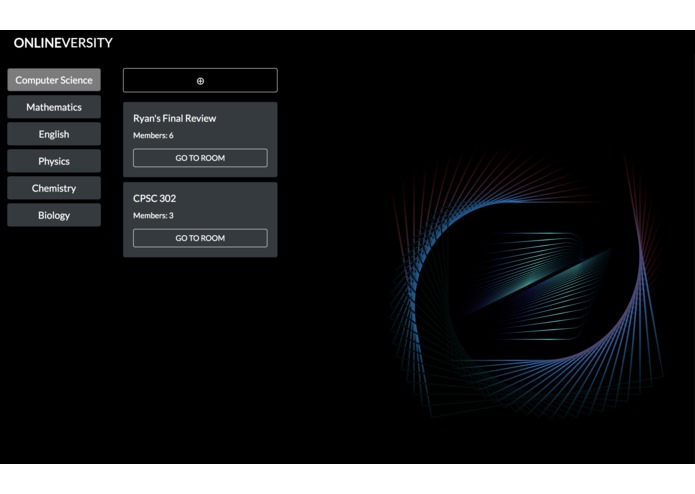
Rooms
-
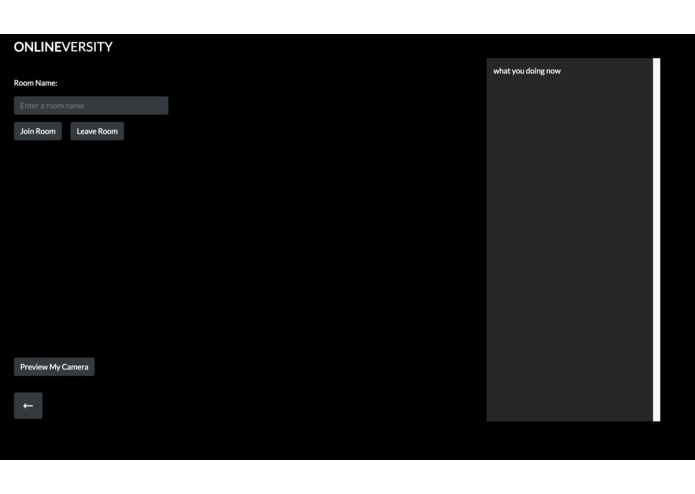
Home Page


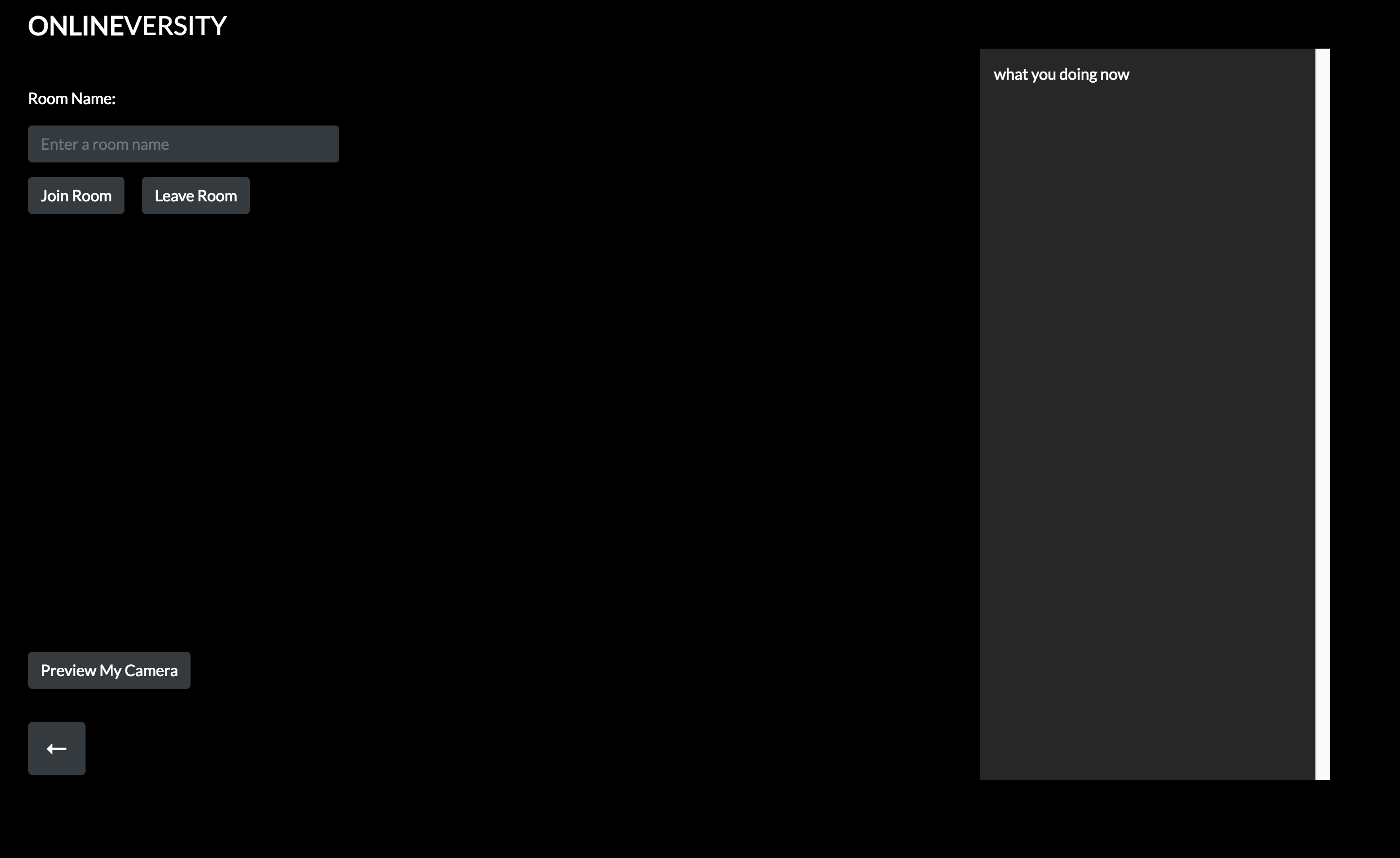
Inspiration
As university students who live off campus, we felt the need for a virtual studying space where any student can join.
What it does
Students can choose what courses they want to participate in and also are able to join rooms or create them should they want to lead a discussion.
How we built it
We used JavaScript, jQuery and Bootstrap for front-end, and Node.js, Express.js and Firebase for backend.
Challenges we ran into
We faced many challenges implementing the video conferencing aspect of the web app.
Accomplishments that we're proud of
Setting up Firebase for authentication and realtime database is something we are very proud of implementing.
What we learned
Coming from various educational backgrounds, we learned how to work cohesively and produce great work. We all worked on frameworks and languages we were not familiar with, but the final product made the challenges we faced as a team worthwhile.
What's next for OnlineVersity
We need to finish up implementing connection for students in and out of rooms. The speech to text recognition tool works great, but we need to add people's name so we know who is speaking.


Log in or sign up for Devpost to join the conversation.