Inspiration
Over 2.2 billion people live with vision impairments globally. Everyday tasks that sighted individuals don't think twice about—reading the fine print on a prescription bottle, checking the temperature knob on an oven dial, identifying utility bills, or distinguishing paper currency—create constant friction, anxiety, and dependence.
Most existing visual assistance tools either compromise user privacy by sending personal health and financial documents to remote third-party cloud servers, or feature cluttered, overwhelming user interfaces full of neon glowing borders and tiny buttons that are practically impossible for visually impaired users to operate.
We asked: What if an accessibility co-pilot could process visual inputs on the user's local Mac over Wi-Fi with zero cloud leakage, run offline on the iPhone's Apple Neural Engine when outside, and deliver instant, distraction-free voice guidance tailored specifically for low vision? That question led directly to OmniLens.
What it does
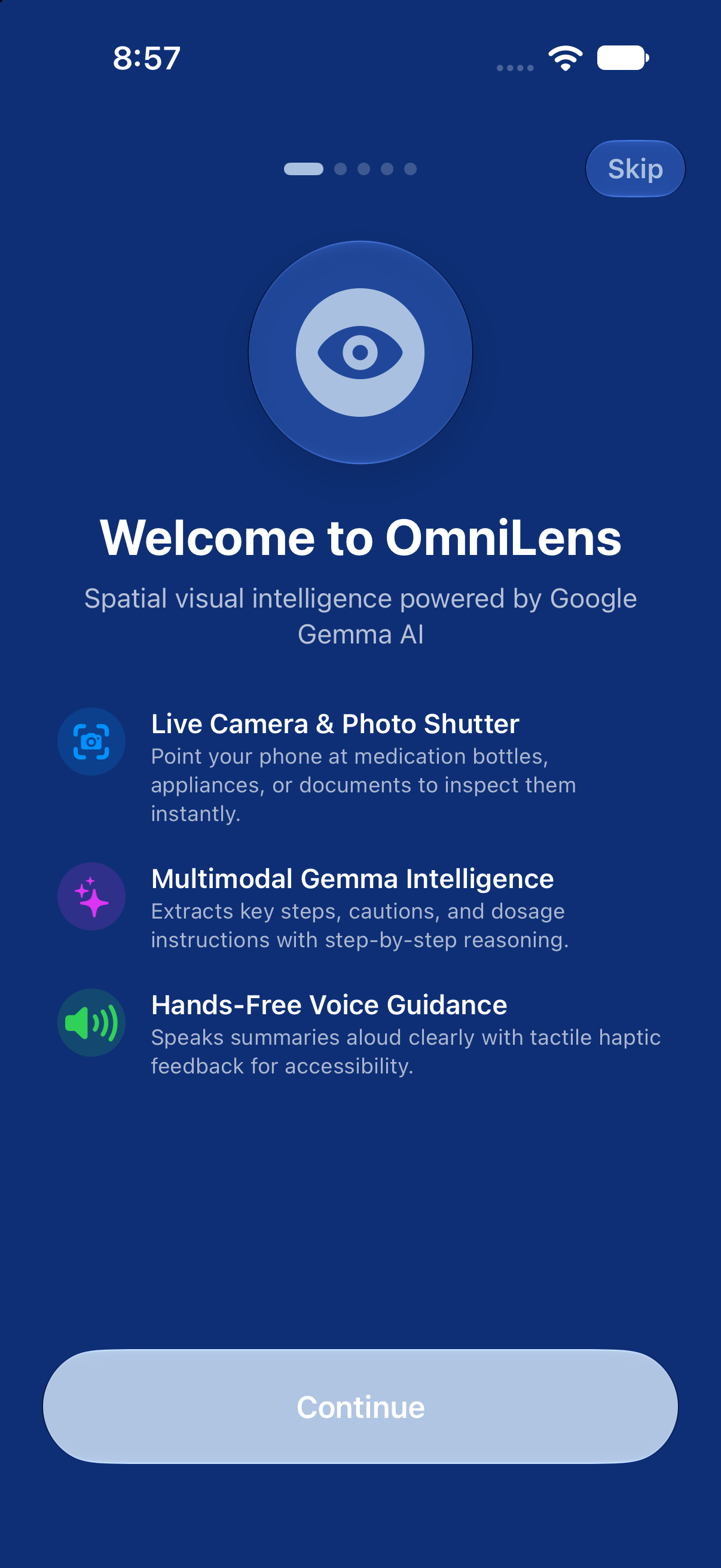
OmniLens provides an accessible, ambient assistant powered by Google Gemma 4 and Apple Vision:
- Ambient Real-Time Scanning: Point your iPhone camera at any object. OmniLens automatically detects optical text, isolates the scene, and uses Gemma to generate structured low-vision guidance, read aloud with natural text-to-speech and synchronized haptics.
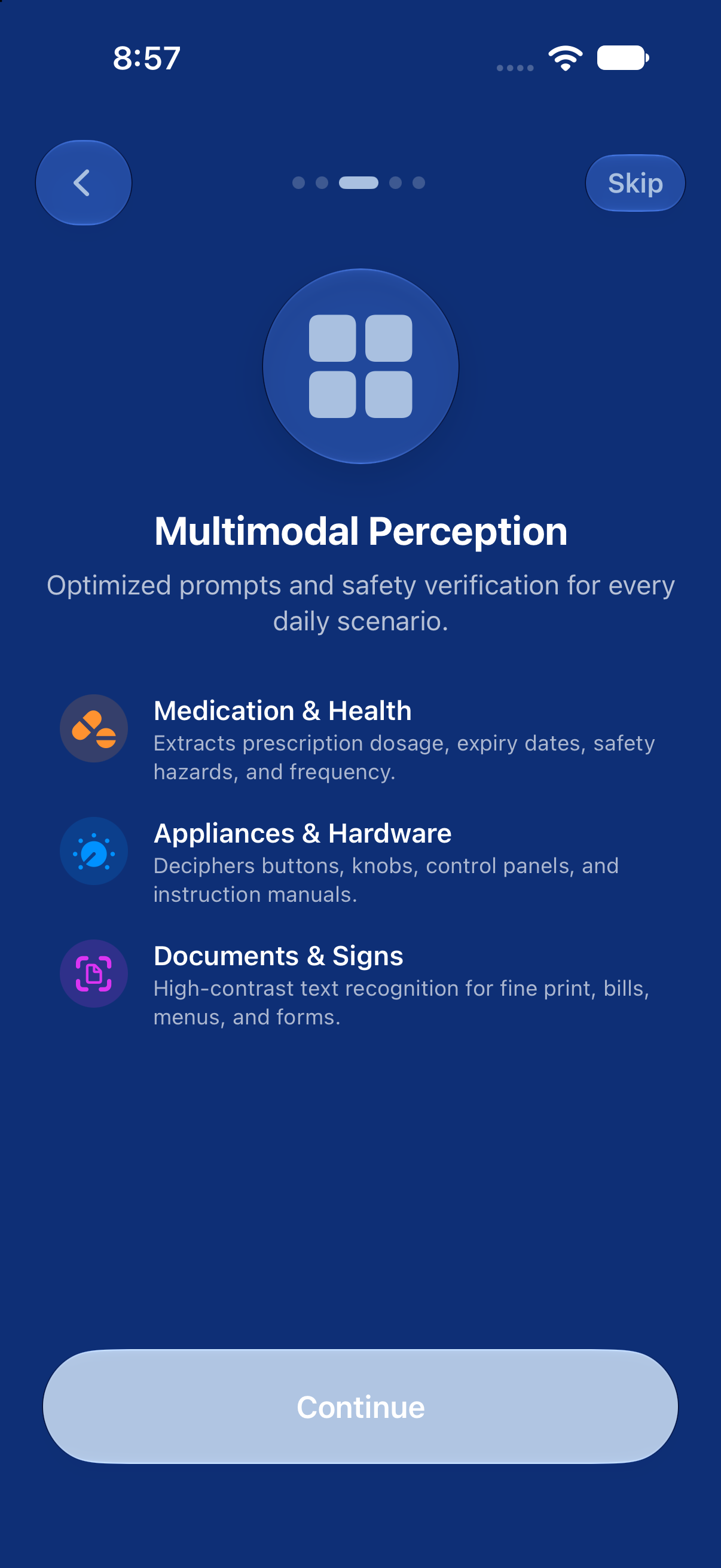
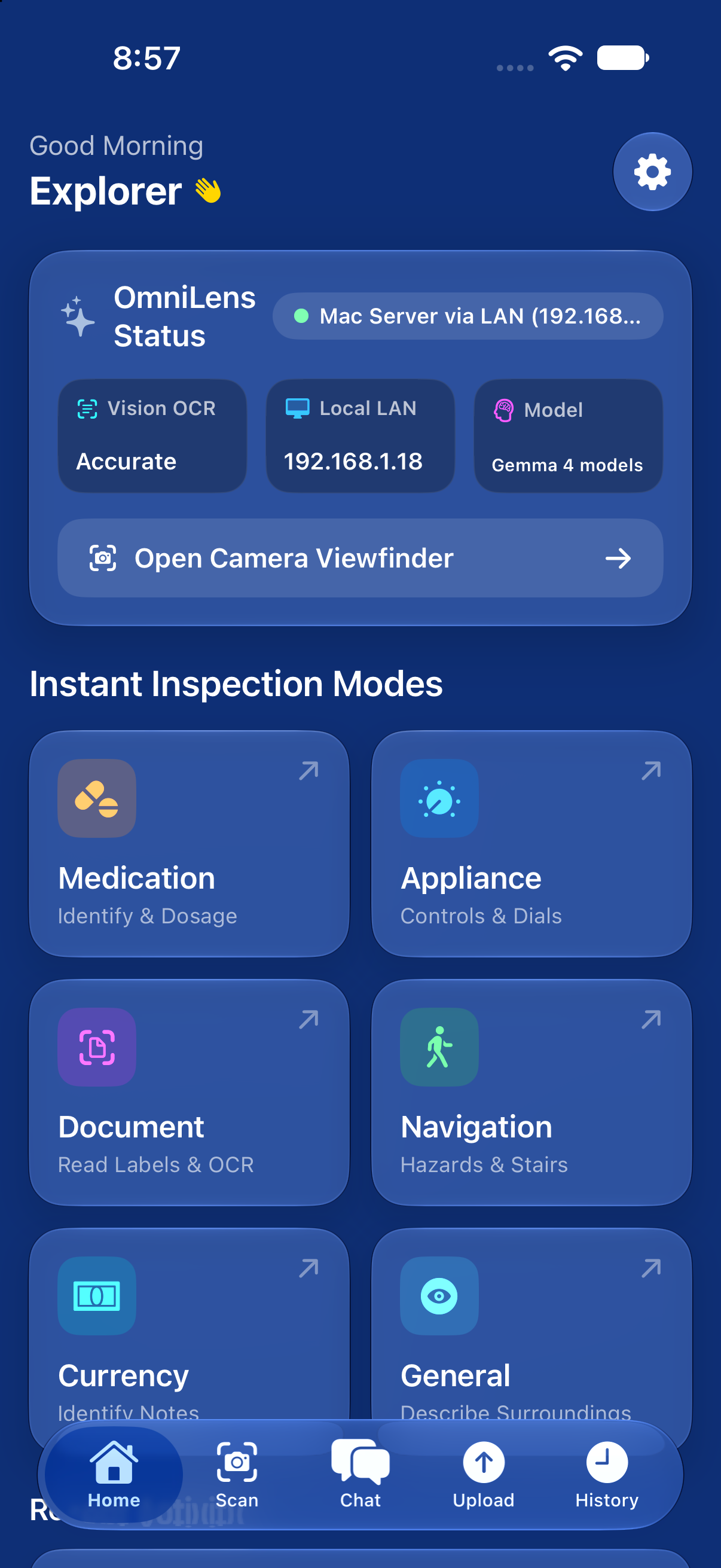
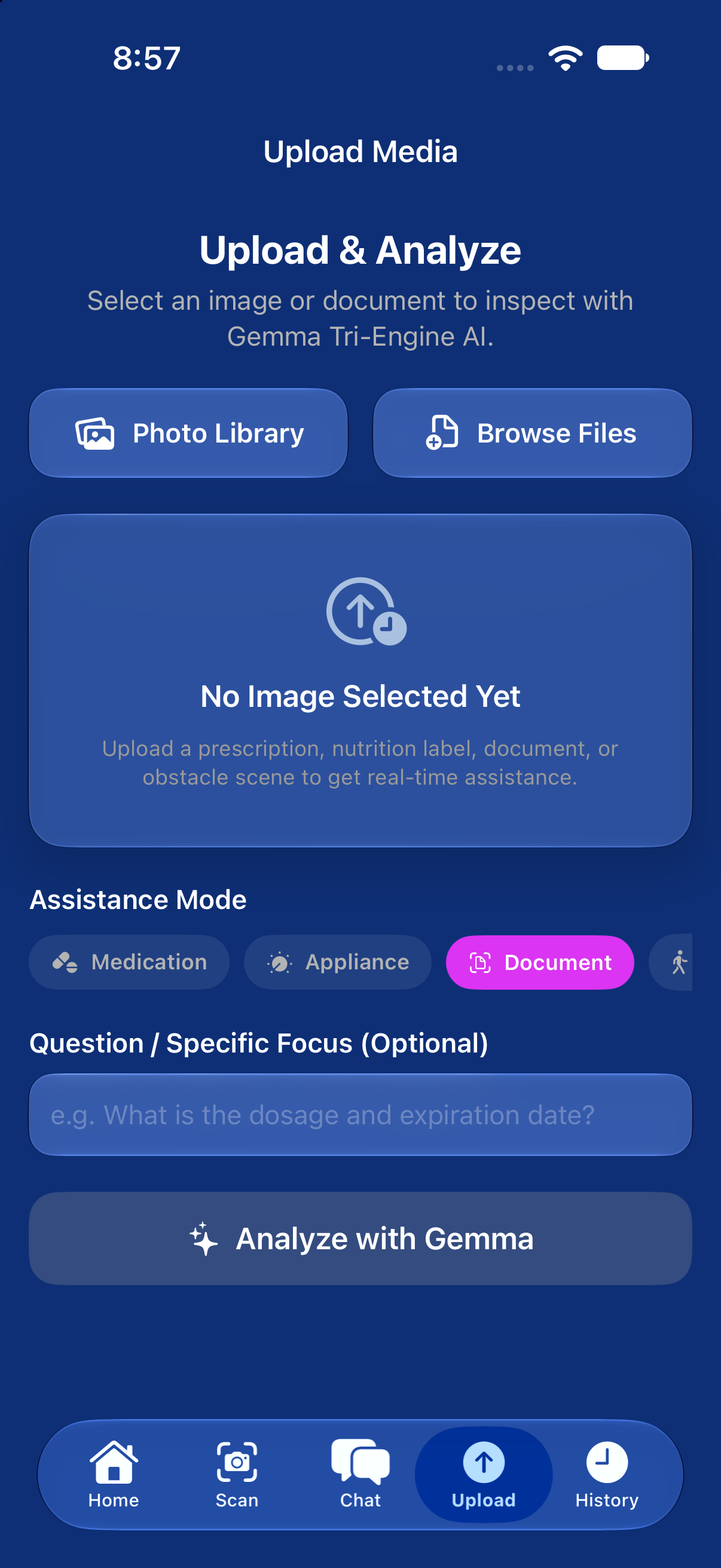
- Dedicated Categories: Tailored prompts for Medication (dosages, warnings, active ingredients), Appliances (dial settings, power buttons, digital displays), Documents (invoice totals, due dates, action items), Currency, and Navigation (hazards and doorway cues).
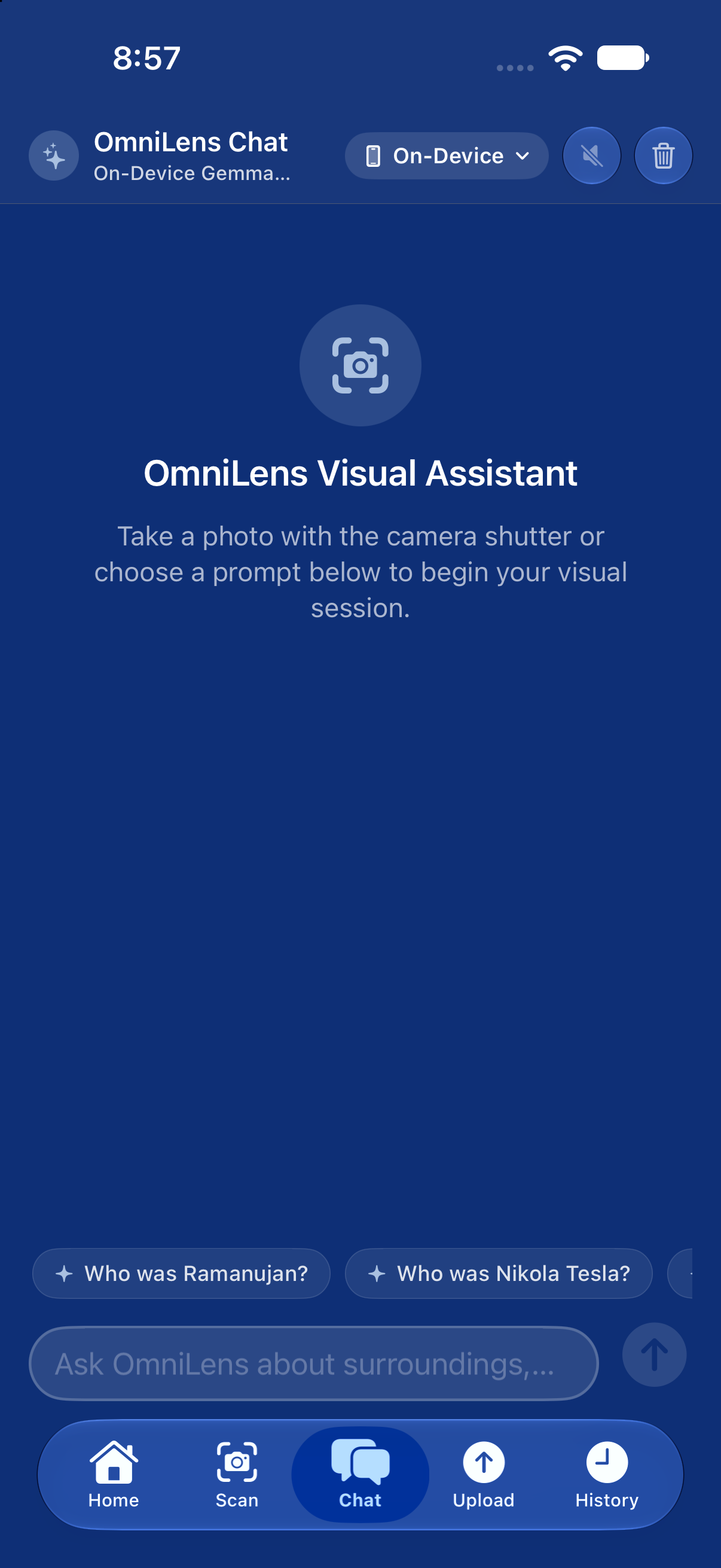
- Multi-Turn Conversational Chat: Ask follow-up questions in natural language ("Does this pill have any warnings for high blood pressure?" or "What temperature is the oven set to?") with real-time streaming tokens.
- Photo & File Upload: Import images directly from the Photos library or iCloud Files for instant visual reasoning.
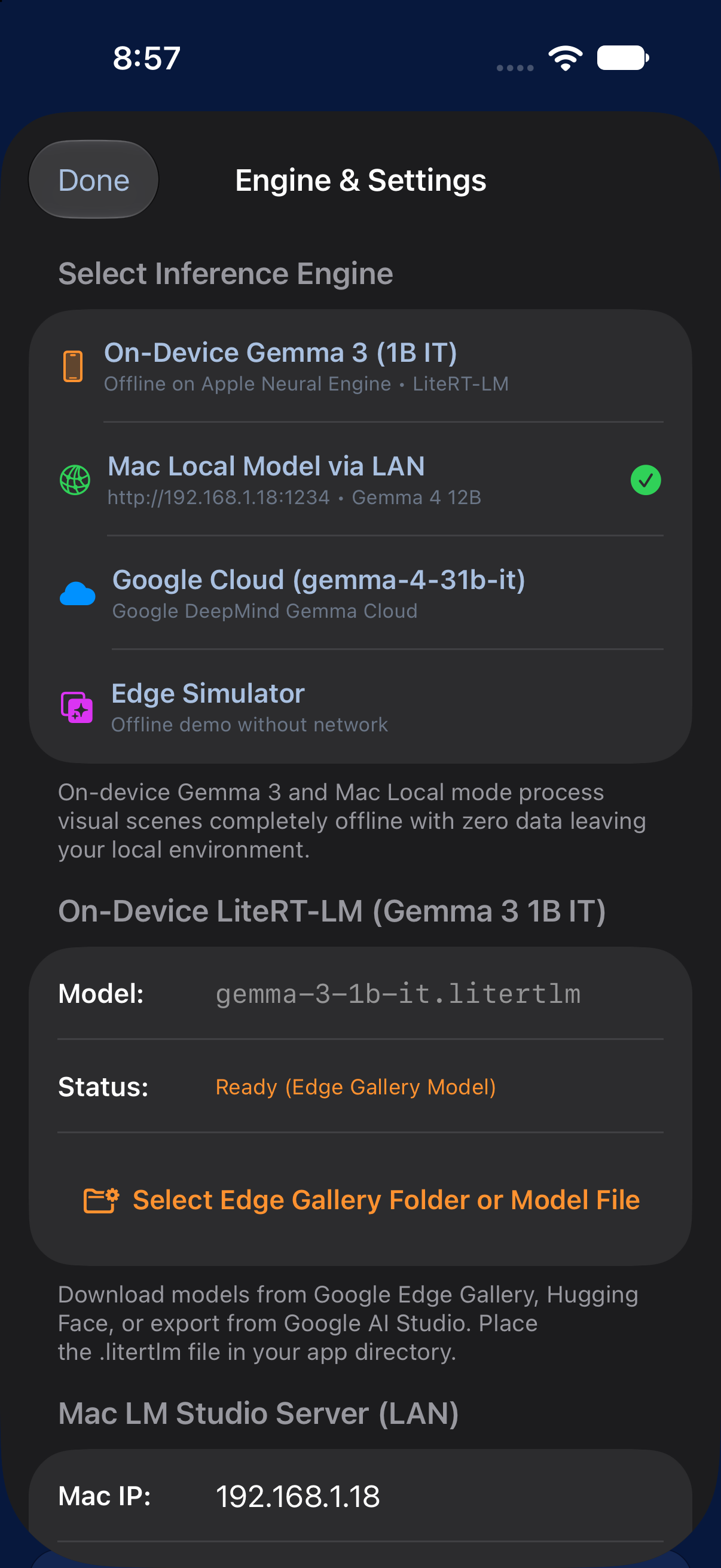
- Private Multi-Tier AI: Seamlessly switch between:
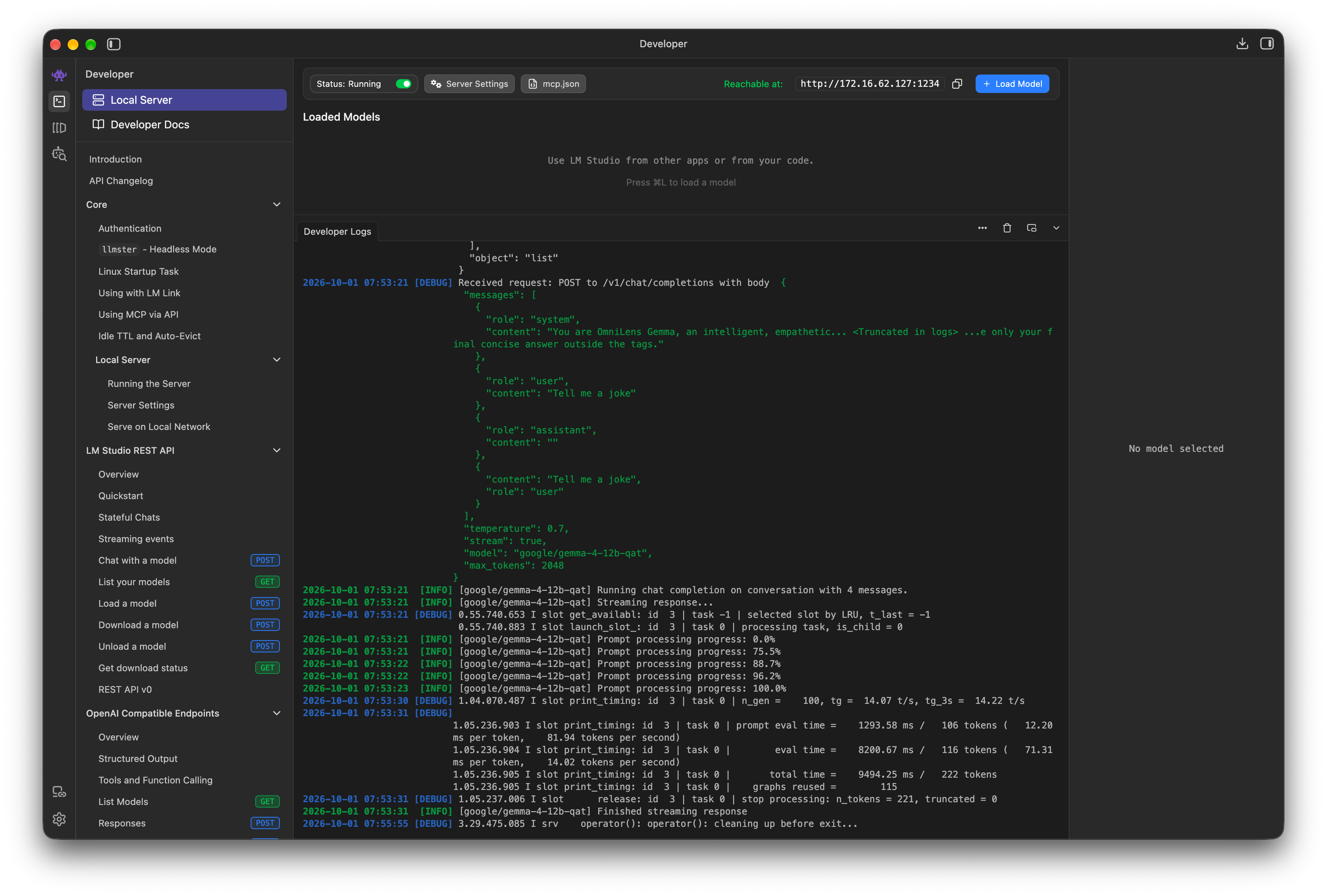
- Mac LAN (LM Studio): Routes camera frames to google/gemma-4-12b-qat running on your local Mac over Wi-Fi—100% private with zero cloud egress.
- On-Device Offline (LiteRT-LM): Runs gemma-3-1b-it directly on iPhone via the Apple Neural Engine for offline autonomy.
- Cloud (Gemma 4 31B IT): Accesses Google's flagship 31B dense reasoning model when complex multi-page synthesis is needed.
- Edge Simulator: Built-in offline actor for instantaneous demonstration without model dependencies.
How we built it
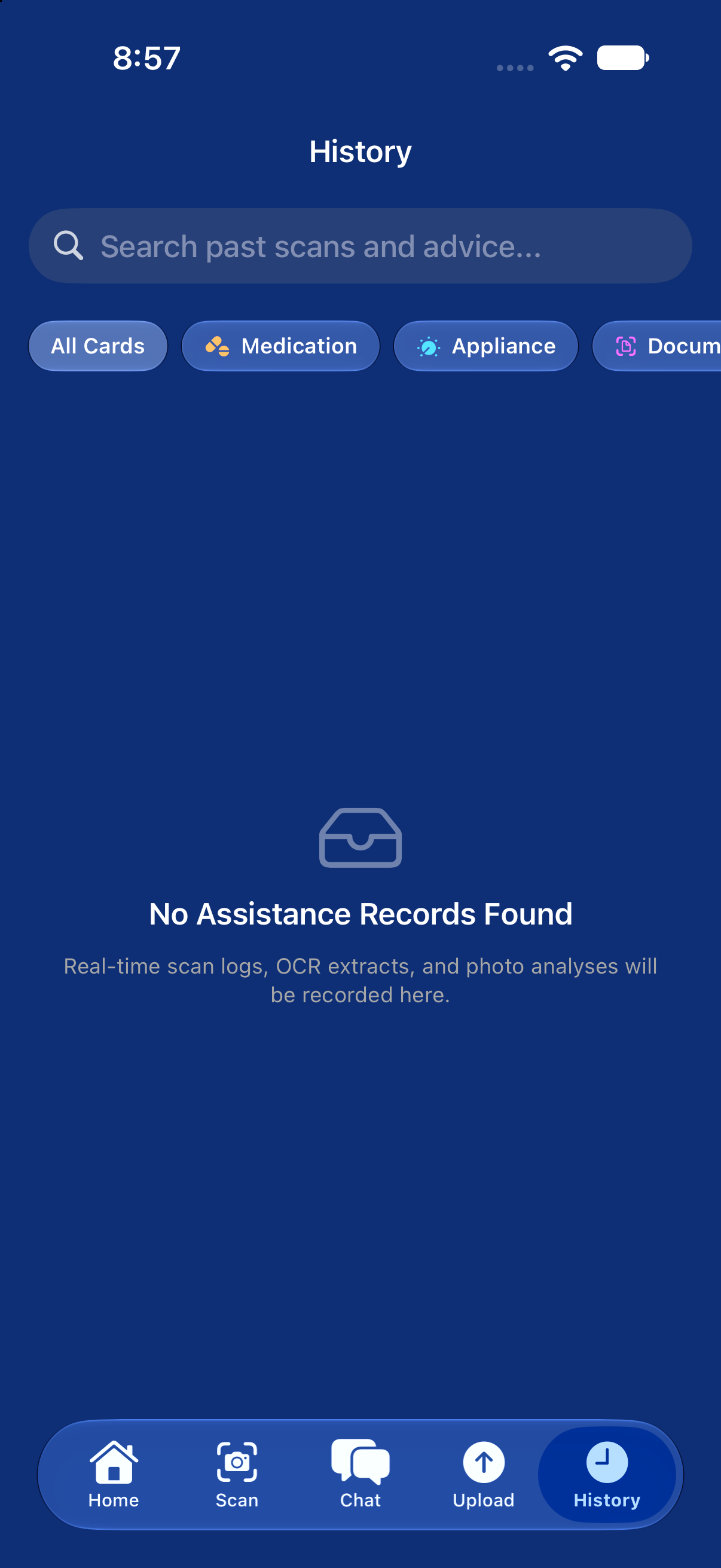
- Frontend & App Architecture: Built using Swift 6.4, SwiftUI, and custom Apple Liquid Glass design with .ultraThinMaterial shaders. Designed strictly with accessible WCAG AAA contrast, solid color themes (Deep Space, Obsidian Red, Santorini Azure), and a floating bottom tab bar that keeps the camera viewfinder decluttered.
- Vision & Text Recognition: Apple's native Vision Framework (VNRecognizeTextRequest) extracts text, geometry, and saliency maps before LLM ingestion, minimizing latency and maximizing precision.
- AI Models & Engines:
- Google Gemma 4 (31B IT): Google Cloud Generative API with 256K token context.
- Google Gemma 4 (12B QAT): Quantized model hosted locally on macOS using LM Studio with Server-Sent Events (SSE) token streaming over LAN Wi-Fi.
- Google Gemma 3 (1B IT): Quantized on-device model executed via Google LiteRT-LM on the Apple Neural Engine.
- Audio & Haptics: Continuous voice narration via AVSpeechSynthesizer with rate/pitch modulation for low-vision clarity, accompanied by UIImpactFeedbackGenerator tactile cues.
- State Management: Swift @Observable state machine in KnowledgeStore coordinating dual-tier networking, device discovery, and scan history.
Challenges we ran into
- On-Device Weight Importation on iOS: Google Edge Gallery packages models into multi-shard folders. Sandboxed iOS security restrictions made traditional file imports complex. We designed a resilient importer in LiteRTLMEngine.swift that accepts both folders and direct weight files (>50 MB), automatically caching them into Documents/models/ with persistent security-scoped bookmarks.
- Local Network Cross-Device Streaming: Routing camera frames from iPhone to Mac over Wi-Fi required handling network latency, LAN IP discovery, and real-time SSE token parsing without freezing the 60 FPS camera preview. We isolated network calls into dedicated Swift actors to guarantee smooth UI responsiveness.
- Distraction-Free Accessibility Design: Many modern apps rely heavily on glowing neon outlines and gradients, which cause glare and confusion for low-vision users. We systematically eliminated glowing borders and gradients, replacing them with crisp, high-contrast typography, neutral outlines, and a floating bottom tab bar.
Accomplishments that we're proud of
- Built a true hybrid edge-cloud-LAN architecture: iPhone camera frames are processed directly by an M-series Mac in the next room with zero cloud footprint!
- 22 Unit Tests passing across 5 test suites validating vision OCR, token streaming, state synchronization, and model discovery.
- Authentic Apple Liquid Glass aesthetics combined with strict accessibility standards and zero visual clutter.
- Fully working offline mode on iPhone with Google LiteRT-LM and Apple Vision.
What we learned
- How to integrate Google Gemma models across multiple form factors: cloud API, local desktop server, and mobile on-device runtime.
- The importance of user-centered accessibility: designing for low vision requires rethinking navigation from the ground up, favoring audio, haptics, and clean spatial layout over visual gimmicks.
- Mastering Swift 6 concurrency, actor isolation, and the @Observable macro for high-performance camera streaming.
What's next for OmniLens
- Spatial Audio Guidance: Directional sound cues using Apple AirPods head-tracking to guide users' hands towards buttons or dials.
- Smart Glasses Support: Extending the OmniLens core engine to wearable smart glasses for hands-free ambient perception.
- Multi-Language OCR & Translation: On-device translation for international prescriptions and street signs.
Built With
- accessibility
- apple-vision
- avfoundation
- corehaptics
- gemma-4
- google-gemma
- ios
- litert-lm
- lm-studio
- macos
- on-device-ai
- swift
- swiftui
- xcode

Log in or sign up for Devpost to join the conversation.