
Inspiration
Before writing any code I spent two evenings reading 1-star reviews of the video converters already on the App Store. I was looking for missing features. I didn't find any. What I found was that people kept getting angry about the same four things: the app uploaded their file to a server, there was a watermark they couldn't remove, the colours came back wrong, or the thing advertised as free turned out to be $9.99 a week.
None of that is hard to avoid. It is just not what those apps optimise for. So I wrote the spec around those four complaints and let the feature list follow.
What it does
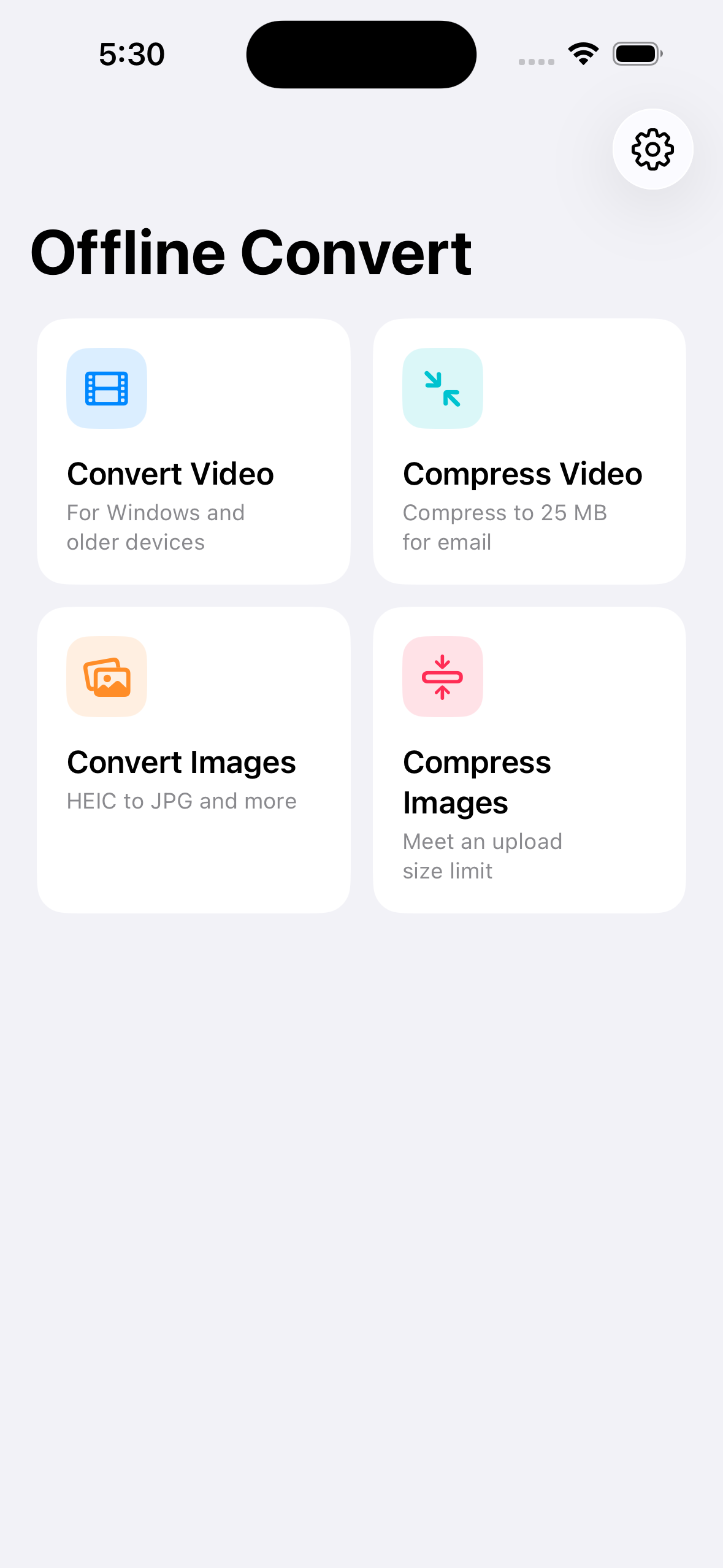
Converts and compresses video and photos on the phone. Nothing is uploaded, there is no account, and there is no watermark.
- Video format conversion, with a passthrough path when nothing actually needs re-encoding
- Compress a video to a target size, for when it has to be under 25 MB to email
- HEIC to JPG or PNG, in batches
- Photo compression, GIF export, audio extraction, images into a PDF
Features are named after situations rather than formats. "Send to a Windows user", not "H.264 transmux".
How I built it
Swift, in two layers, with RevenueCat as the only third-party dependency. ConvertCore is a local Swift package holding the whole engine: an AVAssetReader/AVAssetWriter frame pump for transcoding, AVAssetExportSession passthrough for remux, Image I/O for stills, CGImageDestination for GIF, CGContext for PDF. It runs under Swift 6 strict concurrency and imports no UIKit, because I may want a Mac version later.
There is exactly one cancellation path. You cancel the Task consuming the event stream, structured concurrency propagates it, and the executor cleans up whatever half-written file it left behind. Anything that would have needed a second path got redesigned instead.
61 tests in the core package, 108 app-layer unit tests, 10 end-to-end UI test files, and an HDR regression suite that runs against real device footage.
Challenges I ran into
Dolby Vision does not announce itself in the codec. My HDR detection was quietly classifying Dolby Vision clips as ordinary HEVC. Tone mapping never ran and the output came back flat. Checking the codec fourCC is not enough; you have to go into the format description and read the configuration boxes. That one stung, because "the colours came out wrong" was on the list of complaints I started from.
A passthrough export copies everything, including what you did not know was there. The speed preset remuxes without re-encoding, so I treated it as the safe path. Then I listed the tracks in an ordinary iPhone recording and got nine: video, AAC, an APAC spatial audio track, and six mebx metadata tracks. All of it was being carried into a file whose entire purpose is "play this on a Windows machine", where the spatial track probably will not decode and two audio tracks give the player a chance to pick the wrong one. It now keeps the video and the first AAC track and drops the rest.
The hardware encoder is not available in the background. Not slower, gone. Short jobs finish inside a beginBackgroundTask window. Transcode and compress cannot, so they pause when the app backgrounds and post a notification to get you back. I am not happy about it, but re-encoding a video is better than handing someone a broken file.
The memory scheduler was being lied to. Batch photo conversion budgets by pixels in flight rather than by file count, because a 48 MP photo is about 190 MB once decoded. That is only correct if one item costs one bitmap. In the target-size path it did not: when a photo missed its size target, the compressor dropped resolution by redrawing through a CGContext, which needs the old bitmap, the context buffer and the new bitmap alive at the same instant. Peak was 2.28x what the scheduler had reserved. On a 2 GB phone that is exactly the path that gets you killed. It now re-decodes from the source at a smaller size, so the previous bitmap is released before the next is allocated.
Monetization
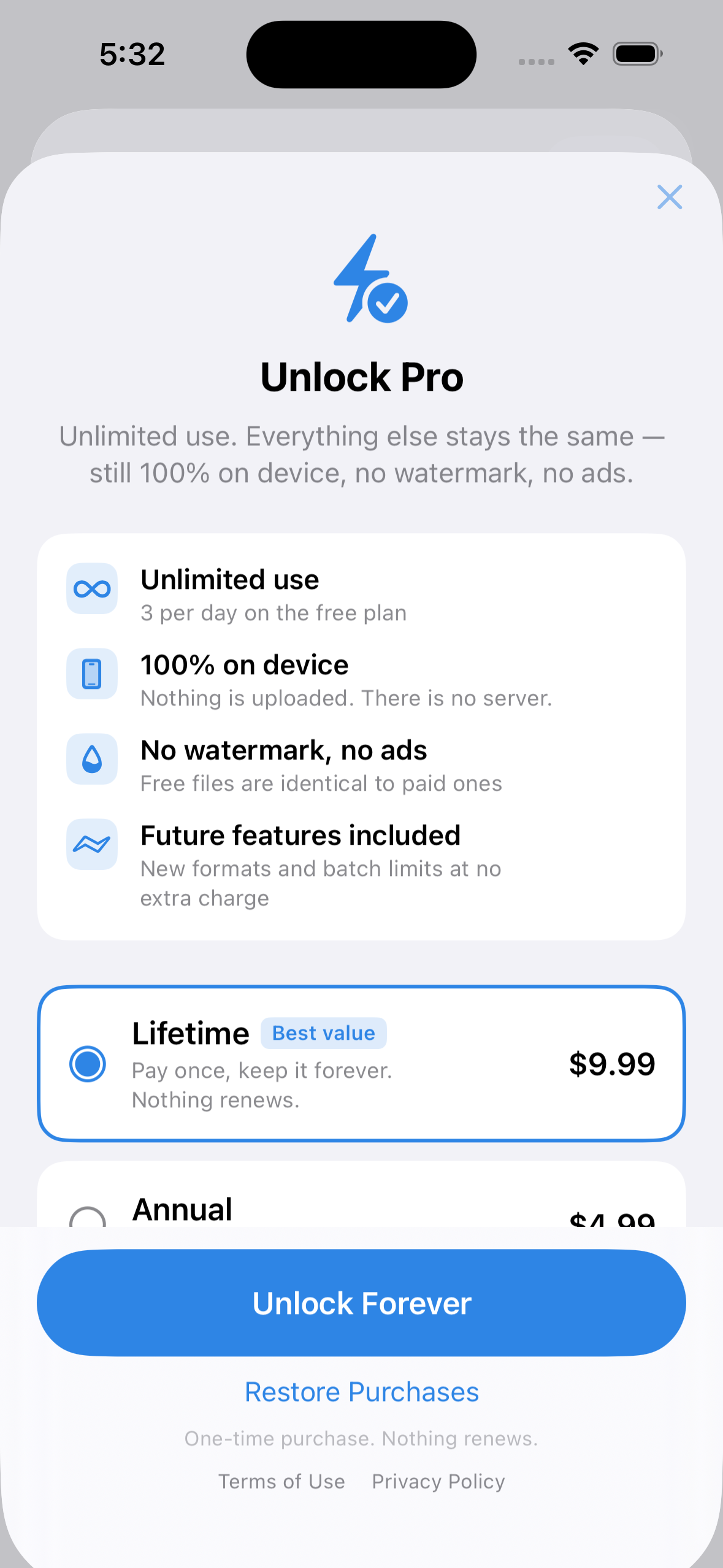
Two ways to pay on one screen: $9.99 once, or $4.99 a year with a three-day trial. The one-time purchase is listed first and is the one I expect most people to take. Two years of the subscription costs more than buying it outright, which is deliberate.
The free tier is three conversions a day. A batch of forty photos counts as one. The counter only decrements once the output file is in place, so a conversion that fails or that you cancel costs you nothing.
The allowance counter lives in the Keychain rather than UserDefaults, so deleting and reinstalling the app does not reset it. That is the most common way people get around usage limits in utility apps. Closing it seemed better than making the free tier worse for everyone to compensate.
No watermark, no ads, price visible up front. The free tier is a usage allowance, not a degraded output. Whatever you convert for free is the same file you would get after paying.
What I learned
Most of the time I lost went to platform capabilities that exist conditionally rather than not at all. The encoder exists but not in the background. HEIC encoding exists but depends on the hardware. Things that are simply missing are easy to plan around. Things that are sometimes there need a decision every place you touch them.
The duller lesson: test against real files from a real phone, early. Both of the worst bugs above only showed up with actual iPhone recordings.
What's next
An Android version is written against Media3 Transformer, with the two target-size solvers aligned constant-for-constant against the iOS unit-test boundary tables. It has not been through device regression yet.
MKV, AVI and WebM input are on the list, pending whether I want to take on FFmpeg and its licensing. Cloud conversion is not on the list at all. That is the thing the app is defined by not doing.
Built With
- avfoundation
- avkit
- core-graphics
- core-media
- firebase-hosting
- image-io
- ios
- jetpack-compose
- keychain
- kotlin
- media3
- pdfkit
- revenuecat
- share-extension
- swift
- swift-concurrency
- swift-package-manager
- swift-testing
- swiftdata
- swiftui
- usernotifications
- videotoolbox
- xcodegen
- xctest

Log in or sign up for Devpost to join the conversation.