-
-
Overview
-
Answer
-
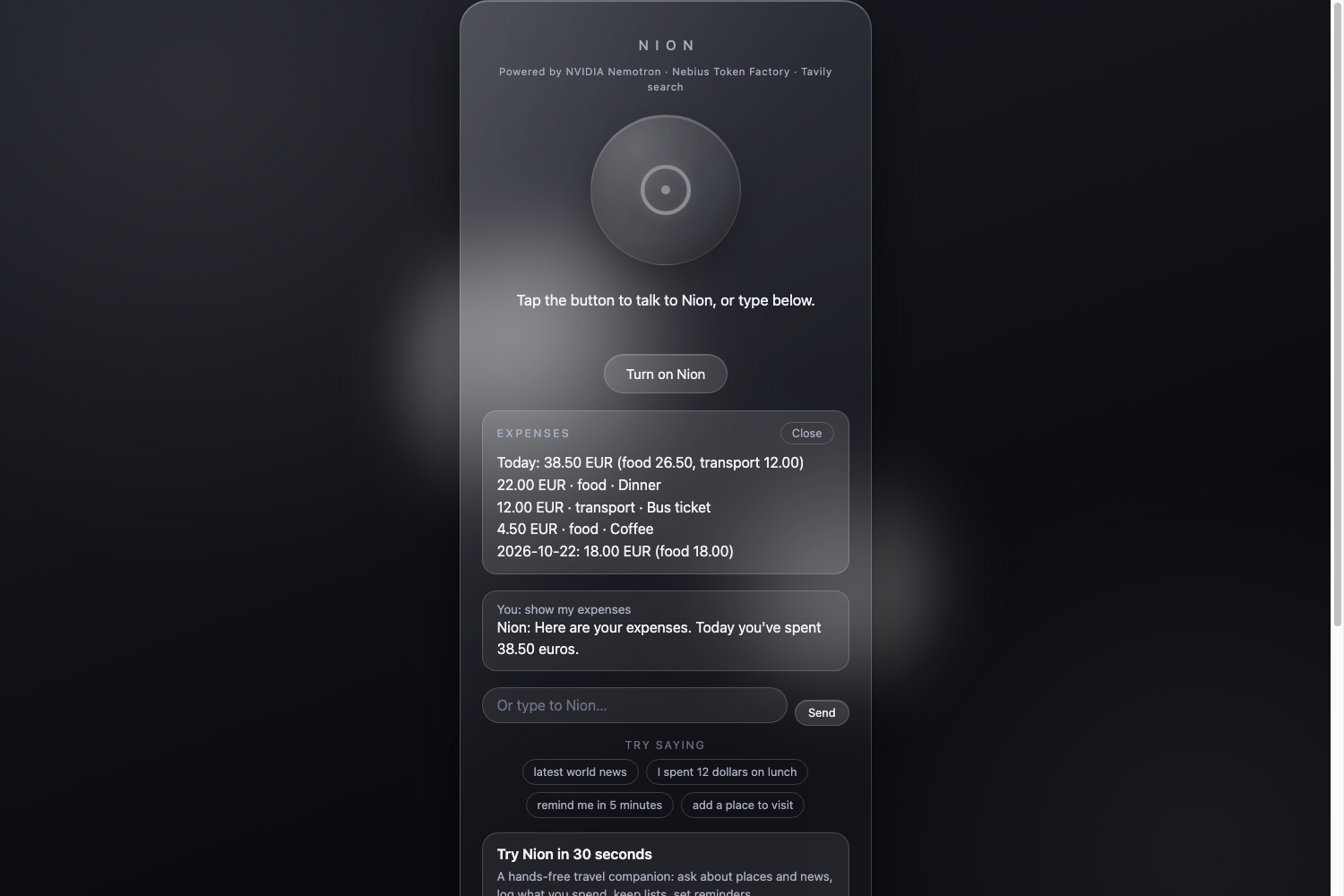
Expenses
-
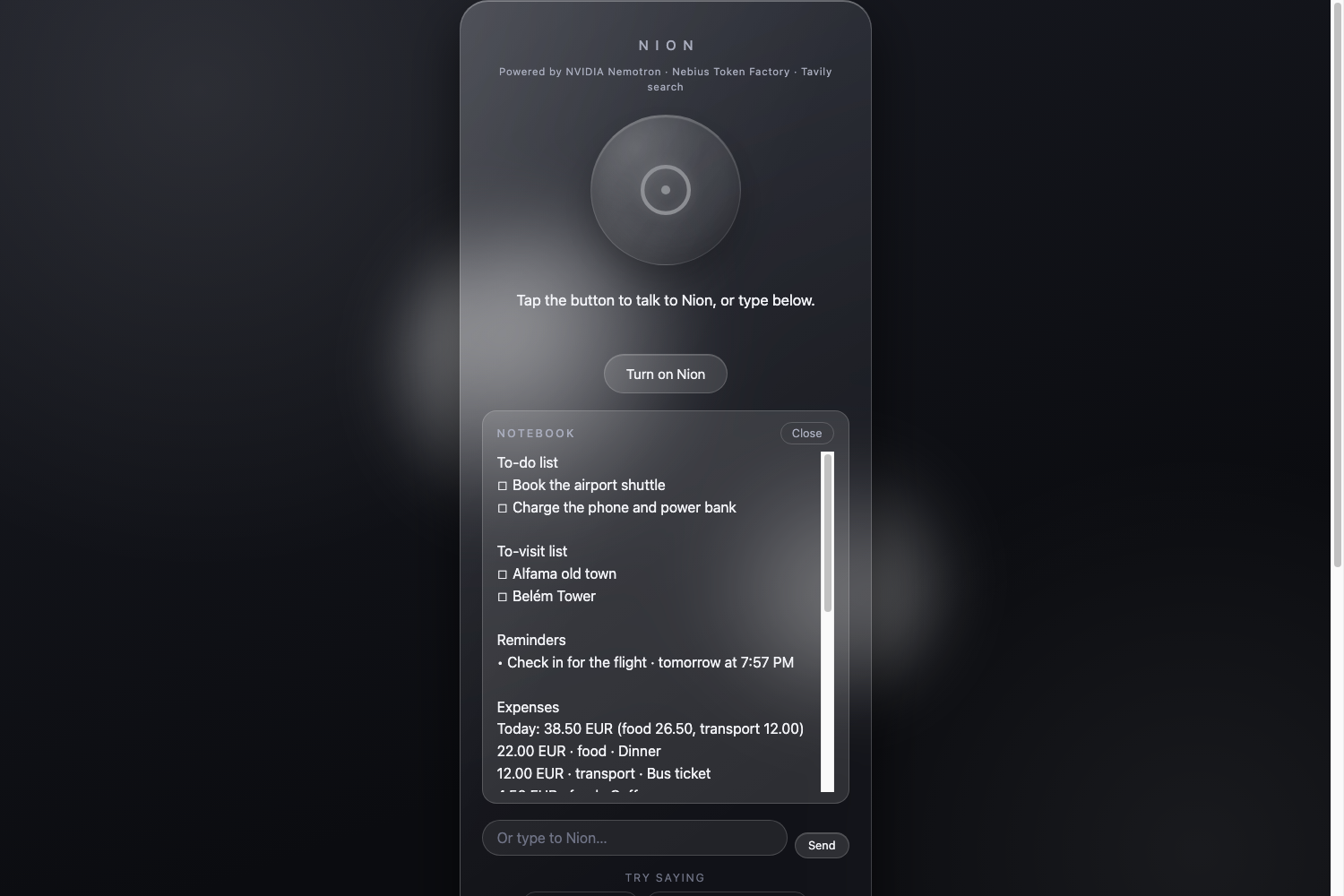
Notebook
-
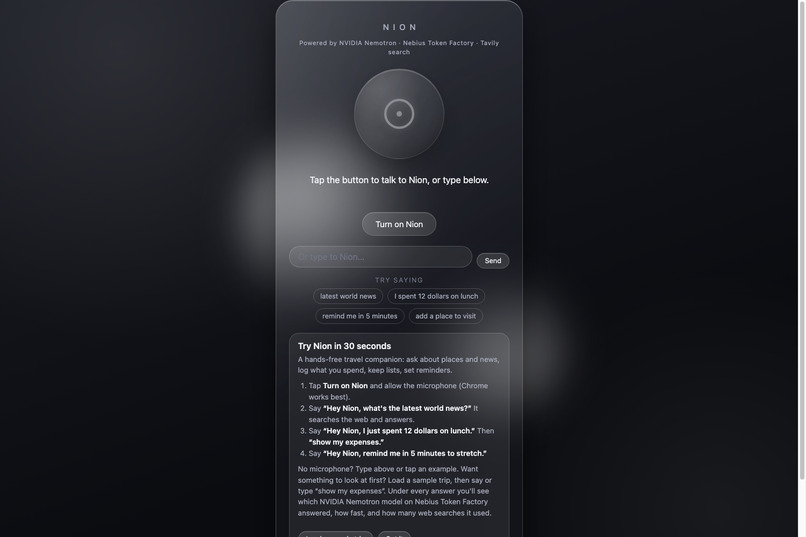
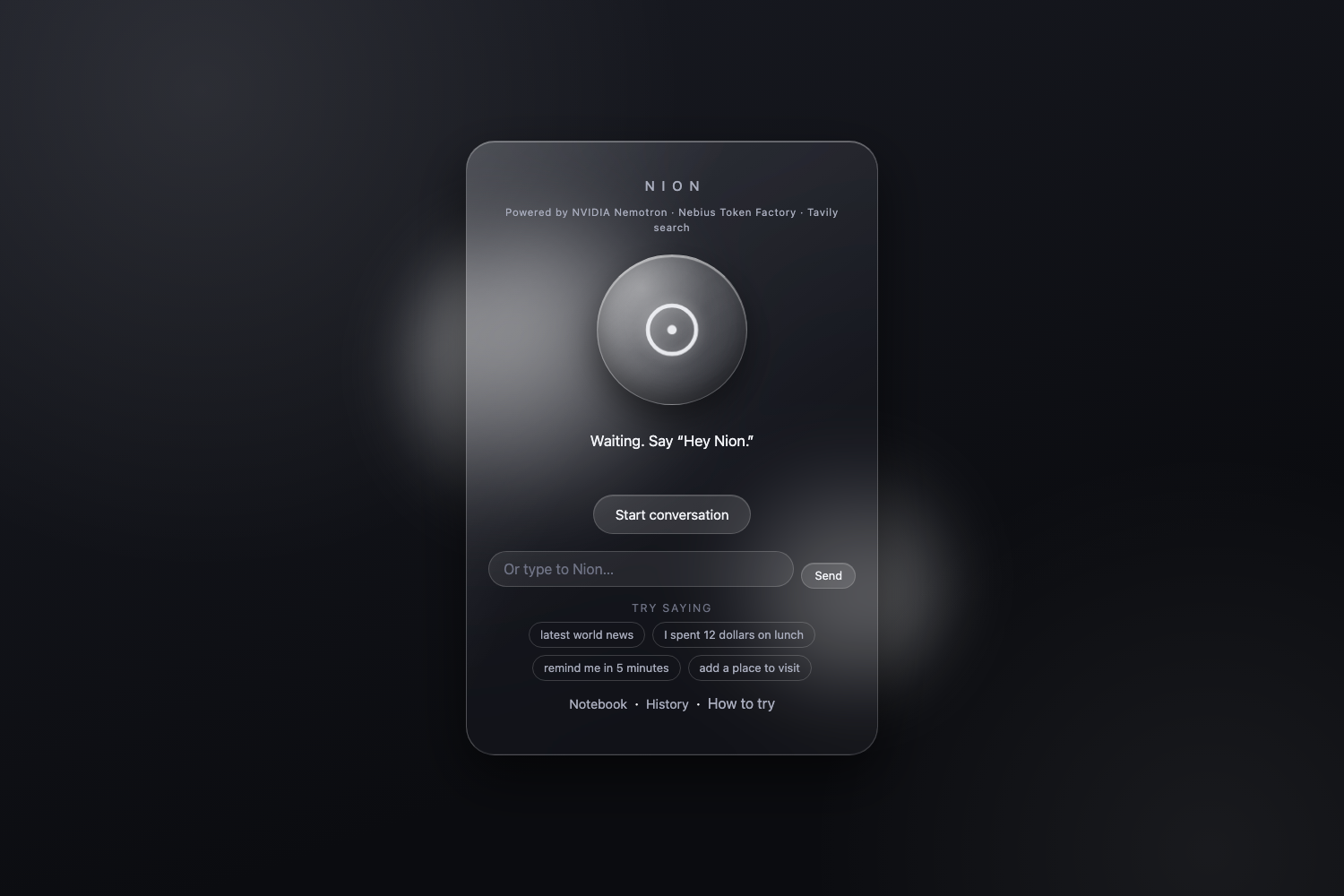
Home
-
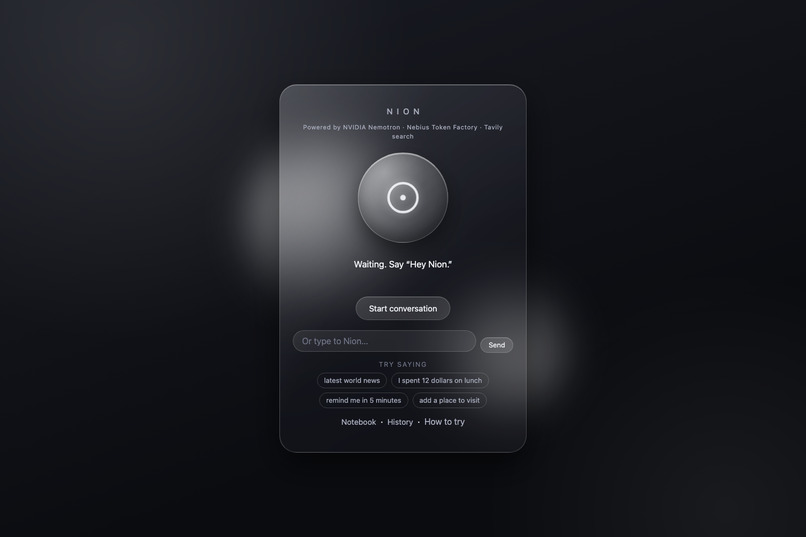
Waiting
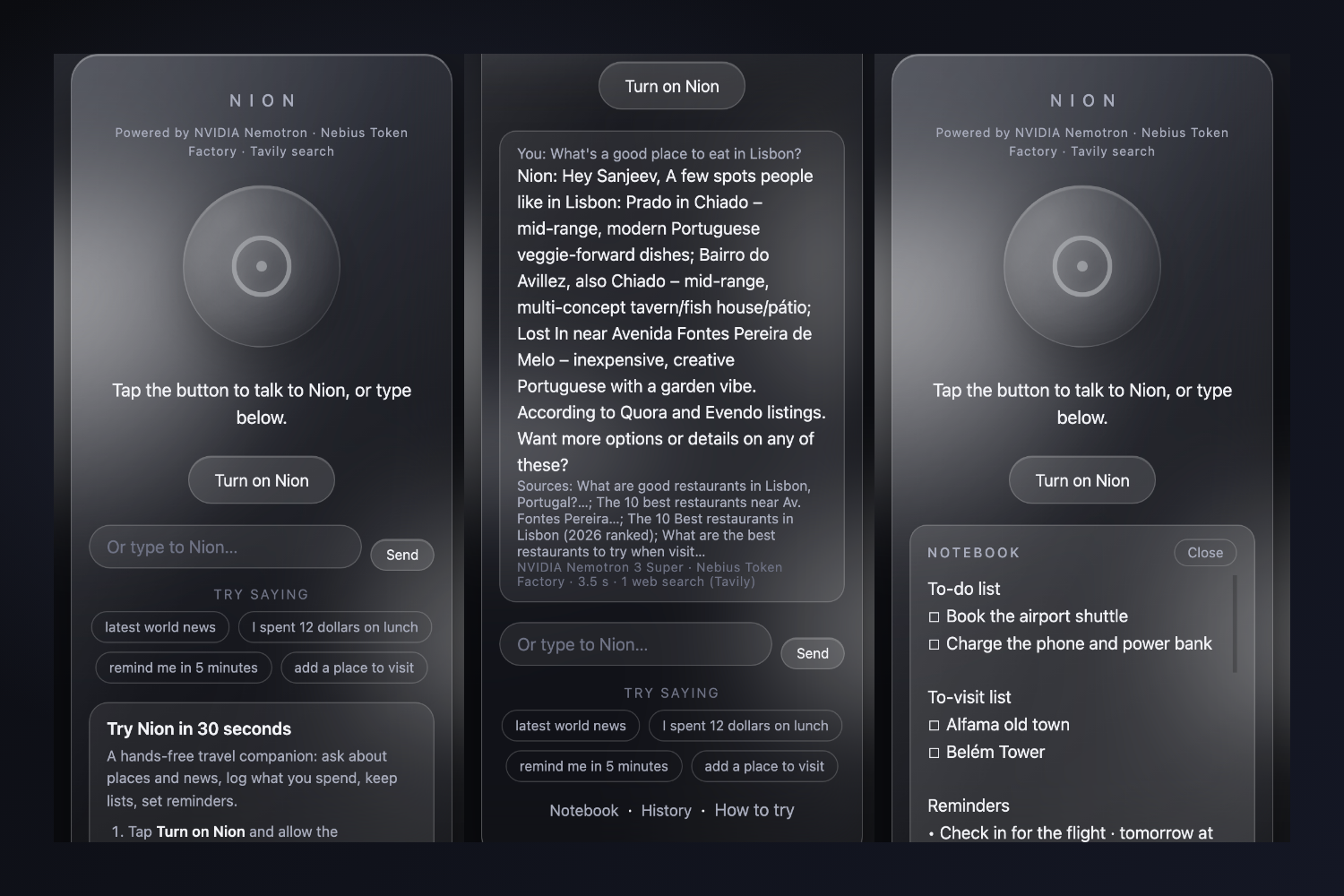
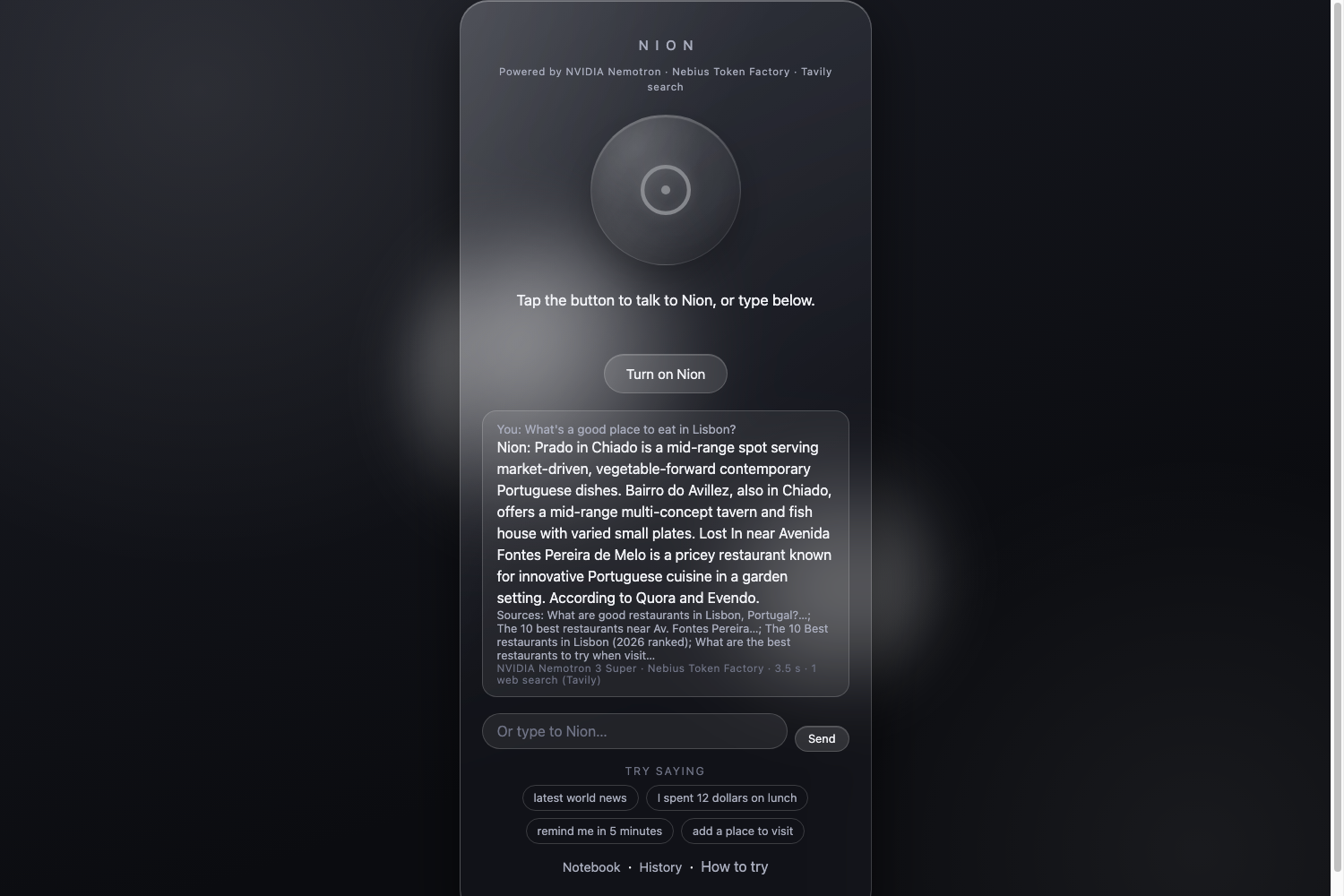
Inspiration
I built Nion from my own trips. At the airport, on a bus, I kept needing the same things while my hands and eyes were busy: a quick answer about what's open or which bus to take, a place to log an expense, a note, a to-do list, an email draft, a reminder. Typing into a phone while walking is awkward, so I wanted a companion I could simply talk to, one that also keeps track of the trip. I also talked informally with a few other people, and what they described matched what I had felt on my own trips.
What it does
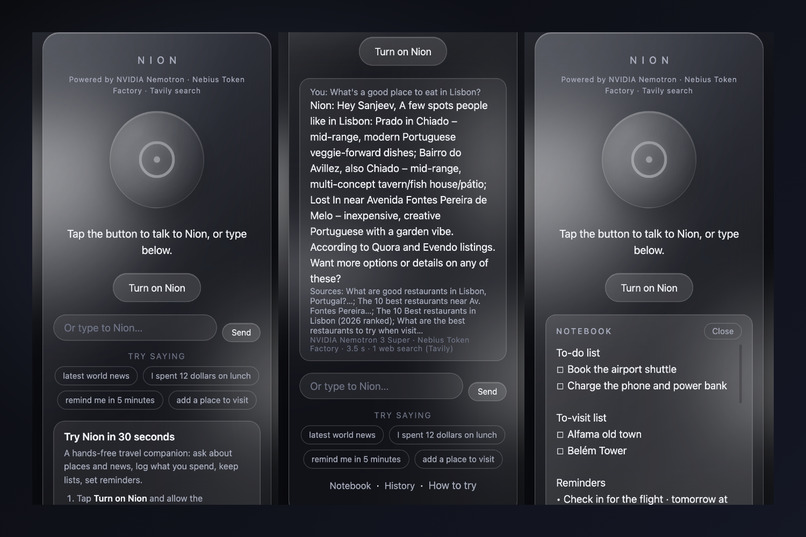
Nion is a hosted web app. You say "Hey Nion, ..." and it answers out loud and shows the answer as text with its sources. You can also type. After an answer there is a 15-second follow-up window, and you can interrupt at any time by talking over it (it stops the moment you speak, including when you wear earphones), pressing Escape, tapping the circle, or tapping Stop. The first time, Nion asks what to call you.
It has 11 tools:
- Web search (Tavily) for current news, places and buses
- Memory for lasting facts about you ("vegetarian", "prefers buses")
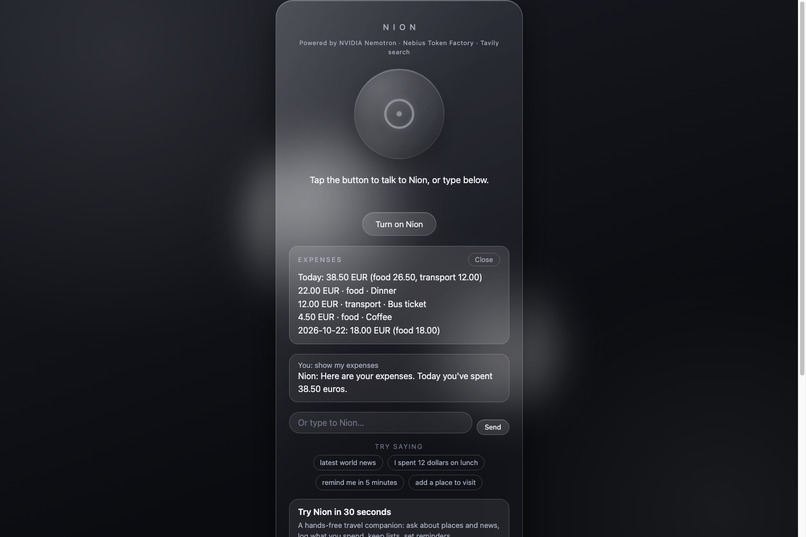
- Expenses, including today's total
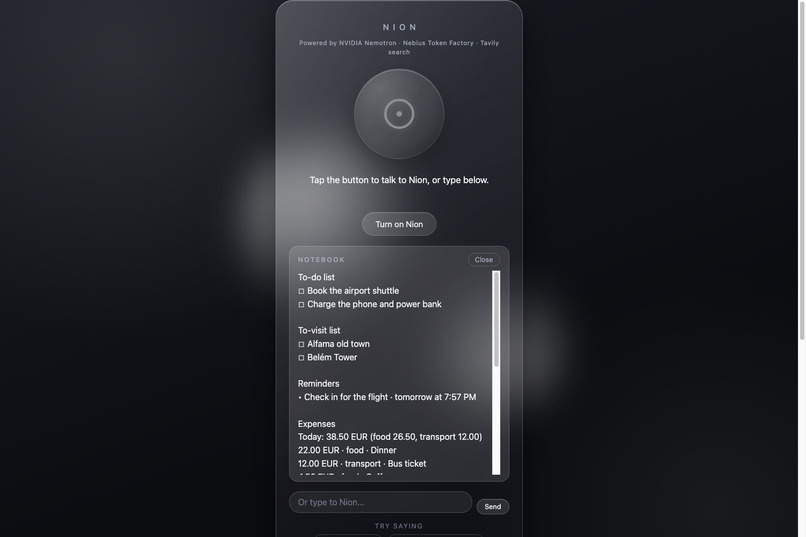
- To-do and to-visit lists
- Reminders spoken aloud when due
- Email drafts, saved but never sent
- Voice-controlled panels ("show my to-do list")
"Near me" uses your device location or a place you name. If you say where you are in the question ("I'm in Denver ..."), Nion uses that place instead of asking. Nion is instructed never to read web addresses aloud, and it turns symbols like dollar and percent signs into words before speaking. The on-screen text is cleaned of markdown marks, dashes and web addresses. There is no account and no database: your notebook lives in your own browser.
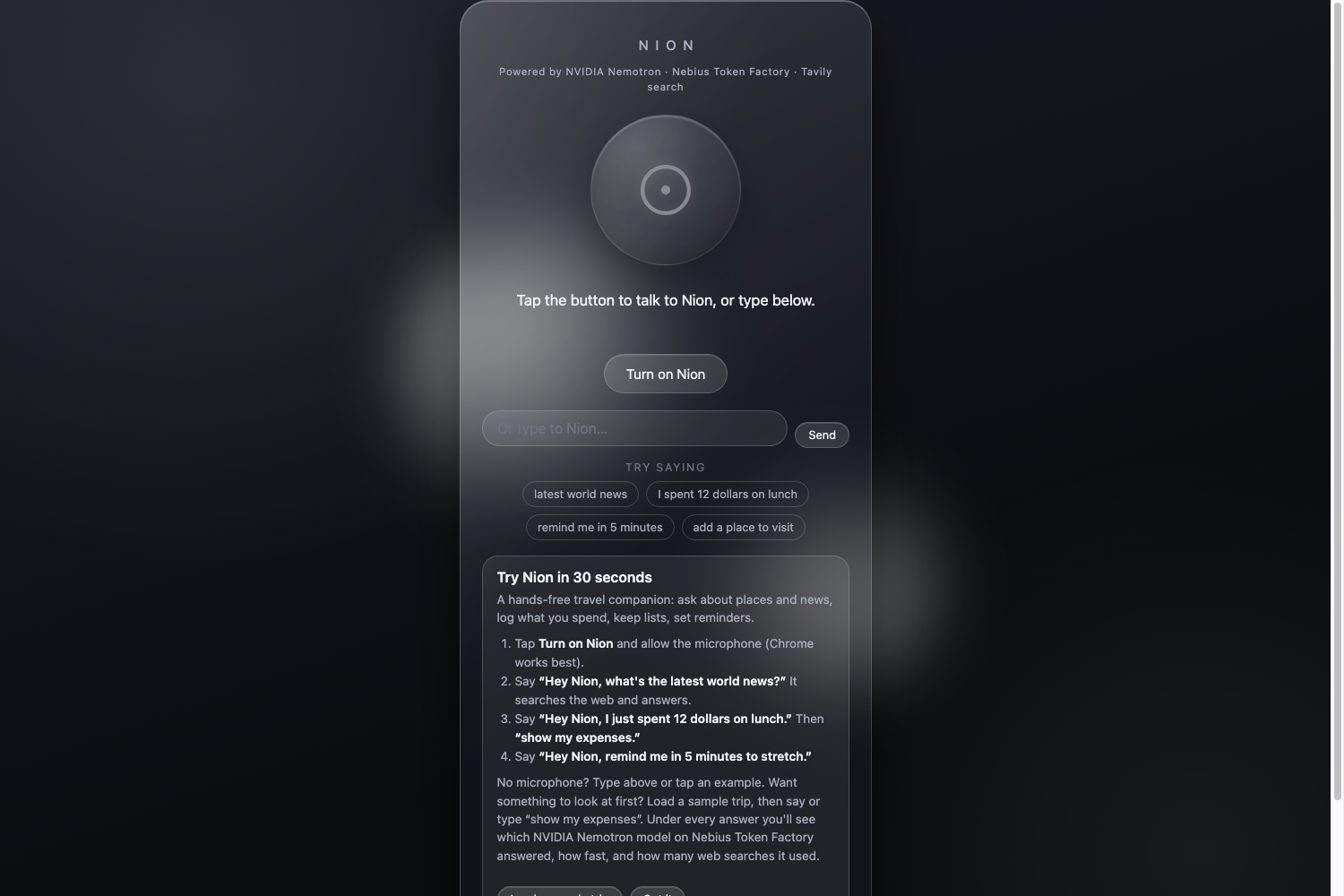
Try it in 30 seconds
Live site: https://nion-264656329782.us-central1.run.app (open to judges until Dec 15).
- No microphone needed: open the "How to try" card and tap Load a sample trip. It fills the notebook with clearly marked sample entries. Then type "show my expenses". A second tap removes the sample.
- Typing works in any browser. Use the text box or the four example buttons.
- Voice needs Chrome or another Chromium browser. Tap Turn on Nion once, allow the microphone, and say "Hey Nion, ..."
Things to say:
- "What's the latest world news?"
- "I just spent 12 dollars on lunch"
- "Remind me in 5 minutes to stretch"
- "Add the old town to my to-visit list"
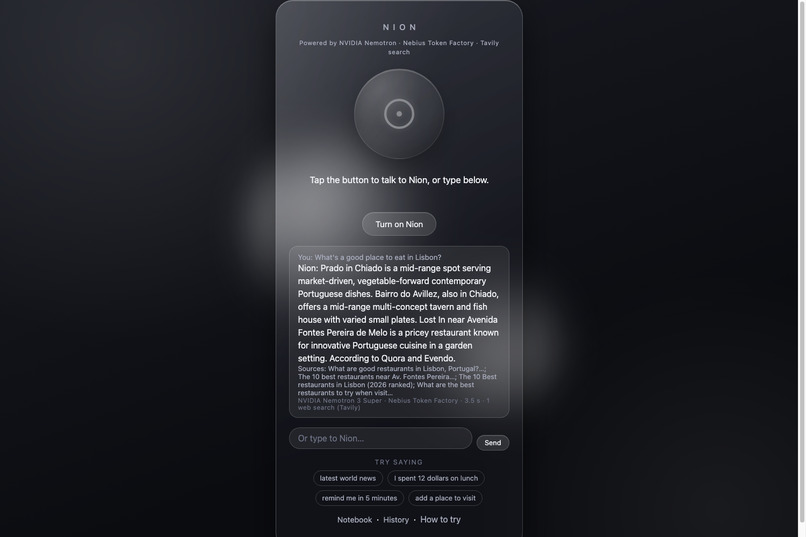
Under each answer a model writes, a line shows the model, Token Factory, the time and the number of web searches, for example "NVIDIA Nemotron 3 Super · Nebius Token Factory · 4.2 s · 1 web search (Tavily)". Commands Nion handles on its own, like "show my expenses", show no line. The first question after the site has been idle can take a few extra seconds (cold start).
How I built it
I built Nion together with Claude Code: I set the direction and made the design decisions, and Claude Code helped me write and test the code.
The flow for one question:
- Browser: Chrome's speech recognition turns your voice into text. The question goes to the server with the last 20 messages, your name, your time zone and local date and time, your place if you gave one, and a copy of your notebook.
- Server (Express on Cloud Run): fair-use limits are checked, then the model loop runs. The server calls Nebius Token Factory's OpenAI-compatible API with plain
fetch. - Model loop: NVIDIA Nemotron 3 Super answers first. If it hasn't answered within 3 seconds, the same request also goes to Nemotron 3 Ultra and the first answer wins. If Super fails or returns nothing, Ultra takes over for the rest of that question. The model can call tools for up to 4 rounds and 22 seconds.
- Tools: the server runs a Tavily search or computes notebook changes, then returns the changes. The browser saves them to localStorage.
- Reply: the text, sources and model line go to the browser, which speaks the answer with the best available voice and shows it on screen.
Other choices: Node 22 on Google Cloud Run with keys in Secret Manager, and plain JavaScript, HTML and CSS in the browser. The notebook goes into the model's instructions each turn, so recall questions like "how much did I spend today?" need no tool call. The repository has 387 automated tests with pretend services, and I run a secret scan before anything leaves my laptop.
Where your data goes
I don't call Nion "fully private", because voice and question text do leave the device:
- Your voice goes to Chrome's speech service (Google), which turns it into text. Nion doesn't store it.
- Spoken answers use your browser's own speech voice. Some browser voices run in the cloud and some on the device.
- Your question, recent messages, name, time zone, place and a copy of your notebook go to Nion's server on Cloud Run, then to Nebius Token Factory. The server stores nothing on disk.
- Search words written by the model go to Tavily. For local searches the query includes your place.
- GPS coordinates (only if you allow location) go through the server to OpenStreetMap's Nominatim, which returns a neighborhood and city.
- Notebook, name and History stay in your own browser. Clearing the site's data removes them.
- Usage limits: a random visitor ID with no personal information is sent with each question. The server keeps counters in memory only, and they reset on restart.
- Logs: Google Cloud Run keeps its own request logs, as hosts do. Nion's own log line per question records the number of searches and tokens, not your text.
Evidence it works
- Live benchmark, 20 checks per model (2026-10-21): Super passed 19 of 20 (median 2.0 s, slowest 5.7 s). Ultra passed 20 of 20 (median 2.4 s, slowest 6.3 s). Super's one miss was a news answer that ran 91 words, too long to speak.
- Nemotron 3 Nano (earlier run, 2026-10-14): passed 18 of 20 but with a median of 3.5 s and a slowest of 22.0 s. It used about 6.6 times Super's output tokens and about 4 times Ultra's. In that run a places search timed out at 22.0 s, and in my first speed test (2026-10-12) it made up places and a source, so I rejected it. That run came before I changed how news searches work, so its news times aren't comparable with the newer run.
- Transparent answers: when a model answers, the line under the reply shows the model, the time and the number of web searches.
- 387 automated tests and an MIT-licensed repository. The benchmark is written up in
docs/benchmark.md, including the earlier three-model run. - Who it's for: I built it from my own trips, and I also talked informally with three or four people, friends and strangers I met at the airport. These were a few casual conversations, not a study. They told me that when you are on the move you are busy but still need information, and that opening a phone and typing, even for a simple calculation, doesn't fit when you are walking. They said they would rather talk to something, like on a phone call. They also described other moments: walking, the gym, and capturing a thought right away without touching the phone. That is why Nion logs expenses, lists and reminders by voice and keeps a notebook, so a thought isn't lost. I have not run structured interviews yet. The guide I prepared is in the repository (
docs/traveler-interview.md).
Accessibility
I haven't run a screen-reader test or a color-contrast check, so I'm not claiming accessibility compliance. What exists:
- Every spoken answer is also shown as text with its sources.
- The status line, answer area and panels are marked so screen readers announce changes (aria-live).
- The circle that shows what Nion is doing has a text label.
- Typing works in any browser, and Stop, Escape and tapping the circle all cut Nion off.
- Animations are reduced for people who set "reduce motion".
Challenges I ran into
- Latency: on its first live run, Super stalled past 8 seconds on 2 of 4 questions, which led me to add the 3-second race with Ultra.
- Model reliability: Nano was too slow at the tail and made things up.
- Voice on Safari: its speech recognition turns on but doesn't hear, so Safari gets a typing-only mode.
- Speech output: symbols and web addresses had to be handled so spoken answers sound natural.
- Public demo: fair-use limits (3,000 questions a day for the site, 200 per visitor per hour) and a judge pass keep it open until Dec 15.
Accomplishments I'm proud of
- A complete voice loop with interruption, follow-ups and voice-controlled panels, with no database and no accounts.
- Transparent answers: you can see which model replied and how many searches it ran.
- A sample trip so anyone can try the notebook in one tap.
What I learned
- A small model isn't automatically good enough: I ruled out Nano because it made things up and had a long slow tail.
- Putting the notebook into the model's instructions each turn removes the need for tool calls on recall questions.
- Voice changes what "good" means: a correct answer that runs too long is a miss.
- Being upfront about limits matters.
Limits
Hands-free voice needs Chrome. Nion works only while the page is open, and reminders are spoken only then (one that came due while closed is spoken the next time you open it). The notebook lives in one browser on one device. I haven't verified the install prompt, share sheet or mail app on real phones.
What's next for Nion
- A real-trip trial, and more structured conversations with travelers using the guide in the repository
- Testing the share sheet, mail app and "Add to Home Screen" on real phones
- Always-on notifications for reminders
- Hands-free voice beyond Chrome
Built With
- css3
- docker
- express.js
- google-cloud-run
- google-secret-manager
- html5
- javascript
- localstorage
- nebius-token-factory
- nemotron-3-super
- nemotron-3-ultra
- node.js
- nvidia-nemotron
- openai-compatible-api
- openstreetmap
- tavily
- web-speech-api

Log in or sign up for Devpost to join the conversation.