-
-
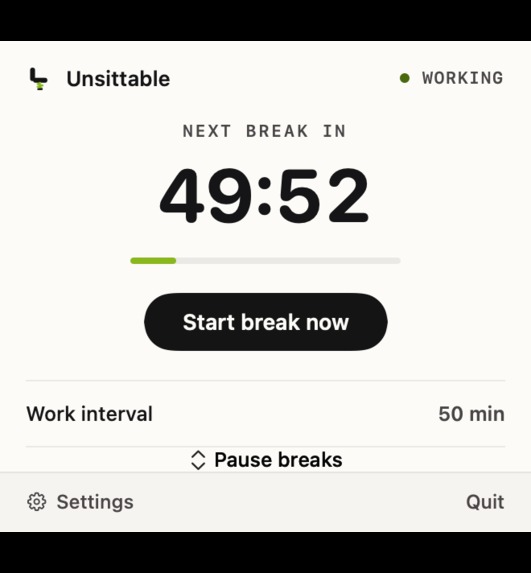
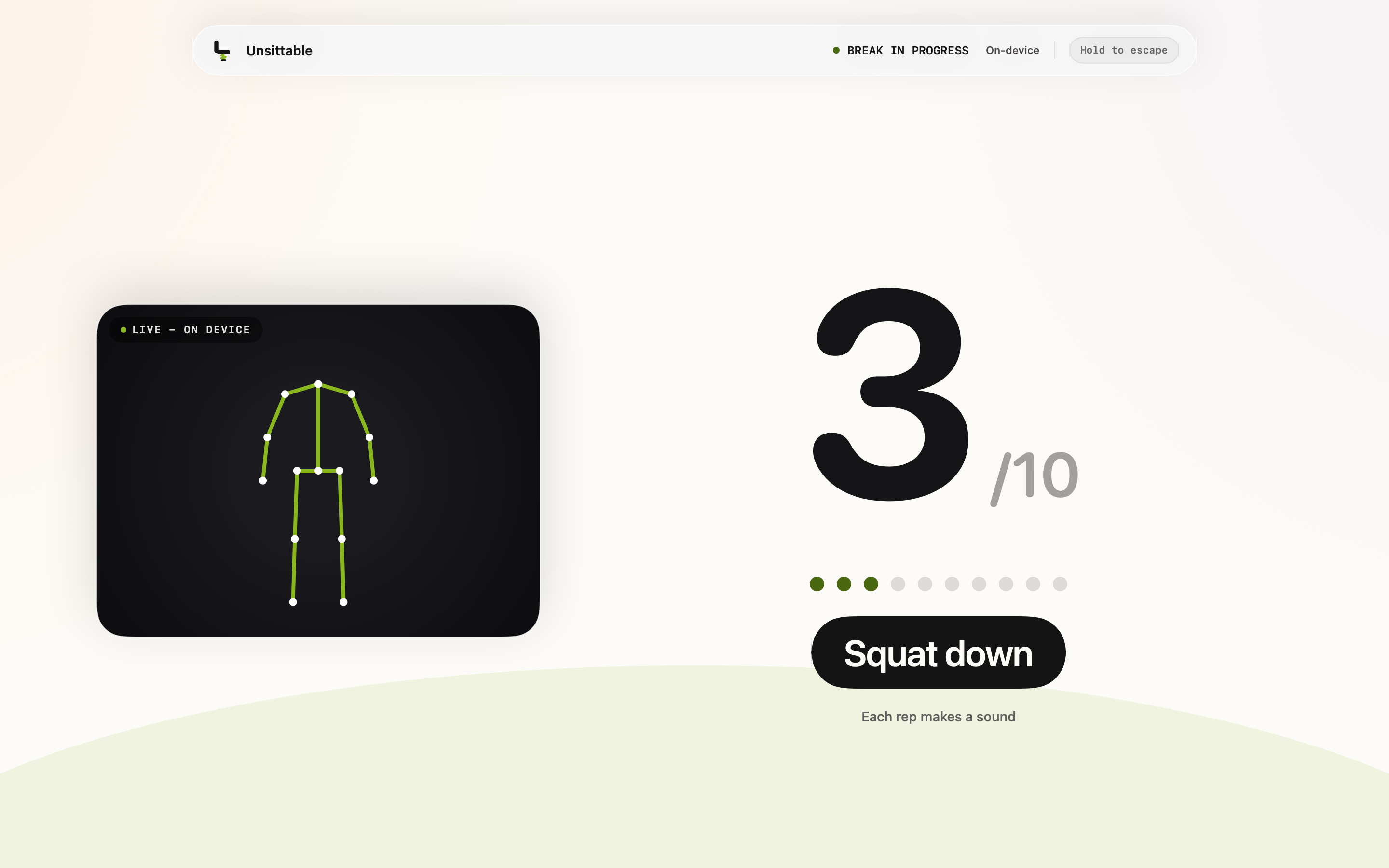
Real Unsittable break screen with Apple Vision pose tracking and 3 of 10 squats completed.
-
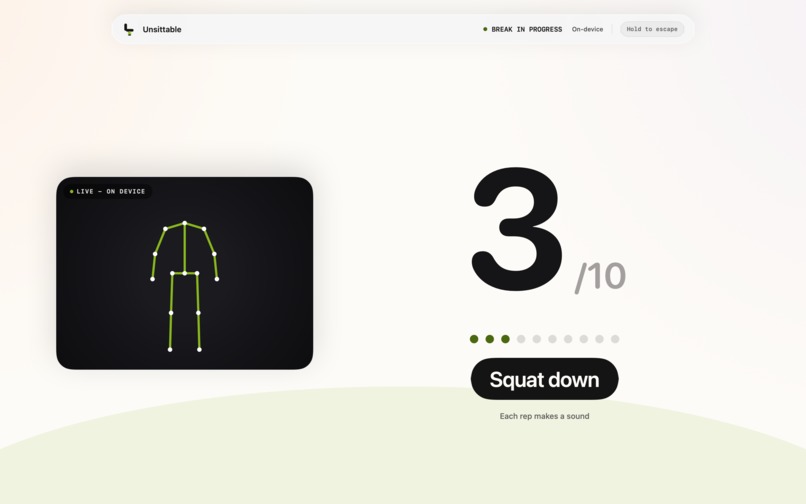
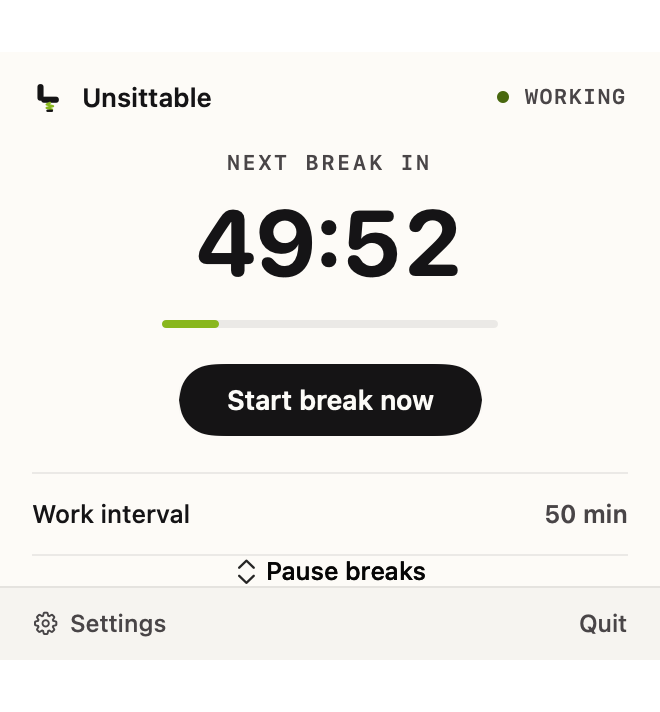
Native menu bar controls with the next break timer, Break Now, pause options, and settings.
Inspiration
I’m great at ignoring break reminders. A notification pops up, I hit “postpone,” and before I know it, another hour has slipped by.
That was the issue I wanted Unsittable to tackle: what if the break didn’t end until I actually moved? I chose squats because they don’t need equipment, and a MacBook camera can see the movement from across the room.
What it does
Unsittable is a native macOS menu bar app. By default, it starts a break after 50 minutes of work and gives a one-minute warning.
When the timer runs out, Unsittable covers every connected display with a break screen. The user steps away from the desk and does ten squats.
AVFoundation provides camera frames, and Apple Vision detects body landmarks. The classifier tracks the hips and knees, ignores shallow attempts, and counts a rep only after the user stands back up. Each successful rep plays a sound, and the counter is large enough to read from across the room.
After the tenth squat, the overlays close and the next work session begins. All camera processing happens locally. Unsittable does not save or upload frames.
How I built it
I started Unsittable on July 18 during OpenAI Build Week. It's written in Swift and SwiftUI, with AppKit managing overlay windows on multiple displays.
I used Codex Desktop and GPT-5.6 throughout the project, from the initial spec to the release build. I divided the app into subsystems. The first part covered the scheduler and overlay lifecycle, followed by camera capture and pose tracking. Later stages covered onboarding, failure recovery, tests, and release tools.
My workflow was hands-on. After Codex implemented something, I tested it on my MacBook and returned with the specific issues I found. That was more effective than reviewing the code alone.
I made the product, safety, and interface decisions. I tested squat recognition with the built-in camera and checked the break screen from squat distance. Some versions needed small tweaks; others had to be redone.
Challenges I ran into
The first squat classifier worked well in synthetic tests. However, on a real MacBook camera, it struggled with regular squats and became unreliable when I turned sideways.
Adjusting thresholds blindly didn’t help because I didn't know which part of the signal was failing.
Commit 51aa23a introduced PoseTelemetry.swift and DebugSnapshotHarness.swift. Those tools became crucial. Debug builds can write detected joint positions to tmp/pose-log.csv; Release builds don’t collect this data.
The first recorded session immediately showed a problem: the classifier could wrongly lock itself in side-view mode even when I faced the camera.
The logs revealed that vertical hip movement was a clearer and more stable signal than the bilateral leg geometry I had initially used. I rebuilt the classifier around hip drops and added subject continuity so that if another person enters the frame, the squat count stays attached to the original user.
Handling the camera lifecycle created a new set of problems. Permission might not have been requested yet. The camera could be busy, disconnected, or interrupted. An old capture session could deliver late callbacks. Any of these failures could happen while the overlay was already visible.
That led to an important rule: successful camera verification could never be necessary to leave the break screen.
Unsittable checks camera permission before starting the exercise flow. If pose verification fails, the app can switch to a timed break. Each break also has a hard time limit, a hold-to-exit option, and a keyboard escape feature.
What I’m proud of
The judging build is a signed and notarized macOS app. It includes onboarding, multi-display overlays, front- and side-view tracking, camera recovery, tests, and update support.
I'm especially proud of how well the interface works from a distance. Some text looked perfectly clear while I was in front of Xcode but became too small when I stepped back to do a squat. The final break screen uses a larger counter and removes anything unnecessary during the exercise.
What I learned
The biggest lesson was that data from real hardware is far more valuable than more speculative changes. A single pose log answered questions that my synthetic tests couldn't.
I also underestimated the work involved in managing the camera. Body-pose detection was only one part of the feature. Permissions, interruptions, recovery, and safe exits needed just as much effort as the classifier.
What’s next
The next exercise I want to add is an overhead arm raise for those who cannot or should not do squats.
I also want to test the classifier with more people, body types, rooms, lighting, and camera positions. So far, most development has been based on my MacBook and environment.
Unsittable is designed as a one-time-purchase Mac app. The Build Week judging build is free to try.
Built With
- appkit
- apple-vision
- avfoundation
- codex
- gpt-5.6
- macos
- sparkle
- swift
- swiftui
- xcode

Log in or sign up for Devpost to join the conversation.