Inspiration
I kept switching my alarm off without remembering it. Snooze limits, louder sounds and putting the phone across the room did not help. Moving the off switch to another room was the only thing that worked for me, so I built an alarm around that.
What it does
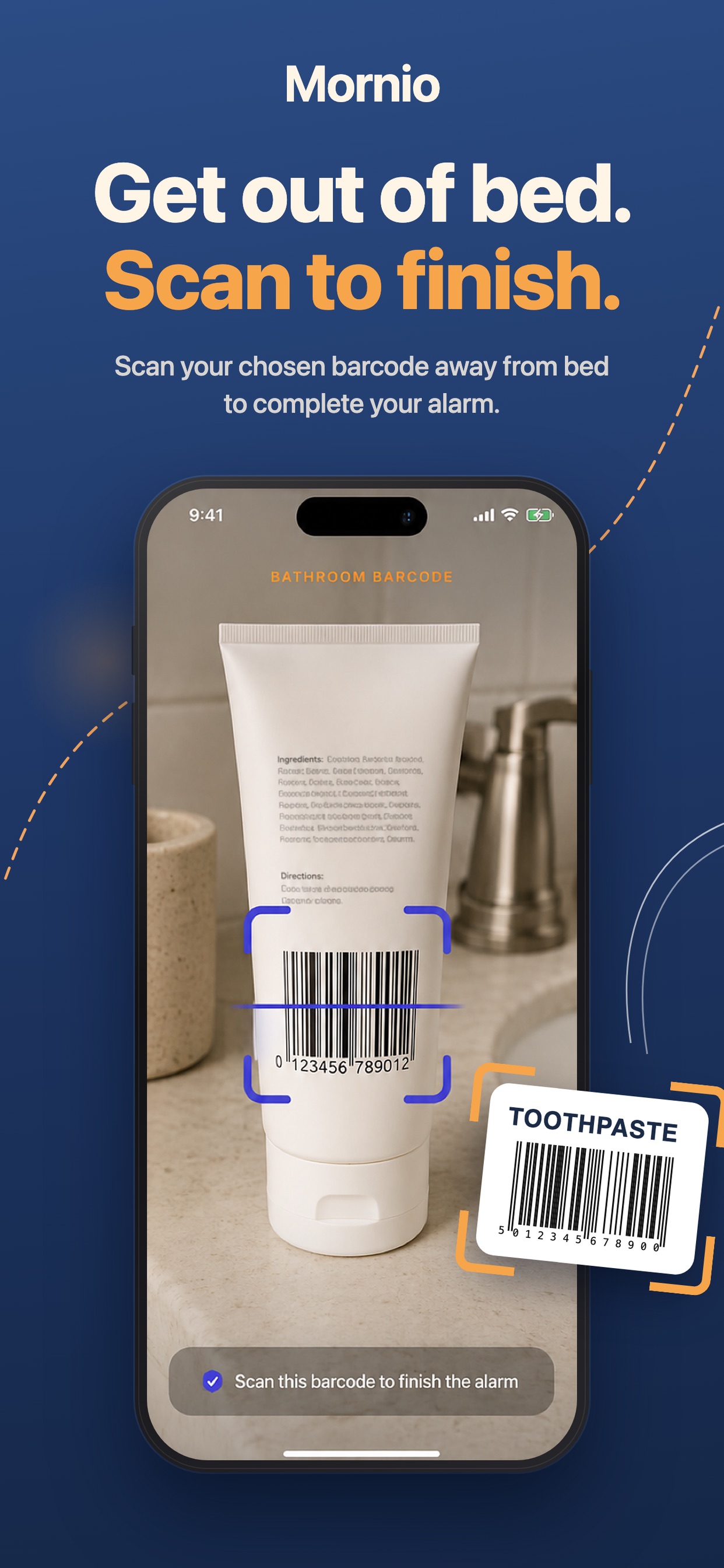
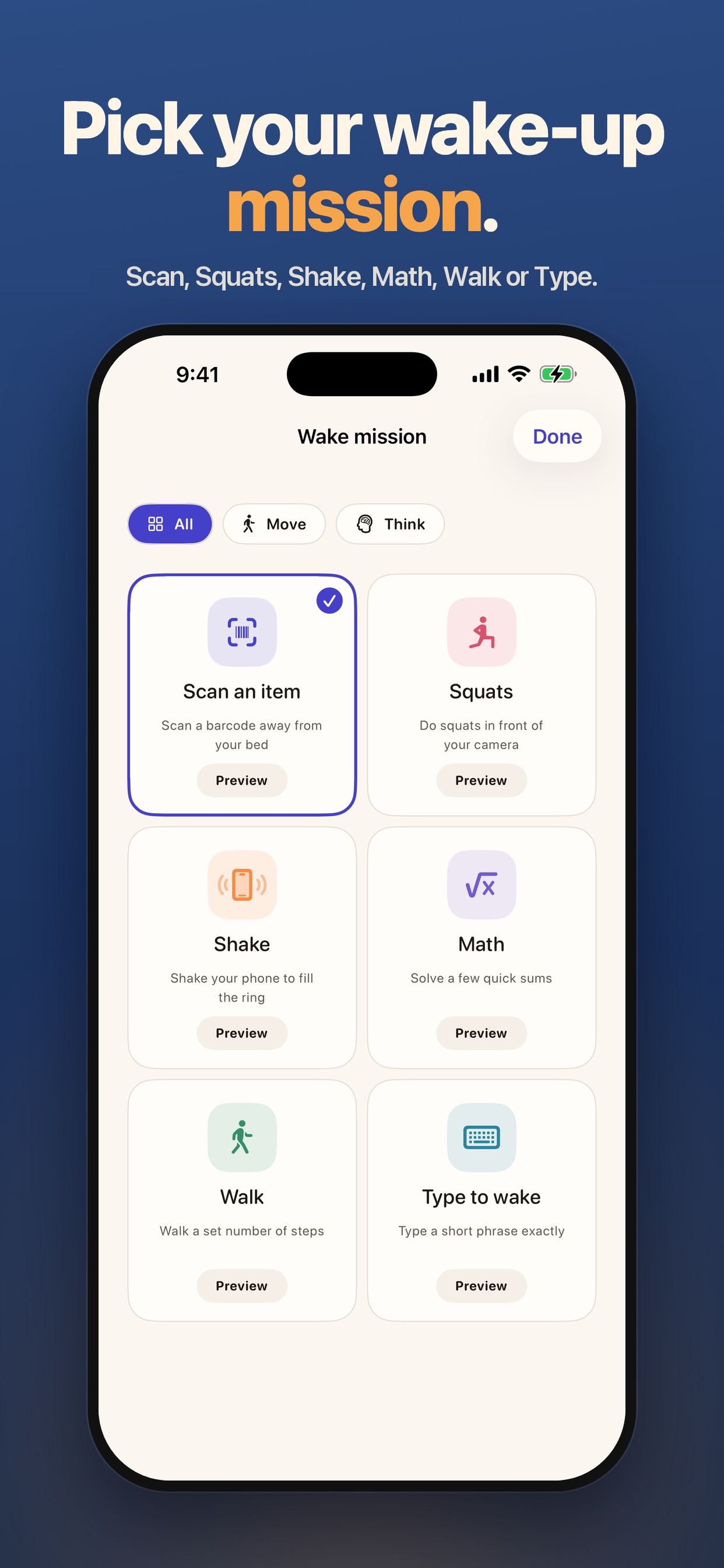
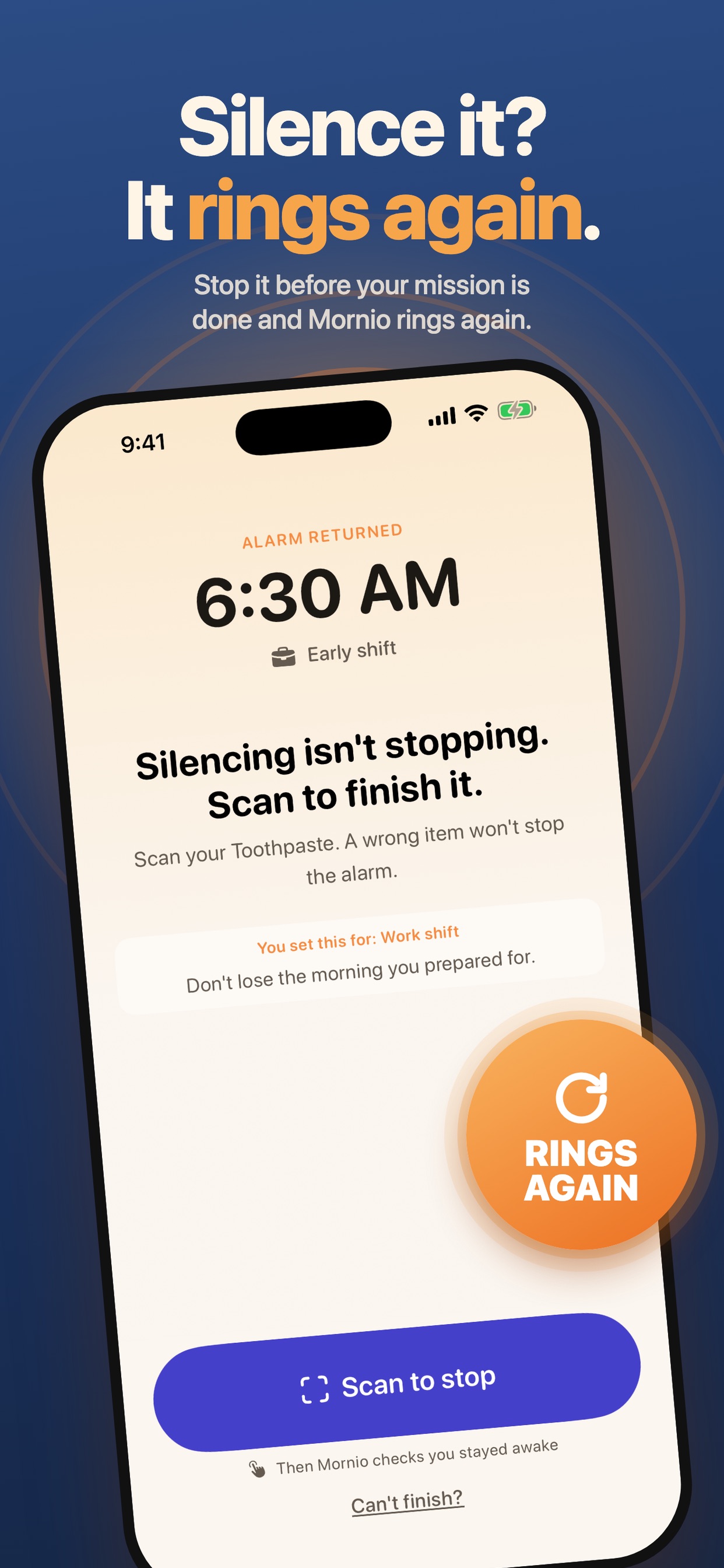
Mornio is an iPhone alarm for heavy sleepers. You register a QR code or barcode that lives away from your bed, like a toothpaste tube in the bathroom. When the alarm rings, you have to get up and scan it to stop the alarm. You can also pick a different mission: Walk, Shake, Math or Type. If you silence the alarm without finishing, it rings again.
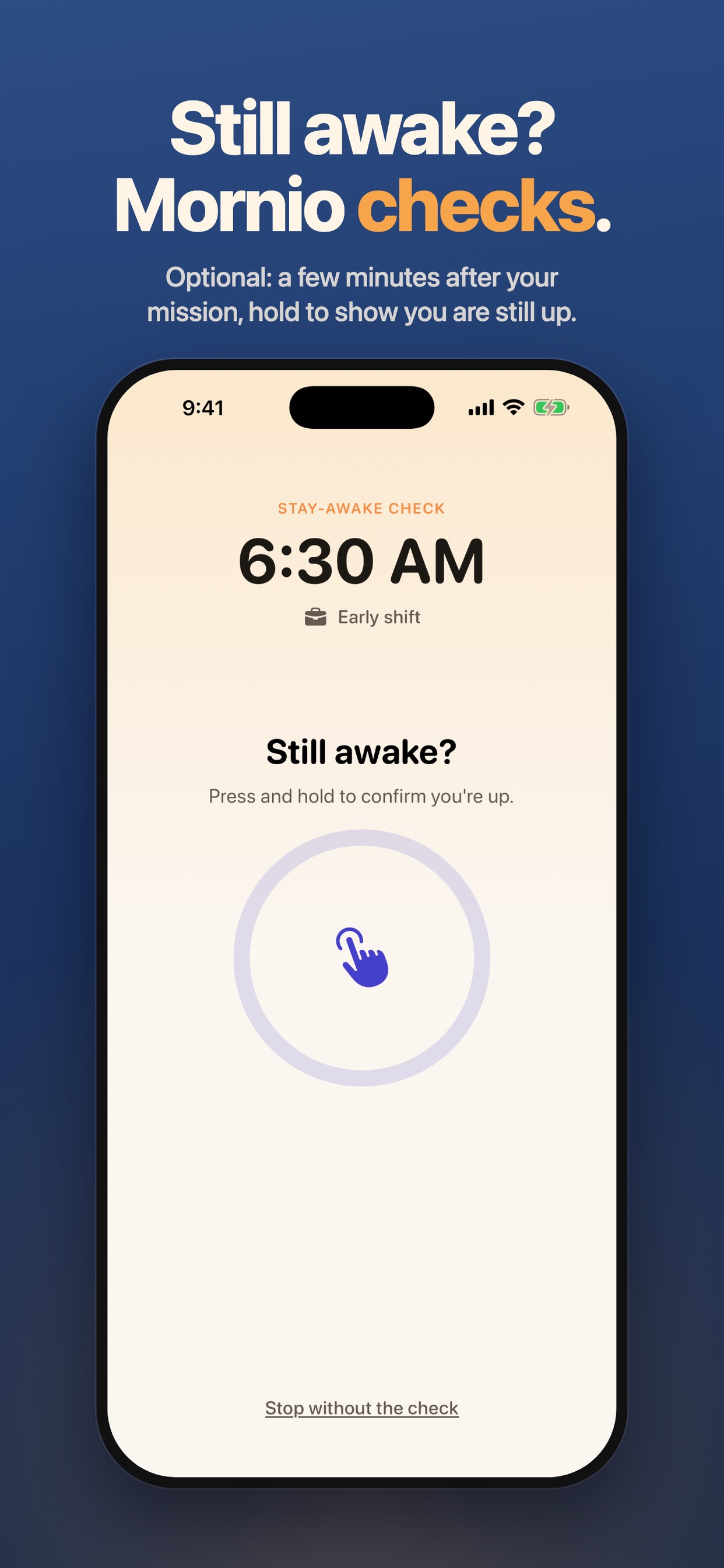
A few minutes after you finish, an optional stay-awake check asks you to confirm you are still up. Miss it and the alarm restarts.
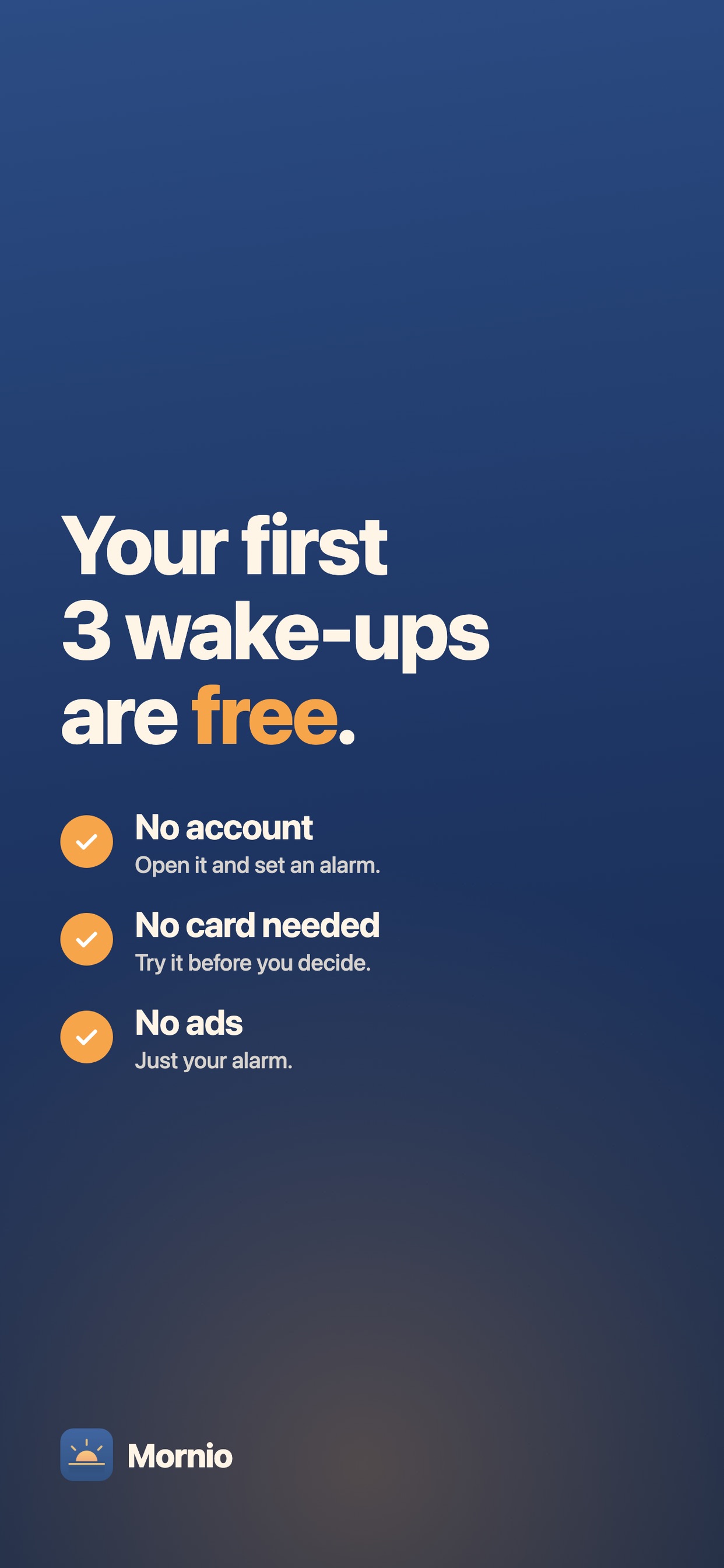
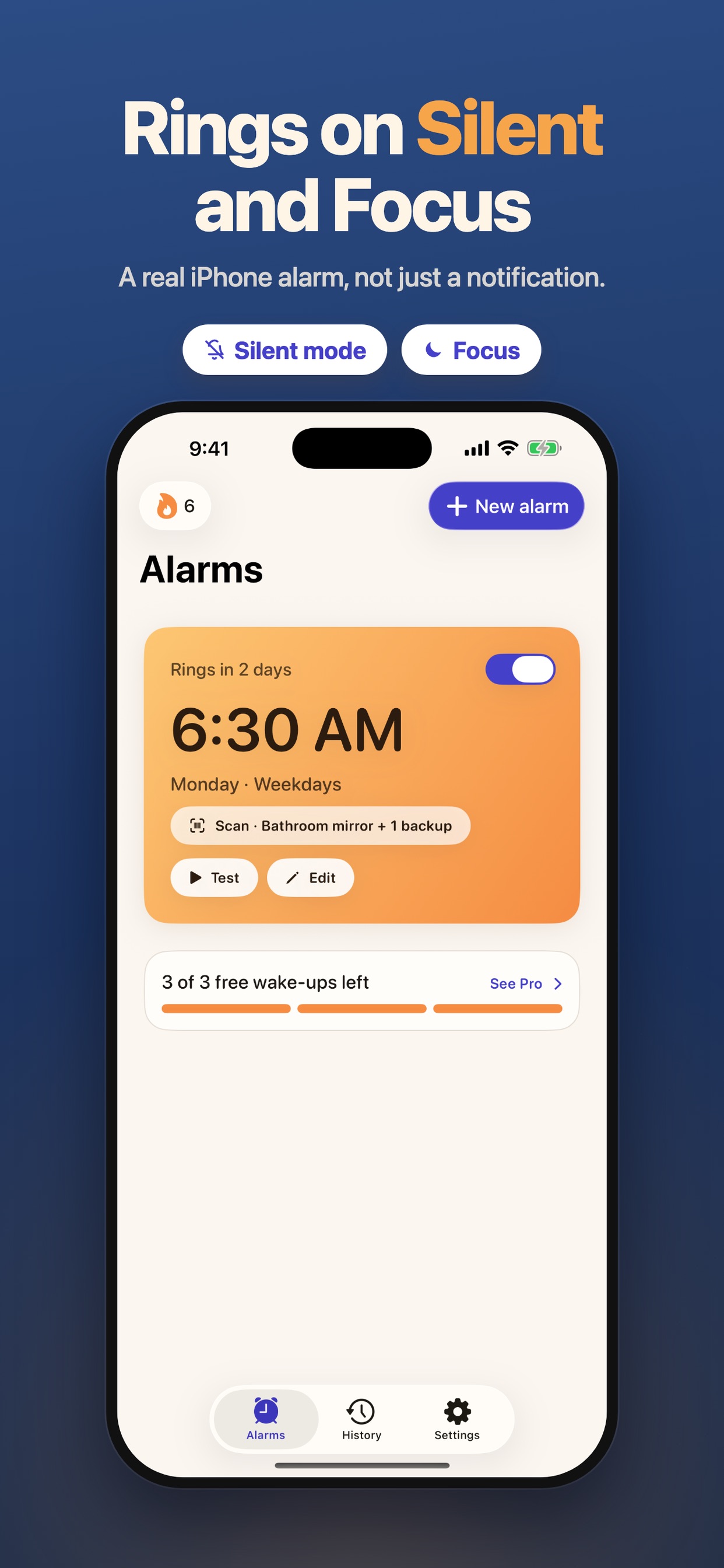
No account, no ads, and your scan items stay on your iPhone. The first 3 wake-ups are free with every feature, then Mornio Pro is $7.99/month or $29.99/year.
How I built it
- Swift and SwiftUI, iOS 26.1 or later
- Apple's AlarmKit, so alarms ring through Silent mode, Focus and a locked screen
- AVFoundation for on-device QR code and barcode scanning
- SwiftData for alarms and saved scan items
Challenges
- Making sure an alarm that was silenced early really rings again, instead of trusting what the screen shows
- Keeping scanning fast and reliable in a dark bathroom at 6 am
- Giving people a fair way out when they cannot finish a mission, without making it easy to cheat
What I learned
Most people do not oversleep because the alarm is too quiet. They oversleep because turning it off takes no effort. Adding a little distance and a small task changes the morning.
What's next
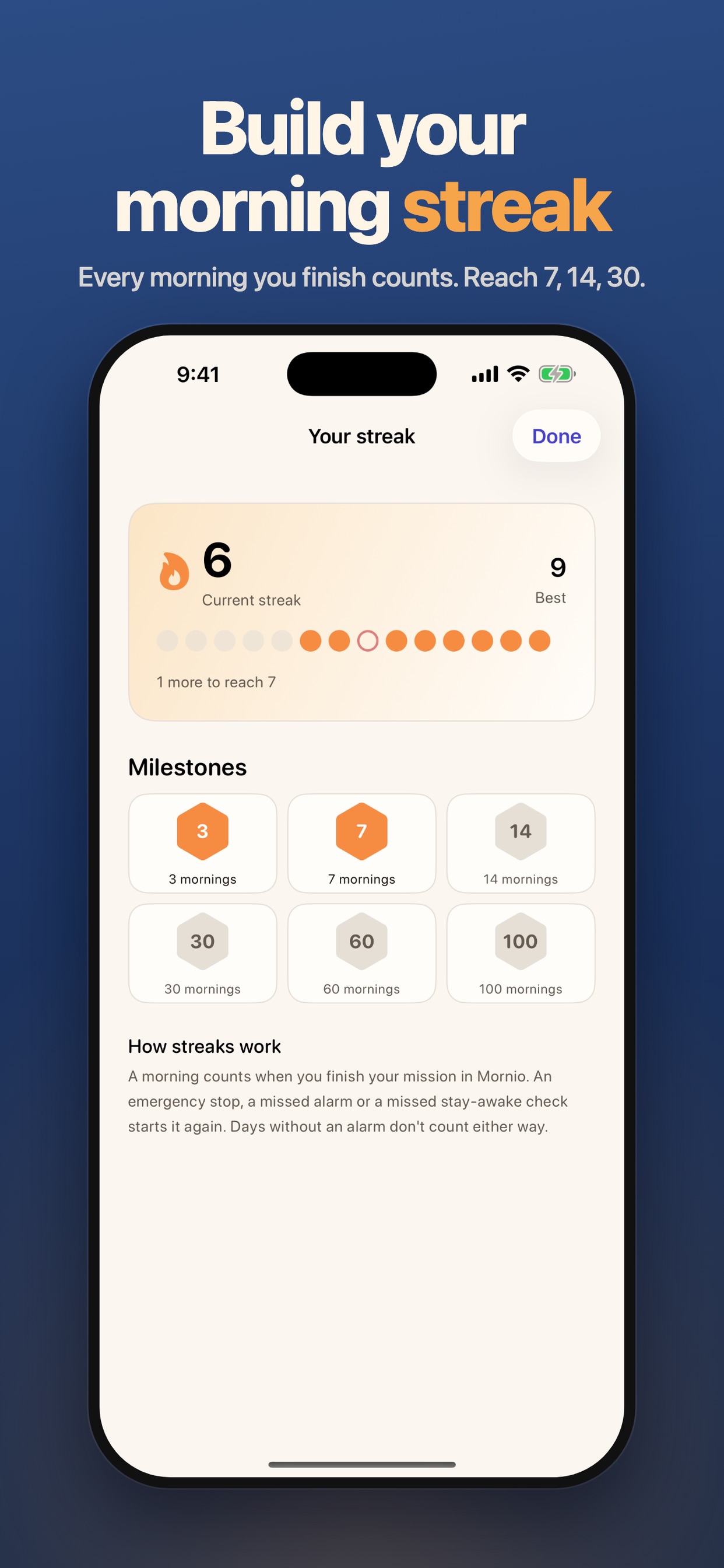
More missions, better streaks and more ways to make the first minutes of the day easier.
Built With
- alarmkit
- avfoundation
- ios
- swift
- swiftdata
- swiftui
