-
-
-
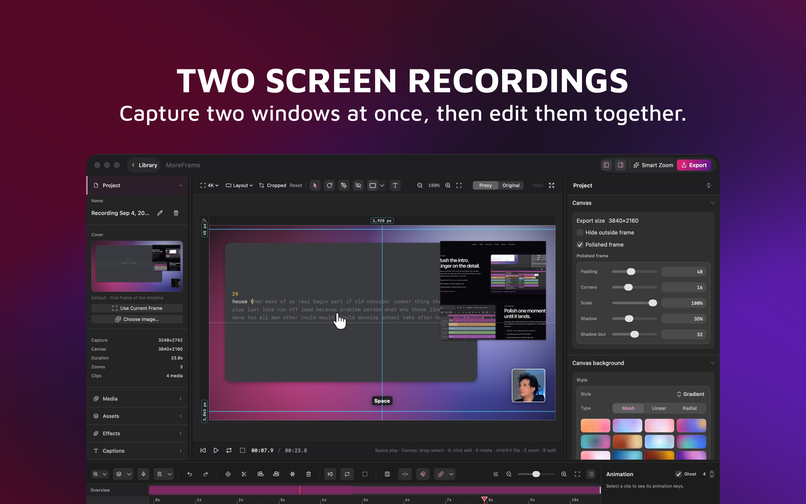
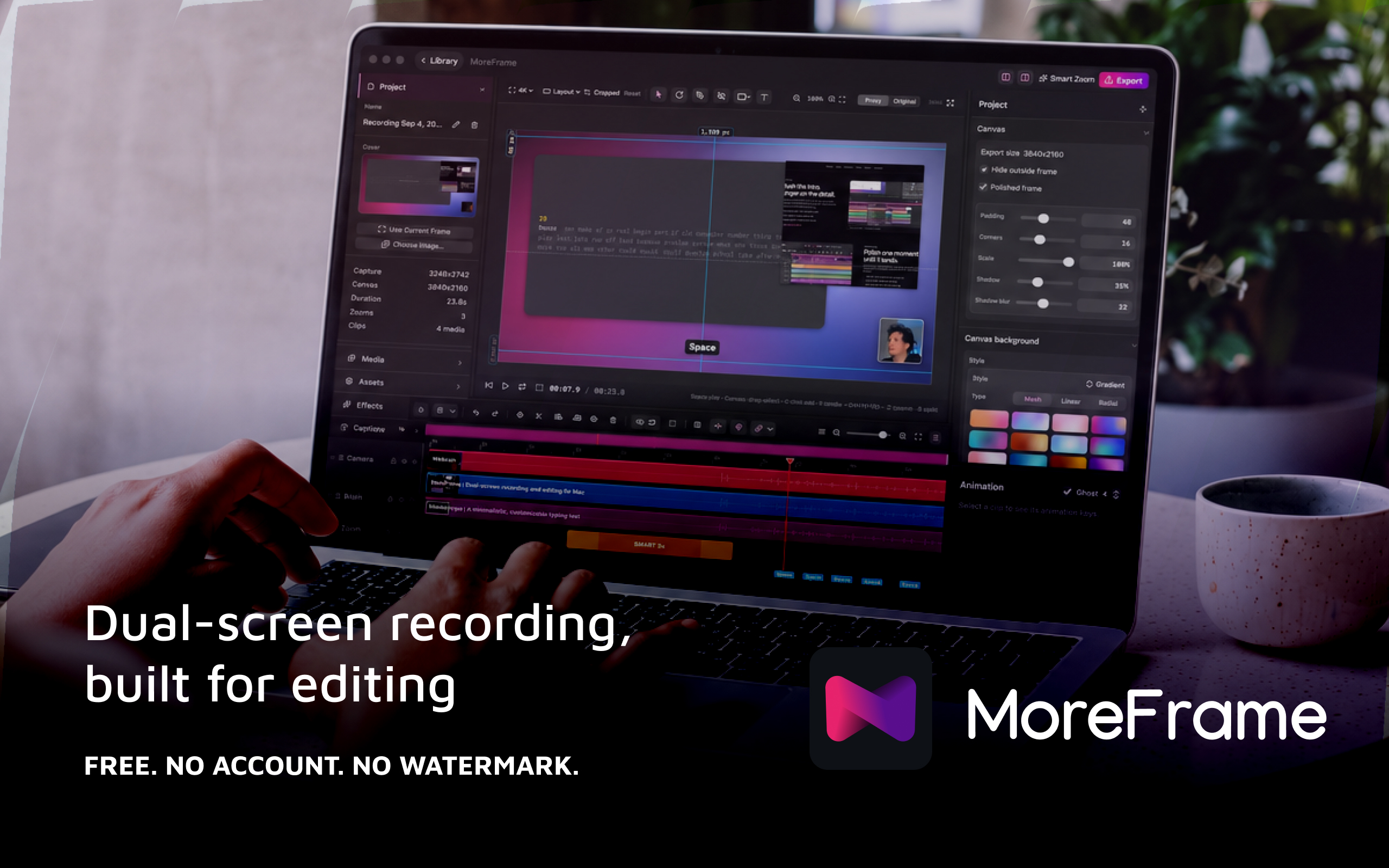
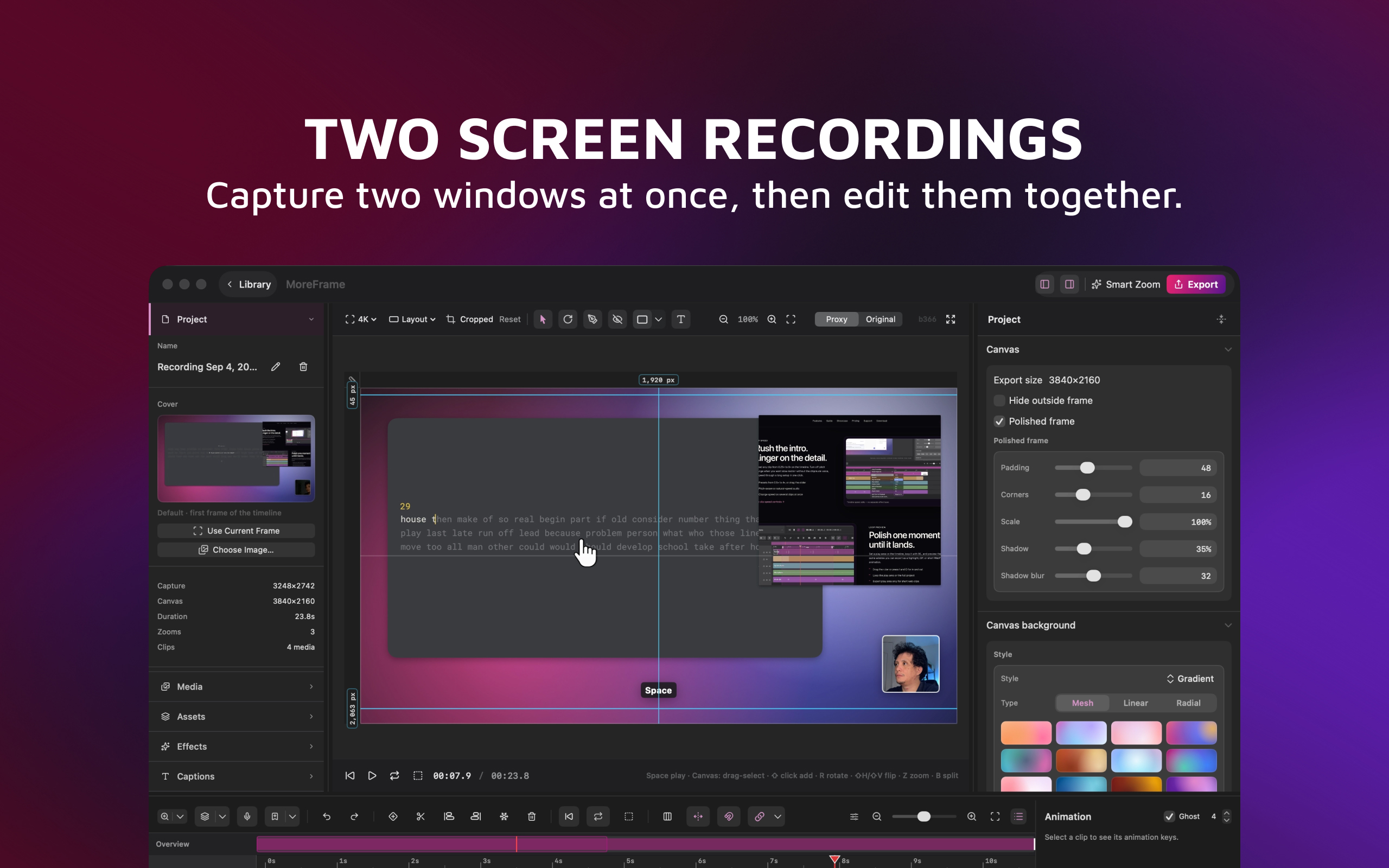
Dual-Screen Recording
-
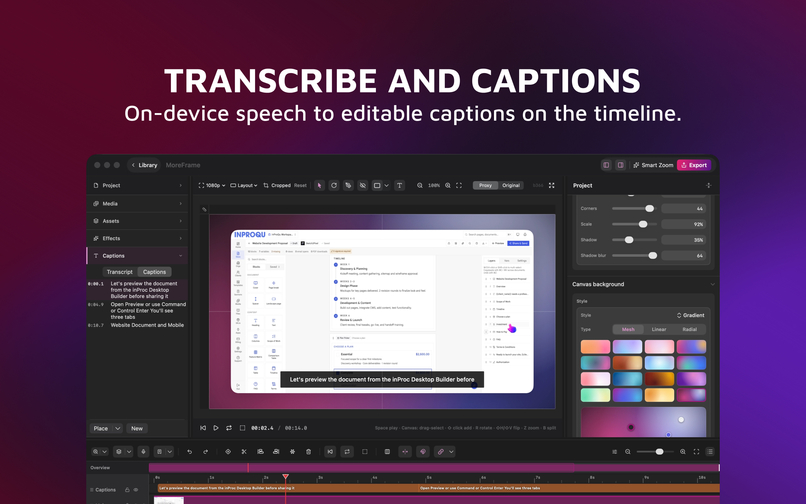
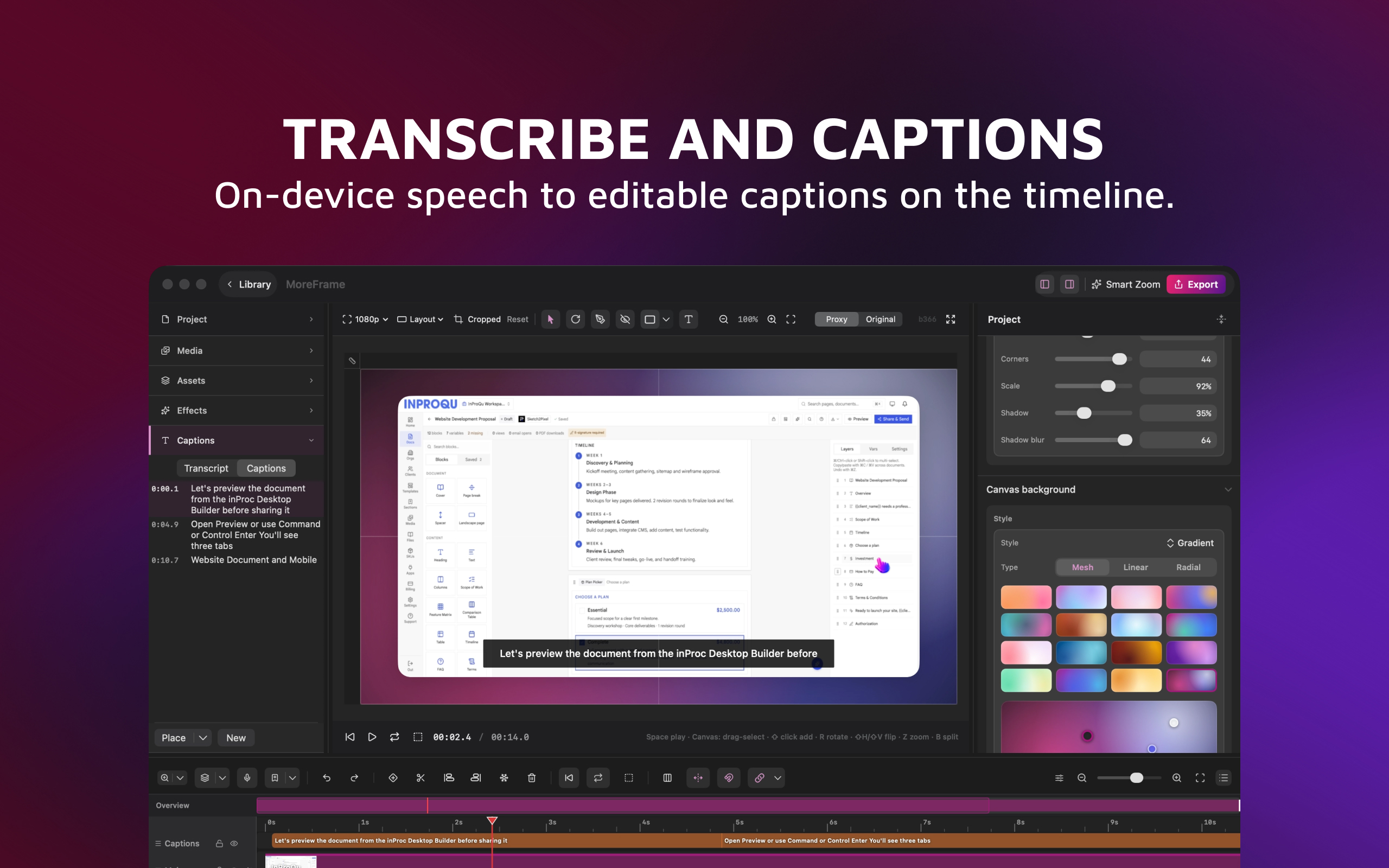
Transcribe and Caption
-
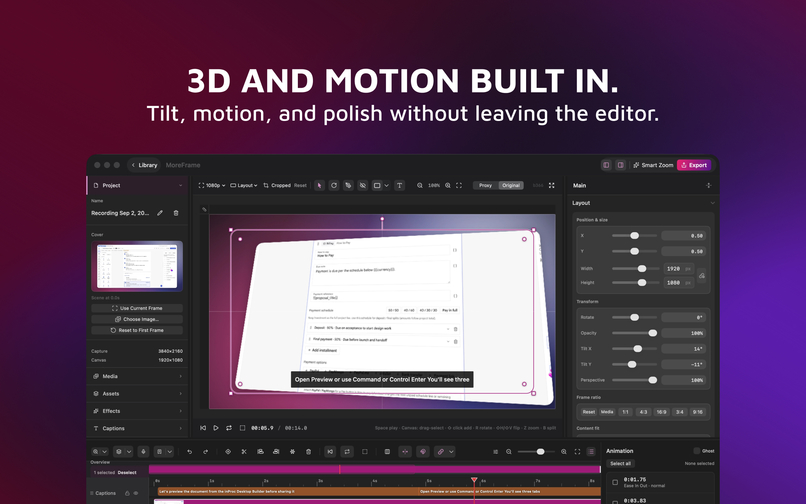
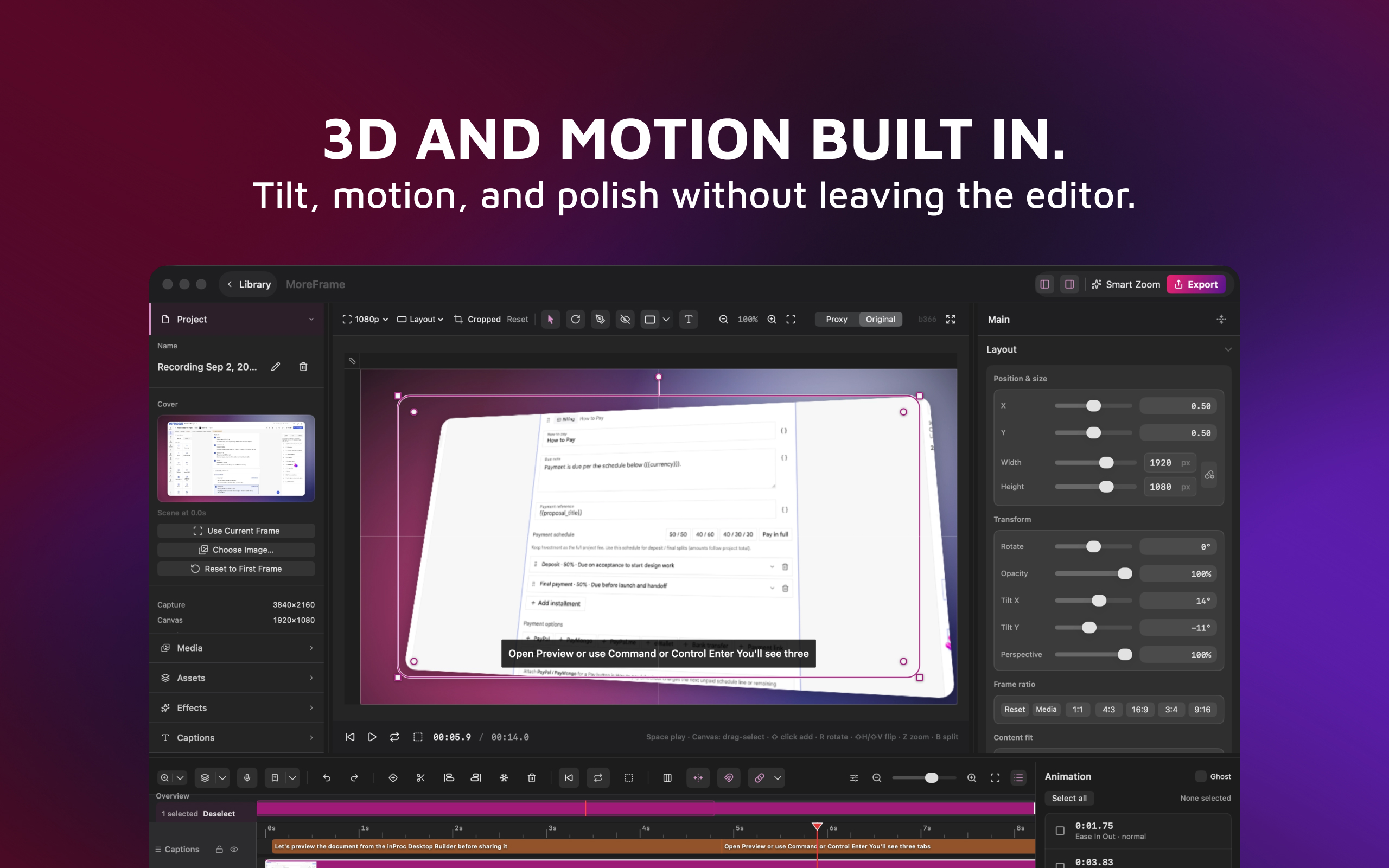
3D and Motion Built In
-
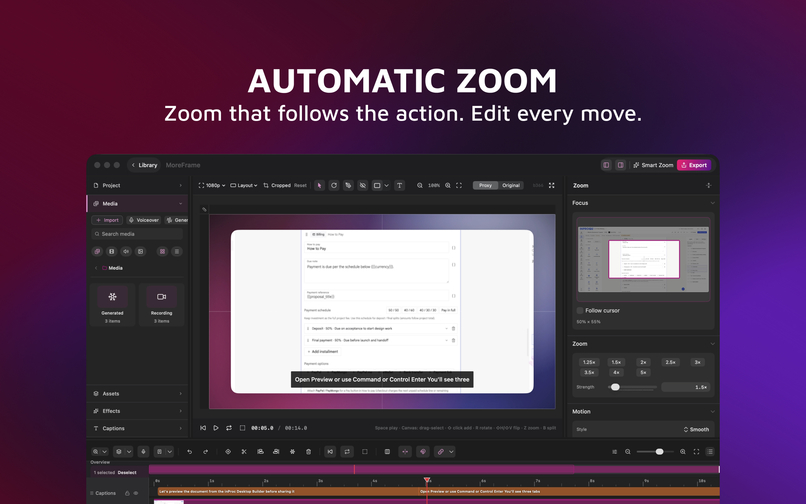
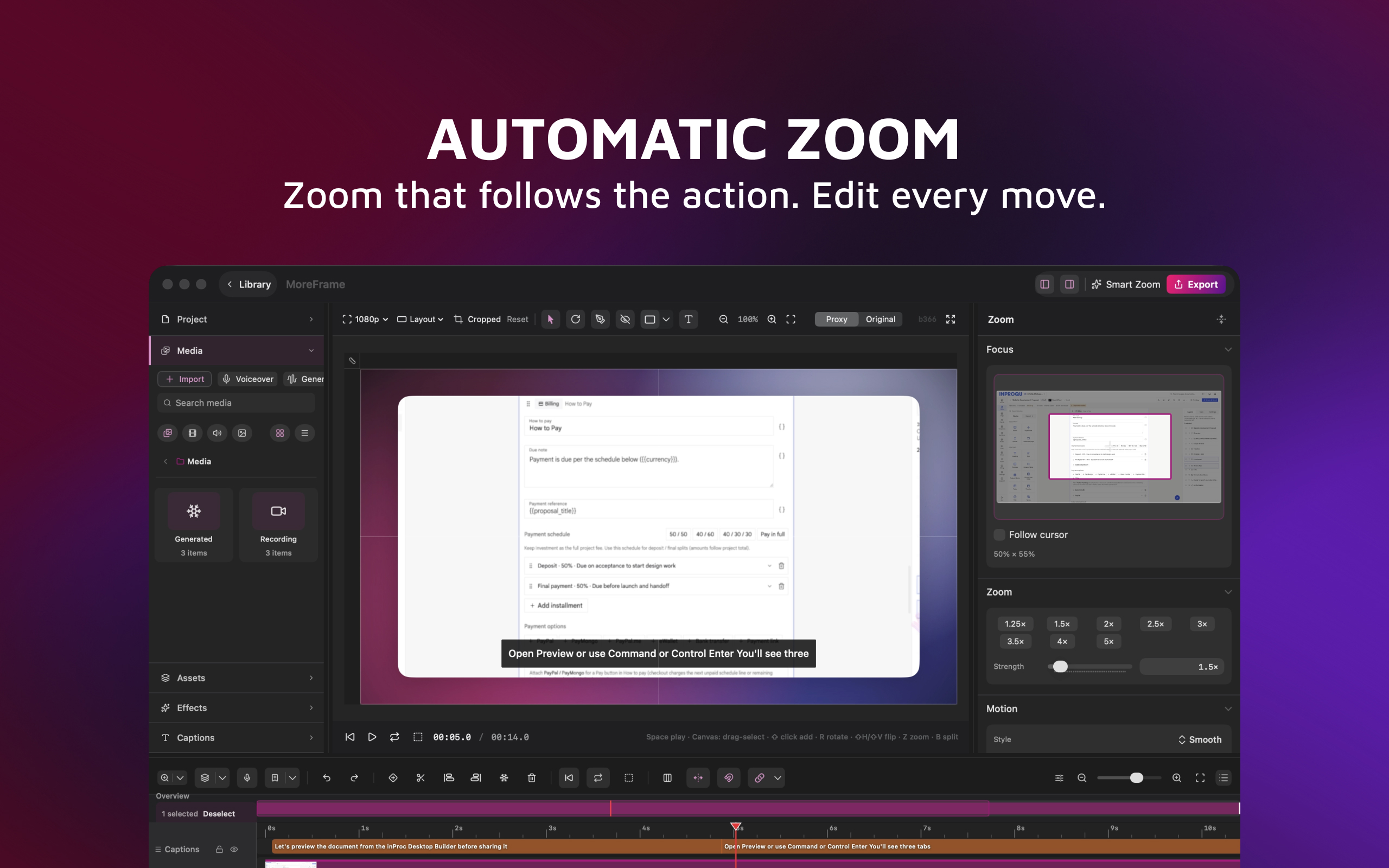
Automatic Zoom
-
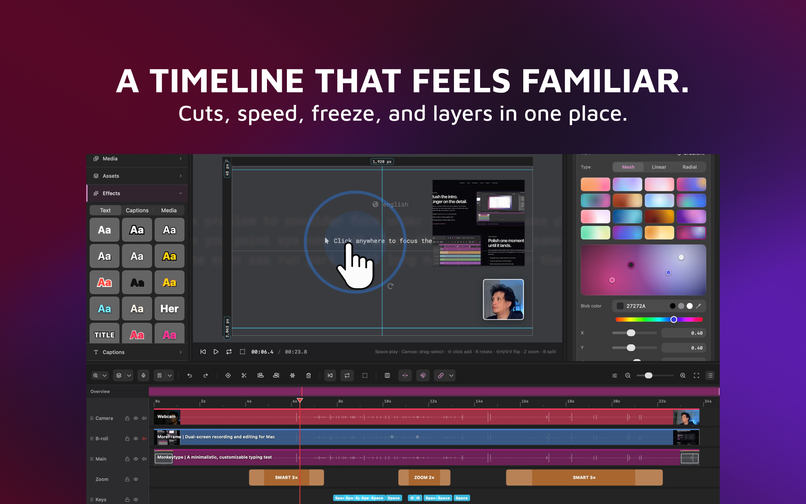
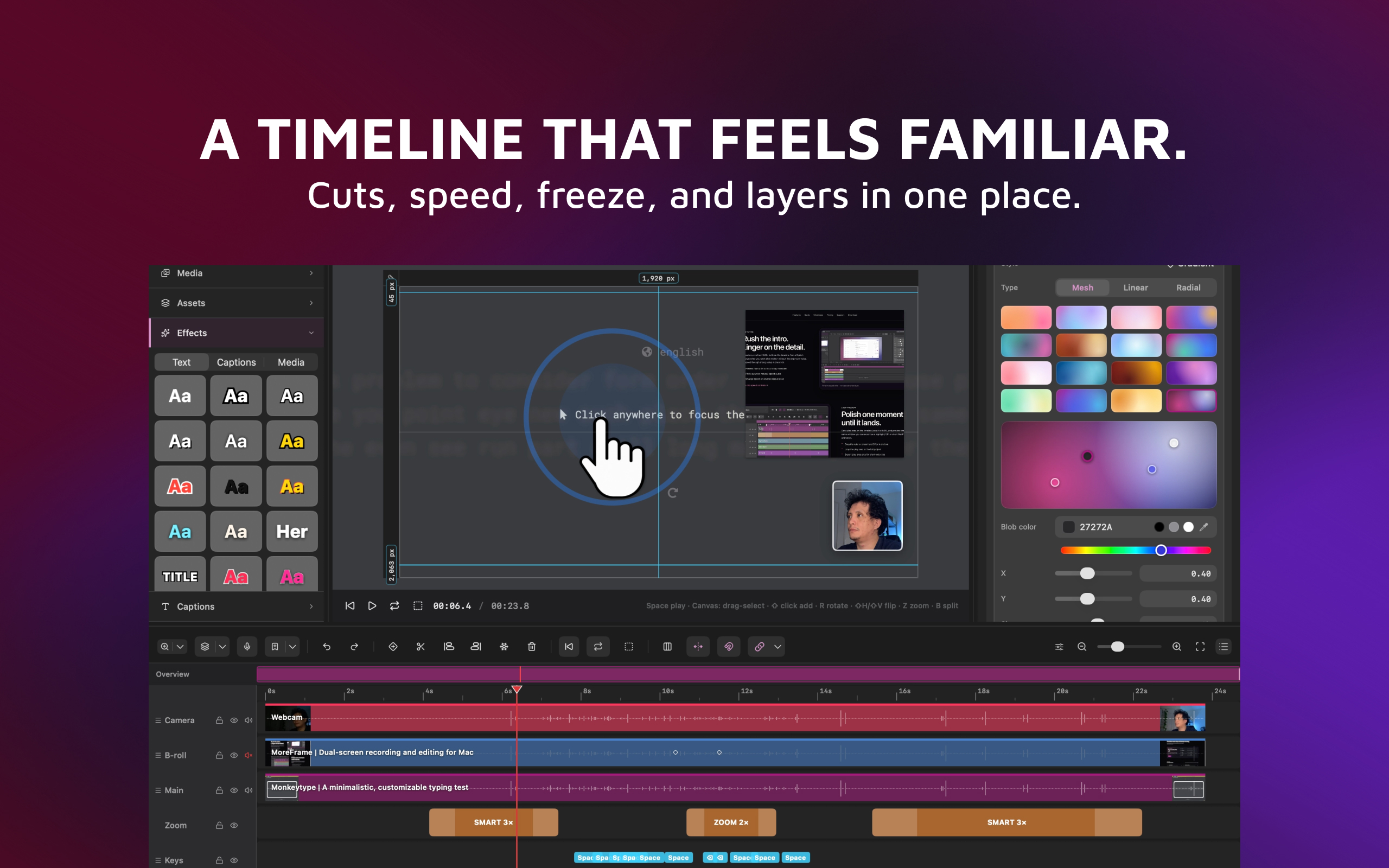
Video Editing Timeline
Inspiration
I wanted a Mac screen recorder that doesn’t stop at capture. Most tools give you a flat file and push the real work into another editor—or into the cloud. For tutorials, product demos, courses, and bug reports, I needed two windows in one take, a real timeline, and export that stays local and watermark-free.
What it does
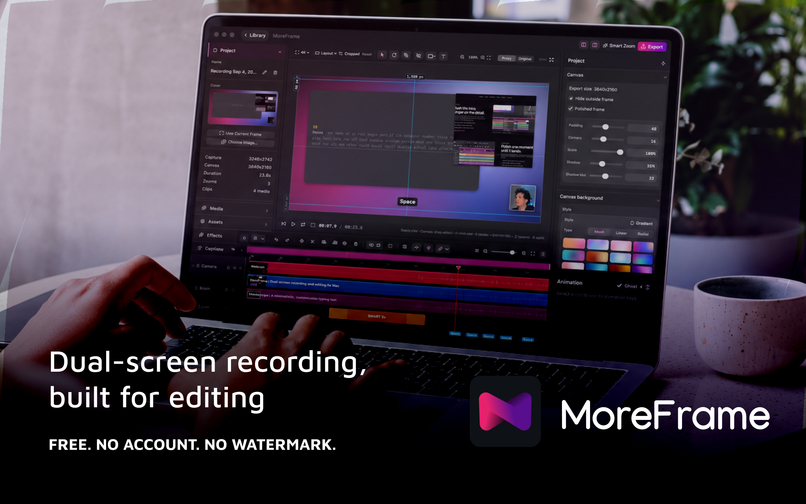
MoreFrame is a native macOS screen recorder with a full timeline editor built in.
- Record a display, window, or region—plus camera, mic, and system audio
- Capture a second app as live B-roll (editable video, not a screenshot)
- Cut, split, speed, Smart Zoom, captions, voiceover, motion graphics, and compounds
- Separate Screenshots workspace for QA and docs
- Free: full editor + unlimited watermark-free MP4 up to 720p, GIF, AVIF
- Pro (RevenueCat / StoreKit): 1080p–4K, animated WebP, SVG/Lottie graphics export
Recording, editing, Apple Speech, and export run on-device by default. No account required.
How I built it
SwiftUI + AppKit on macOS 14+, with AVFoundation / ScreenCaptureKit for capture, a project package format (.moreframe), and a shared preview↔export path so the canvas matches the file. Monetization uses RevenueCat on the Mac App Store build (StoreKit); the Direct edition uses Polar. Optional ElevenLabs is bring-your-own-key only.
Challenges
- Keeping preview and export identical across zoom, captions, compounds, and 3D tilt
- Sandbox limits on the App Store (global shortcuts, USB device capture, input monitoring) while keeping the same editor as Direct
- Free vs Pro export gates that are honest in the UI and enforced at export
- Dual-screen recording that stays editable as layers, not a baked composite
What I learned
Shipping a “recorder” people actually finish in
Built With
- avfoundation
- revenuecat
- screencapturekit
- storekit
- swift
- swiftui

Log in or sign up for Devpost to join the conversation.