-
-
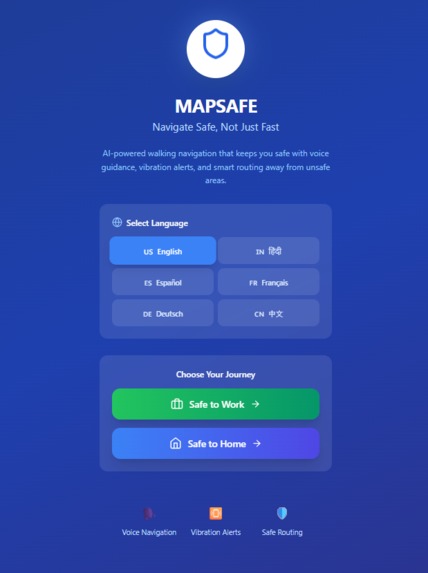
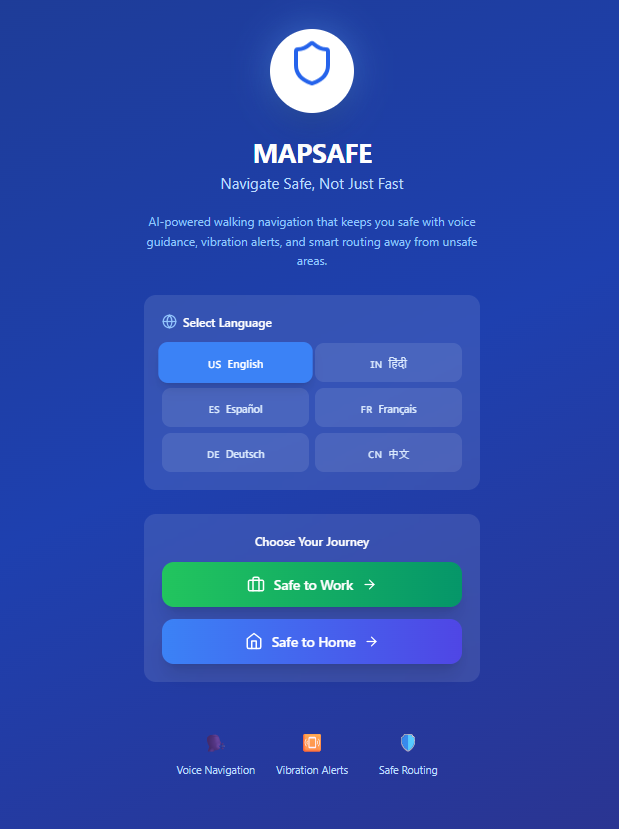
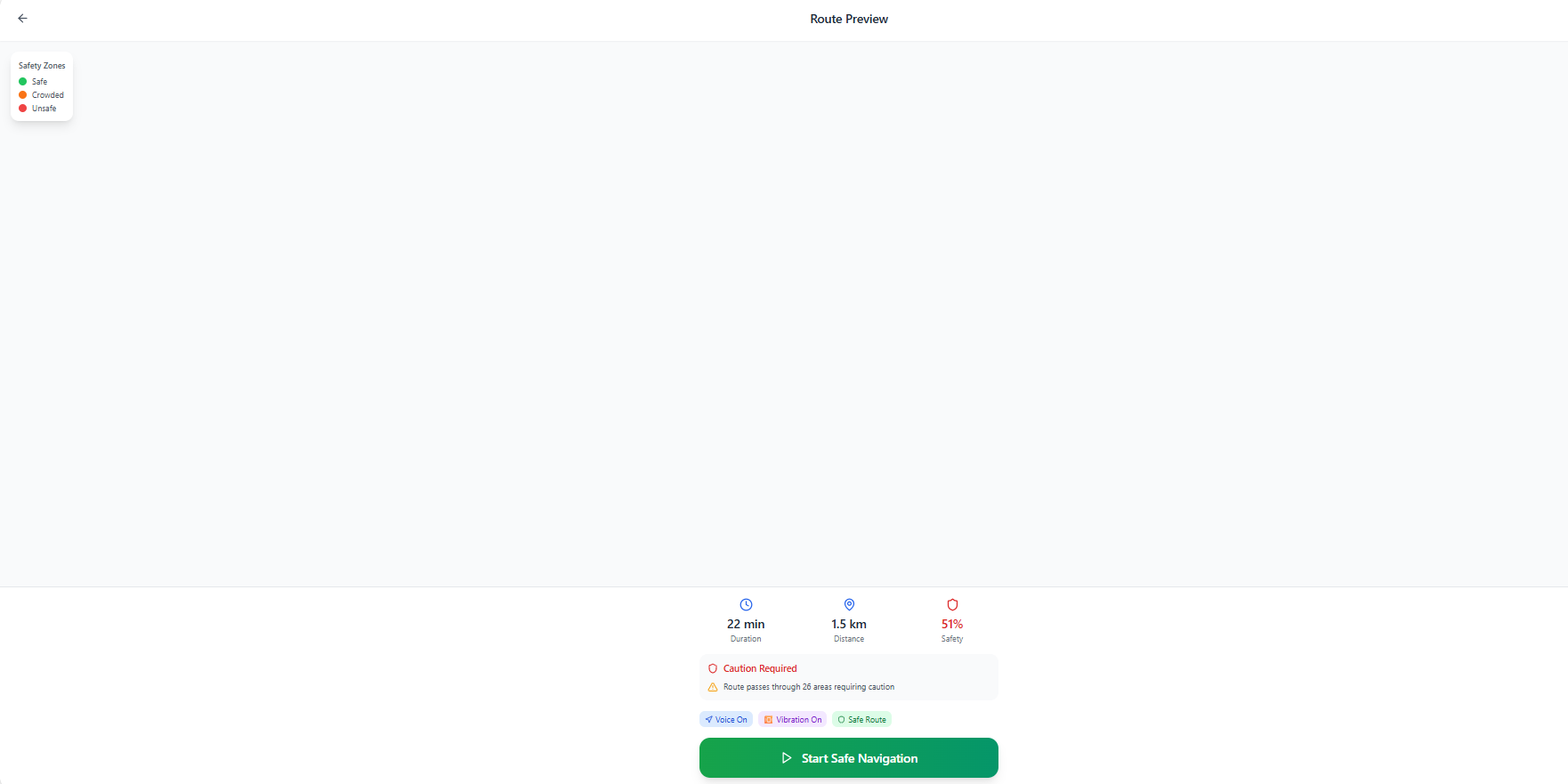
MAIN INTERFACE
-
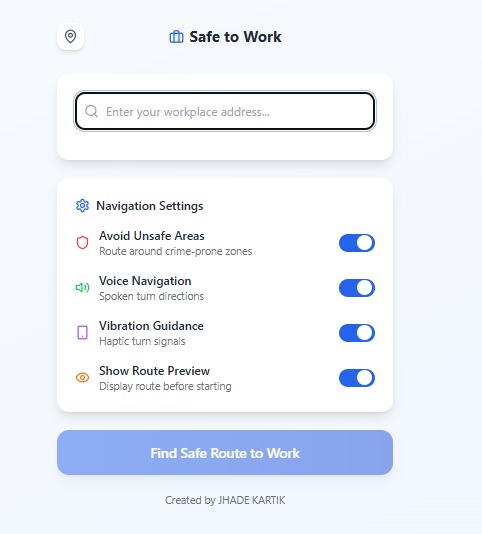
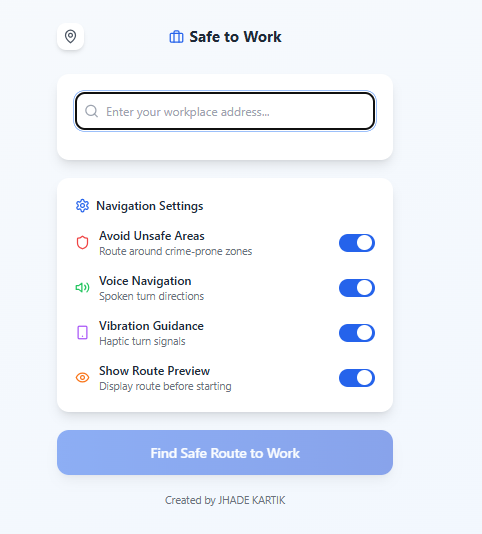
SAFE TO WORK
-
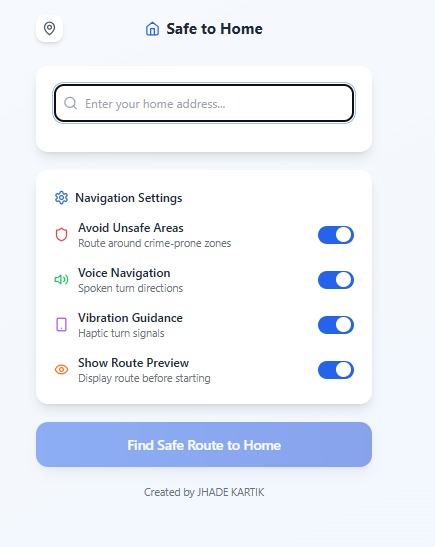
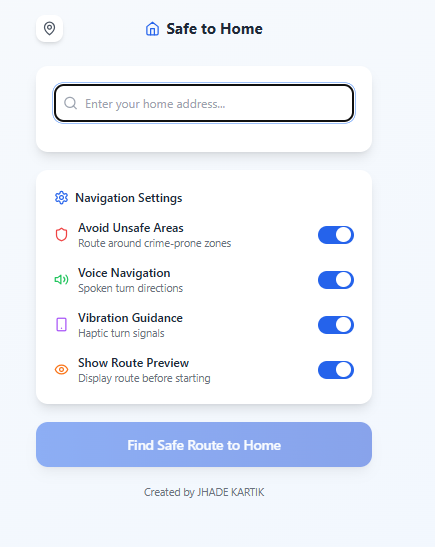
SAFE TO HOME
-
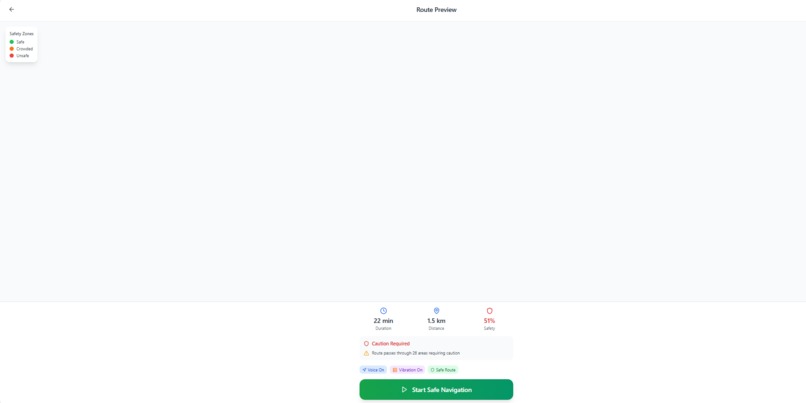
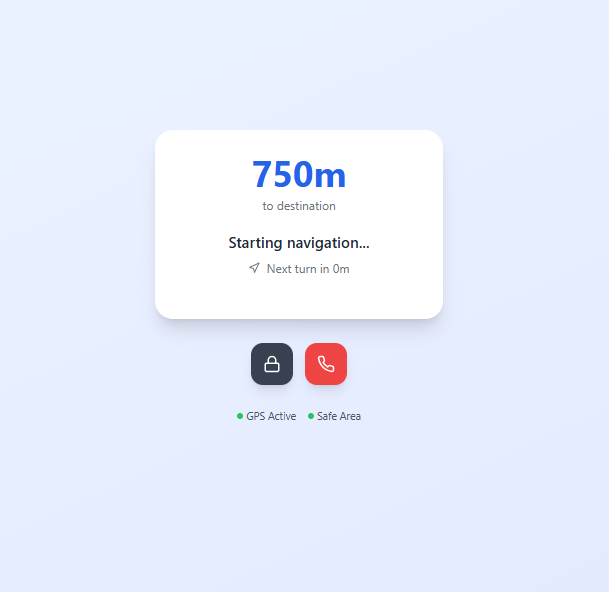
STARTING
-
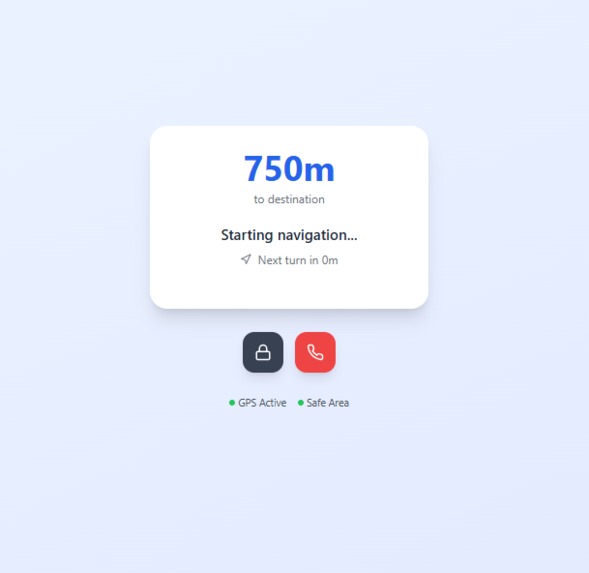
DIRECTING
Inspiration
- MAPSAFE was born from a real-life incident where a close friend had their phone stolen while navigating a crowded market with Google Maps.
- This event highlighted a blind spot: even advanced apps can’t protect users from real-world risks when their eyes are on the screen.
What It Does
- MAPSAFE transforms Google Maps into a hands-free safety navigator.
- It uses:
- Voice instructions
- Vibration-based turns
- Unsafe zone detection
- The goal is to help users walk confidently without needing to look at their phone in risky environments.
How We Built It
- Built using Bolt.new as the no-code frontend framework.
- Integrated the following Google Maps Platform APIs:
- Used Web Vibration API for physical navigation signals.
- Implemented Web Speech API for voice guidance.
- Translations handled by the Google Cloud Translation API.
- Hosted on Netlify.
Challenges We Faced
- Synchronizing vibration + voice with live map updates.
- Restricting and managing multiple Google API keys securely.
- Implementing multi-language support dynamically in the browser.
- Creating a clean UI that avoids distractions in dangerous zones.
What We Learned
- How to build real safety features on top of Google Maps.
- How to convert a personal incident into a meaningful product.
- Importance of minimizing screen interaction in high-risk public areas.
What's Next
- Add red zone overlays based on live crime data.
- Include SOS tap mode to alert contacts with live location.
Enable offline path caching for weak signal areas.
Project Screenshots
Live Project
Built With
- bolt.new
- cloud
- directions
- elevation
- gps
- javascript
- maps
- netlify
- speech
- translation
- vibration

Log in or sign up for Devpost to join the conversation.