-
-
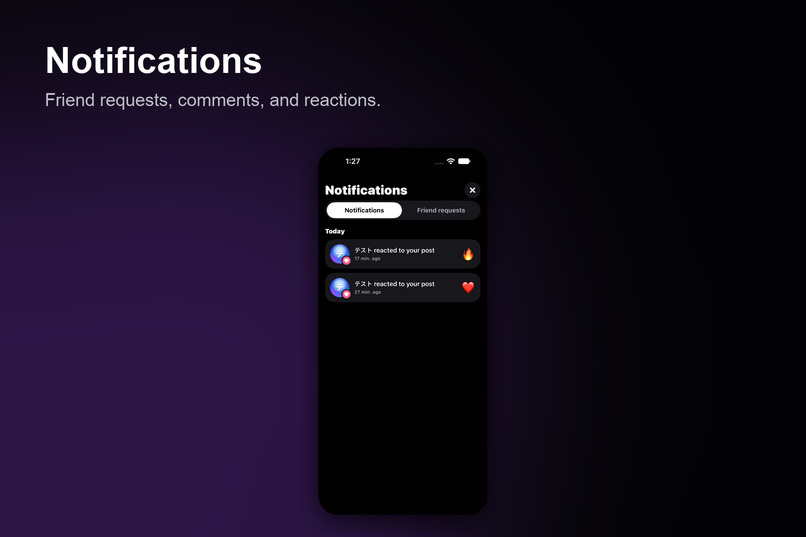
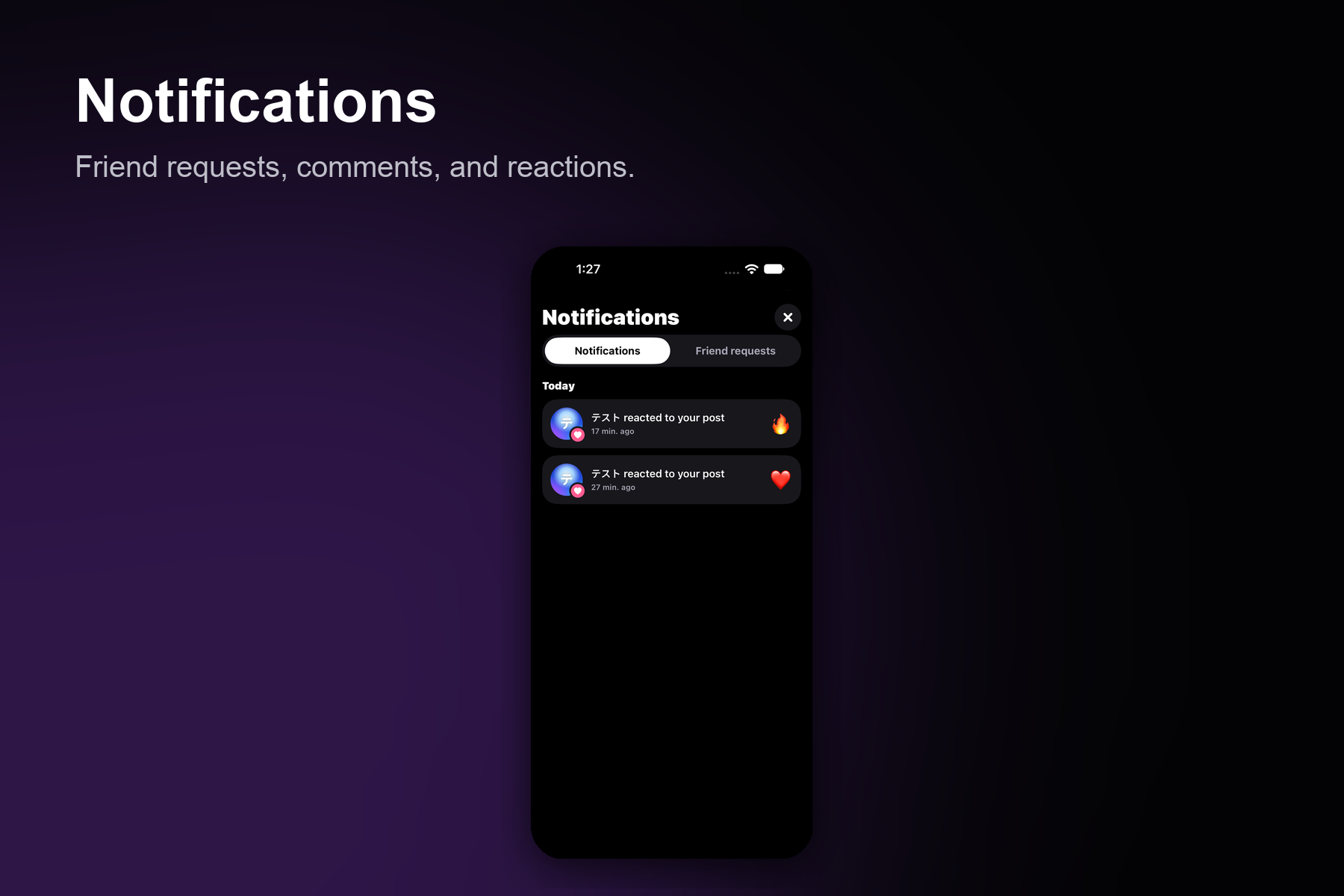
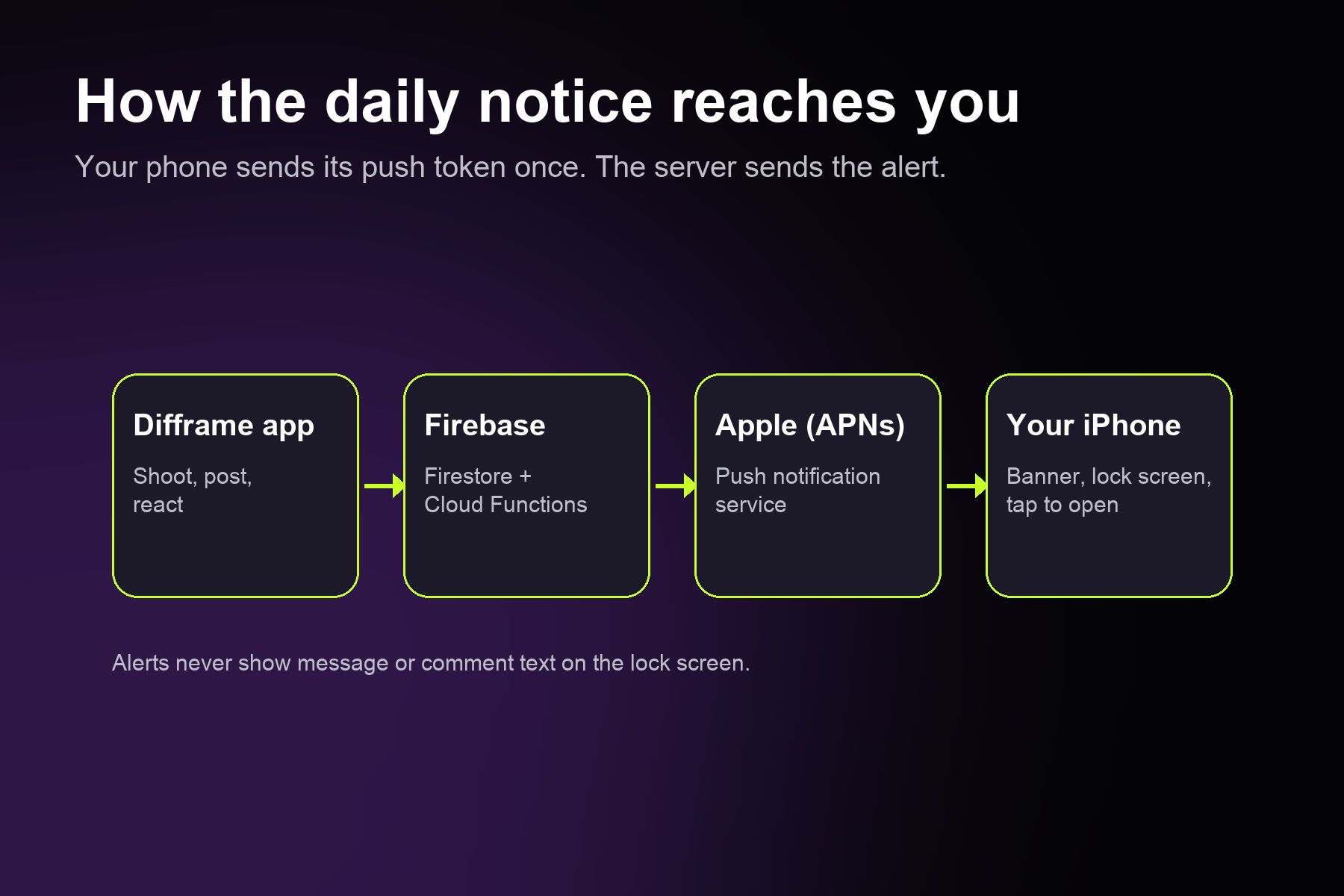
Notifications
-
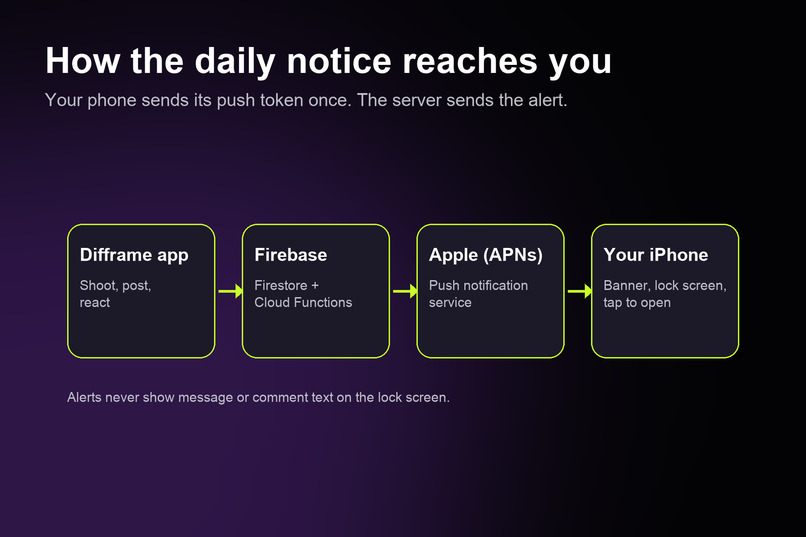
How the daily notice reaches you
-
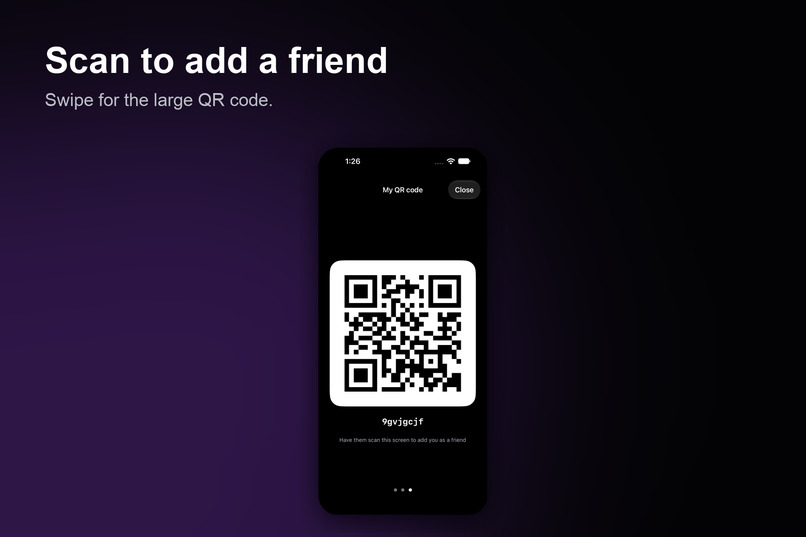
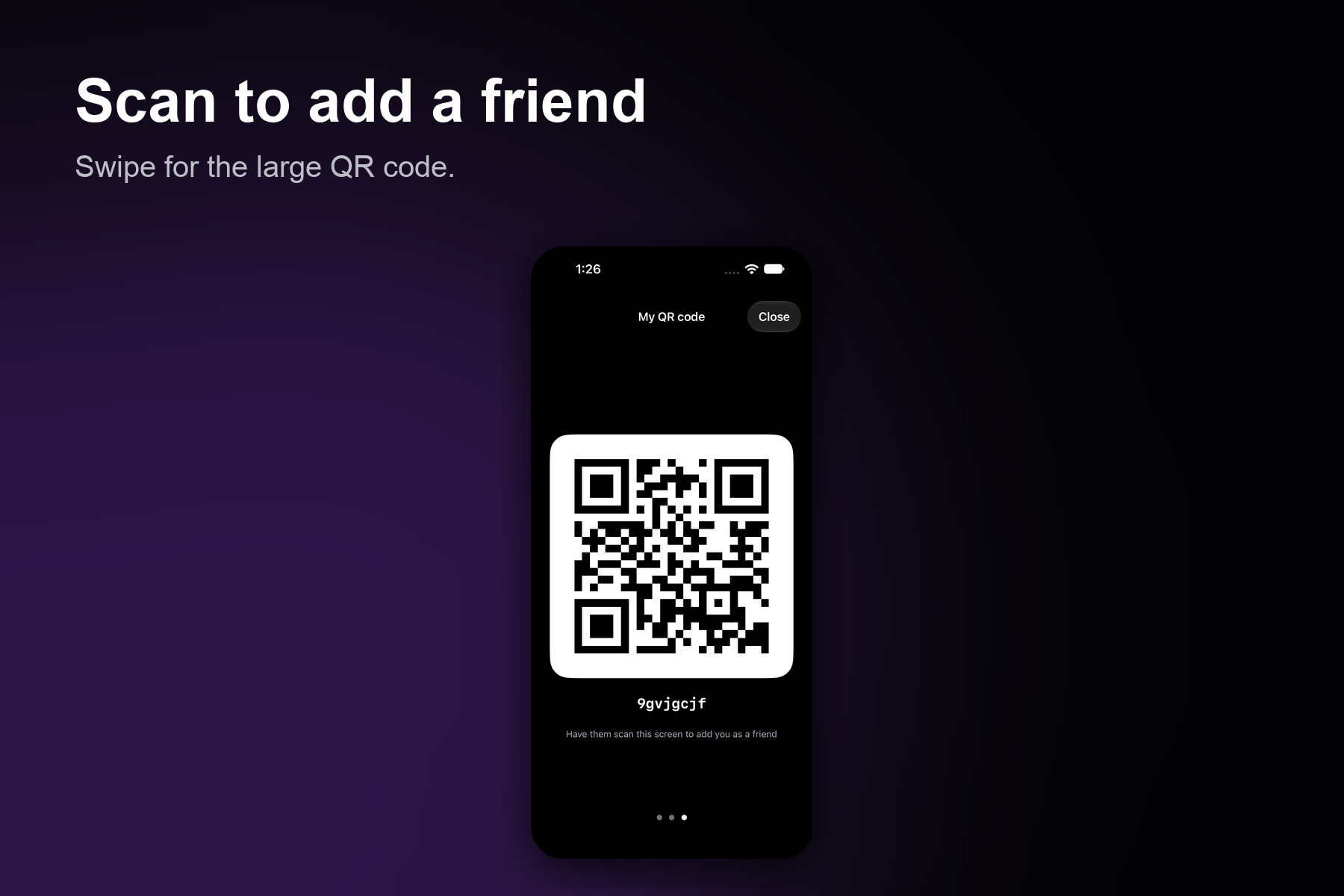
Scan to add a friend
-
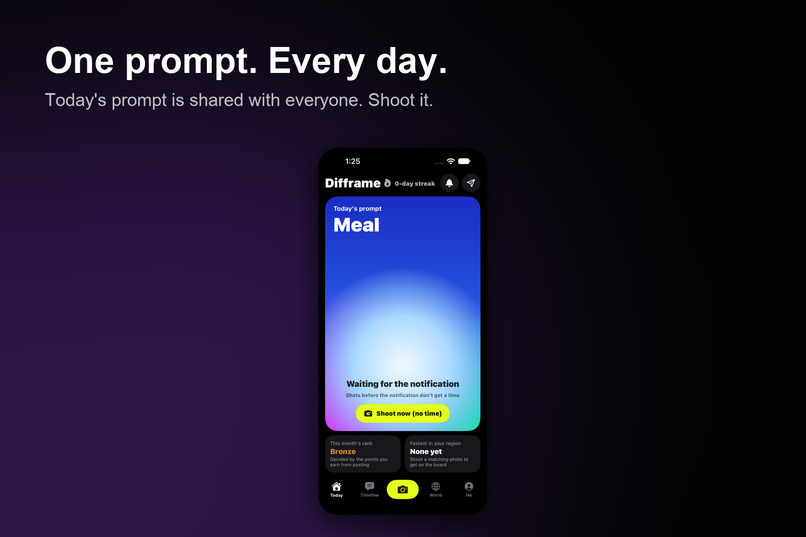
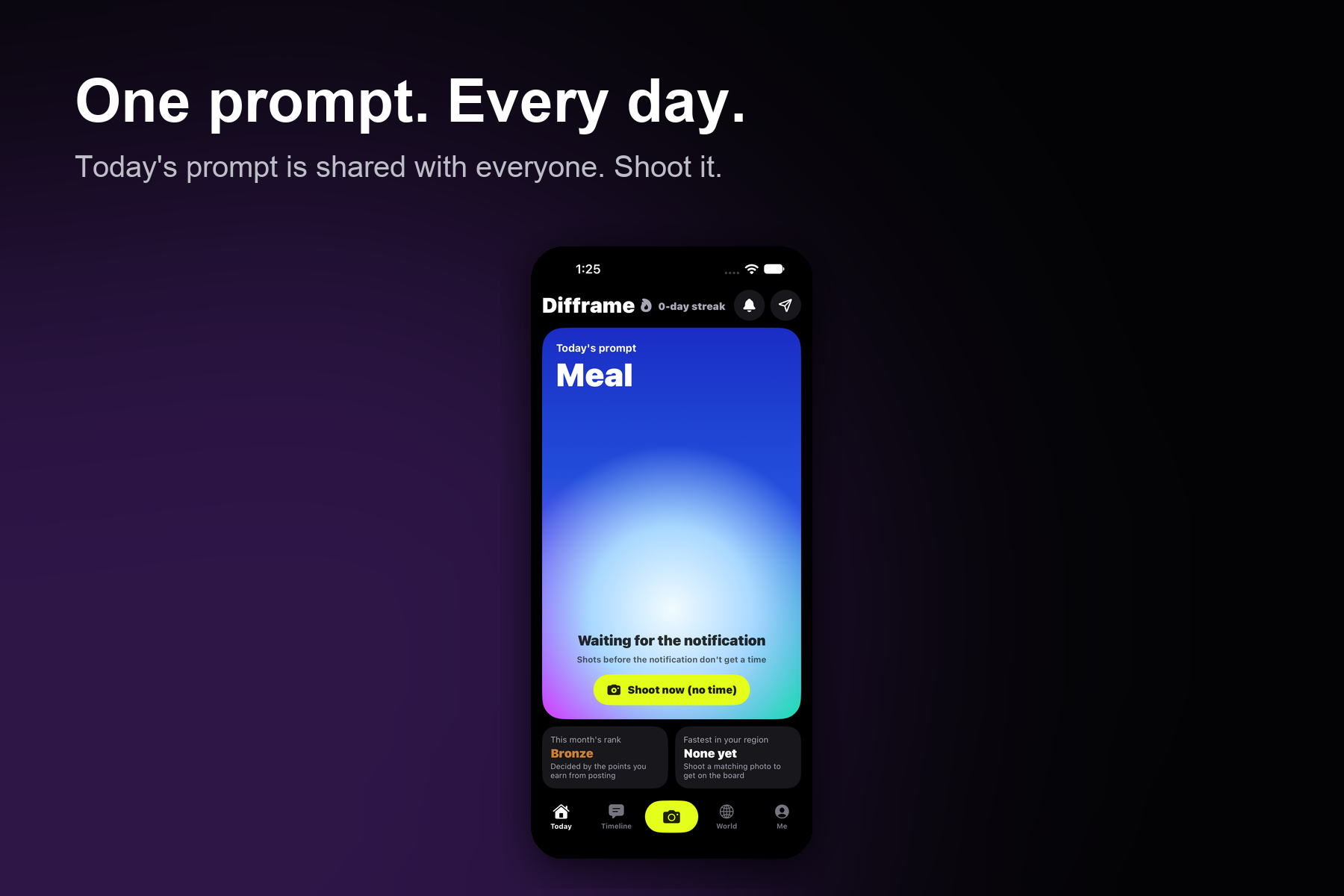
One prompt. Every day
-
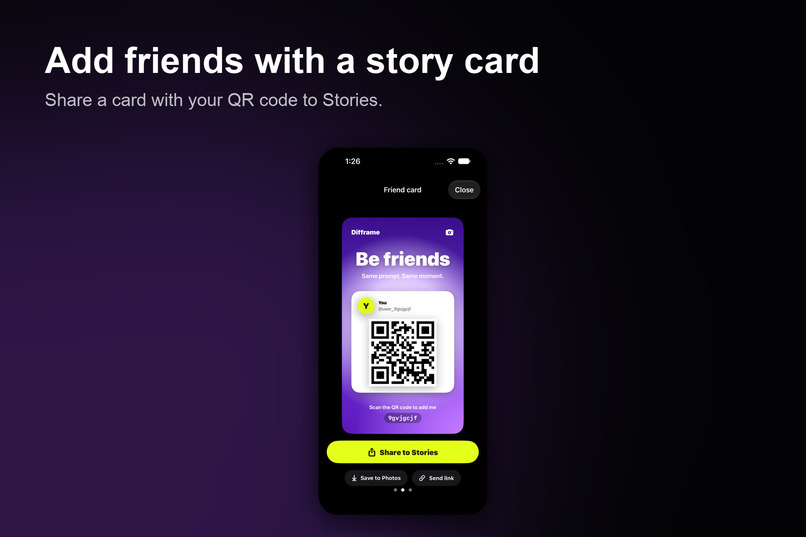
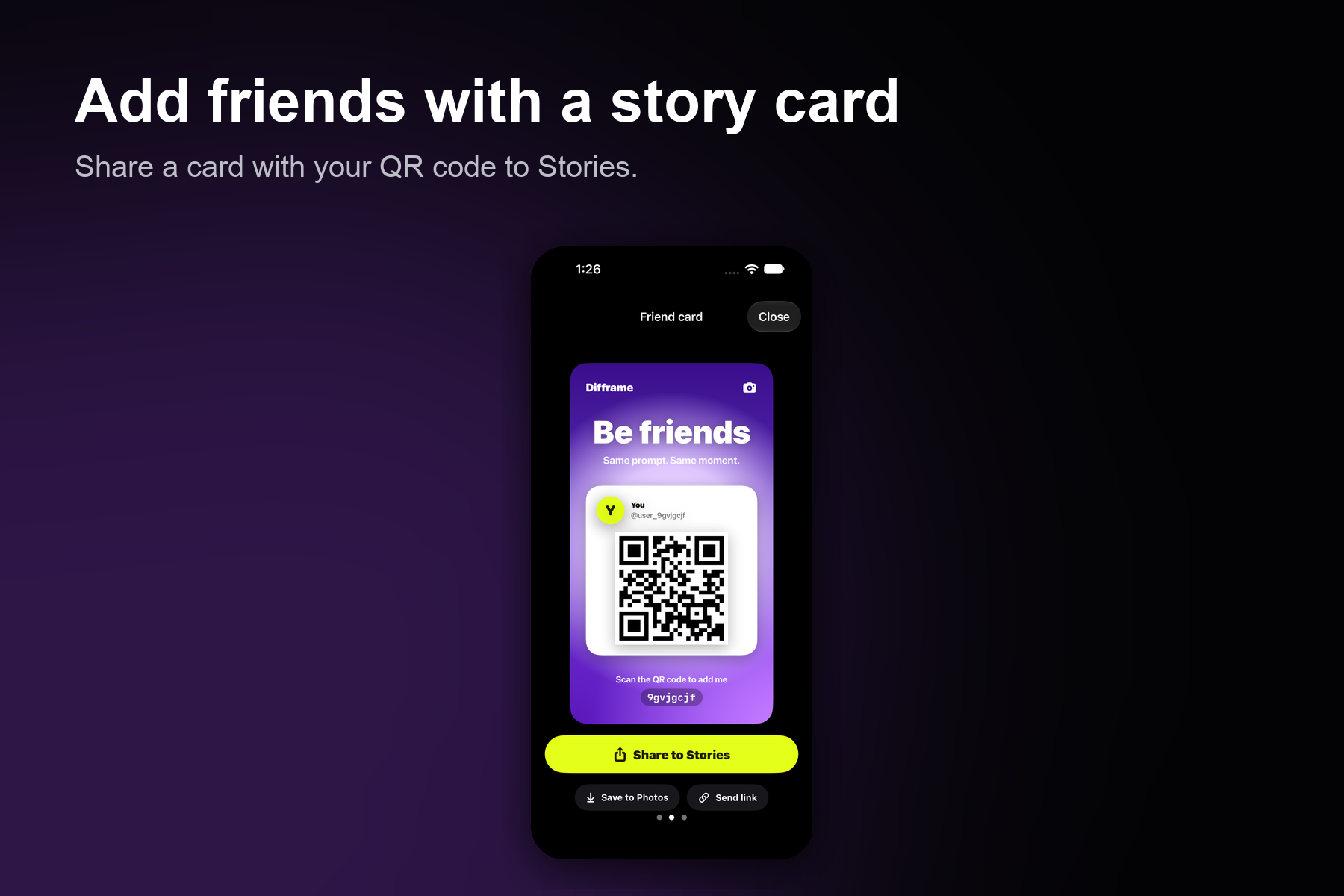
Add friends with story card
-
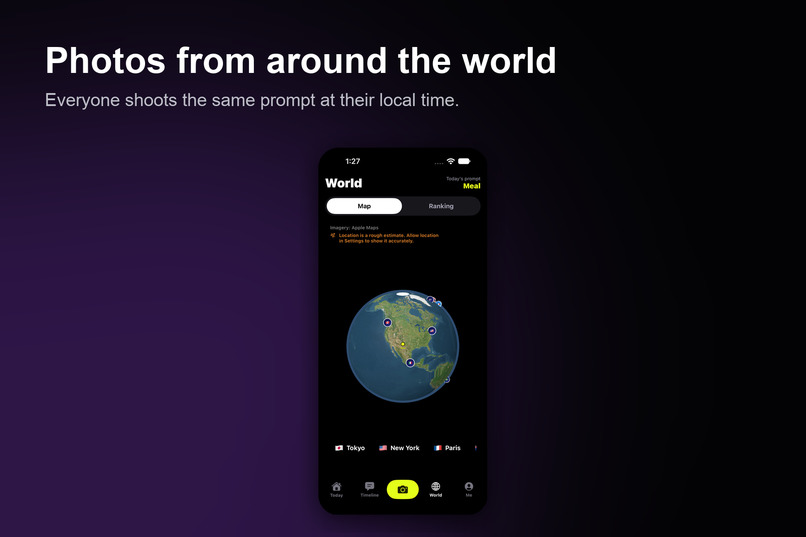
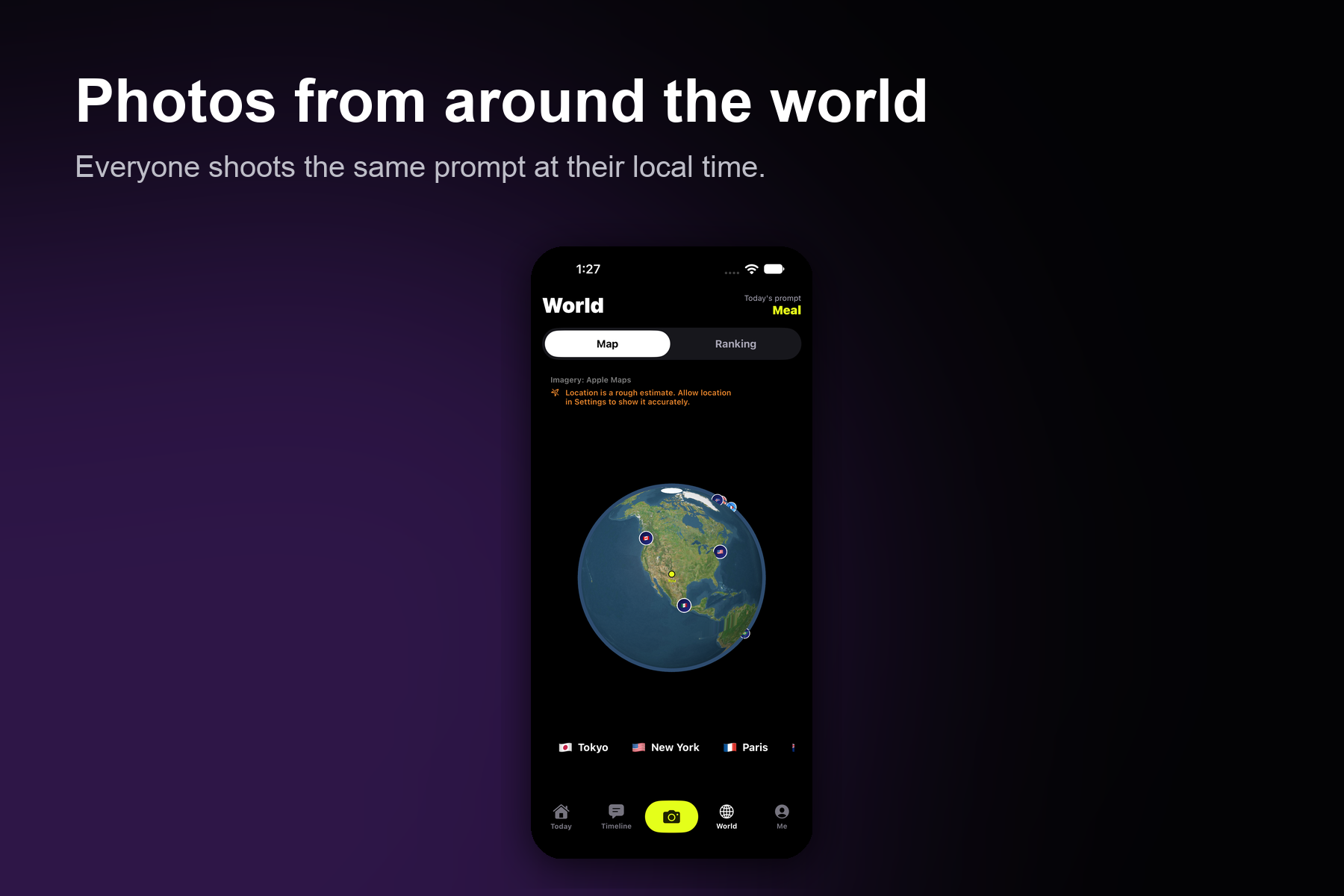
Photos from around the world
-
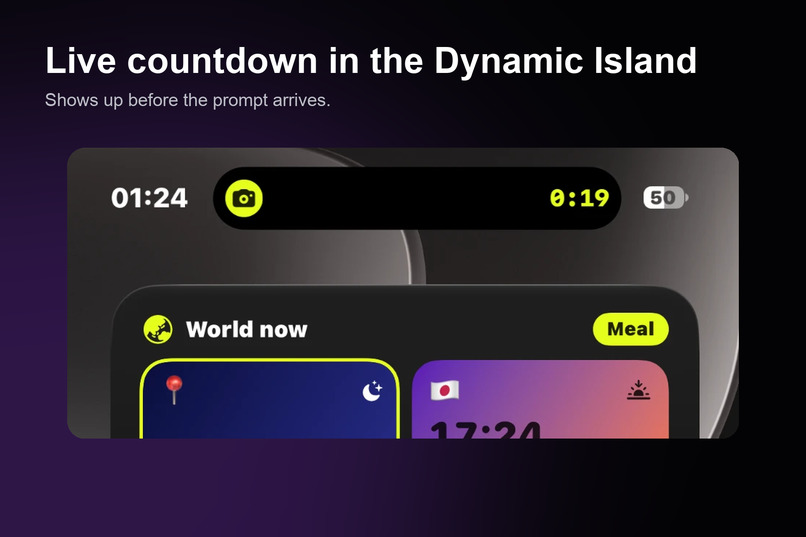
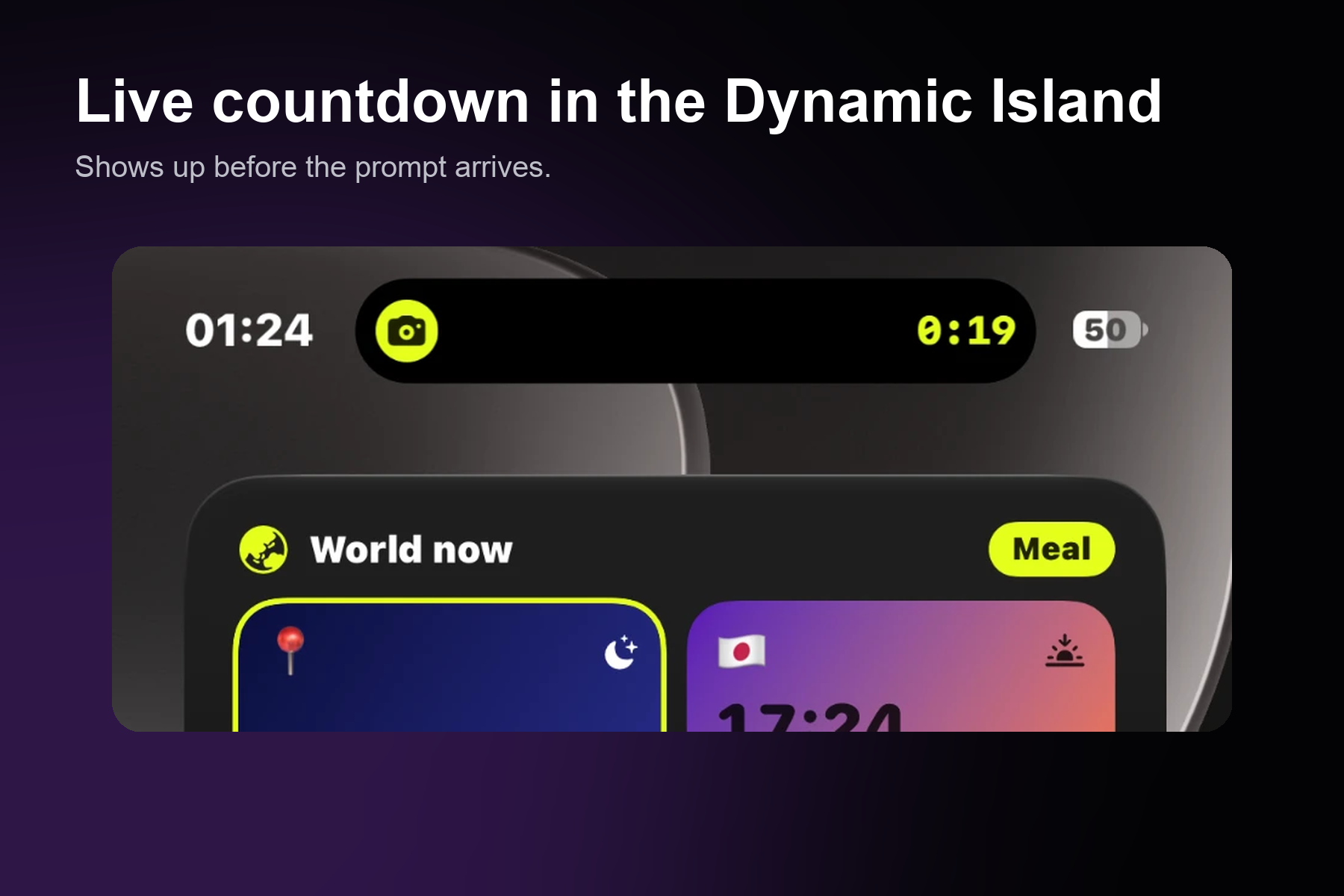
Live countdown in the Dynamic Island
-
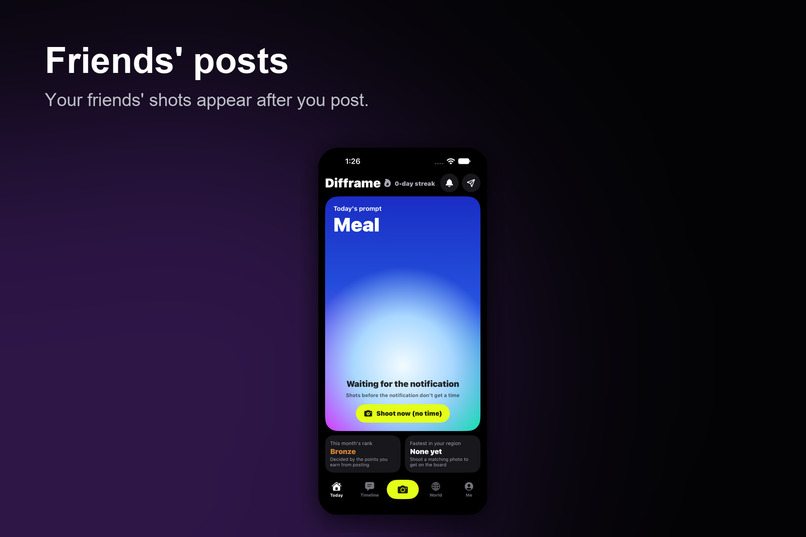
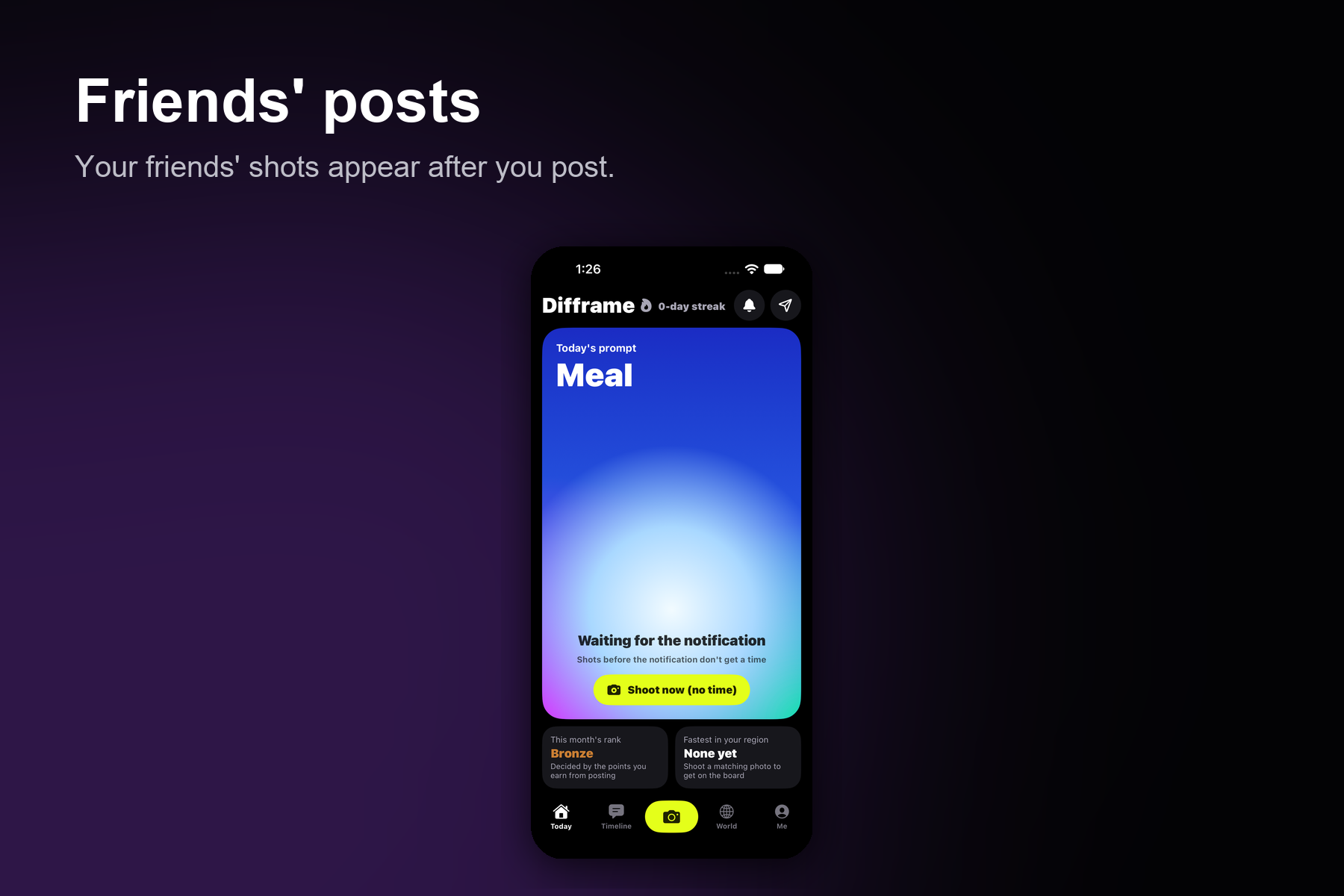
Friends' posts
-
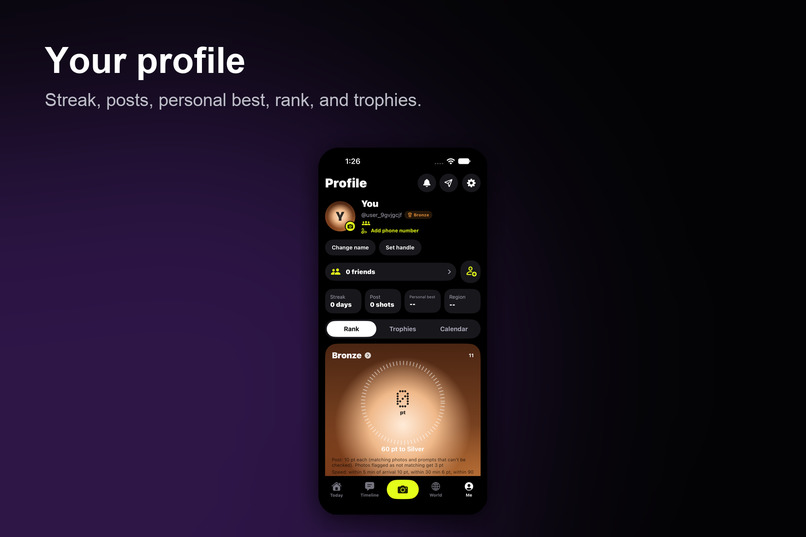
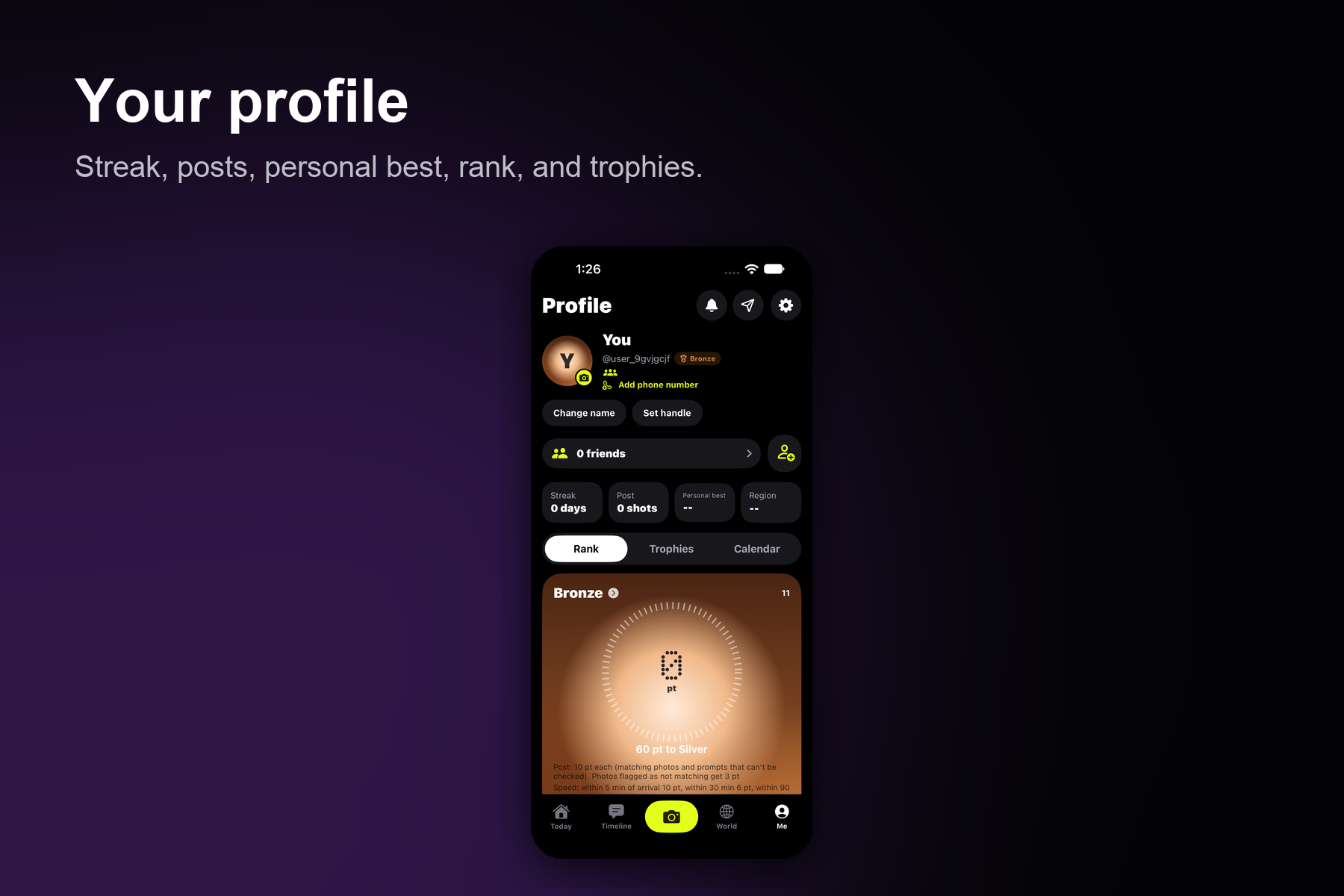
Your profile
-
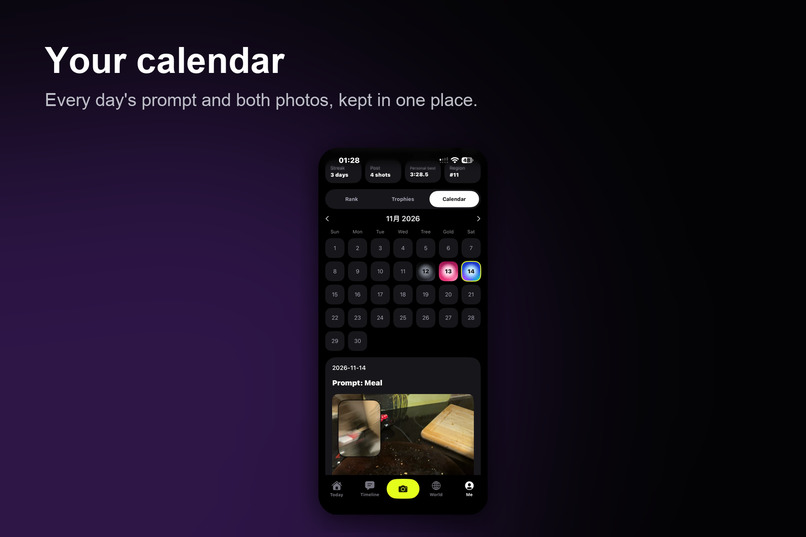
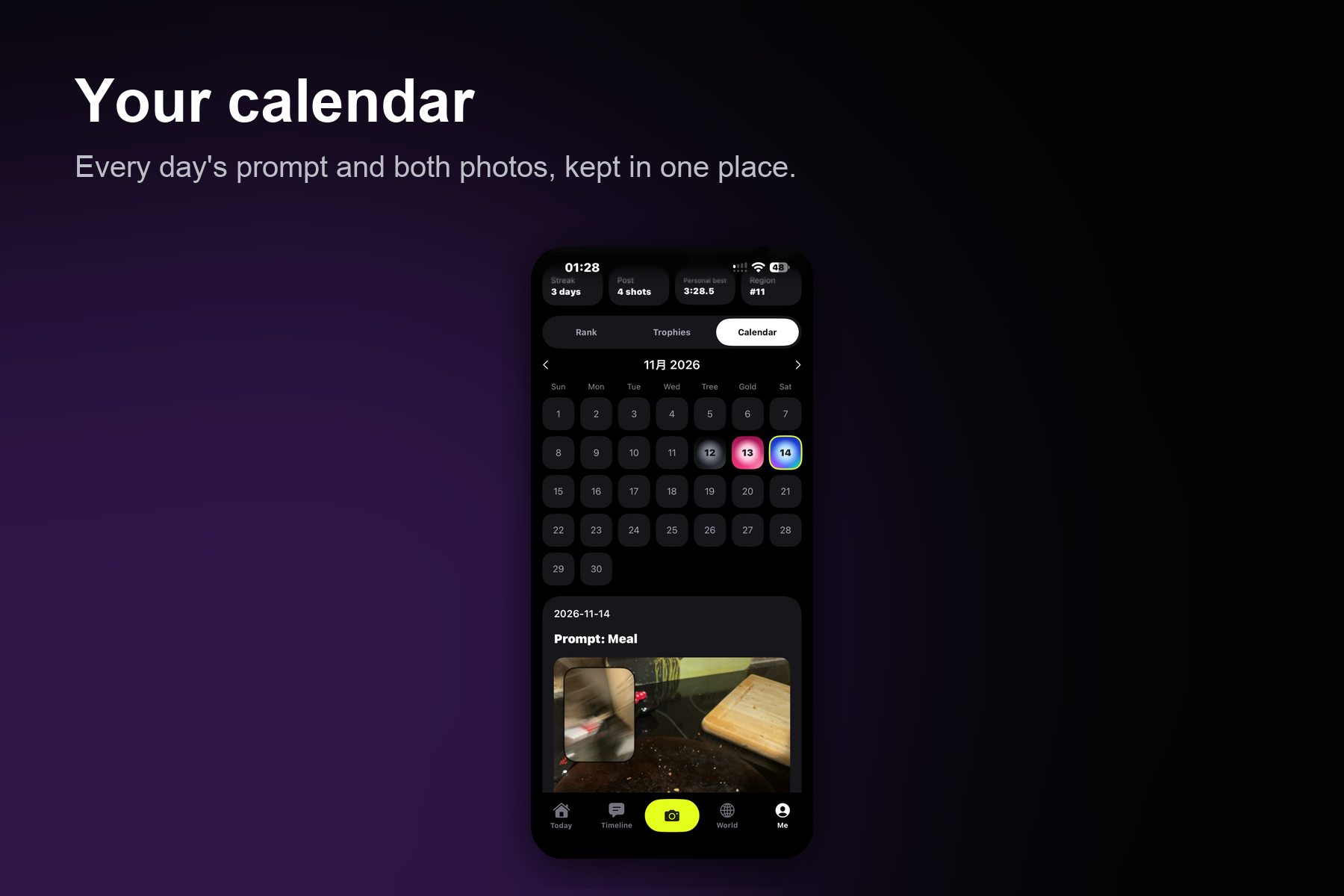
your calendar
-
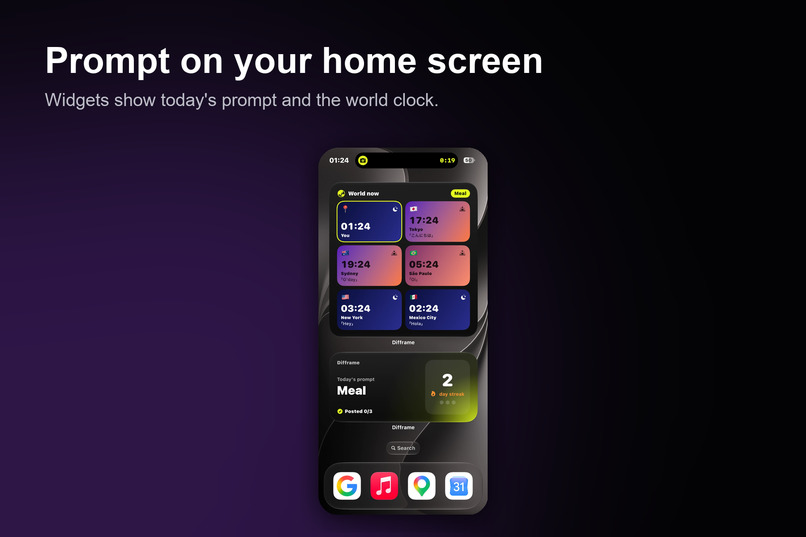
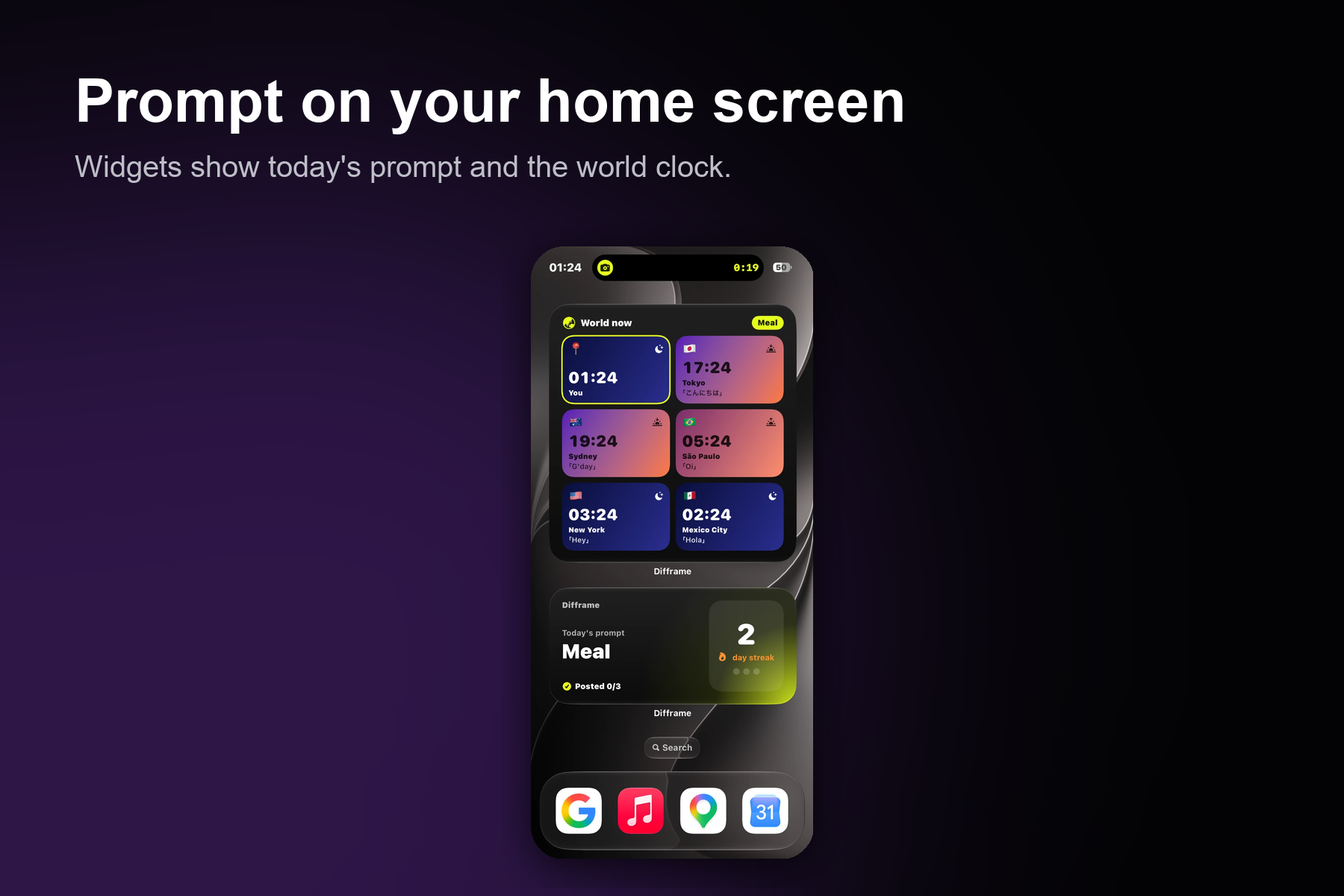
Prompt on your home screen
-
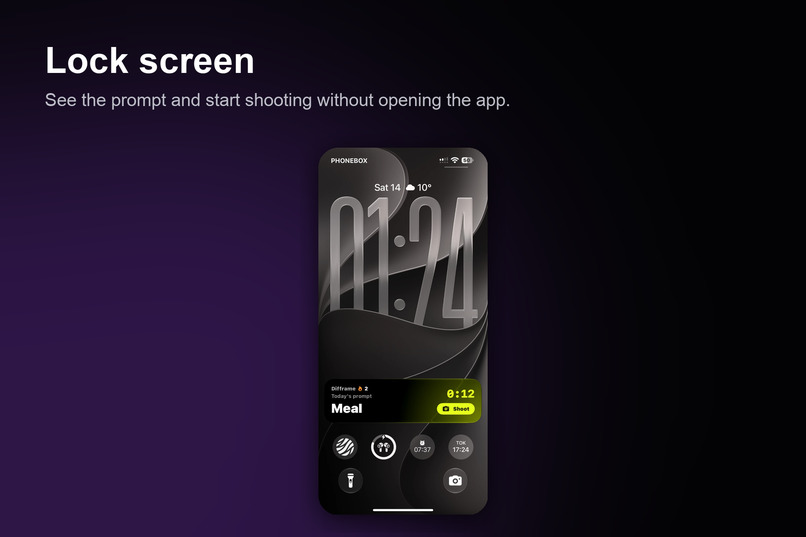
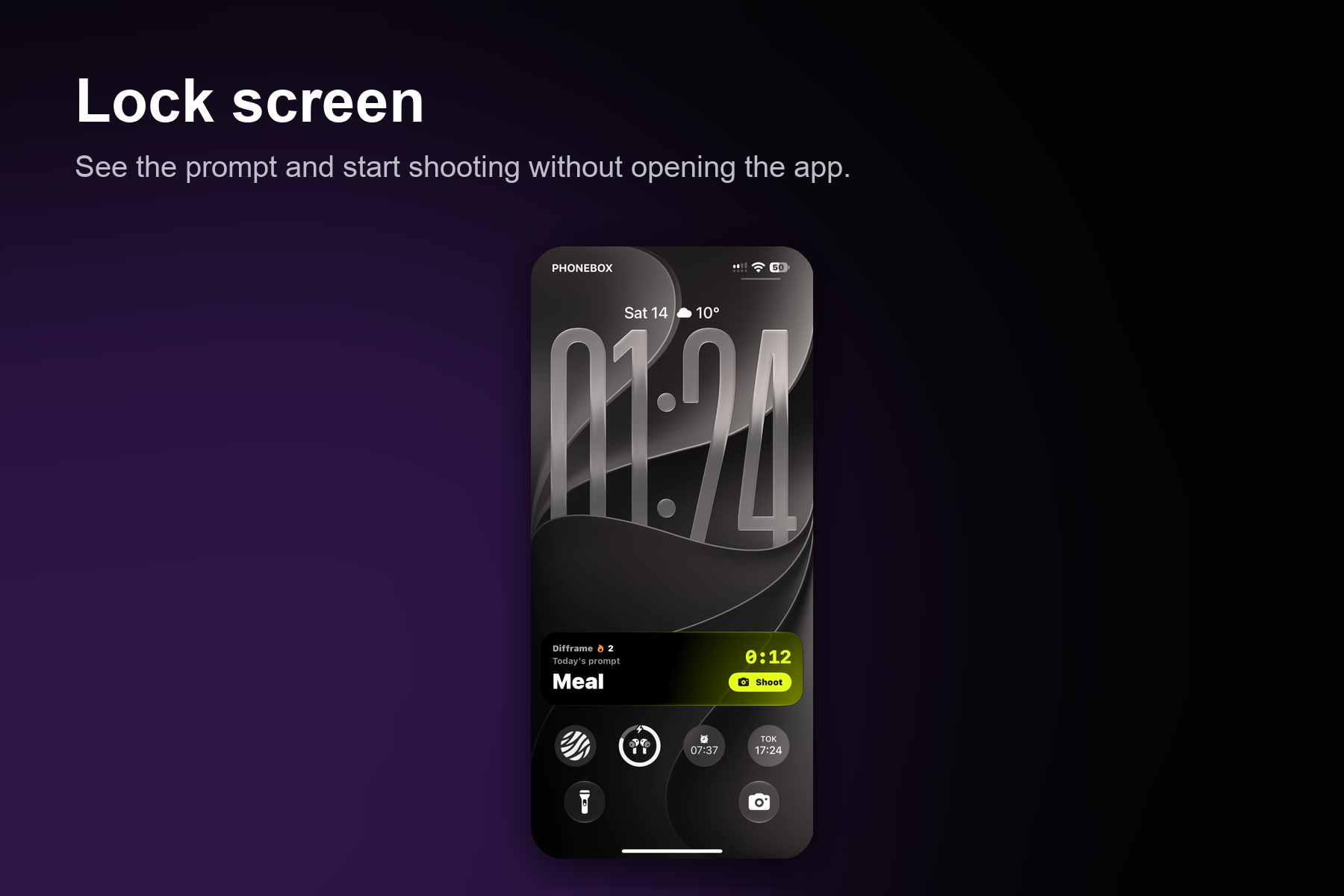
Lock screen
-
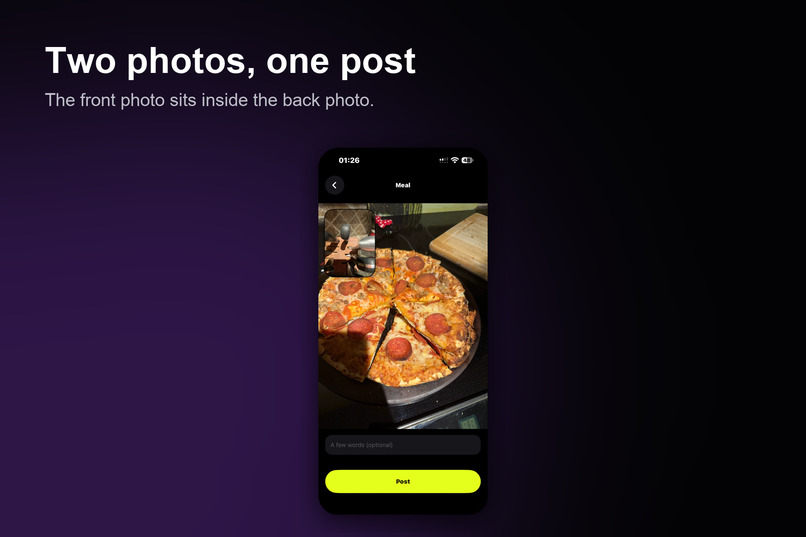
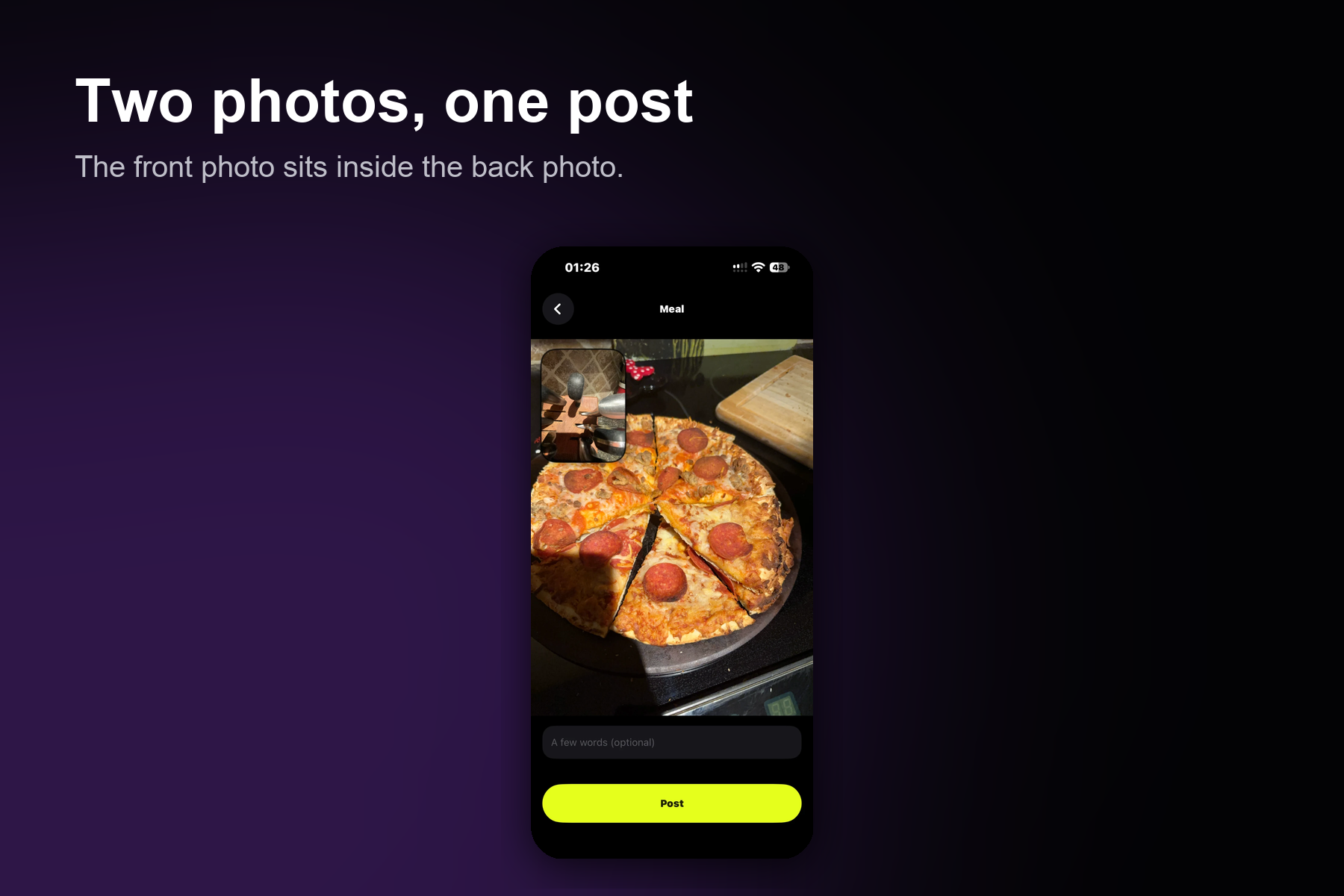
Two photos, one post
-
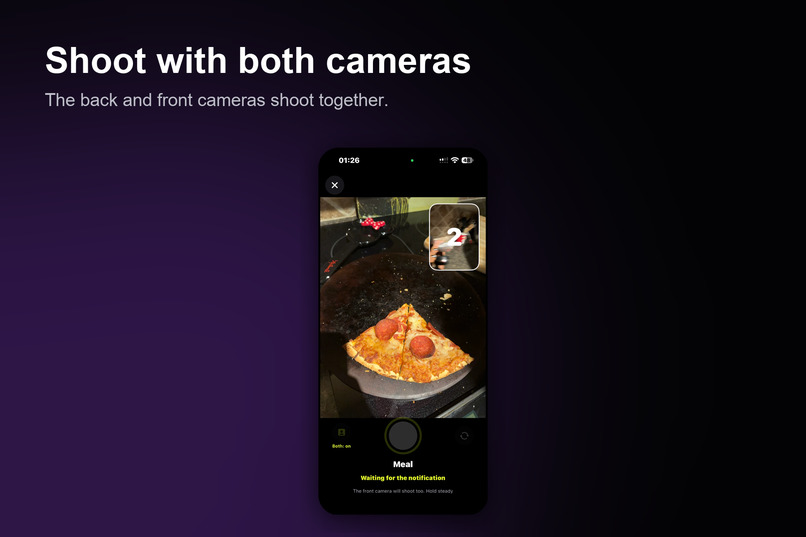
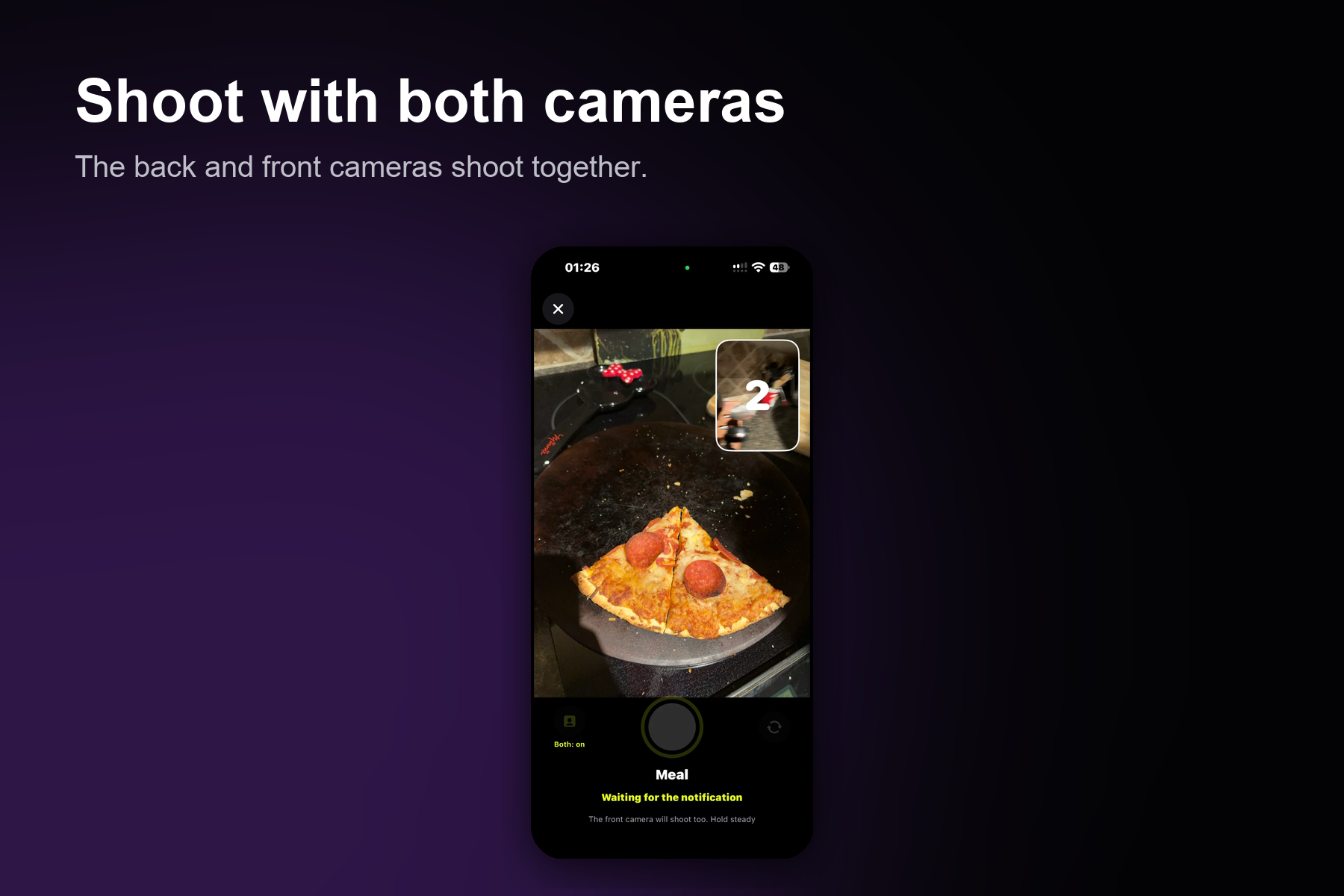
Shoot with both camaras
-
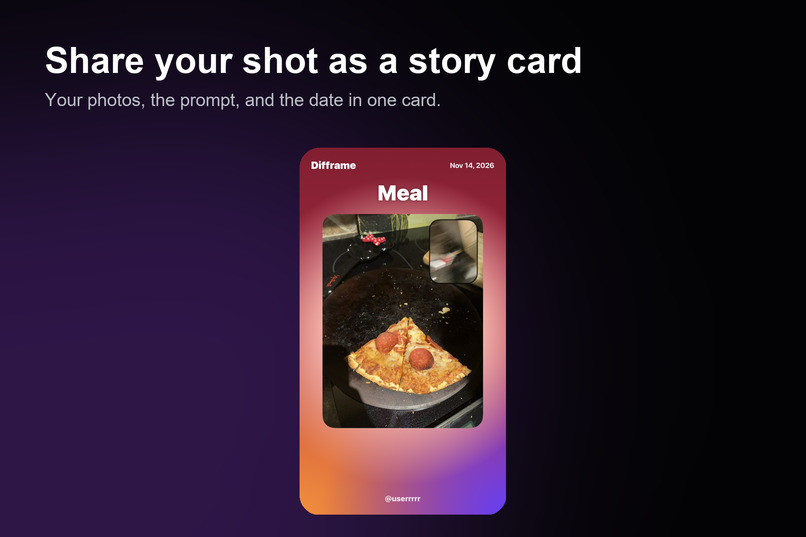
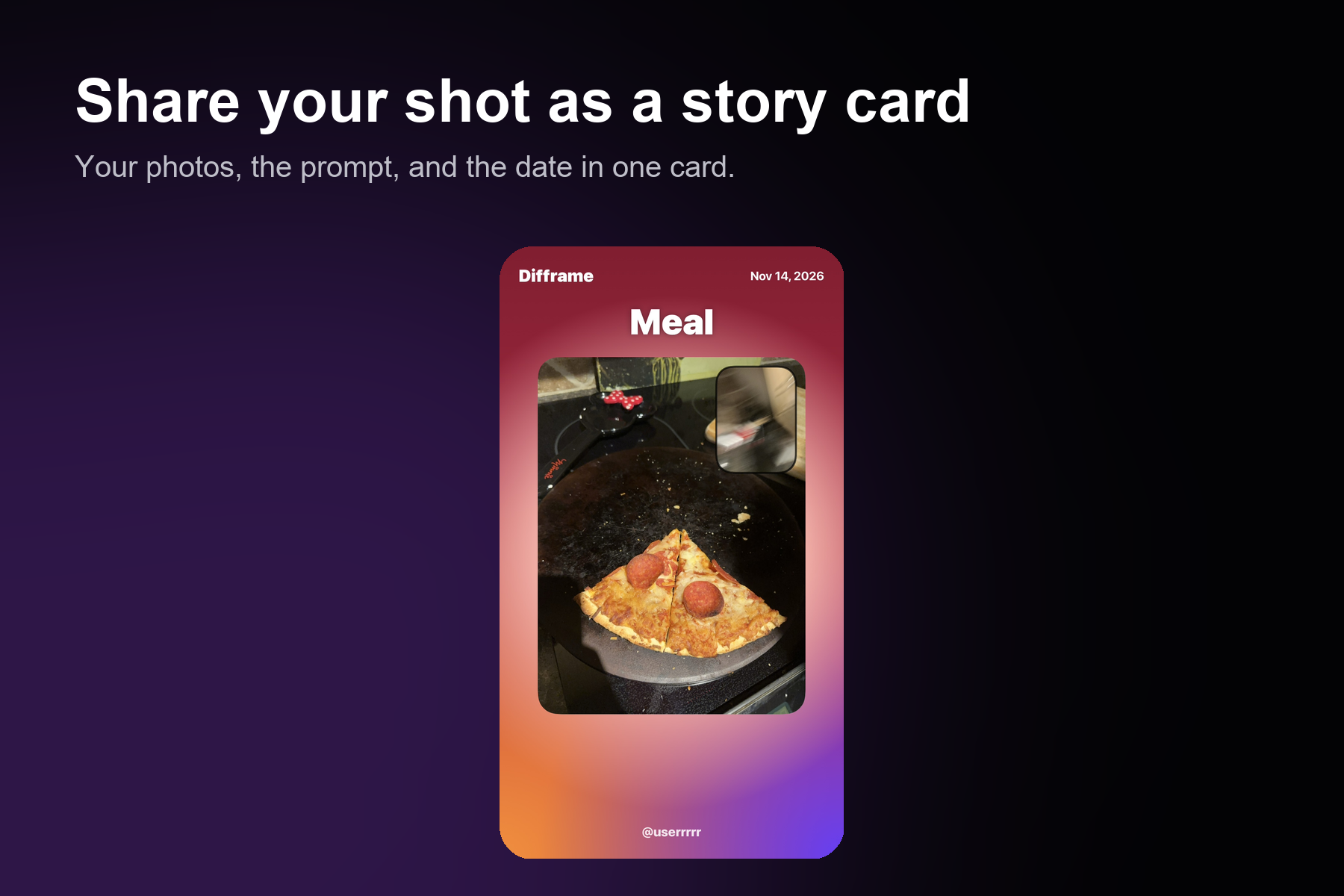
Share your shot as a story card
Difframe
Difframe is a social photo-sharing app where everyone around the world receives the same daily photo prompt. Capture your own moment, share it with friends or the world, and discover how people in different places see the same idea in completely different ways.
Inspiration
We are international students. Our families and friends are back home, and our days rarely line up with theirs. Messages help, but a photo of an ordinary moment says more. We wanted a small daily reason to share one moment with the people we miss, and a way to see how the rest of the world lives that same moment.
So we asked one question: what if everyone got the same photo prompt at the same time each day? Difframe is our answer. The prompt is the same for everyone, so the photos can be compared: “something brown” looks different in Tokyo, Vancouver, and Nairobi.
What it does
One prompt a day. Everyone gets the same prompt by notification at a random time. You can shoot it in a window, and a late post is still allowed. Check on the device. Before you post, Apple Vision checks whether the photo matches the prompt. If it does not, you get a warning. Choose who sees it. Send a post to friends, to everyone, or to both. Comments on public posts can be turned off. Location is only a city name, never an exact spot. Friends and the world. A friend feed, and a world feed with a globe that shows local time and light in each place. Comments and reactions. Comments with replies, emoji reactions, and double-tap to like. Direct messages. Friends can chat with text, photos (including a photo taken in the chat), and voice messages, with reactions, read receipts, and typing indicators. You can also send a friend’s post into a chat. Safety. Block and report from comments and profiles. Blocking removes the friendship and hides the person’s posts, comments, and notices. External sharing. Easily share your photos with other platforms, including Instagram and Snapchat. Daily streaks and widgets. Track your posting streak and see your progress through an iPhone home screen widget. Five languages: Japanese, English, Chinese, Korean, and Spanish.
How we built it
App: Swift and SwiftUI for iOS 17 and later. The Xcode project is generated by a script from one config file.
Camera and photos: AVFoundation supports the standard camera mode and dual-camera mode, which captures both the front and back cameras simultaneously. Users can freely switch between the two modes. PhotosUI is used for picking photos.
Prompt check: Apple Vision classifies the photo. Color prompts use a pixel check. Globe: MapKit map tiles are downloaded, reprojected into an equirectangular texture, and drawn on a SceneKit sphere.
Location: CoreLocation at a coarse accuracy, reverse-geocoded to a city name, and then the coordinates are discarded.
Server: Firebase Authentication (anonymous sign-in) and Cloud Firestore, called through the REST API. Security rules control who can read and write each post, message, block, and notification. Notifications: The daily prompt is scheduled on the device. Friend activity is checked in the background, on a best-effort basis.
Challenges we ran into
Map pins were misplaced. Apple’s realistic map did not place our pins correctly, so we built our own globe from tiles. The first attempts smeared the texture until we reprojected the tiles. Caption burn-in failed. Adding captions to the demo video with AVFoundation did not render, so the video uses a subtitle file instead. Private and public at once. Friends-only posts had to stay private while public posts stayed visible. This took several rounds of security rules, and each query had to match the rule it relied on. Notifications with the phone off. Real push notifications need an Apple Developer account and a paid cloud plan. Within the hackathon we could not set those up, so friend activity is checked in the background instead, and the limit is stated in the app’s notes. Testing without a camera. The simulator has no camera and does not always accept typed text, so we tested the server rules with scripts and the screens with the simulator, and the camera and voice flows still need a real phone.
What we learned
Writing down the rules for a shared database is as important as writing the screens. A query that the rules cannot prove safe fails, so the query and the rule must agree. Small details decide whether a shared daily ritual works: one prompt for everyone, a clear time window, and a warning that is gentle rather than blocking. Being honest about limits (sample posts, background-only notices, no App Store release) makes the product easier to trust.
Built with
Swift, SwiftUI, AVFoundation, PhotosUI, Vision, MapKit, SceneKit, CoreLocation, WidgetKit, Firebase Authentication, Cloud Firestore
Links
GitHub: https://github.com/sats071417-cyber/difframe Demo video: https://www.youtube.com/watch?v=fsYhK64ohZU
AI use
Some of the UI code was created with the assistance of the AI coding assistant "Claude." The team designed the product, chose the features, and tested the app.
Credits
Visual assets and sample photos are sourced from free stock resources listed in the repository.
Built With
- avfoundation
- cloud-firestore
- core-location
- firebase
- localnotifications
- mapkit
- photosui
- restapi
- scenekit
- swift
- swiftui
- vison
- widgetkit
- xcode

