-
-
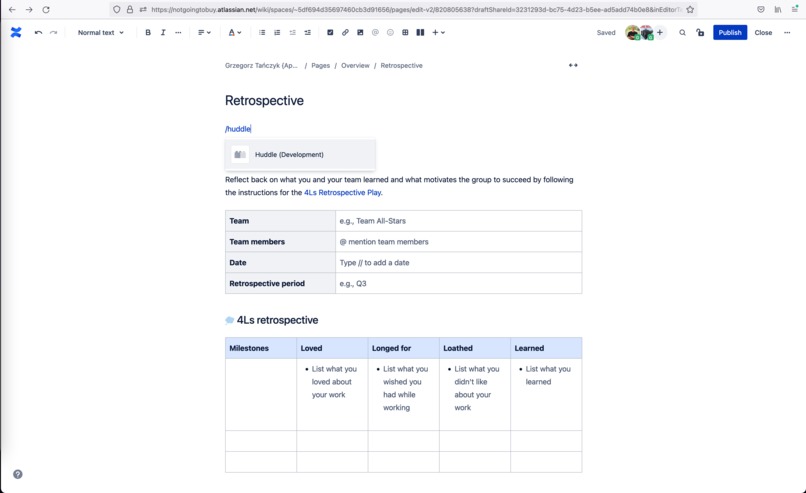
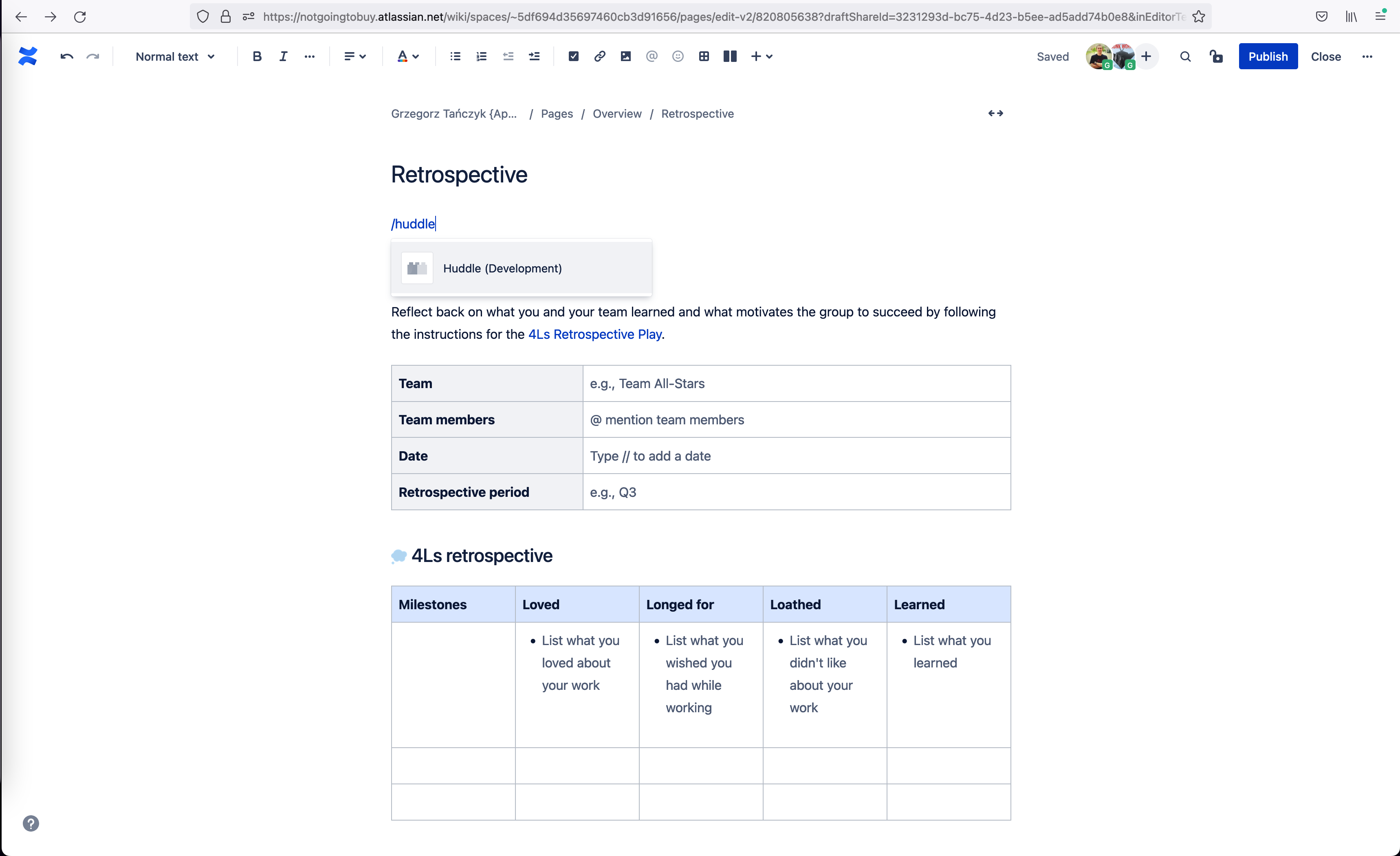
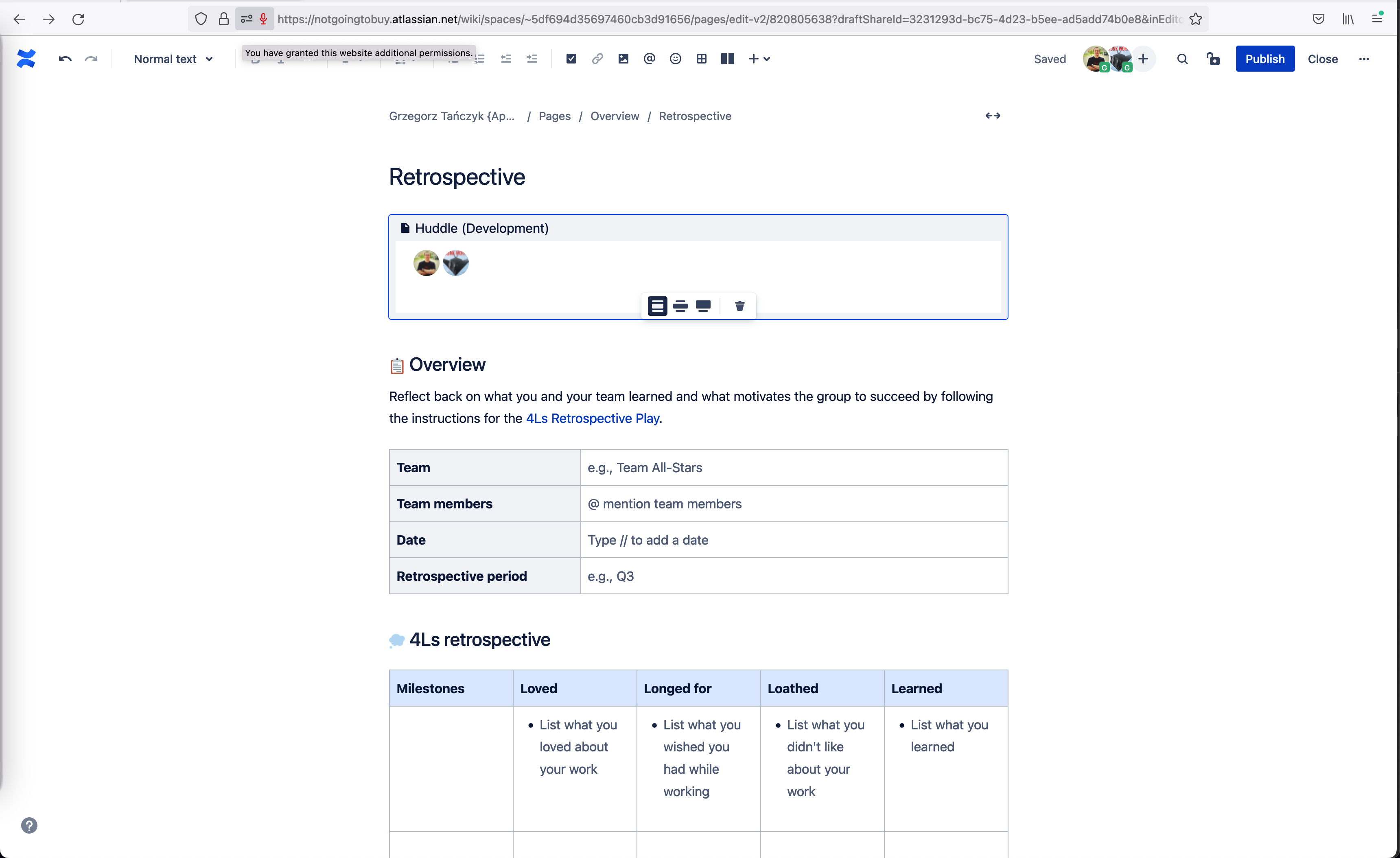
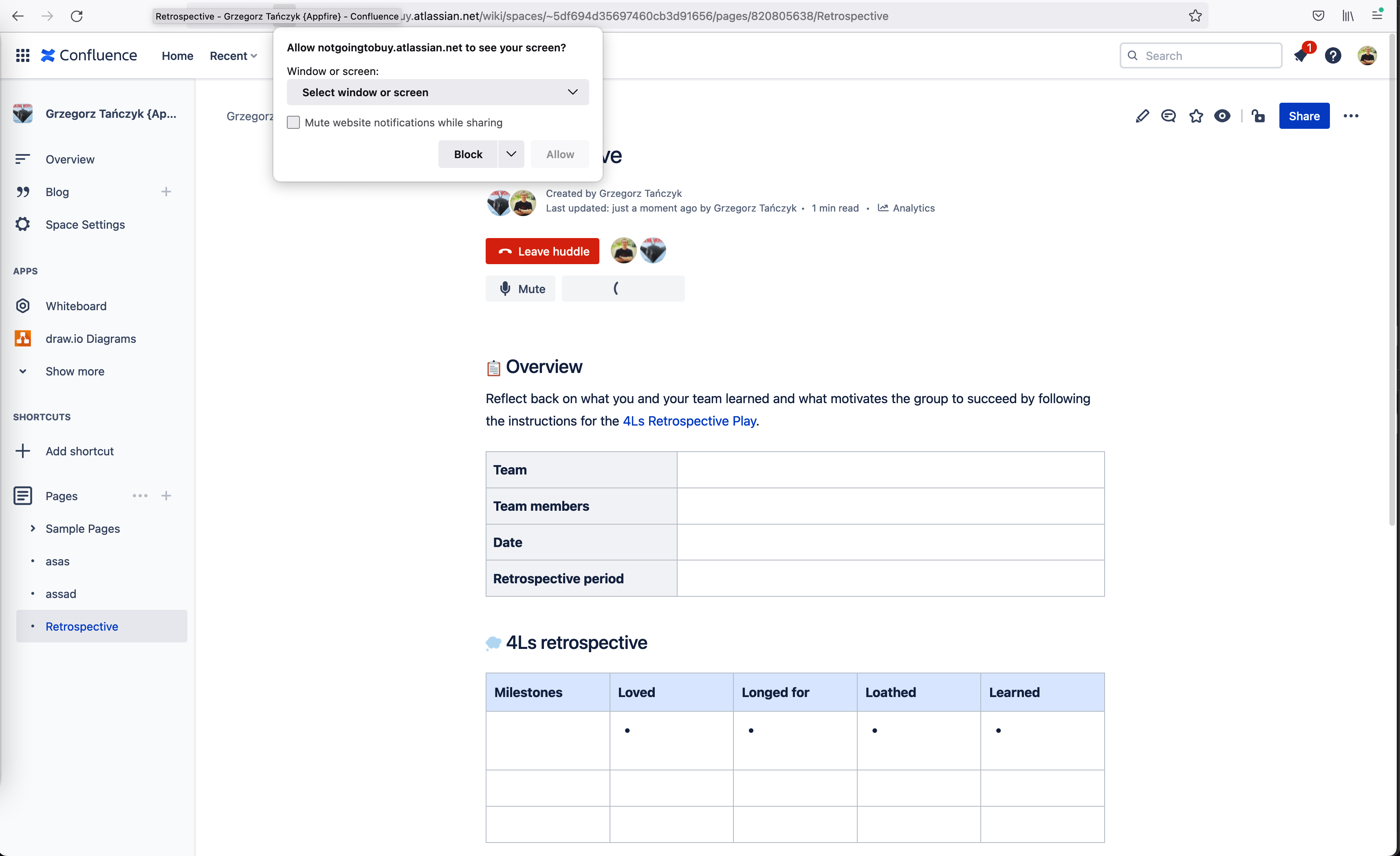
Add /huddle macro to your page
-
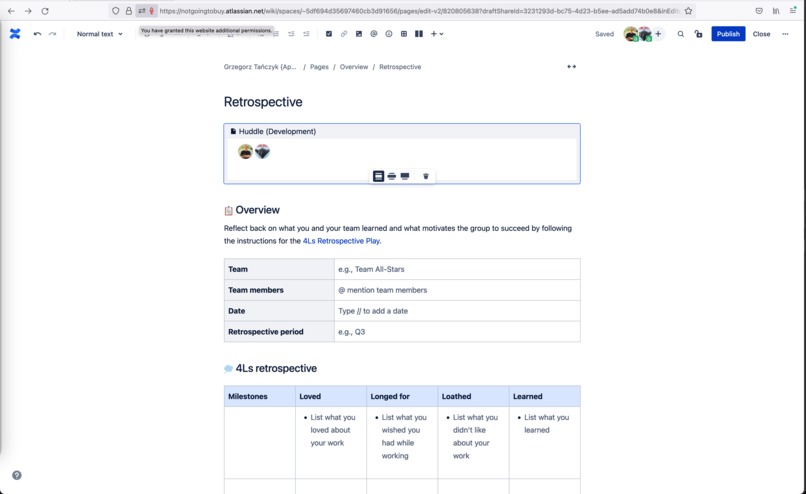
Automatically start conversation with current collaborators
-
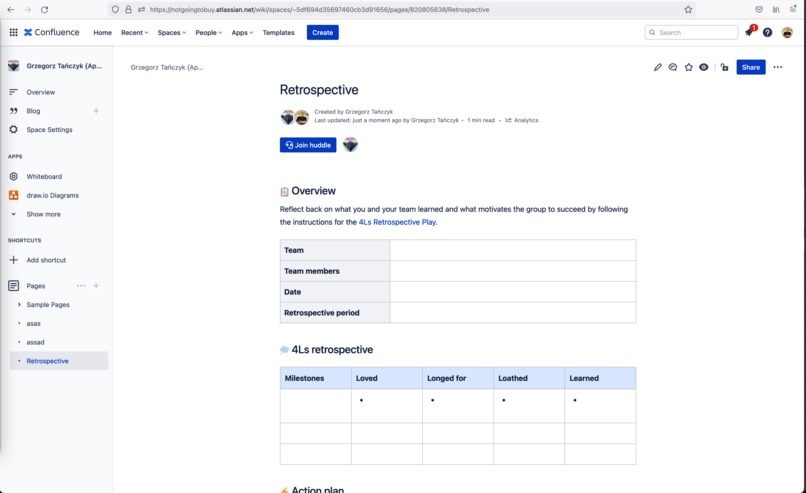
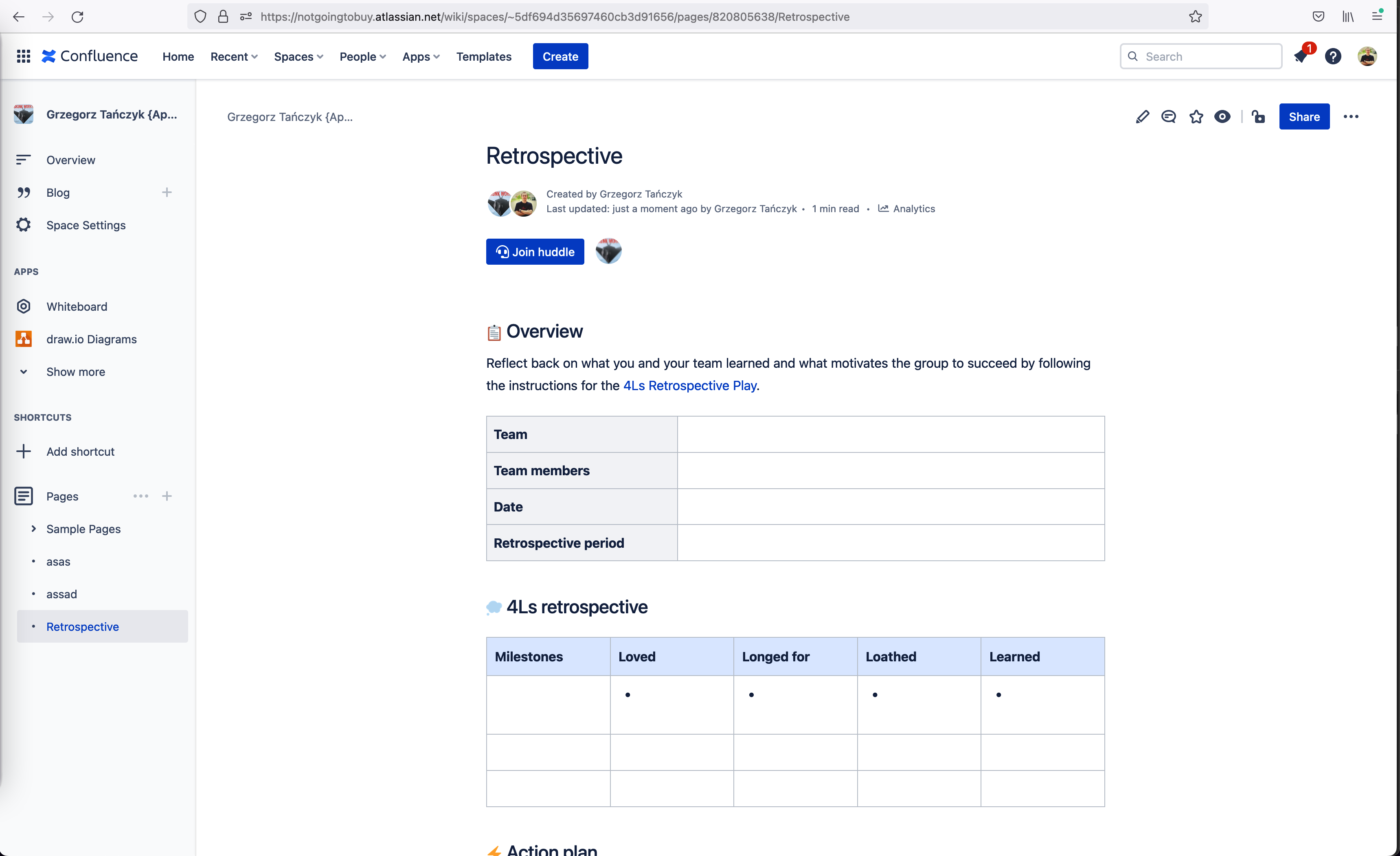
Manually join conversation if you are viewing a page
-
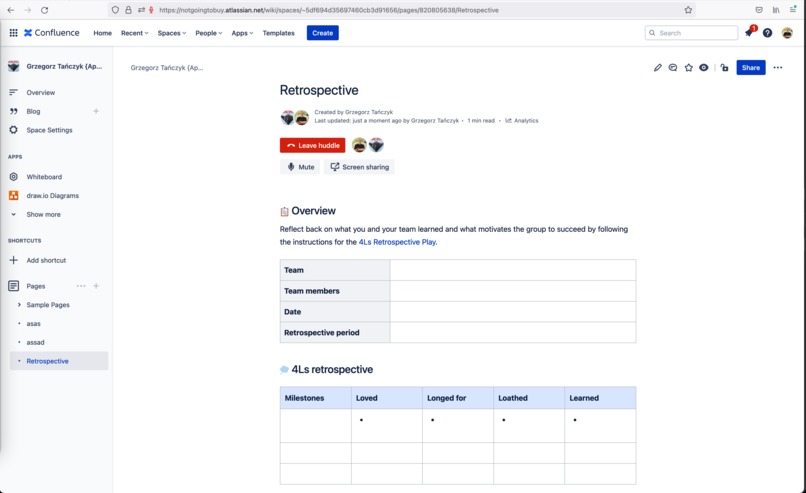
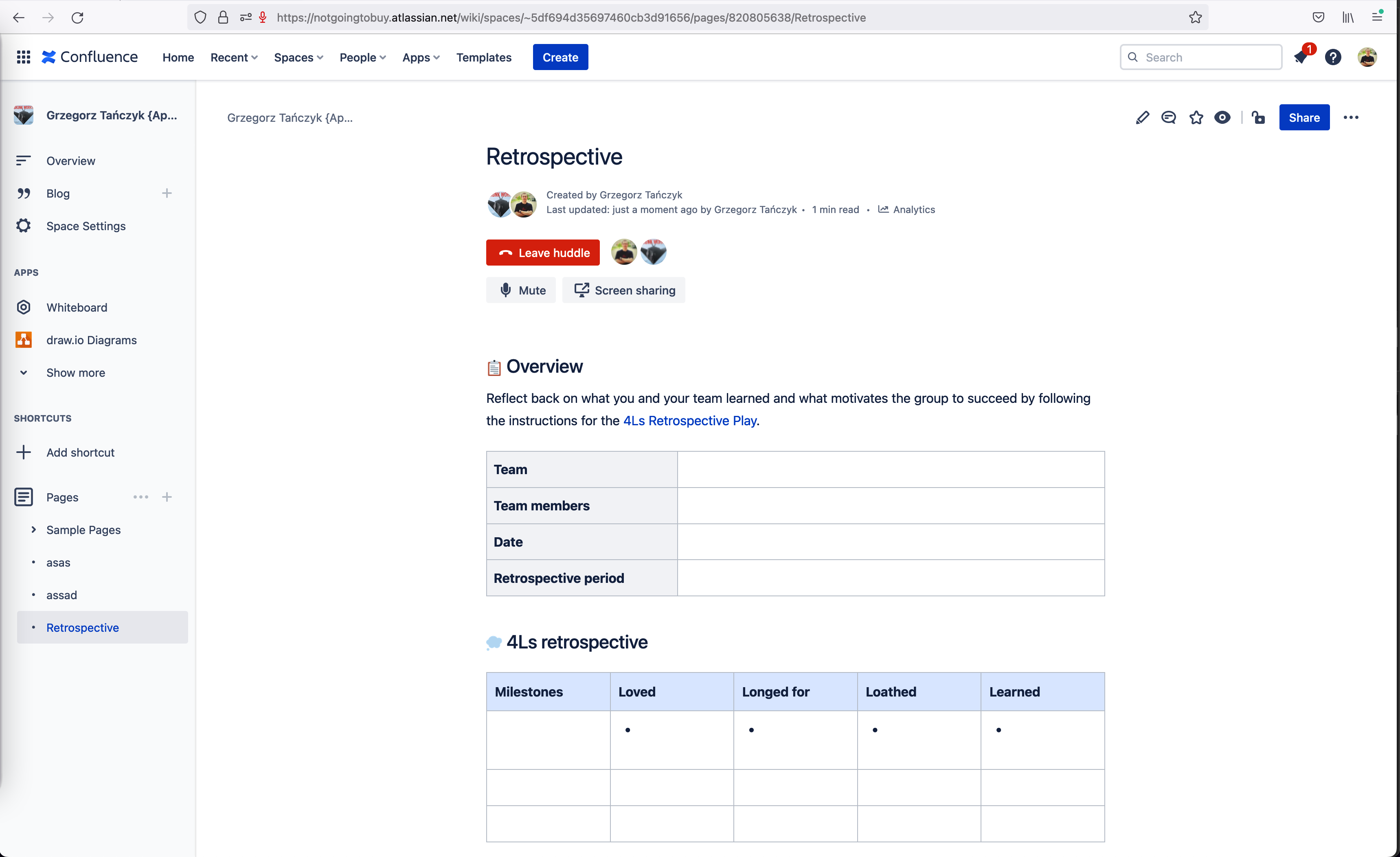
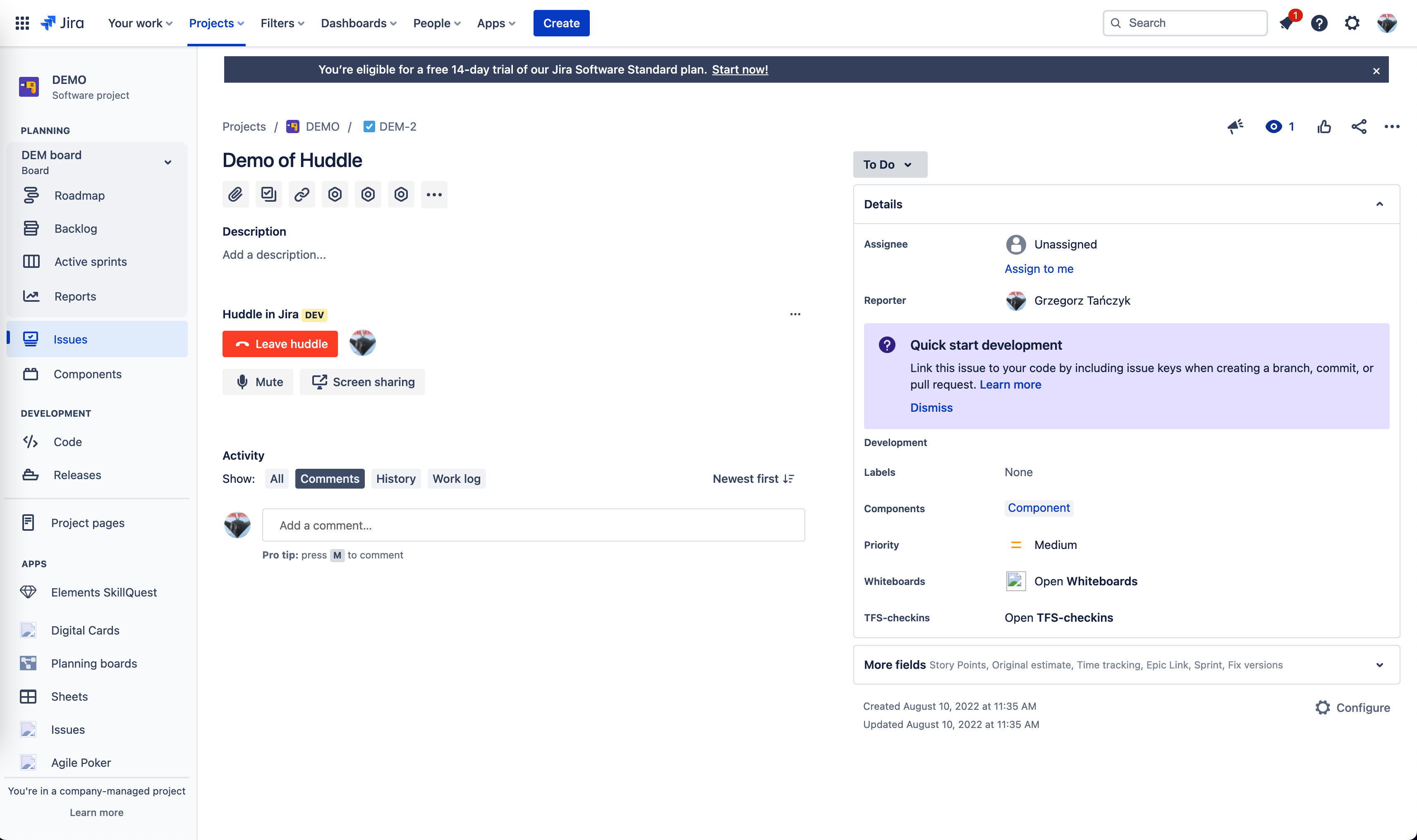
Conversation controls: Leave, Mute, Screen share
-
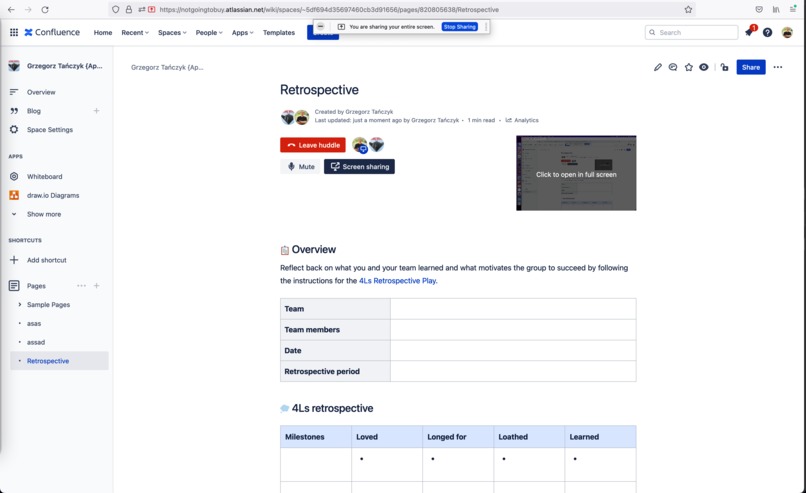
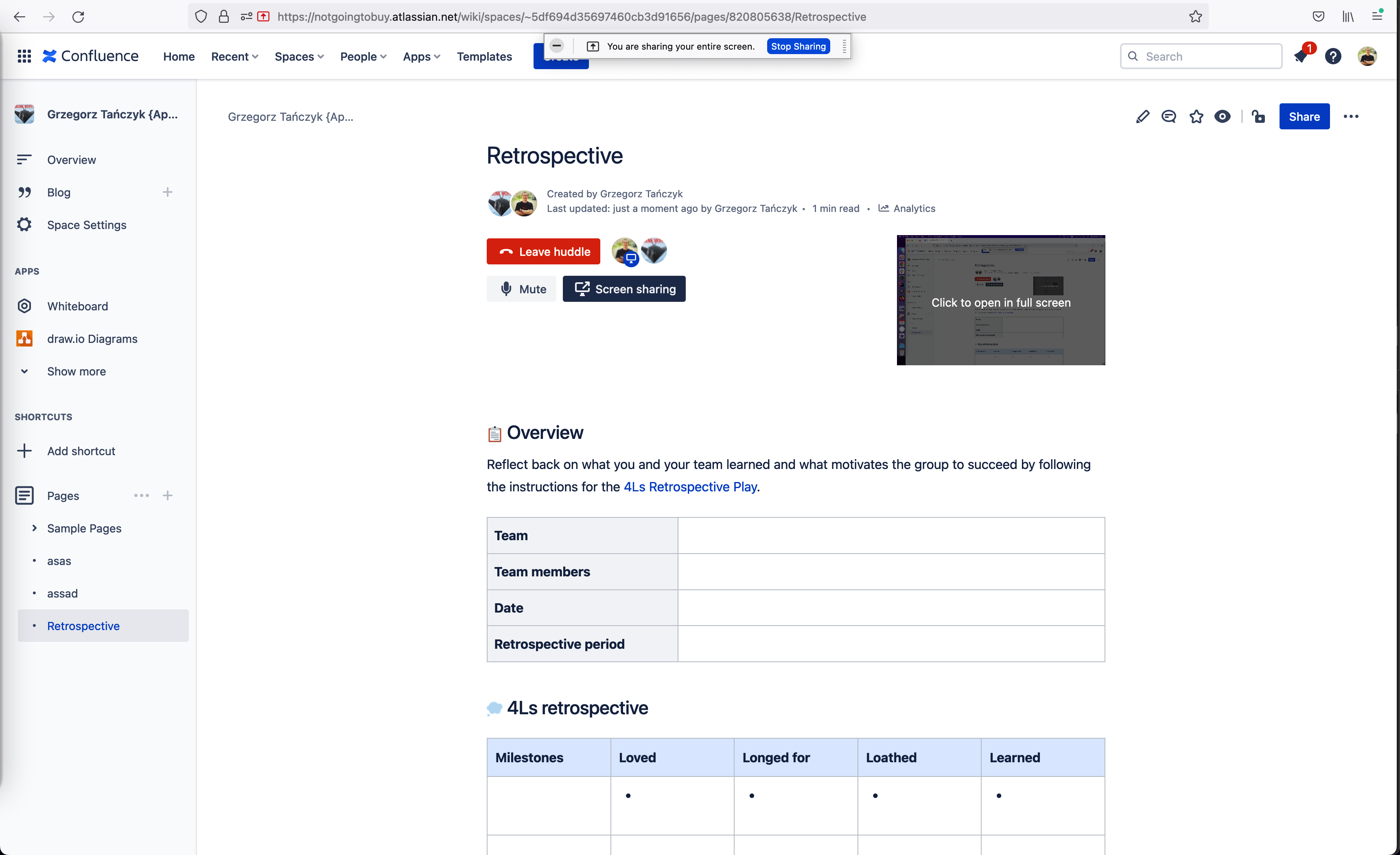
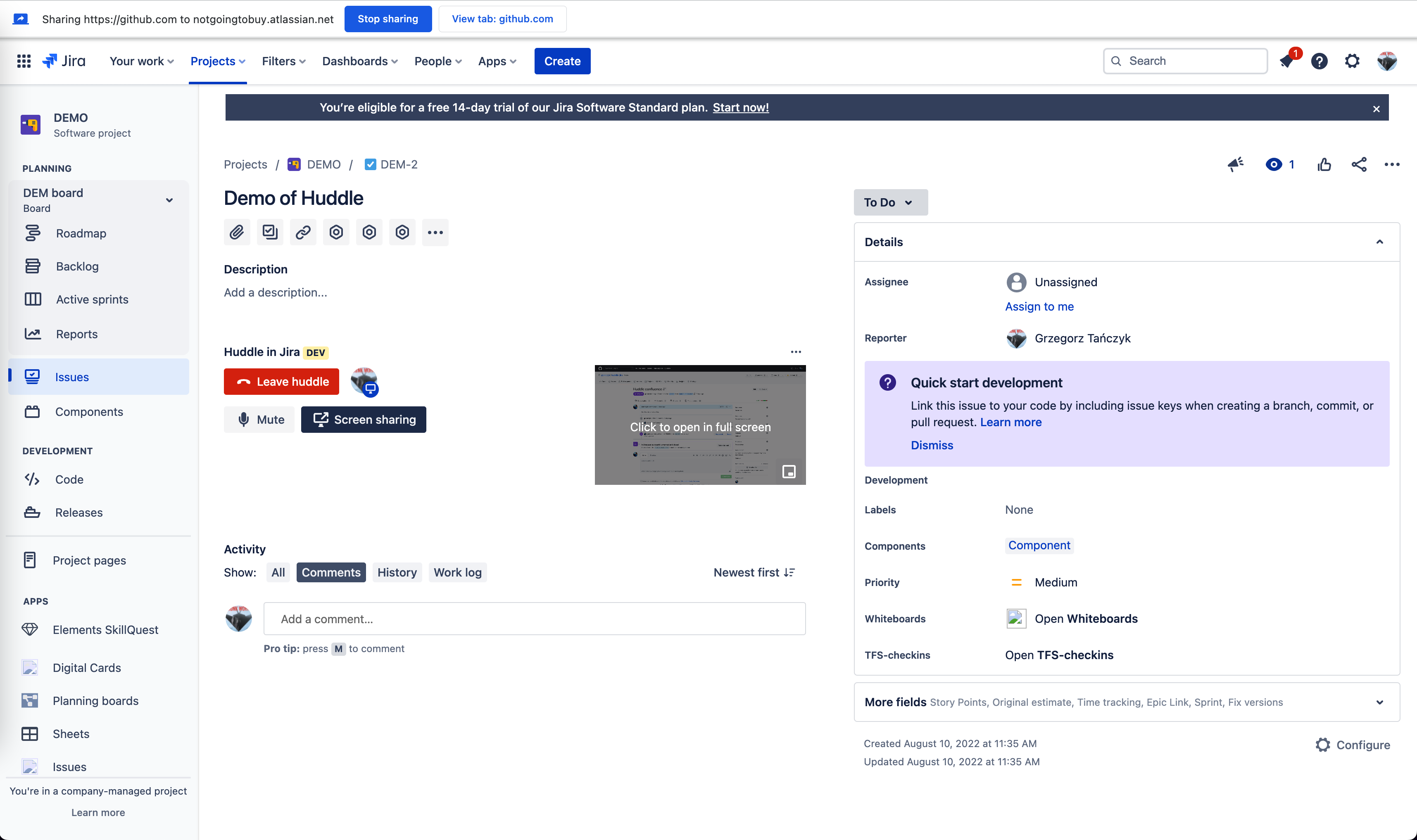
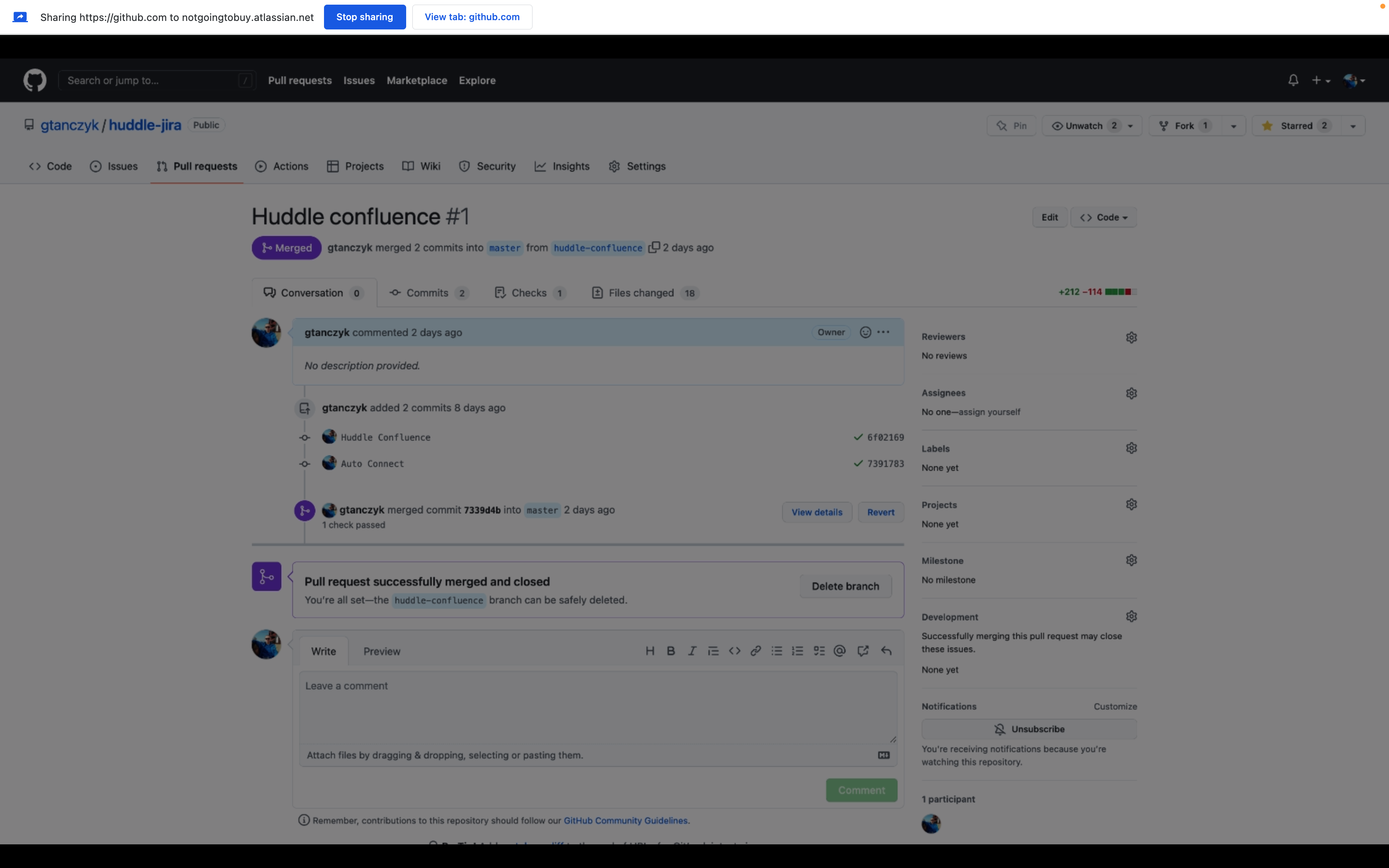
An option to display screen share in full screen
-
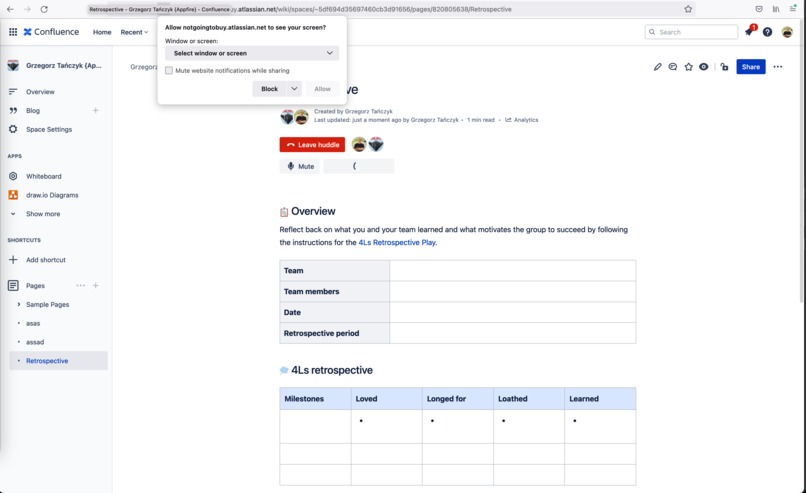
Select a screen to share
-
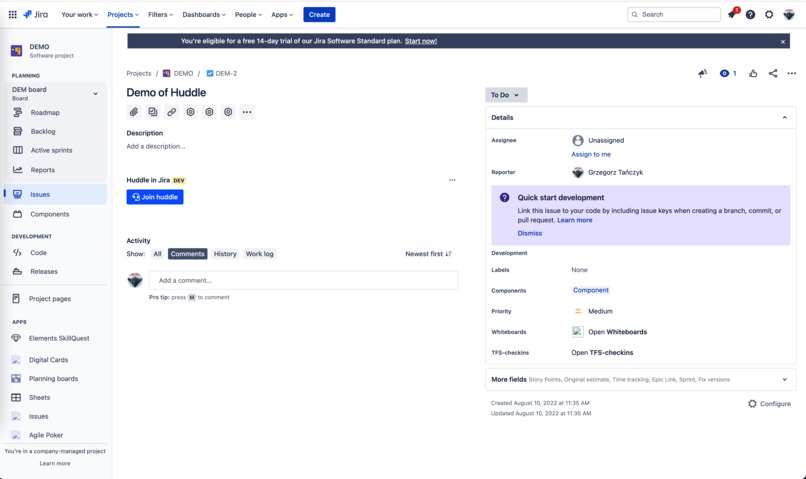
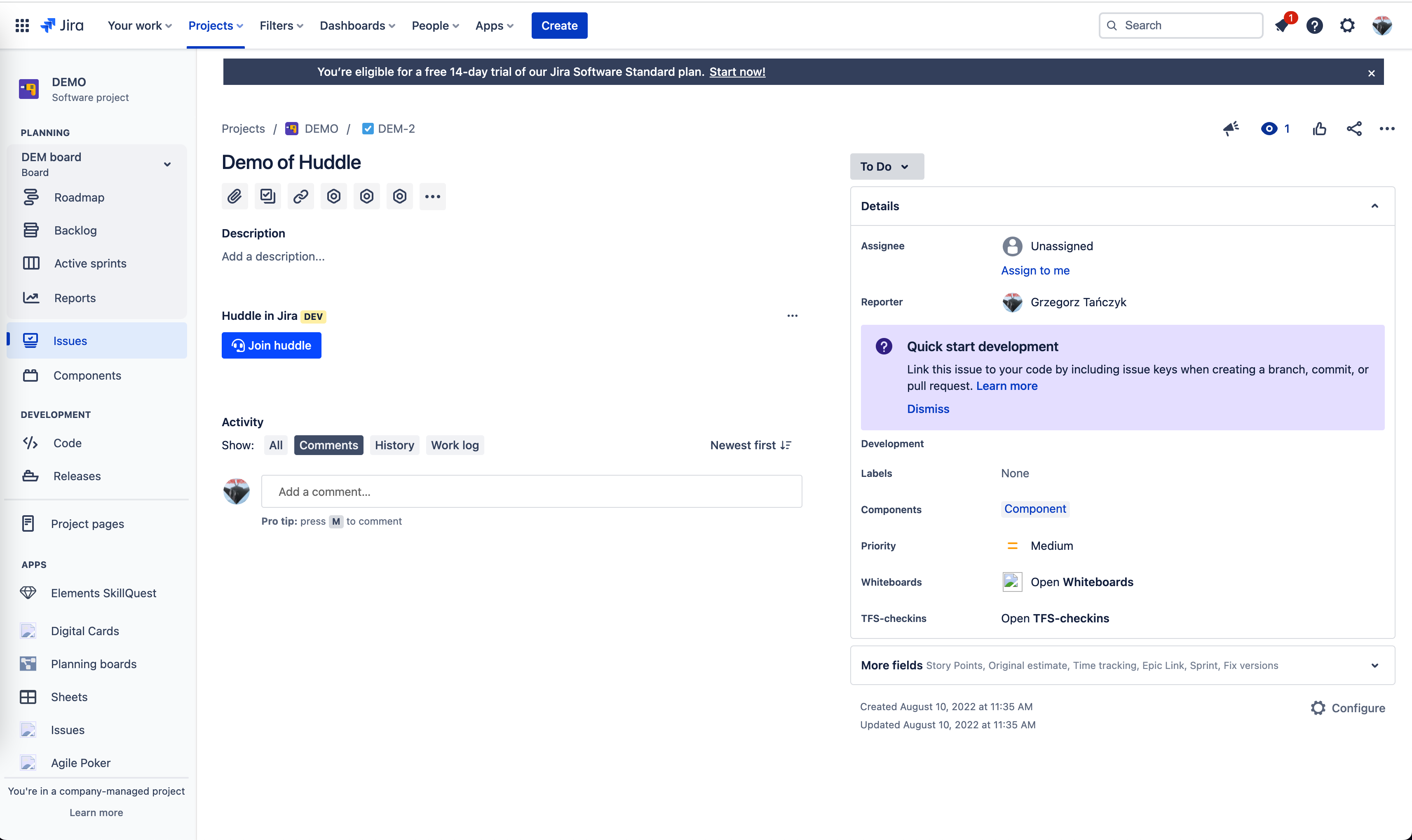
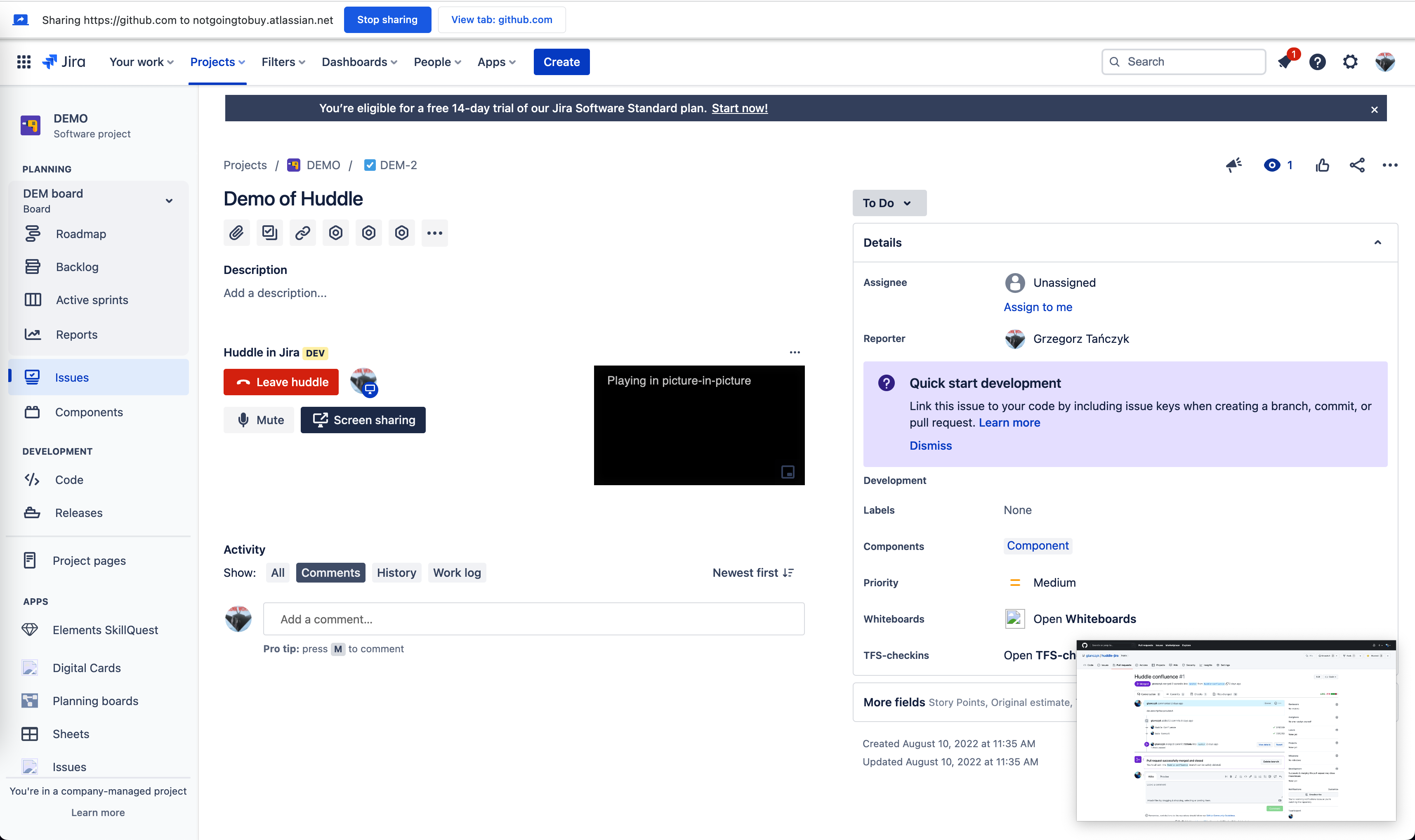
Huddle panel in Jira
-
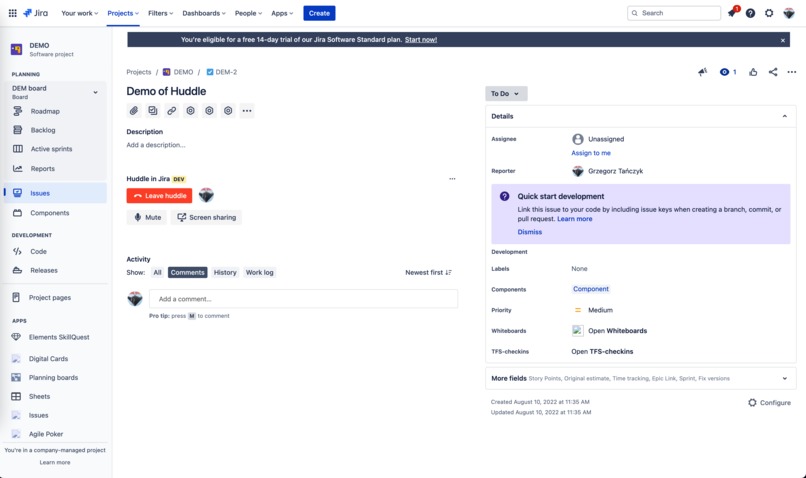
Huddle in Jira: Connected
-
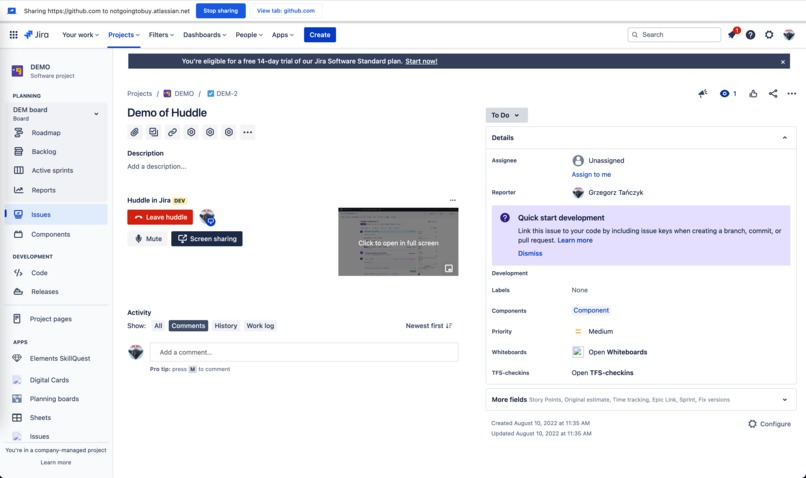
Huddle in Jira: Screen sharing
-
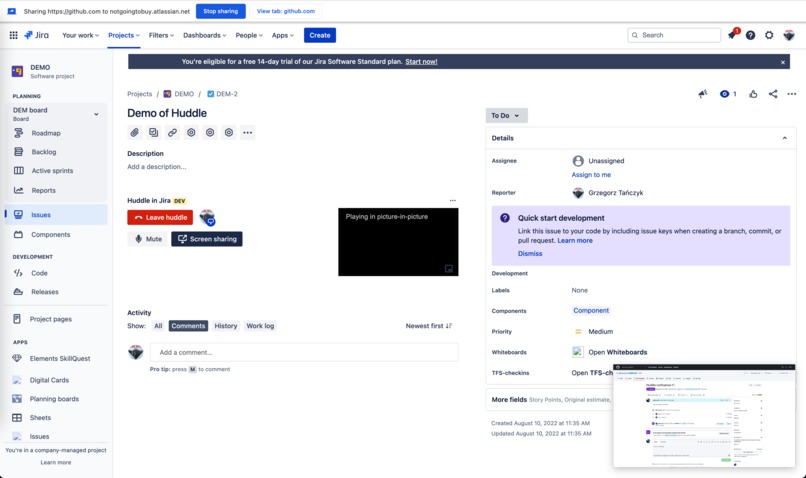
Huddle in Jira: Picture in picture
-
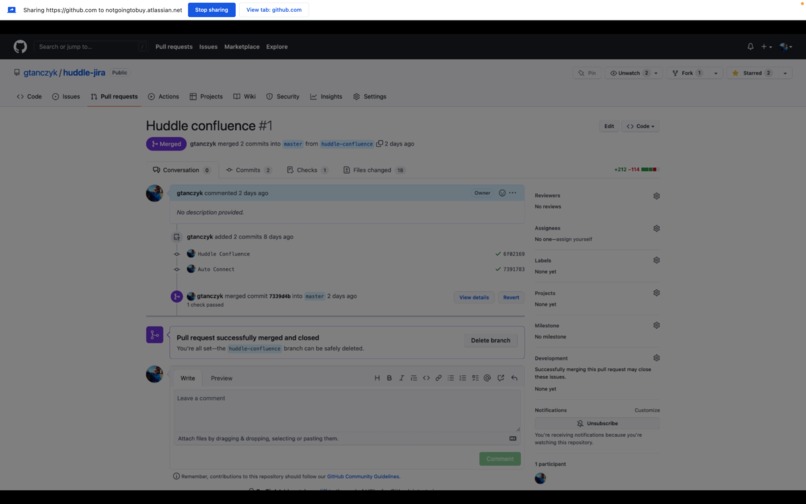
Full screen view
Inspiration
This project is inspired by Slack huddle, Figma audio chat, and Google Docs instant meetings. Audio communication and screen sharing embedded into a product is very useful, and I'm using it all the time with my colleagues. I want Confluence and Jira users to have the same capability.
What it does
You can start instant conversation with your colleagues, while not losing the context.
Confluence:
- use
/huddlemacro while editing Confluence pages to start audio conversation with other collaborators - after the page is saved, while you are viewing it, screen share functionality is available as well
Jira:
- Huddle panel added to Jira ticket page
Huddle in both products allows you to:
- Mute/unmute your microphone
- See live list of participants
- Share your screen
- See other participant screen share: mini preview, picture in picture, or full screen
- See speaking indicator on each participant
How we built it
This app was assembled with Atlassian Forge and Dolby.io. I took my other hackathon entry, which worked only inside Jira, and converted it into a cross product app. The idea was to make it work both in Jira and Confluence. An abstraction was added to the code, so that the audio conversation room can be attached either to Jira ticket in web panel, or to Confluence page via macro embed.
Challenges we ran into
Confluence macro editing experience is not fully aligned with my initial concept. The user is not able to interact with the macro preview.
Accomplishments that we're proud of
It was a straight forward project! I could easily adapt my previous implementation to the new use case in Confluence.
What we learned
- Confluence macro module
- Cross product apps in Forge
What's next?
This functionality might as well become a native feature in Jira&Confluence, but assuming it continues to be an app I would like to make the experience even more seamless. Adding conversation controls while in editing mode could be achieved using the macro configuration.


Log in or sign up for Devpost to join the conversation.