Helen — Real-Time Optical Braille Recognition
Repository: https://github.com/divyanx/helen-braille-reader
Problem
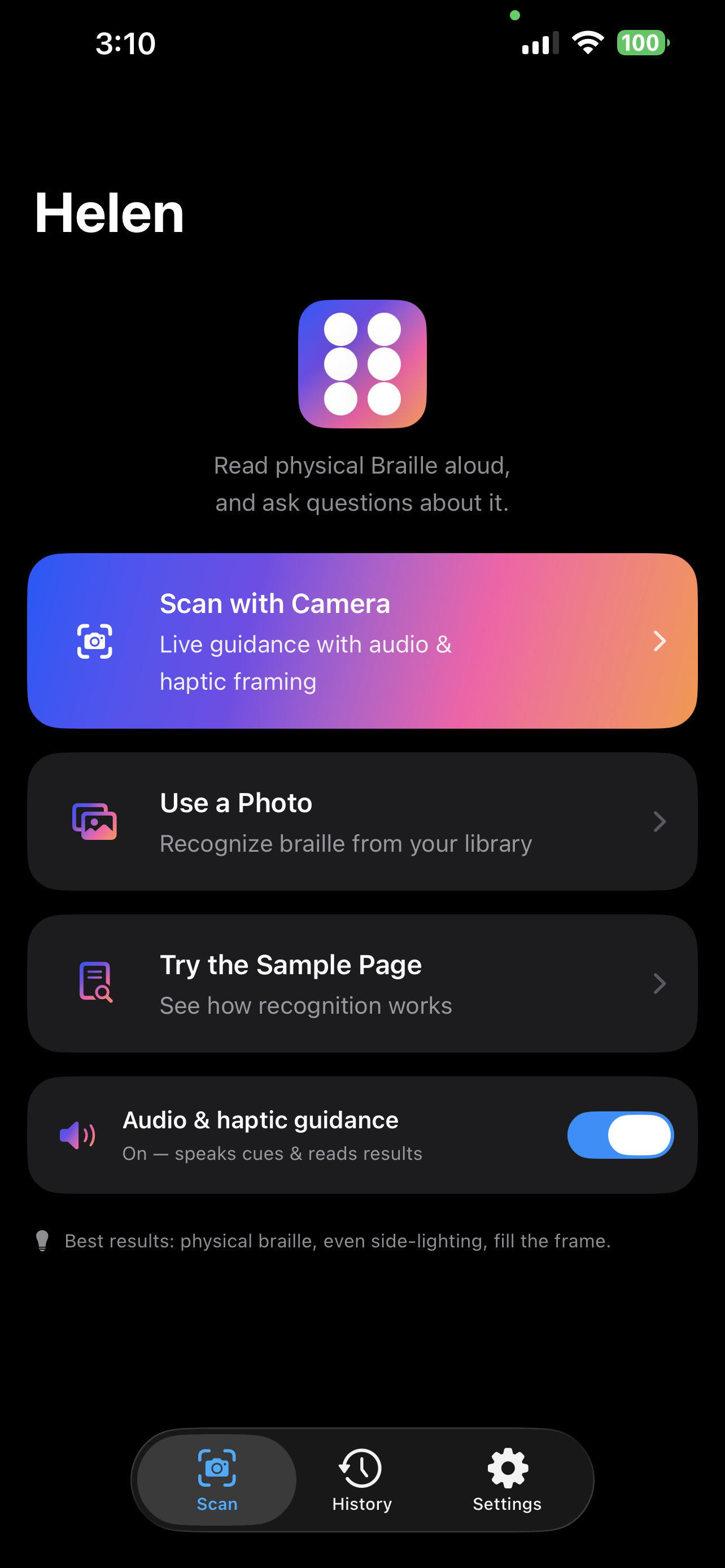
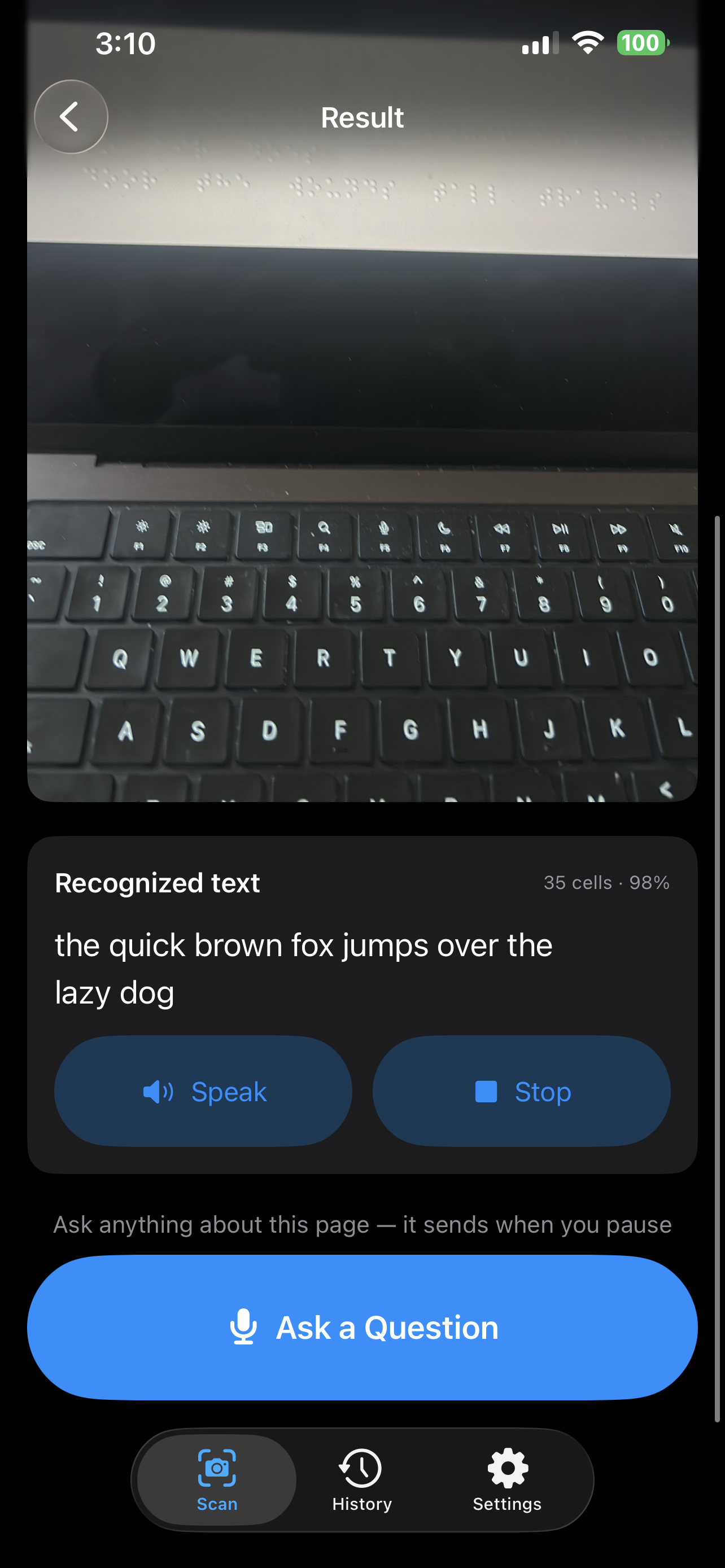
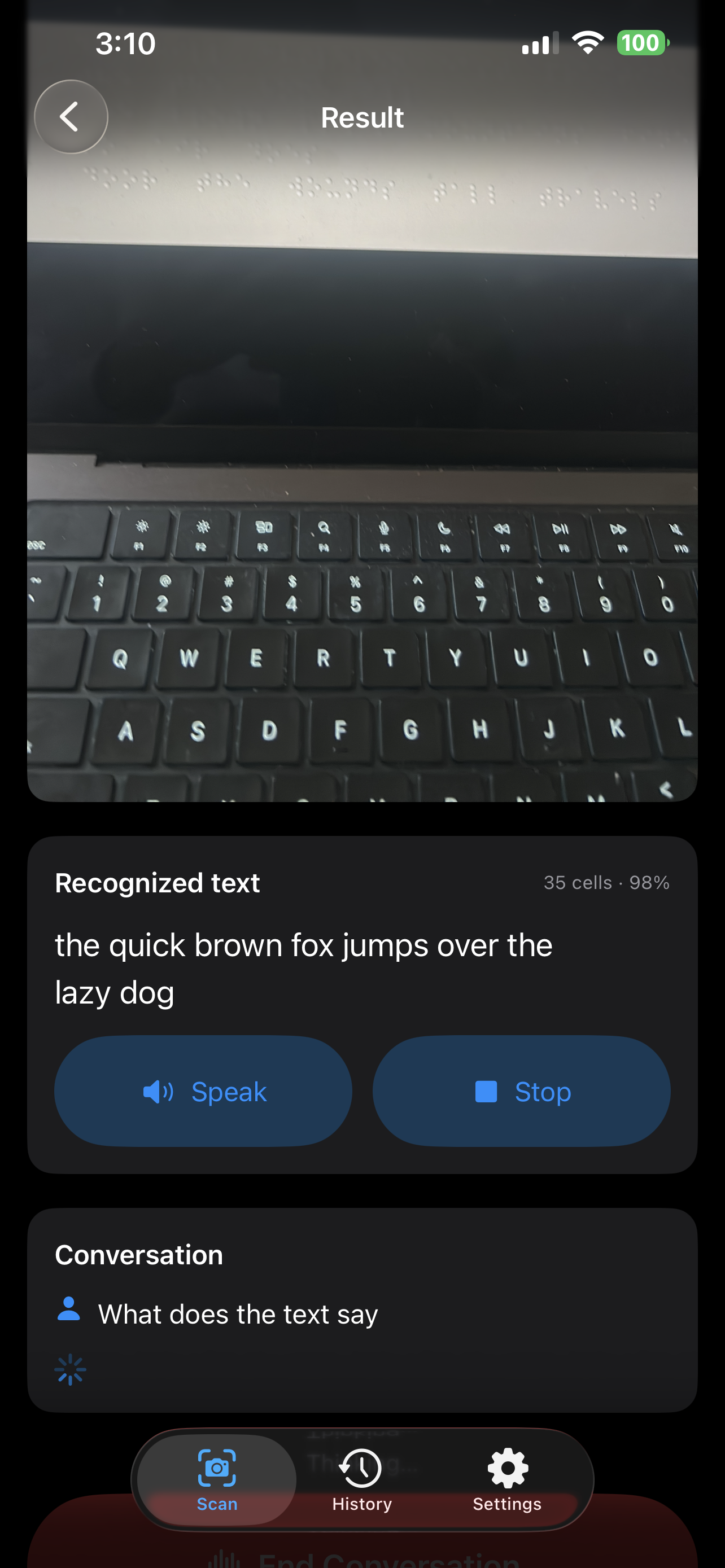
Sighted people can't read physical Braille, and blind people often can't read Braille they encounter in an unfamiliar context (signage, labels, a document handed to them). Helen turns a phone into a real-time Braille reader: point the camera at embossed or printed Braille, hear it read aloud, and ask questions about the page — designed first for blind and low-vision users.
What it does
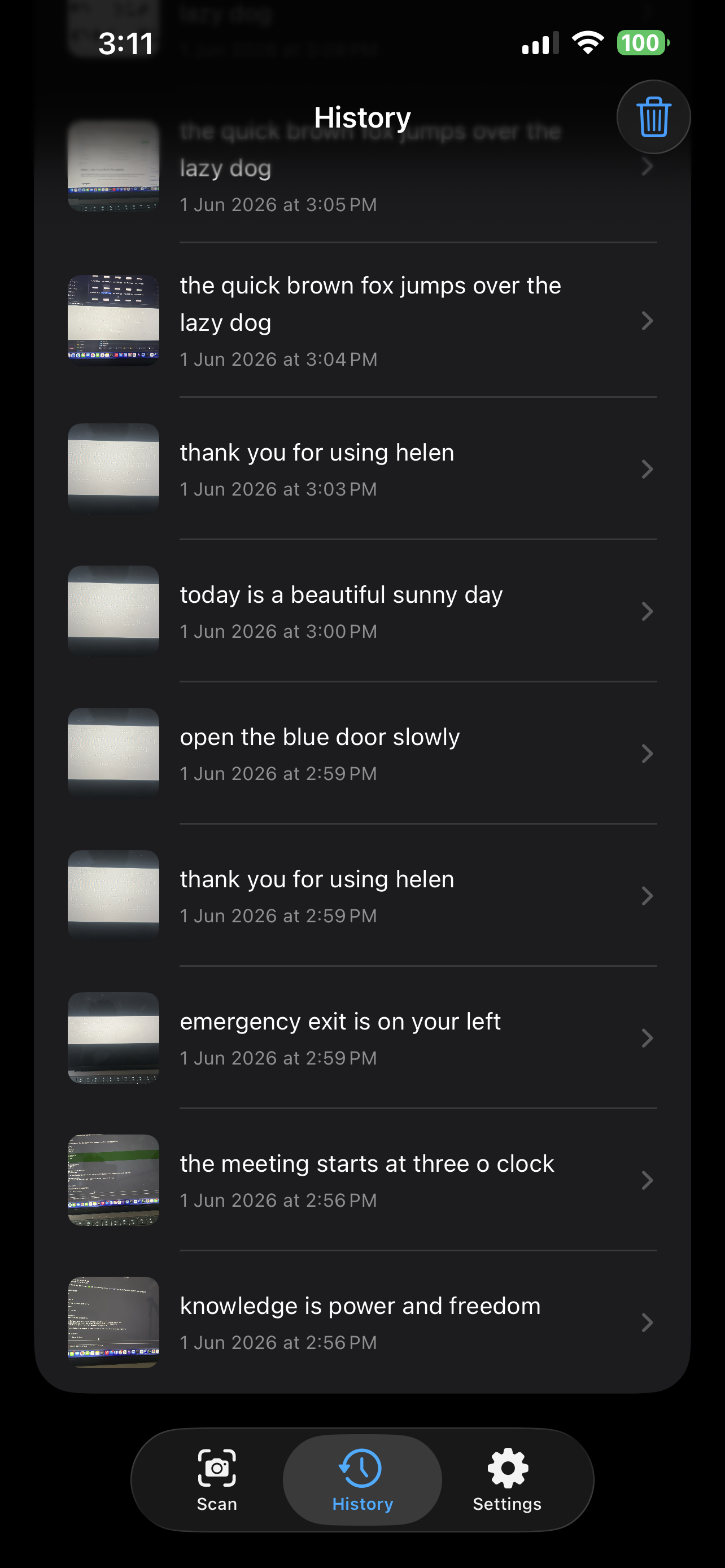
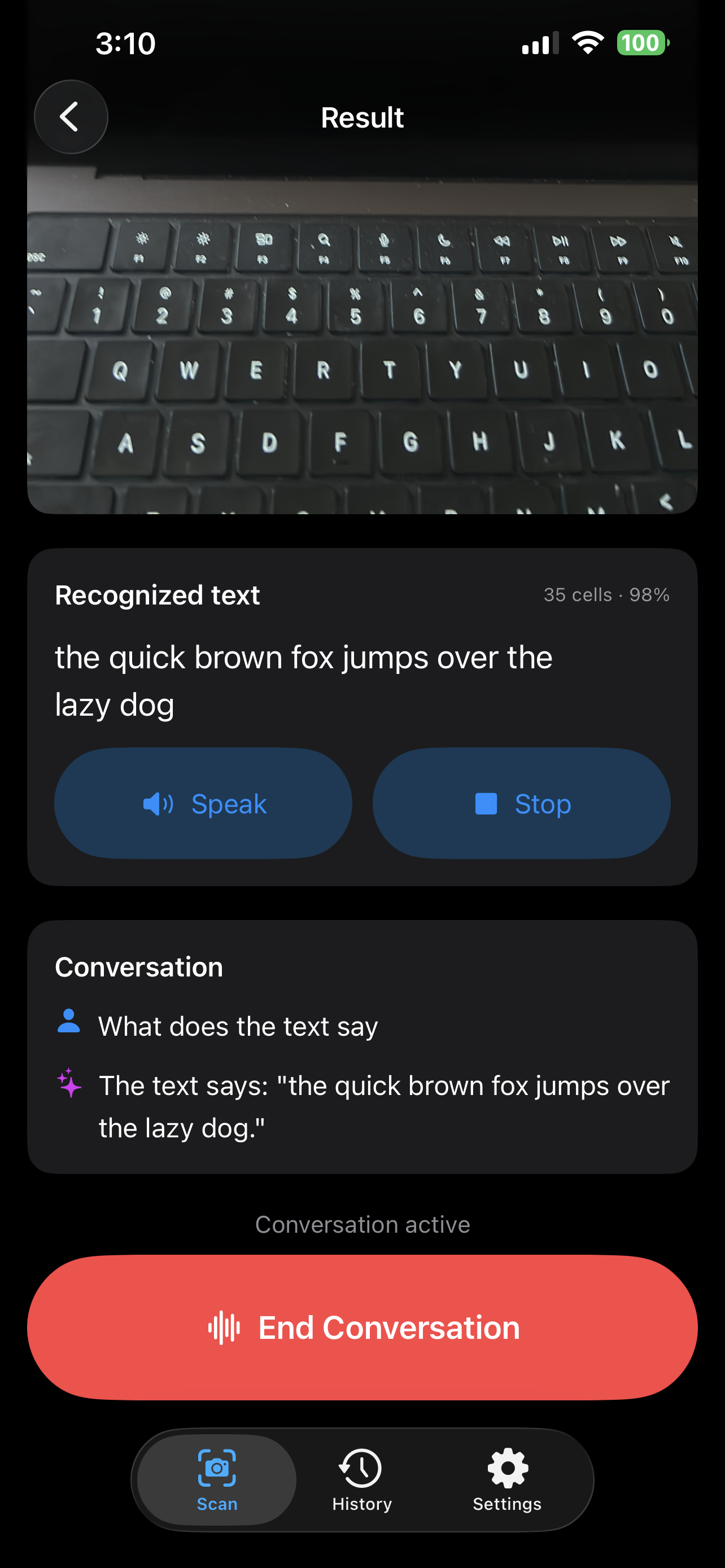
- Scans physical Braille (embossed or printed) with the phone camera and converts cells → English text → speech, in near real time.
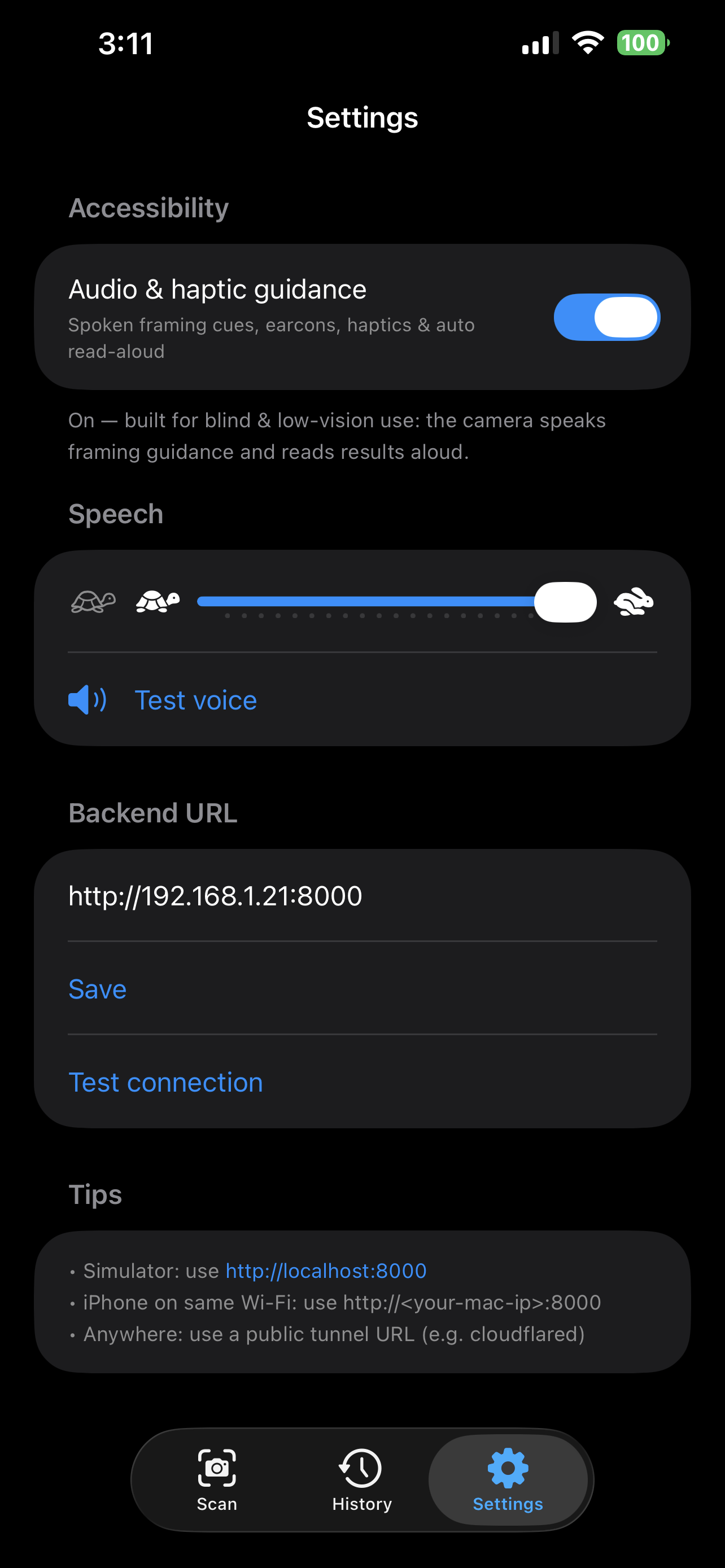
- Guides blind users to aim the camera without sight — spoken directional cues, audio earcons, and haptic feedback, with automatic capture once framed.
- Conversational Q&A about the scanned page: ask by voice, hear the answer.
- Accessibility throughout — VoiceOver and refreshable Braille-display support, adjustable speech rate, and a one-tap "sighted mode" for teachers and parents.
Technical approach
1. Hybrid recognition pipeline
A YOLOv8 detector localizes and classifies every Braille cell as one of 64 six-dot patterns. A complementary classical computer-vision dot-grid reader handles high-contrast printed Braille where the neural detector is brittle. The two engines are selected automatically per image, and a shared decoder maps the 64 dot-patterns → English (Grade 1), handling number and capital indicators. On well-captured real Braille (labeled Angelina book pages) the detector reaches 100% cell recall and ~99% dot-pattern accuracy.
2. Synthetic data generation + fine-tuned detector
Public Braille datasets are small, single-language, and don't represent real-world capture (lighting, angle, scale, surrounding clutter). To close this sim-to-real gap we built a photometric synthetic Braille generator and fine-tuned a YOLO11 detector on its output:
- Embossed dots rendered from 3D geometry — each dot is a hemisphere whose surface normals are shaded by a randomized light vector, producing physically consistent highlights and shadows (plus a printed-dot mode).
- Randomized perspective (all angles), lighting gradients/vignettes, paper textures, desk/table surfaces with drop shadows, and partial views.
- Surrounding printed text, lines, and boxes as distractors, so the model learns to ignore non-Braille content.
- Content from single characters → words → sentences → dense full pages.
- 15,000 synthetic images with pixel-perfect labels (each cell's box is transformed through the same homography as the image), combined with the real Angelina and DSBI datasets.
- The model is fine-tuned on this combined corpus using the same 64-class convention, so it drops into the recognition pipeline with zero app changes (swap via one environment variable).
This synthetic pipeline is the core technical contribution: it produces balanced, labeled coverage of exactly the conditions — embossed-under-side-light, varied scale and style, cluttered scenes — that limit models trained on a single source.
3. Language-model assist (used safely)
A small language model performs light correction of recognition output and a readability gate: if the result is gibberish, the app says "the content isn't clearly readable" rather than voicing noise — essential for a blind user who cannot catch a confident misread. The LLM never reads dots (vision-LLMs are unreliable at dot-level counting); it only cleans already-recognized text and answers questions grounded on it.
4. On-device accessibility & capture
- Apple Vision document detection plus custom blur/brightness analysis drive actionable spoken cues, earcons (pitch rises as you align), and Core Haptics directional patterns.
- Multi-frame consensus capture: a burst of full-resolution photos with per-cell majority voting across frames cancels per-frame noise.
- Output routes through
UIAccessibility, so it reaches VoiceOver and refreshable Braille displays, respecting the user's own voice/rate settings.
Architecture
A SwiftUI iOS client talks to a stateless FastAPI backend
(/recognize, /recognize_multi, /correct, /chat). Statelessness means the
same backend can serve future clients (Android, web), and a newly trained model
is a one-line swap.
Tech stack
- iOS: SwiftUI, AVFoundation, Vision, Core Haptics, AVSpeech, SFSpeechRecognizer, CoreMotion
- Backend: FastAPI, Ultralytics YOLO (v8 / v11), OpenCV, PyTorch
- Training: custom photometric synthetic generator; Angelina + DSBI datasets; YOLO11 fine-tuning on GPU
Challenges
- Embossed Braille is lighting-dependent (the dots are shadows) — addressed with capture guidance and the generator's photometric rendering.
- Real-world robustness — addressed by synthetic data spanning angle, lighting, scale, and clutter, fine-tuning the detector toward deployment conditions.
- Accessibility correctness — never voice unverified text; cooperate with VoiceOver and Braille hardware rather than competing with them.
What's next
- On-device inference (CoreML export) for fully offline use.
- Guided multi-region scanning to stitch and read whole pages and books.
- Grade-2 (contracted) Braille and additional languages.
Accomplishments
- A working, accessibility-first Braille reader with hybrid recognition.
- An original photometric synthetic-data pipeline and a YOLO11 detector fine-tuned on 15k synthetic + real images.
- ~99% cell accuracy on well-captured real Braille, with a safe-by-default readability gate and full assistive-technology integration.
Built With
- avfoundation
- coreheptics
- fastapi
- llm
- numpy
- opencv
- swift
- yolo


Log in or sign up for Devpost to join the conversation.