-
-
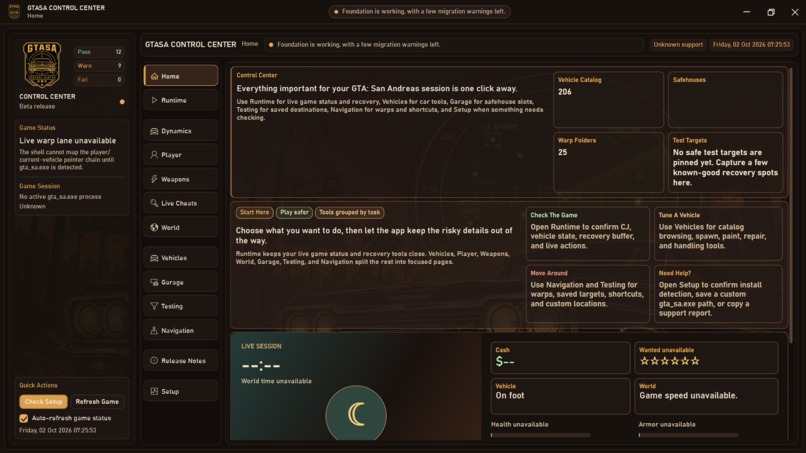
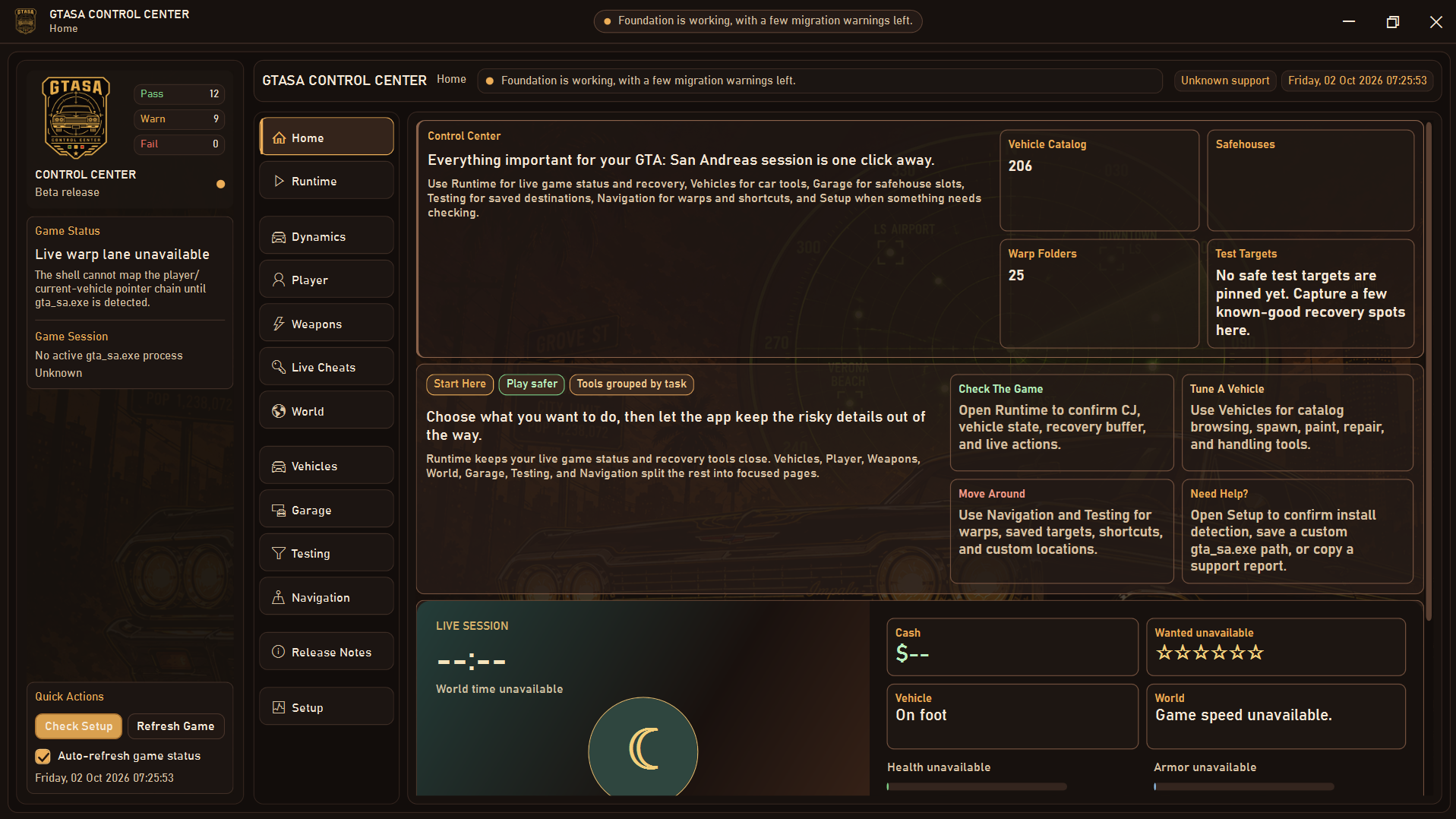
GTASA Control Center is a sleek GTA: San Andreas tool combining live diagnostics, vehicle tuning, teleports, and crash-safe gameplay tweaks
Inspiration GTA Control Centre was inspired by the classic GTA San Andreas trainer tools that many players used in the old VB6 era. We wanted to preserve that nostalgic functionality while rebuilding it for modern Windows systems with a cleaner UI, safer runtime checks, and a more maintainable architecture. The goal was to bring the old control-center experience into a modern .NET desktop app without losing the original game-data ecosystem and community familiarity.
What it does GTA Control Centre is a Windows-focused control panel for GTA San Andreas that helps users manage runtime features, setup checks, and game-related data in a safer and more structured way. It includes support for install detection, executable validation, live game actions, vehicle and player modifications, weather/time controls, garage handling, and catalog-driven navigation. The project also keeps legacy GTA data and help assets intact so the app can still operate with the original trainer information.
How we built it We rebuilt the project as a .NET 8 WPF application using a modern architecture, while preserving the original VB6-era source, DAT files, help content, and assets under a legacy folder for reference and compatibility. The app includes setup validation, Windows-safe data handling, executable fingerprint checks, and structured parsing of the original GTA data files. This lets us maintain the functionality of the original project while improving reliability and extending the app’s future development path.
Challenges we ran into One of the biggest challenges was balancing legacy behavior with modern safety and stability. GTA memory editing is sensitive, so we had to add safeguards around executable detection, runtime support, and risky actions to avoid destabilizing the game. We also had to preserve older data formats and help files while integrating them into a newer app architecture, which required careful migration and validation across multiple legacy sources.
Accomplishments that we're proud of We’re proud to have created a modernized, Windows-ready version of the project while keeping the original source and assets intact. The app includes a cleaner interface, setup checks, protected runtime logic, and a build flow that supports packaged releases. We also maintained a strong focus on compatibility, safety, and documentation so the project remains easier to evolve going forward.
What we learned This project reinforced the importance of preserving legacy systems while modernizing them responsibly. We learned that strong validation, clear app structure, and careful handling of live runtime features are essential when working with game-memory manipulation and legacy data. It also showed how valuable backward compatibility and documentation are when maintaining a tool that evolved over many years.
What's next for GTA Control Centre The next steps include expanding feature parity with the original trainer, improving the UX for advanced controls, and refining risky runtime actions with stronger safety checks. We also plan to continue hardening setup and validation workflows, improve packaging and release stability, and keep the app aligned with modern Windows and GTA San Andreas support expectations. Long term, the goal is to make GTA Control Centre a polished, reliable, and community-friendly tool while preserving the legacy roots that inspired it.

Log in or sign up for Devpost to join the conversation.