-
-
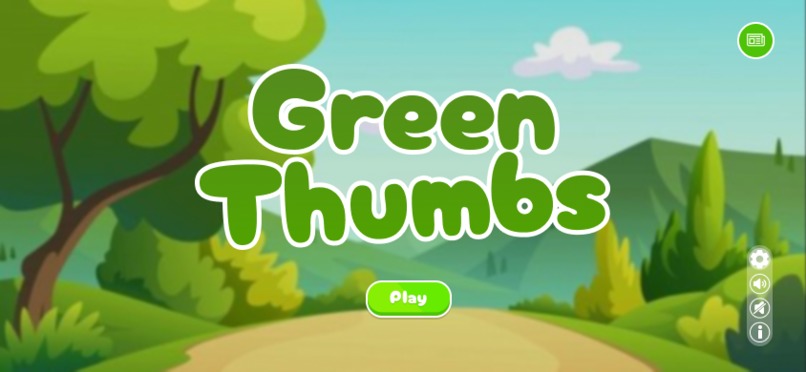
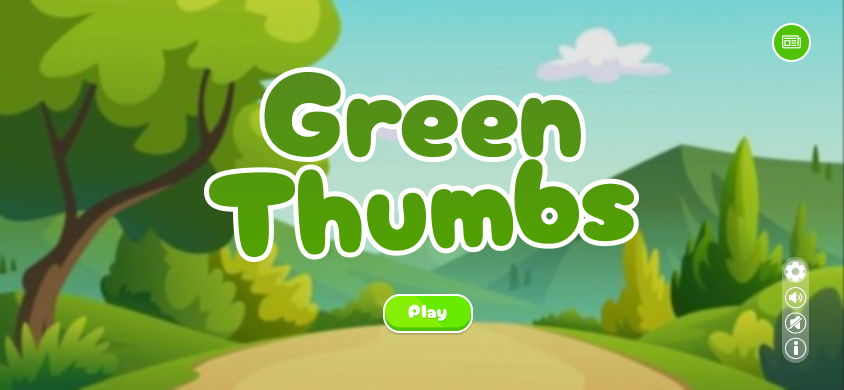
Green Thumbs title screen
-
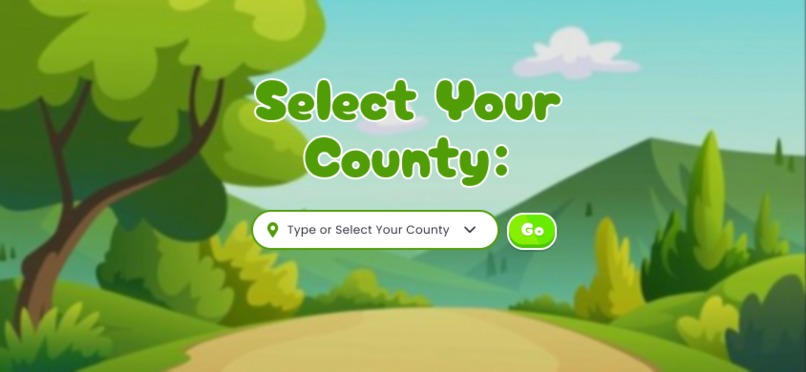
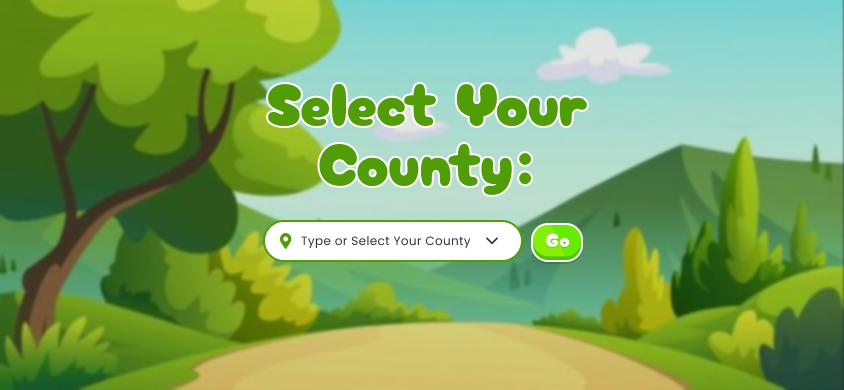
Select your county
-
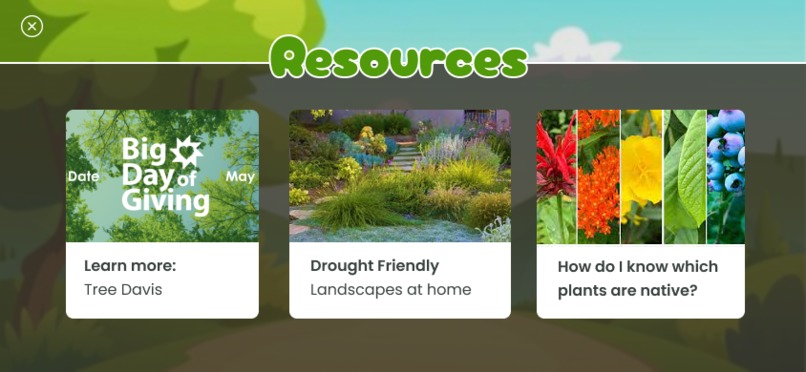
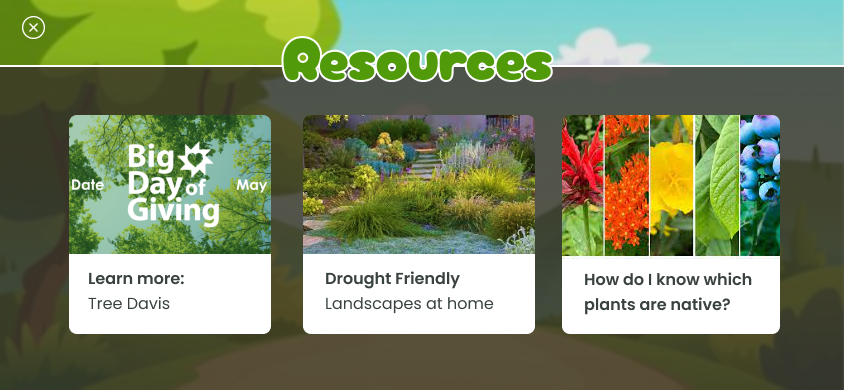
Resources
-
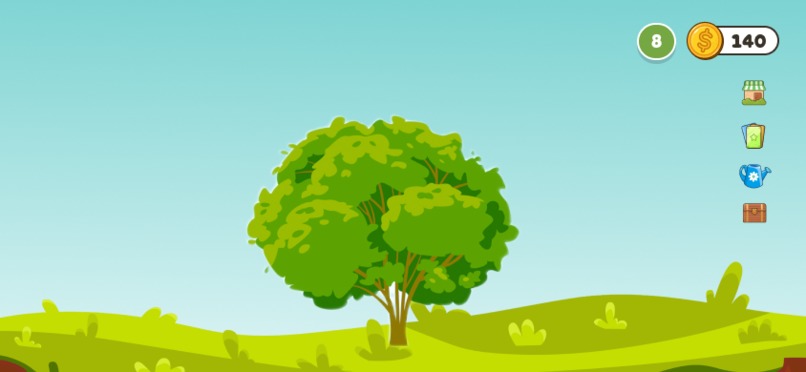
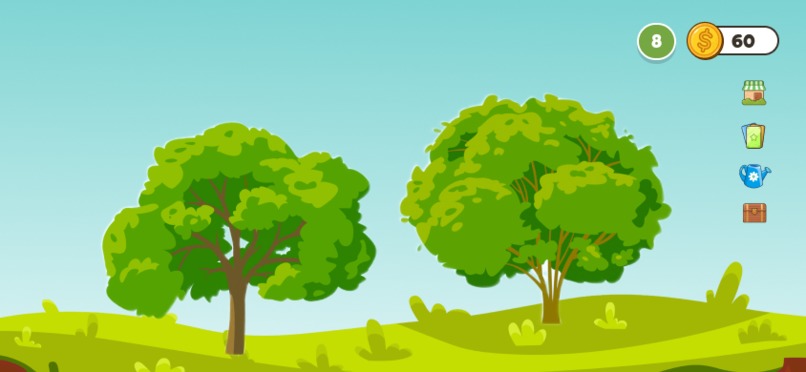
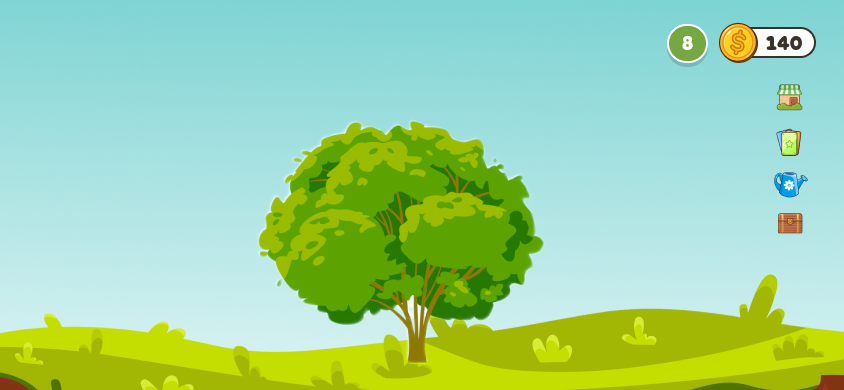
Initial gameplay frame
-
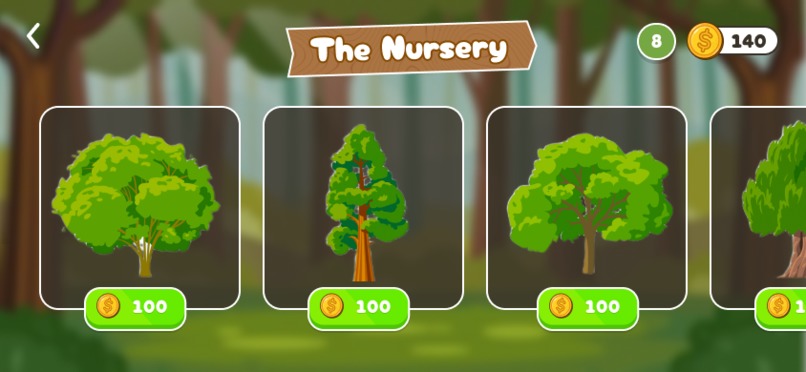
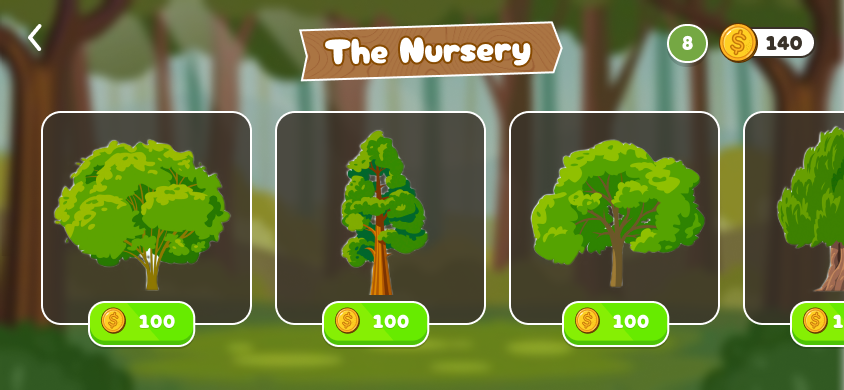
Purchase trees from the nursery
-
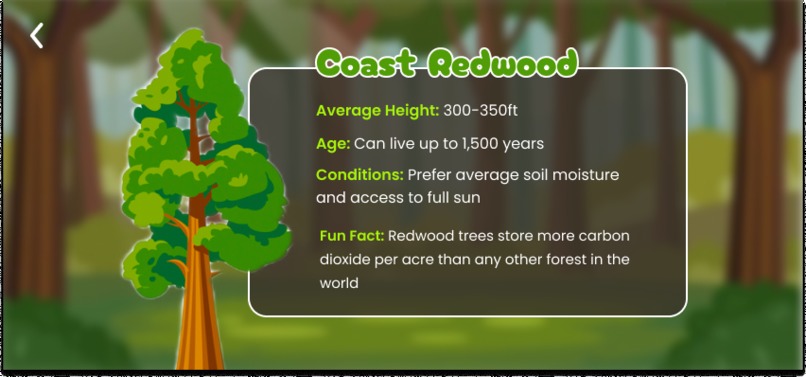
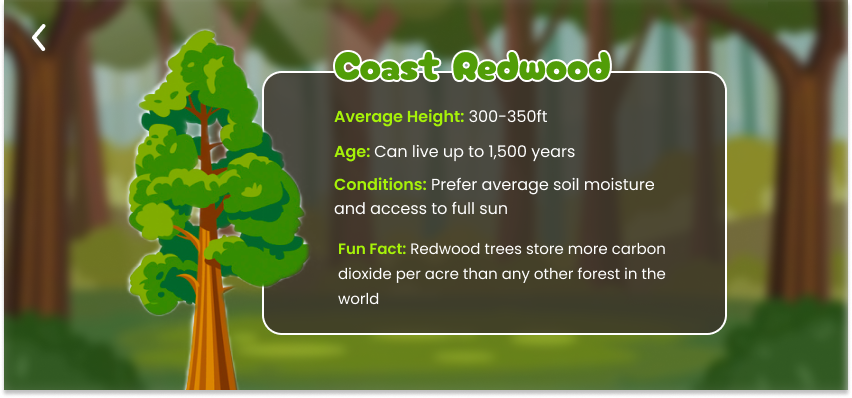
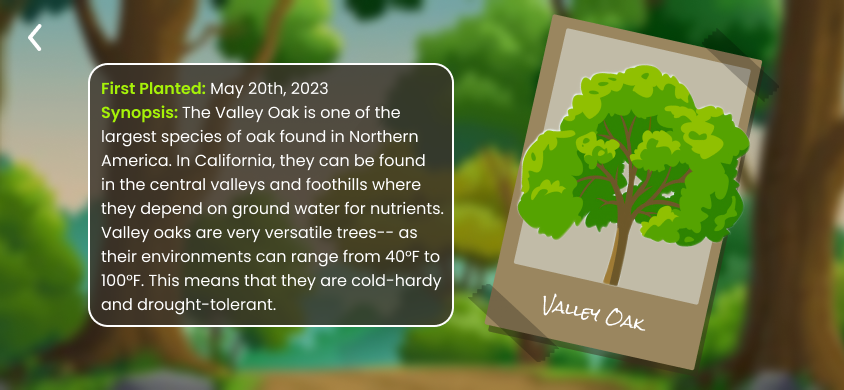
Once purchased, learn more about the tree
-
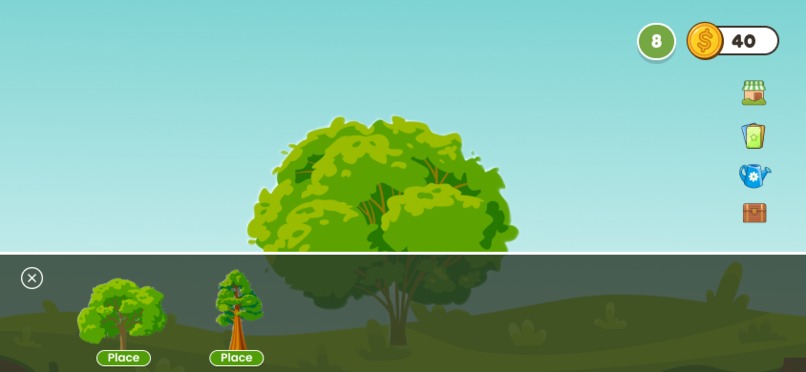
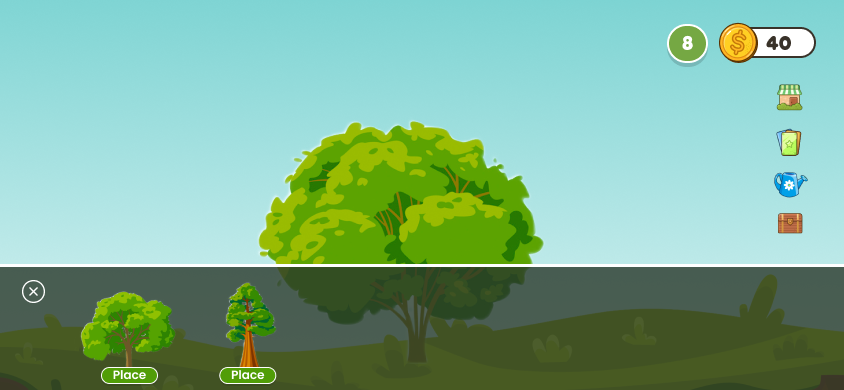
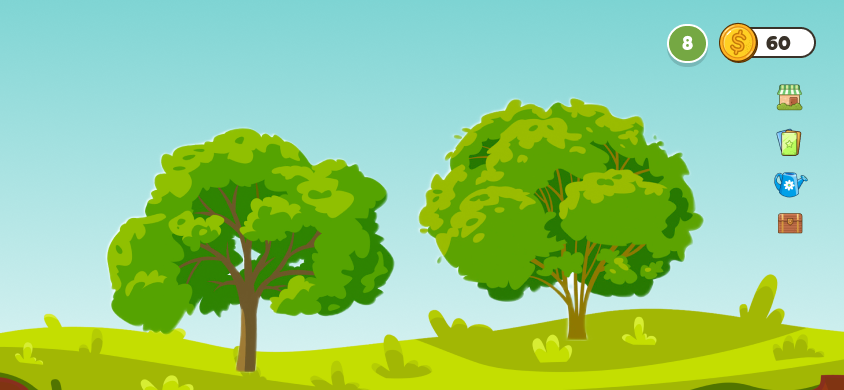
Add a tree to your landscape
-
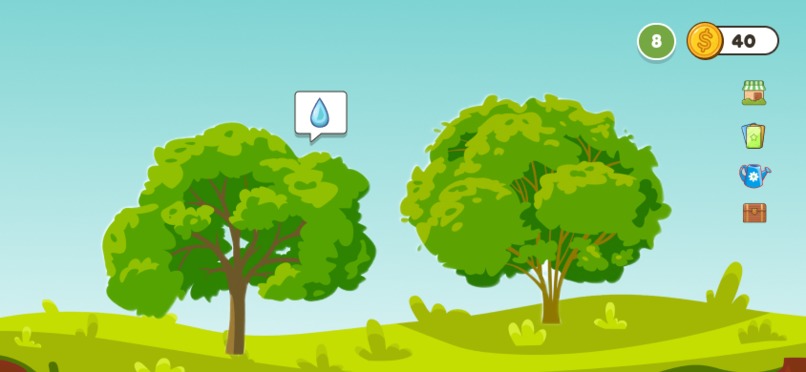
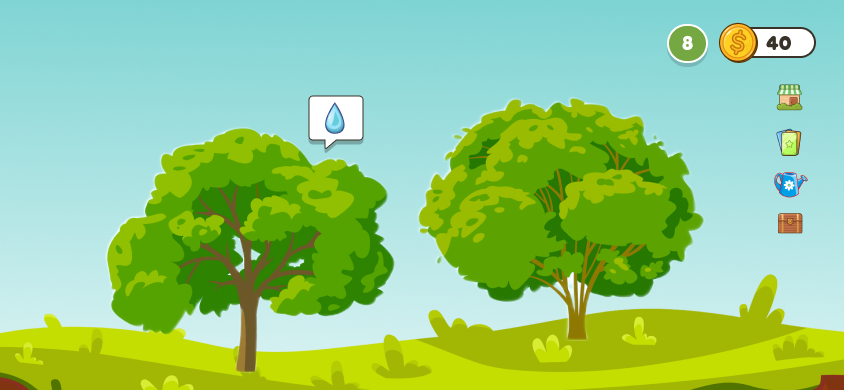
Please water your tree
-
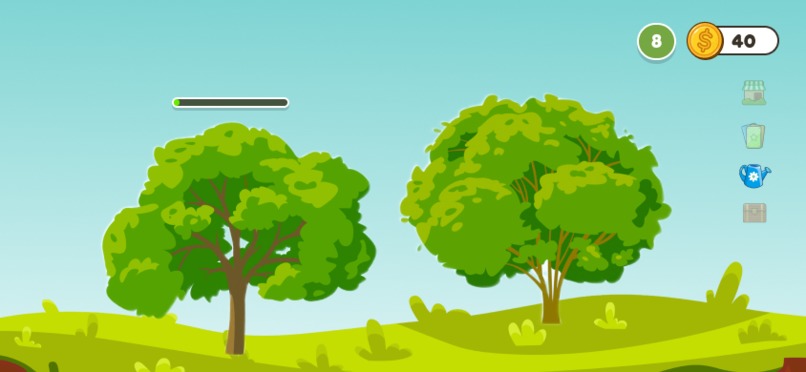
It's thirsty
-
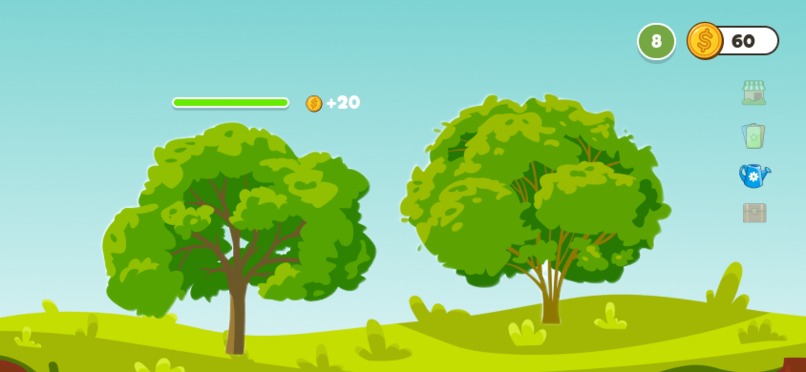
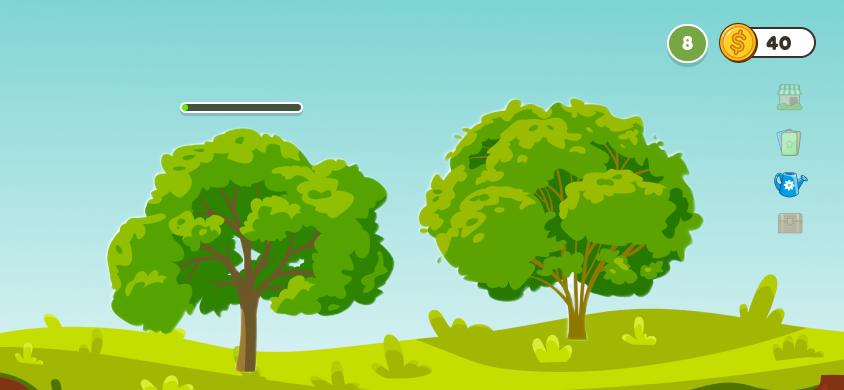
So thirsty
-
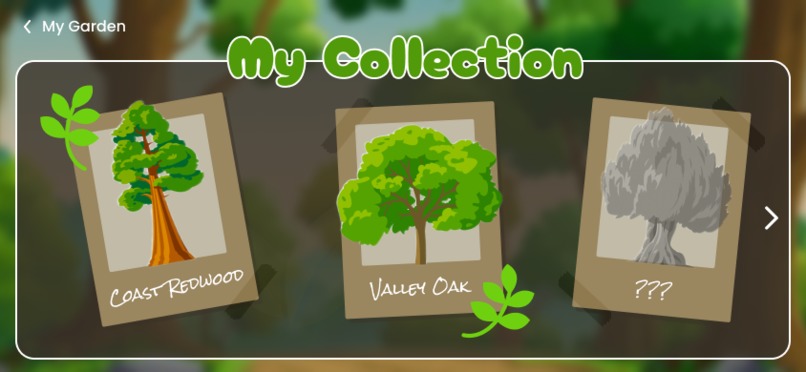
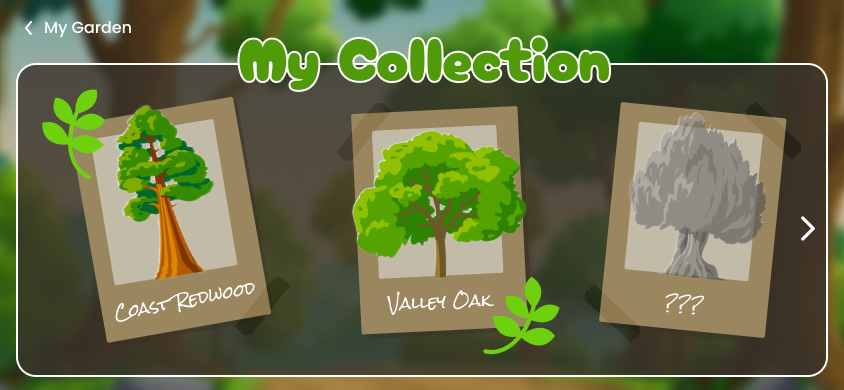
View your collection of trees
-
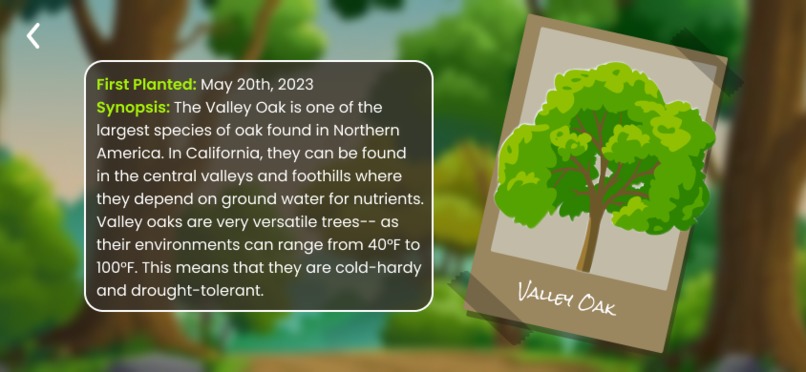
Continue learning about the trees
-
:)
Inspiration
Jessica and I are huge fans of mobile games, so our initial thought was to gamify an experience meant to educate users about trees. Inspired by our love for mobile gaming and our passion for environmental conservation, we created Green Thumbs! We wanted to merge our enthusiasm for gaming with the urgent need to raise awareness about the benefits of planting trees and inspire individuals to take action in their own homes and spaces.
What it does
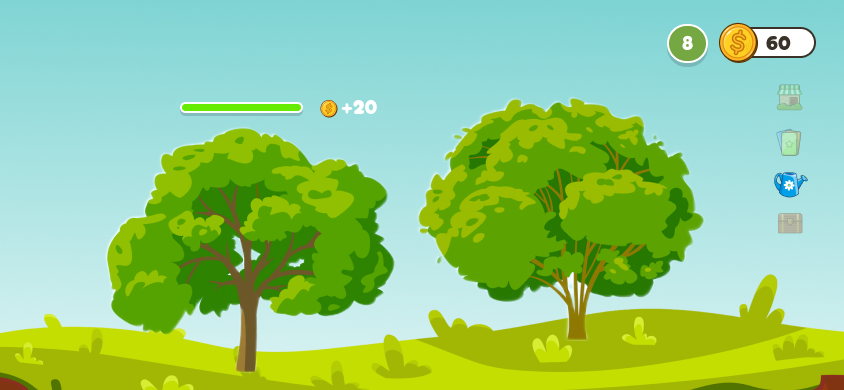
Green Thumbs allows users to plant and purchase trees. Each time a tree is purchased, Green Thumbs provides information and fun facts about the tree. Players can water their trees and generate coins, allowing them to purchase more trees and generate more coins. Furthermore, Green Thumbs provides useful resources, such as articles about how you can create drought friendly landscapes at home, identify invasive plant species, and learn more about Tree Davis. Players can also continue reading about their tree in their "Collection".
How we built it
The both of us initially attempted to use Unity, but we are both intro programmers with no experience in game development. Thus, this project is designed and prototyped purely on Figma but if we had more time we would dedicate time into learning Unity.
Challenges we ran into
I am a UX designer, so I had no experience designing for games. Jessica had never used Figma before, so we were both figuring things out as the project developed.
Accomplishments that we're proud of
We're so excited about the graphic design. It resembles a fun mobile game, but it is also educational. We put a lot of thought into selecting components, backgrounds, fonts, and colors to create a cohesive mobile game experience.
What we learned
Jessica got a crash course on Figma, and I learned to reference other games while creating Green Thumbs.
What's next for Green Thumbs
Moving forward, we would develop this project on Unity. We would also add features such as increasing animal biodiversity as more trees are planted.
Built With
- adobe-illustrator
- figma


Log in or sign up for Devpost to join the conversation.