-
-
-
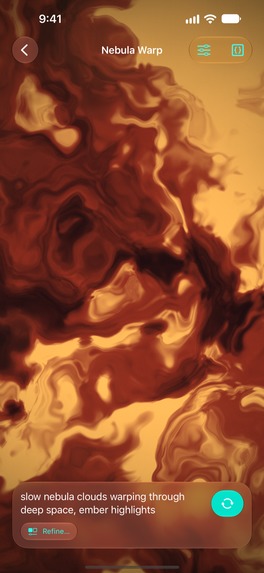
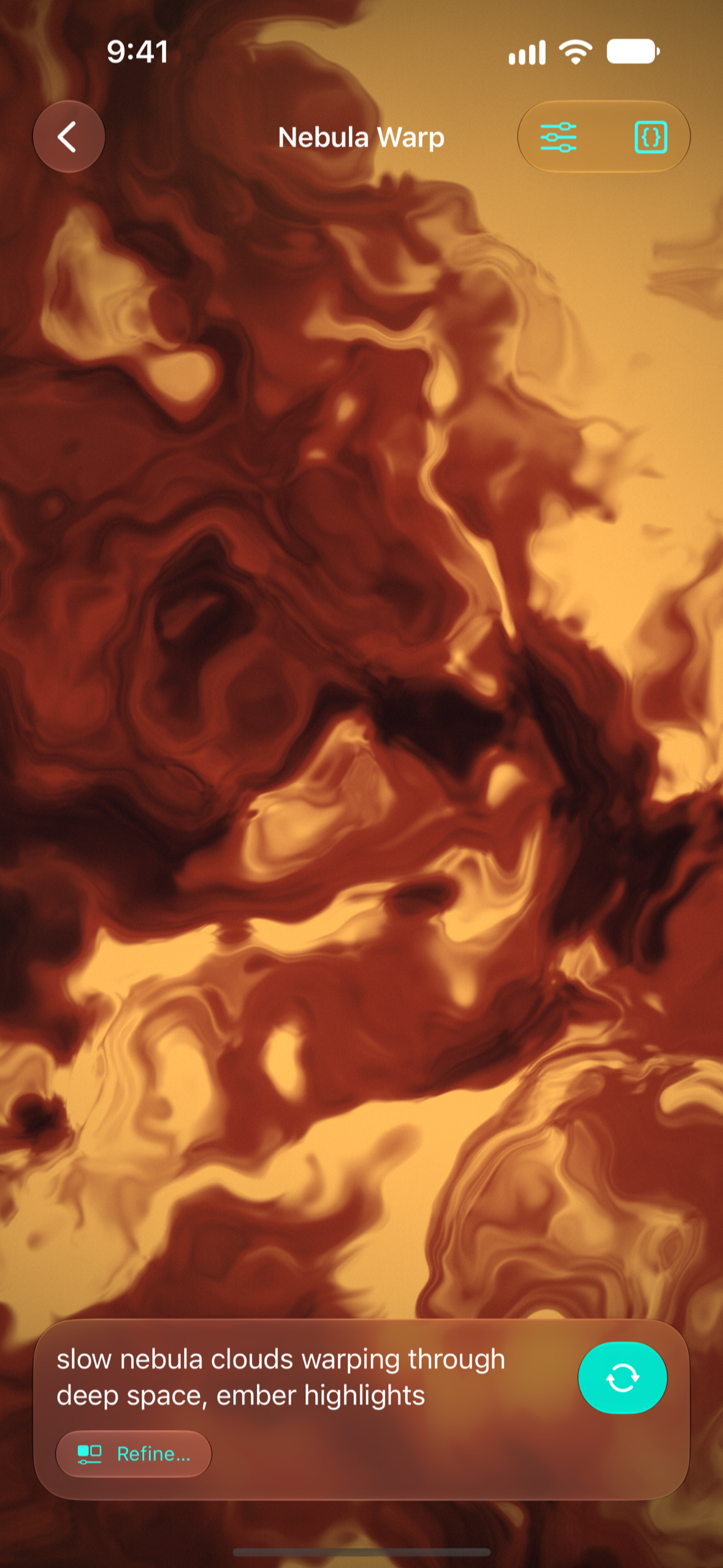
Editor
-
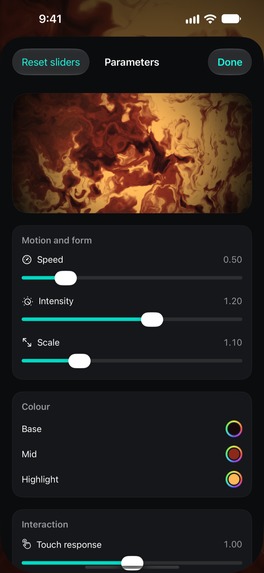
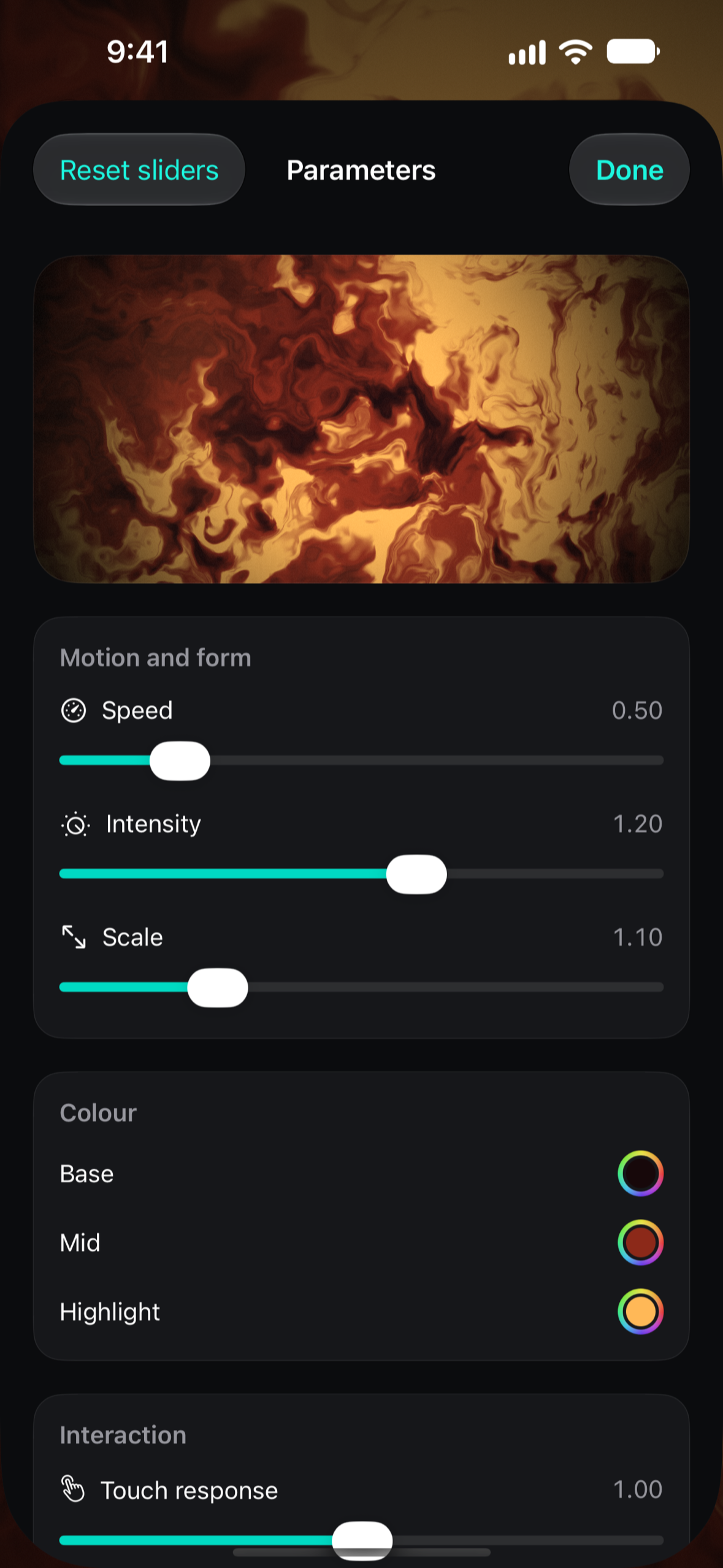
Parameters
-
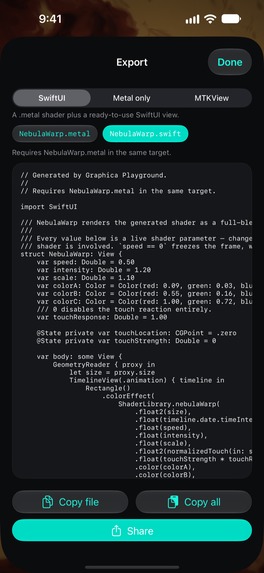
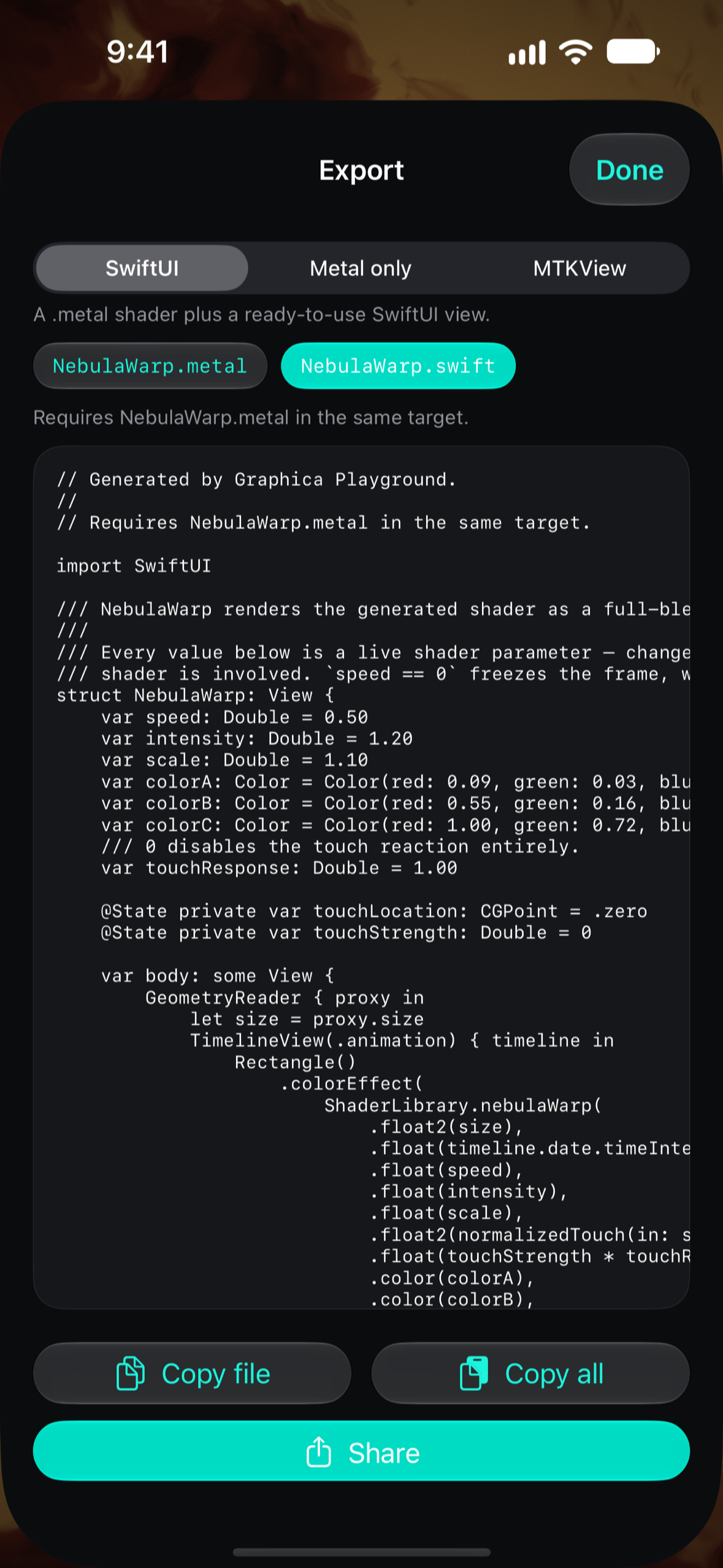
Export SwiftUI
-
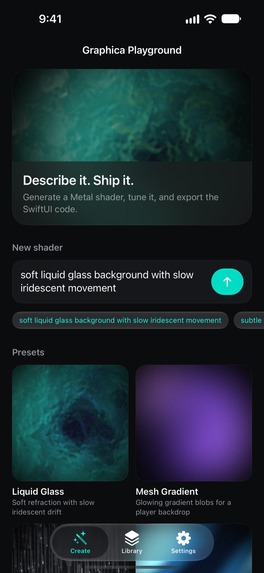
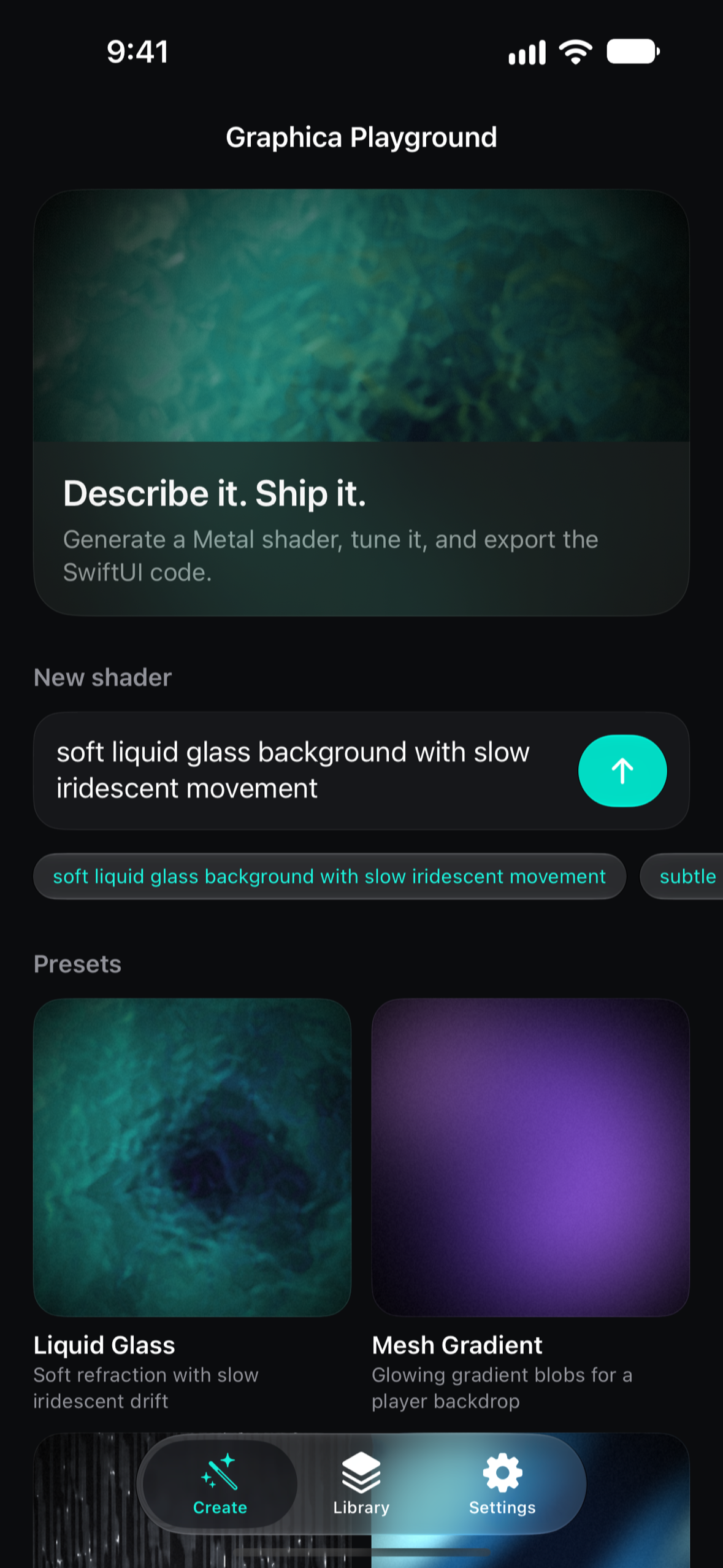
Home
-
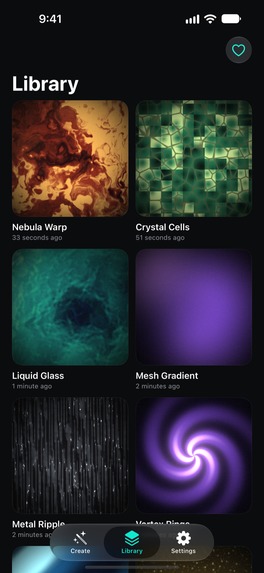
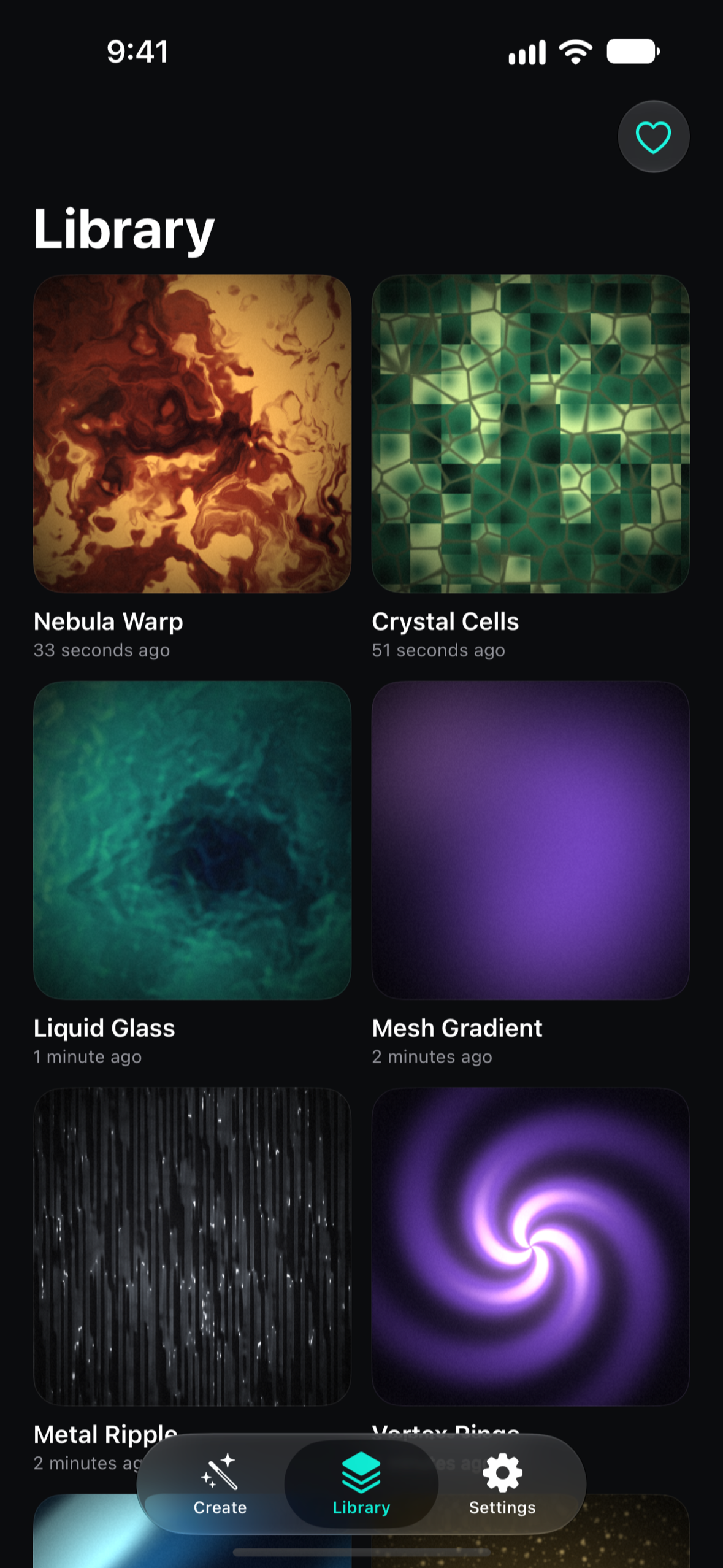
Library
-

App Icon
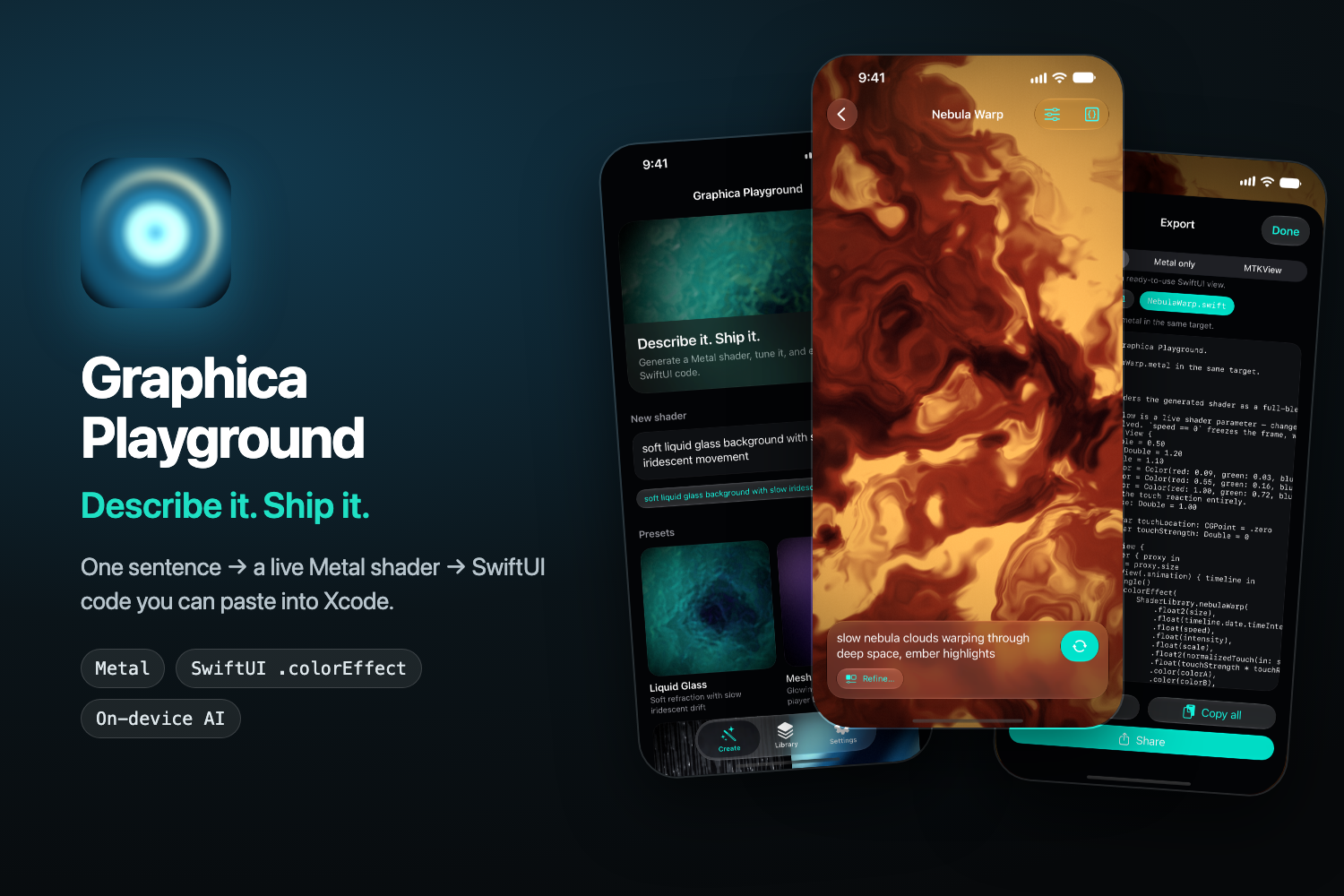

Inspiration
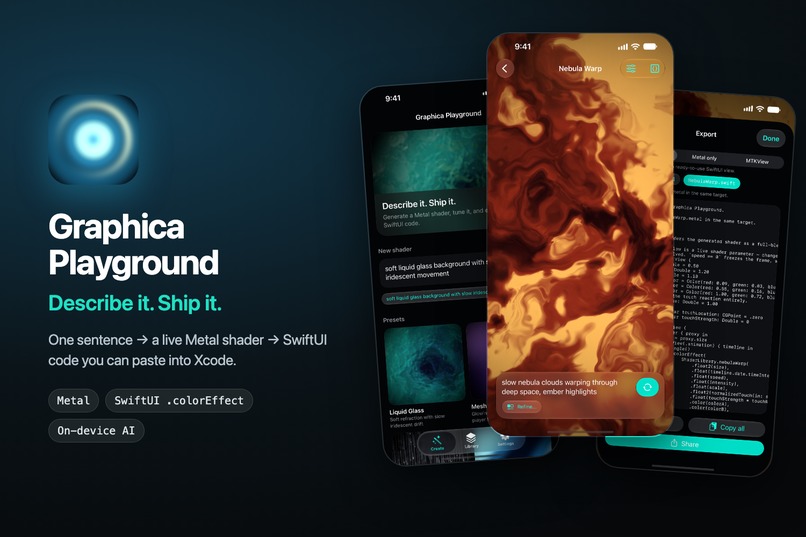
Custom shaders are one of the fastest ways to make an iOS app feel distinctive — glowing backgrounds, liquid glass, ripples under your finger. SwiftUI even ships .colorEffect for exactly this. But writing Metal Shading Language by hand is still math-heavy, and the typical "AI shader generator" gives you a pretty loop you can look at, not code you can ship.
I had already built Graphica, a gallery where people share generative art made from words. Graphica Playground takes the hard-won engine behind it and turns it into something different: a tool for designers, design engineers and iOS developers who need a visual in their own product, today.
What it does
Describe it. Ship it.
- Generate from words — type "slow nebula clouds warping through deep space, ember highlights" and get a live, full-screen, animated Metal shader.
- Tune it live — speed, intensity, scale, three colors and touch response are all GPU uniforms. Drag a slider and the shader updates instantly; tuning never re-runs the AI or recompiles the shader, so you can experiment for free.
- Refine — describe only what to change; the app sends a small diff-style request instead of starting over, and keeps your colors and settings.
- Export code that matches the preview — a
.metalfile with a[[stitchable]]function plus a ready-to-use SwiftUI view built on.colorEffect, or an MTKView renderer. The preview and the exported code are assembled from the same shader body, so what you see is exactly what you ship. - Library, presets, Shortcuts & Siri — everything is saved locally; Generate Shader / Open Shader / Get Shader Code are available as App Intents.
No account, no sign-in, no server. Prompts and shaders stay on the device.
How we built it
- One shader contract. The model writes a single function,
float4 gpShade(float2 uv, GPParams P). The host mechanically wraps it into both the live-preview pipeline and the exported stitchable function — which is why preview and export can never drift apart. - Generation always returns something. Engines fall back in order: On-Device (Apple Foundation Models) → offline deterministic templates. Airplane mode, Apple Intelligence off, quota exhausted — you still get a picture.
- A self-repair loop shared by every engine. Model output → deterministic sanitizer (fixes GLSL-isms without calling the AI) → validator (rejects with a how-to-fix hint) → real Metal compile on the device's GPU + blank-frame detection → retry with the reason.
- Guided generation on device. Instead of asking the small on-device model to write a whole function, the app owns the skeleton and asks the model to fill only typed slots (colors as numbers, expressions constrained by a regex guide) through structured output.
- Zero variable AI cost for the developer. Uniform-based tuning, a prompt-normalized cache, diff-based Refine, and on-device-first generation mean a free user costs essentially nothing to serve. That is what makes a generous free tier sustainable.
Monetization (RevenueCat)
Free is genuinely usable: generate (10/day), preview with touch, tune speed/intensity/scale with curated palettes, keep 3 shaders. Pro unlocks the thing professionals actually need — exporting and copying code — plus unlimited generations and saves, free-form colors and touch tuning, all 8 presets, version history, and bring-your-own model endpoint.
| Plan | US price |
|---|---|
| Monthly | $4.99 |
| Yearly | $29.99 (≈ 6 months — "Best value") |
| Lifetime | $79.99 ("Pay once") |
- The paywall never appears at launch. It appears only at five moments of intent — tapping Export, running out of saves, opening a Pro preset, opening history, choosing a Pro engine — and its headline tells you why it appeared.
- Pro is decided solely by the RevenueCat entitlement; the app never looks at product IDs, so plans can change without an app update.
- Offerings come from RevenueCat; if a dashboard RevenueCat Paywall is configured it is shown via
RevenueCatUI.PaywallView, otherwise an in-app contextual paywall renders a live Pro shader behind the plans. - Customer Center handles cancel / change plan / refund request / restore inside the app. Subscription state is observed via
customerInfoStream, so purchases on another device show up immediately. - No price is hard-coded anywhere — every price string comes from StoreKit via RevenueCat.
- The SDK is isolated behind a
ProBackendprotocol, so the domain package (99 tests) runs without the SDK or network.
Challenges we ran into
- Small models copy numbers literally. Telling the on-device model "at most 64 iterations" made 64 the value it used. We stopped exposing limits as numbers and enforce them in the app instead.
- Regex guides the device rejects. Guides containing character classes like
[0-9]were rejected at runtime withUnsupportedGuide, silently falling back to unguided generation. We rewrote the token whitelist in a form the device accepts and verified it with app-hosted tests on a real iPhone. - "Compiles" is not "works." Many valid shaders render a single flat color. Blank detection uses the max of per-channel variance (not average brightness), accumulated in Double.
- Store plumbing. Everything on the RevenueCat side can be correct while the device still shows zero packages — because the Paid Apps agreement isn't active yet. A Debug "Store setup" screen shows what the SDK actually sees, which saved hours.
What we learned
The best AI feature is often the one you don't call. Making every adjustment a uniform turned the product from "reroll until lucky" into "craft it by hand, with AI as the starting point" — and it is also what keeps the business viable.
What's next
- Private Cloud Compute ("Studio") engine for higher-quality generation on iOS 27, at no server cost to the developer
- More export targets (UIKit / visionOS materials)
- Shareable shader packs

Log in or sign up for Devpost to join the conversation.