-
-
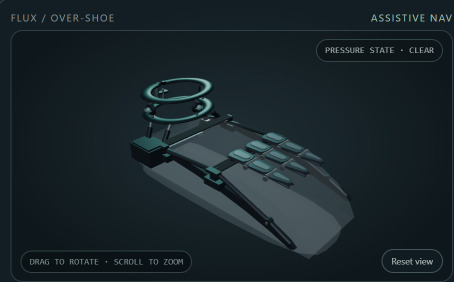
CAD graphic final
-
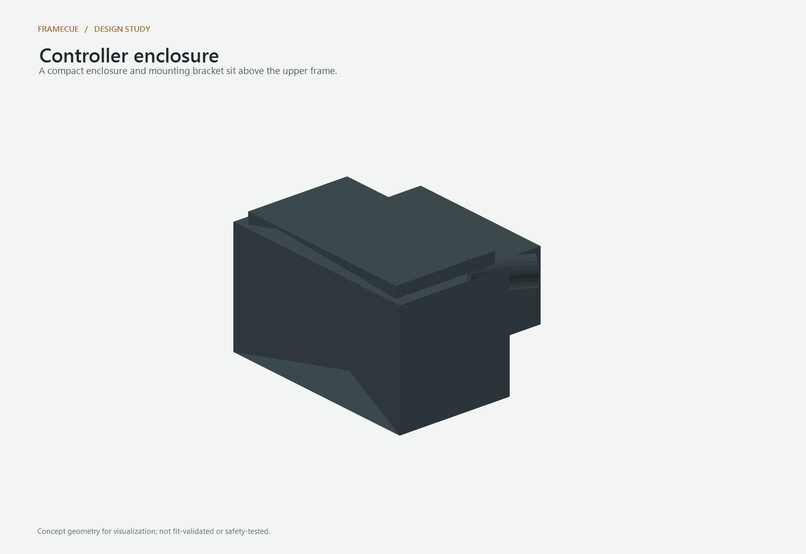
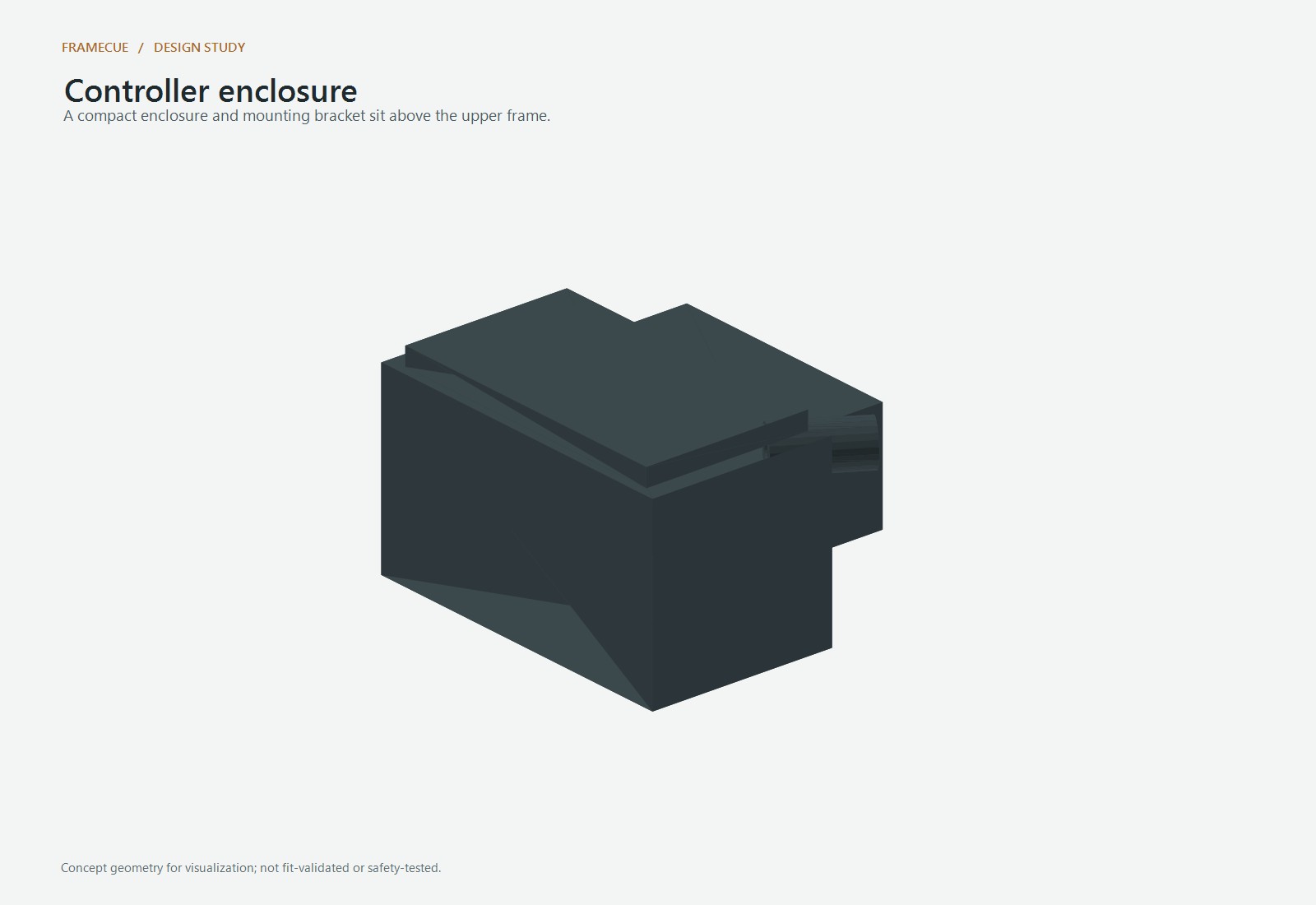
controller pod
-
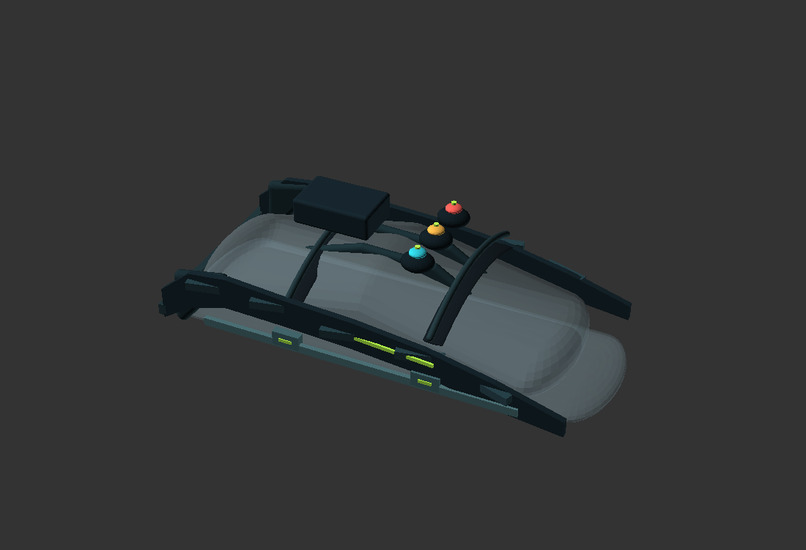
flux concept
-
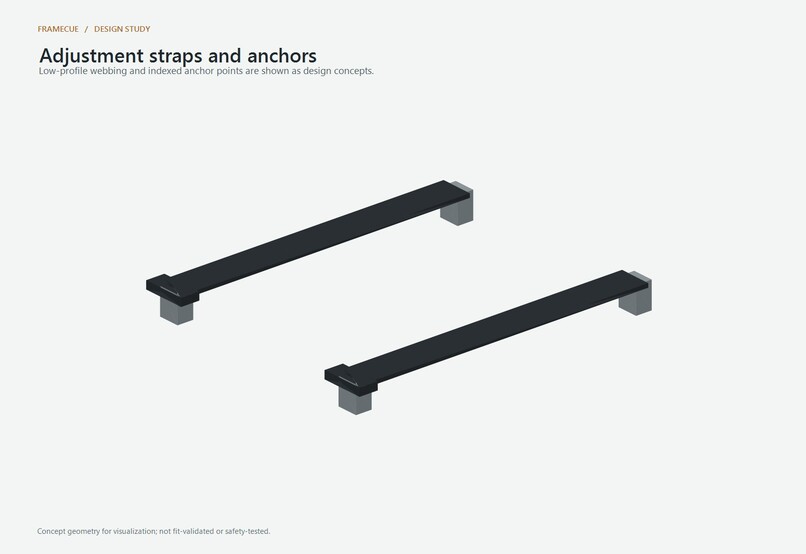
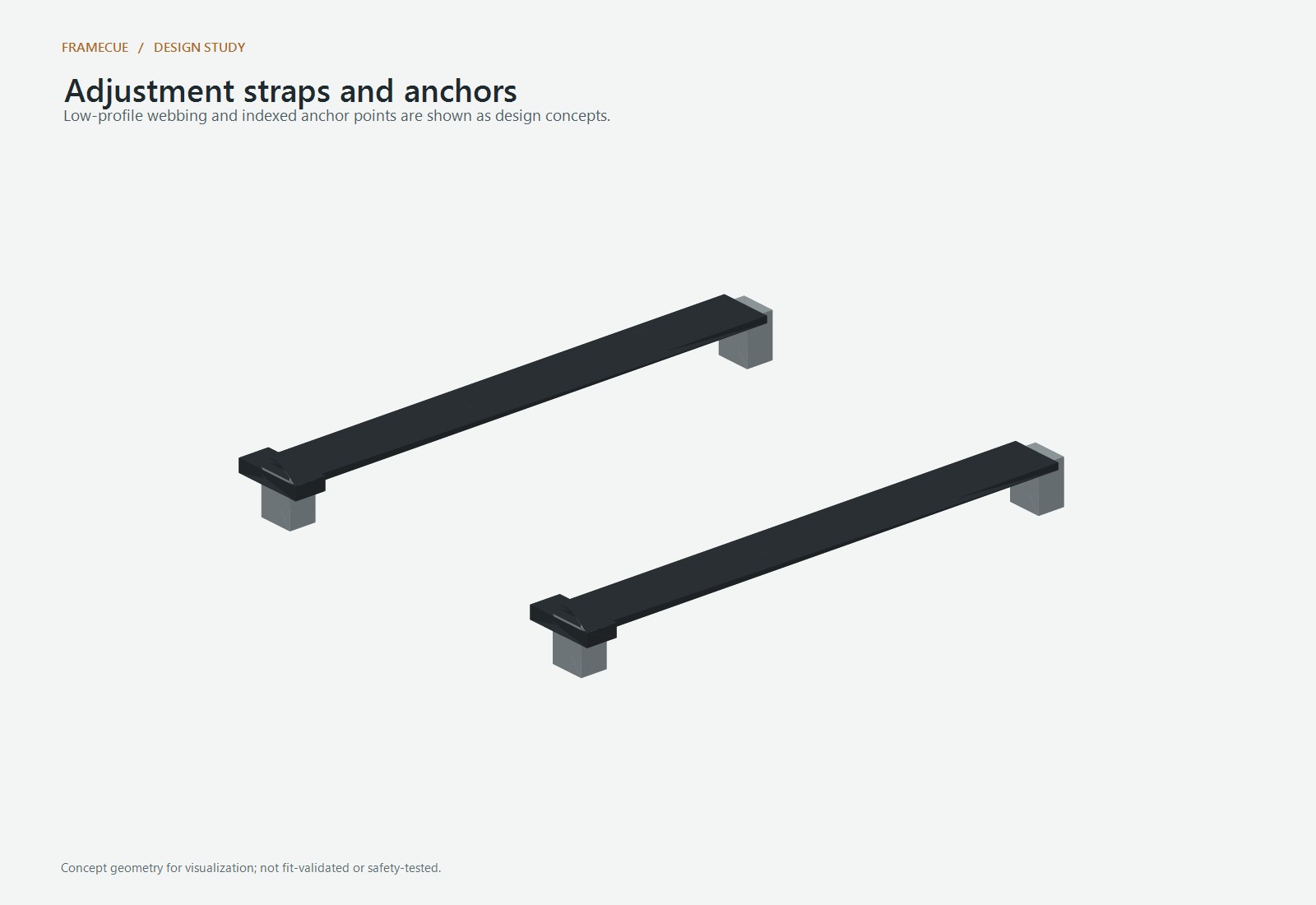
straps anchors
-
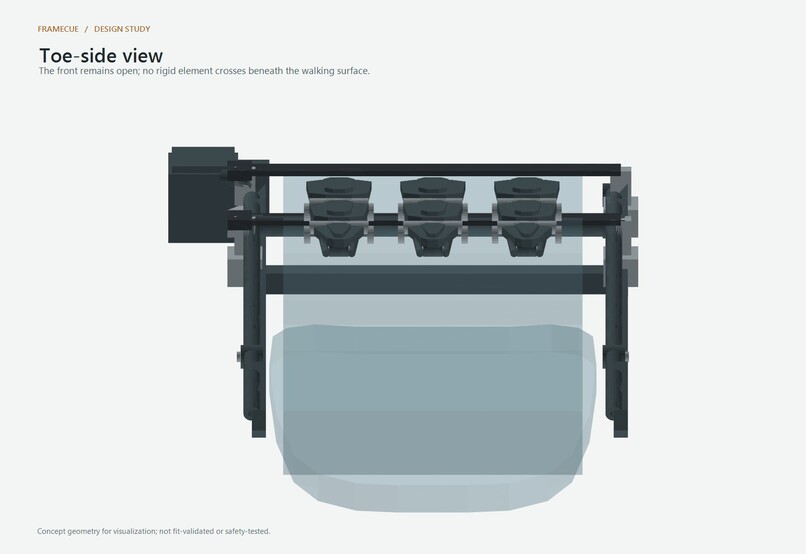
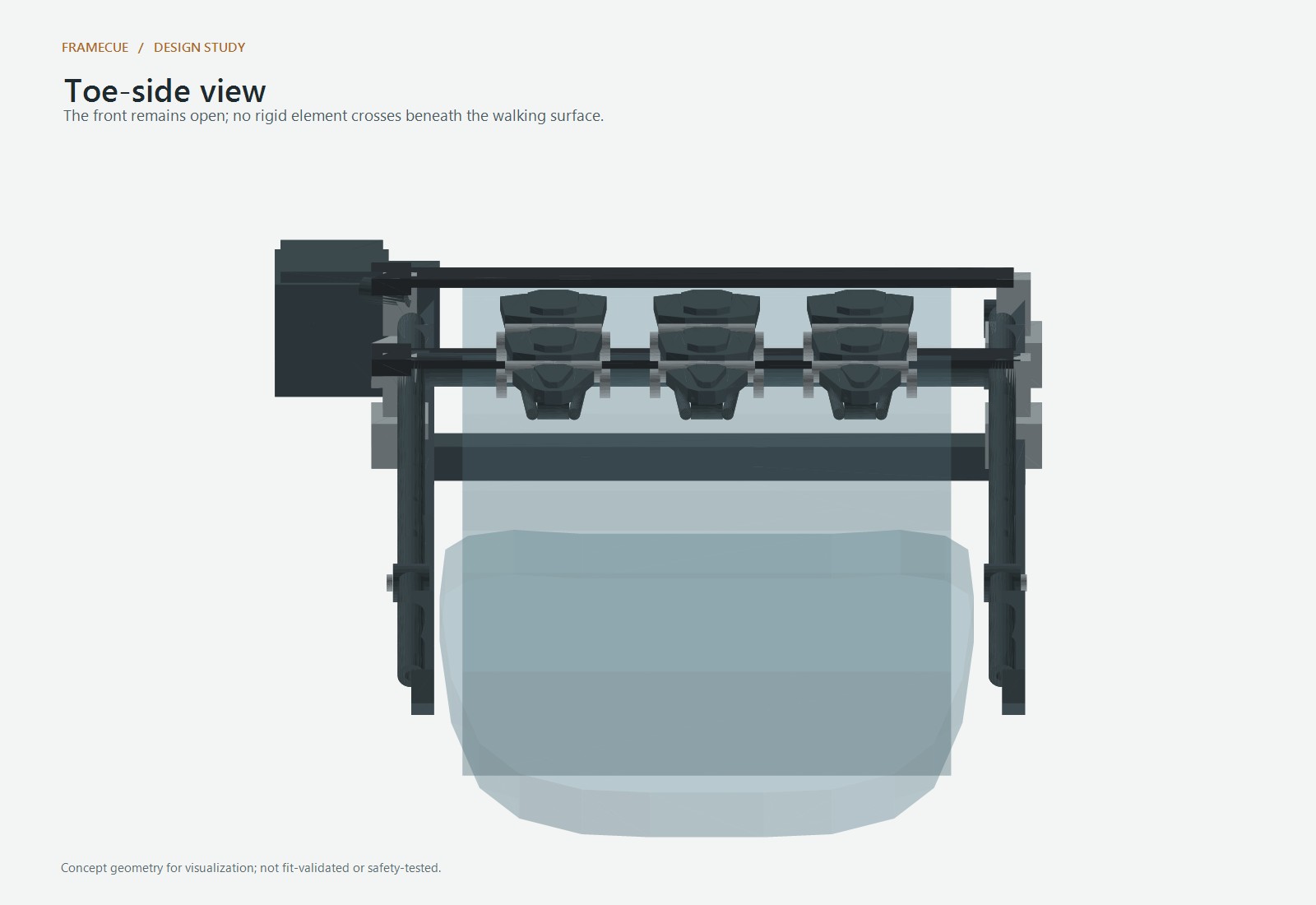
toe view
-
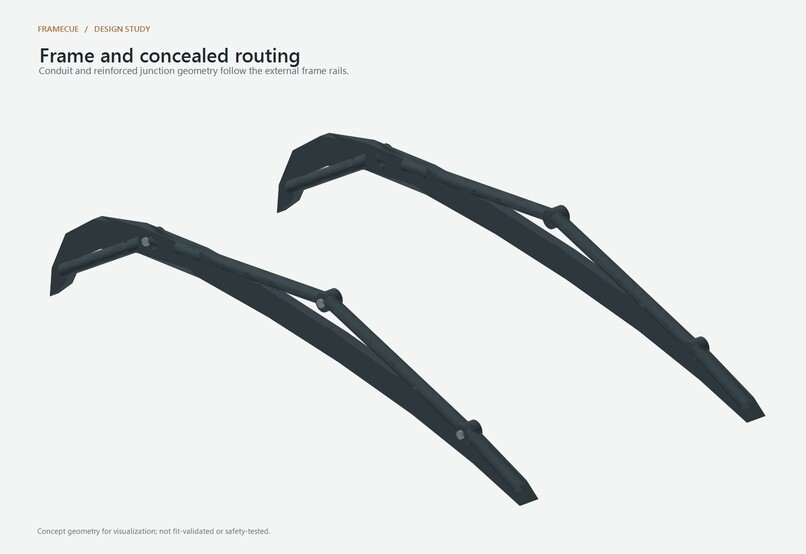
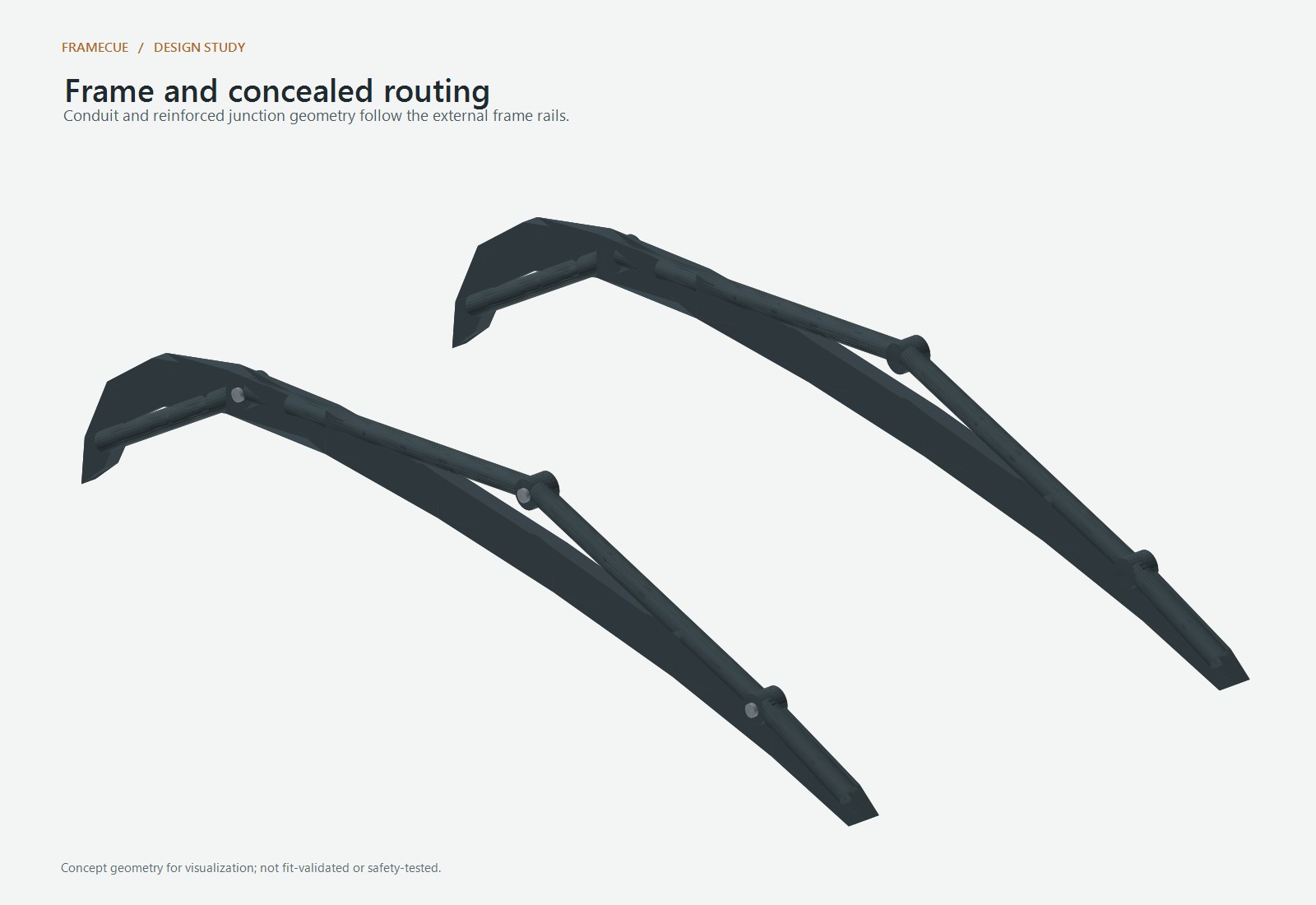
frame routing
-
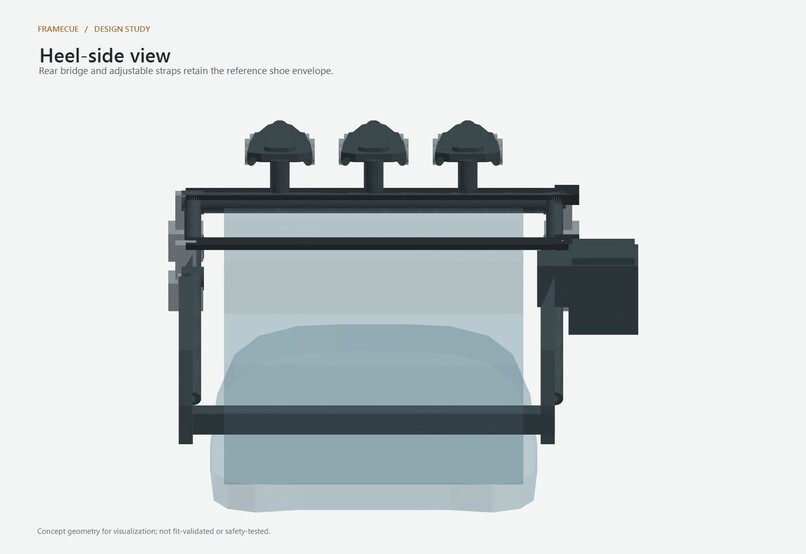
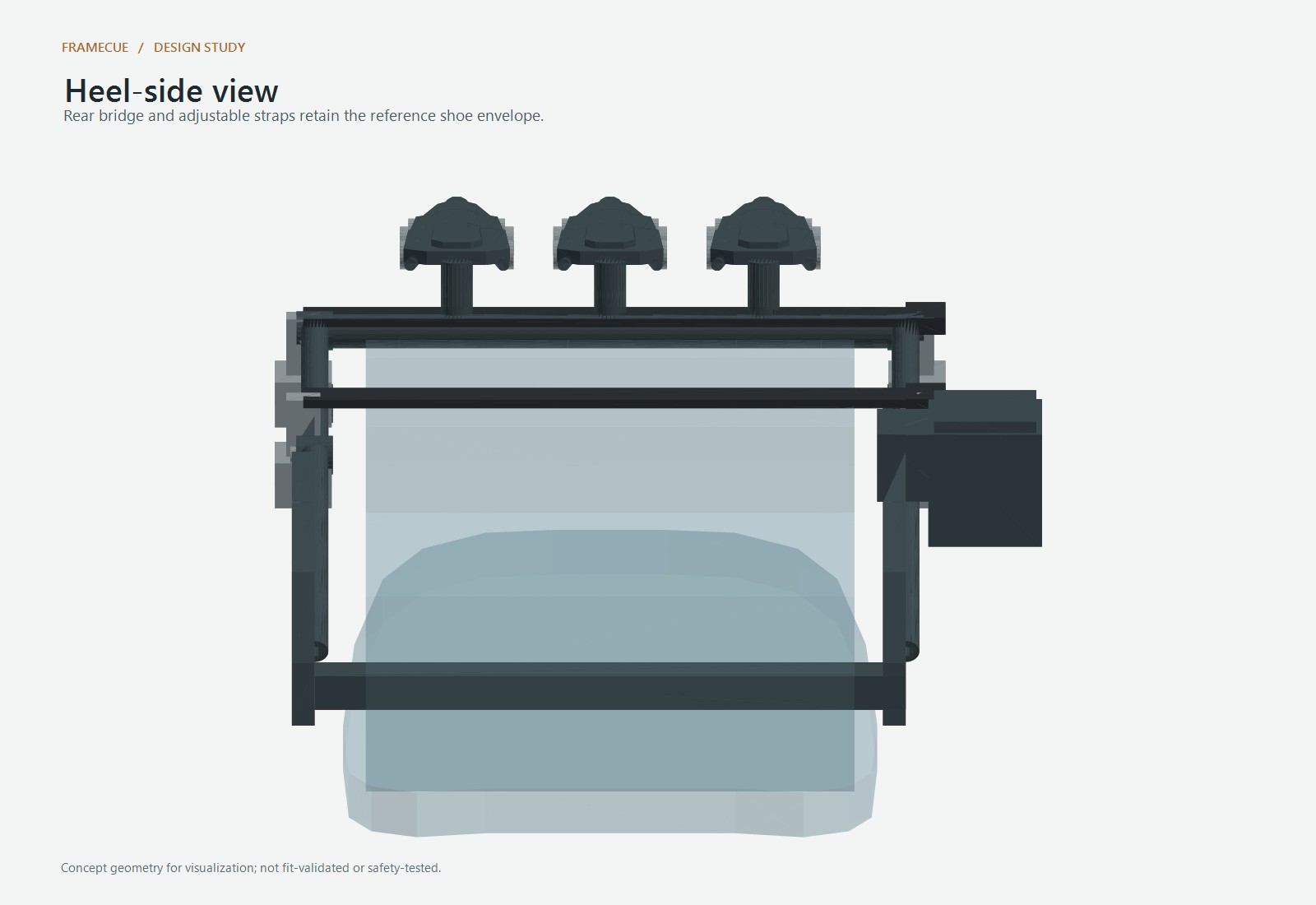
heel view
-
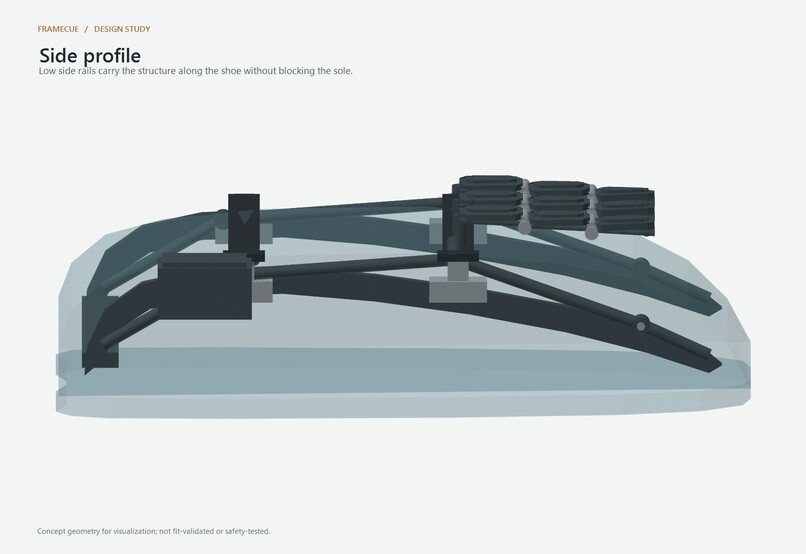
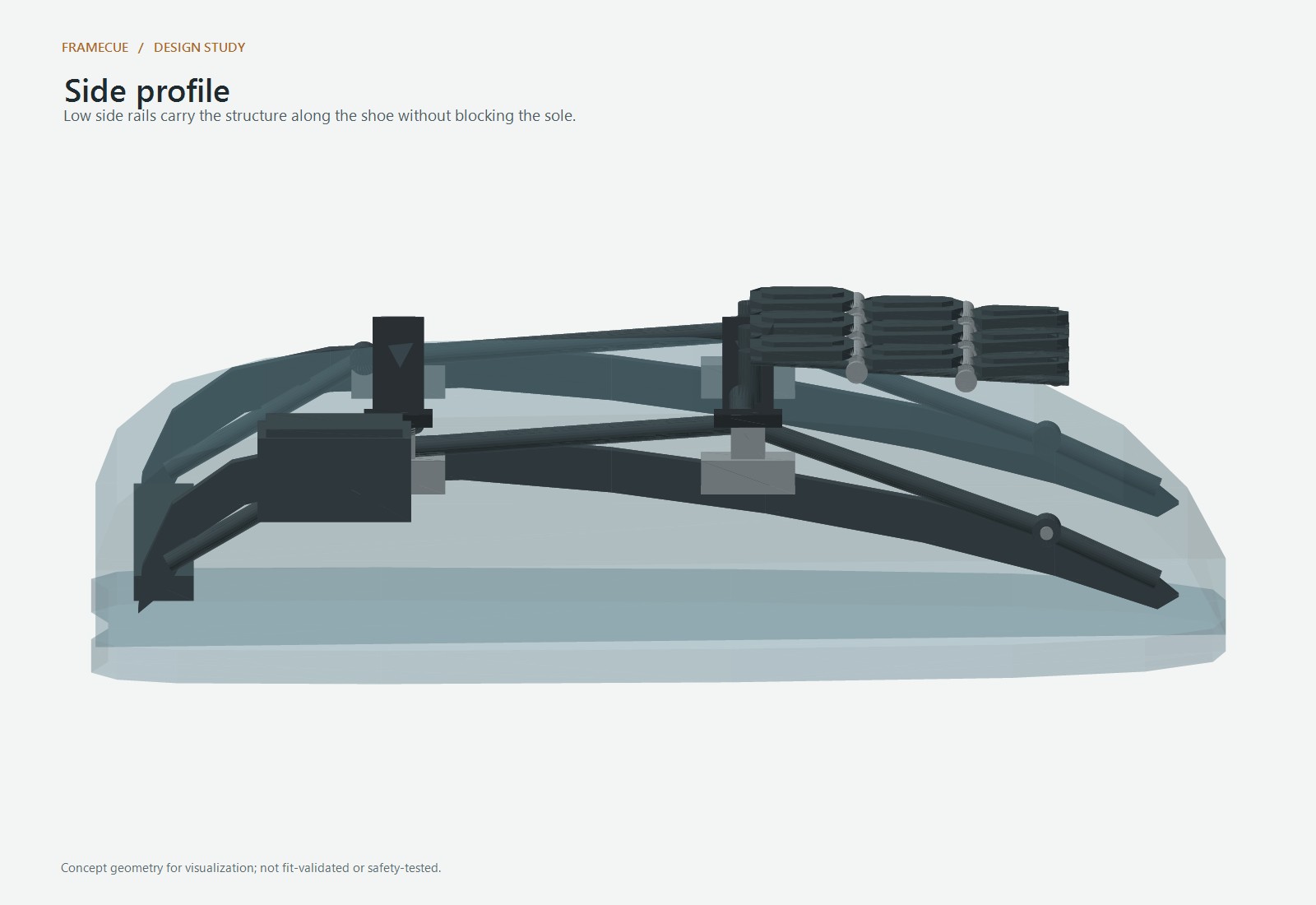
side profile
-
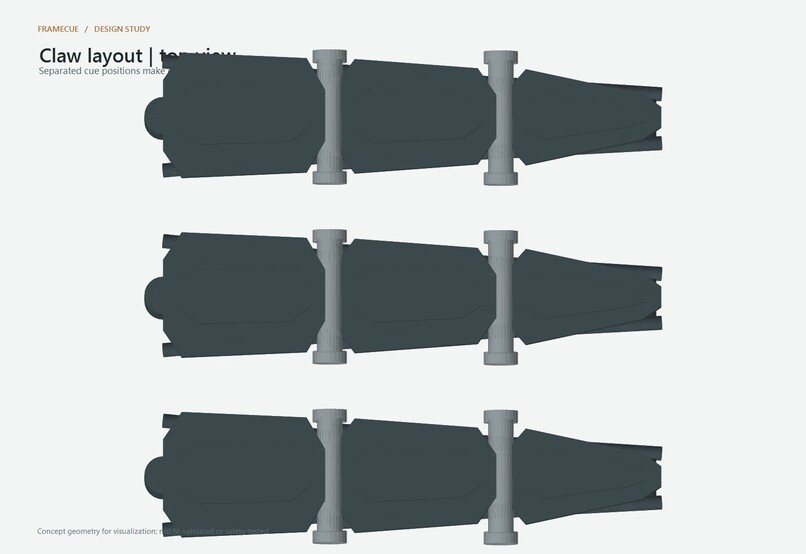
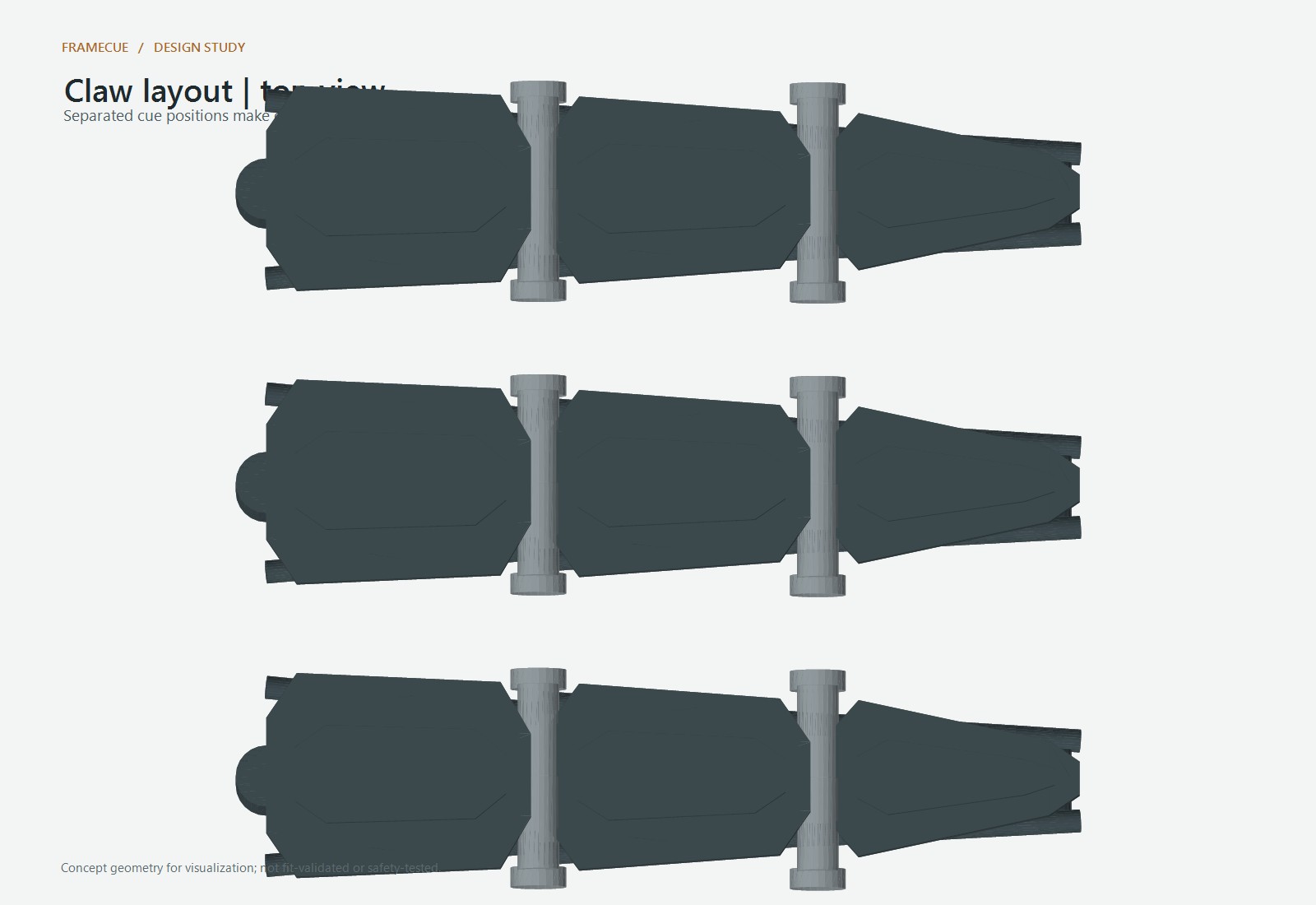
claw layout
-
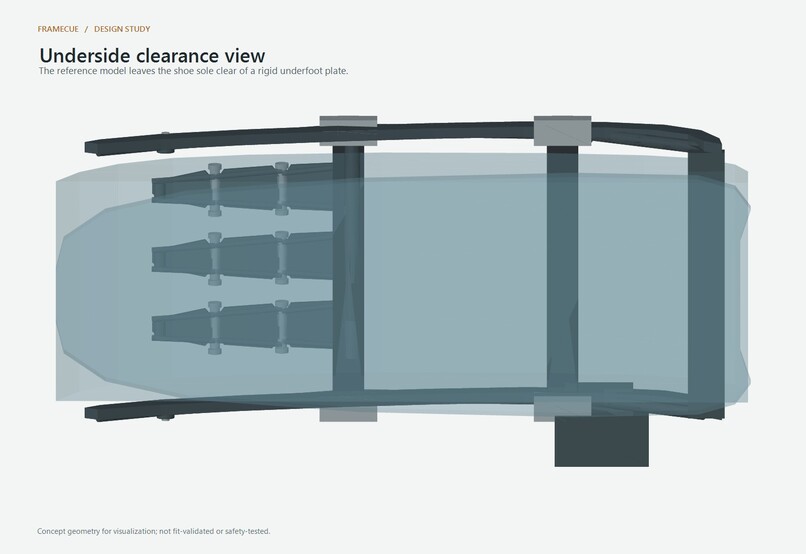
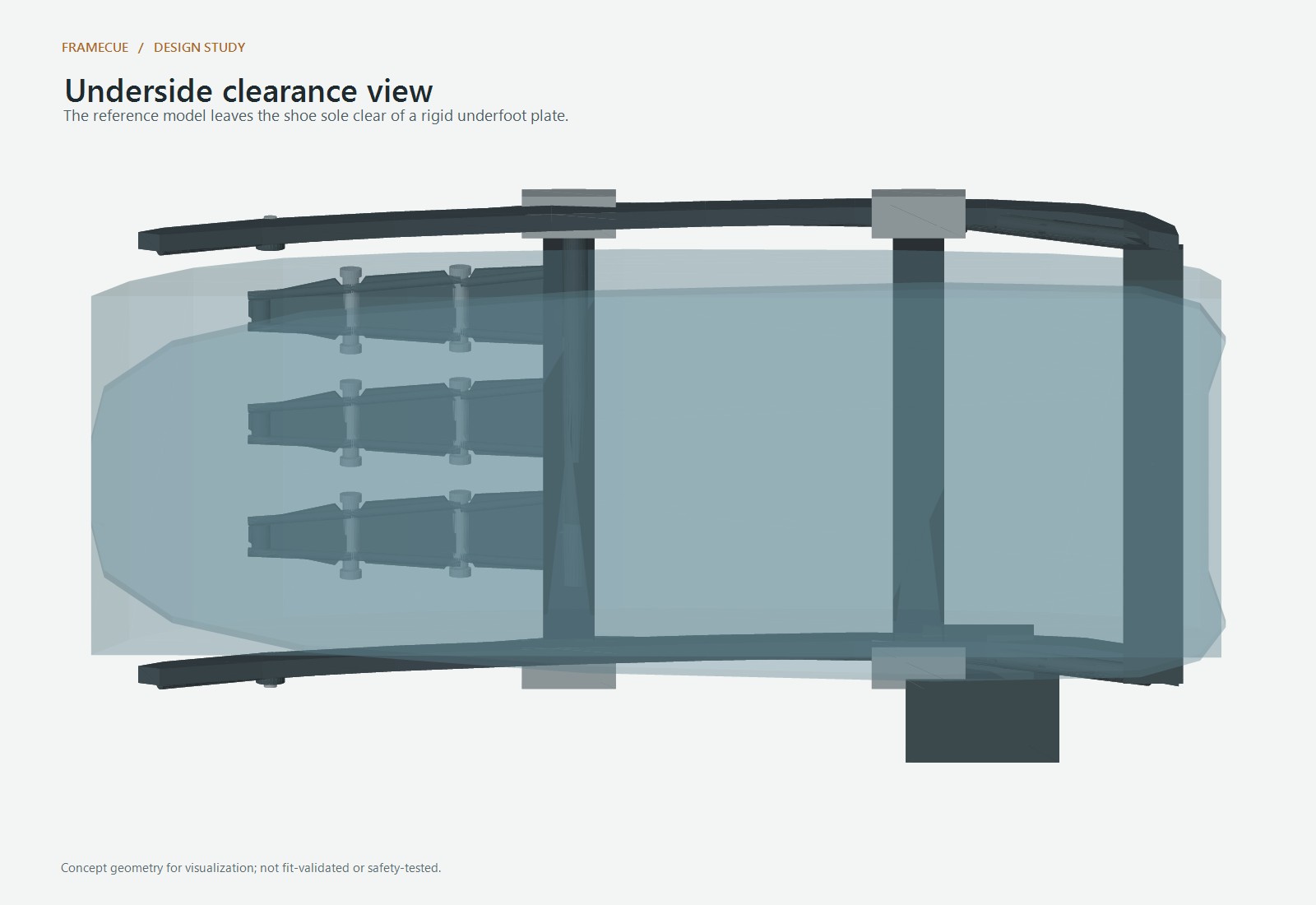
underside clearance
-
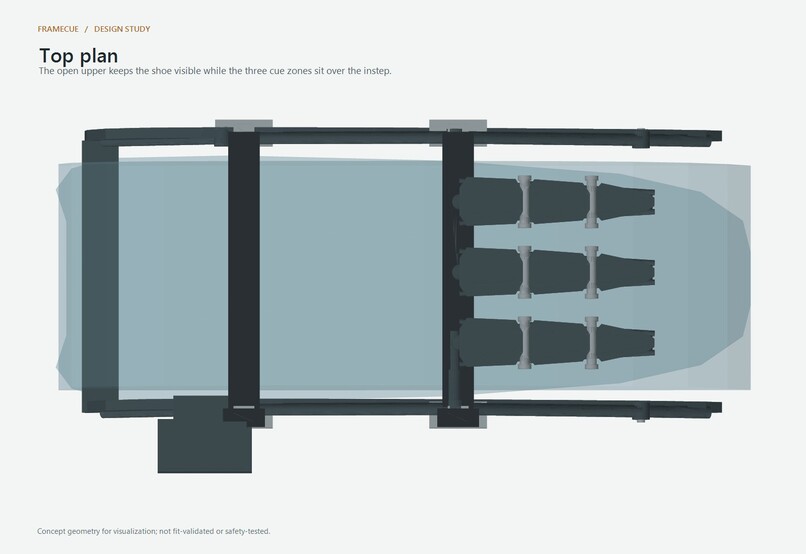
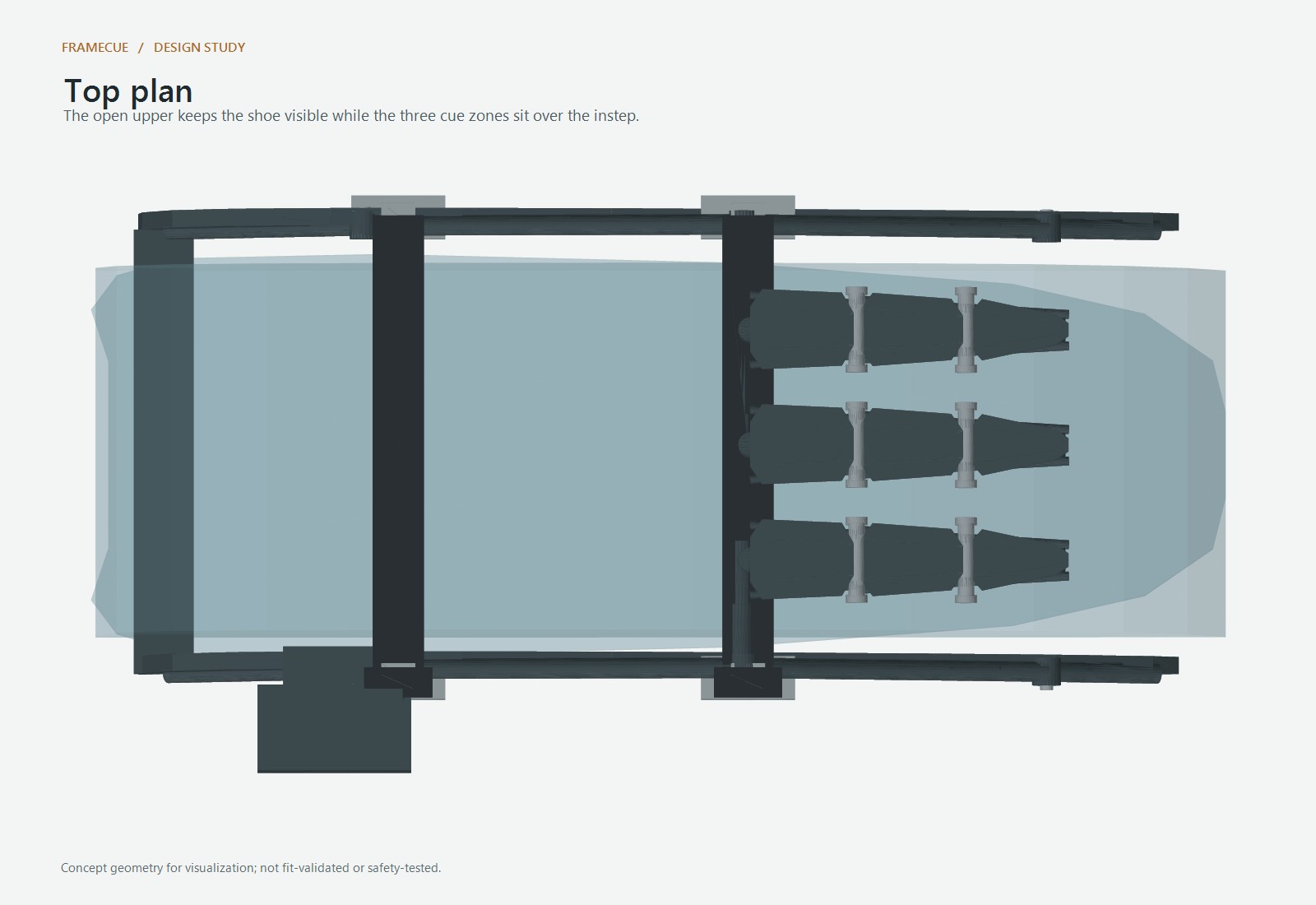
top plan
-
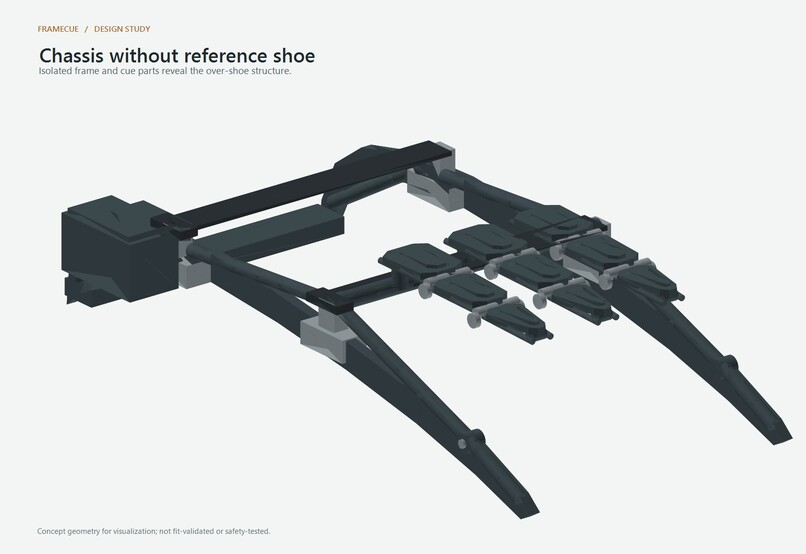
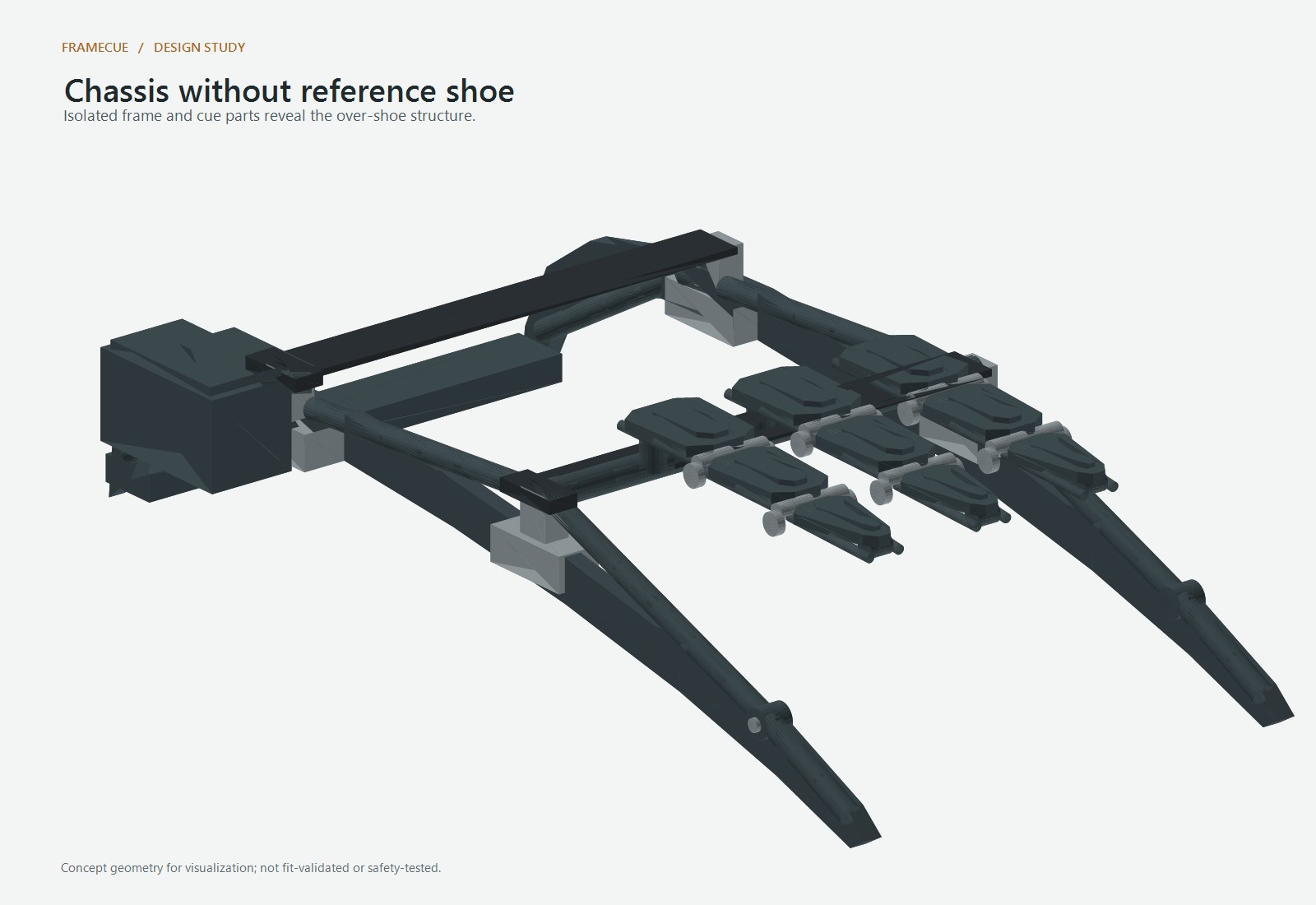
chassis isolated
-
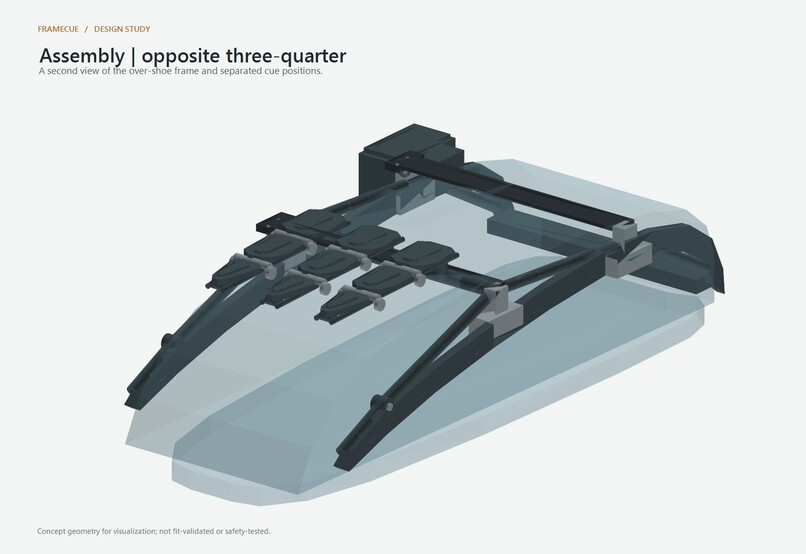
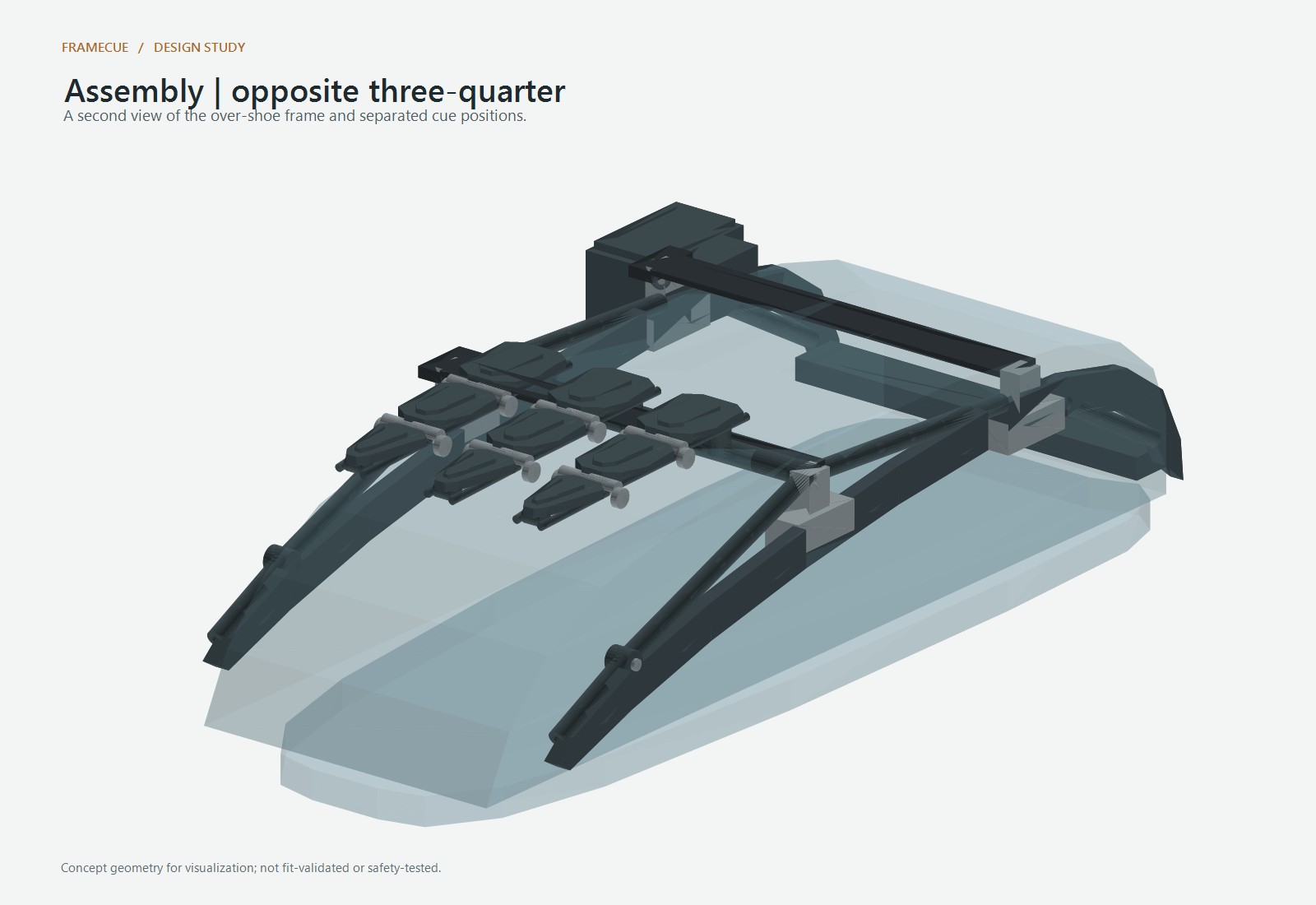
assemby opposite
-
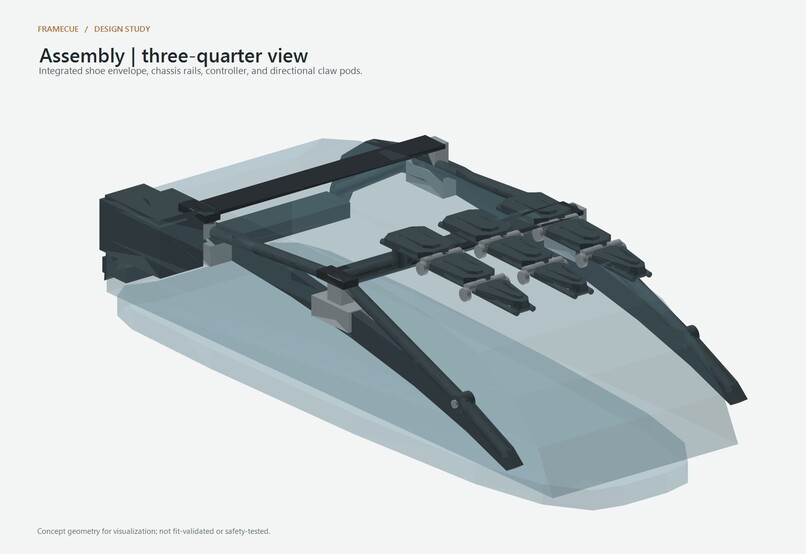
assembly overview
-
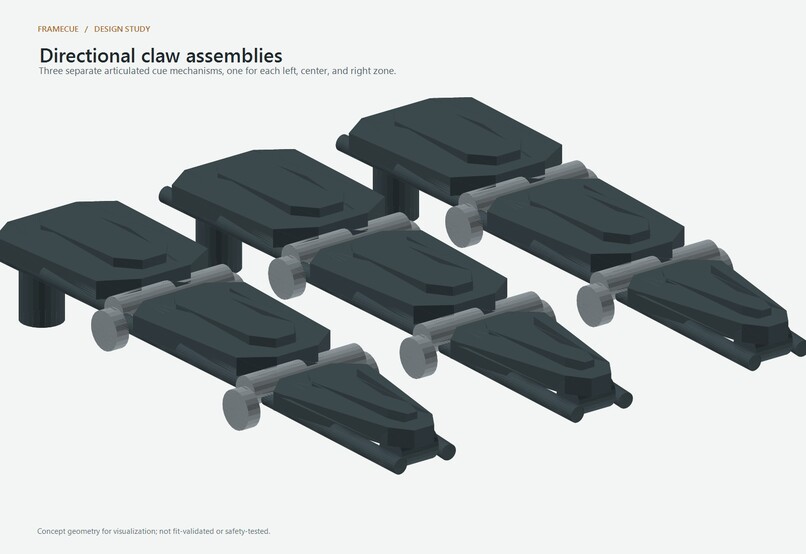
claw assemblies
Inspiration
I wanted to explore a hands-free way to make nearby obstacles and route turns easier to distinguish. The balancing analogy behind FrameCue is that small directional cues can guide a correction without requiring someone to interpret a long spoken description.
What it does
FrameCue uses a browser camera to detect common objects locally and show a smoothed, directional obstacle cue in an interactive wearable model. A slower NVIDIA Nemotron scan provides a periodic scene reference. Separately, a location-aware destination search can request a walking route and represent left, forward, or right turns through a second simulated cue channel. Place search can use speech or text.
How I built it
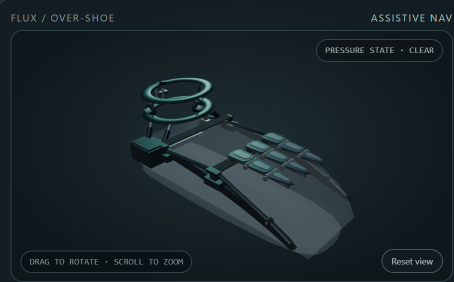
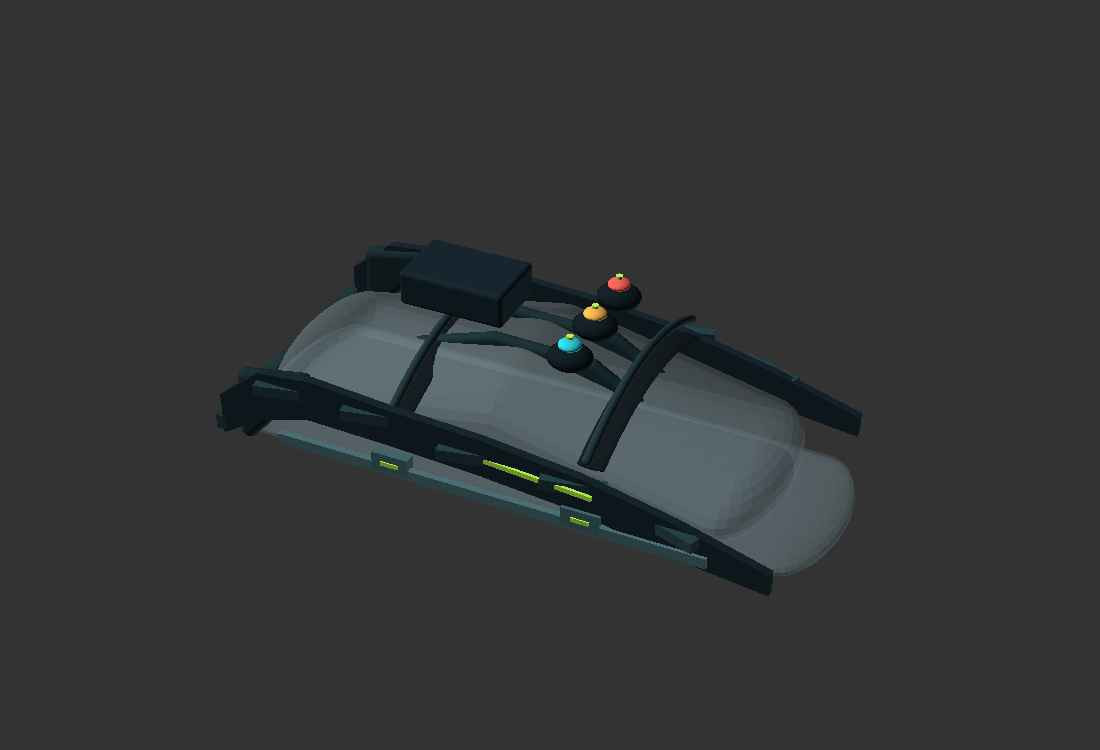
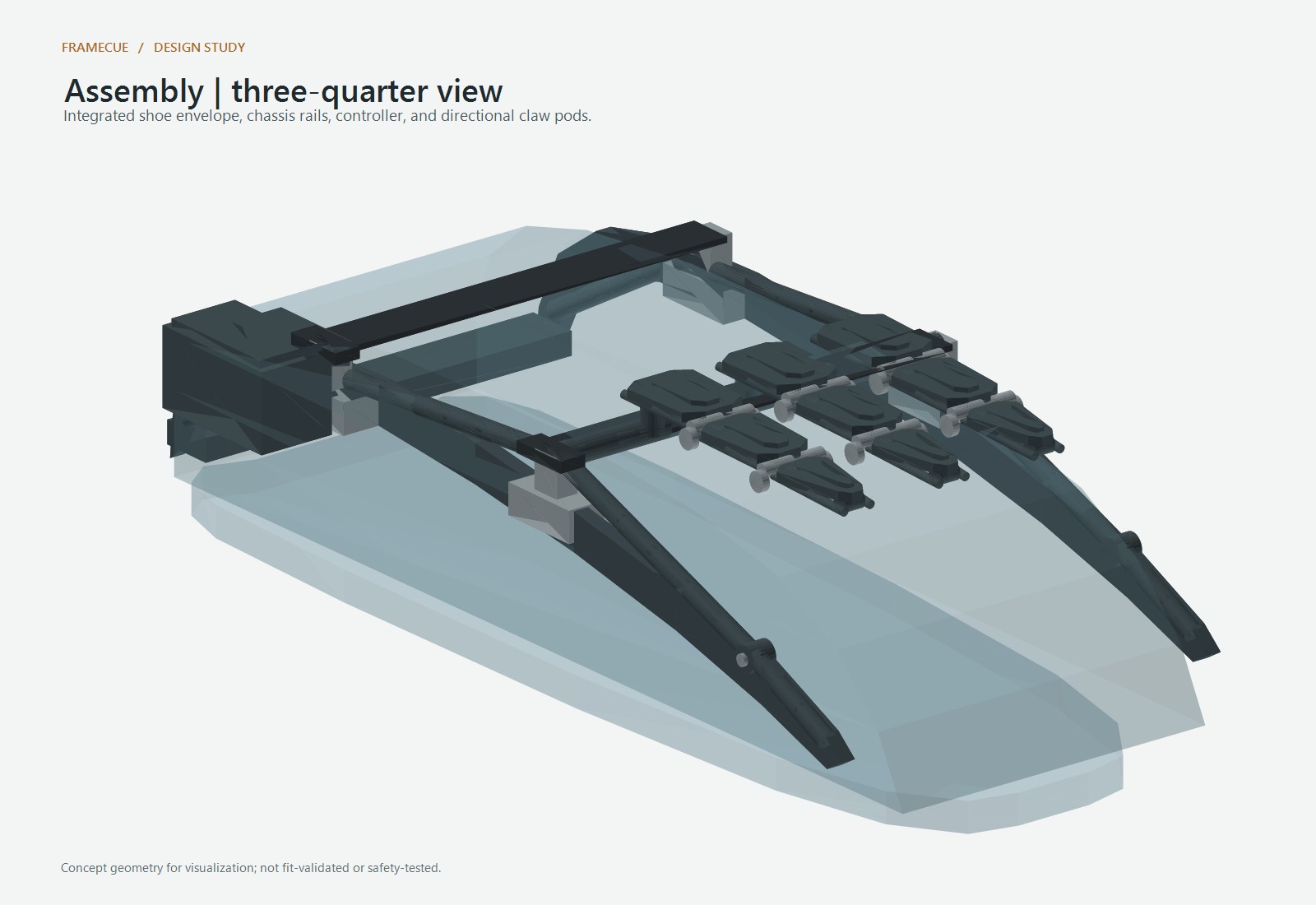
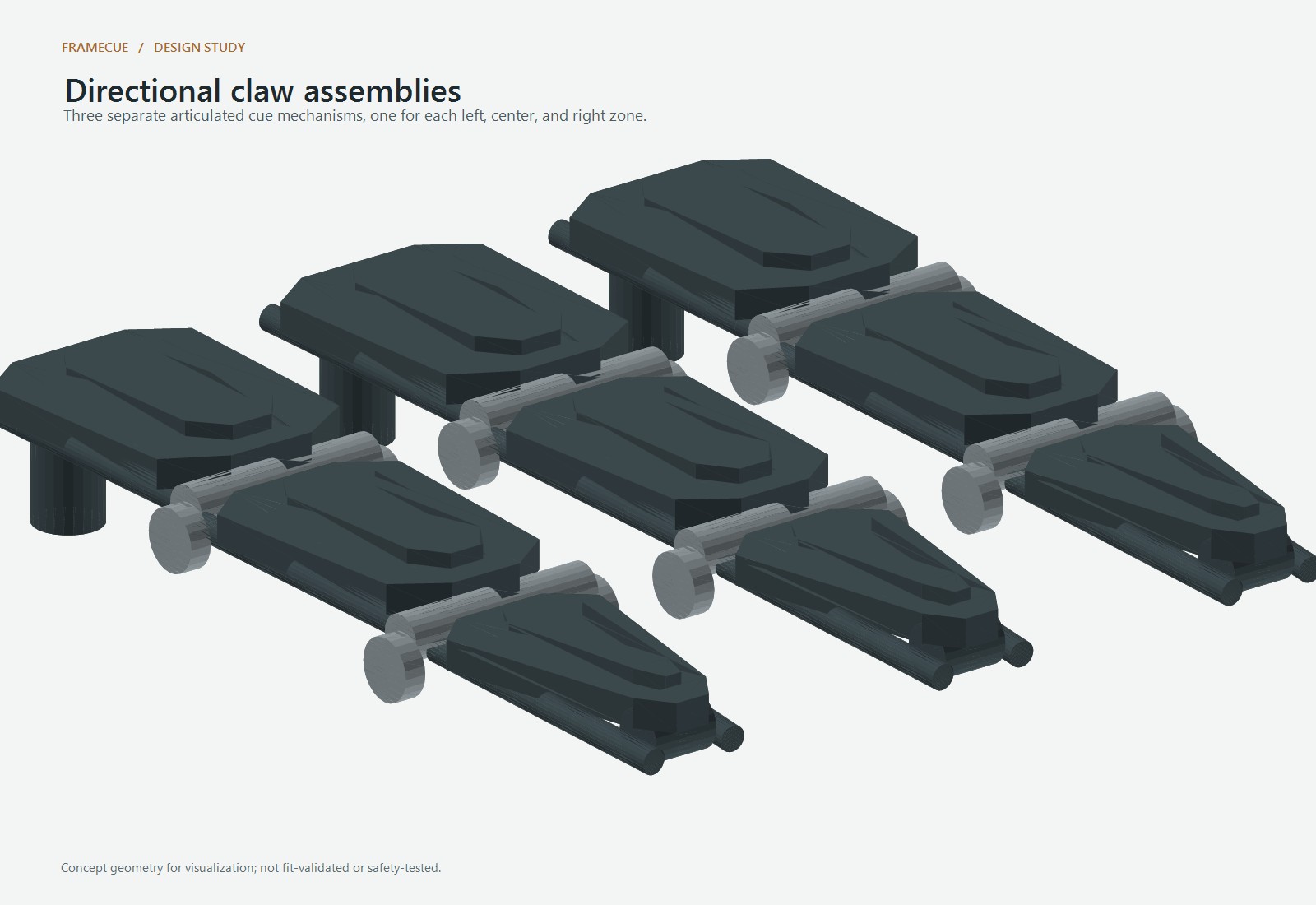
I developed this prototype with AI coding assistance using JavaScript, TensorFlow.js with COCO-SSD, a local Node.js server, NVIDIA Nemotron, Three.js, and OpenSCAD/Fusion 360 assets. Frequent object detections run in the browser; a reduced-size reference image is sent periodically through the local server to NVIDIA, keeping the API key server-side. Photon provides location-biased place results and Valhalla provides walking routes. The web viewer animates the separate obstacle claws and ankle route cues.
Challenges I ran into
Keeping the fast local detection loop responsive while using a slower scene model was challenging. I also had to make uncertain visual estimates clear, keep route guidance separate from obstacle direction, and represent a wearable mechanism without implying that simulated parts are working hardware.
Accomplishments that I'm proud of
The prototype brings camera detection, a periodic Nemotron reference scan, voice-friendly destination search, route cues, and an interactive wearable concept into one demo. The two simulated cue channels can be demonstrated independently.
What I learned
I learned how browser-based object detection, server-side model calls, geocoding, routing, and an interactive 3D viewer can fit together—and how much care an assistive concept needs around uncertainty and user safety.
What's next for FrameCue
The next step would be to get feedback from blind and low-vision people, improve the tactile cue vocabulary, and validate wearable fit and actuator safety before building any physical device.
Limitations
This is a visual prototype, not a validated mobility aid. Near/far and motion labels are rough estimates, not measured distance or reliable collision prediction. The obstacle and route cues are animations only; no pressure or haptic hardware is physically connected.
Built With
- accessibility
- autodesk-fusion-360
- chatgpt
- codex
- cursor
- gps
- javascript
- nemotron
- node.js
- openscad
- three.js
