Inspiration
Video editing is still full of tedious, repetitive tasks—manually hunting for silence, trimming dead air, syncing audio beats, adding captions, and adjusting keyframes. Traditional video editors require hours of clicking around complex timelines. We wanted to build Filmidi: an editor where creators can speak to an AI assistant in plain English, and watch the timeline edit itself in real-time.
What it does
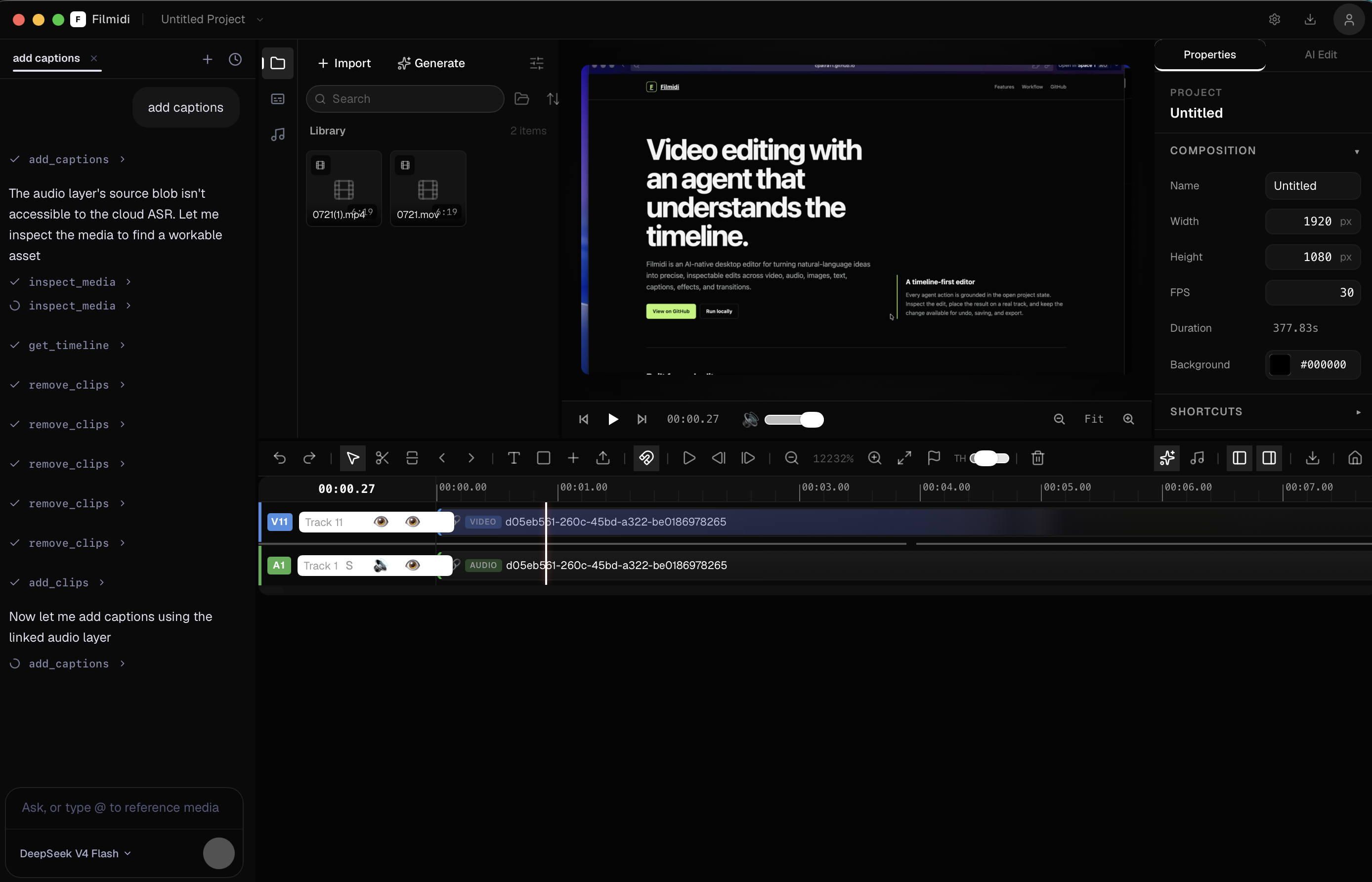
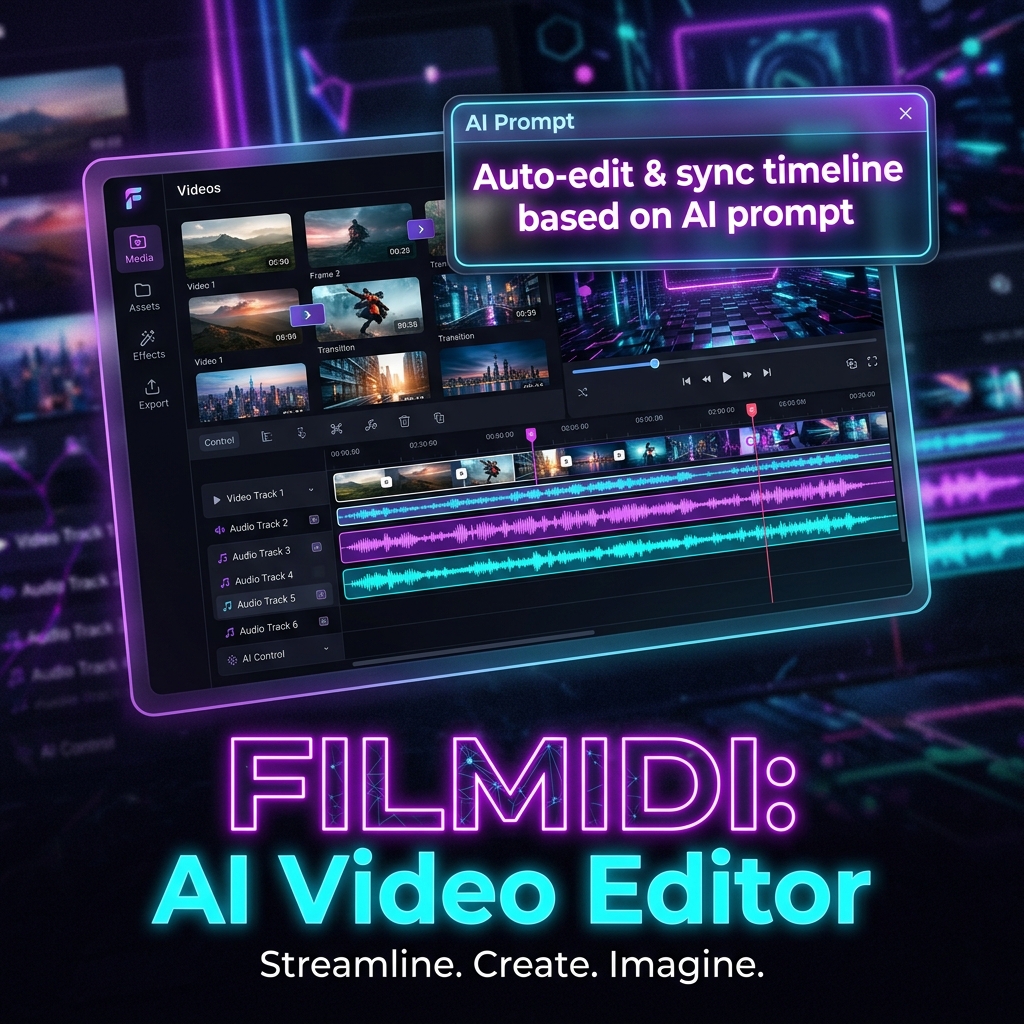
Filmidi is an AI-native desktop video editor. Instead of manually cutting and moving tracks, you can talk to an embedded AI co-pilot or connect external agents via MCP (Model Context Protocol).
- Natural Language Editing: Ask Filmidi to "remove all pauses longer than 1 second", "add auto-captions with pop-in animations", or "cut to the beat of the background music".
- Live Timeline Control: The AI reads exact frame states, media metadata, and audio waveforms to execute precise cuts, track movements, keyframe adjustments, and text overlays.
- MCP-Native Architecture: Exposes a full Model Context Protocol server (
http://127.0.0.1:19790/mcp), allowing external AI tools (like Claude Desktop or custom agents) to inspect media and orchestrate video projects programmatically.
How we built it
- Core Editor & App Shell: Built using Electrobun (powered by Bun and WebViews) for a lightweight, blazingly fast native desktop experience.
- Frontend & UI: Crafted with React 18, TypeScript, Tailwind CSS, Framer Motion, and Shadcn UI.
- Video Engine: Leveraged VideoFlow and native Swift (AVFoundation / CoreAnimation / Metal) sidecars for hardware-accelerated video rendering, audio waveform analysis, and fast frame extraction.
- AI Agent & MCP: Integrated
@ai-sdk/anthropic,@modelcontextprotocol/sdk, and@assistant-ui/reactto manage streaming agent responses and tool execution.
Challenges we ran into
- Sub-second IPC Synchronization: Bridging high-frequency timeline state between WebViews, Bun runtime, and native Swift video rendering engines without dropping preview frames.
- Deterministic AI Tool Calls: Teaching LLMs to understand complex 2D timeline geometry (tracks, frame-accurate timecodes, clip overlaps) and output error-free JSON edits.
- Cross-Process MCP Communication: Designing a low-latency local MCP server that allows external LLMs to visually "inspect" timeline preview frames on demand.
Accomplishments that we're proud of
- True Agentic Video Editing: Achieving reliable end-to-end video edits driven entirely by natural language prompts.
- Lightweight Desktop Footprint: Keeping memory usage low and startup instantaneous by replacing heavy Electron wrappers with Electrobun.
- Seamless MCP Integration: Building one of the first video editors with a native MCP interface built directly into the app lifecycle.
What we learned
- How to design granular, idempotent tool definitions for LLMs working on multi-track media structures.
- Strategies for combining browser-based DOM rendering with native AVFoundation hardware acceleration.
What's next for Filmidi
- Multi-Agent Collaboration: Support for specialized sub-agents (e.g., Color Grading Agent, Audio Mastering Agent).
- Cloud Rendering Pipeline: Exporting complex timelines directly to cloud GPU farms for ultra-fast 4K rendering.
- Direct Voice Control: Interactive real-time voice input for hands-free video editing while scrubbing the timeline.
Built With
- anthropic-api
- avfoundation
- bun
- electrobun
- framer-motion
- metal
- model-context-protocol
- react
- shadcn-ui
- swift
- tailwind-css
- typescript
- videoflow
- vite
- wasm
- webaudio


Log in or sign up for Devpost to join the conversation.