-
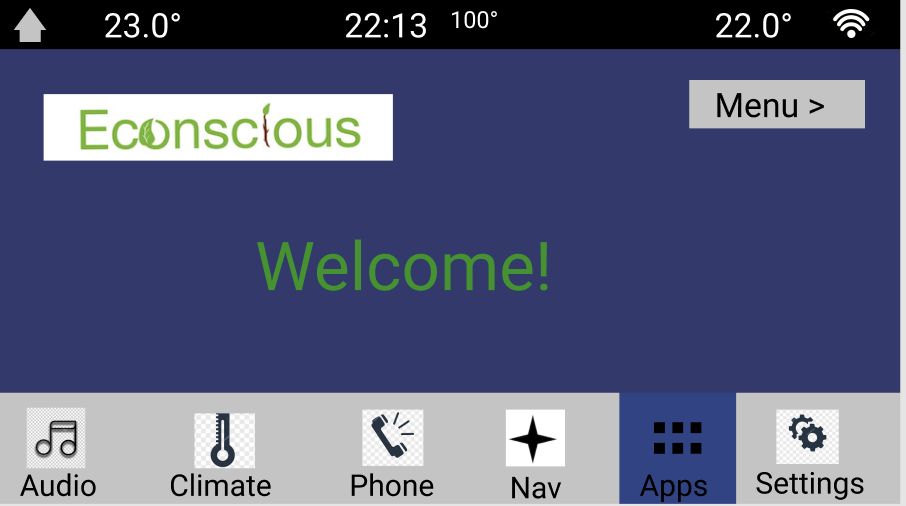
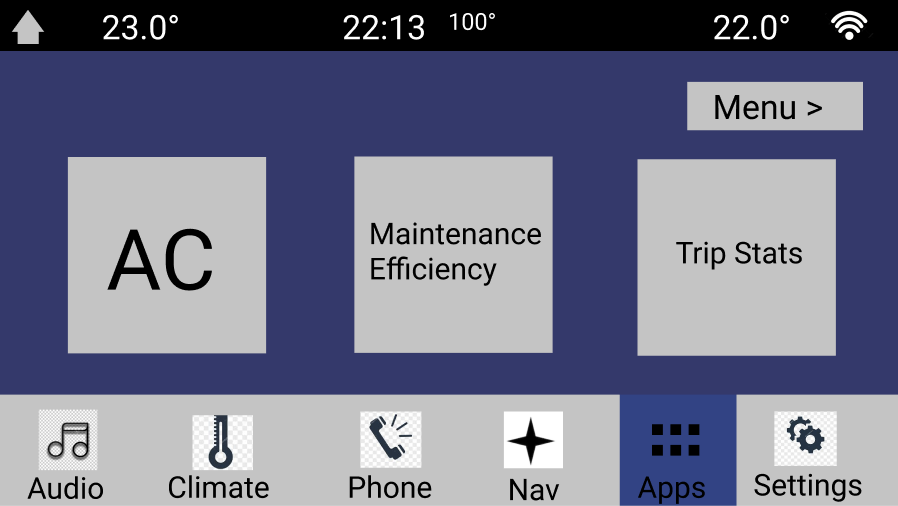
The very first screen of Econscious' screen is the welcome screen with the menu button to proceed to the next few options.
-
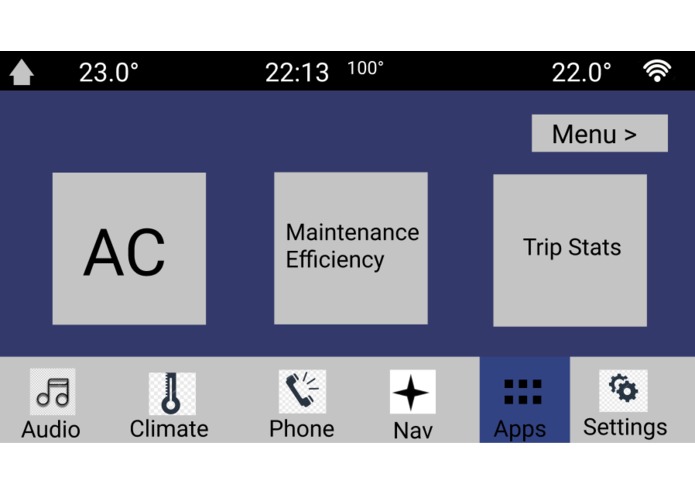
The next screen following the menu button being pressed. 3 options to viewing stats and suggestions relating to fuel efficiency.
-
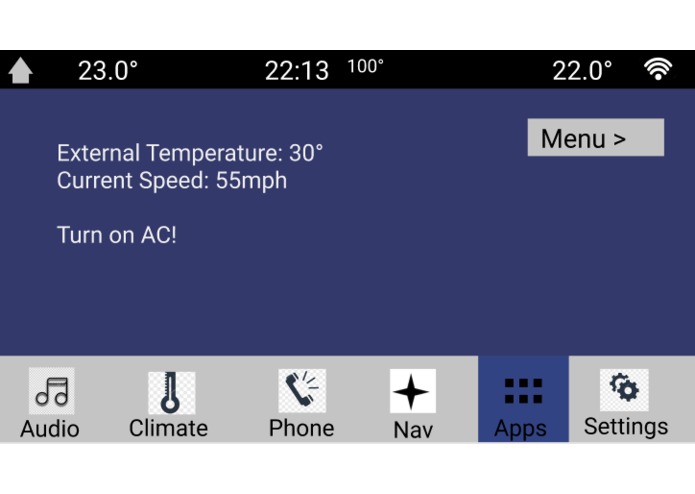
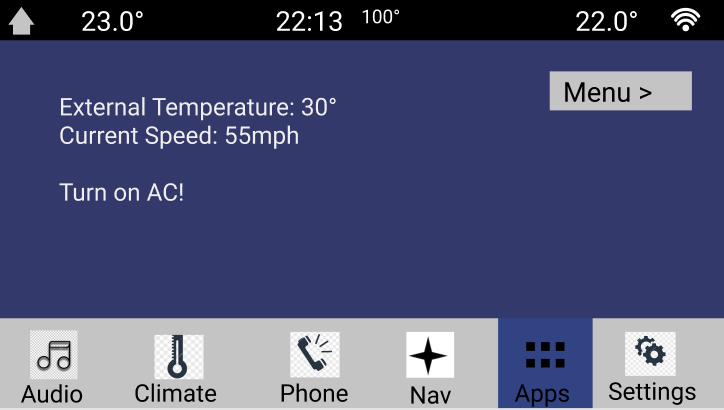
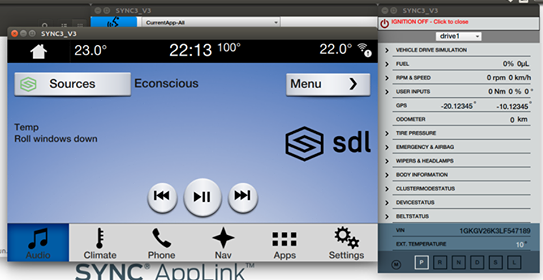
This AC screen provides a suggestion on whether to turn on the AC or roll down the windows based on wind chill factor.
-
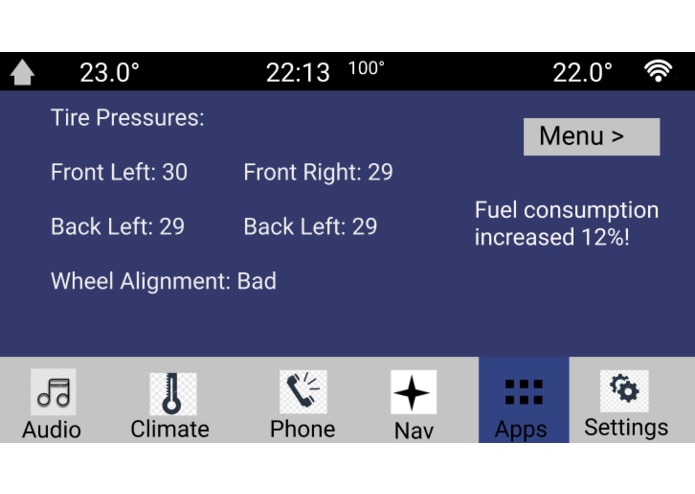
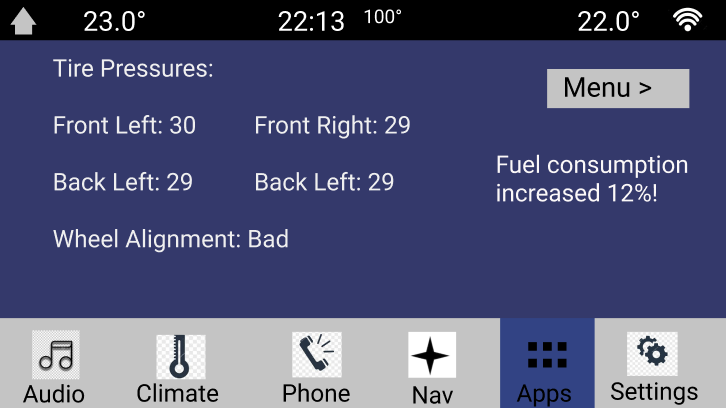
This is the maintenance screen that notifies you of the maintenance issues that is increasing your fuel consumption.
-
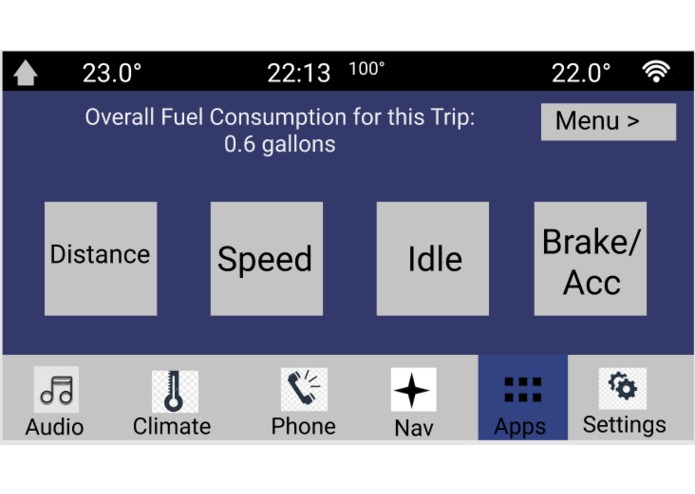
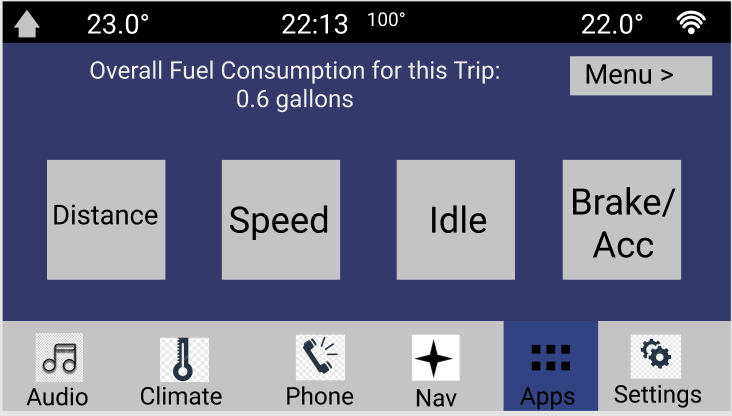
This is the trip stats page that provides stats/suggestions relating to driving habits that affect fuel efficiency.
-
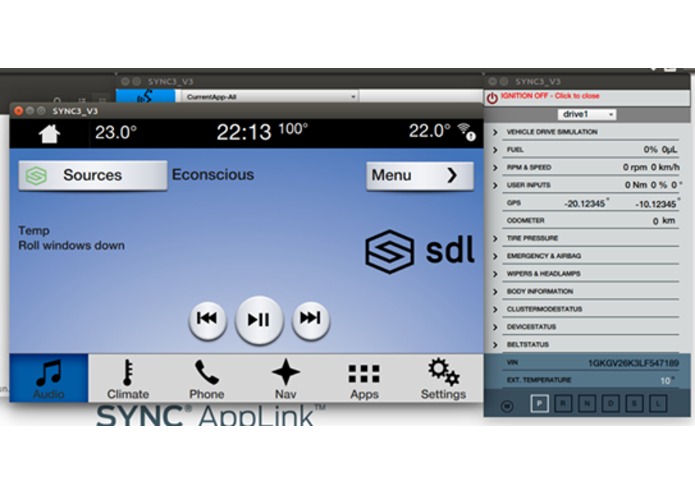
Working demo displaying the AC recommender.
-
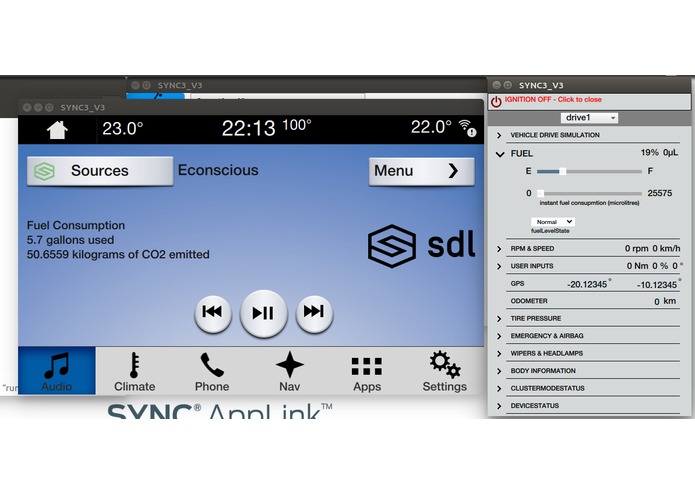
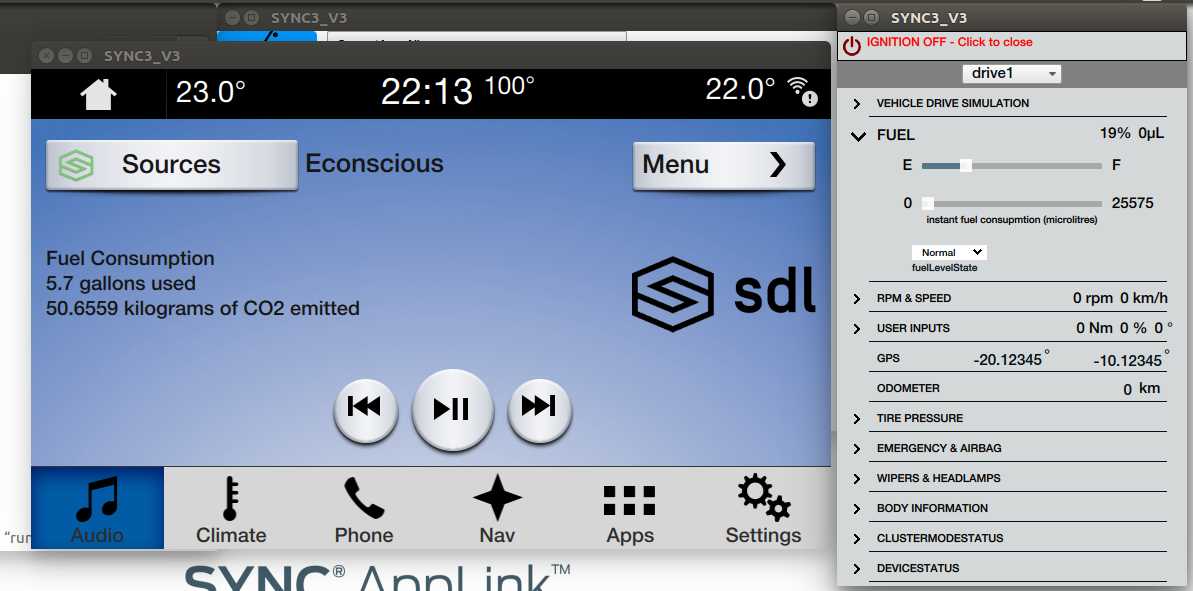
Working demo displaying the fuel consumption and CO2 emissions.
Inspiration
We're always reminded of how scary carbon emission can be on a larger scale, but we never know exactly how much we really contribute. Without individuals knowing about the effects they produce on the environment, we fall into the risk of following the model of "Tragedy of the Commons" - an idea that an individual will disregard environmental concerns for the sake of him or herself because of his or her perceived low contribution to environmental damage. With this regard, we aimed to work on a program that would provide more awareness and allow the user to become more "conscious" about his or her actions.
What it does
The application can break down into multiple parts: AC Recommender, Overall Consumption Stats, and Acceleration Checker.
AC Recommender
The AC recommender will suggest on the head of the vehicle whether he or she should turn on AC, returning a recommendation that depends on whether the needs of the user are obtained. Given an input of the desired vehicle temperature and current vehicle speed, the AC Recommender will first calculate the temperature wind index to find the effects of what temperature can be reached in the vehicle if the windows are down. For instance, if the reduced temperature is below the desired temperature threshold and the vehicle speed below 55 mph, then AC Recommender will tell the user to roll down their windows. This 55 mph represents the max speed a vehicle can travel before AC is more fuel-efficient (due to the increased drag of the vehicle).
Overall Consumption Stats
This part of the application displays the total amount of fuel consumed during an entire trip. Furthermore, the application will report the total carbon footprint in kg emission of CO2. This type of emission data allows the user to be more aware of their trip during driving, seeing the immediate and profound effects of long-term travel.
Acceleration Checker
This part of the application keeps track of how much the user accelerates over a certain threshold throughout his or her entire trip. The knowledge of rapid accelerations will contribute towards providing user feedback on optimizing driving to overall reduce fuel consumption.
How we built it
We utilized the Ford API to retrieve different vehicle data that we then used to output useful statistics and considerations on the program UI on the head of the vehicle. All of this was done in android studio.
Challenges we ran into
Due to limited time and being first-time hackers, we did not have time to implement everything we wanted. Furthermore, understanding Ford's API was an initial challenge, but a fun experience nonetheless. We eventually overcame the initial challenge and appreciated the ease of data retrieval and the use of the API.
Accomplishments that we're proud of
We are proud of the ideas and options we've made for the program. Additionally, we are proud that our program is able to provide information and motivation to the user to further continue themselves or inspire others about CO2 emissions.
What we learned
We learned how to use an API and how profound vehicle emission truly is.
What's next for Econscious
We want to add and modify two more program features to Econscious.
For the accelerator checker, we would extend its functionality to also include rapid braking checking. The acceleration and braking data will be used to provide an additional energy consumption statistic that reflects the effects of driving too aggressively. Further, the feature would better advise the user on how to drive more efficiently to save as much fuel as possible while maintaining a reasonable speed.
An additional feature we would like to add is the Idle-Time checker. This feature will measure the total time the user vehicle is idle, but running, during his or her entire trip. The feature would also include the total emission during this idle time to further provide the user information on the effects of idling to be more conscious of carbon output.
Lastly, we are aiming to implement the above features as a mobile android app that would retain all this data for future reference that will be useful for tracking progress.

Log in or sign up for Devpost to join the conversation.