-
-
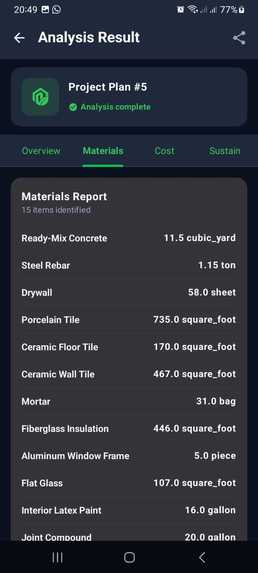
Analyse screen report
-
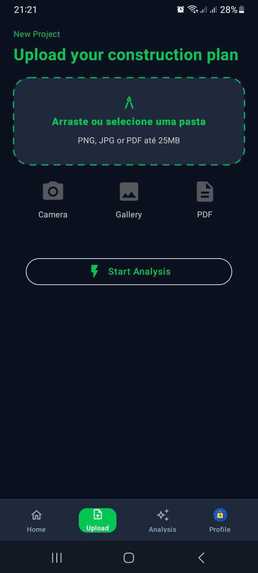
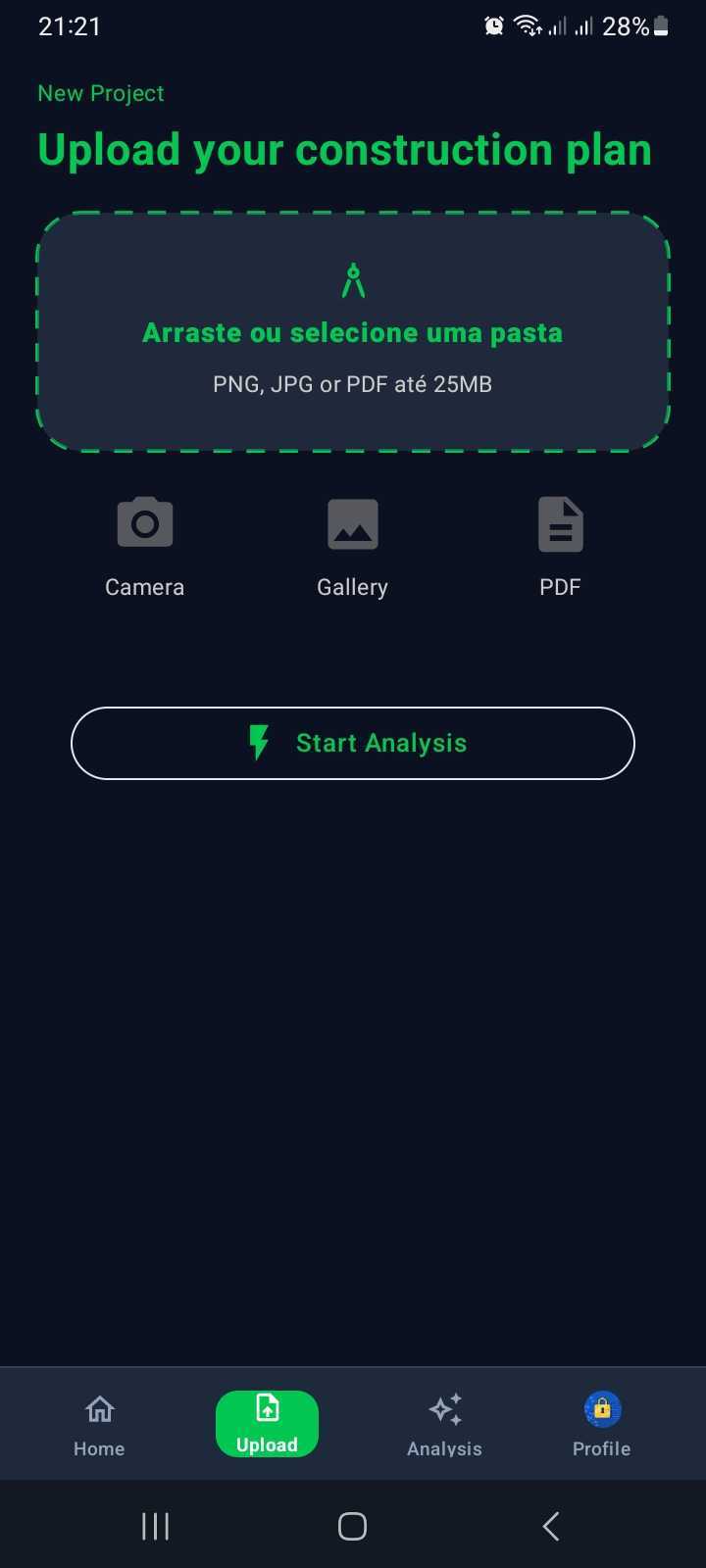
Uploading
-
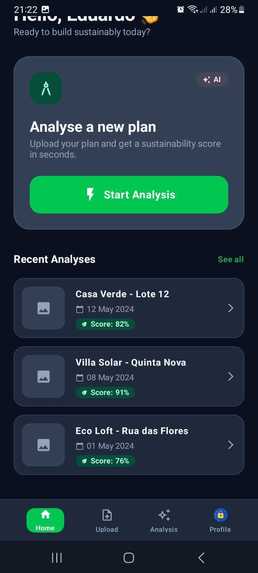
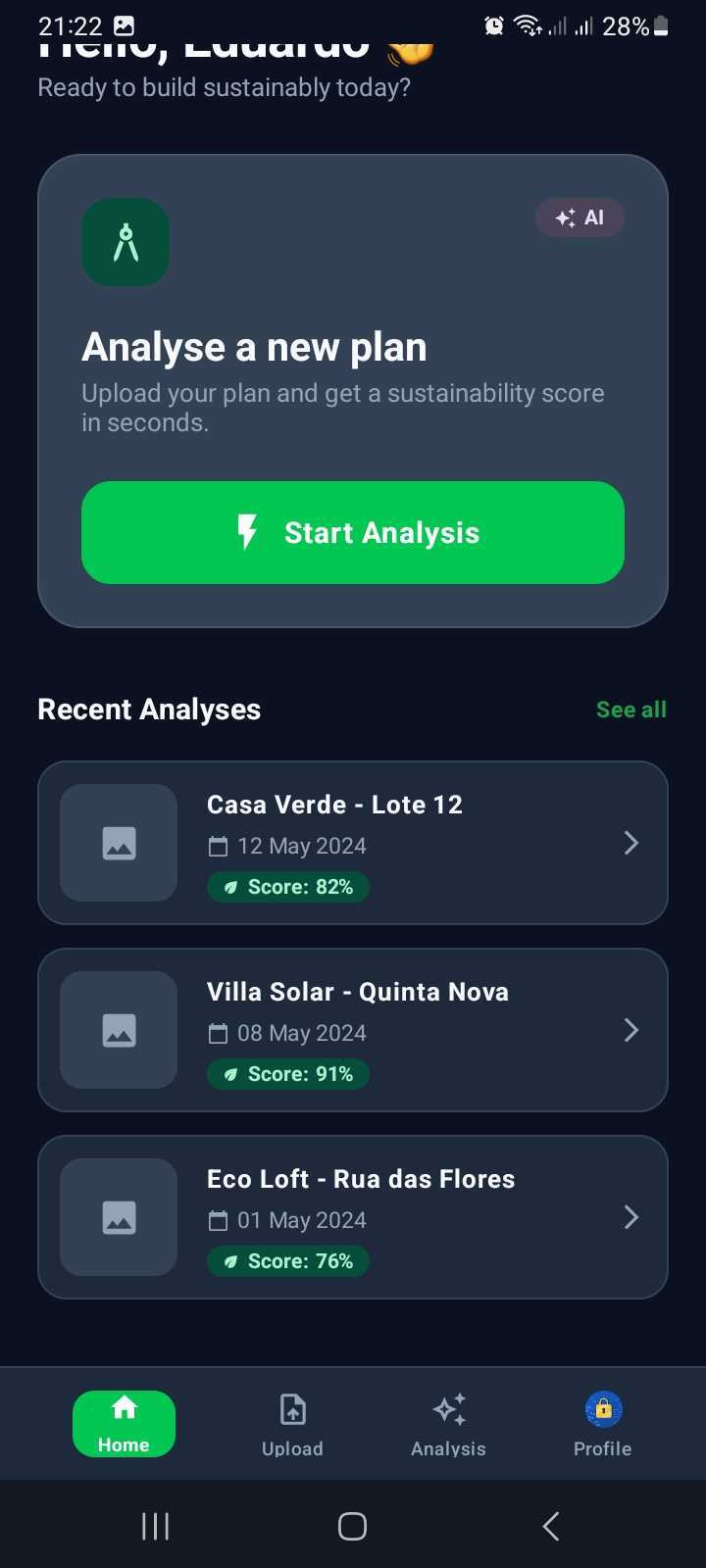
Home in the app
-

Profile details

EcoBuild-AI — Sustainable Architecture in the Palm of Your Hand
Inspiration
The construction industry is one of the biggest consumers of raw materials and producers of waste on our planet. When designing or starting a building project, architects, engineers, and everyday homeowners face a common roadblock: figuring out whether a floor plan is genuinely eco-friendly is usually slow, complex, and expensive.
We asked ourselves a simple question: What if anyone could take a photo of a blueprint with their smartphone and get a clear sustainability score and material breakdown in seconds?
That question inspired EcoBuild-AI — an intuitive mobile app built to make green architecture accessible, practical, and easy to understand for everyone.
What it does
EcoBuild-AI turns complex blueprints into clear, actionable sustainability reports:
- Flexible Plan Uploads: Snap a photo of a physical blueprint with your phone camera, pick an image from your gallery.
- Instant Visual Preview: The app processes the file immediately on your device, showing a clean, crisp preview before you start the analysis.
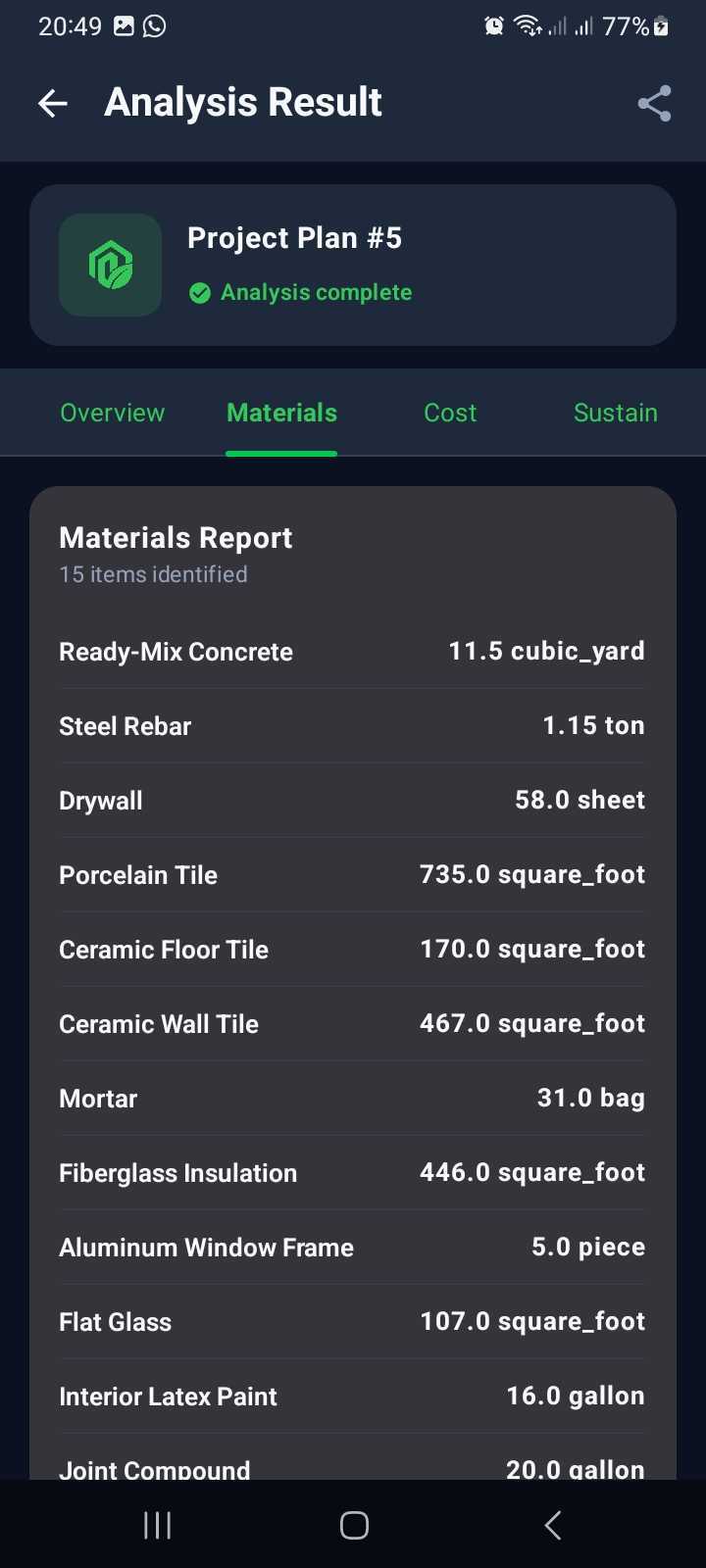
- Smart Material Detection: Powered by an intelligent AI engine, the app reads structural elements across the blueprint and lists the detected materials with exact names, quantities, and units.
- Eco Score: Generates an easy-to-read sustainability rating summarizing the environmental impact of the proposed design.
- Real-Time Push Alerts: Heavy blueprints can take a little time to analyze. Instead of forcing users to stare at a loading screen, they can turn on alerts and receive a push notification the moment the report is ready.
- Simple, Secure Sign-In: One-tap login via Google or email/password, keeping user profiles and project history synced and protected.
- Thoughtful Design: A modern, clean interface that seamlessly adapts to both light and dark mode for comfortable viewing anywhere — from a sunlit construction site to a dimly lit office.
How we built it
We developed the app focusing on simplicity, responsiveness, and real-world usefulness:
- Modern, Fluid Interface: Built with Android’s latest UI toolkit (Jetpack Compose), providing smooth transitions, clear typography, and an uncluttered user experience.
- Smart AI Connection: Securely connects to backend services running computer vision and AI models trained to identify structural plans and construction materials.
- Cloud & Authentication: Backed by Google Firebase to handle instant single-tap logins and sync user profiles reliably in the cloud.
- On-Device Speed: Generates high-quality PDF page previews and handles camera captures locally without slowing down the device.
- Seamless Notifications & Deep Linking: Configured system notifications that take you straight to the completed report with a single tap.
Challenges we ran into
- Account Sync & Data Flow: Early on, switching between Google Sign-In and email accounts could leave profile names blank. We reworked how user data loads so account information updates reliably and immediately upon logging in.
- Dark Mode Balance: Some cards and buttons were initially hard to read in dark mode. We harmonized the entire palette using adaptive color roles so text and surfaces remain balanced and readable at all times.
- Handling Heavy PDF Files: Architectural blueprints are often large vector files. We optimized thumbnail rendering on background threads so loading large plans won’t freeze the app.
- Respectful Notification Permissions: Ensuring the Android notification permission prompt only appears when the user actually decides to turn on the alert switch, keeping the app non-intrusive.
Accomplishments that we're proud of
- Translating Complexity into Simplicity: Turning dense engineering data into readable summary cards and visual indicators that anyone can grasp at a glance.
- A Patient-Free Workflow: Designing a process where users don’t have to wait around — upload a plan, step away to do other tasks, and get notified when the results are ready.
- A Resilient, Polished App: Delivering a stable, native experience that switches themes and accounts effortlessly without crashes or visual glitches.
What we learned
- Design with Empathy: The smartest AI isn't helpful if the interface feels overwhelming. Presenting information in plain, human language is just as important as the technology behind it.
- Session Lifecycle Management: Gained hands-on experience in managing navigation and user sessions so no ghost data from previous accounts lingers in memory.
- Platform Best Practices: Learned how to seamlessly incorporate modern Android notification and storage guidelines without sacrificing speed.
What's next for EcoBuild-AI
- Green Material Recommendations: Integrate generative AI (like Google Gemini) to automatically suggest eco-friendly, cost-effective alternatives for detected materials (e.g., lower-carbon concrete blends or certified timber).
- Offline Mode for Job Sites: Allow users to save their project history locally so contractors and engineers can inspect reports even in remote areas with no internet connection.
- Carbon Savings Calculator: Show clear estimates of potential $CO_2$ reductions and cost savings when choosing greener building methods.
- Interactive Blueprint Highlights: Allow users to tap on sections of the blueprint to see where energy or material efficiency can be improved directly on the layout.
- Upload an original multi-page PDF document: The feature is currently disabled, but it will be activated soon.
- Sharing analyses with organization members: The sharing feature on the analysis screen is disabled.


Log in or sign up for Devpost to join the conversation.