-
-
-
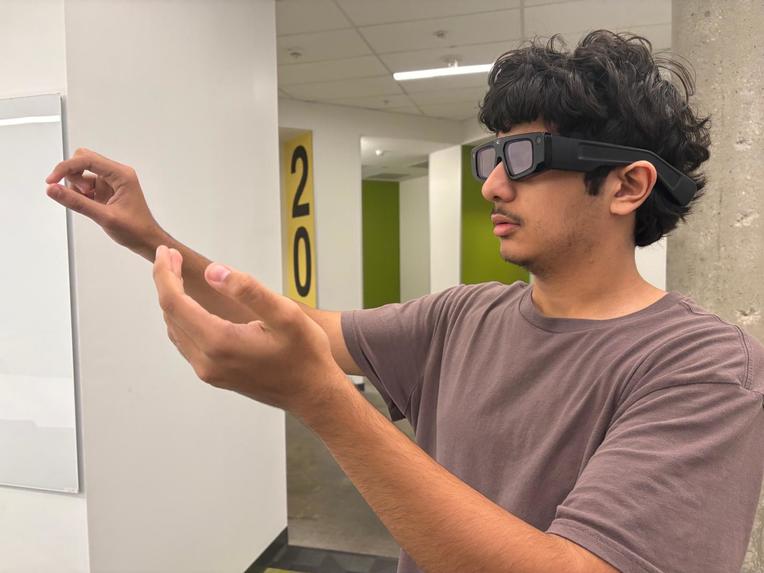
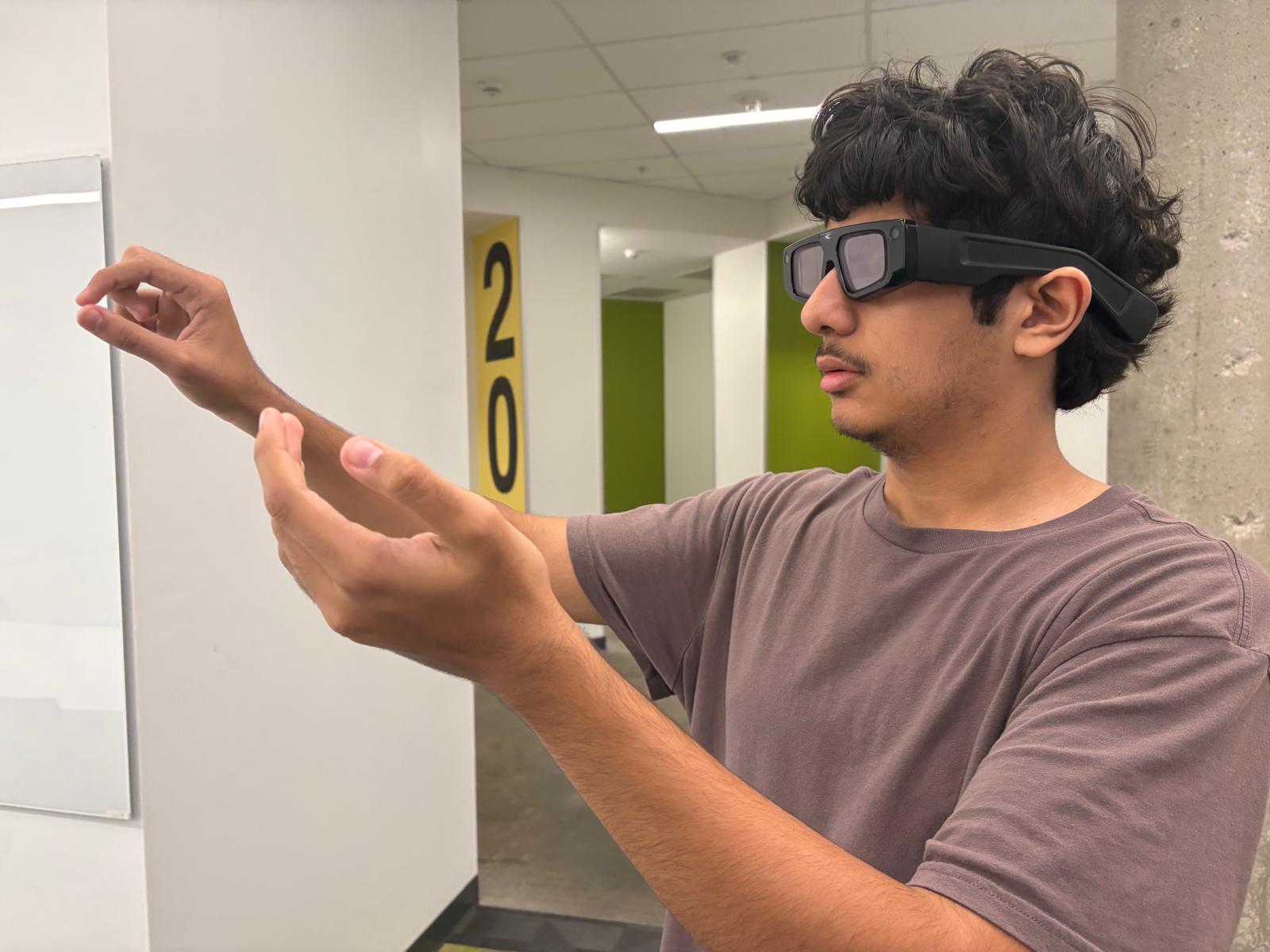
Testing hand-tracked interactions: pinch to record a voice memory, walk through to hear it
-
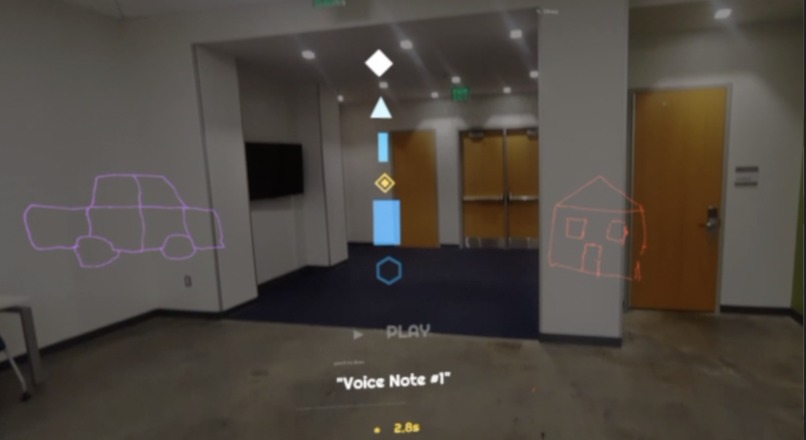
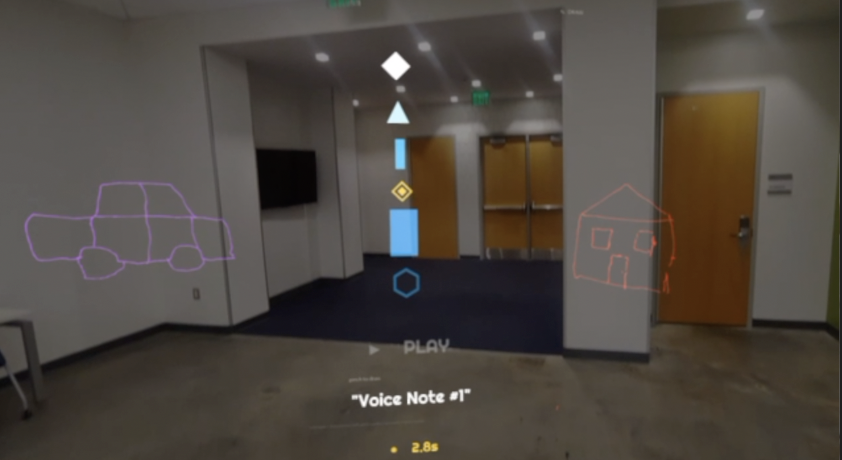
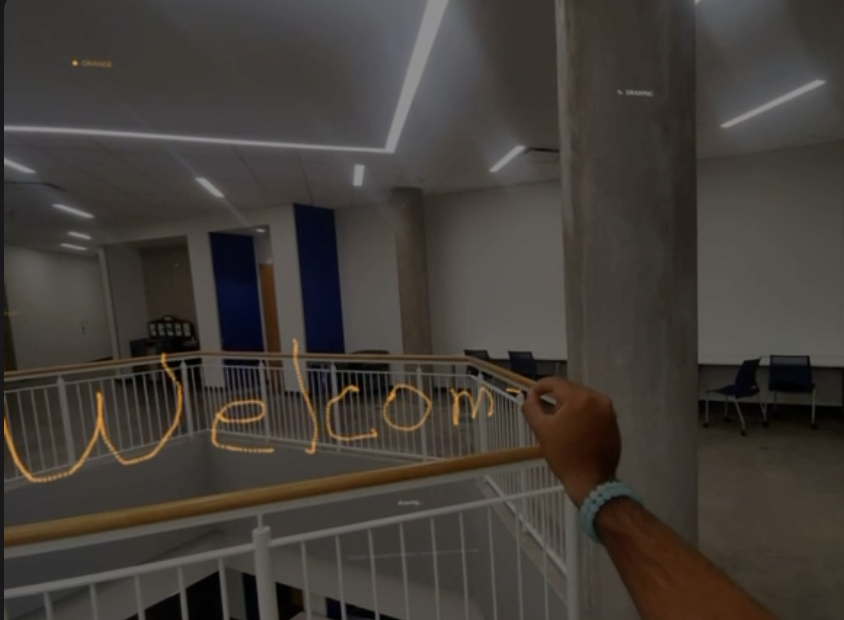
Drawings and Voice Note
-
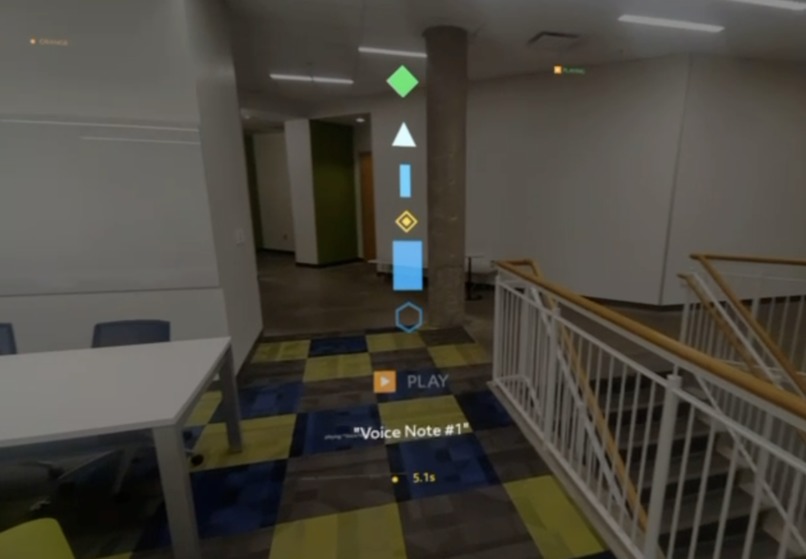
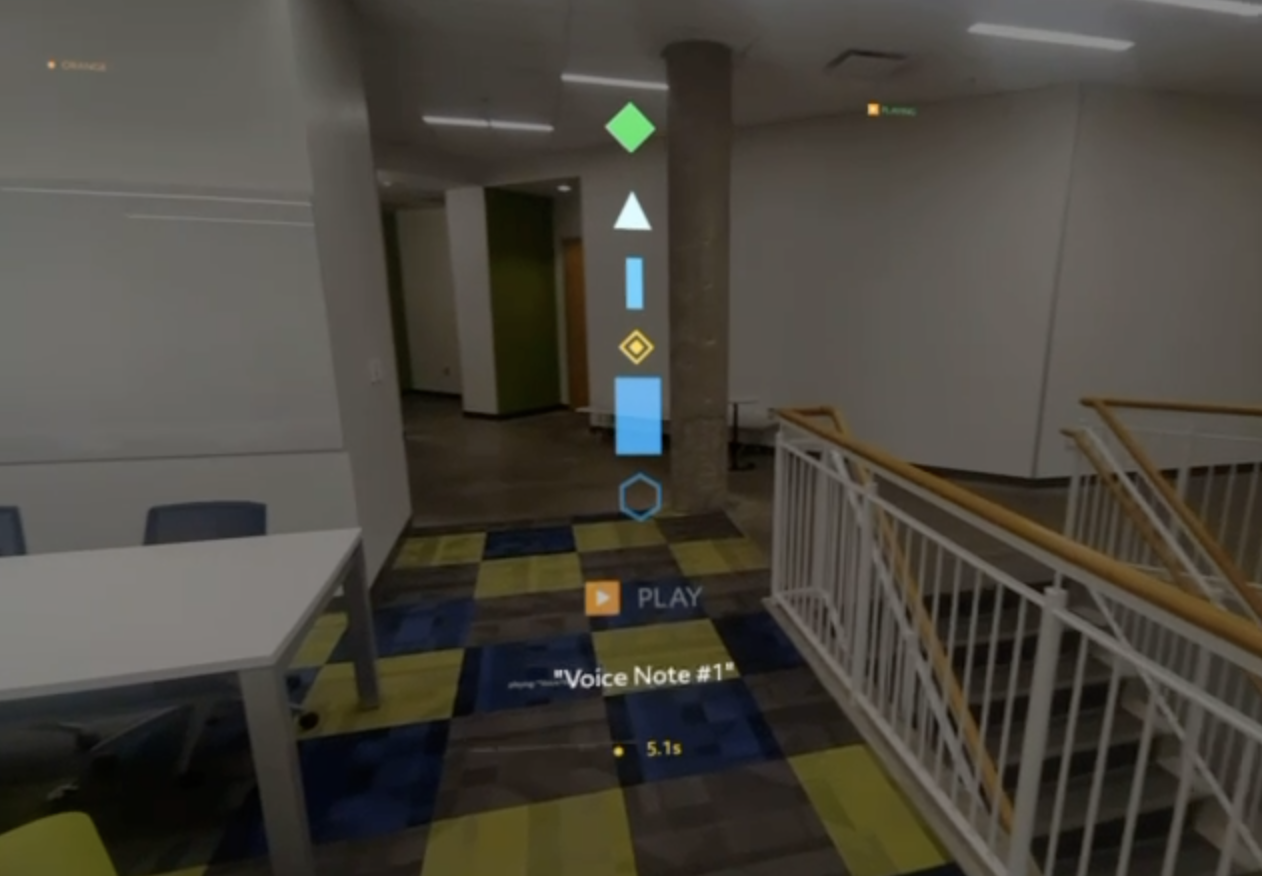
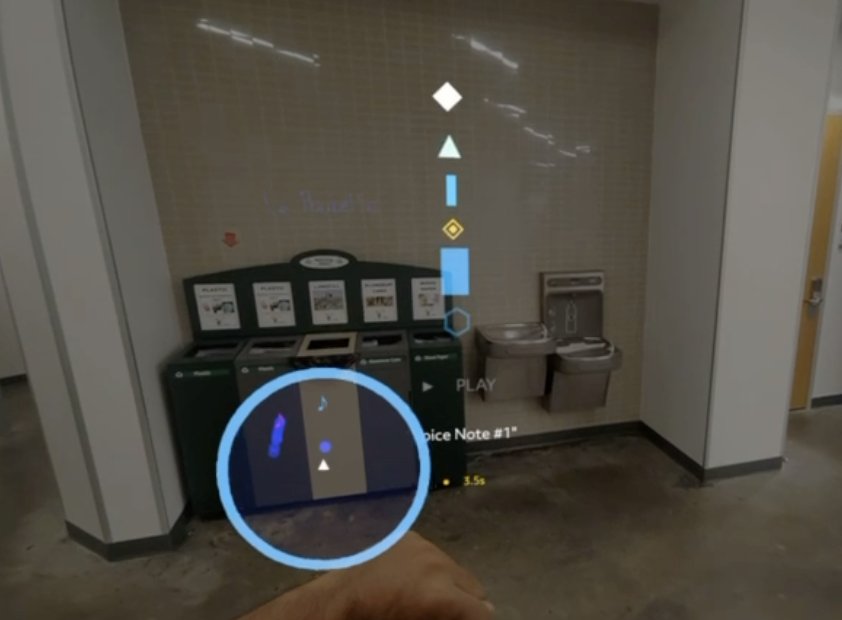
Voice Notes on Voice Atlas
-
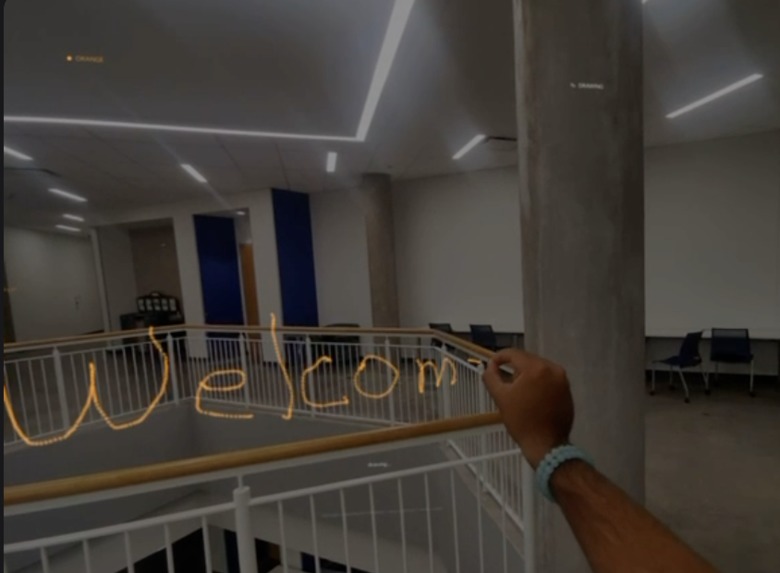
Drawings on Voice Atlas
-
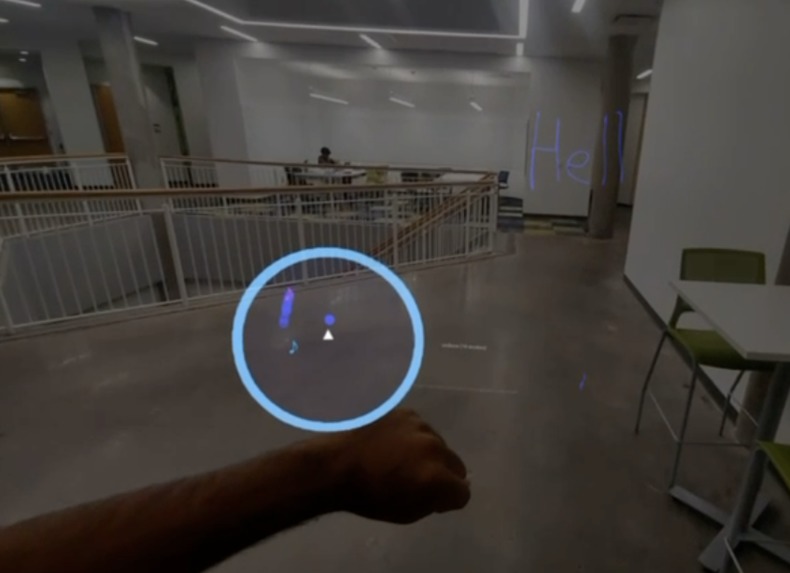
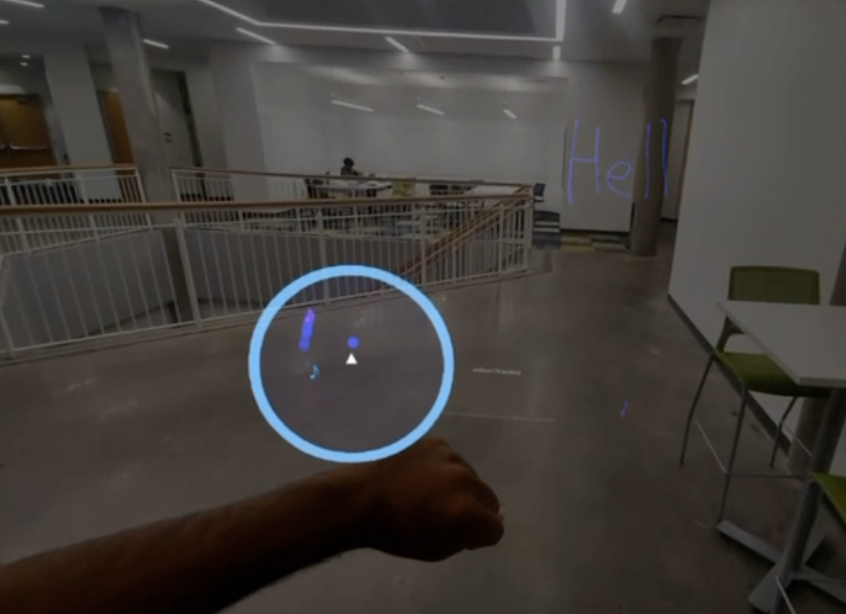
MiniMap on Wrist
-
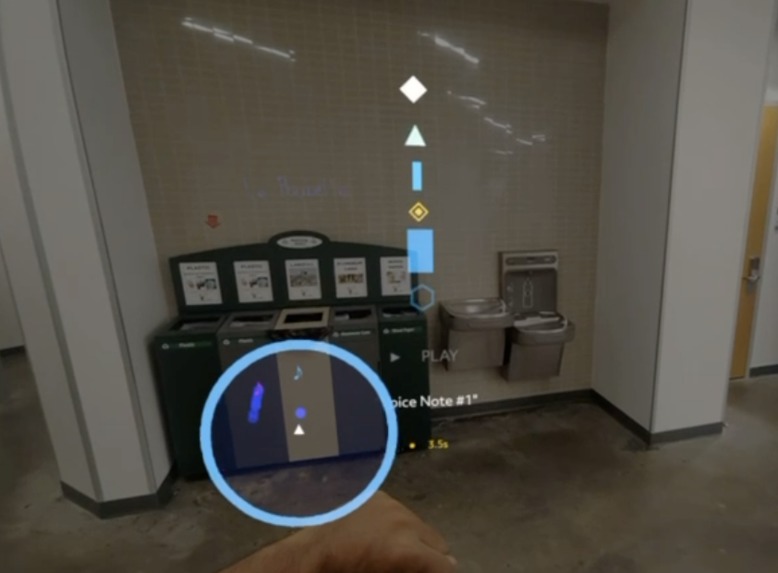
MiniMap Guiding Towards A Voice Note
-
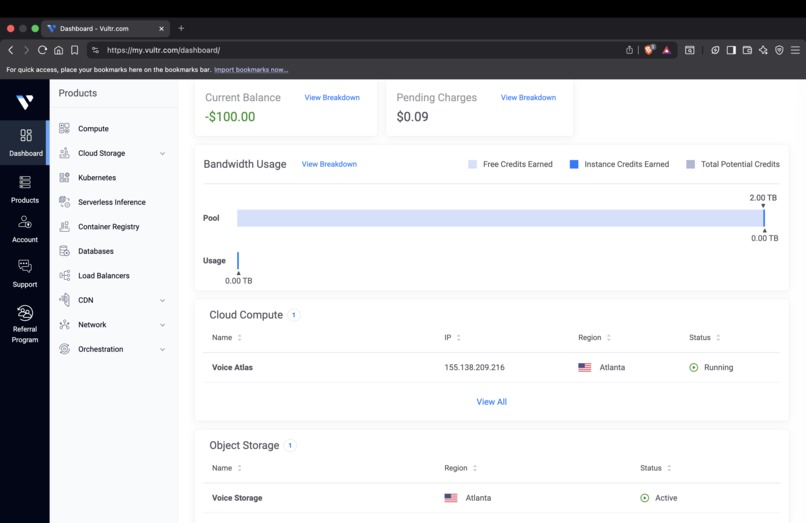
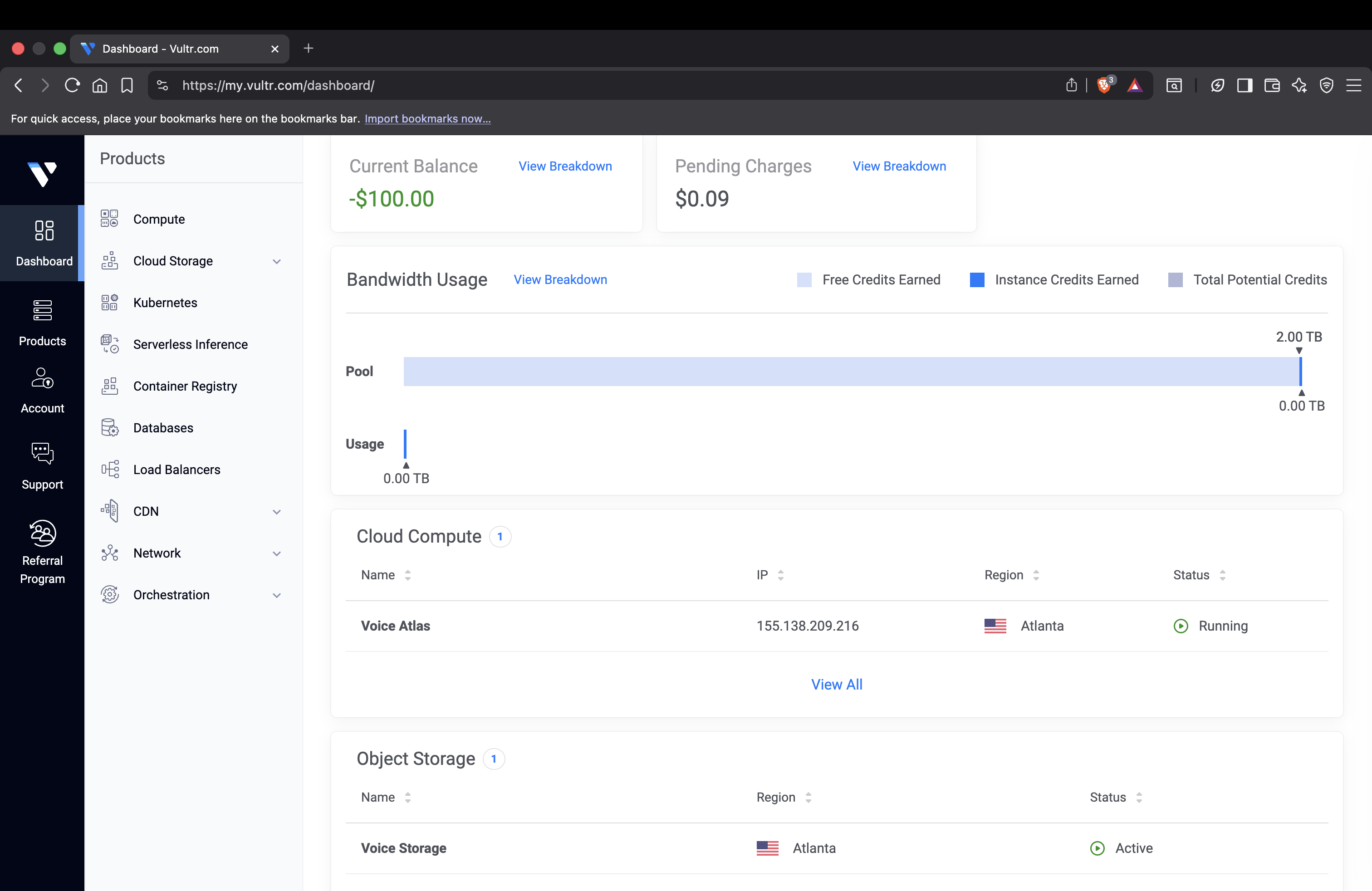
Vultr Dashboard
Voice Atlas
Inspiration
We started with a simple question: what if places could talk?
Every bench, hallway, and street corner holds memories for someone. Your dad taught you to ride a bike in that parking lot. Your friend told you the funniest joke of your life on that staircase. But those moments are invisible. You walk past them every day and never know.
We wanted to build something that lets people plant voice memories in physical spaces and lets anyone walking through hear them, as if the place itself is whispering its stories. Not through a phone screen. Through AR glasses, where the voice feels like it's actually there.
What It Does
Voice Atlas is an XR experience built for Snap Spectacles that lets users:
Plant a voice memory. Pinch to record a short voice message or leave a drawing at your current location. The recording and drawings get sent to our Vultr Object Storage and stored for anyone nearby to discover.
Discover memories nearby. Walk through a space and see visual markers where memories have been planted. Raise your left hand to pull up a MiniMap showing nearby voice memory locations relative to you.
Walk in and listen. As you approach a planted memory, spatial audio kicks in. You hear the story as if it's coming from that exact spot in the room. You see the drawings marks they made. Walk away and it fades out.
The result: a space that remembers. A hallway that tells you what happened there. A park bench that whispers someone's happiest moment. A classroom with the marks someone made.
How We Built It
Snap Spectacles and Lens Studio: We built the AR client in TypeScript using Lens Studio's Spectacles SDK, SpectaclesInteractionKit for hand tracking, and the built-in ASR module for speech recognition. Pinch gestures trigger drawing and voice recording, palm raises toggle modes, and joint positions drive cursor tracking. Voice memories render as 3D markers via Lens Studio's Scene API. We used the MicrophoneAudioProvider API to capture and enhance audio from the user.
Vultr Cloud: Voice Atlas turned Vultr into a spatial memory map. We used a Vultr Compute instance with an Express.js API server. Storing too much data on the Spectacles would cause it to slow down and become unresponsive. Thus, we had to use Vultr CPUs to offload computing tasks and storage. Vultr also allowed our app to be collaborative, allowing different Spectacles headsets to access the same memories, voice notes, and drawings.
Vultr Object Storage holds all recorded audio files. The API handles memory creation, spatial queries (finding memories near a GPS coordinate). We also use Vultr Compute resources to run predictive pathing algorithms to anticipate your movement and prefetch and cache nearby voice memories and drawings, so they appear instantly when they come into view on your Spectacles.
Companion Web App: A web page served from the same Vultr instance lets users plant memories from their phone and view the MiniMap in their browser. This was our fallback for demoing without Spectacles and also works as a standalone planting tool.
Challenges We Faced
Screen space UI on Spectacles is hard. We spent hours trying to render a simple blue rectangle as a minimap HUD. ScreenTransform didn't work reliably in our SDK version. World space positioning made the minimap float in the room instead of pinning to our view. We eventually got it working by parenting UI elements directly to the camera object and using local positioning, matching the pattern our working draw and voice features already used.
Hand tracking has quirks. Differentiating between a left hand raise (minimap toggle) and a left hand pinch (voice record start) required careful debouncing and cooldown logic. Without it, raising your hand to check the map would accidentally start a voice recording. We had to fine tune many cooldown timers and sensitivity constants to ensure a smooth user experience, like for starting voice notes and for drawing.
Unable to Connect to Vultr Cloud From Headset. The Snap Spectacles could not directly connect to our Vultr server and directly make calls. Therefore, we had to create a custom NodeJS server and host it on Vultr to process API calls and orchestrate communication between the backend and the Spectacles. NodeJS was an intermediate between our Spectacles and our Vultr CPU resources. Without Vultr, we would not have been able to scale beyond one Spectacles headset and create collaborate spaces. Also, headsets would have gotten too slow if we could not backup and predictively cache data quickly on Vultr's Compute infrastructure.
What We Learned
Building for Spectacles is a different world from phone AR. The field of view is limited, hand tracking is the only input, and you can't fall back on touch or tap. Hand tracking also required as much fine tuning as if we were tuning PID constants on a robot, which is something we did not expect. Every interaction has to be gestural and intuitive. It forced us to think carefully about what information actually needs to be visual versus audio, which led to a better product. We had to be intentional with every hand motion the user could do to control the app.
We also learned that the most compelling XR experiences aren’t about piling on visual effects. Our strongest demo moments came from simple, grounded interactions, like walking up to a bench and hearing a friend’s story play in spatial audio, and using hand tracking to leave subtle markers in the environment. We could place memories, drawings, and voice notes in physical space, and other users would discover them in the same location. Less is more.
What's Next
Ephemeral memories. Some voice notes auto expire after 24 hours, like spatial Snapchat stories. Others persist permanently.
Memory density heatmaps. A subtle AR overlay showing where the most stories are concentrated, creating a "vibe map" of a space.
Public deployment. Campus tours, museum experiences, memorial sites, city history walks. Every place has stories worth hearing.
Built With
Snap Spectacles, Lens Studio, TypeScript, JavaScript, HTML, CSS, Node.js, Express.js, Vultr Cloud Compute, Vultr Object Storage, Spectacles Interaction Kit, GeoLocation API
Built With
- css
- express.js
- gps
- html
- javascript
- lens-studio
- node.js
- spectacles-interaction-kit
- typescript
- vultr-cloud-compute
- vultr-object-storage


Log in or sign up for Devpost to join the conversation.