-
-
onboarding-1
-
onboarding-2
-
onboarding-3
-
onboarding-4
-
onboarding-5
-
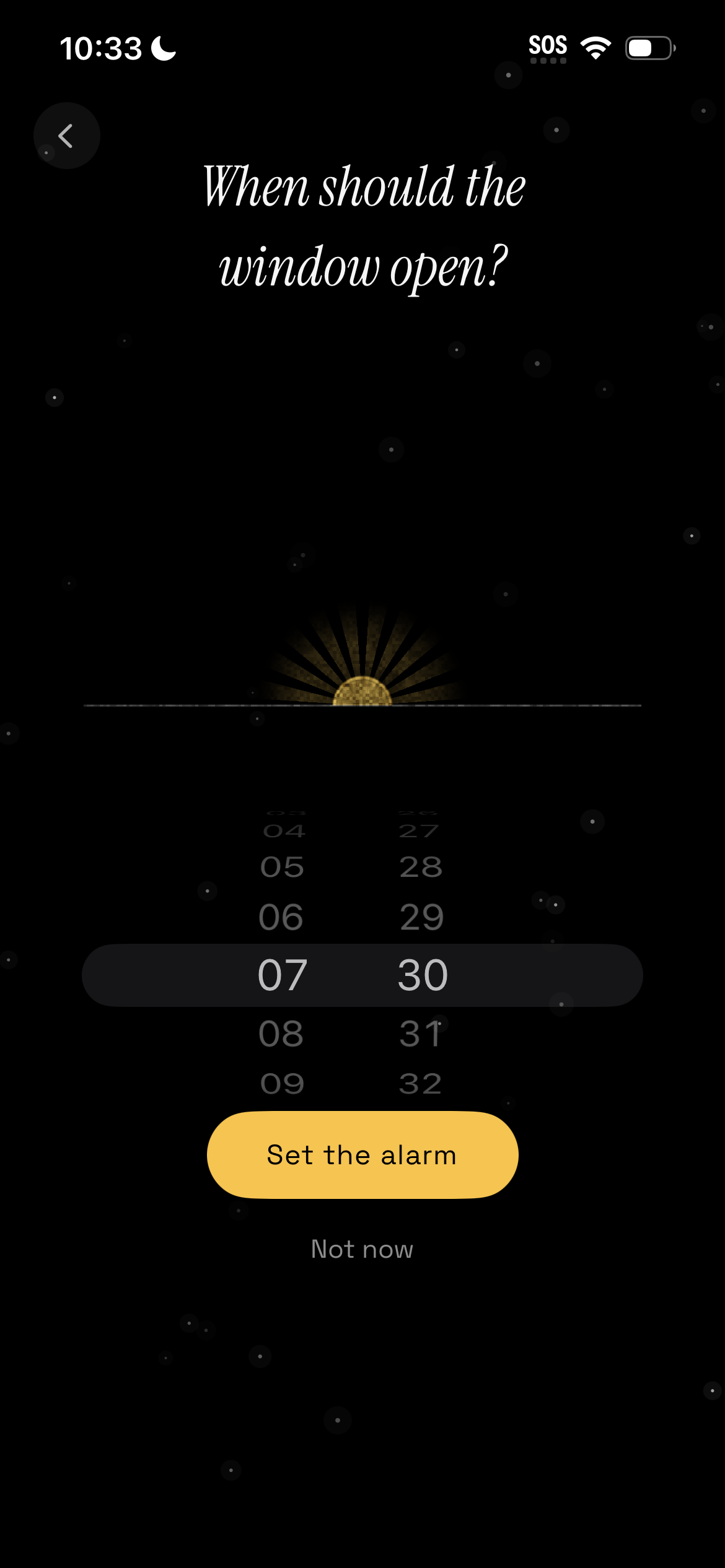
setting up the alarm
-
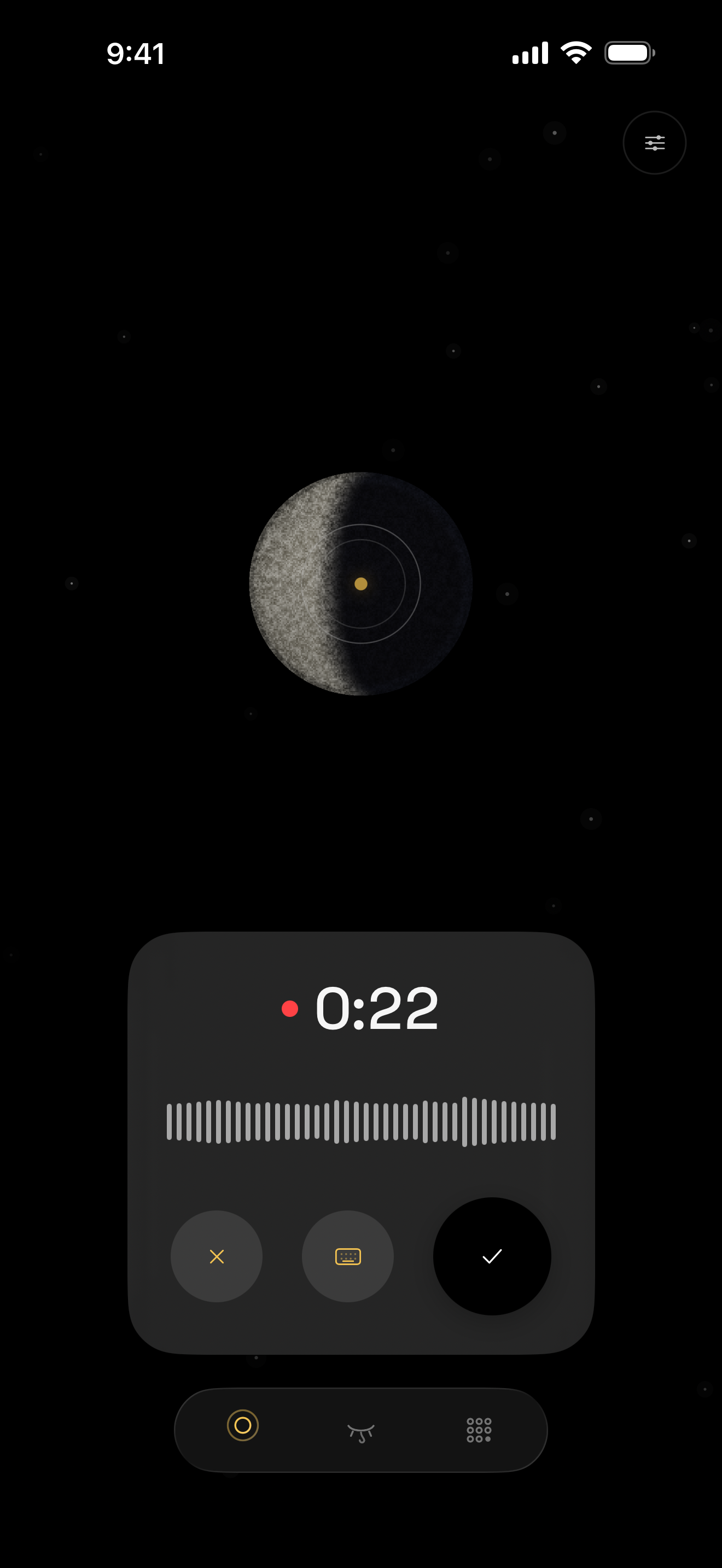
recording the dream
-
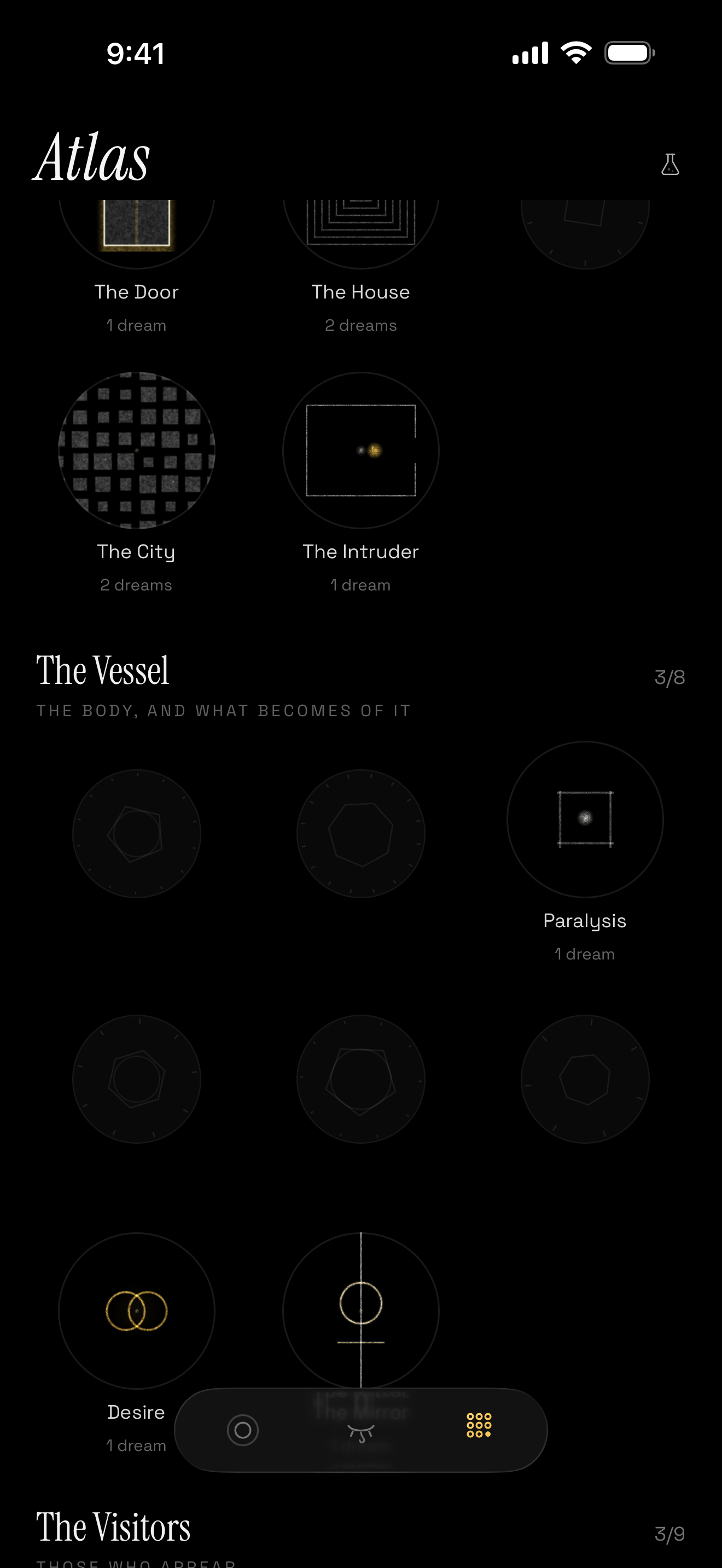
Dream symbol atlas with some unlocked symbols
-
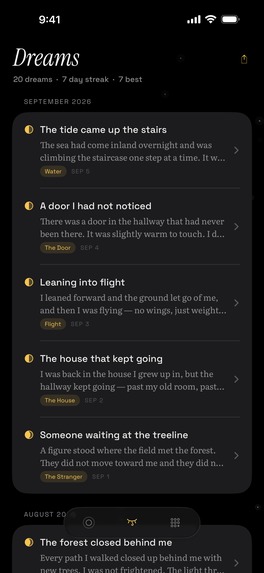
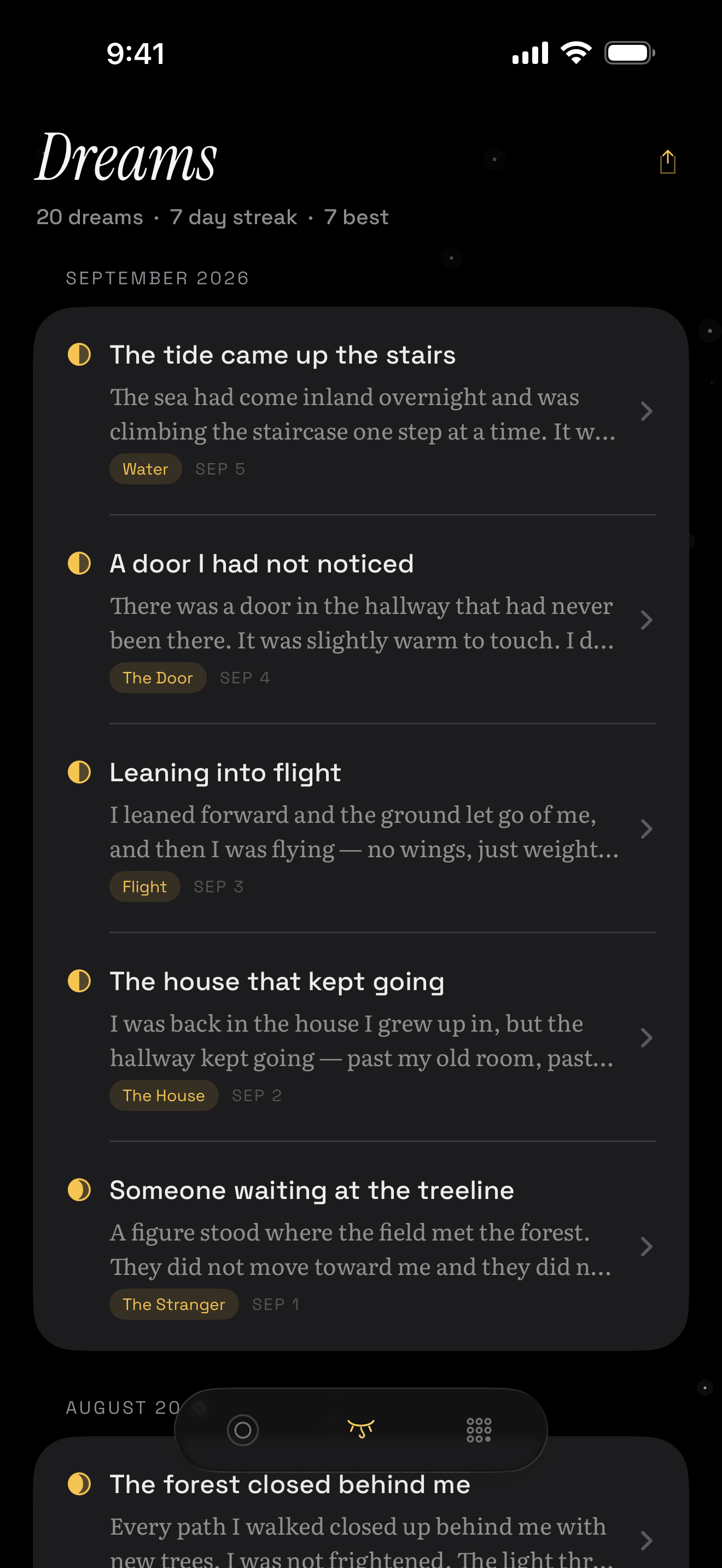
Dream logs
-
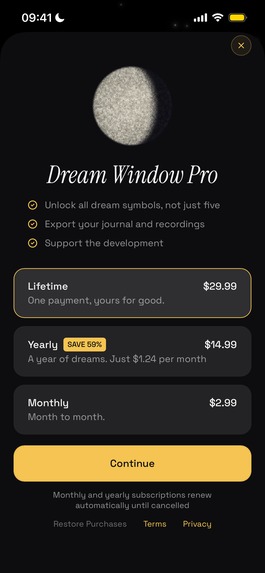
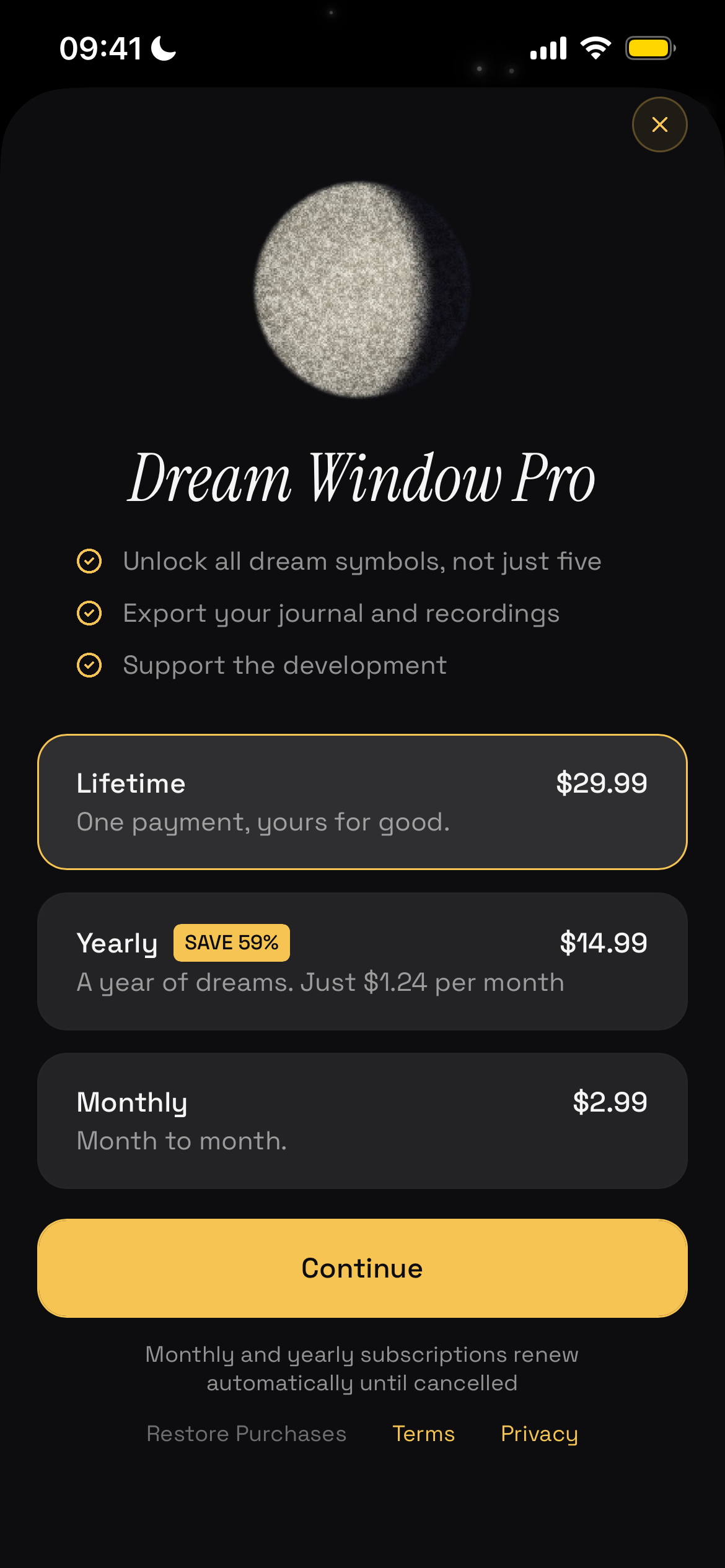
Paywall
-
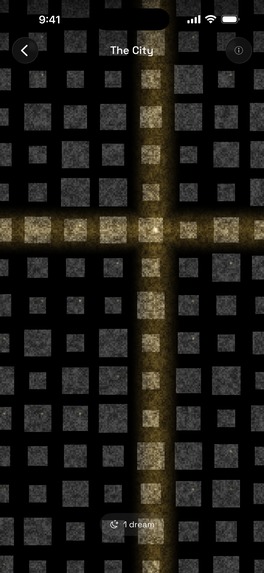
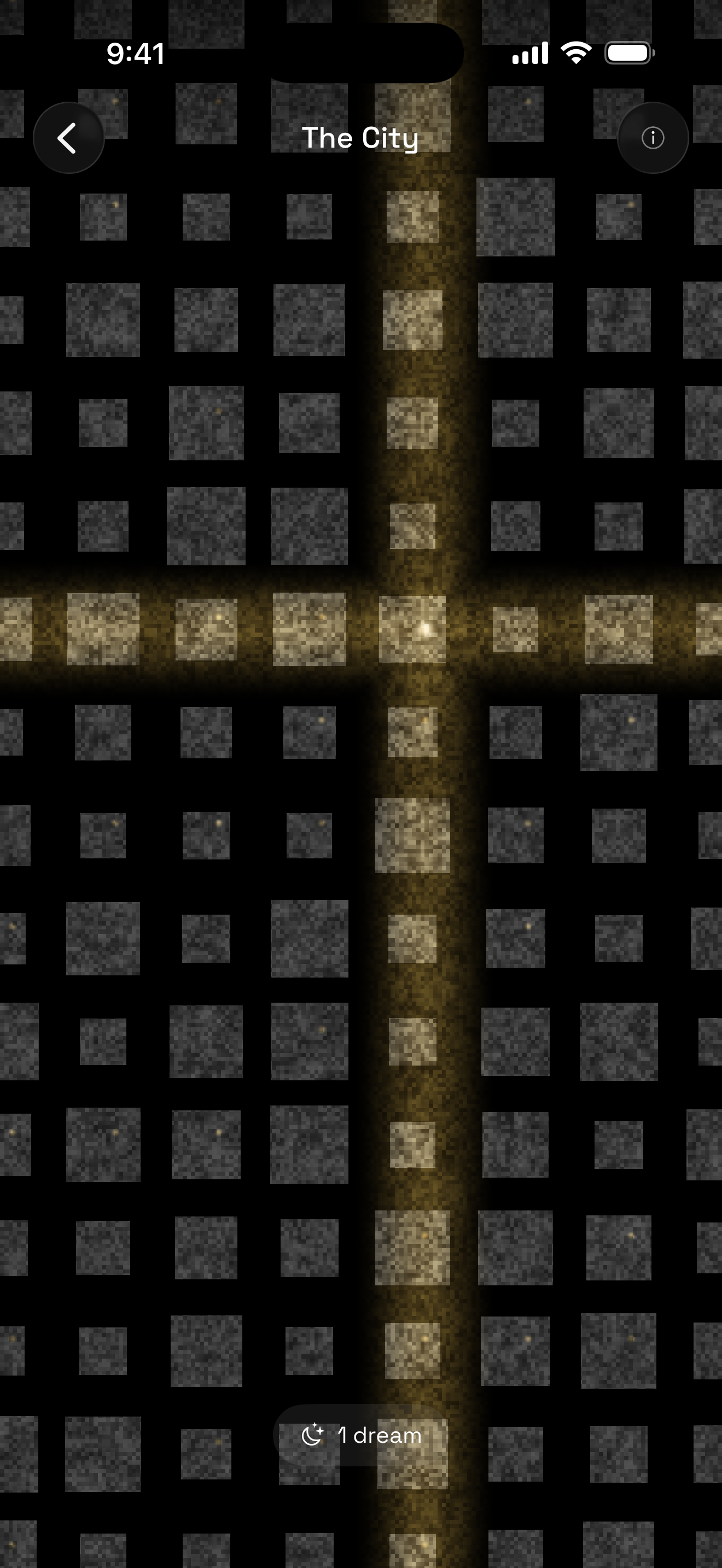
City symbol
-
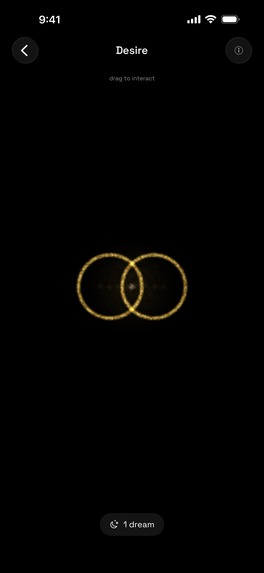
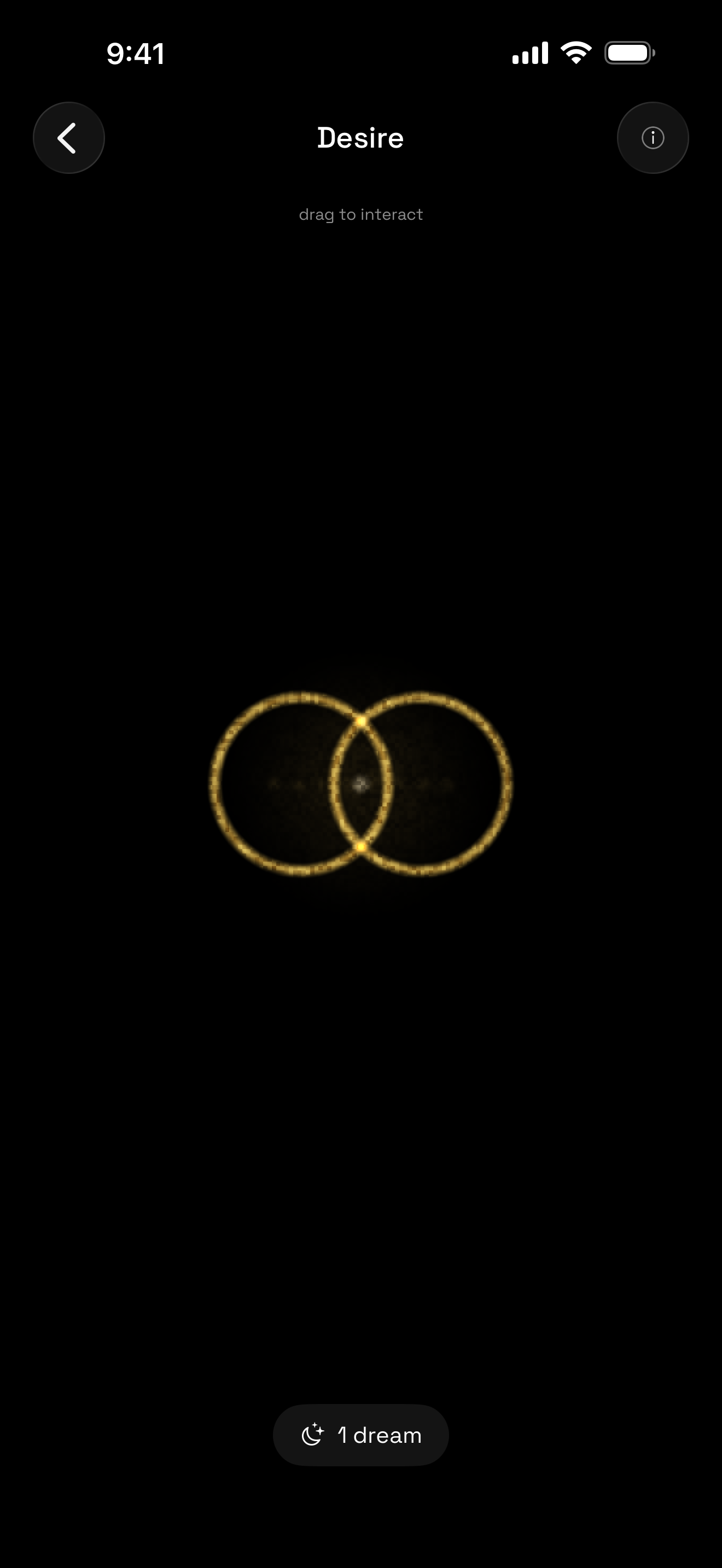
Desire symbol
-
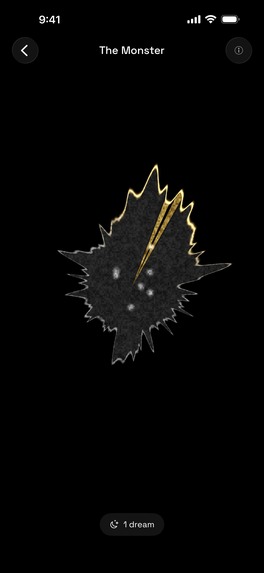
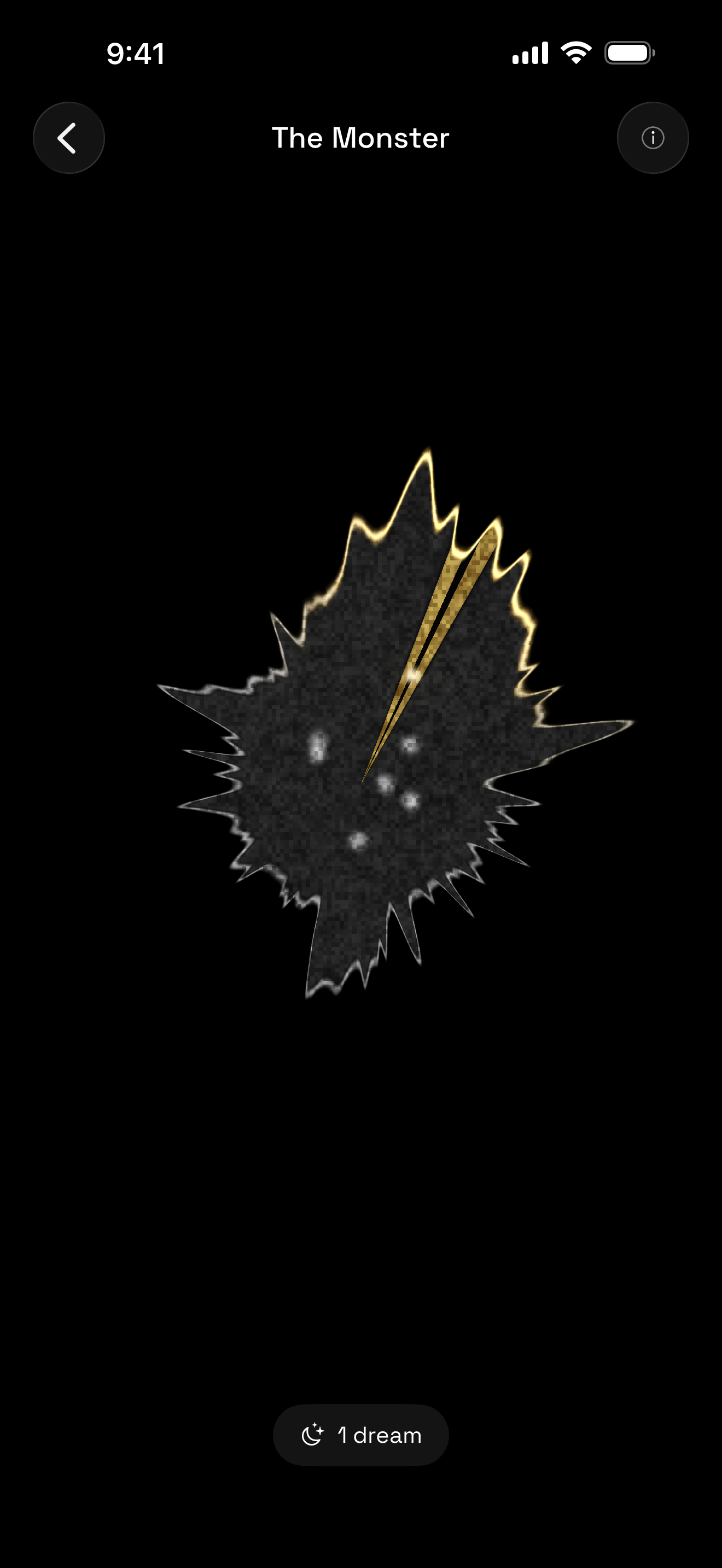
Monster symbol
-
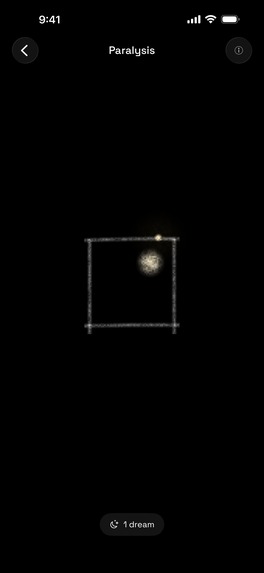
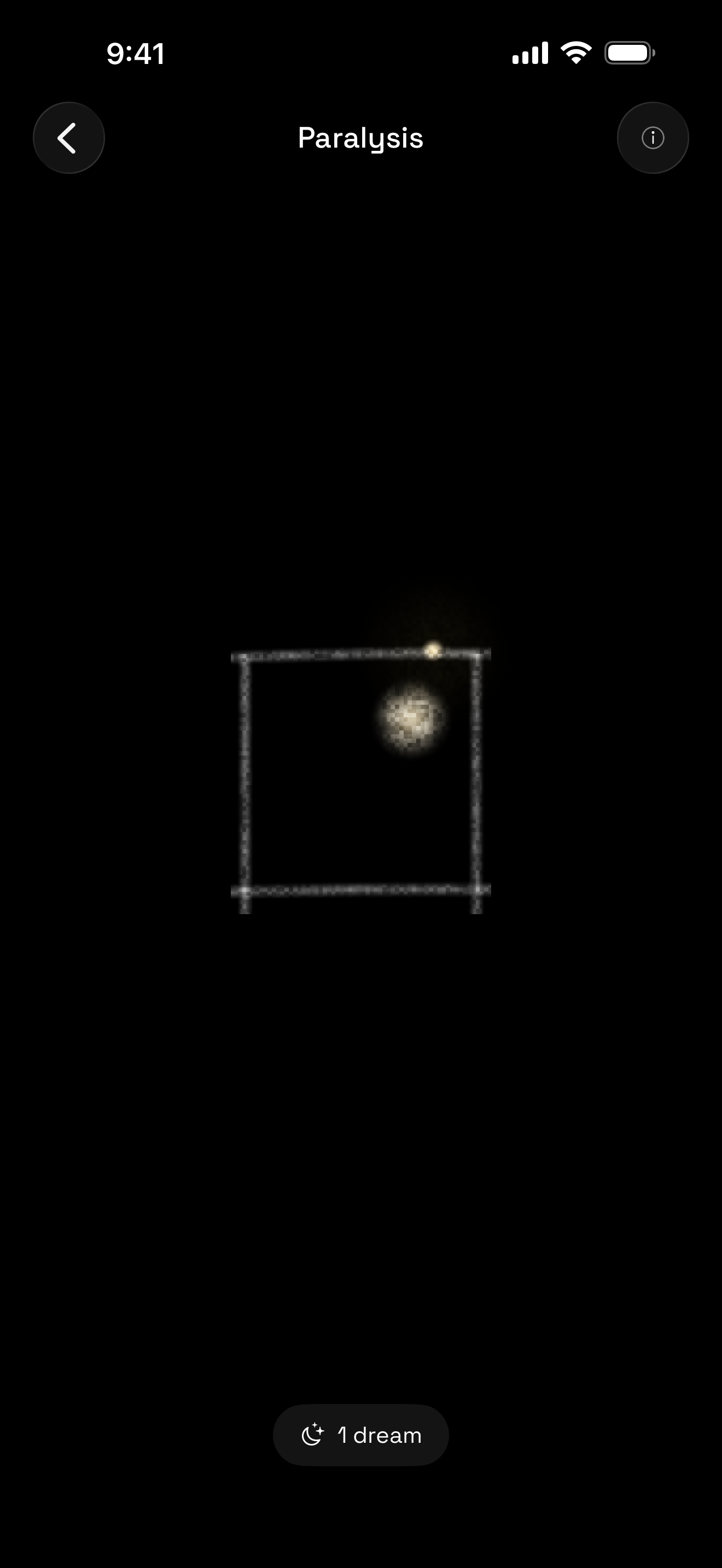
Paralysis symbol
-
App icon
Inspiration
Dream Window started with a familiar frustration: waking up from a vivid dream, thinking there is no way I’ll forget this, and then losing it before breakfast. Dream researchers say that if the dream is not recorded within 10 minutes of waking up, it's most likely gone forever! We wanted to design for those first few minutes, when typing feels like too much work and the dream is still fresh.
We also didn’t want to tell people what their dreams mean—there are already more than enough apps for that, and we didn’t want to rob dreamers of the opportunity to discover their own meaning. Dream Window only reflects what appeared in the dream and leaves the meaning to the dreamer. It is a muse, not an oracle.
What it does
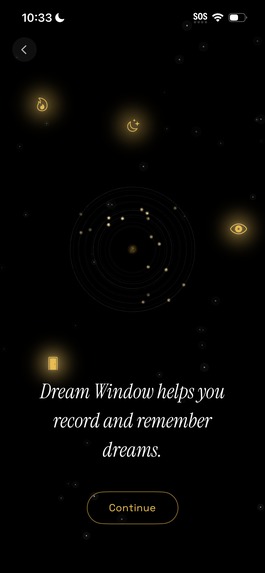
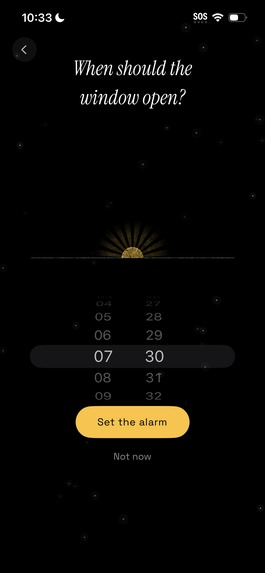
Dream Window combines a gentle alarm, voice recording, a private journal, and a personal dream symbol Atlas.
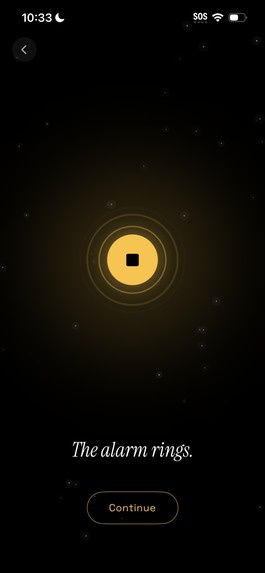
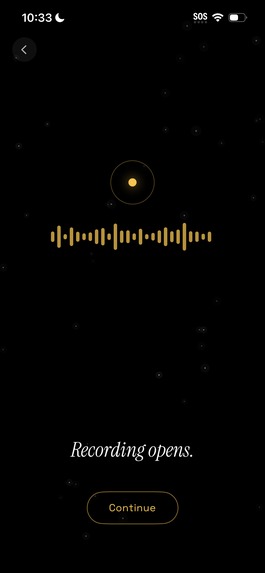
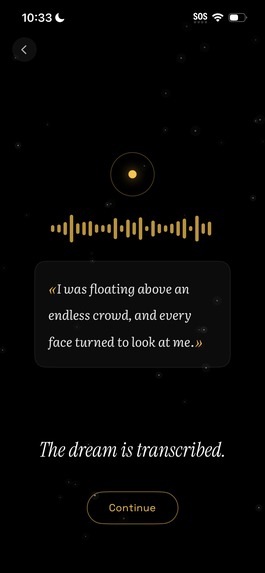
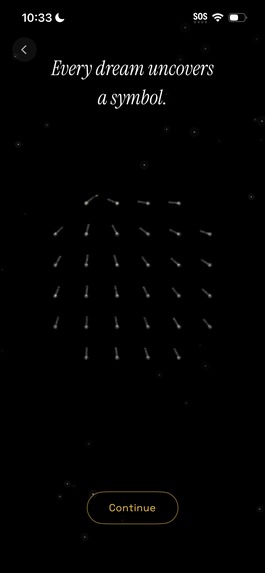
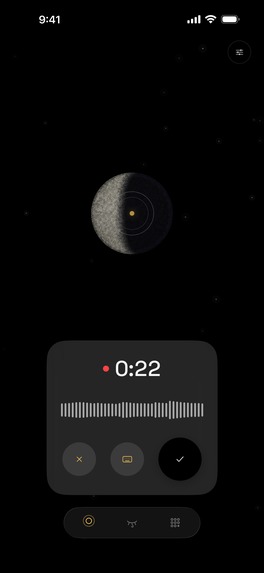
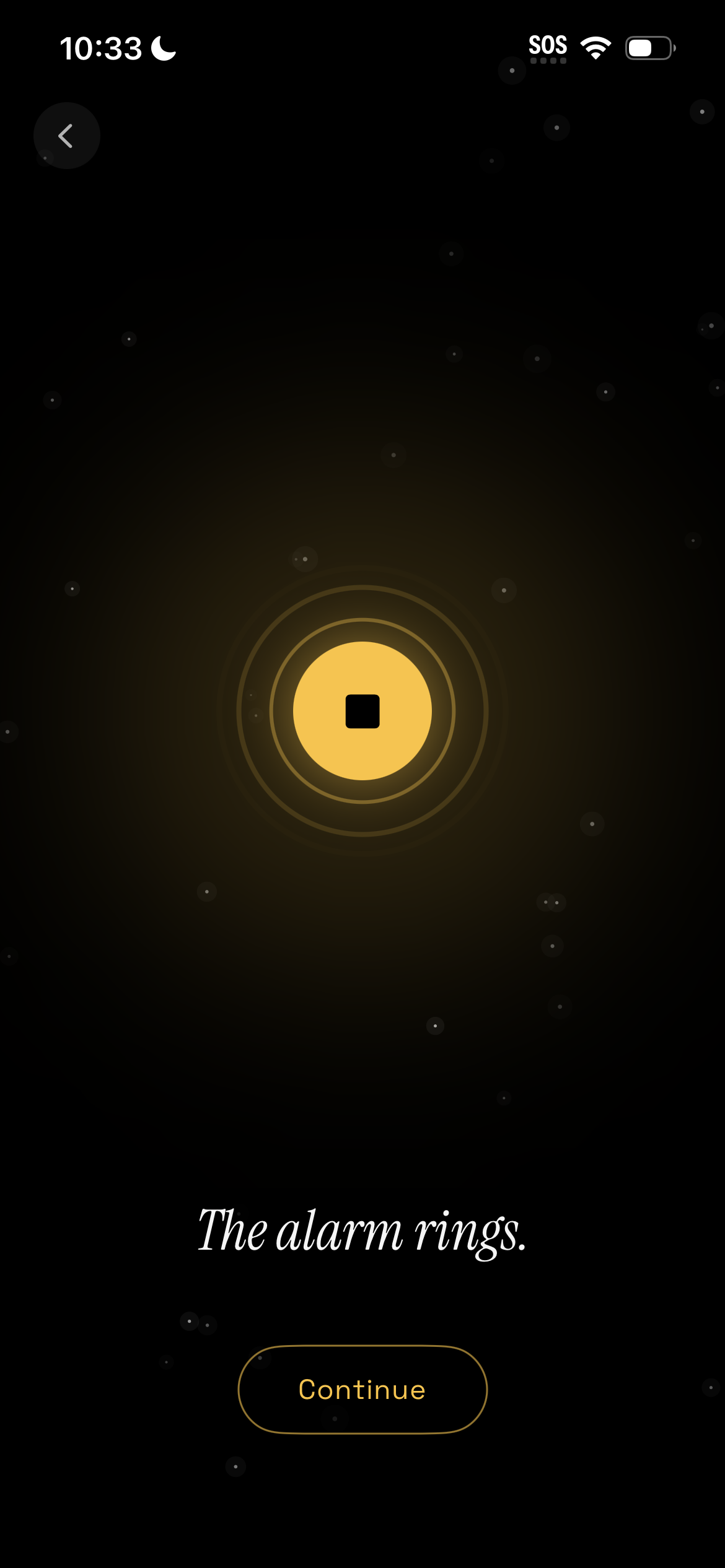
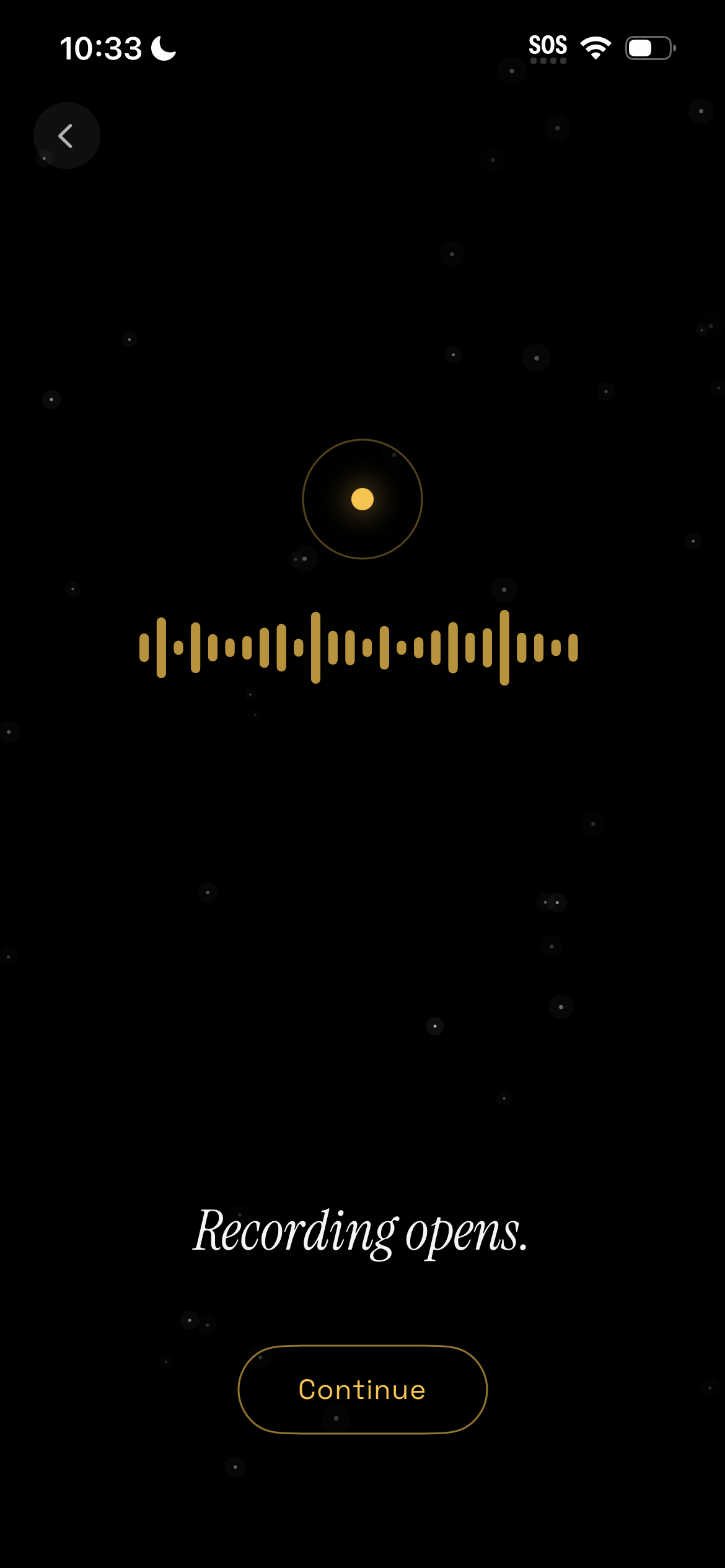
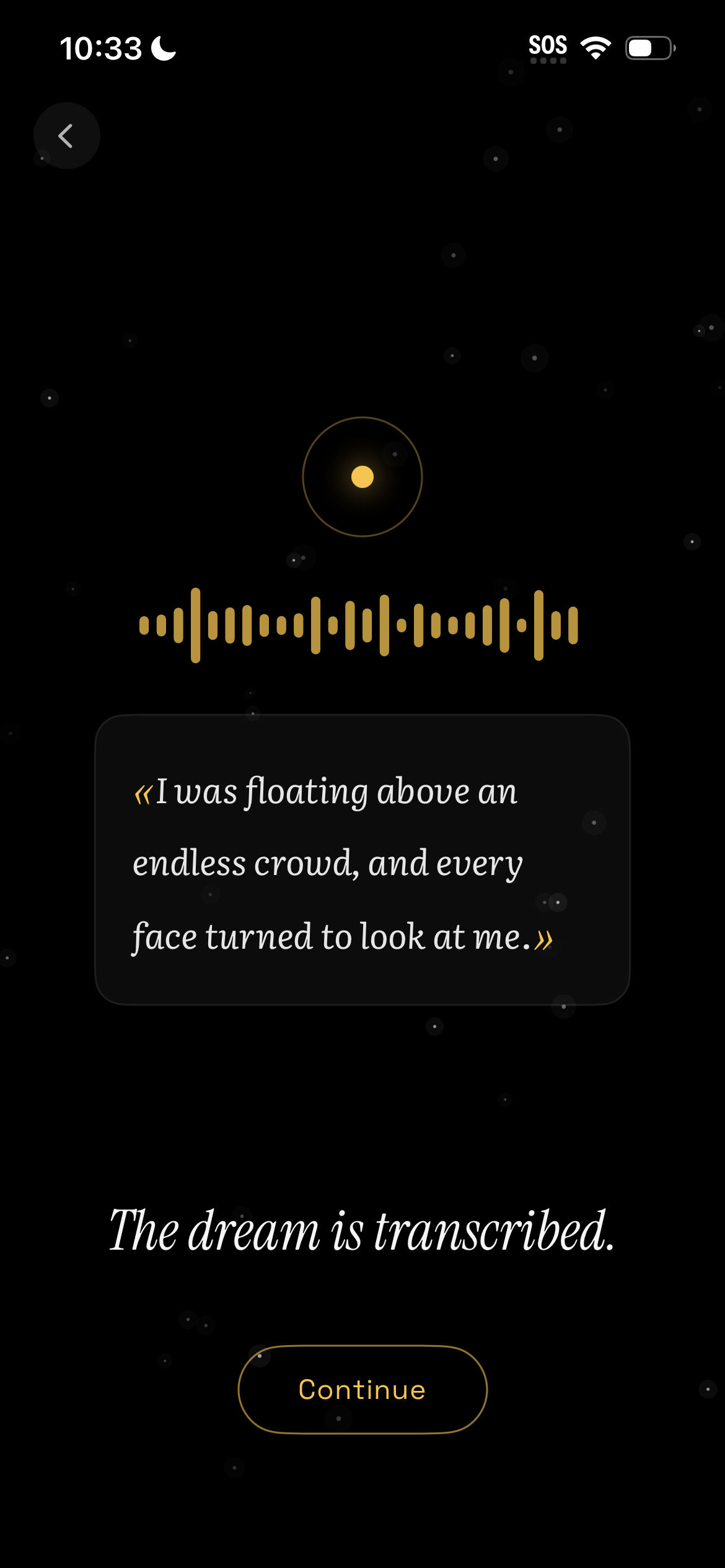
Swiping the morning alarm opens directly into the recording experience, reducing decisions and unnecessary steps so users can capture a dream before fully waking. The interface turns this into a tactile ritual: users interact with the moon, speak naturally, and watch the saved dream unlocking the corresponding interactive symbol.
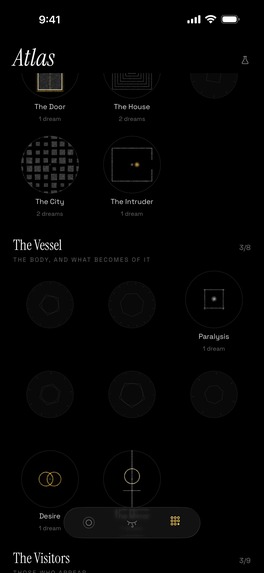
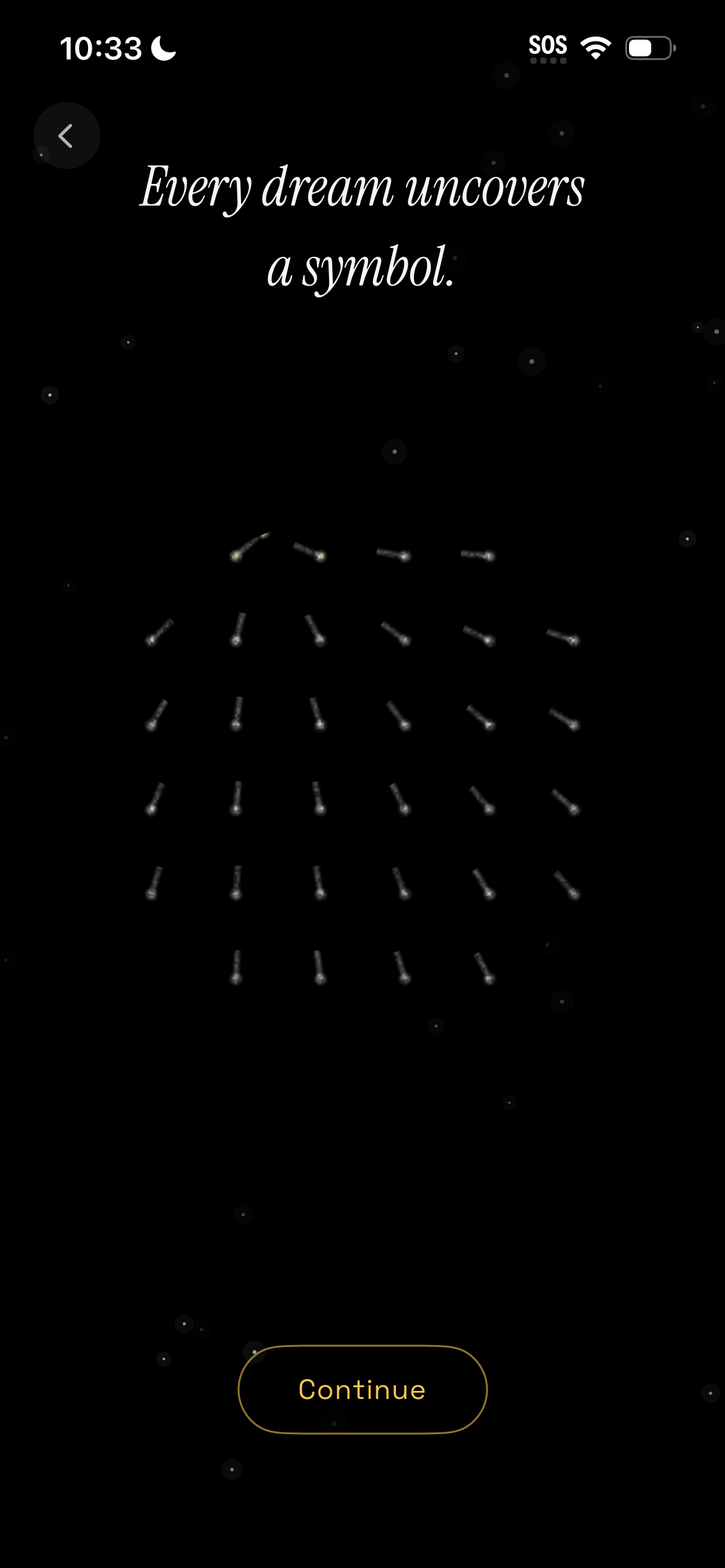
There is an ever-growing library of dream symbols, each expressed as an animated, interactive vignette. Every vignette is handmade rather than generated by AI, each one a deliberate creative act. Through movement, touch, haptics, game mechanics and interactive sound, these vignettes communicate feelings and meanings that words or detailed imagery cannot always express. As symbols recur across dreams, the vignettes evolve into a living visual record of the dreamers' inner world / subconscious.
How we built it
We built Dream Window natively for iPhone and iPad using SwiftUI.
Recording, transcription, title generation, and symbol matching happen on the device. Dreams remain under the user’s control, with optional private synchronization through their own iCloud account.
The interface uses a restrained color palette designed to feel comfortable just after waking. We created the interactive vignettes, custom navigation symbols, procedural soundtracks, and subtle haptics as one connected design language.
RevenueCat manages the one-time Pro purchase and monthly/yearly subscriptions that unlock export functionality and full collection of symbols (only 5 symbols can be unlocked in the free version). Recording, transcription, journaling, and export remain available for free.
Challenges
The hardest part was making the alarm, recorder, journal, collection, interactions and purchase screen feel like parts of the same relaxed and delightful experience. Some of these features are fairly practical and utilitarian, and some are very poetic and experiential. We iterated a lot to make it feel like one cohesive experience.
Keeping dream content private also required careful approach to on-device processing and graceful fallbacks rather than relying on a server for every feature.
What we learned
We learned that design is often about deciding what a product refuses to do.
Dream Window does not interpret dreams, does not use generated AI imagery, does not upload dream content to the servers, or turn reflections into a competition. Those constraints helped us discover the app’s character. We repeatedly removed features that made the app louder (sharing, interpretations, failure states, and daily streak pressure) without making it more useful.
We also learned that an abstract animation can look beautiful while communicating very little. Many vignettes were redesigned until their visual metaphor and interaction felt connected.
What’s next
We want to add more interactive vignettes, improve symbol matching, add more languages, and continue refining the morning experience through feedback from real dreamers.
Notes
Original app video music composed and performed by Gordey Chernyy
Built With
- activitykit
- alarmkit
- avfoundation
- cloudkit
- core-data
- revenuecat
- speech
- swift
- swiftui
- widgetkit
- xcode