-
-
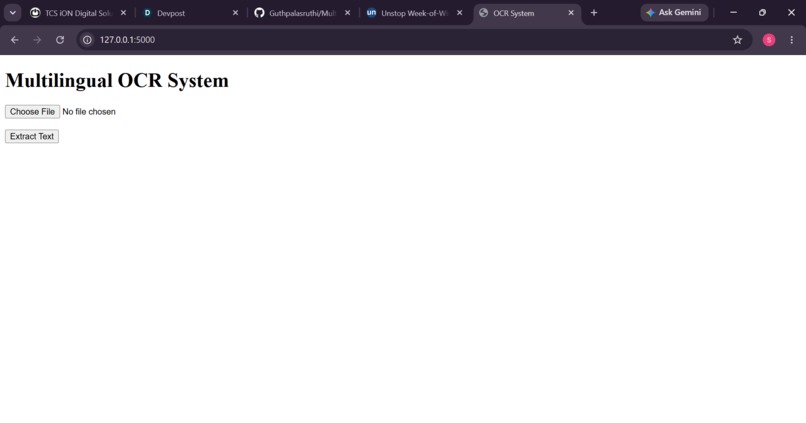
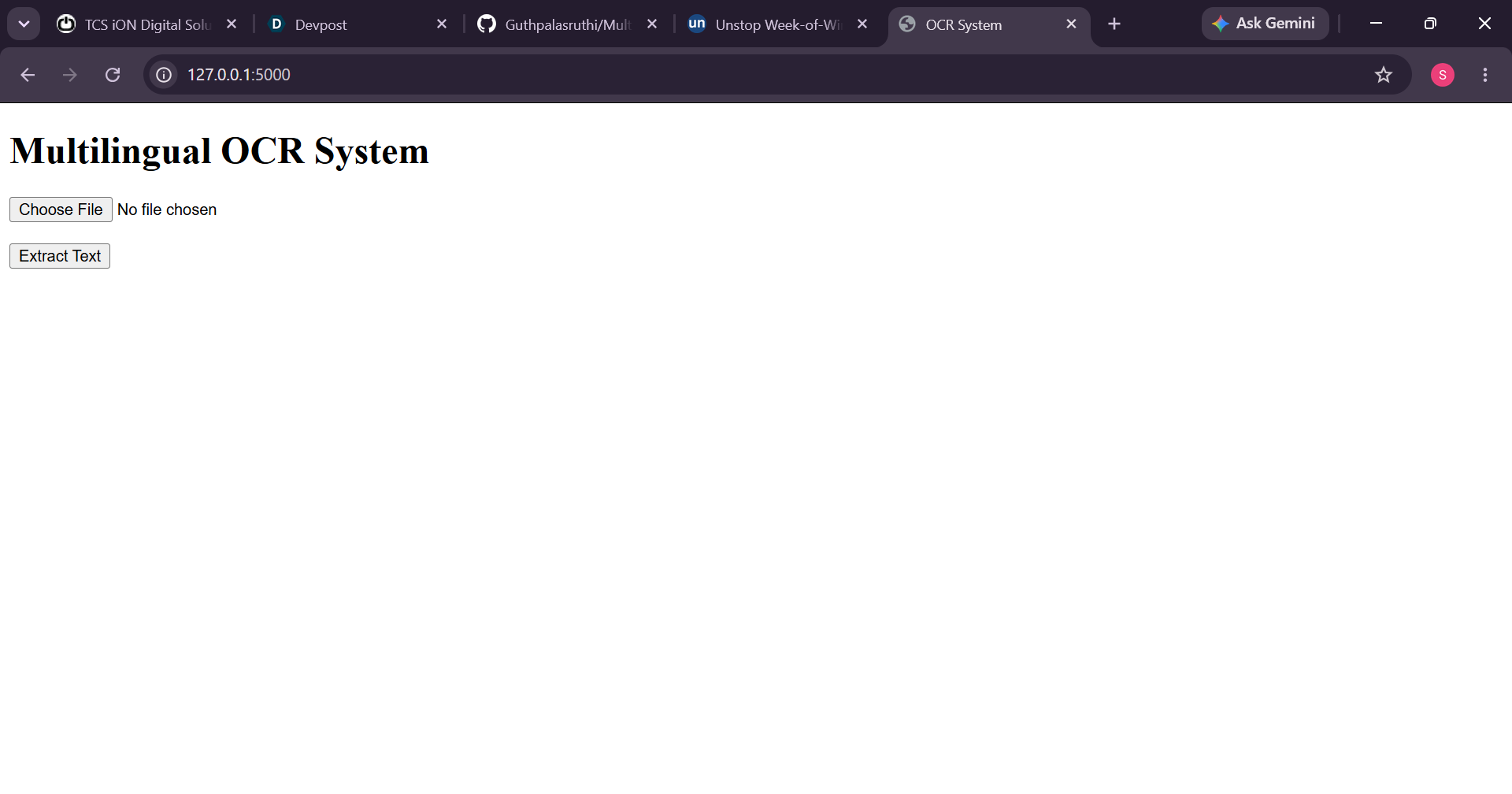
Home page for uploading images
-
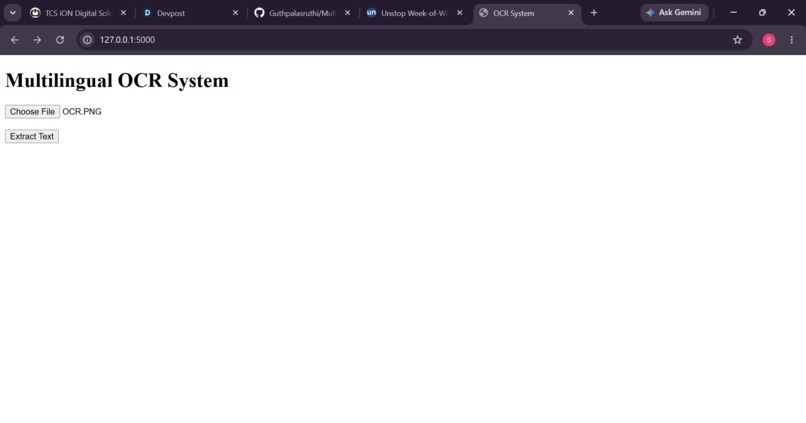
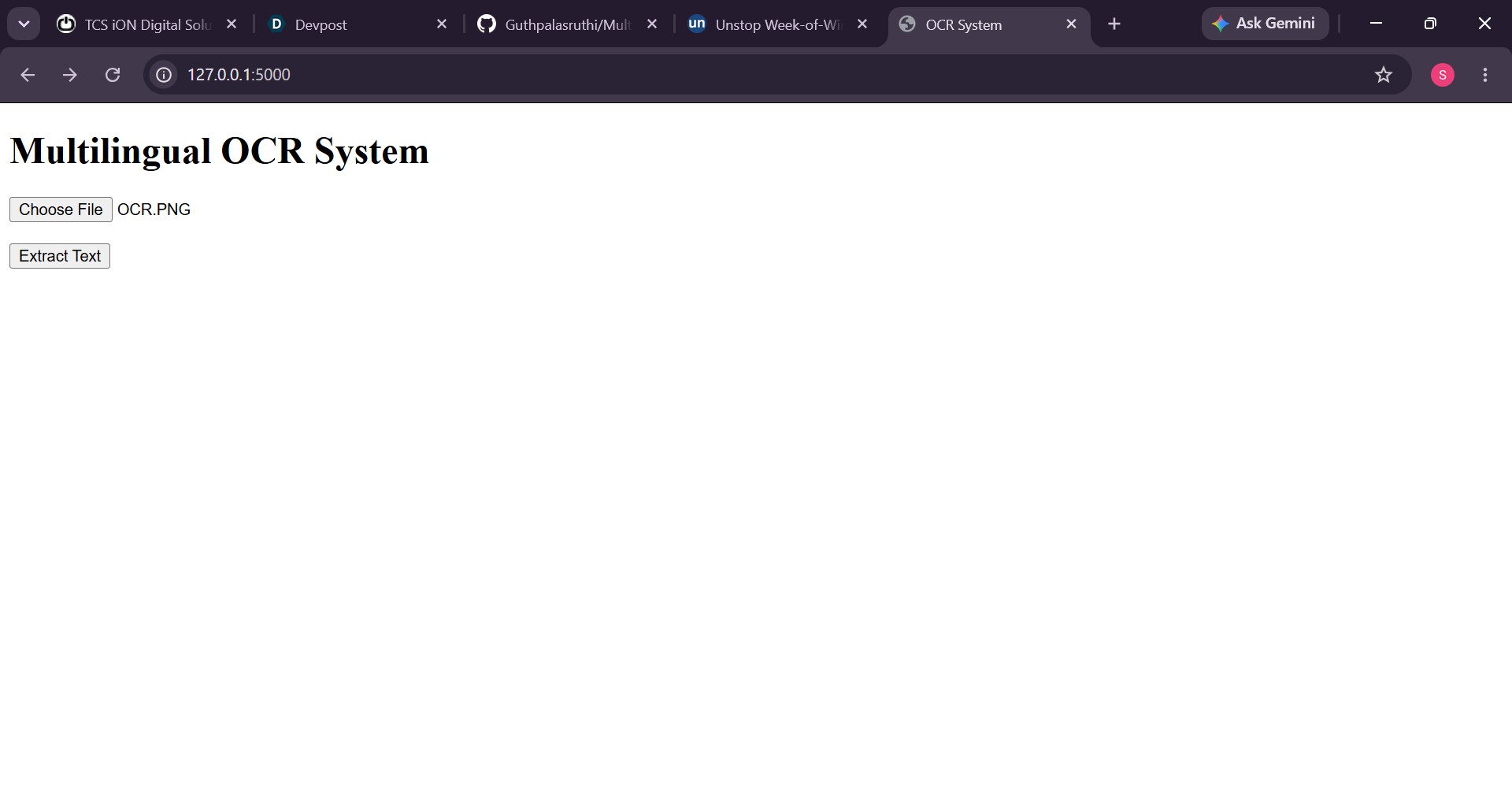
User selecting an image for OCR processing
-
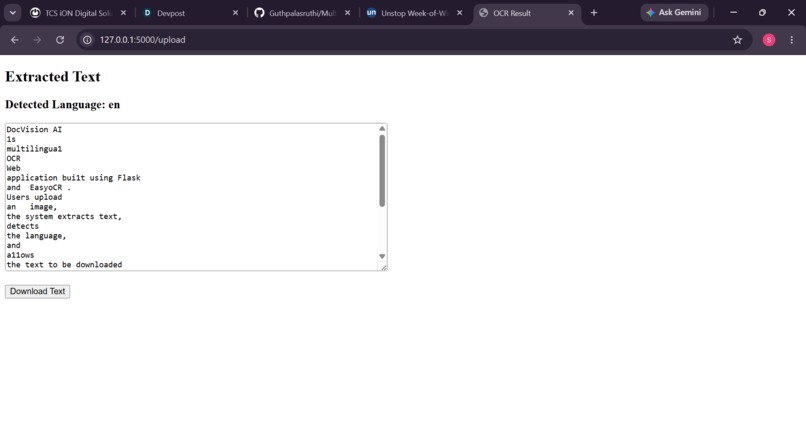
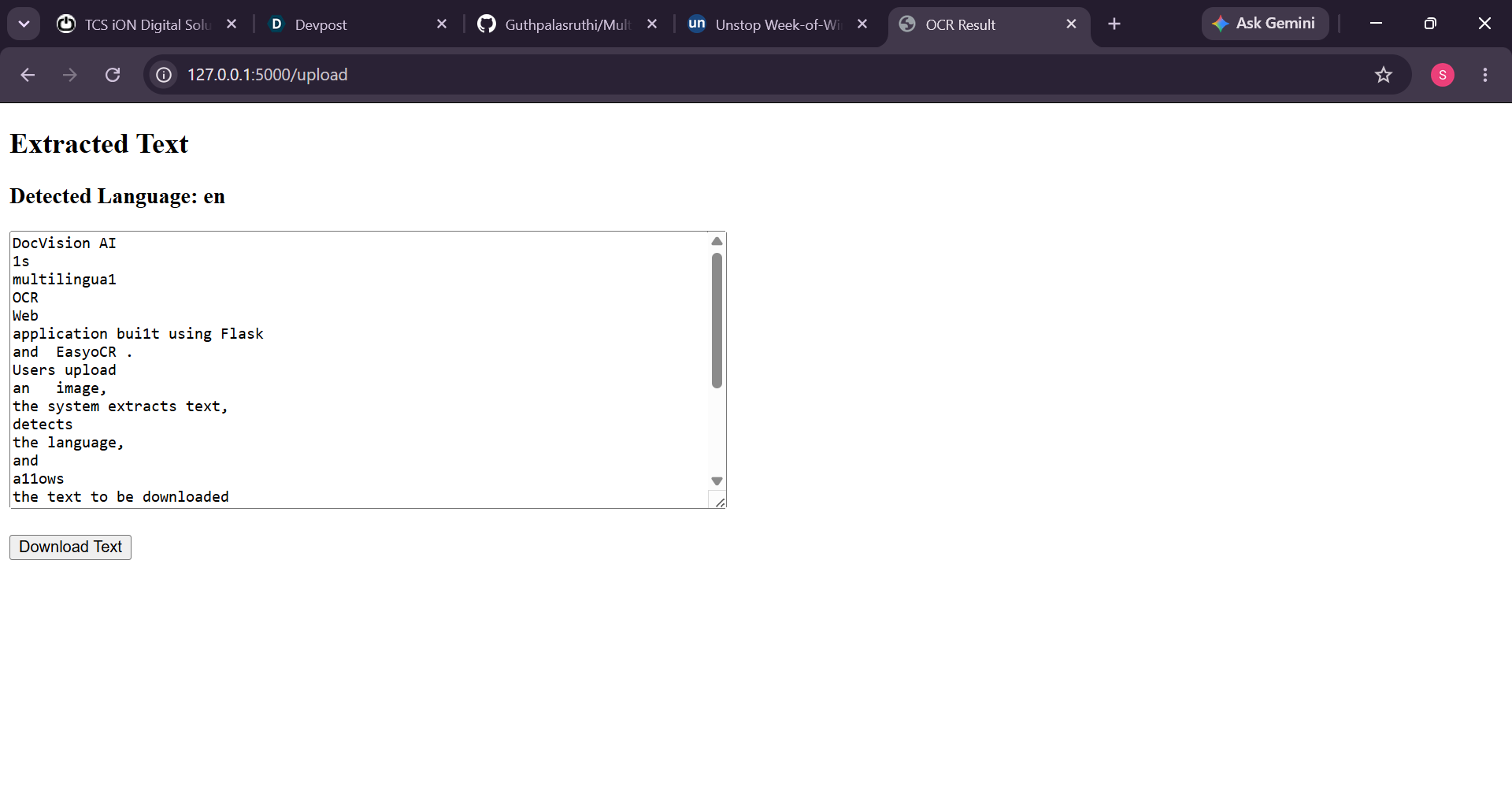
OCR successfully extracts text and detects language
-
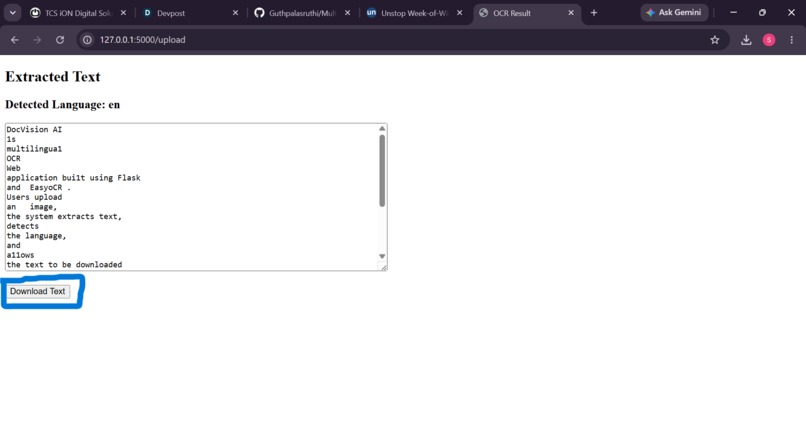
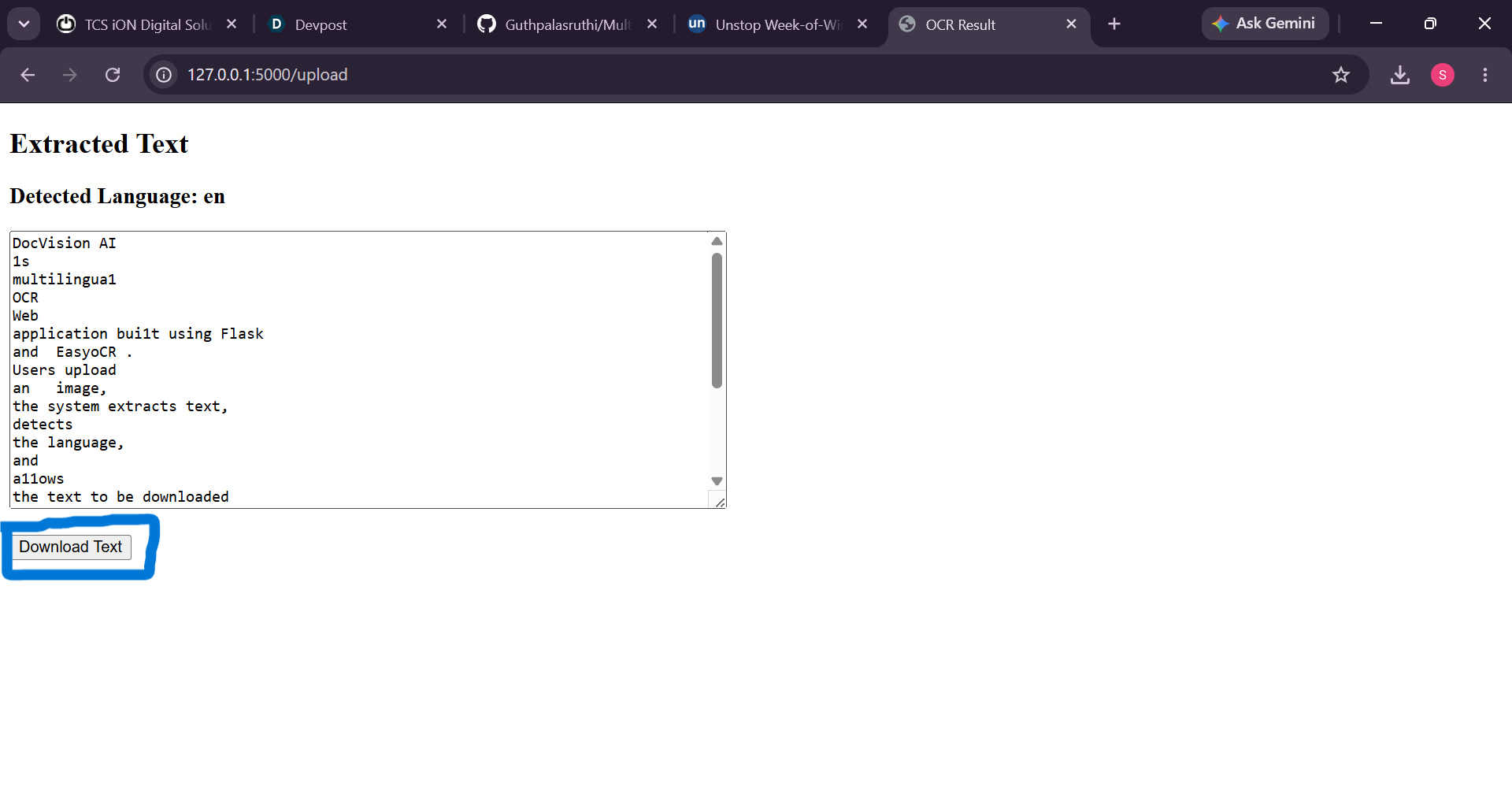
Users can download extracted text as a file
Inspiration
Many important documents in India, such as government records, certificates, forms, and citizen-service documents, exist in different languages and formats. Extracting information from these documents manually is time-consuming and error-prone. We wanted to build a simple and accessible solution that could automatically extract text from images and support multilingual content. This inspired us to create DocVision AI, a multilingual OCR system that helps users digitize and process documents efficiently.
What it does
DocVision AI is a web-based multilingual OCR system that allows users to upload an image containing text and automatically extract the text using AI-powered Optical Character Recognition (OCR).
How we built it
We developed the project using: 1.Python for backend development 2.Flask for the web application framework 3.EasyOCR for multilingual text extraction 4.LangDetect for language detection 5.HTML for the user interface 6.GitHub for version control and project hosting
Workflow: 1.User uploads an image. 2.The image is stored on the server. 3.EasyOCR processes the image and extracts text. 4.LangDetect identifies the language. 5.Extracted text is displayed on the results page. 6.Users can download the extracted content as a text file.
Challenges we ran into
During development, we faced several challenges: 1.Setting up the Flask application and project structure. 2.Understanding file uploads and routing in Flask. 3.Handling OCR accuracy issues caused by image quality and font variations. 4.Managing language detection for multilingual content. 5.Debugging Python and package installation errors. 6.Integrating OCR output with the web interface.
These challenges helped us improve our debugging and problem-solving skills.
Accomplishments that we're proud of
Successfully built a complete end-to-end OCR web application.Implemented multilingual text extraction.Added automatic language detection.Enabled text download functionality.Created a user-friendly interface for document processing. Published the project on GitHub and prepared it for hackathon submission
What we learned
Through this project, we learned: 1.Flask web development fundamentals 2.OCR concepts and document digitization techniques 3.Handling file uploads and server-side processing 4.Integrating AI libraries into web applications 5.Git and GitHub workflow 6.Debugging and troubleshooting real-world development issues 7.The importance of designing scalable solutions for document processing
What's next for DocVision AI: Multilingual OCR System
We plan to enhance DocVision AI with: PDF document support AI-powered text summarization Translation between Indian languages Document classification and tagging Database storage for OCR history Advanced layout detection for tables and forms Improved support for handwritten documents Cloud deployment for public access

Log in or sign up for Devpost to join the conversation.