-
-
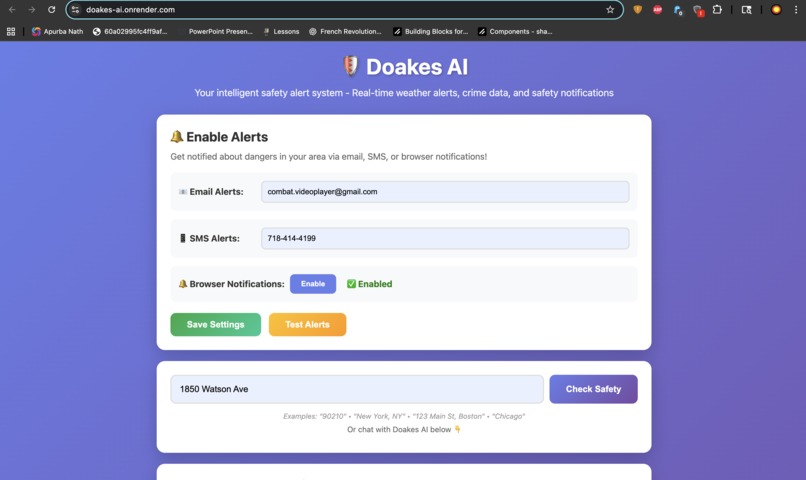
Website
-
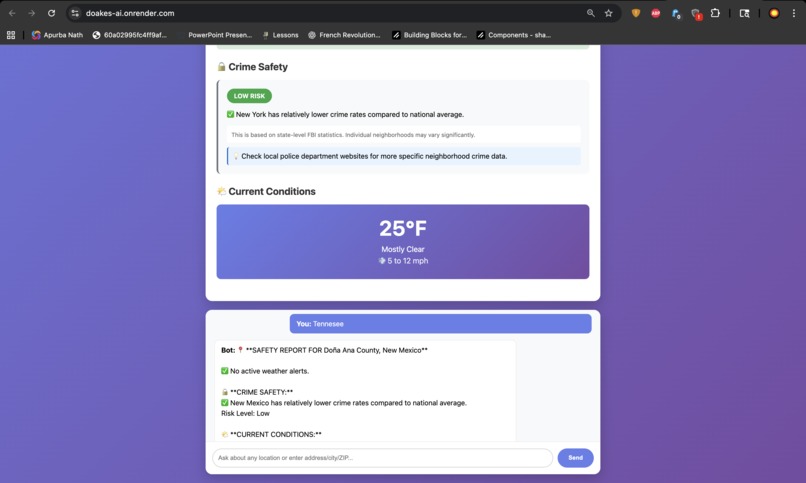
Website
Inspiration
I live in NYC and there are some dangerous areas here, such as Starlight park and 125th street based on personal experiences. So I decided to make something that alerts people of danger in an area so that they can stay safe.
What it does
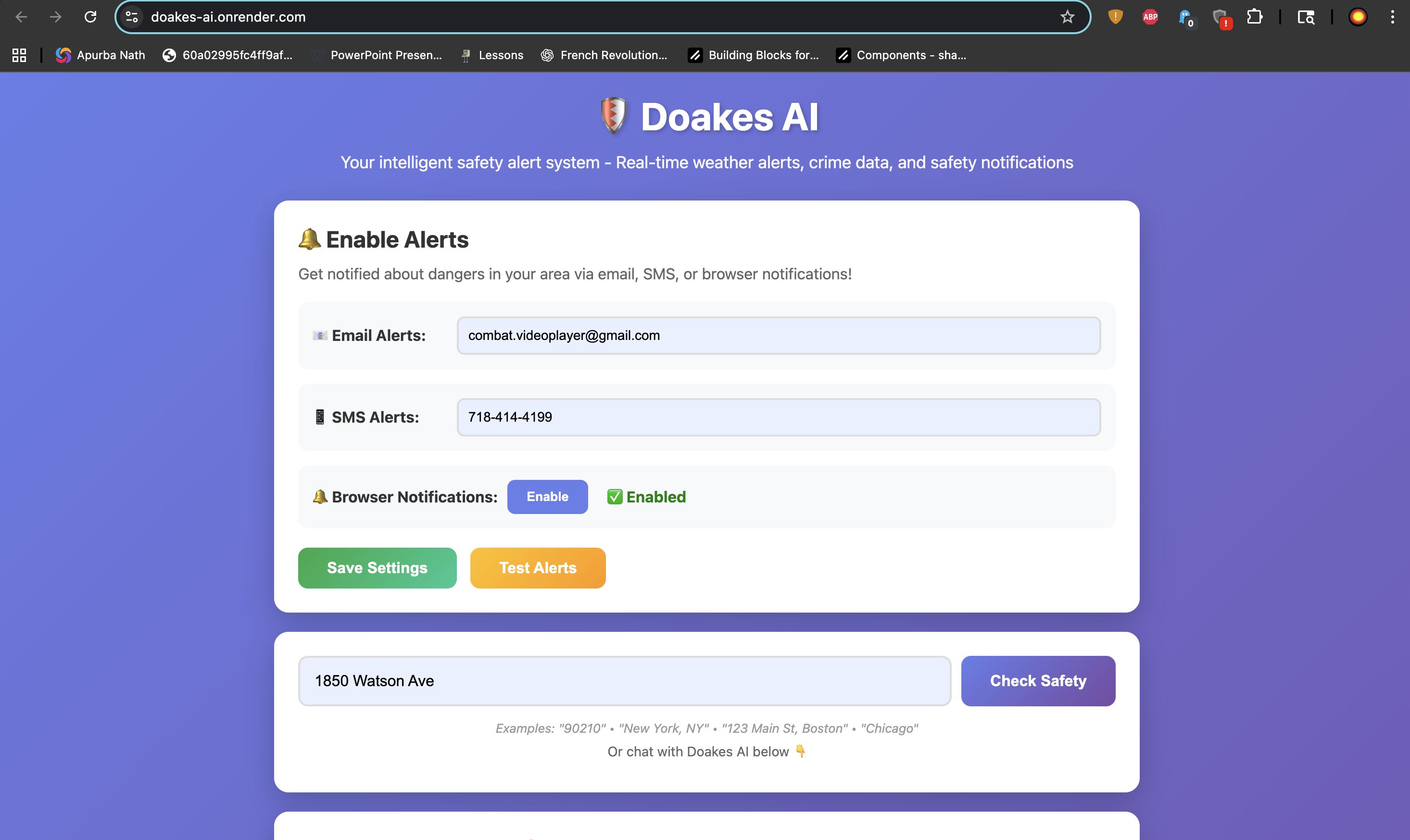
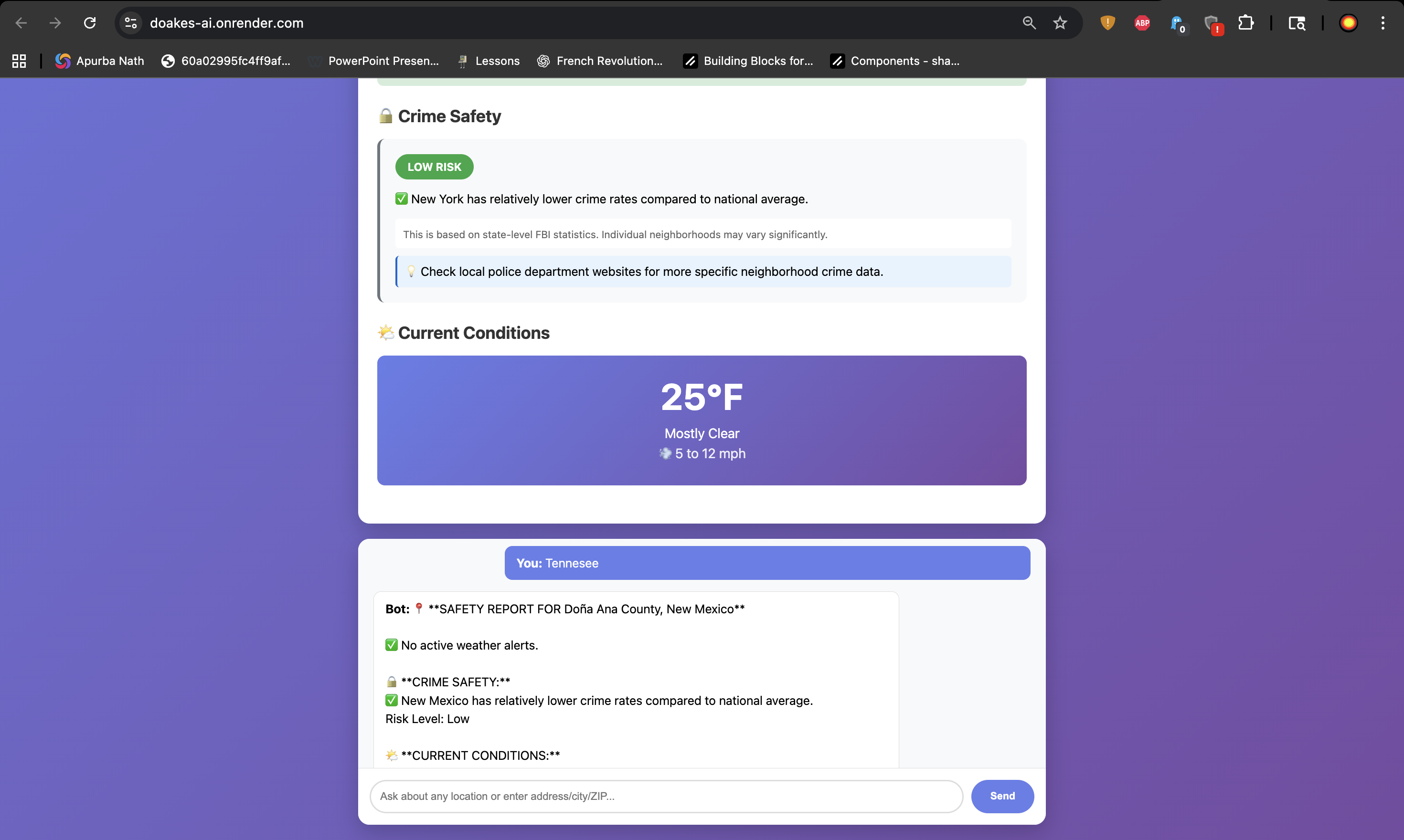
This is an AI that detects danger (crime/ natural disasters) based on what zipcode, city, avenue, country, etc. the user inputs and gives them an analysis of how dangerous it is. It can also alert the user with a notification through email/ text message. It also simply tells the weather.
How we built it
This AI was built with Flask (Python) powering the backend and a clean HTML, CSS, and JavaScript frontend. It connects to free public APIs—such as NOAA for real-time weather alerts and OpenStreetMap for location geocoding—with optional support for Gmail or Twilio notifications. Development was done locally, tracked with GitHub for version control, and then deployed to the Render cloud platform, which runs the app using Gunicorn. Everything works together smoothly: users enter a location in their browser, JavaScript sends the request to the Flask server, Flask pulls live data from external APIs, processes it, and sends back clear safety information that updates instantly on the page. The entire system runs without databases or complex infrastructure, keeping it lightweight and efficient.
Challenges we ran into
I ran into real production challenges with API limits and deployment. Since all the API's I use are free, the data isn't completely accurate, some dangerous parts in America can be seen as safe according to the AI. My resources are limited so theres nothing I can do about that. External services like NOAA and Nominatim were slow or rate-limited, which forced me to add proper timeouts, handle failed responses, and stop assuming APIs would always work perfectly. I also dealt with deployment issues on Render, fixing misconfigured files, missing dependencies, port binding errors, and worker timeout. Learning how small setup mistakes can break an app in production even when it works locally.
Accomplishments that we're proud of
I built a real, production-ready application, not a tutorial or demo, that people can actually use to get live safety information from official government APIs. I handled the entire stack, from frontend design to backend API integration, and deployed it to the internet using modern tools like Git, cloud hosting, and CI/CD. Along the way, I solved real production issues such as API failures, timeouts, and deployment bugs, gaining hands-on experience with the same workflows and challenges professional developers face.
What we learned
I integrated NOAA’s weather API, learning how to work with coordinates, messy real-world JSON, required headers, and rate limits. I also deployed the app on Render, setting up Gunicorn, fixing timeout issues using logs, and configuring CI/CD so updates deploy automatically.Along the way, I learned what it really means to move from “it works on my laptop” to “it works in production,” including handling failures, timeouts, and environment variables securely.
What's next for Doakes AI
The website looks a little dull, the email and text features are still a little buggy, and the analysis's aren't completely accurate, so perhaps I will try to perfect it.
Heres a link to the github https://github.com/NiceShot12/doakes-ai


Log in or sign up for Devpost to join the conversation.