Inspiration
There are more disasters happen each year, so I wanted to create a tool that helps users find shelter and disaster information.
What it does
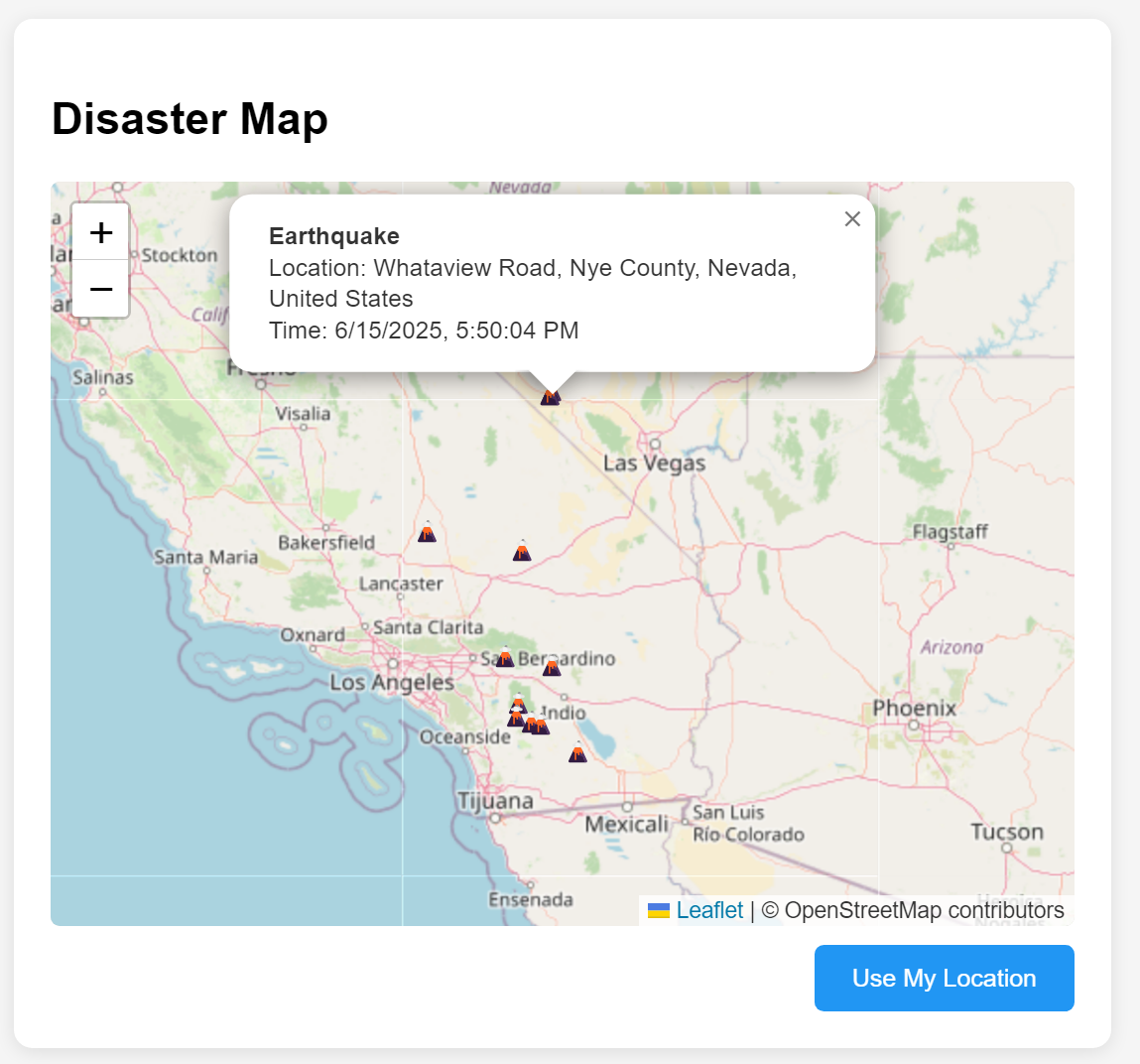
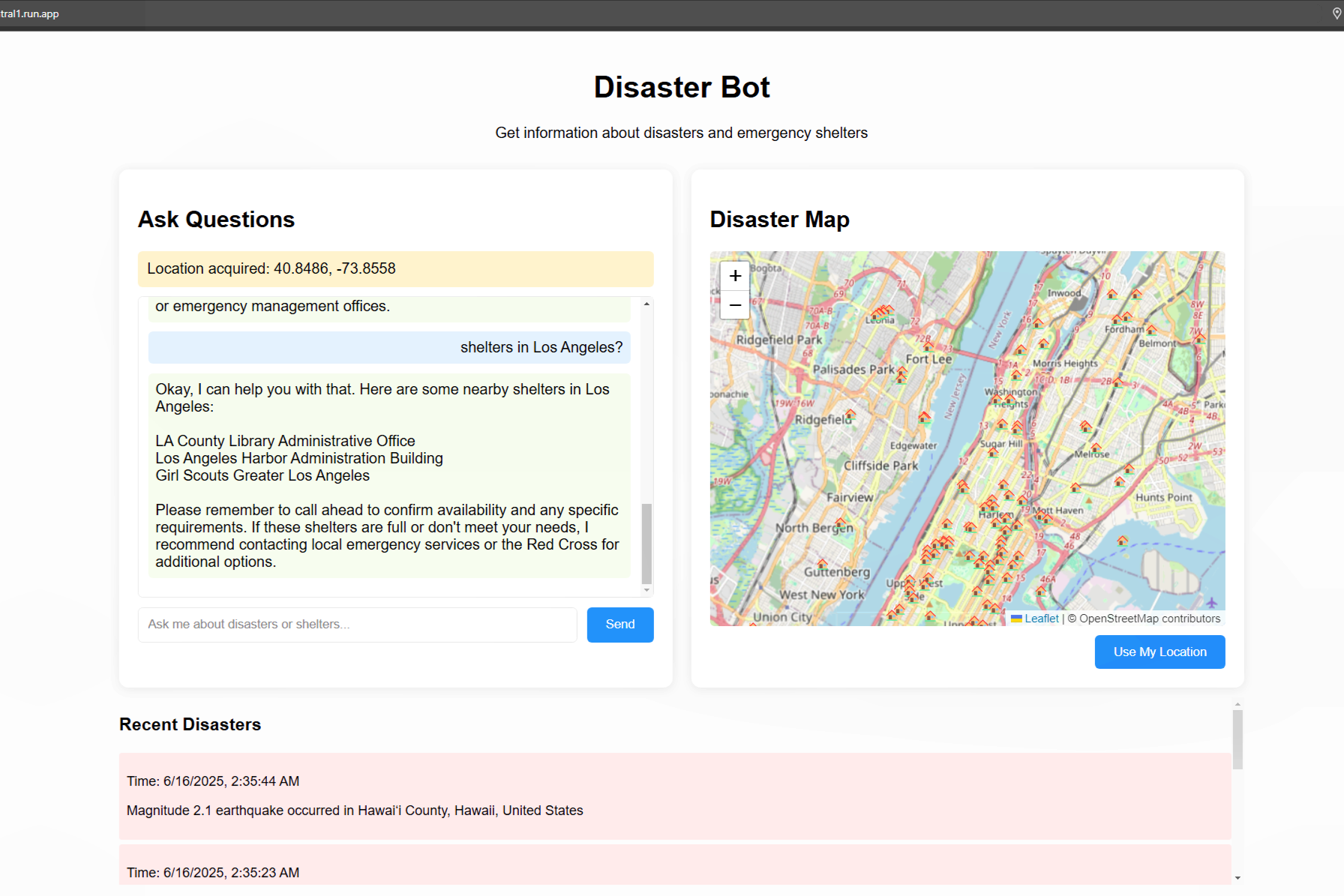
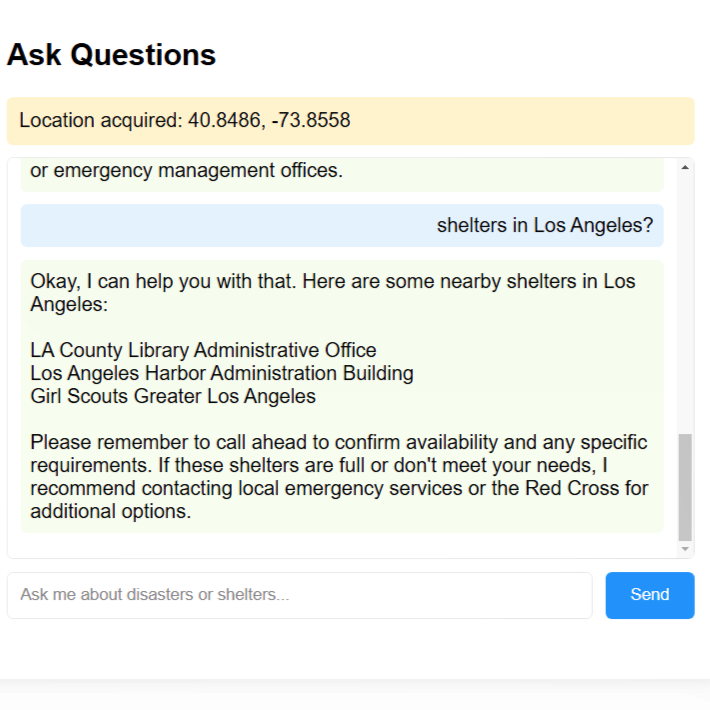
My project is a disaster bot that provides information about disasters and assists users in finding shelters and information about what to do in emergencies. The project was built with FastAPI, MongoDB Atlas, and Google Cloud tools. Users can ask about nearby shelters and recent disasters, and the AI assistant responds using real-time data collection, vector similarity search, and AI query.
Key Features
- Google Gemini generates answers about shelters and disasters.
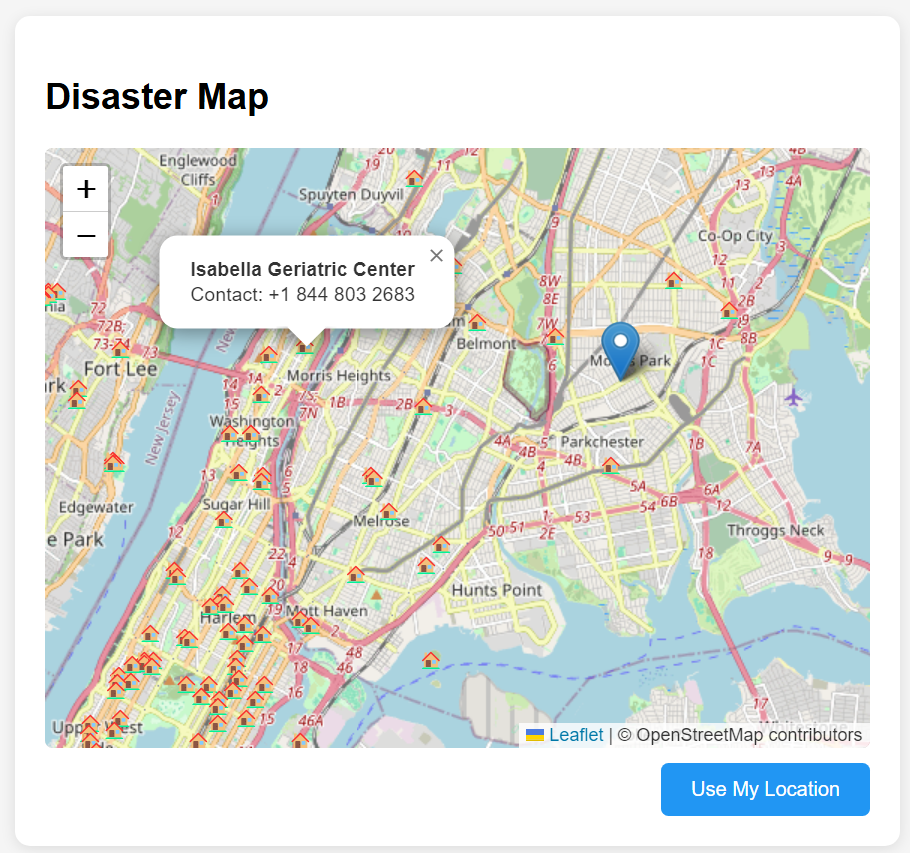
- Support to find shelters near the user’s location using MongoDB Atlas geospatial queries.
- If the location isn’t provided, the system uses semantic search powered by vector embeddings from Gemini and MongoDB’s
$vectorSearchto find relevant shelters based on the user’s questions. - Show recent disasters using MongoDB Atlas time-series collection.
Google Cloud Tools and MongoDB Usage
Google Cloud Tools Used
- I used Google’s Generative AI (Gemini 2.0). It provides Gemini’s embedding model to convert user queries and shelter data into vectors, which performs a vector similarity search for shelter recommendations. In addition, GenAI provides natural language understanding that the Gemini model will generate an answer when a user asks a question.
- I used Google Cloud Run to deploy my application.
MongoDB Atlas Usage
- I used MongoDB Atlas as the main database. It stores two main collections:
- Disasters (time-series collection): Stores real-time earthquake data with timestamps and metadata.
- Shelters: Stores shelter data, and embeddings for AI-powered similarity search.
- MongoDB Atlas’s features that I applied to my project:
- The time-series collection allows querying the recent disasters.
- The vector search index enables semantic search using shelter data converted to embeddings.
- GeoWithin queries are used to find shelters near a user’s location.
How I built it
- Data Pipeline
- I fetched disaster and shelter data, cleaned and formatted it, and inserted it into MongoDB.
- I used a scheduler to fetch new earthquake data every 24 hours.
- FastAPI Backend
- I created endpoints to handle querying shelters via location or similarity, fetching recent disasters, and returning AI-generated answers.
- AI Integration
- Generating embeddings for shelter data that are used in MongoDB for vector search.
- Generating embeddings for a user’s questions that are sent to Gemini to generate answers.
- User Interface
- I built the frontend server using HTML, CSS, and JavaScript with a form and basic interactions. In addition, I integrated the map using Leaflet.js
- Deployment
- I deployed my project using Google Cloud Run with Dockerfile.
Challenges I ran into
One of the challenges I faced was to set up the vector search index in MongoDB Atlas. After taking the Vector Search Fundamentals course provided by MongoDB Learn, I had a better understanding of vector search and successfully set up the vector search index. Another challenge was to understand the embedding between the model and MongoDB. I ensured embeddings were generated consistently for both shelter data and the context to get the expected results. One challenge that I’m still working on is that Gemini's responses miss the disaster information.
Accomplishments that I'm proud of
- Successfully built a full-stack application using FastAPI, MongoDB Atlas, and Google Cloud Tools.
- Integrated Google Gemini for generating embeddings and responses.
- Deployed the application to Google Cloud.
What I learned
- How to set up and connect a FastAPI backend with MongoDB Atlas using Motor (async driver).
- How to create vector search indexes in MongoDB Atlas and write aggregation pipelines using
$vectorSearch. - How to use Google’s Gemini AI for generating vector embeddings and querying for natural language responses.
- How to use an async scheduler to automate disaster data collection.
- How to add logic to avoid duplicate data using MongoDB’s
find_onechecks. - How to craft and pass structured prompts that included disaster and shelter context.
- How to query Overpass's bonding boxes.
What's next for Disaster Bot
- Add more disaster data such as wildfires, hurricanes, or floods and real-time disaster notification.
- Add Google Cloud function for data fetching.
- Improve AI’s responses.
- Improve user interface.
- Convert timezone based on a user's location.
- Add test coverage and CI/CD pipeline.

Log in or sign up for Devpost to join the conversation.