-
-
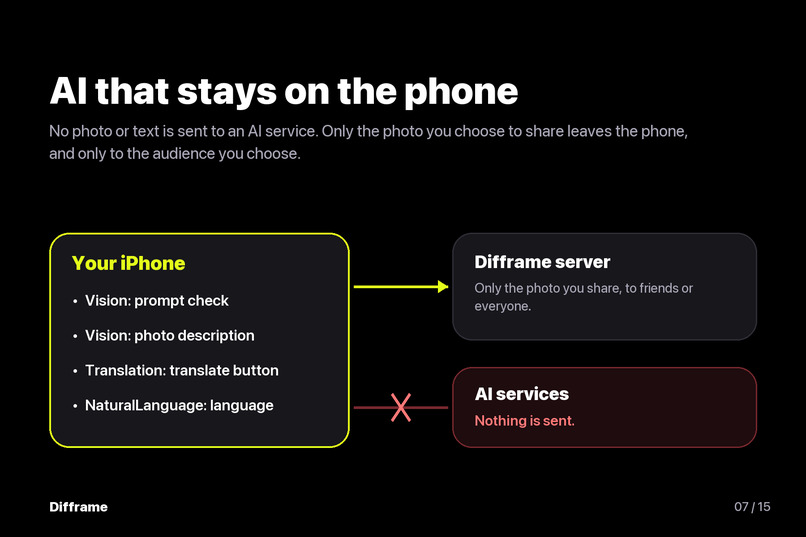
AI that stays on your phone.
-
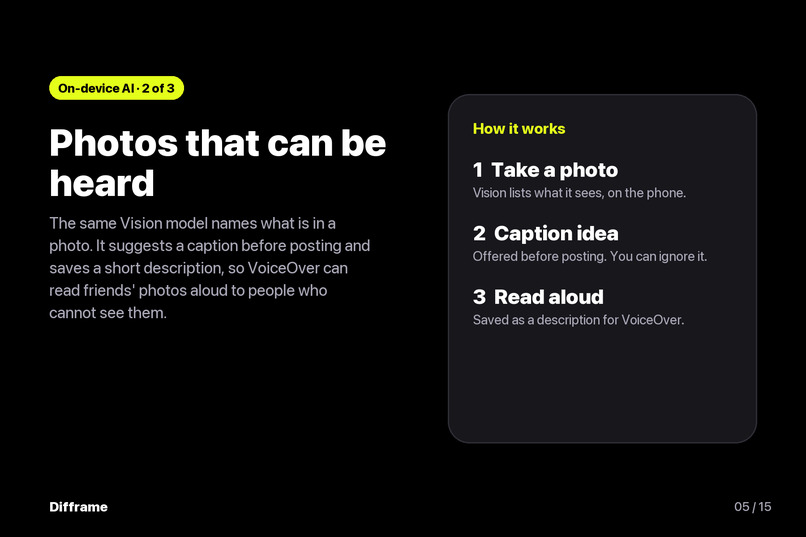
Photo that can be heard.
-
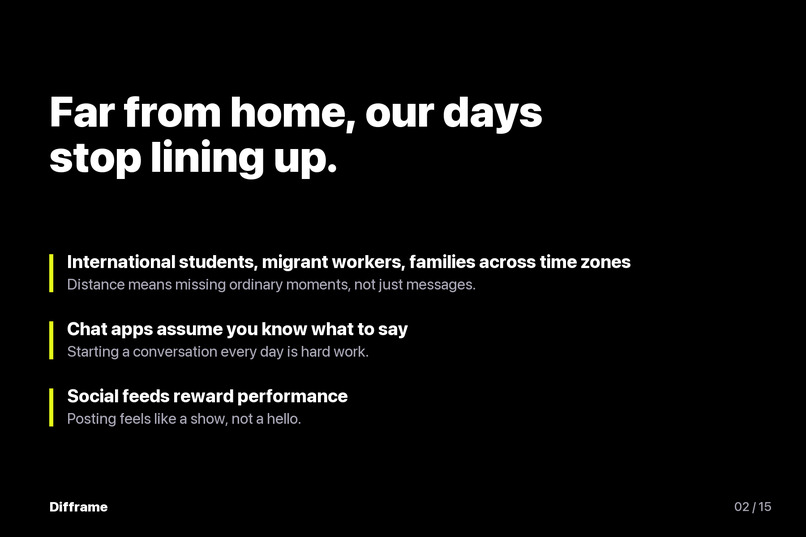
Far from home, our days stop lining.
-
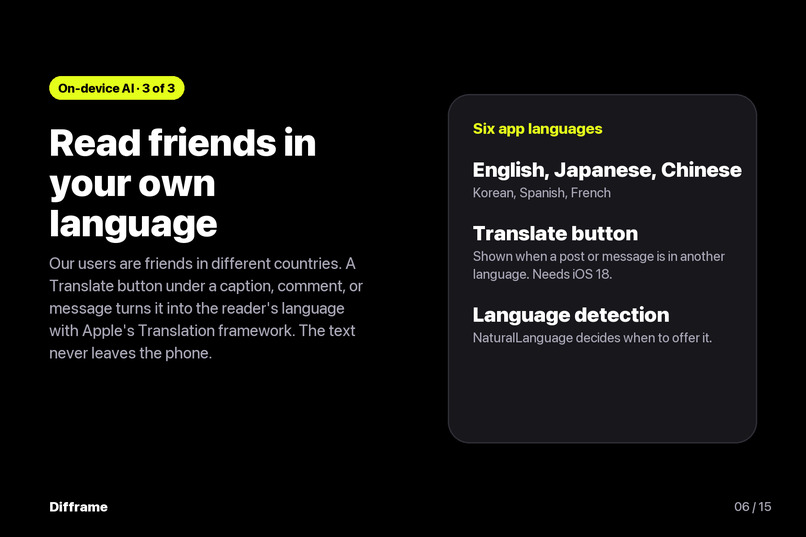
Read friends in your own language.
-
What we leaned.
-
How we built it.
-
What is next.
-
One prompt. One moment. Everyone.
-
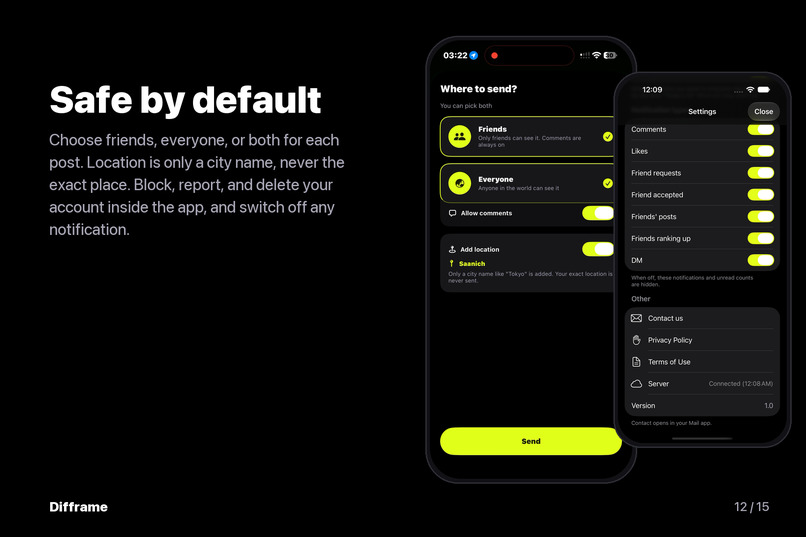
Safe by default.
-
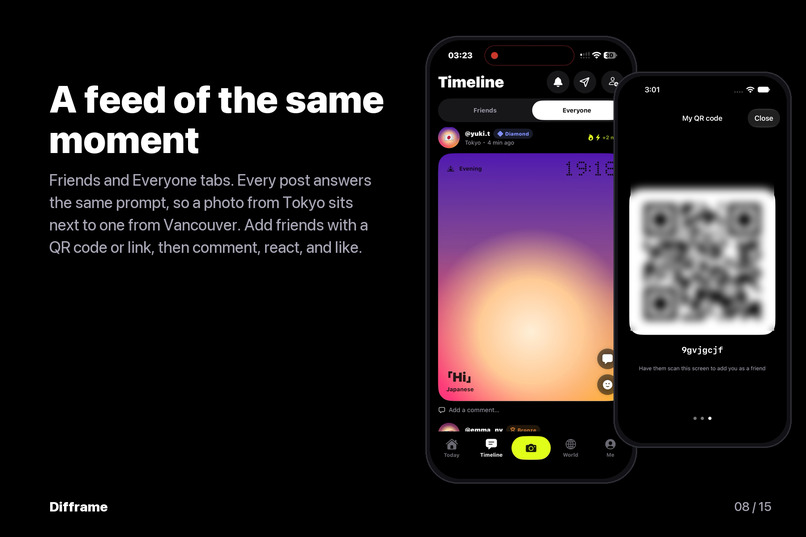
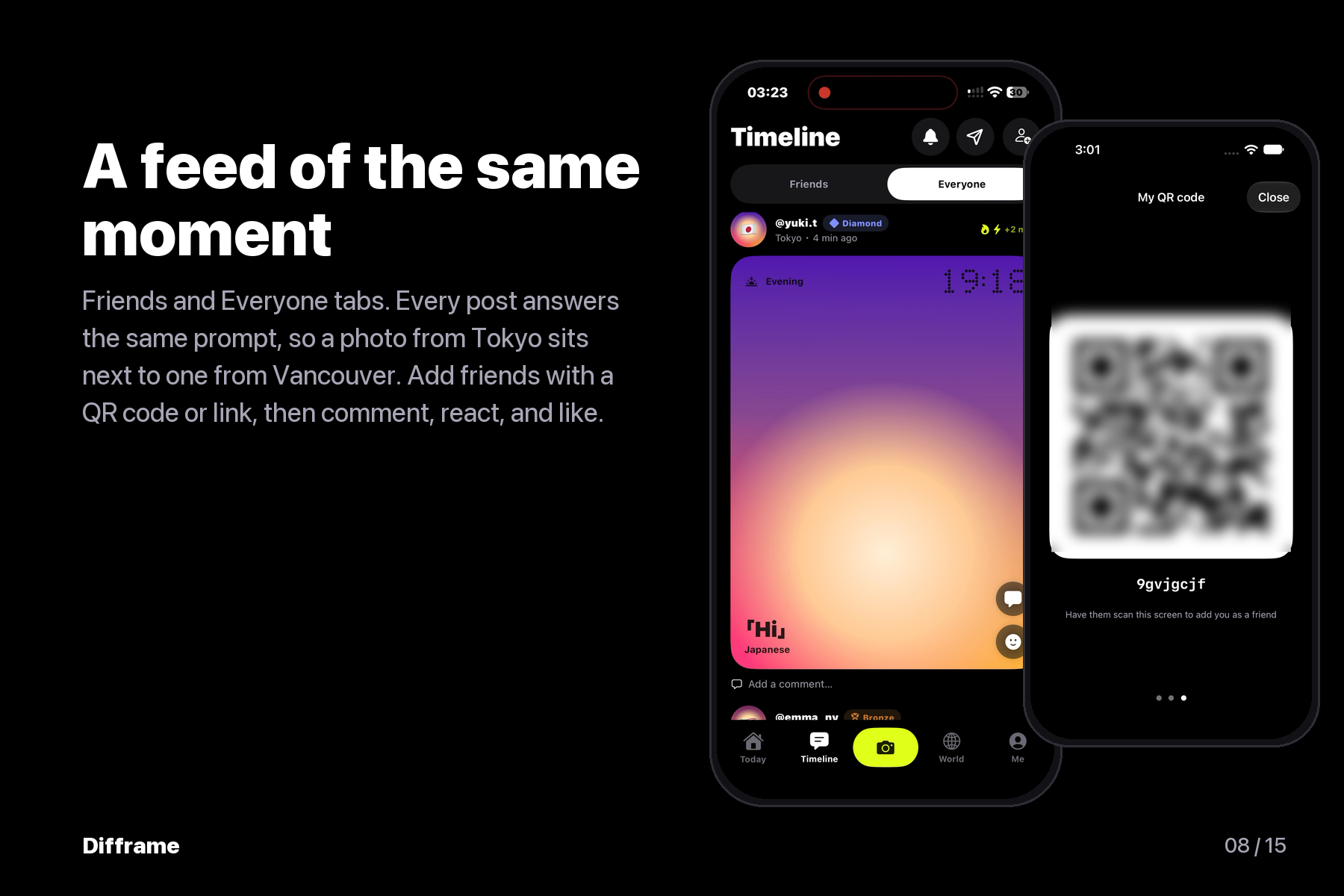
A feed of the same moment.
-
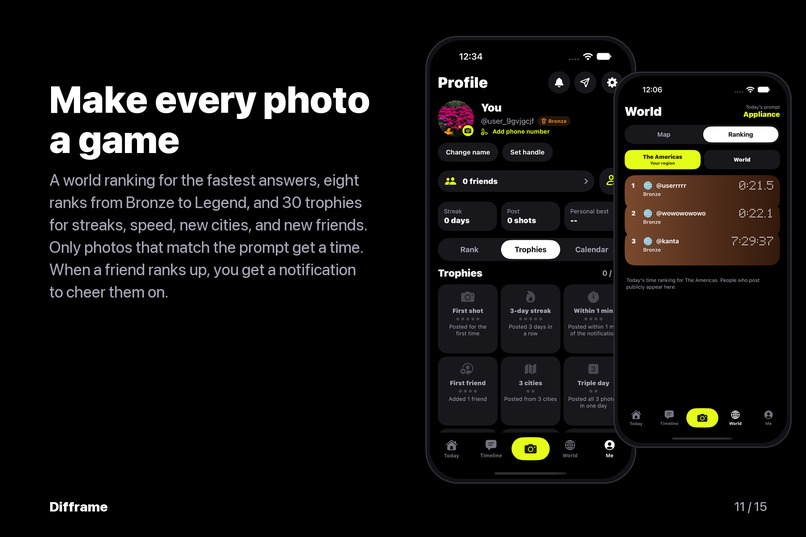
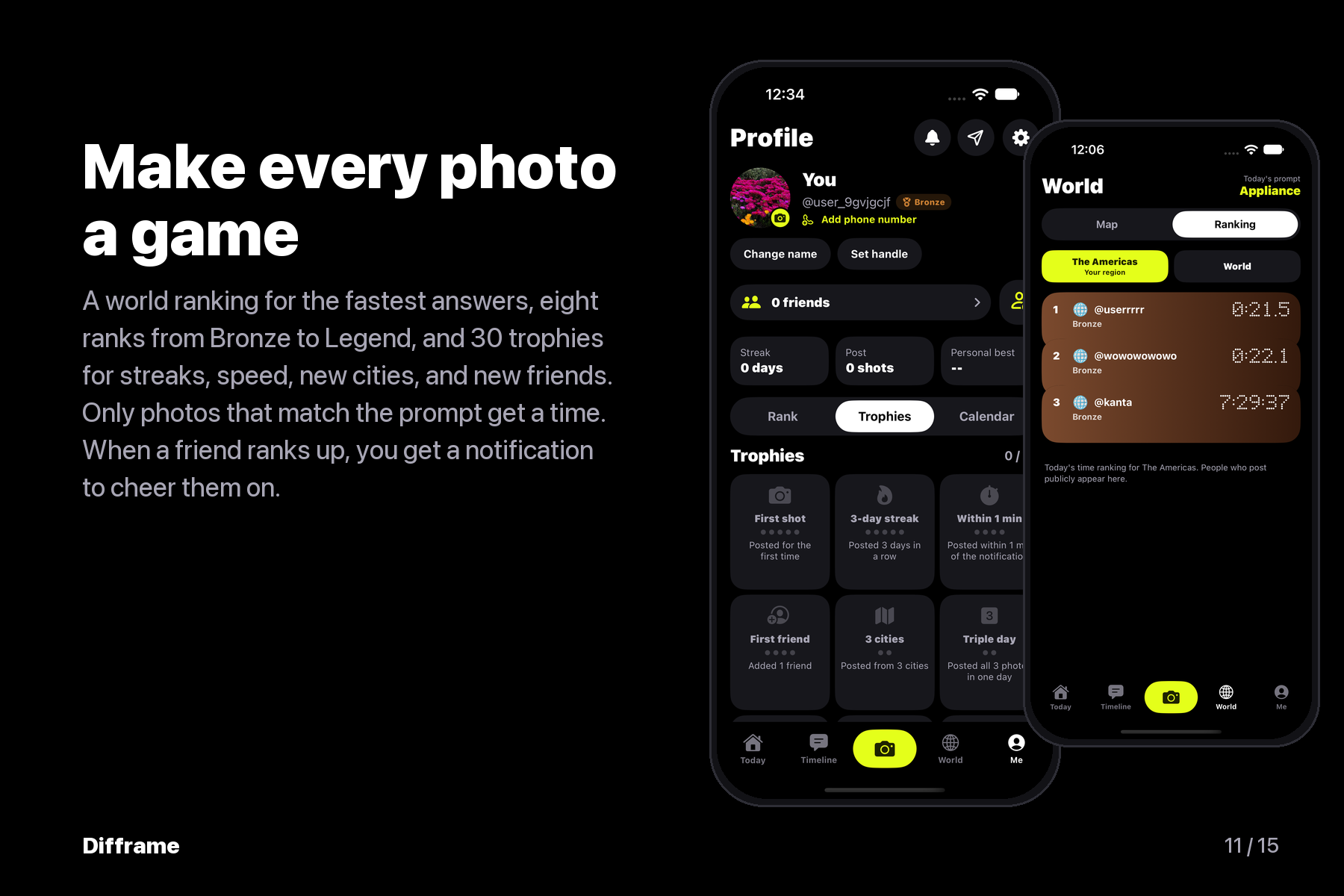
Make every photo a game.
-
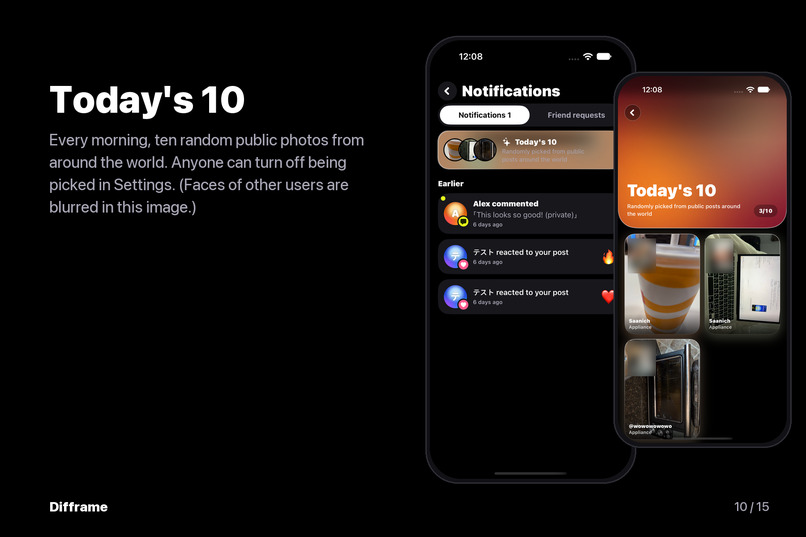
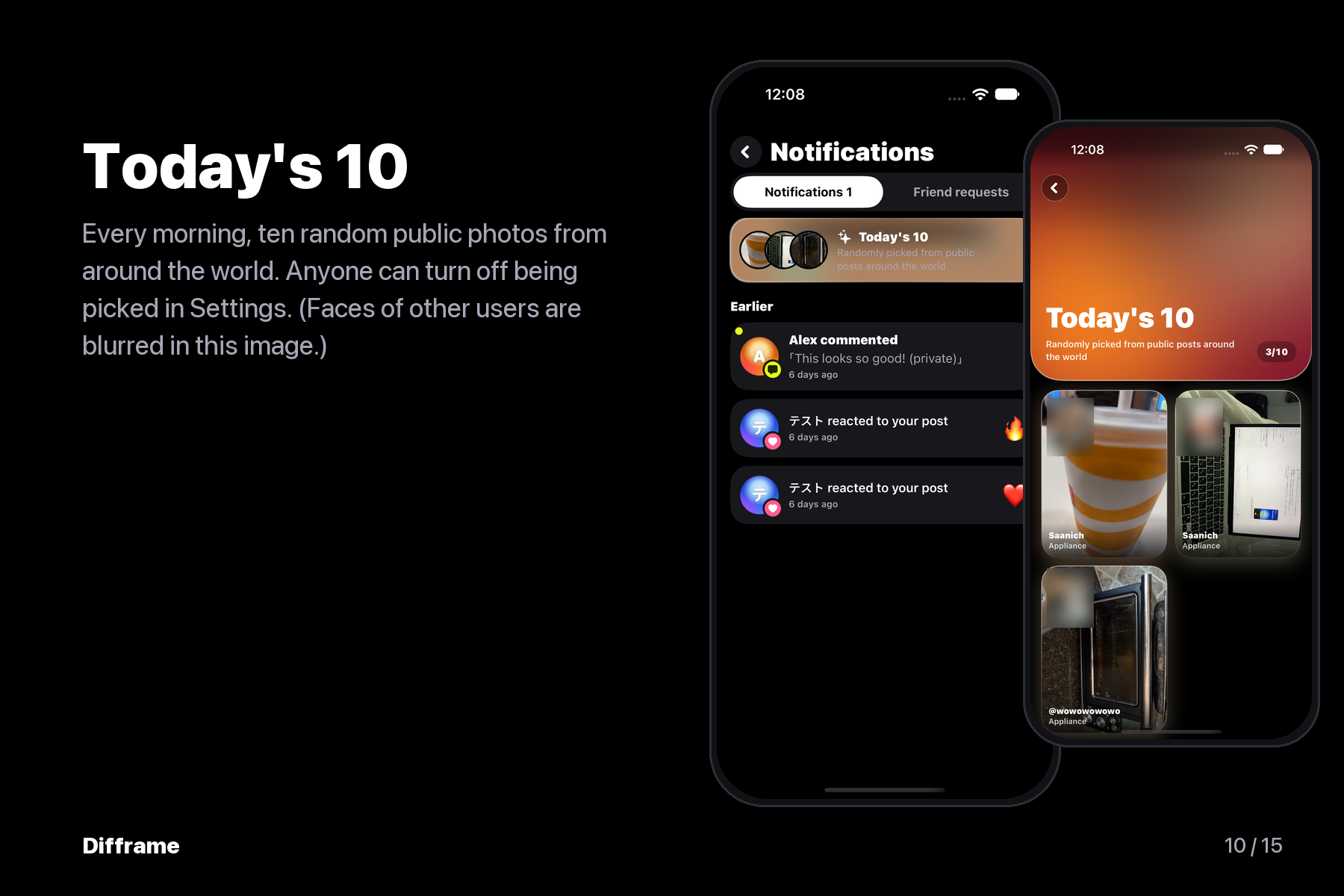
Today's 10
-
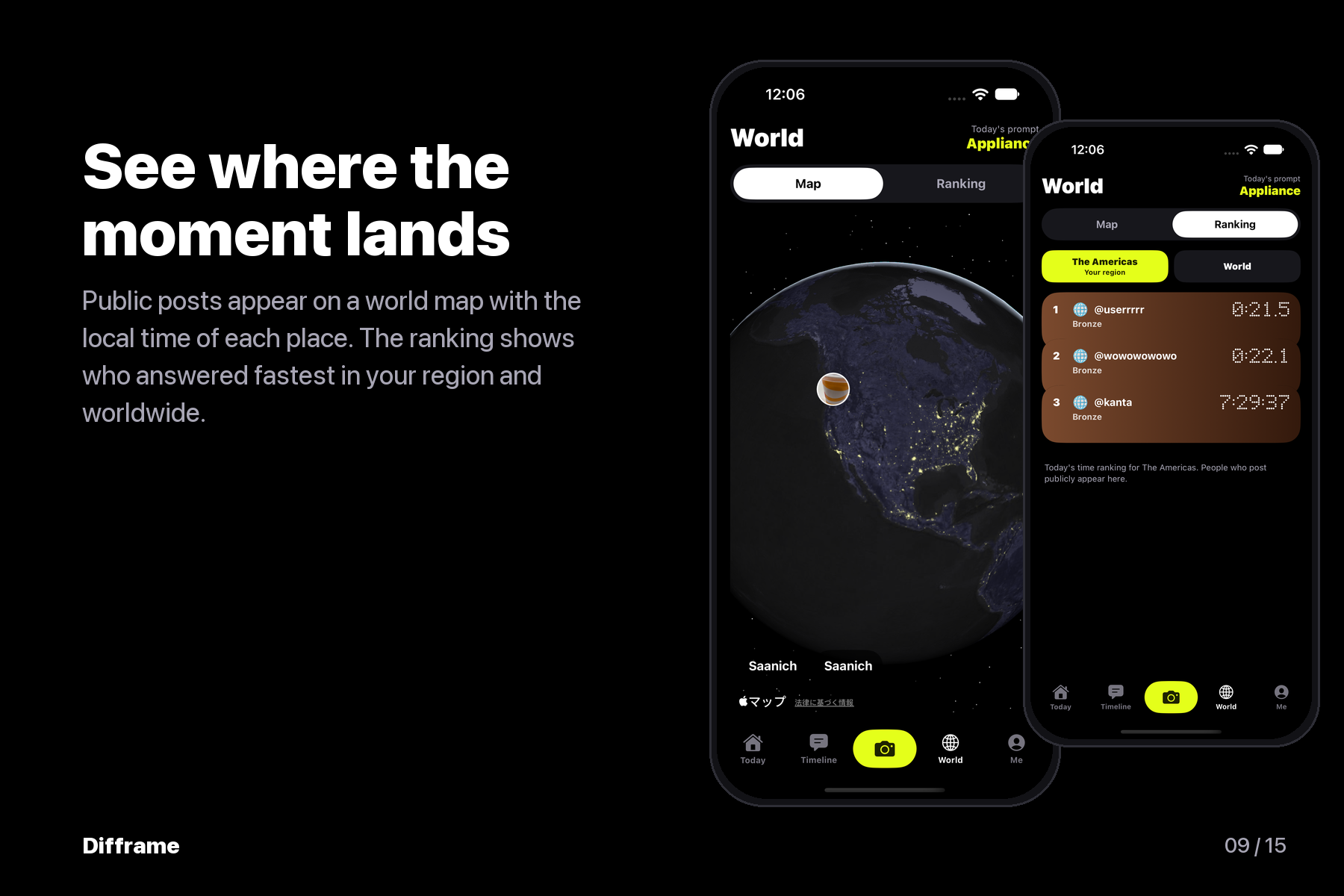
See what the moment lands.
-
Difframe
-
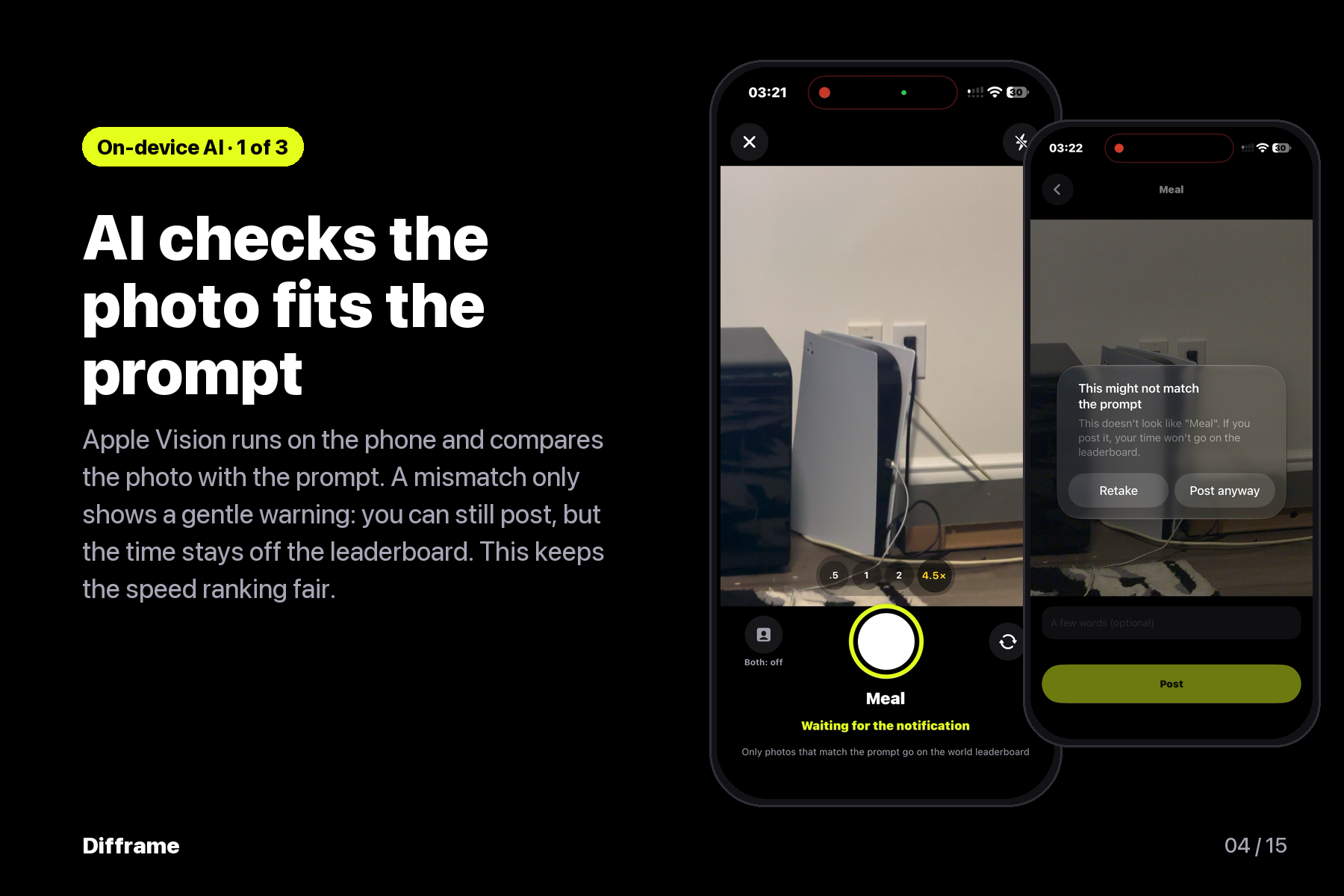
AI checks the photo fits the prompt
Difframe
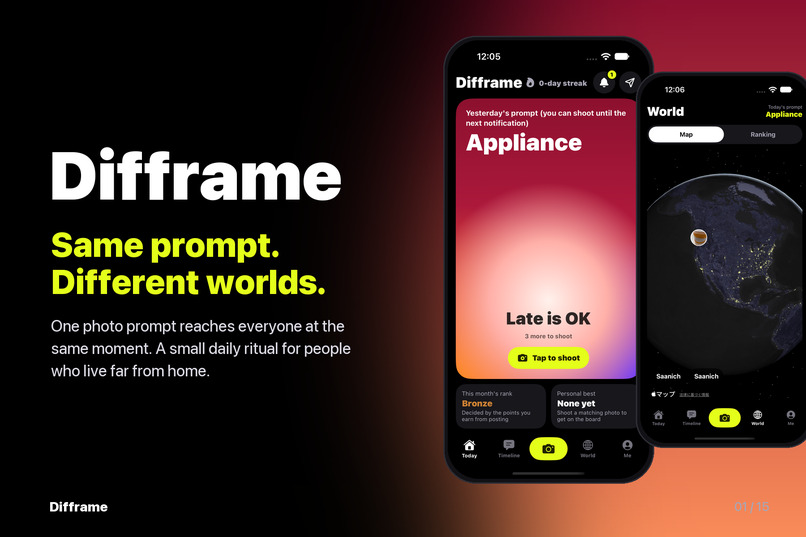
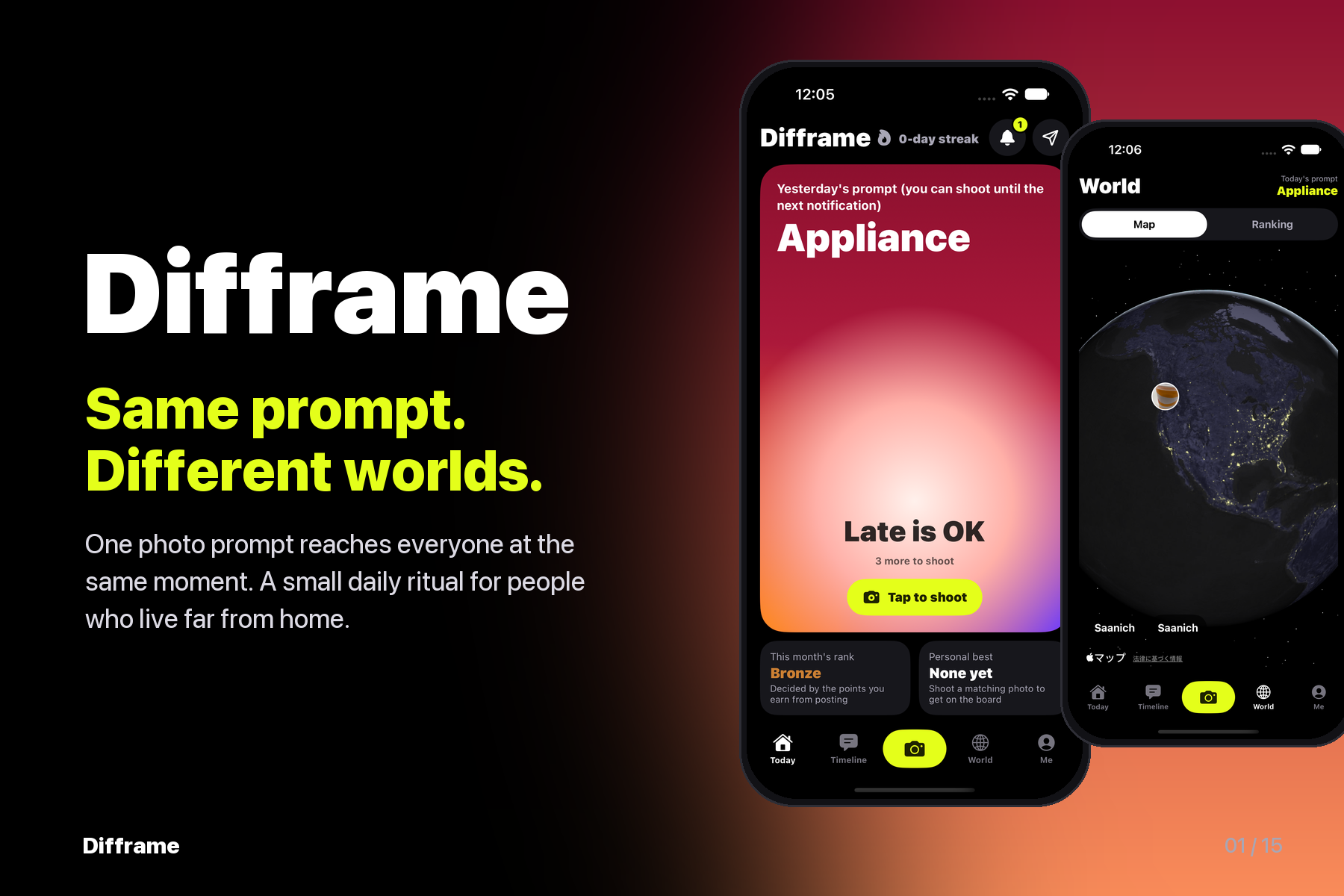
Same prompt. Different worlds. A small daily ritual for people who live far from home.
Track: Local community impact (inclusiveness, accessibility, and sharing information across communities).
The problem
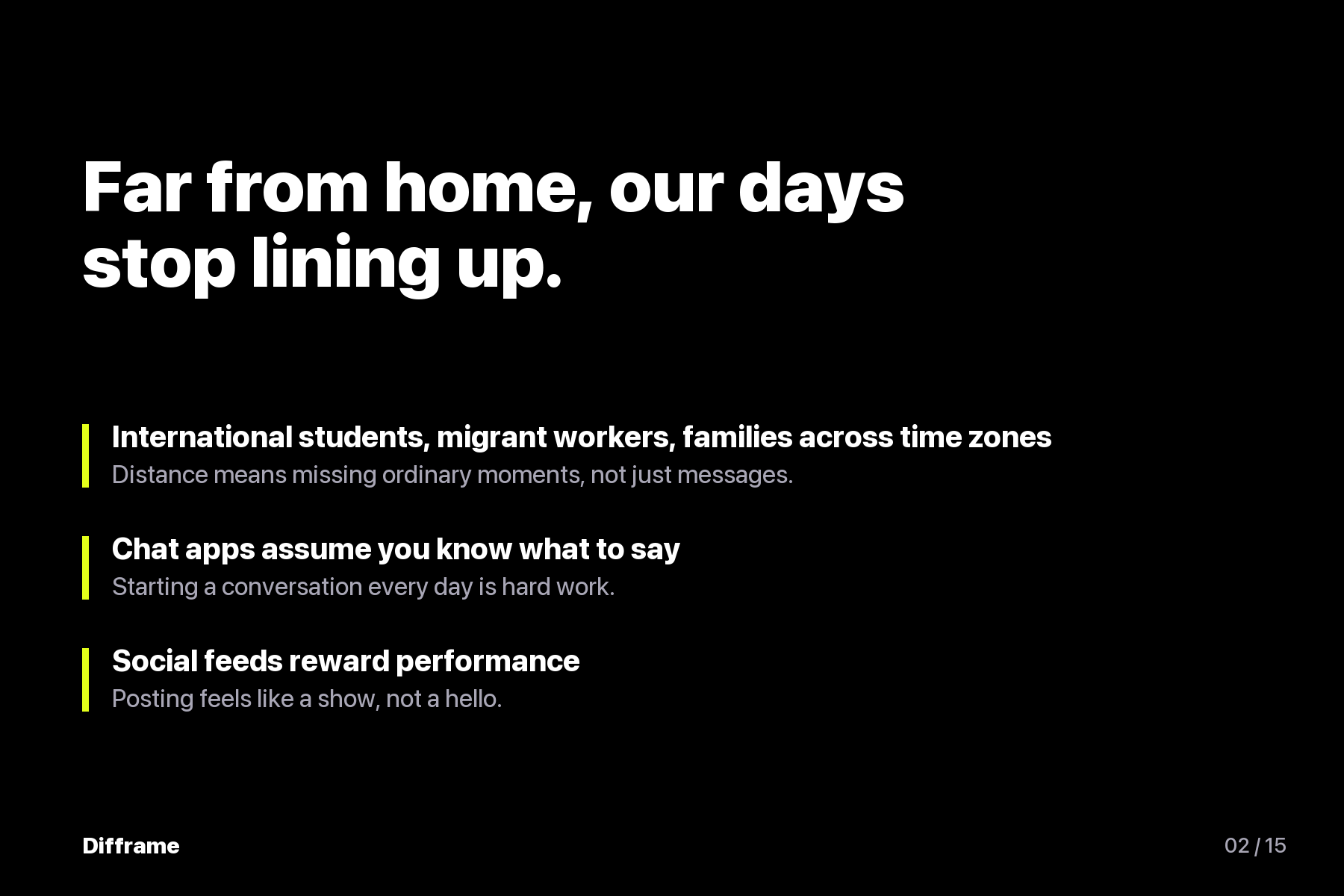
Millions of people live far from the people they love: international students, migrant workers, families split across time zones. Distance does not only mean fewer messages. It means missing the ordinary moments, and over time that quiet gap becomes loneliness and a weaker sense of belonging. Chat apps assume you already know what to say, and social feeds reward performance over presence.
We are international students ourselves. Our families are back home, and our days rarely line up with theirs. We wanted something that makes sharing one ordinary moment easy, low-pressure, and equal for everyone.
Our idea
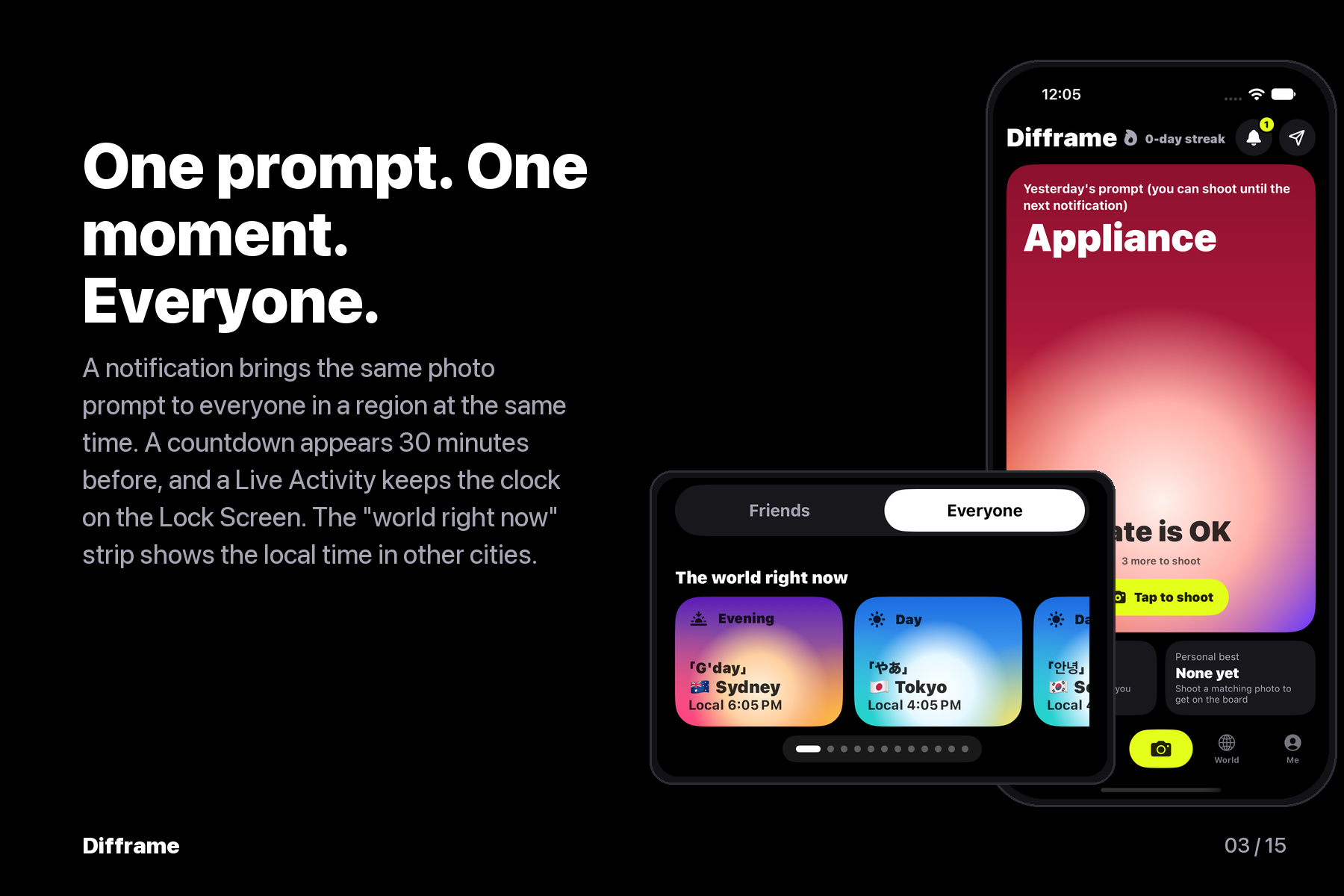
Everyone gets the same photo prompt at the same moment ("something brown", "a window", "your breakfast"). You answer with one photo, taken on the spot. Because the prompt is shared, your photo can be compared with a friend's in another country, and with a stranger's on the other side of the world. The prompt gives you something to say without needing to say anything.
It is a community tool first: it connects people to the ones they miss, and to a wider world that shows what the same moment looks like somewhere else.
Where AI helps
The AI in Difframe runs on the device. It is used where it protects fairness, privacy, and access, not as decoration.
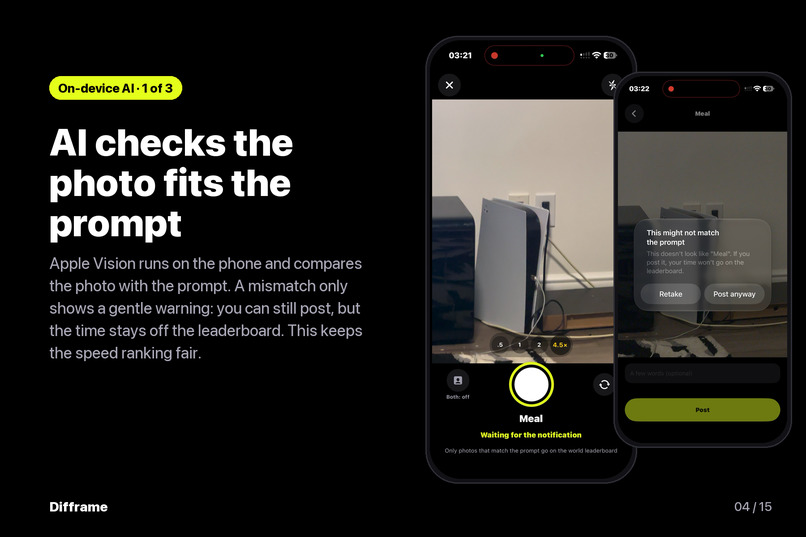
- Prompt check (Apple Vision). Before a post counts for the ranking, the phone checks whether the photo matches the prompt. This stops people from posting an old photo to win the speed ranking. It is gentle: a mismatch shows a warning and never blocks the post. Color prompts use a pixel check, because a classifier is the wrong tool for color.
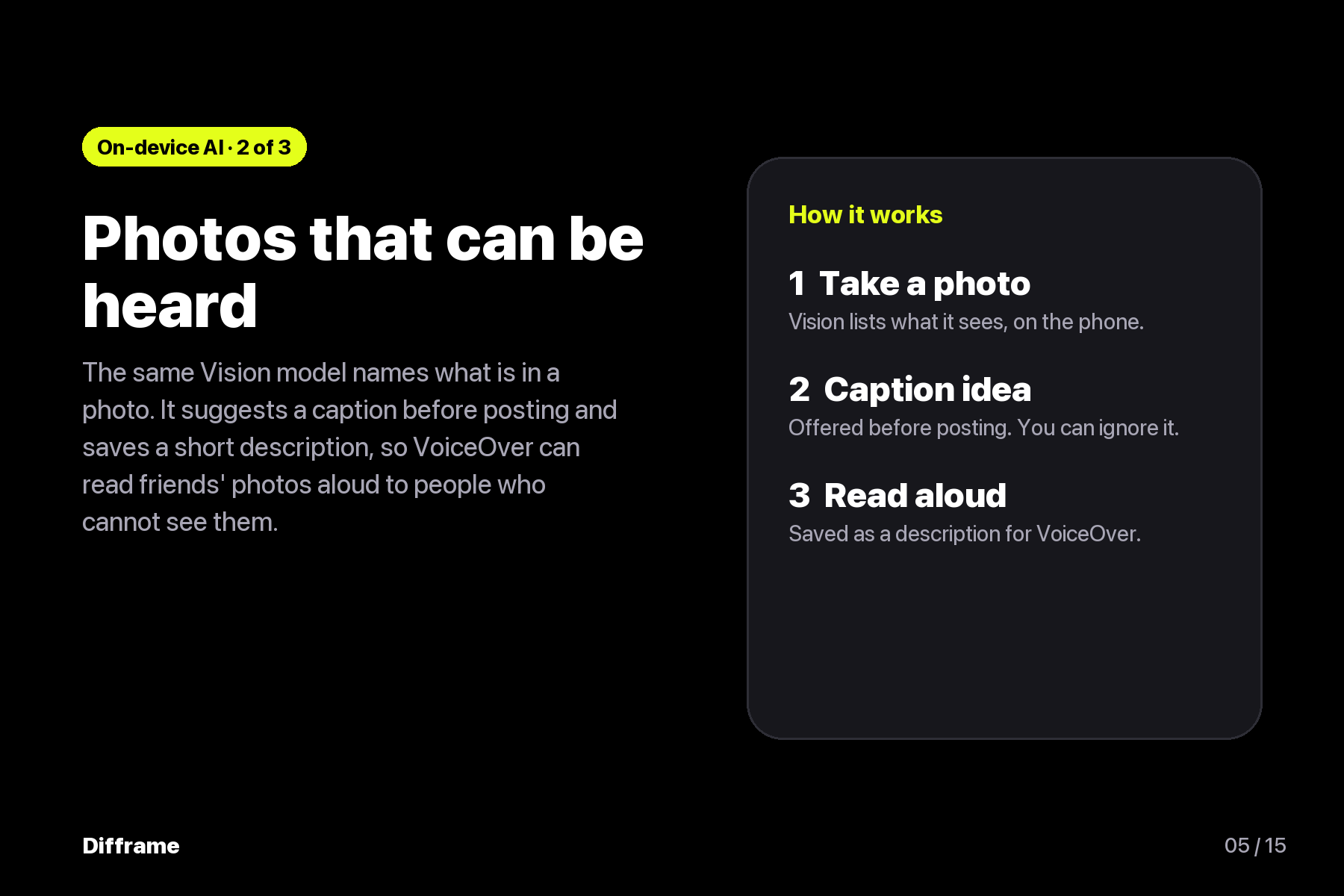
- Photo descriptions for accessibility (Apple Vision). The same on-device model names what is in a photo ("cat, sofa"). It suggests a caption before posting and saves a short description so VoiceOver can read friends' photos aloud to people who cannot see them.
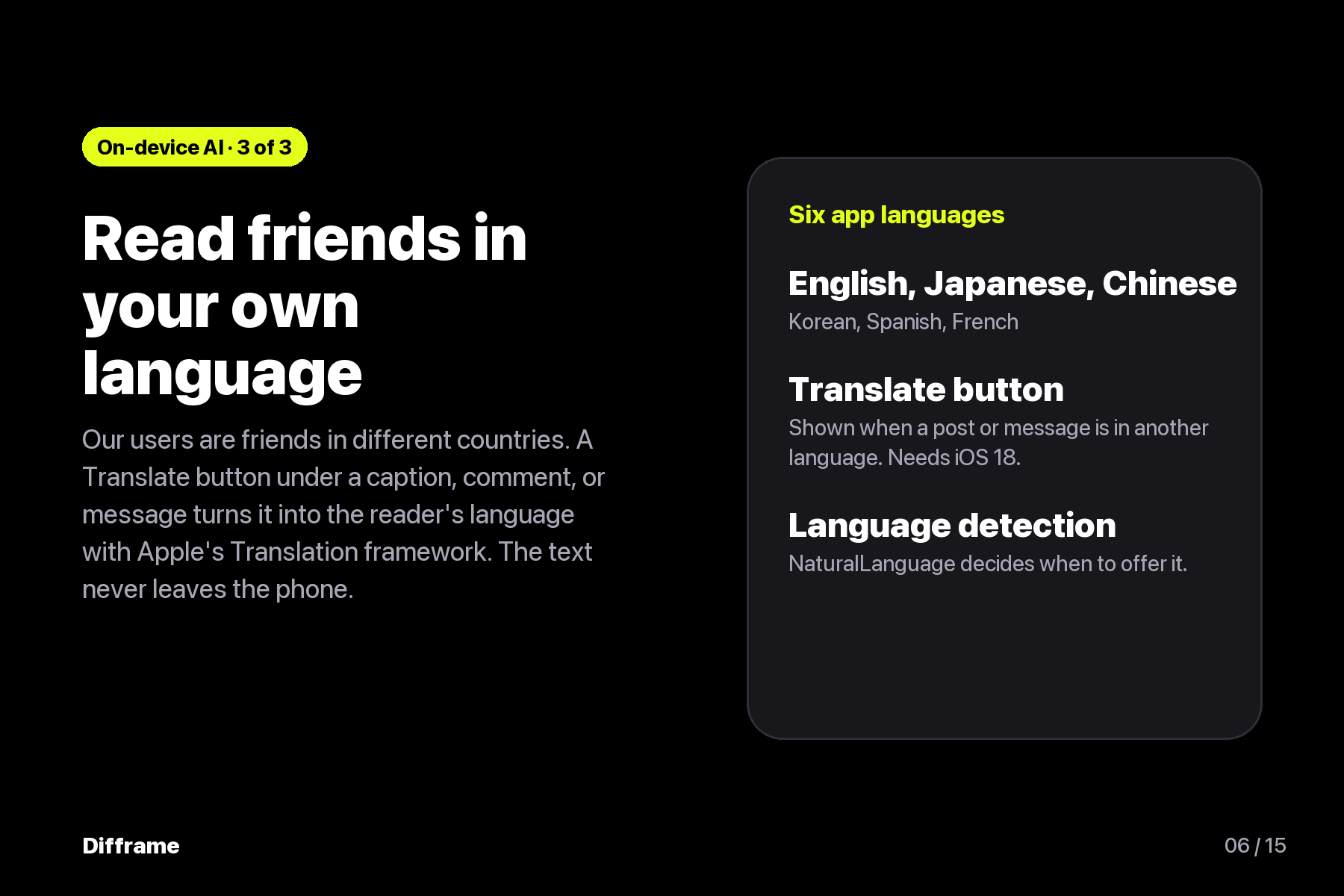
- Translate button (Apple Translation). Our users are friends in different countries. A "Translate" button under a caption, comment, or message turns it into the reader's language, on the device. It needs iOS 18.
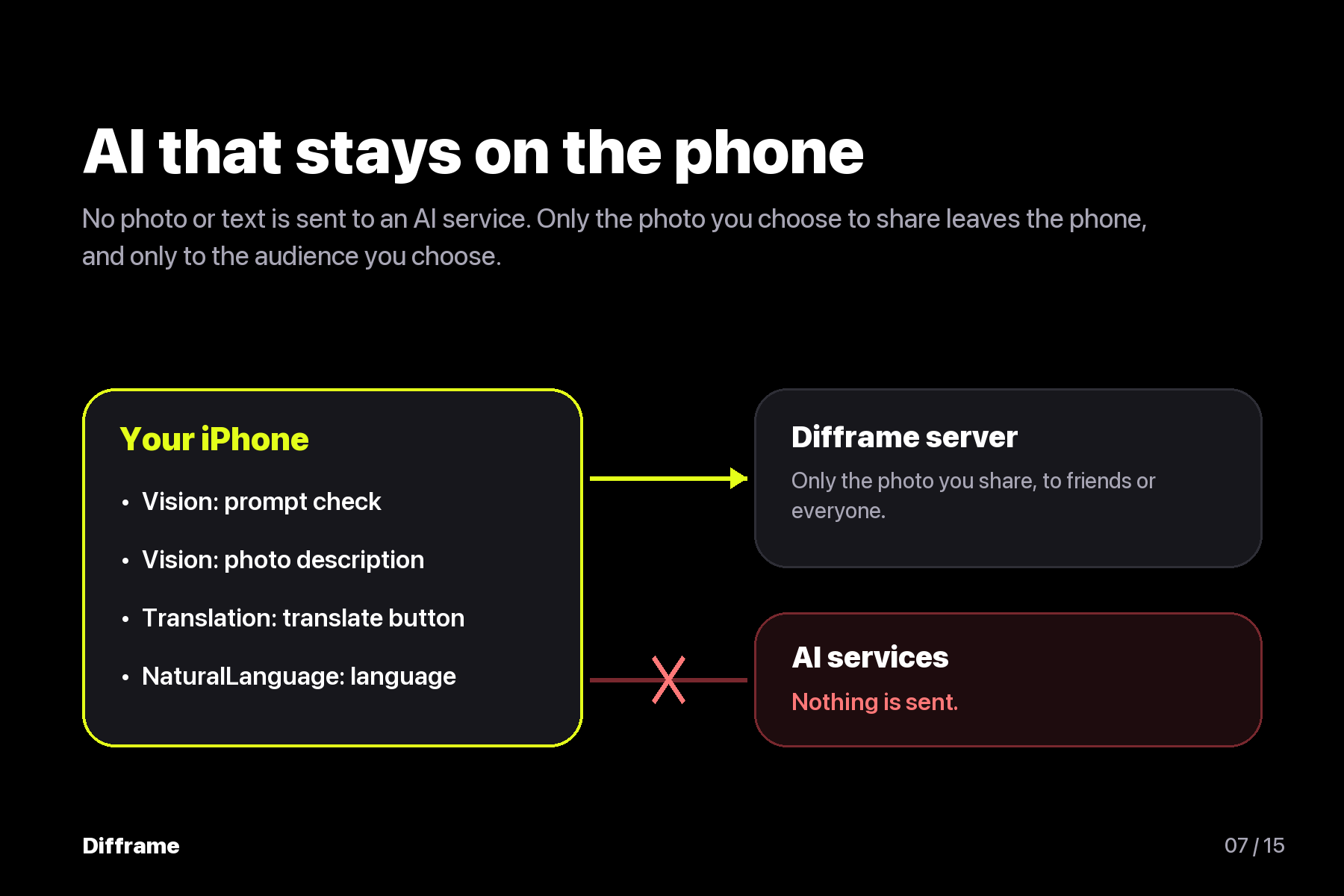
- Private by design. No photo or text is sent to an AI service. Only the photo the user chooses to share leaves the phone, and only to the audience they choose.
We are honest about the limit: the AI in the app is a set of small helpers (a verifier, a describer, and a translator), not a chatbot. We chose that on purpose, so the app feels like a connection between people and not a conversation with a machine.
What it does
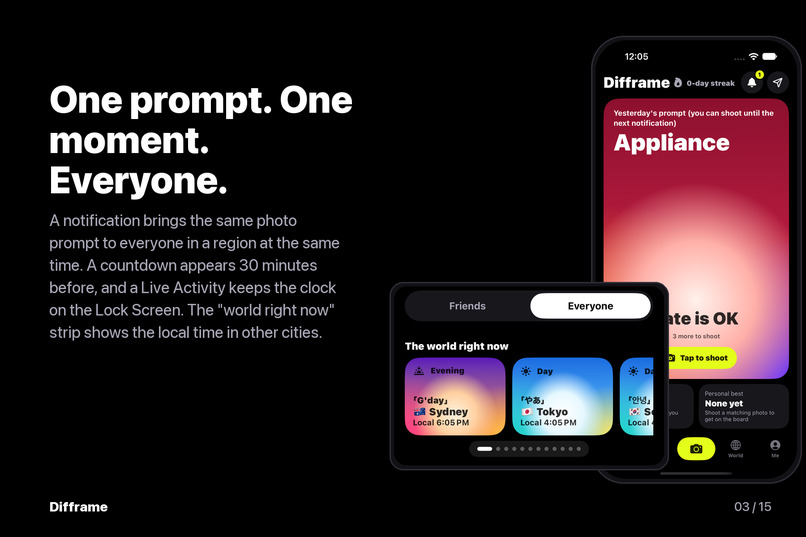
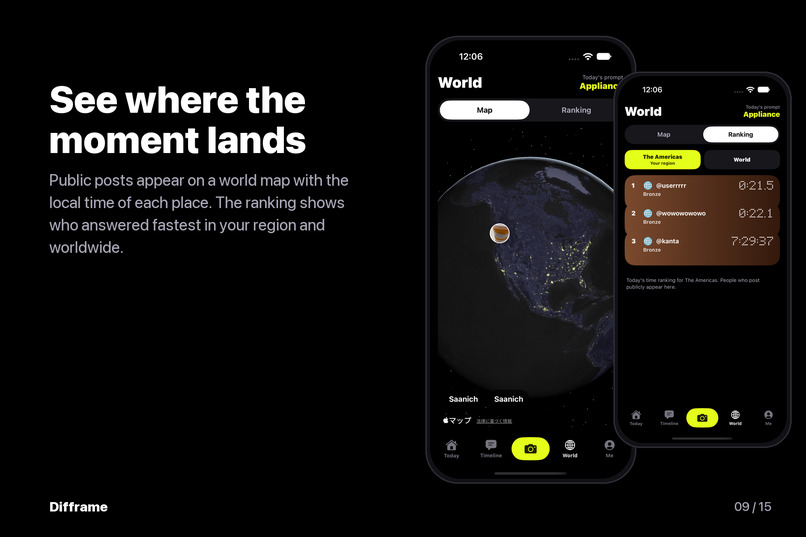
- One prompt a day, one clock. A notification starts the timer. A heads-up notification and a countdown card appear 30 minutes before. Home Screen widgets and a Live Activity show the prompt. The time from notification to post is ranked by region and worldwide.
- Ranks and friends. Eight rank tiers, from Bronze to Legend, based on monthly points. Friends get a push notification when someone ranks up, and every kind of notification can be turned off.
- A world map. Public posts appear on a world map that shows the local time of the place you look at, plus a "World now" strip with twelve cities and their real local time.
- "Today's 10." Ten random public photos every morning. People can opt out of being picked.
- Friends, comments, and direct messages with text, photos, voice, reactions, read receipts, and typing indicators. Friends are added by QR code or link.
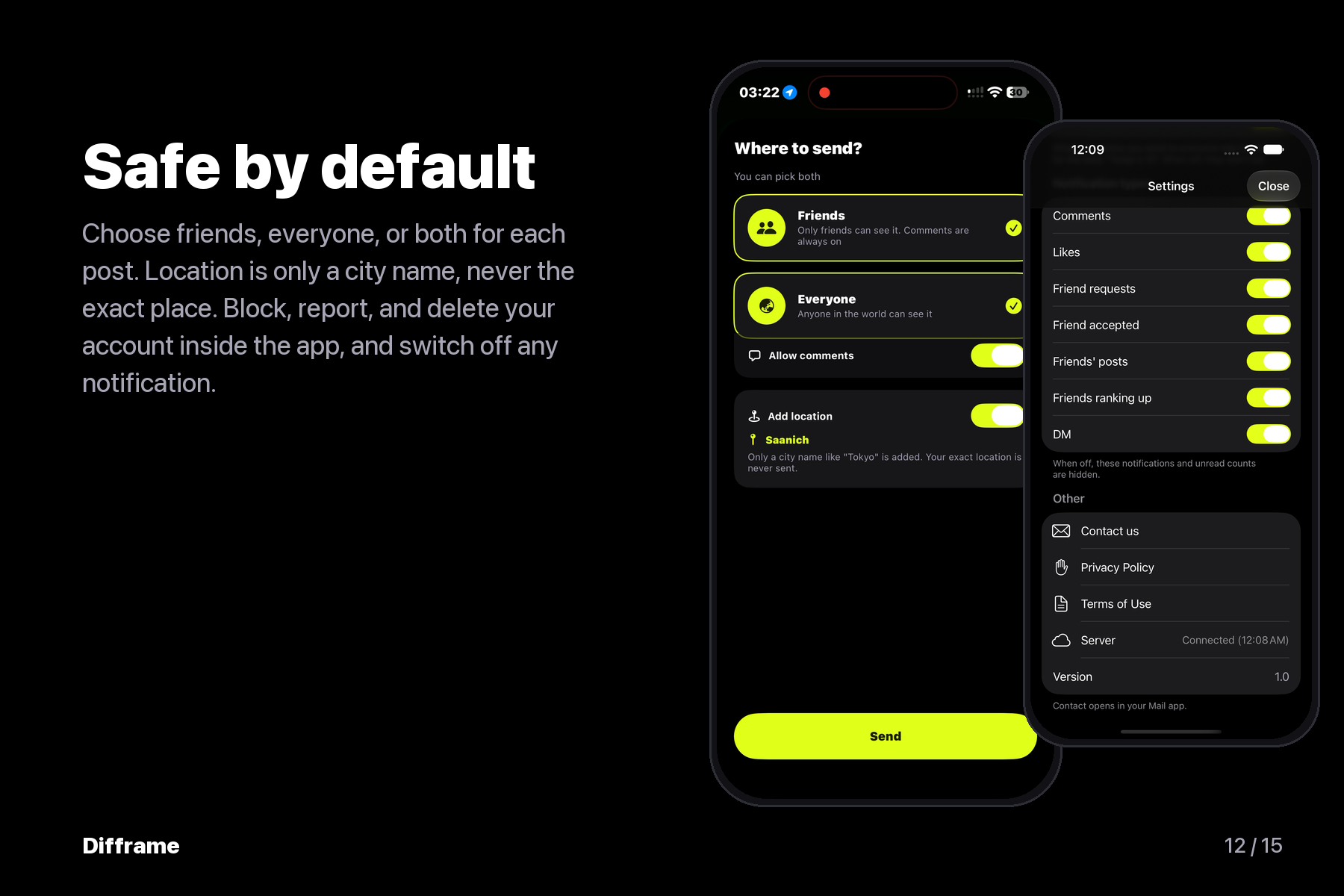
- Privacy and safety. Locations are only a city name rounded to about 10 km, and zoom is capped so no one can be pinpointed. Users can report and block, and delete their account in the app. No ads and no tracking.
- Six languages: Japanese, English, Chinese, Korean, Spanish, and French.
Community impact
- Wellbeing for people far from home. A shared daily moment is lighter than a conversation, so it lowers the cost of staying in touch.
- Inclusive by design. Anyone with an iPhone can take part, in their own language, with translation one tap away and photo descriptions for people who use a screen reader.
- Cultural exchange. The same prompt shown from Tokyo, Vancouver, and Nairobi turns a feed into a picture of how people live, without words.
- A safe space. Friends-only posts, comment controls, block and report, and rounded locations.
How we built it
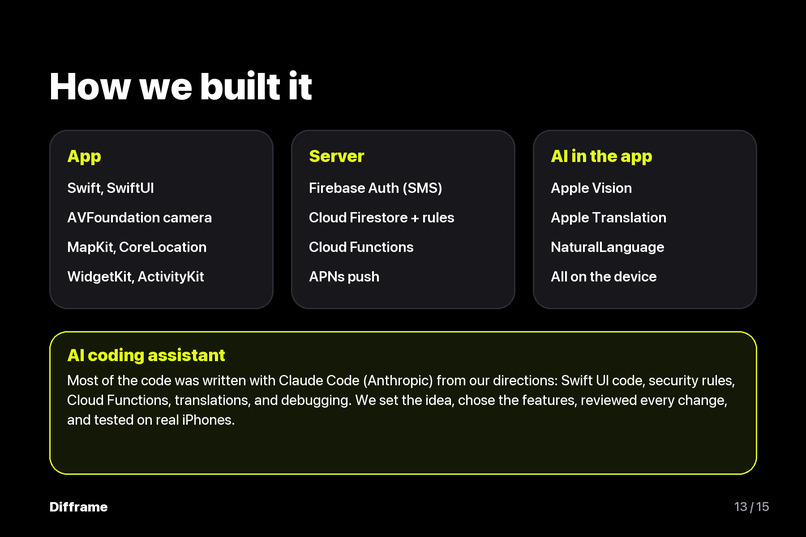
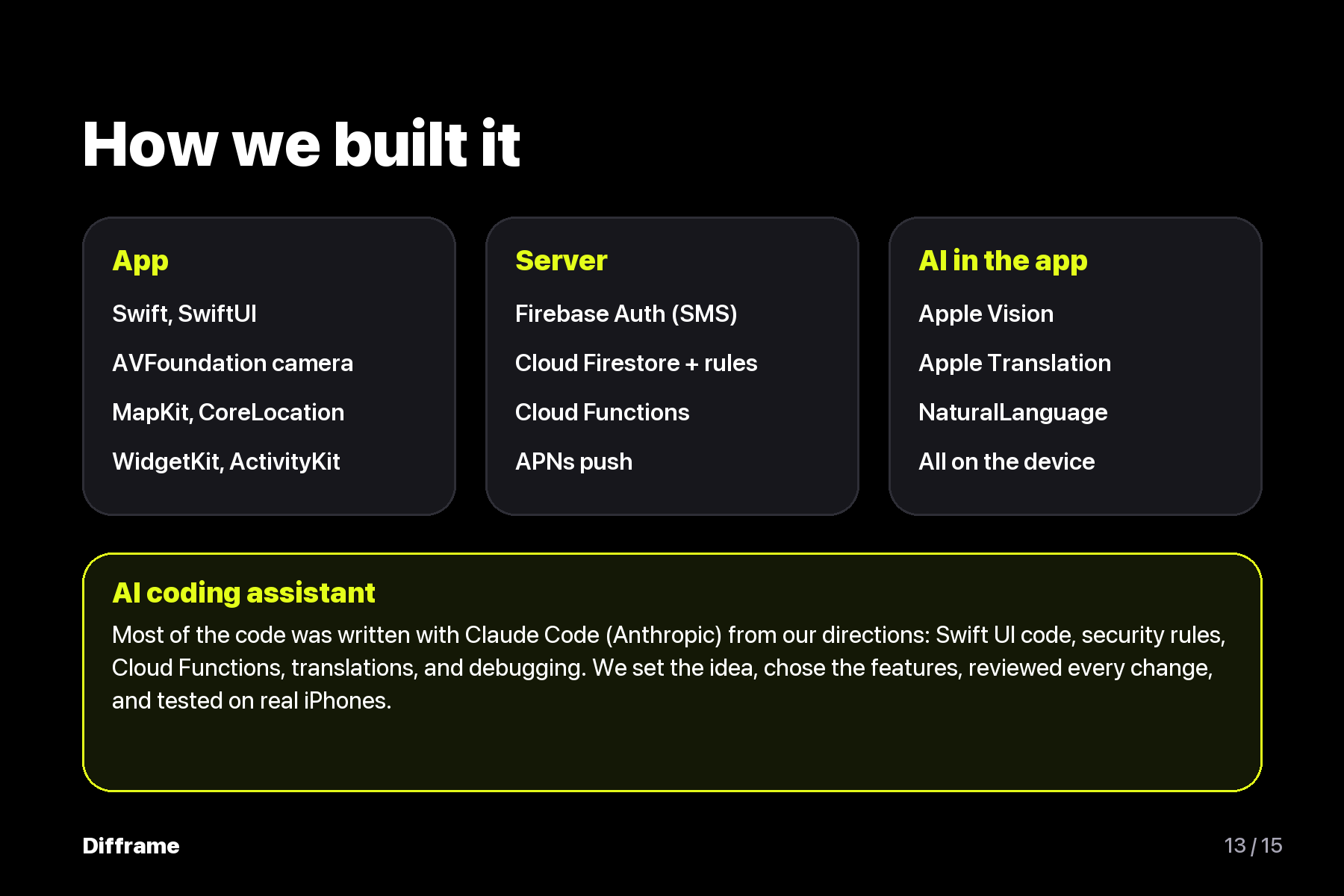
Swift and SwiftUI, AVFoundation, Apple Vision, Translation, NaturalLanguage, MapKit, CoreLocation, WidgetKit, ActivityKit, Firebase Authentication (SMS phone sign-in linked to an anonymous account), Cloud Firestore with security rules, and Cloud Functions with APNs for push notifications. The app is localized in six languages, and the minimum system is iOS 18.6.
Challenges
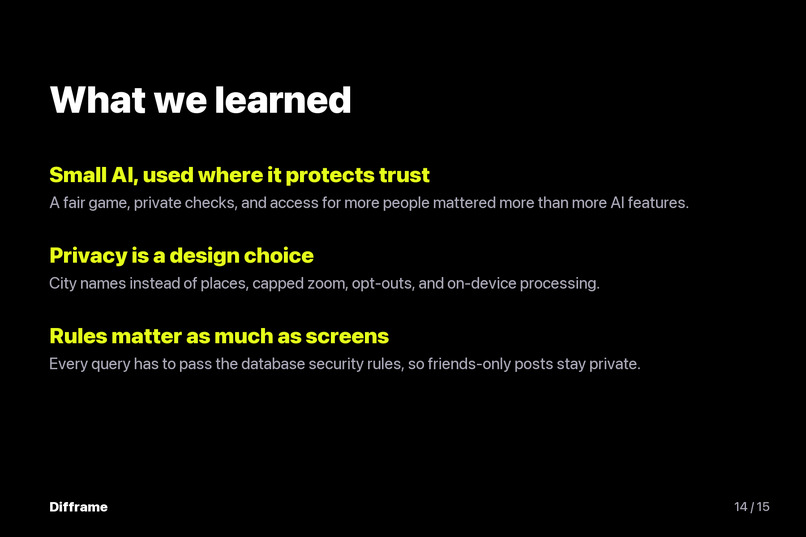
- Keeping friends-only posts private while public posts stay visible, with security rules that every query has to satisfy.
- Showing where people are without showing where they are: rounded locations, capped zoom, and opt-outs.
- Fair clocks: people in a region must receive the prompt at the same time, so the time comes from the region and the date, not from a random number on the device.
- Real push notifications and real SMS sign-in, with a demo mode when they are not set up.
- Six languages with layouts that do not break.
What we learned
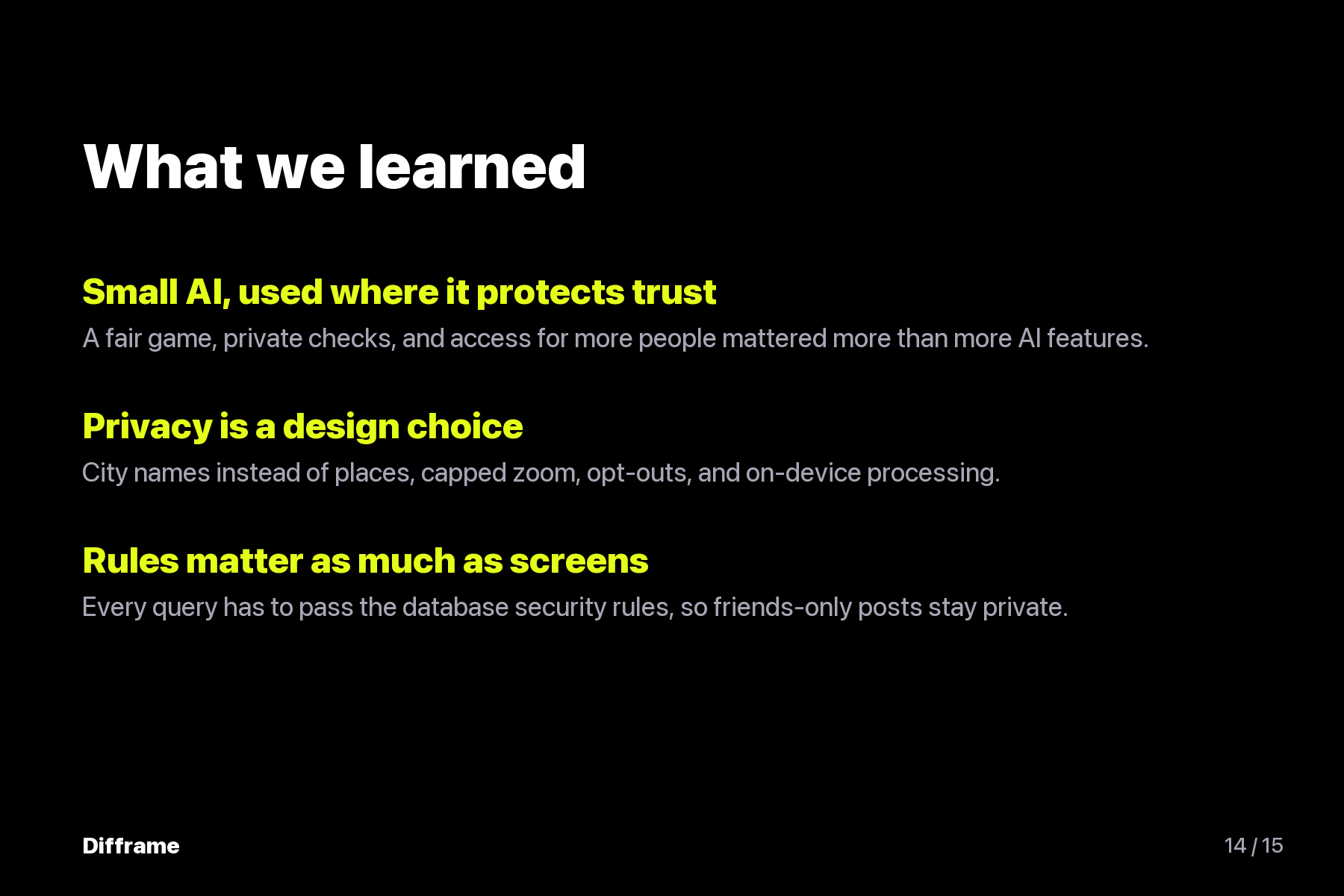
Technology for connection works when it is small, private, and honest about what it is. Using AI only where it protects trust (a fair game, private checks, access for more people) mattered more to us than adding more AI features. Rules for a shared database matter as much as the screens, and privacy is a design choice, not a setting.
What's next
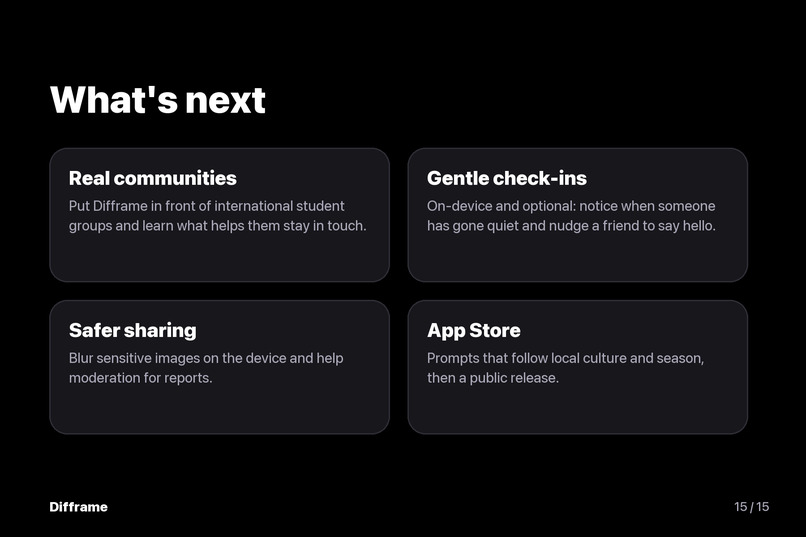
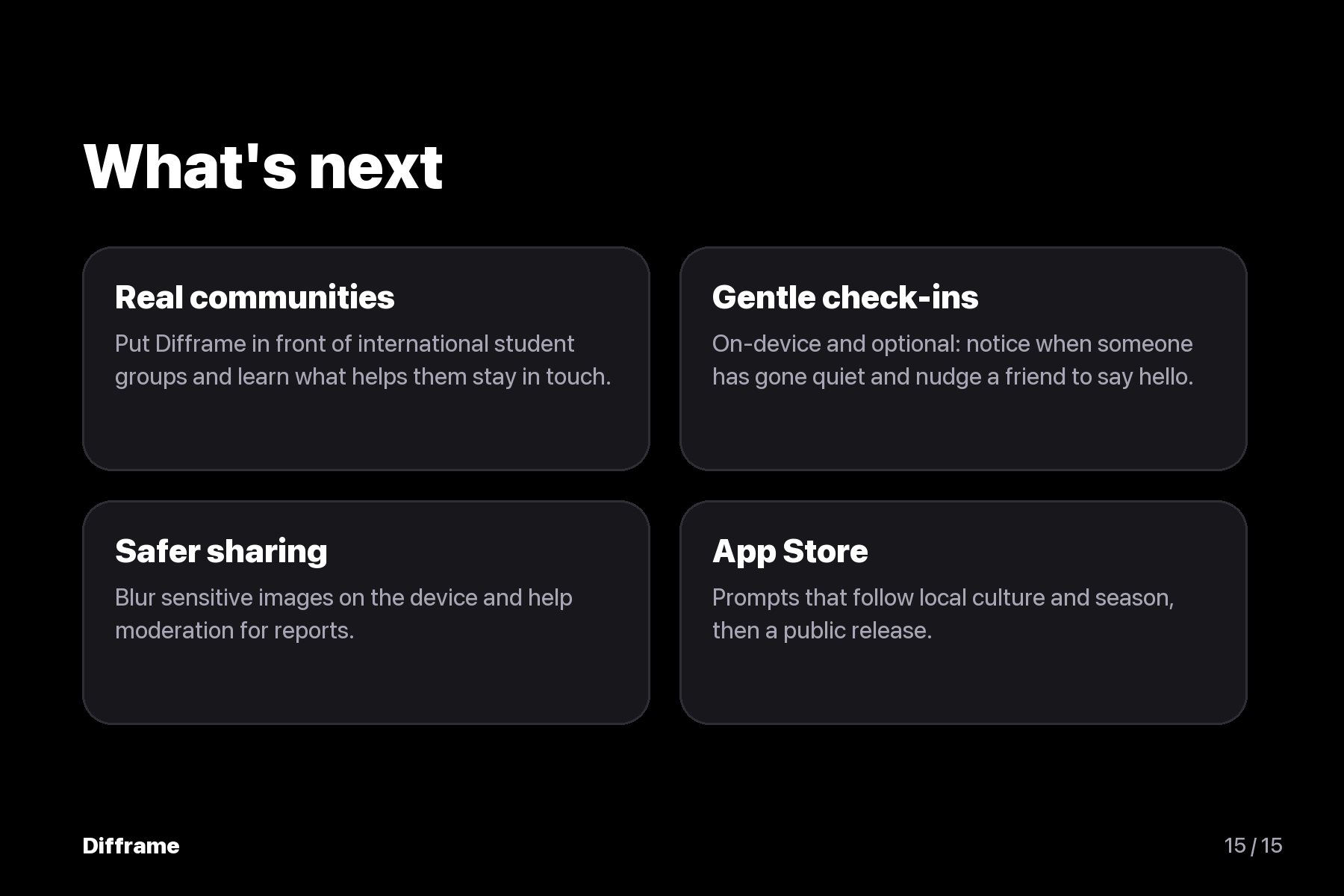
After the demo day we want to put Difframe in front of real groups of people who live far from home, such as international student associations, and learn from them: what prompts they enjoy, whether the daily moment lowers the cost of staying in touch, and what is missing. We would also welcome mentorship on safe moderation and on running a small community app responsibly.
On the product side: A gentle, on-device, optional check-in (for example, noticing when someone has gone quiet and nudging a friend to say hello). Richer photo descriptions in full sentences. Moderation help for reports, such as blurring sensitive images on the device. Prompts that adapt to local culture and season. A release on the App Store.
Built with
Swift, SwiftUI, AVFoundation, Vision, Translation, NaturalLanguage, MapKit, CoreLocation, WidgetKit, ActivityKit, Firebase Authentication, Cloud Firestore, Cloud Functions, APNs
Links
- GitHub: https://github.com/sats071417-cyber/difframe
- Privacy policy: https://difframe-acae0.web.app/privacy.html
AI use and attribution
AI coding assistant. Most of the code was written with Claude Code (Anthropic), working from our directions: Swift and SwiftUI code, the Firestore security rules, the Cloud Functions, and the localized strings, plus help with debugging. We set the idea and goals, chose the features, reviewed the changes, and tested the app on real iPhones. The decisions about privacy, safety, and how the app should feel are ours.
AI features in the app. Apple Vision (prompt check and photo descriptions), Apple Translation (translate button), and NaturalLanguage (language detection). They run on the device, and no photo or text is sent to an AI service.
AI voice. The narration of our demo video was generated with ElevenLabs text-to-speech from a script we wrote. The screen footage and the script are ours.
Built With
- activitykit
- avfoundation
- cloud
- core-location
- firebase-authentication
- mapkit
- naturallanguage
- swift
- swiftui
- widgetkit
