-
-

Deja2 Camera App Icon
-
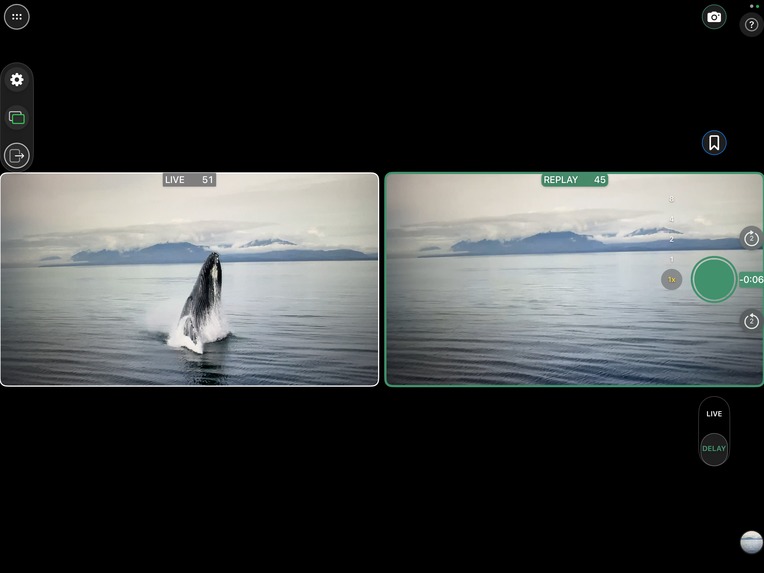
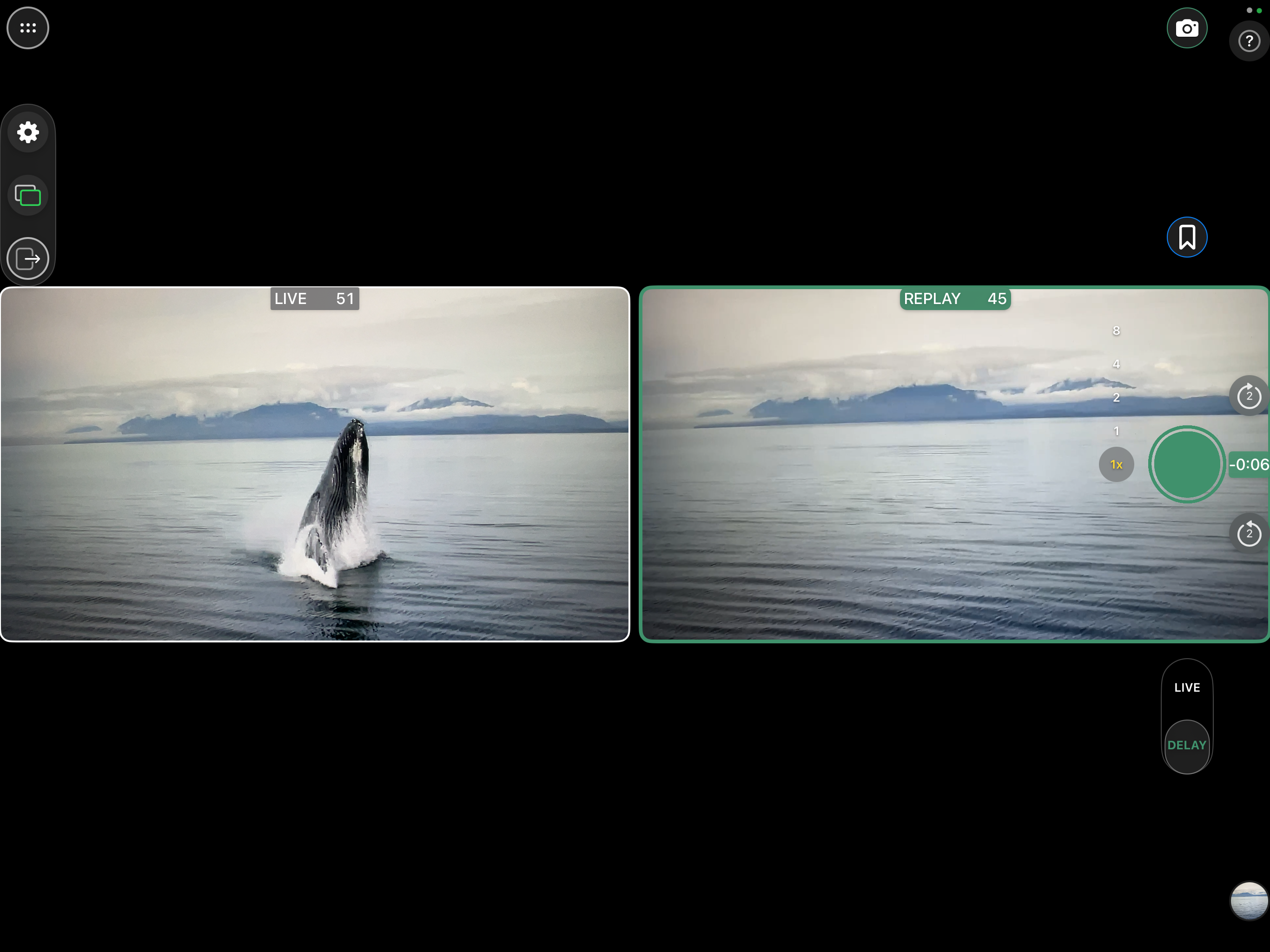
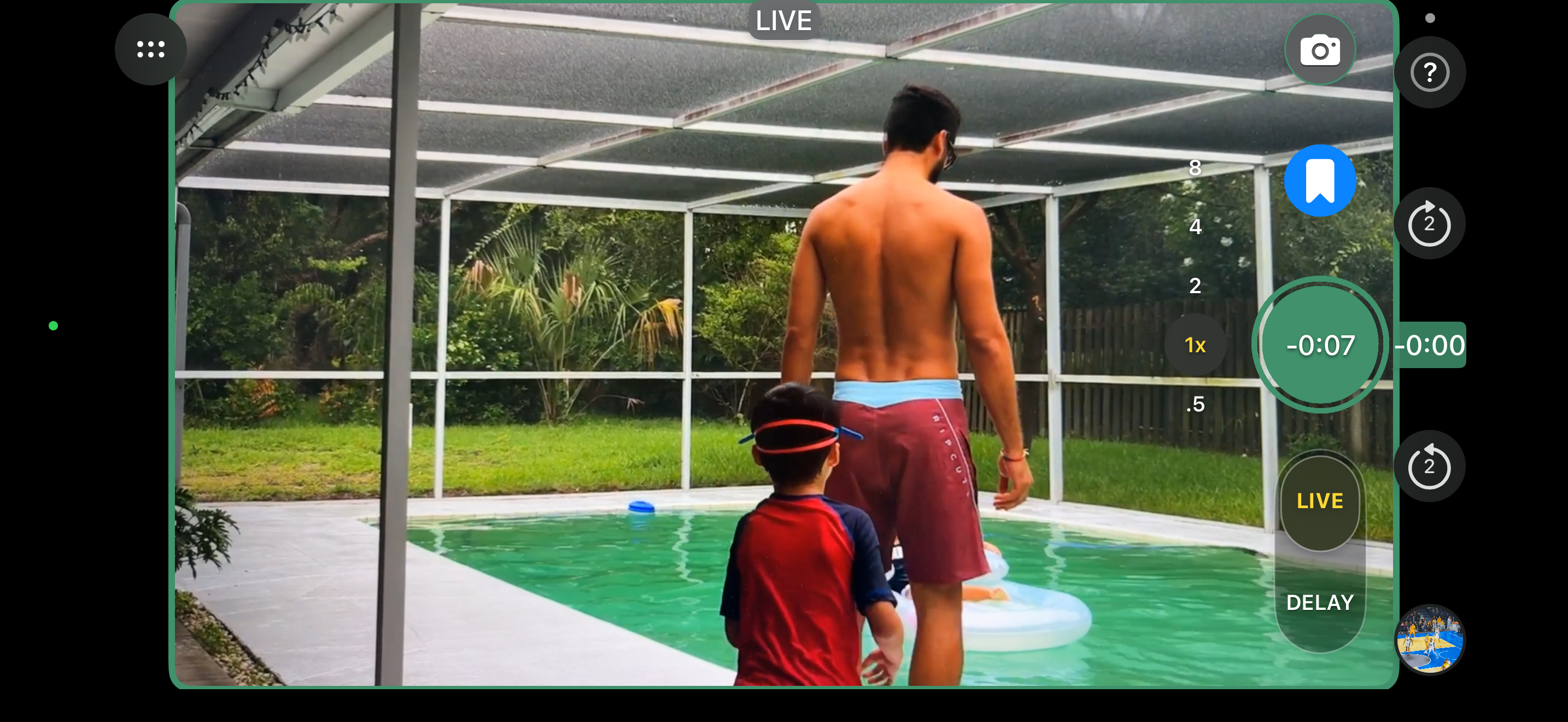
iPad - Side by Side Window example - Live showing action
-
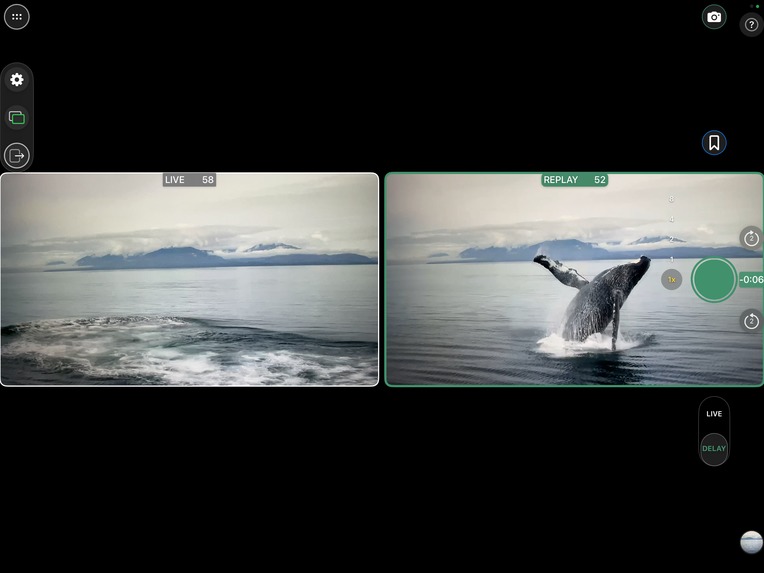
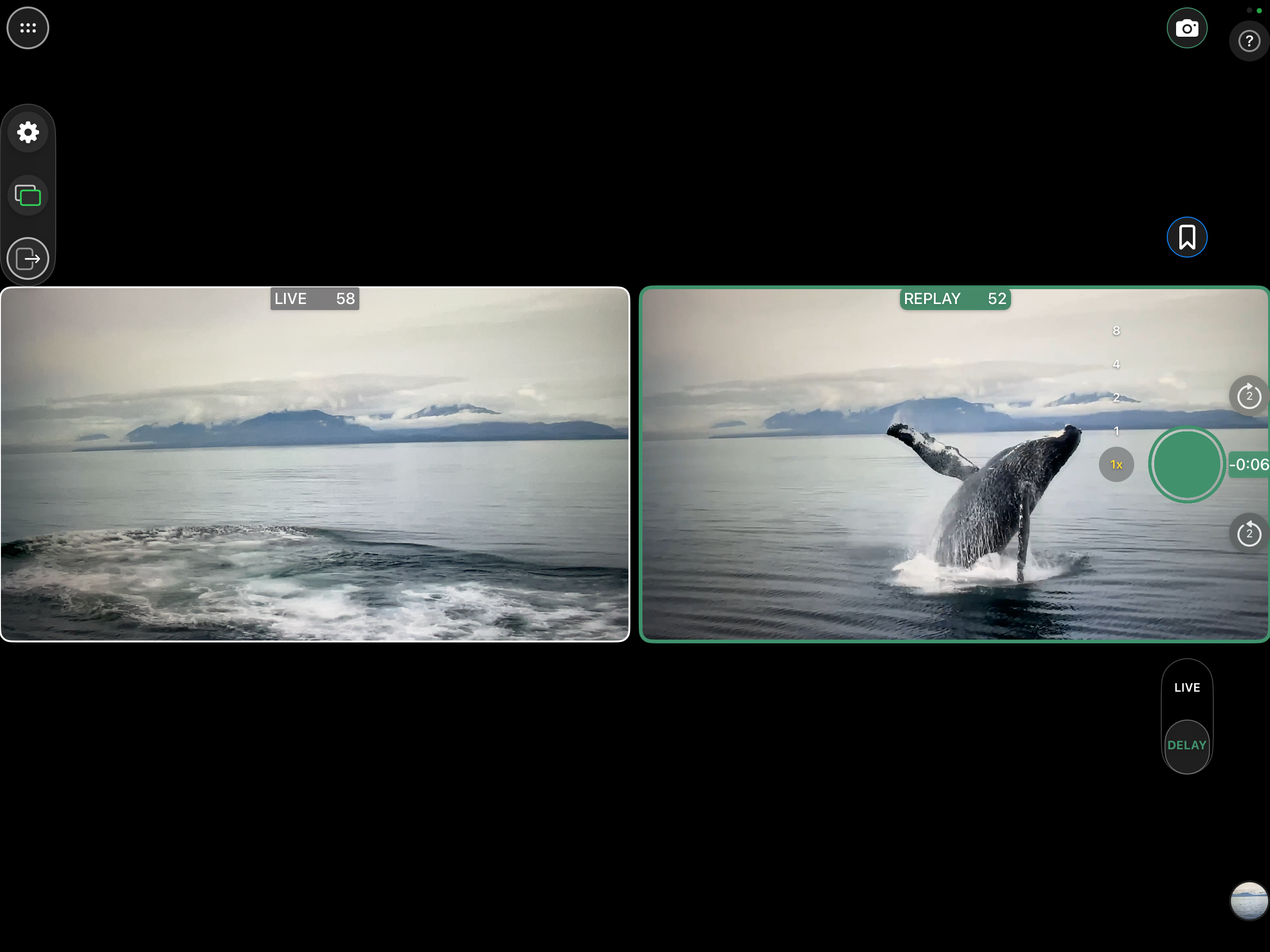
iPad Side by Side Window Example - Delay showing action
-
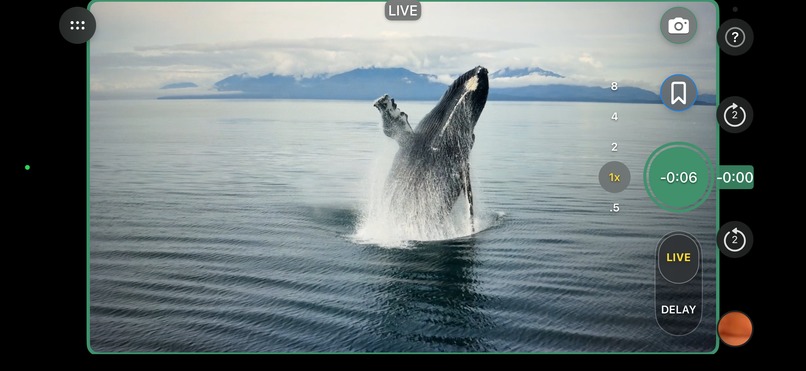
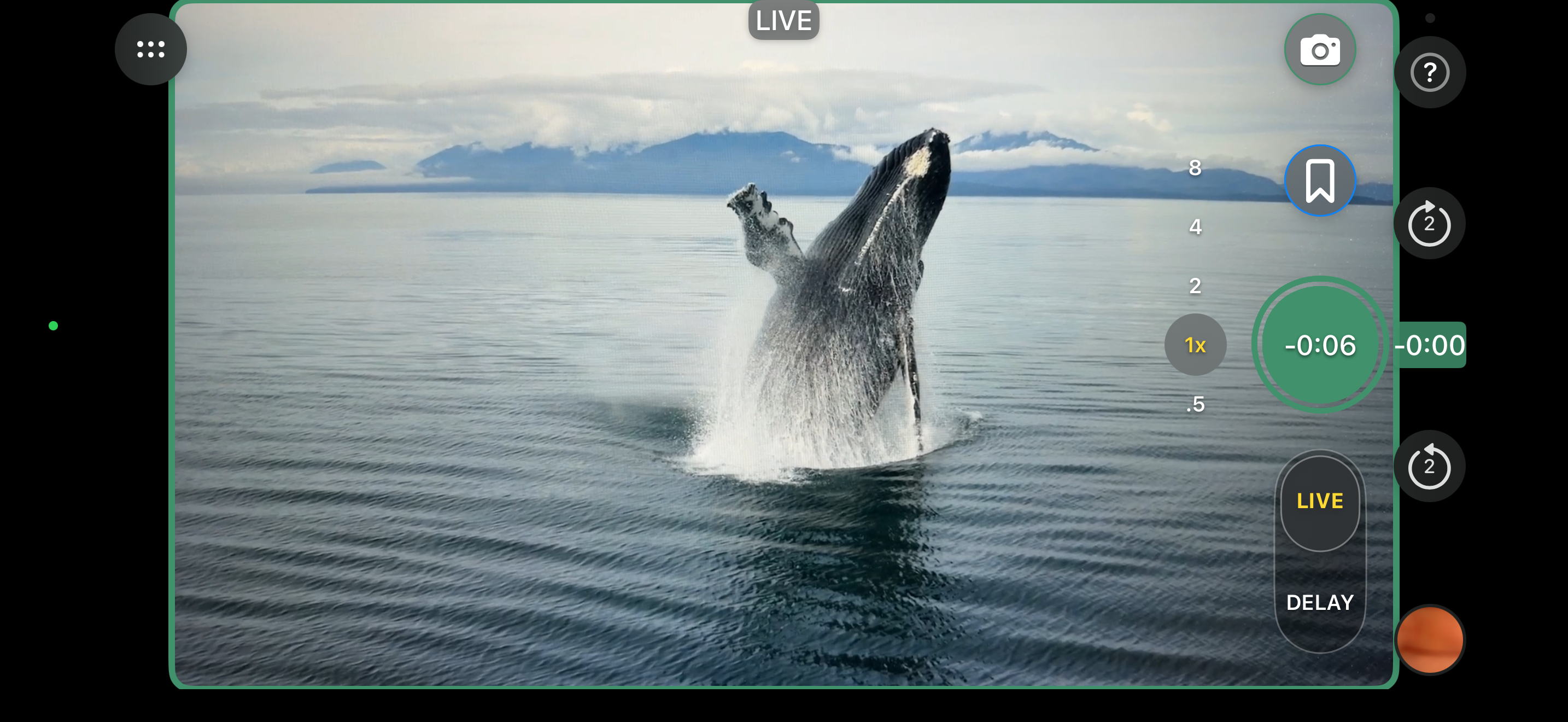
Watch the action unfold live - not recording
-
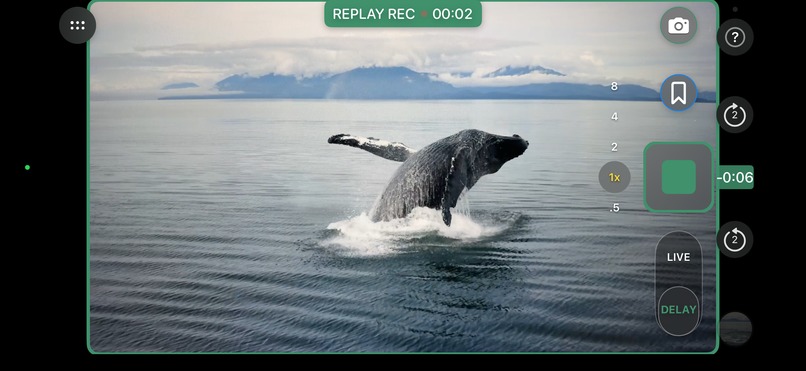
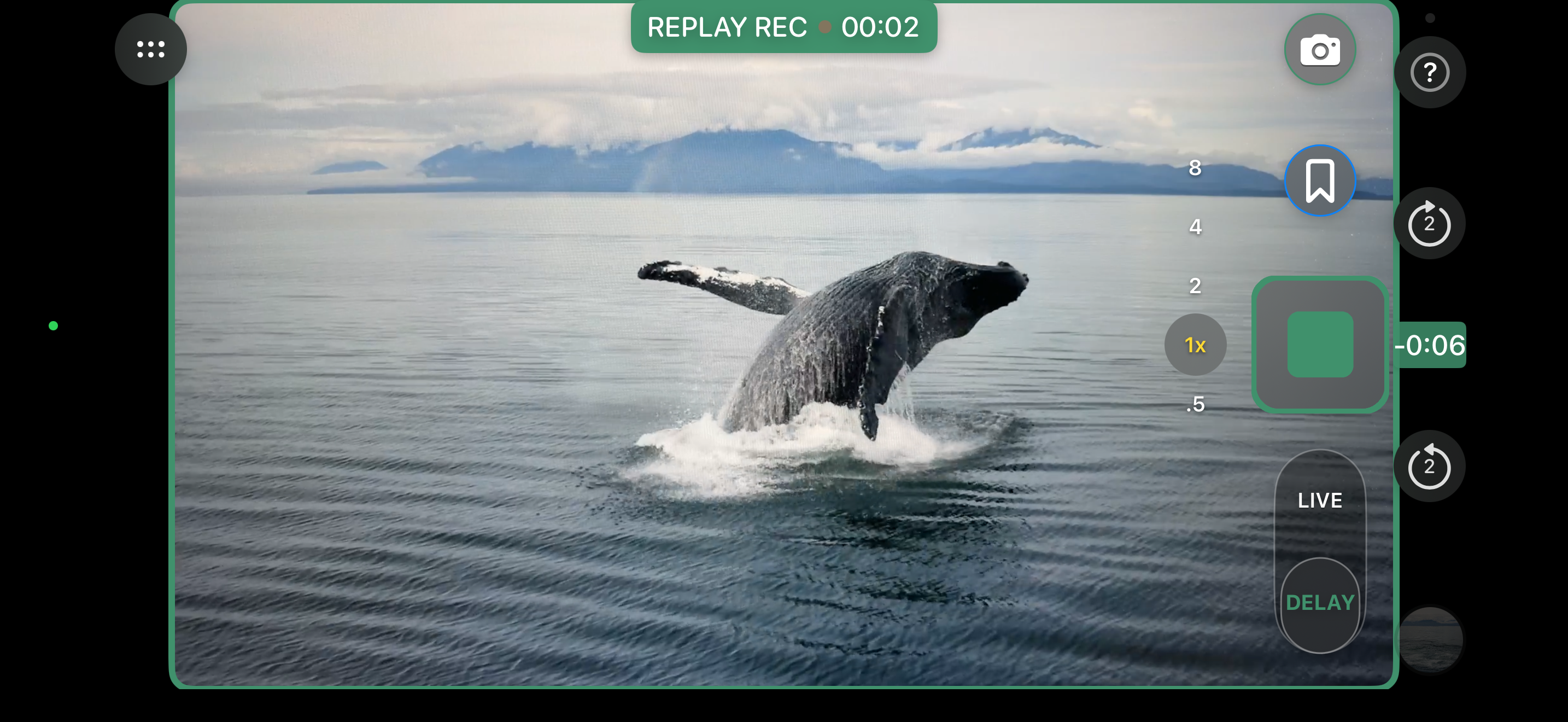
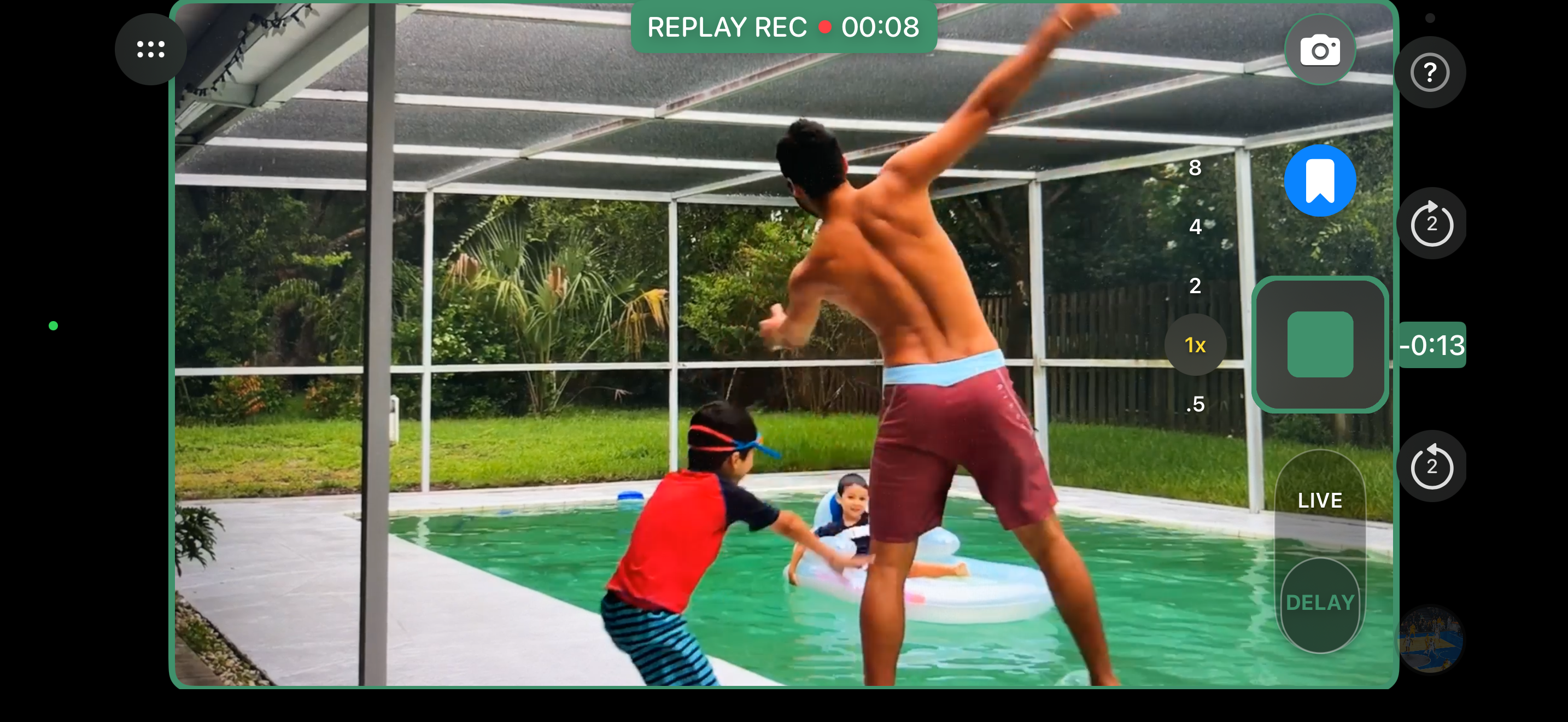
After you see the action you want, press Record to jump back and show the delay and start recording
-
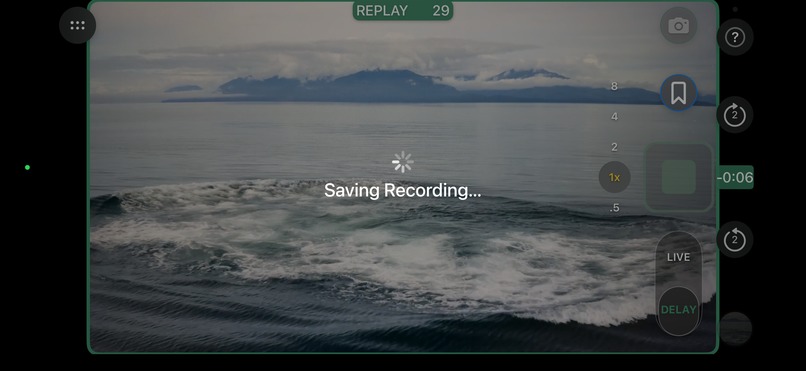
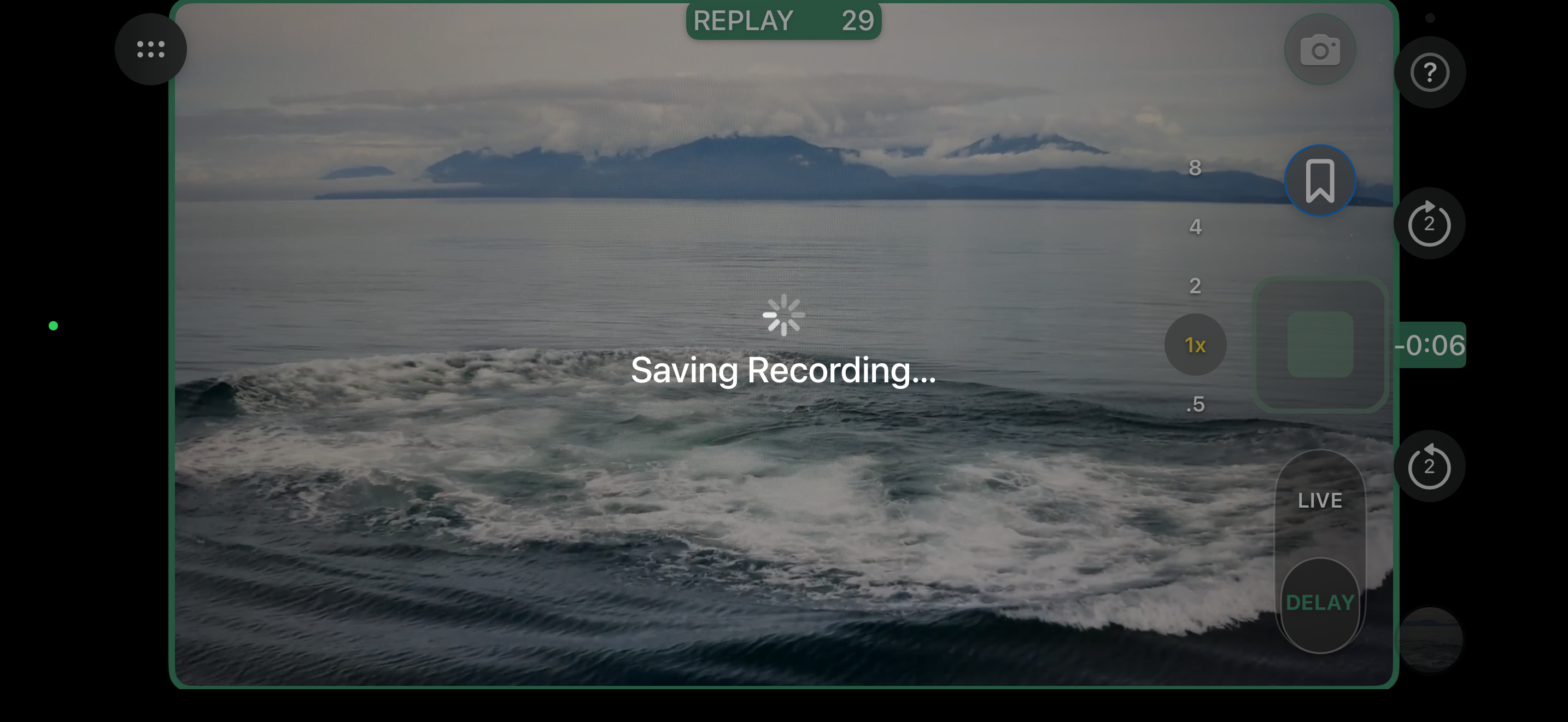
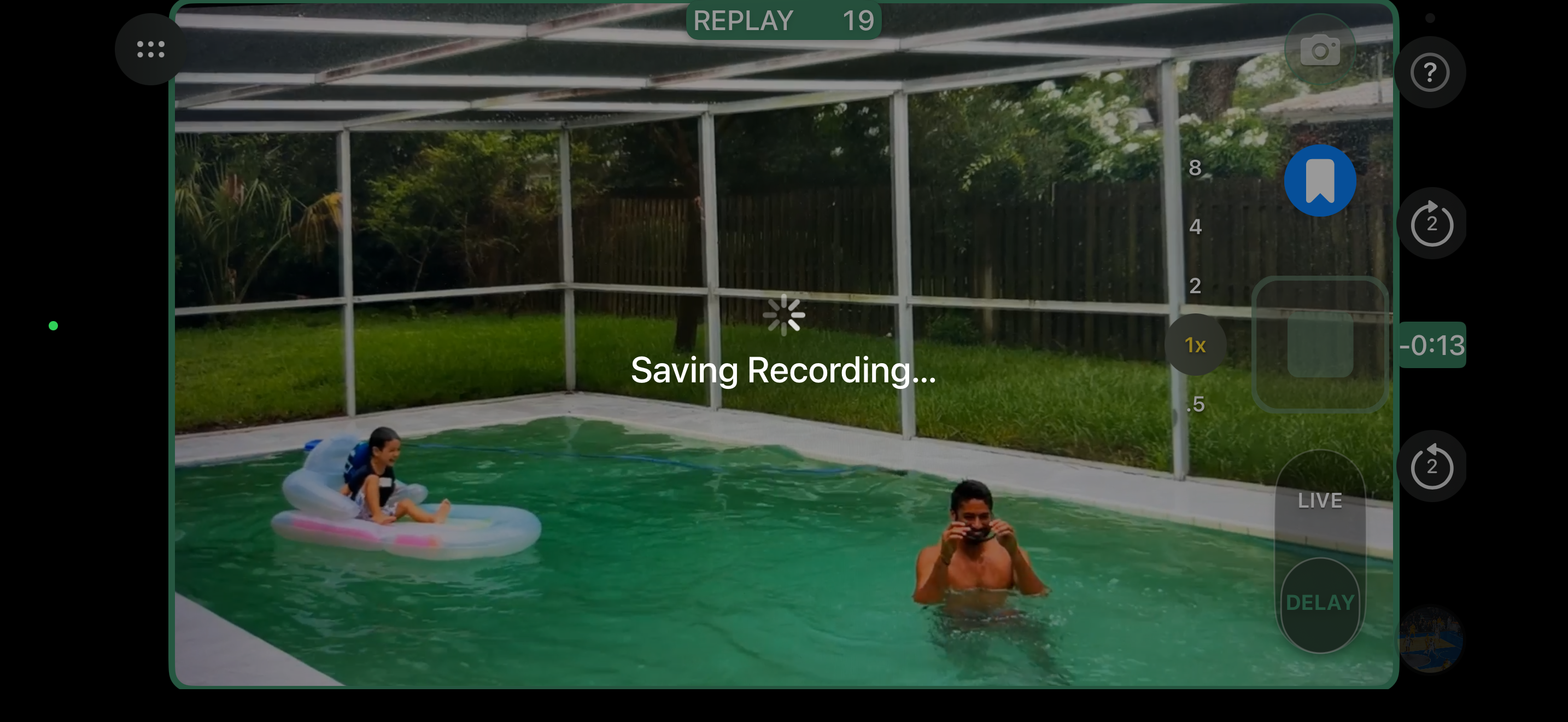
Watch the action unfold and press Stop when all done
-

Perfect clip saved just after you see it live - no editing
-
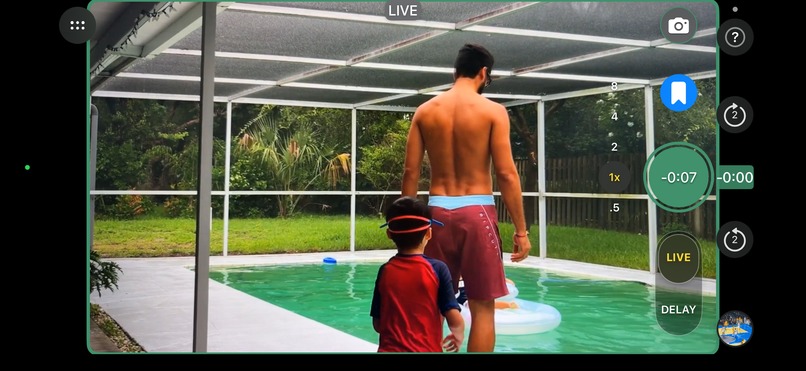
Live Mark (Bookmark icon above Record) is like Live Mark - Press it when you think something cool is about to happen - (not recording yet)
-
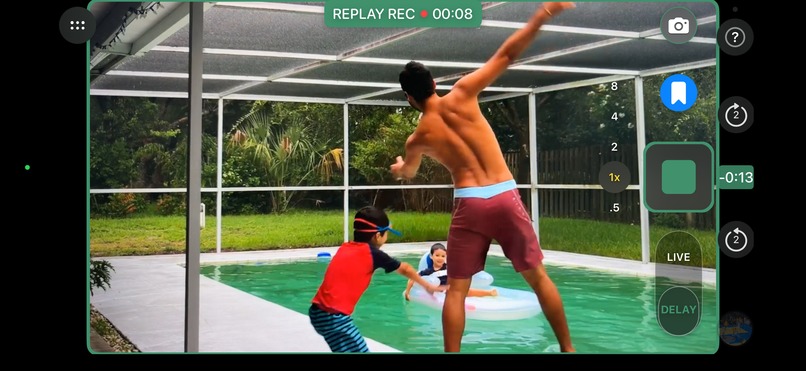
Watch ALL the action unfold until you are where the clip should end - the delay automatically increases to match the Live Mark start
-
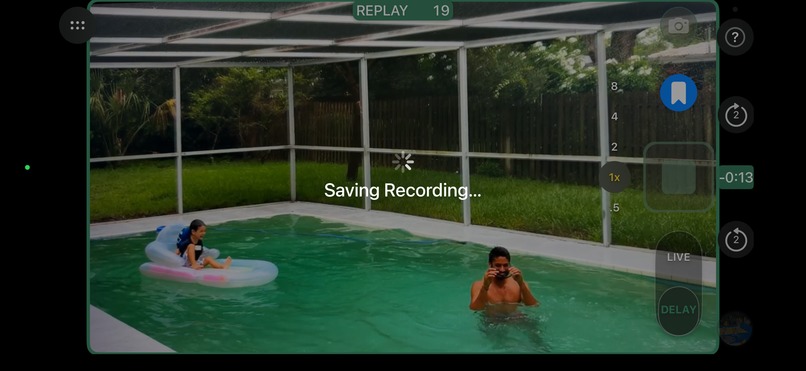
Press Stop when you get to the end of the clip to finish the clip. You can even fast forward to end to press stop if in a hurry.


Inspiration
Sideline moments, practice, stage, and wildlife do not pause while you get the camera ready. The useful take is the one that just happened. Existing cameras make you record live and hope, or scrub a file later. Neither one lets you watch the moment, see exactly how far back you are, and start saving it after the fact.
This is just like when wheels were first added to luggage in 1972 - this new green record button will be on all video recorders .... See history story here: https://youtu.be/NN2ARwUmvZU
"This Recording App is like TiVo for Real Life" - https://www.core77.com/posts/36533/This-Recording-App-is-like-TiVo-for-Real-Life - Article by Rain Noe in Core77 about the prototype version of Deja2 Camera called Vaptur.
What it does
Deja2 Camera is a patented camera that lets you SEE the delay you are recording. You watch the action live. The same moment plays again on a delay you can see. After it happens, you decide to record. The clip is saved from that replay, not from the live view.
People have always missed the play because they were already filming, or they were not filming yet. Deja2 is the first camera where you see the delayed picture you are about to capture, then press Record after you have already seen it.
Jump Back starts the clip earlier. Live Mark lets you mark a start, keep watching, and record only after you have seen the whole action. Clips save to Photos. The free version saves with a watermark. Premium is $12.99 a year through the App Store. Subscribing removes the watermark and keeps Live Mark, Replay Photo, and video stabilization. Restore is on the same screen.
How we built it
Deja2 Camera is a native iPhone and iPad app. SwiftUI is the interface. AVFoundation captures the camera and keeps a short replay of what just happened. The main screen stays landscape so the live view, the delayed replay, and Record stay in one place. Premium is a yearly auto-renewing subscription through RevenueCat and the App Store.
Challenges we ran into
The hard part was keeping the camera recording stable while the replay, the delay controls, and the purchase screen all sat on top of it. The phone can be held upright while the camera layout stays landscape, so every control had to land in the right place in the hand. The delay had to be fine, not locked to chunky even seconds, or you could not line up the moment you had just seen.
Accomplishments that we're proud of
You can see the delay, then decide to record after the moment has already happened. The camera stays usable while that replay is on screen. This will do for video recording what adding wheels did for luggage. "So obvious, why did they not do this before."
What we learned
A delay is only useful if you can see it. A hidden buffer feels like a guess. Showing the replay next to live, then recording from that replay, is what makes the decision possible.
What's next for Deja2 Camera
We are going to add live stream, GoPro support and add the ability to "edit" existing videos the same way - look at what you want and "record" the clip from it that you need. No sliders - simple recording - just like you can now do with this app on live video.
Built With
- avfoundation
- ios
- ipados
- revenuecat
- storekit
- swift
- swiftui


Log in or sign up for Devpost to join the conversation.