-
-
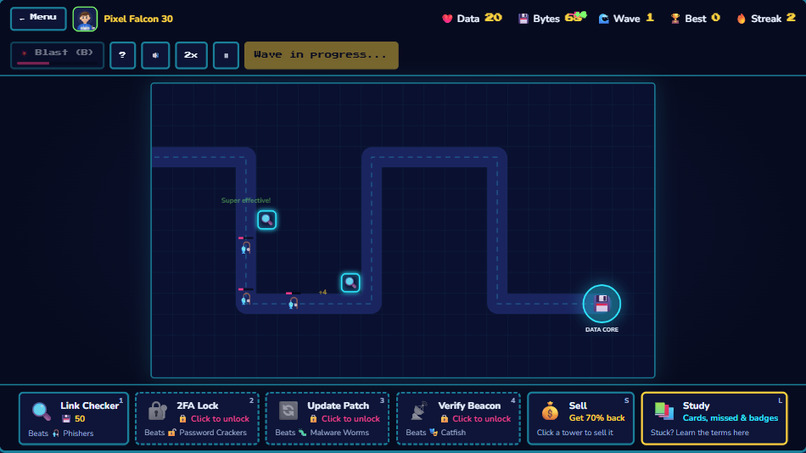
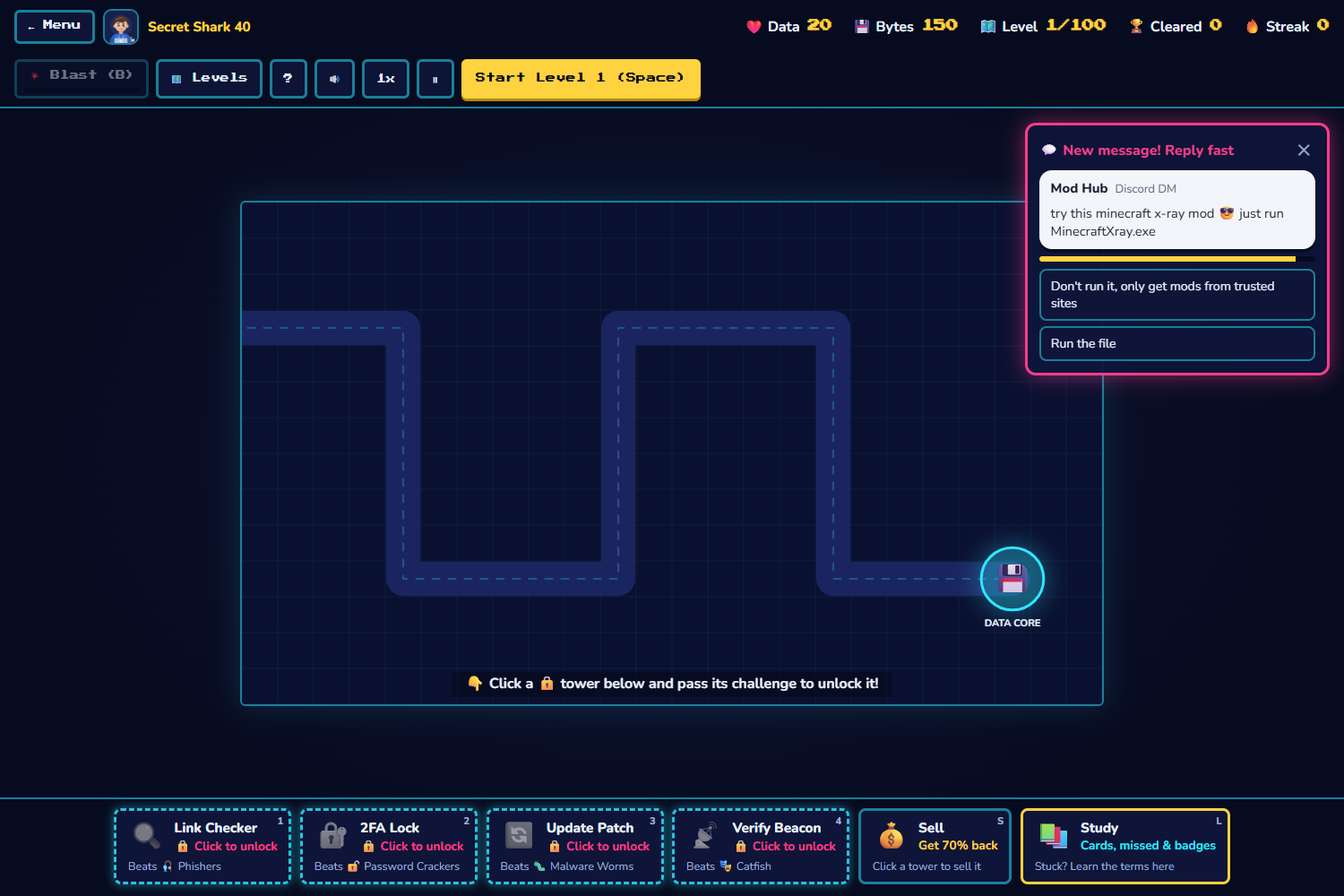
Tower Defense with Towers
-
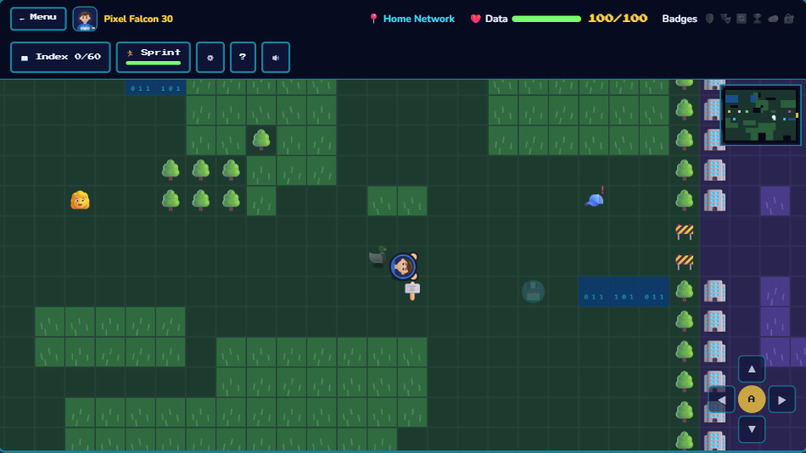
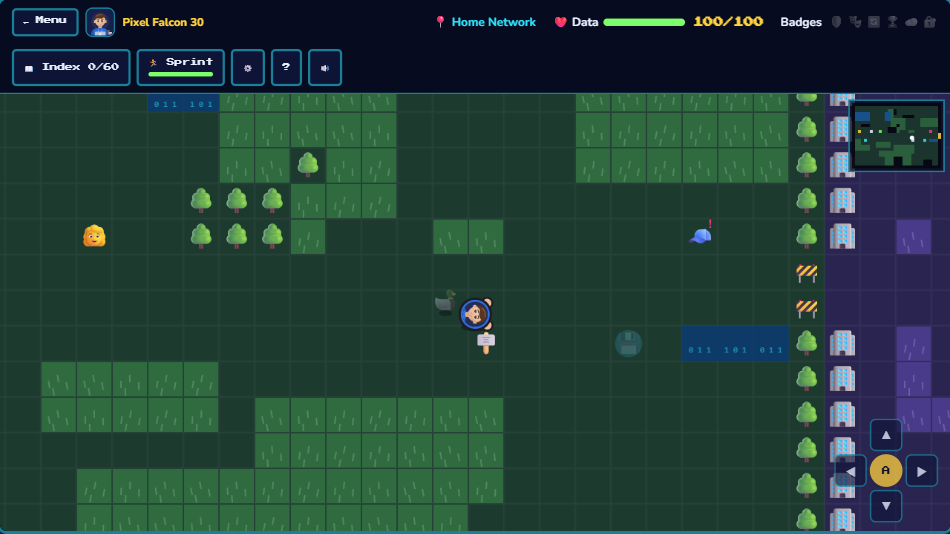
Adventure moving screen
-
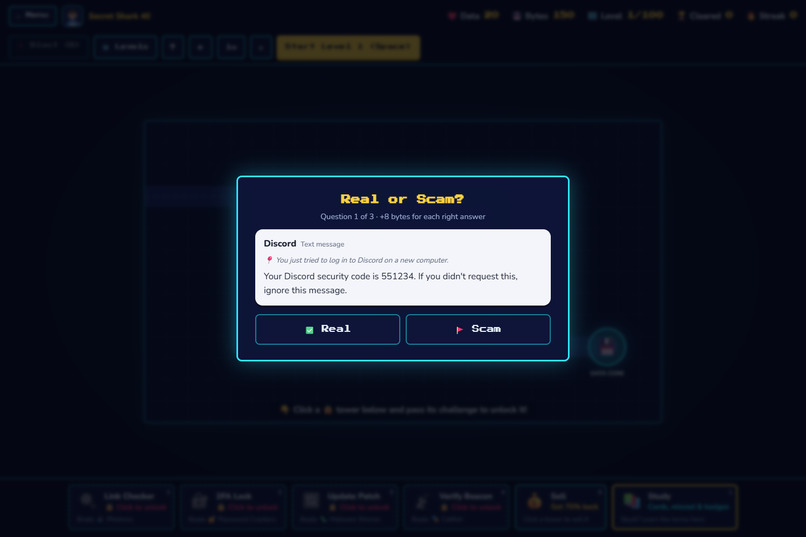
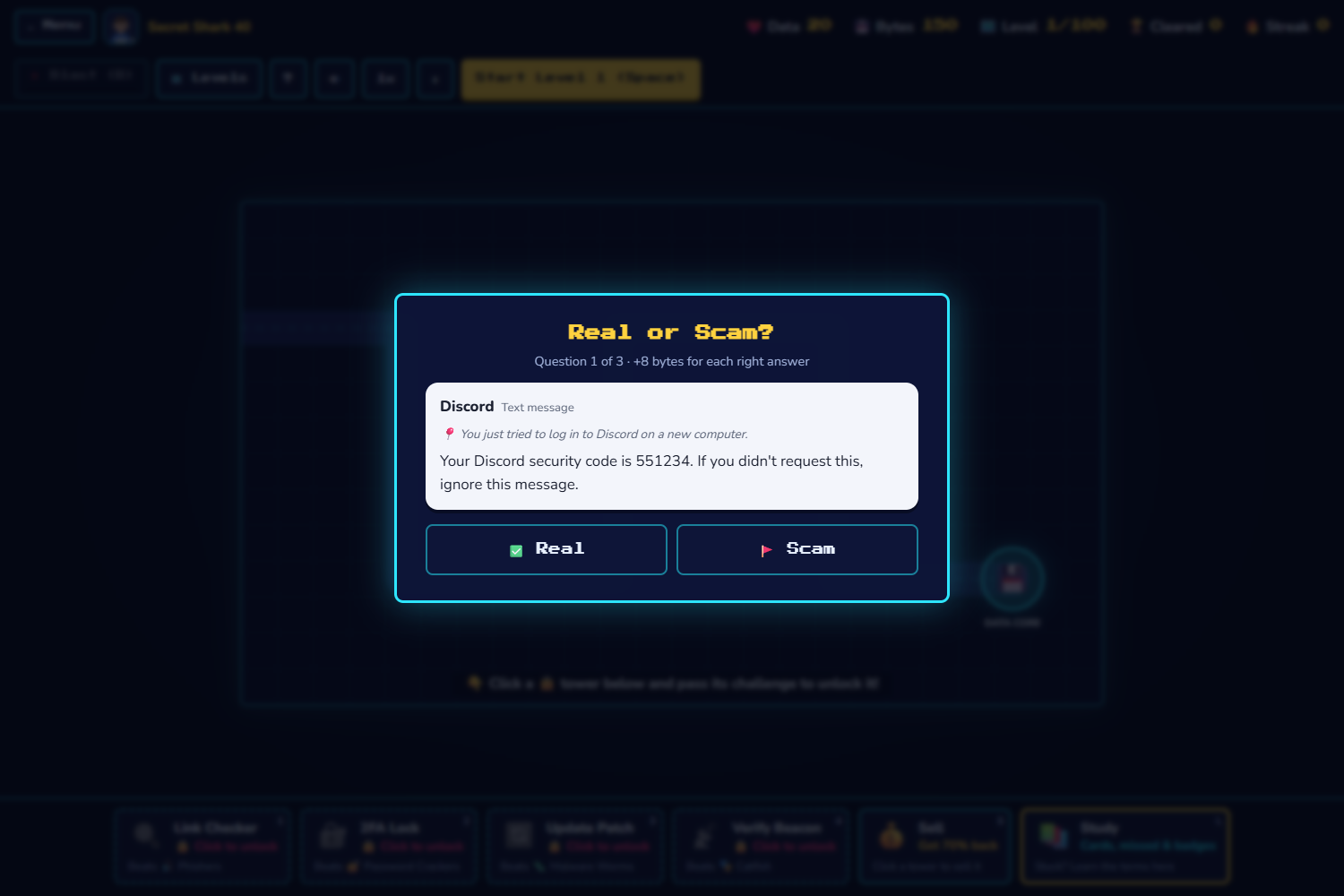
Real or Scam Popup
-
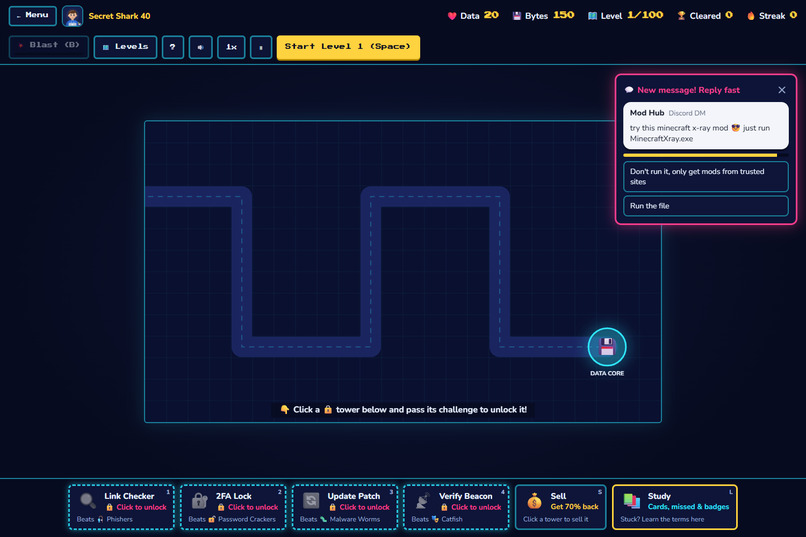
Tower Defense without Towers
-
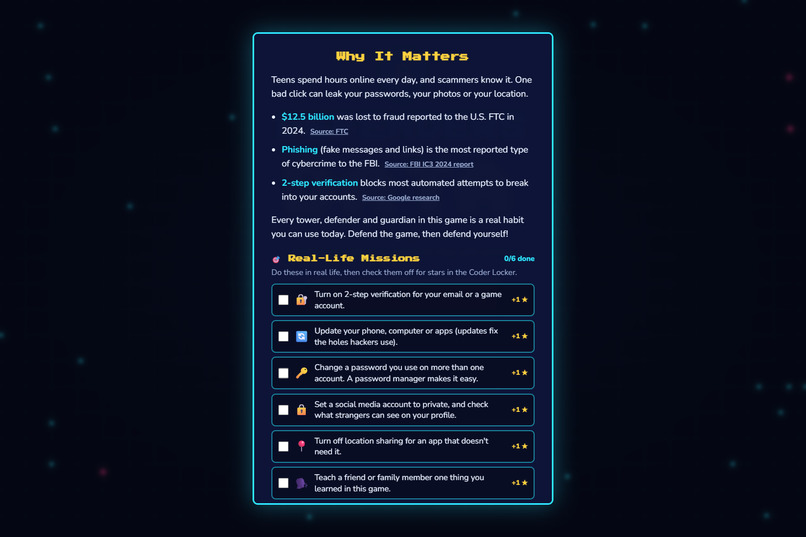
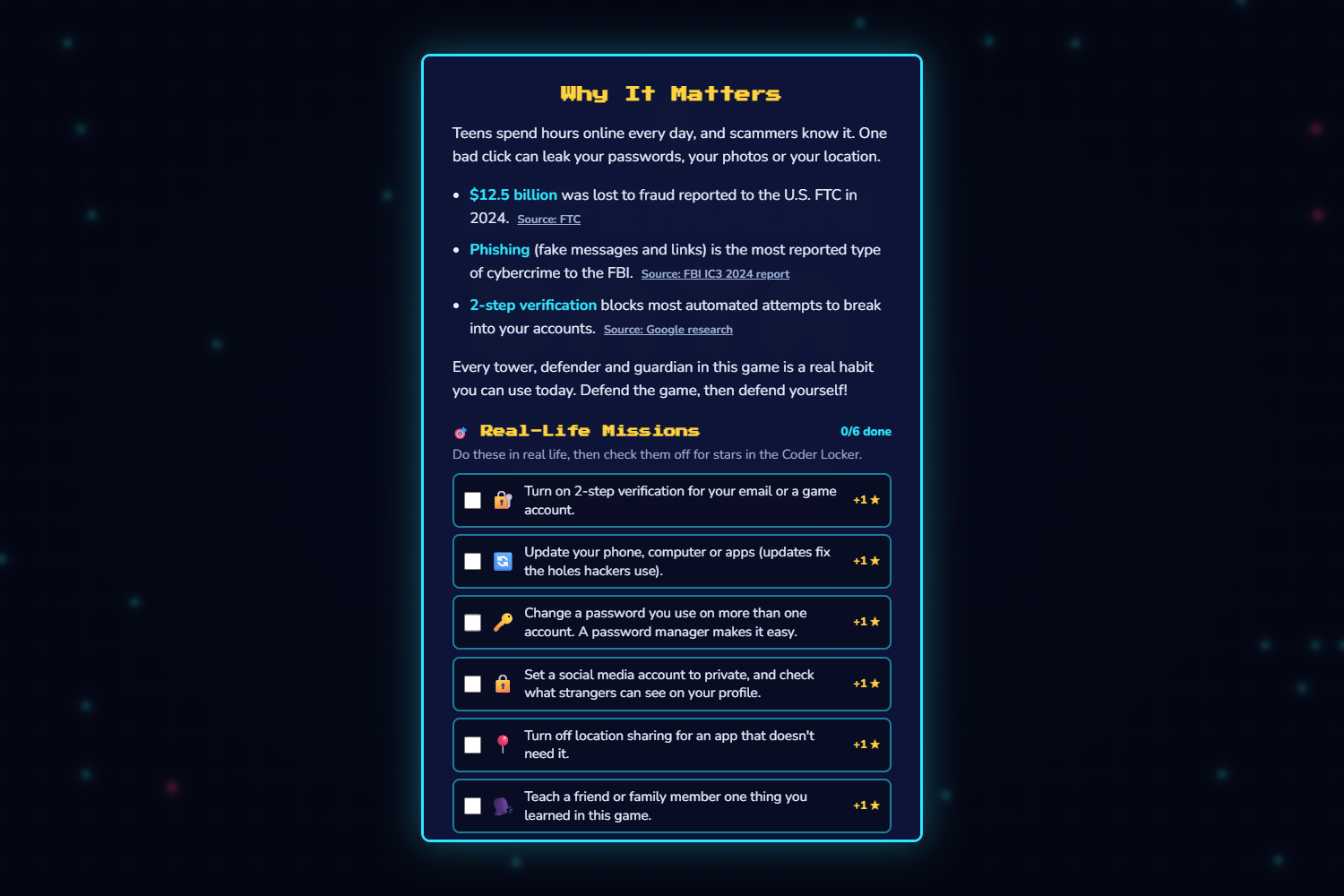
Real-world missions and why its important
-
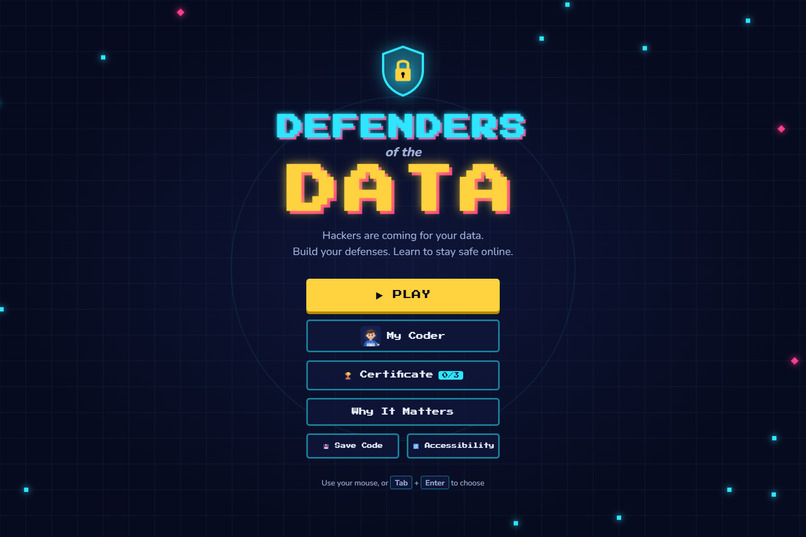
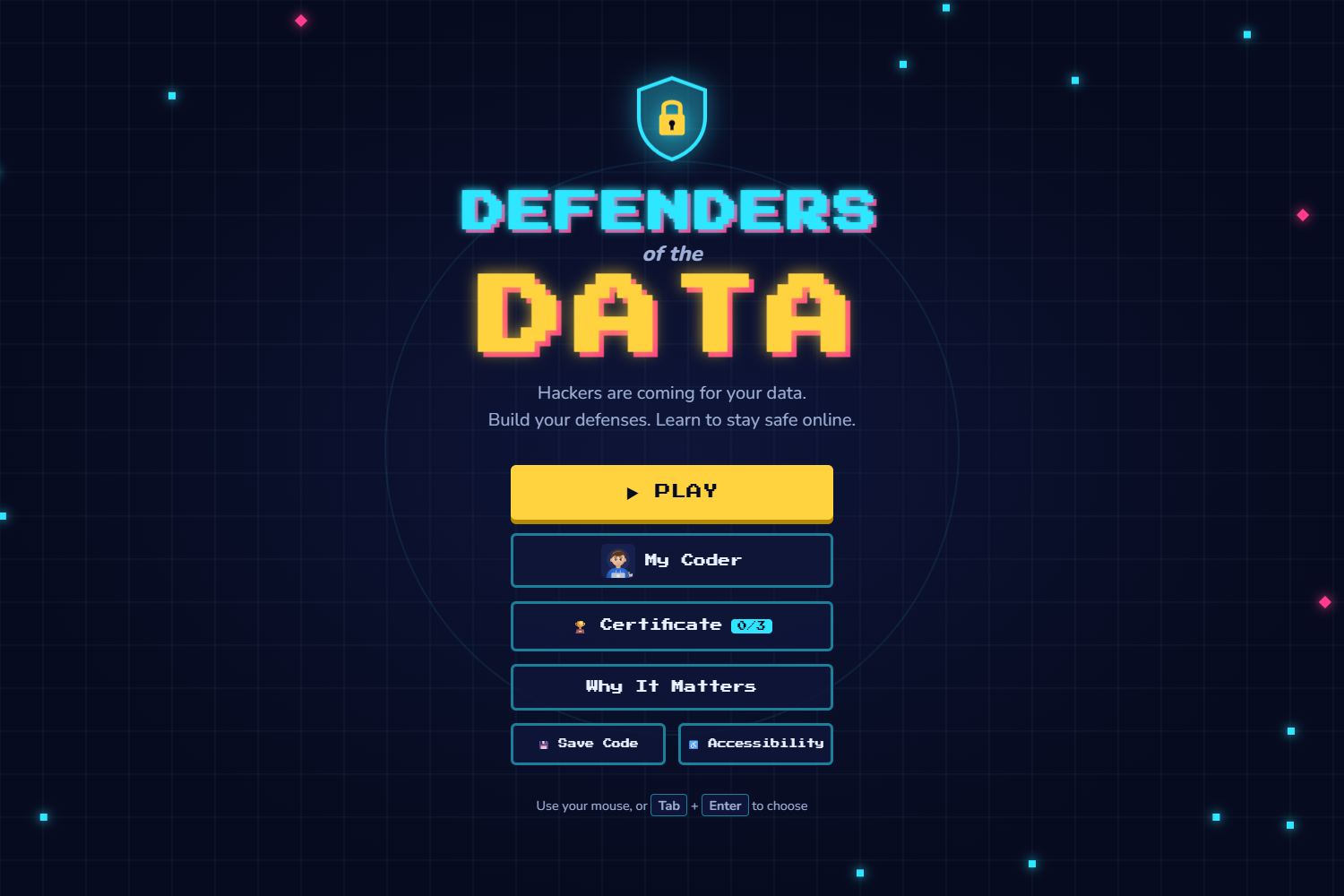
Title Sreen
-
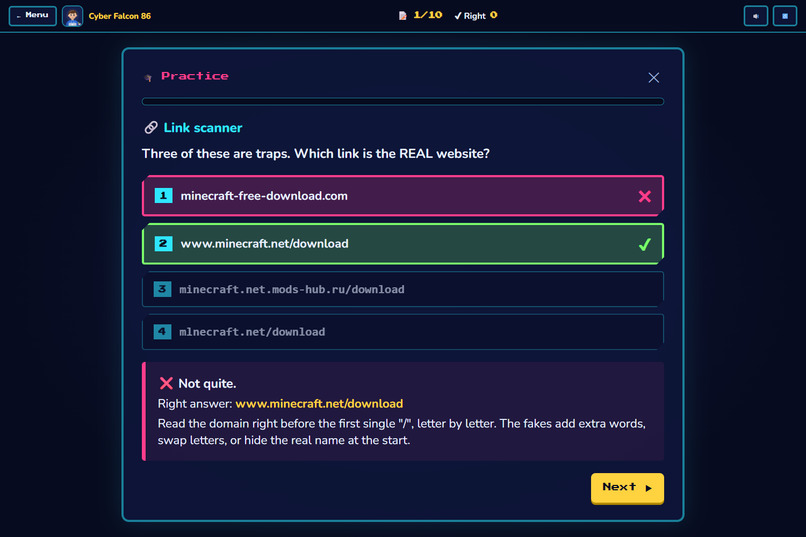
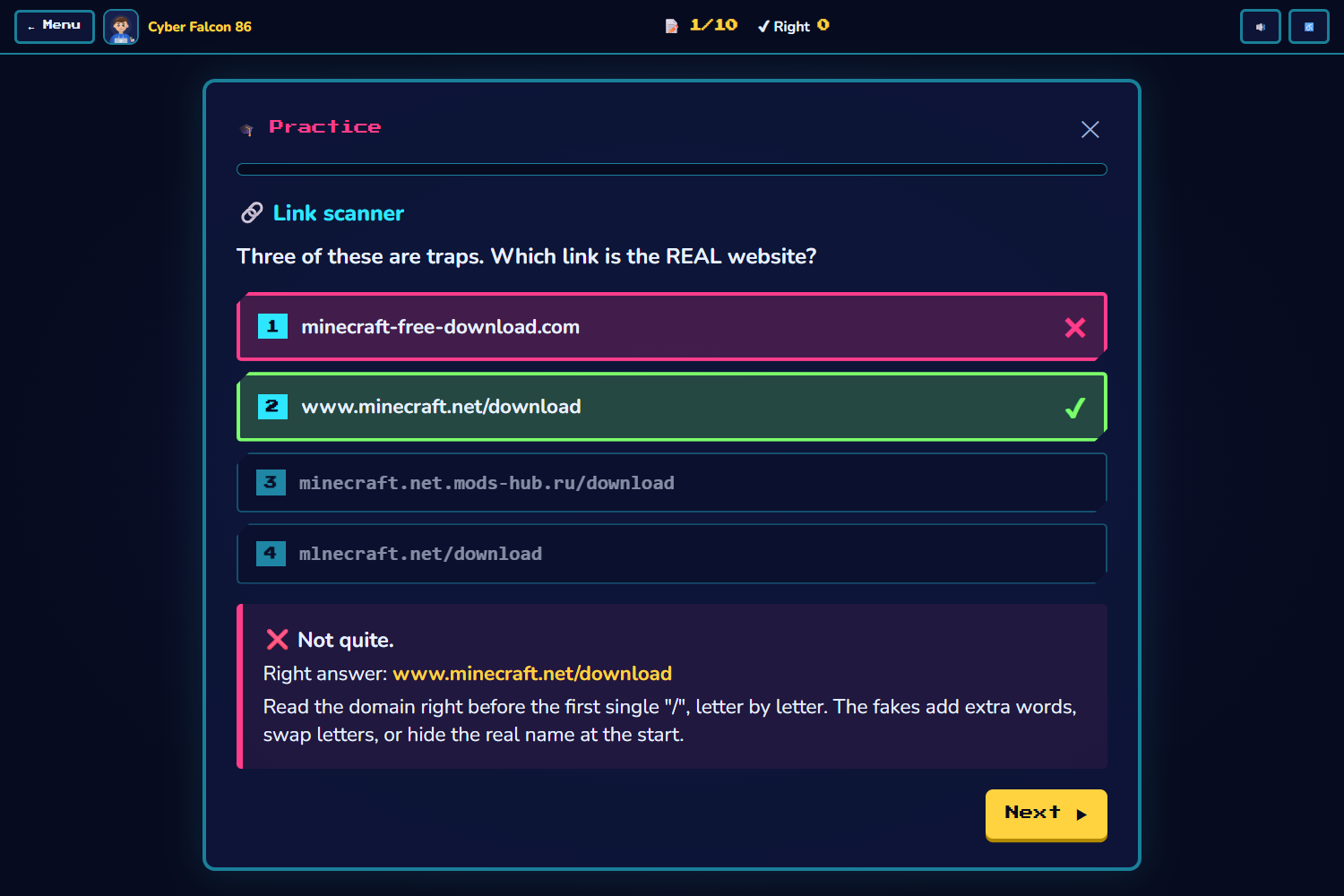
Quiz
-
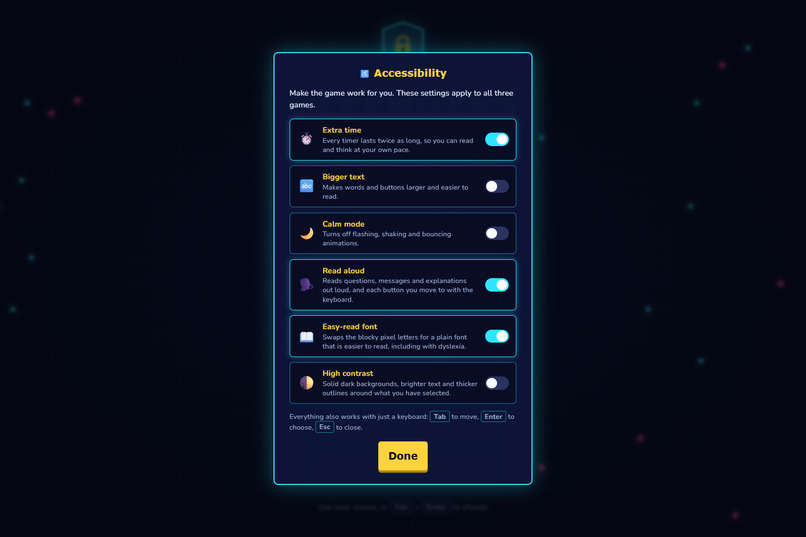
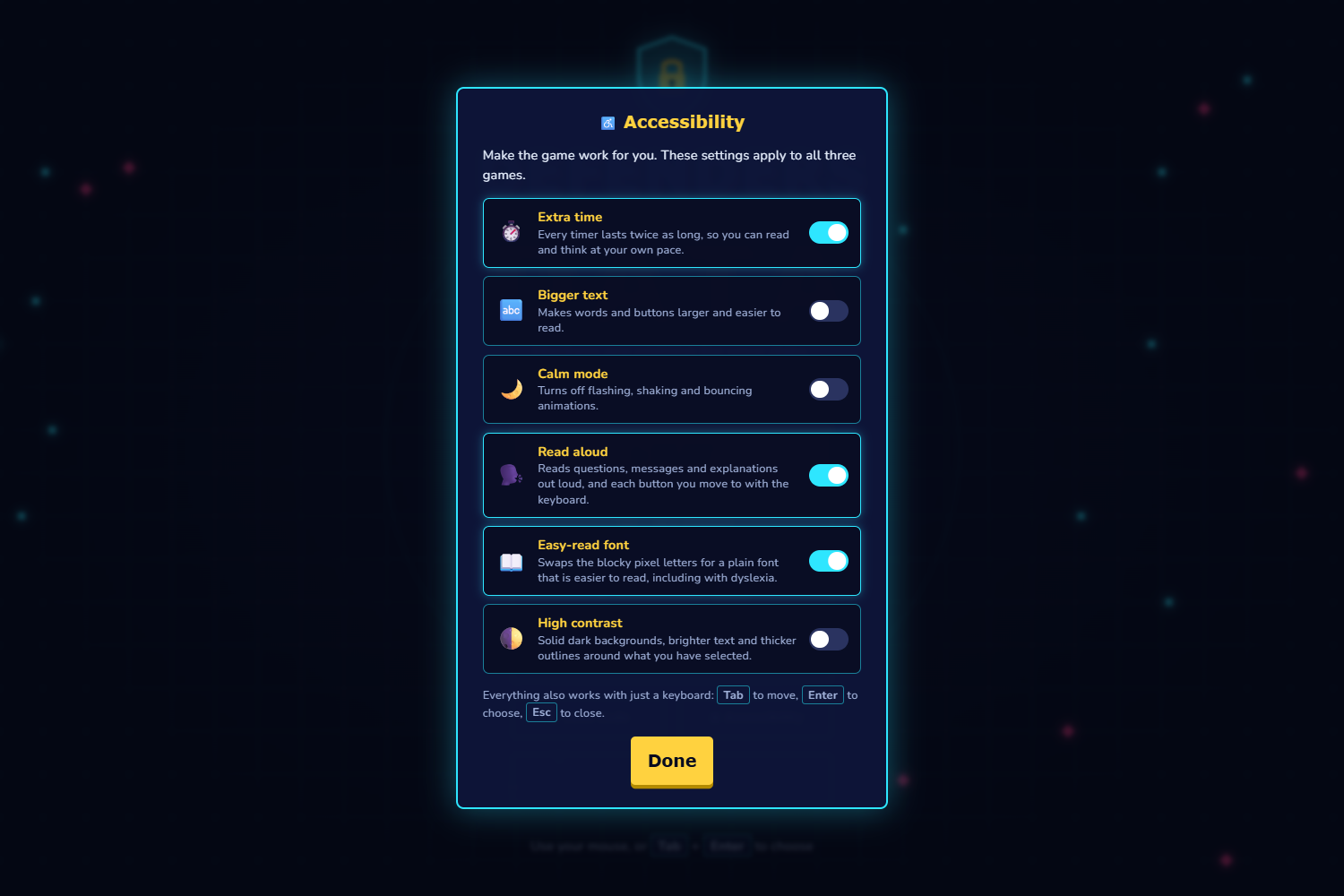
Accessibility Features
-
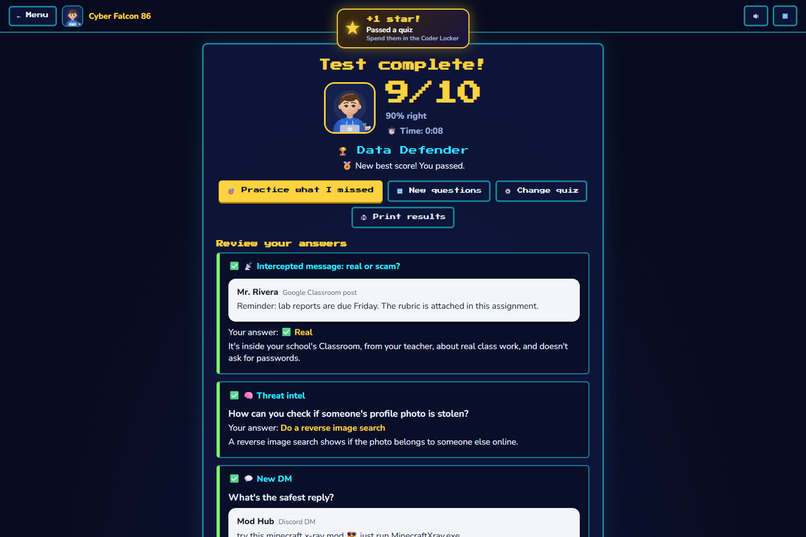
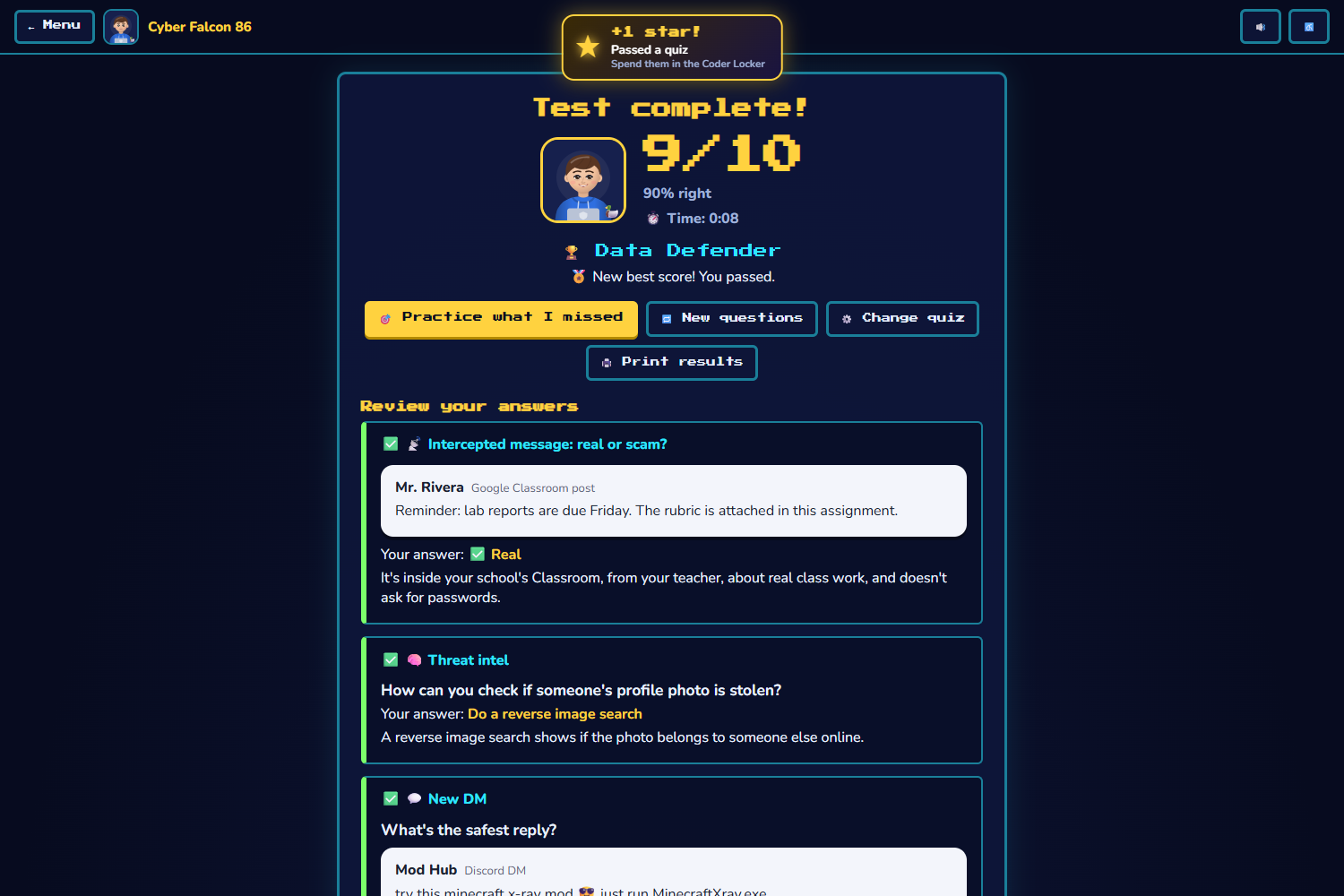
Overall Results
-
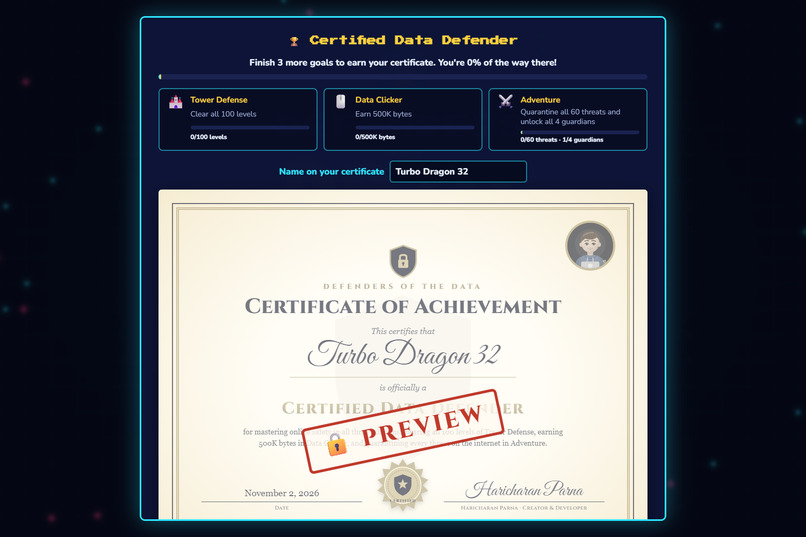
Certification
-
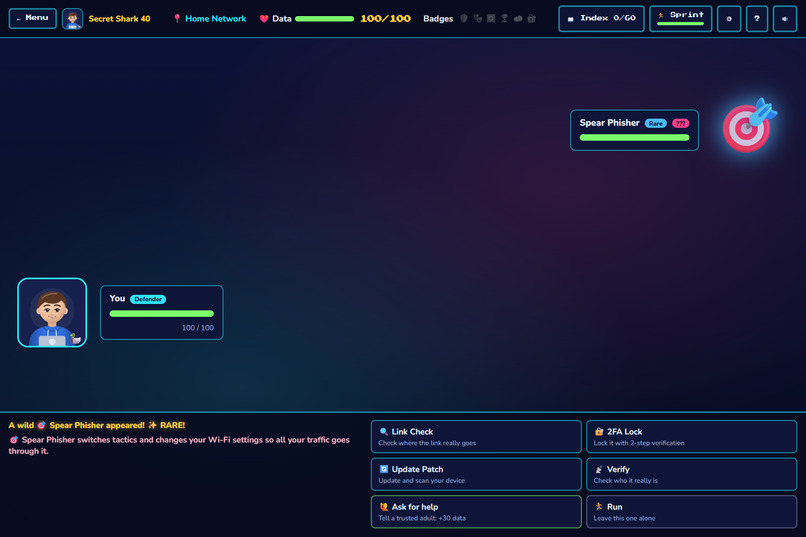
Adventure battle screen
-
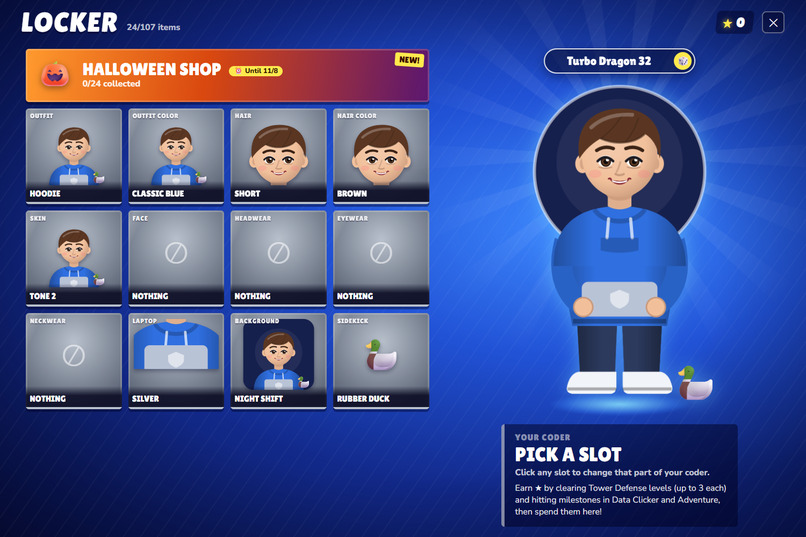
My coder loceker
-
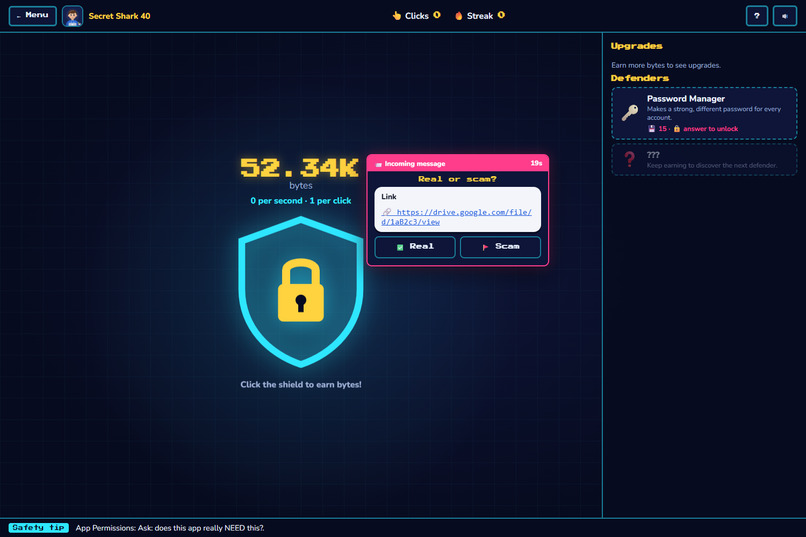
Clicker
-
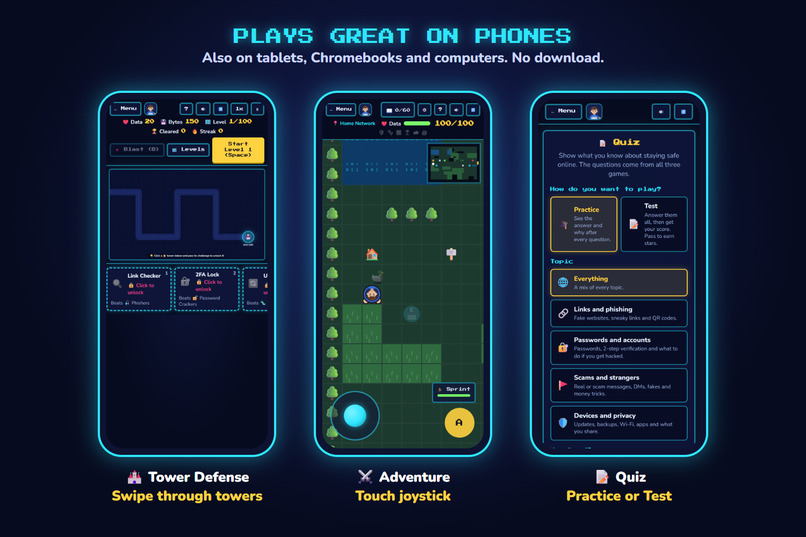
Phone screen
-
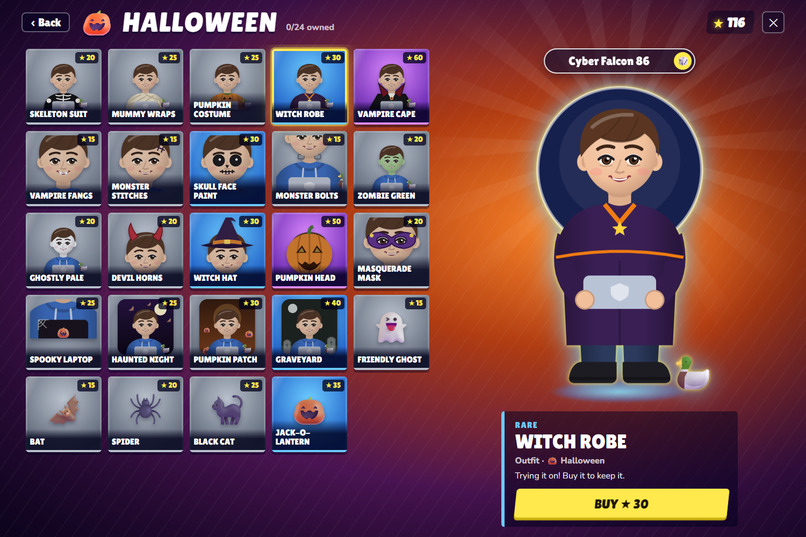
My Coder options
Inspiration
Scammers don't wait until you're an adult. Fake "free Robux" links, "is this you in this video?" DMs, texts from "Mom's new number" asking for gift cards: they show up in the apps teens use every day. In 2024, people reported losing $12.5 billion to fraud to the FTC, and phishing was the #1 cybercrime reported to the FBI.
It's personal for me too. A friend of mine saw an ad for free money, clicked it, and lost his Instagram account. One tap, and it was gone.
Most of this can be stopped with a few habits: check where a link really goes, turn on 2-step verification, update your apps, and make sure people are who they say they are. But online-safety lessons are usually a slideshow you click through and forget. I wanted to make something teens would actually want to play, where learning those habits is how you win.
What it does
Defenders of the Data is three free browser games plus a quiz. In every game, each tower, defender and guardian is a real safety habit:
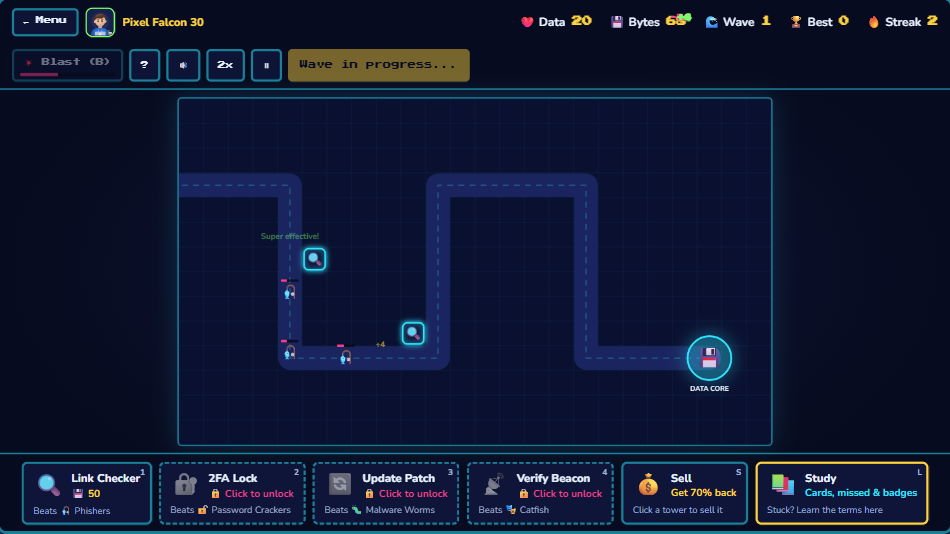
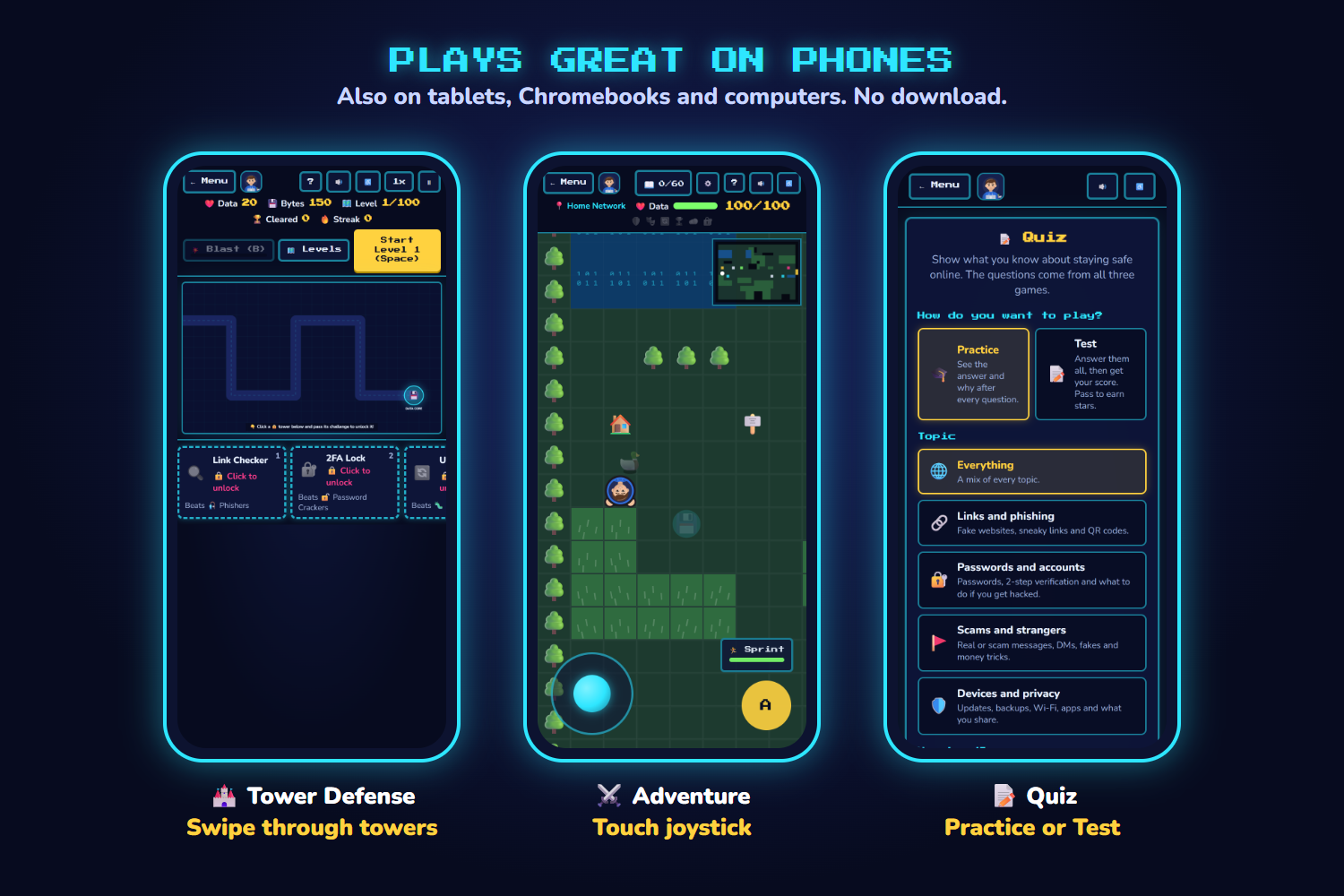
- 🏰 Tower Defense: build towers to stop hackers marching toward your data. To unlock a tower, you answer a safety question. The Link Checker stops Phishers, the 2FA Lock stops Password Crackers, Update Patches stop Malware, and the Verify Beacon exposes Catfish. Scan a threat and name the scam to give your towers double damage, and judge real-looking DMs between waves. There are 100 levels with a lesson every 5 and a boss every 10, plus an Endless mode.
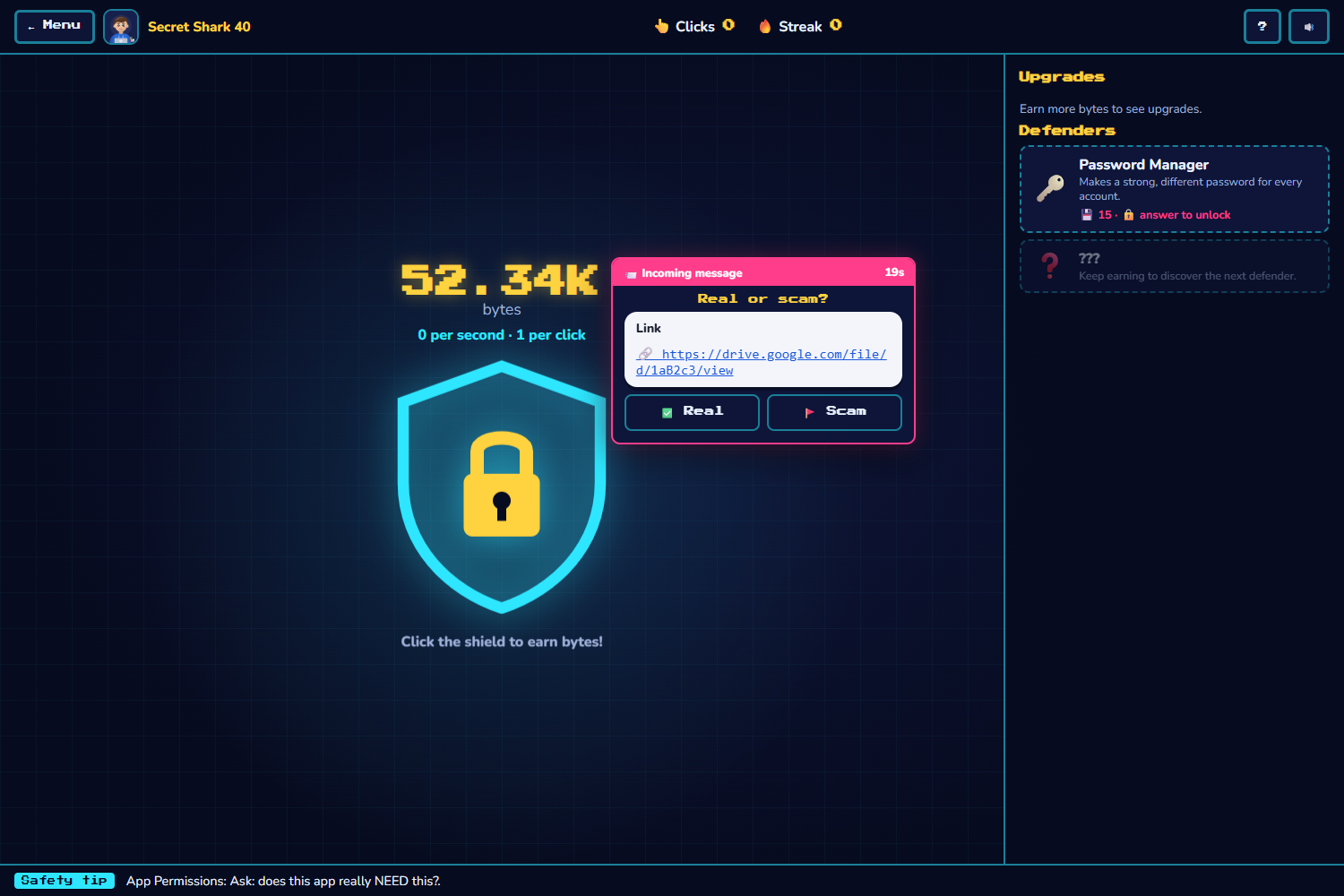
- 🖱️ Data Clicker: earn bytes, hire defenders like Cloud Backup and a Password Manager, and decide whether pop-up messages are real or a scam for bonus bytes.
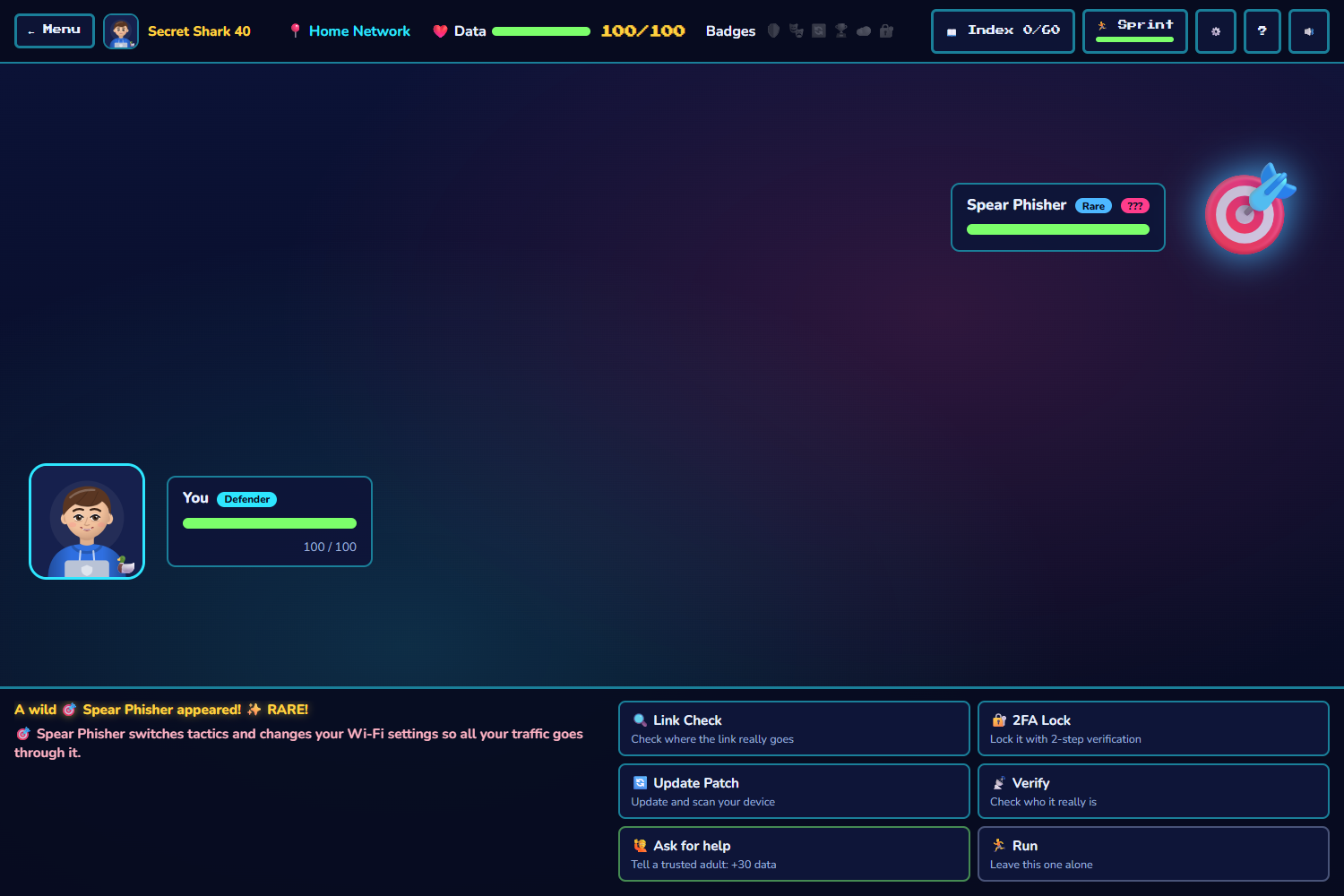
- ⚔️ Adventure: explore "the internet," hunt down 60 real threats (from smishers to deepfakes), and trap them by answering questions before time runs out. Threats switch tactics, so you can't just spam one move.
- 📝 Quiz: 168 questions from all three games. Practice shows the answer and why after every question. Test gives you a score and a review of every answer, lets you practice just the ones you missed, and prints the results for teachers. Pick a topic and a difficulty. There's no timer, so everyone can take their time.
Learning that sticks: questions get harder as you get better, a Study deck of flashcards reviews what you've seen, and a practice password you make early on comes back later to check you remember it. Right or wrong, every answer comes with an explanation, so mistakes turn into lessons.
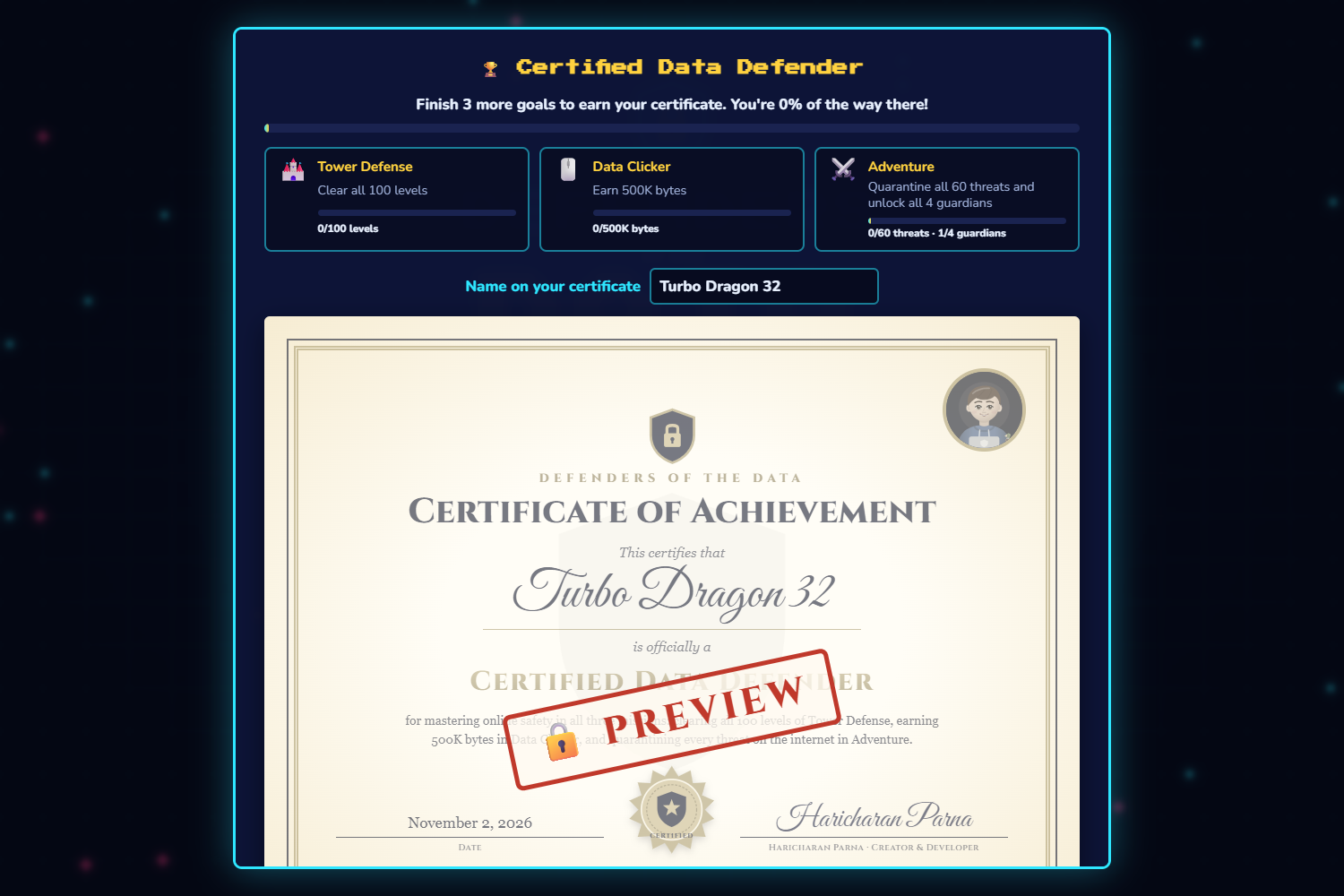
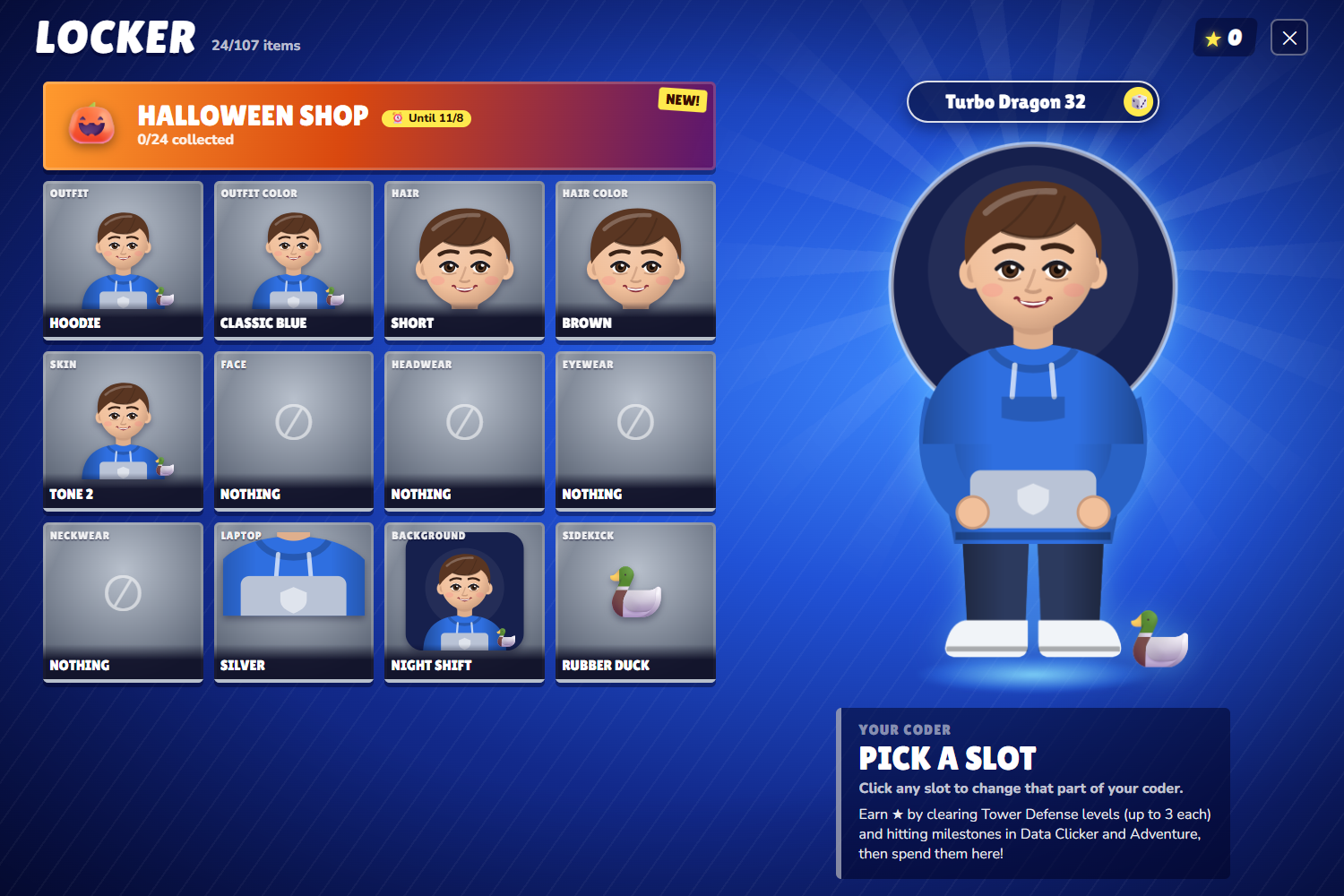
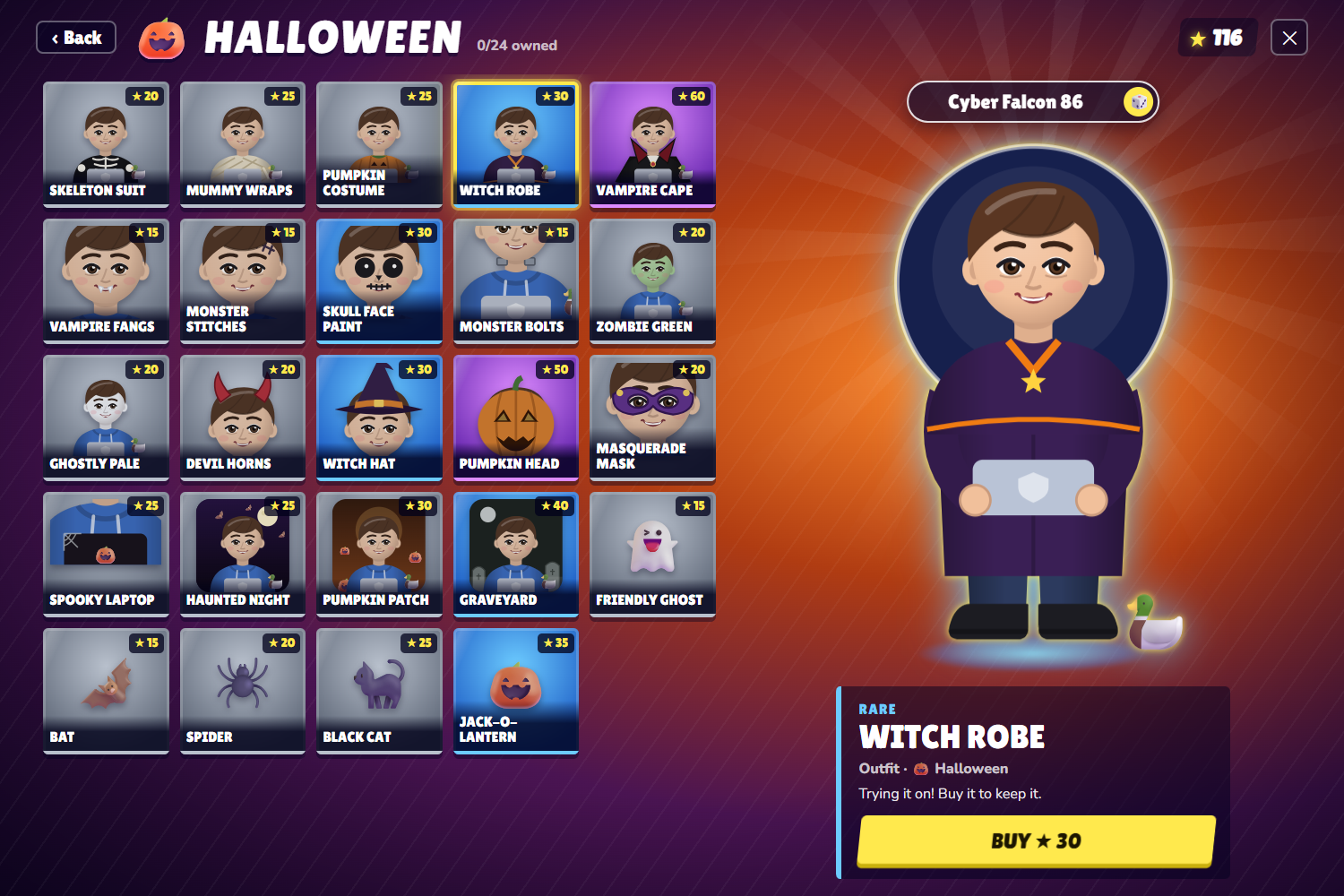
Rewards that matter: you earn stars in every game and spend them in My Coder, a locker with over 100 outfits, hats and accessories, plus seasonal events (right now, a Halloween shop with 24 spooky items). Master all three games and you earn a printable Certified Data Defender certificate.
Real-Life Missions: the part I'm proudest of. The game gives you stars for actually turning on 2-step verification, updating your phone and teaching a friend, and shows where to get help, like reporting scams to the FTC. The goal isn't winning the game. It's not getting hacked.
Built for everyone:
- Free, with no account or download. It runs in any browser, even a school Chromebook.
- Works on phones, tablets and computers. On touch screens, Adventure has a joystick and Tower Defense has towers you swipe through.
- How to Play videos of the real game playing itself, with my own voice narration and captions, instead of a wall of text.
- English and Spanish: one click switches every game, question, scam example and caption to Spanish.
- Accessibility settings, which you can change from the ♿ button in every game: extra time, bigger text, a calm mode with no flashing, Read aloud (in English or Spanish), an easy-read font for dyslexia, and high contrast for low vision. It also works with just a keyboard and with screen readers.
- No personal data collected. Progress saves only on your device, and a Save Code moves it to another computer.
How I built it
From scratch in plain HTML, CSS and JavaScript: no game engine, no frameworks and no build step, over 13,000 lines of JavaScript.
- The Tower Defense board and the Adventure world are drawn on an HTML canvas. Adventure areas are generated from fixed seeds, so the map is the same every time.
- Every coder is an SVG drawn in code from the player's choices, with shading computed from their skin and hair colors.
- The How to Play videos aren't recordings. They load the real game and drive it with a fake mouse and keyboard, reading the game's own state to answer correctly, so they never go out of date. A virtual clock lets you pause, seek, and watch at 0.25× to 2× speed.
- The Quiz pulls every question from the three games into one bank and sorts it by topic and difficulty, so a new question added to any game shows up in the Quiz automatically.
- The whole game plays in Spanish. I translated over 2,500 lines, and a small translator swaps them in as the game runs, even text drawn on the canvas.
- Sound effects use the Web Audio API, Read aloud uses the browser's built-in Speech Synthesis, and save codes are compressed with CompressionStream.
- I designed the games, wrote the safety content, recorded all the narration myself, and tested everything. I used Claude (an AI coding assistant) to help write and debug the code.
Challenges I ran into
- Making a video out of a live game. My first How to Play videos were random every time, so the seek bar would jump to the end. I gave the demo its own clock and a seeded random number generator, so every playthrough is exactly the same length, like a real video.
- Phones. On a phone, the top bar covered most of the screen, only two towers fit, and the Adventure arrow buttons were hard to use. I rebuilt the phone layouts: a short top bar, towers you swipe through, and a joystick you can push in any direction.
- Stopping players from gaming the system. Early Adventure battles could be won by spamming one attack, and hints gave away the answer. Now threats switch tactics and hints ask a question instead.
- Accessibility that really works. Testing with an accessibility checker, a screen reader, a phone and only a keyboard caught problems I would never have noticed with a mouse on a laptop.
- Balancing rewards so stars feel earned in every game without anyone being able to farm them.
Accomplishments I'm proud of
- Over 200 realistic scam examples, questions and lessons: real-looking DMs, texts, emails and links, not just definitions.
- The game rewards real-world action, not just in-game skill.
- It's fully playable with a keyboard, a mouse or a touchscreen, in English or Spanish.
What I learned
How scams actually work (lookalike domains, MFA fatigue, sextortion and AI deepfakes), and that the best defense is usually a simple habit. On the coding side, I learned canvas rendering, game loops, responsive layouts for phones, and how much accessibility and testing matter: a feature isn't done until someone with different needs can use it.
What's next
- A classroom mode so teachers can see which scams their class struggles with
- More languages after Spanish, starting with French
- New threats as scams change, like AI voice-clone calls
- More seasonal events for My Coder
Built With
- claude
- compression-streams-api
- css3
- github
- html5
- javascript
- netlify
- svg
- web-audio-api
- web-speech-api
