-
-
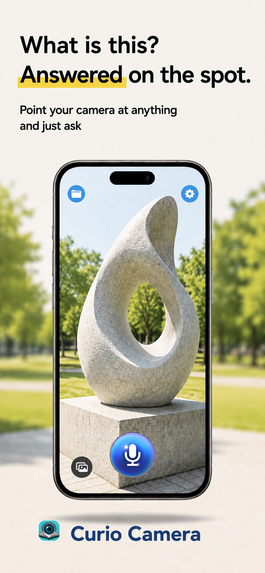
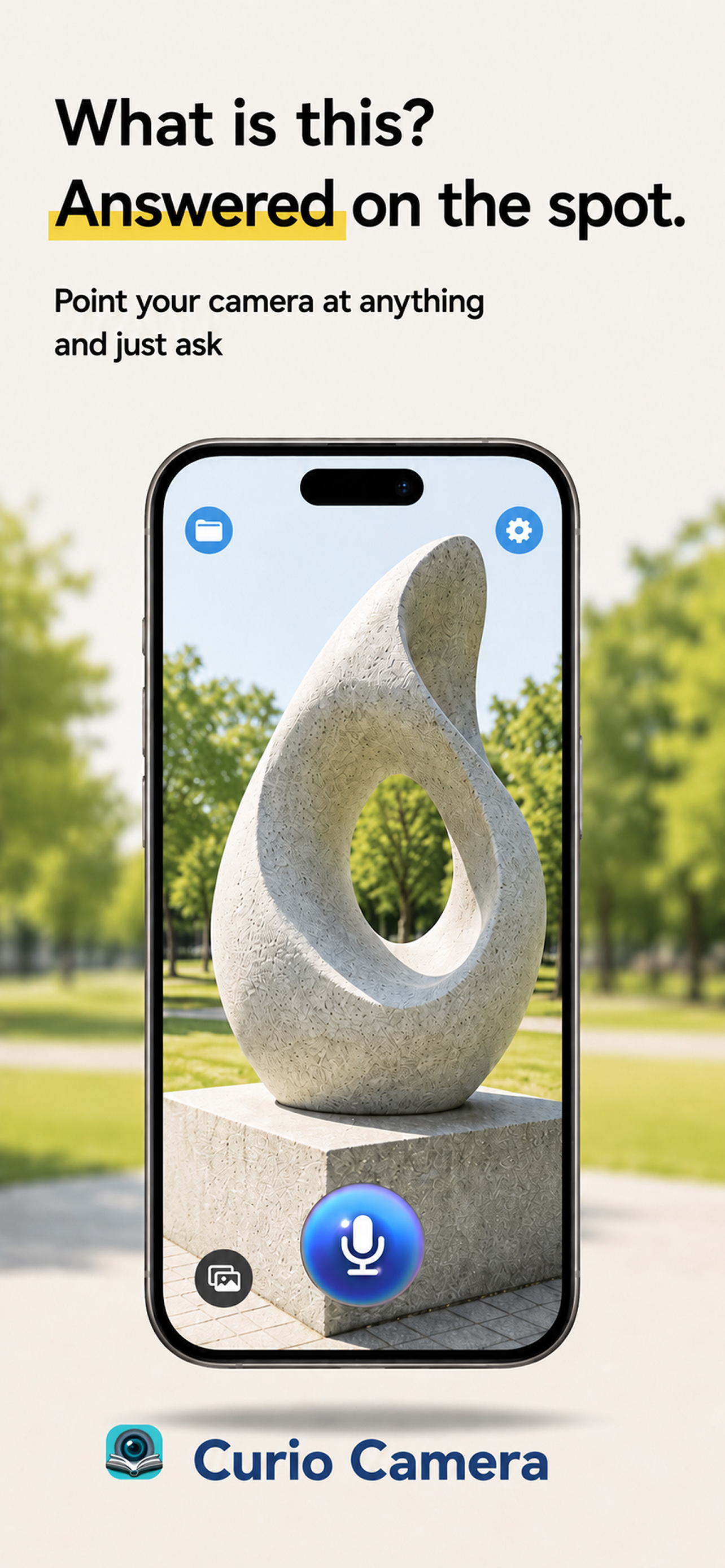
Snap anything you're curious about — the answer comes back on the spot, spoken aloud.
-
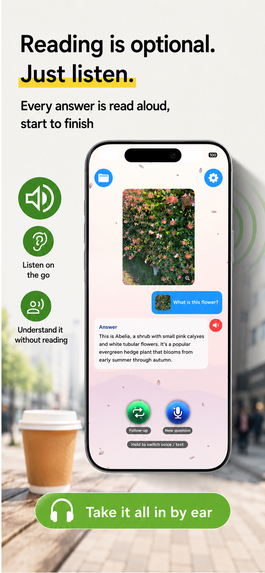
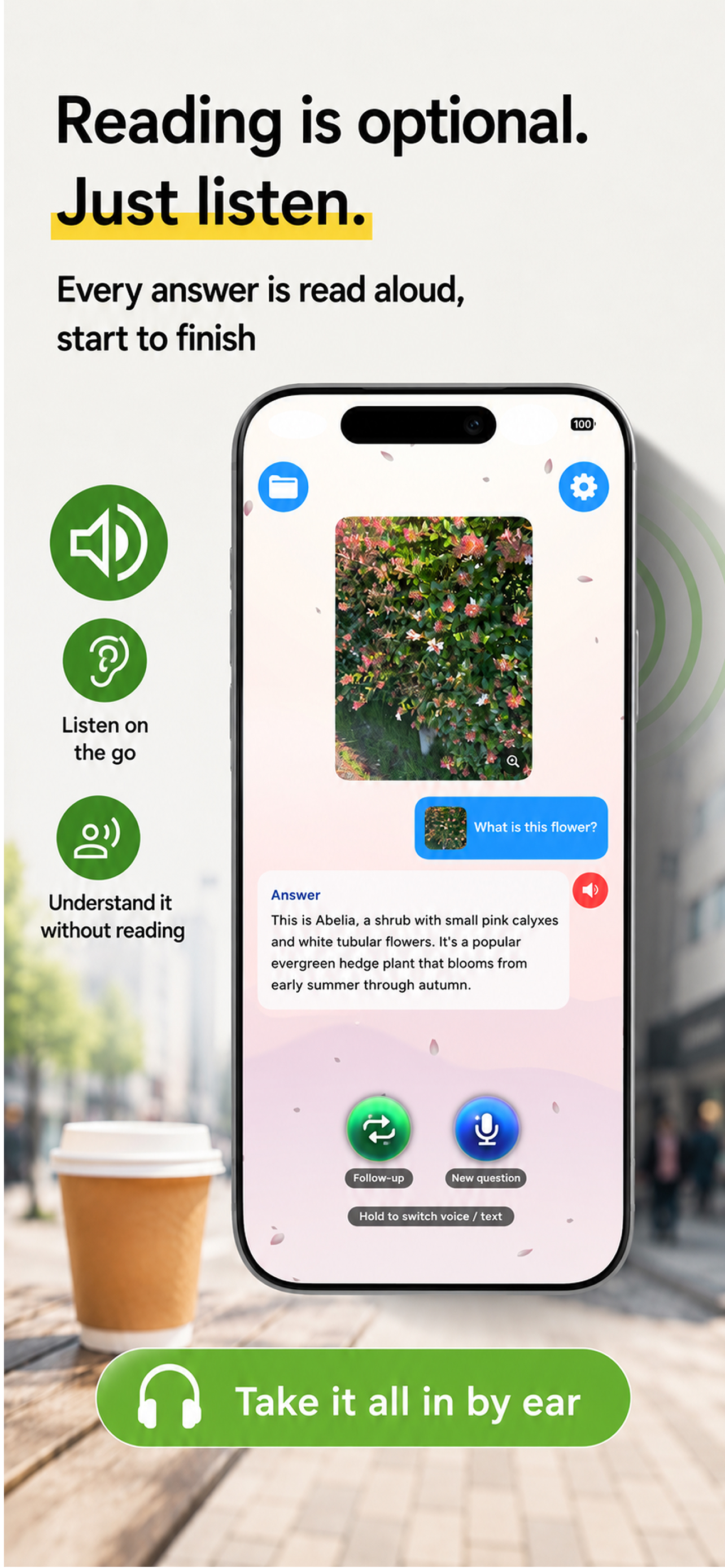
Hands full? Just listen. Answers are read aloud so you can keep walking.
-
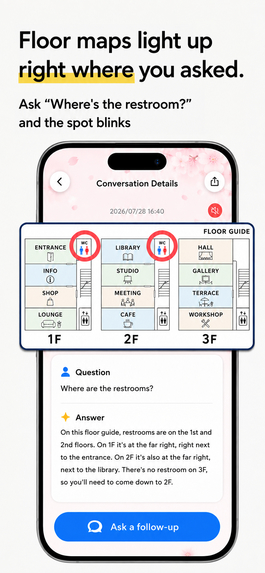
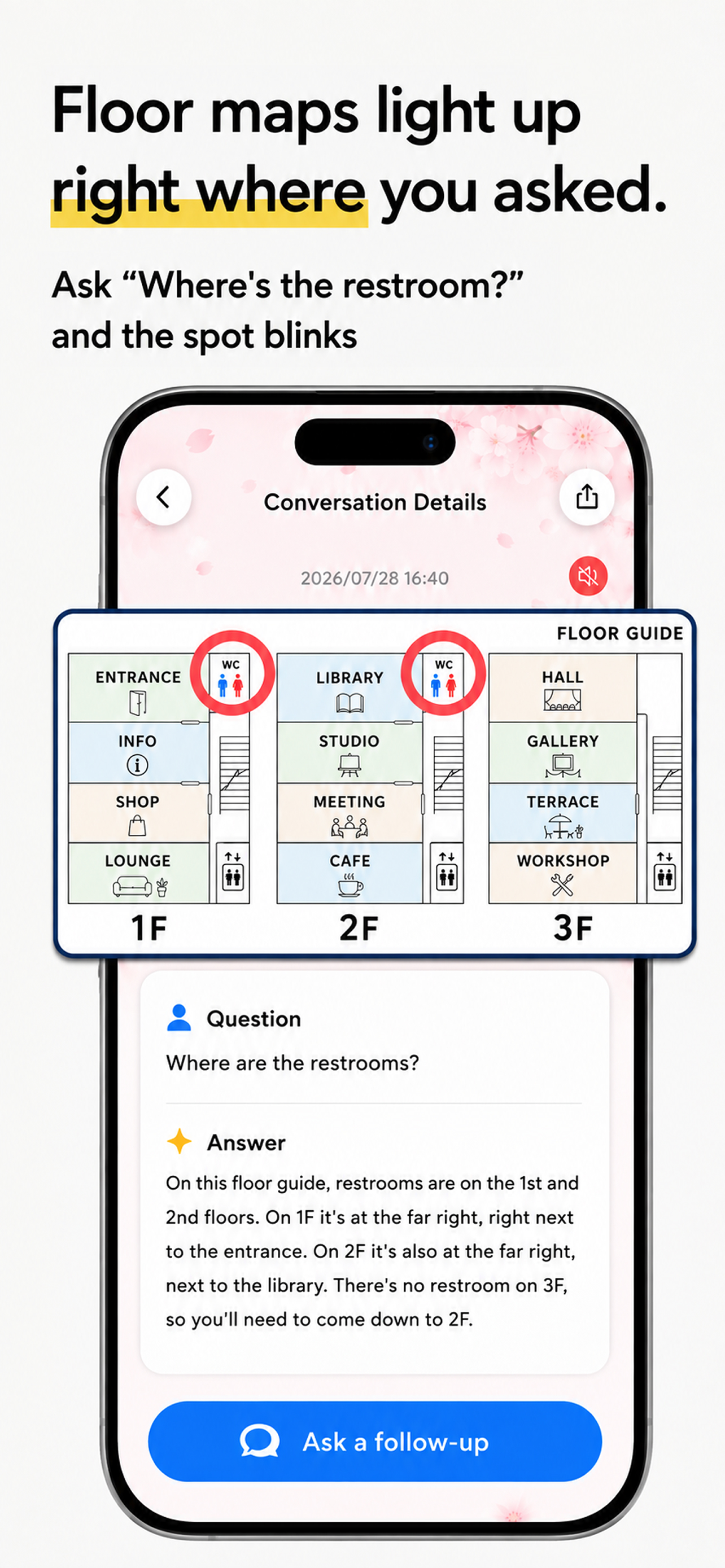
Snap a floor map and ask "Where's the restroom?" — the exact spot lights up on your photo.
-
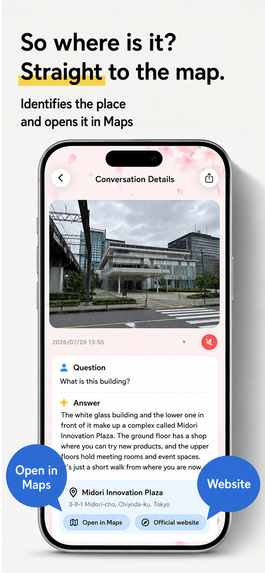
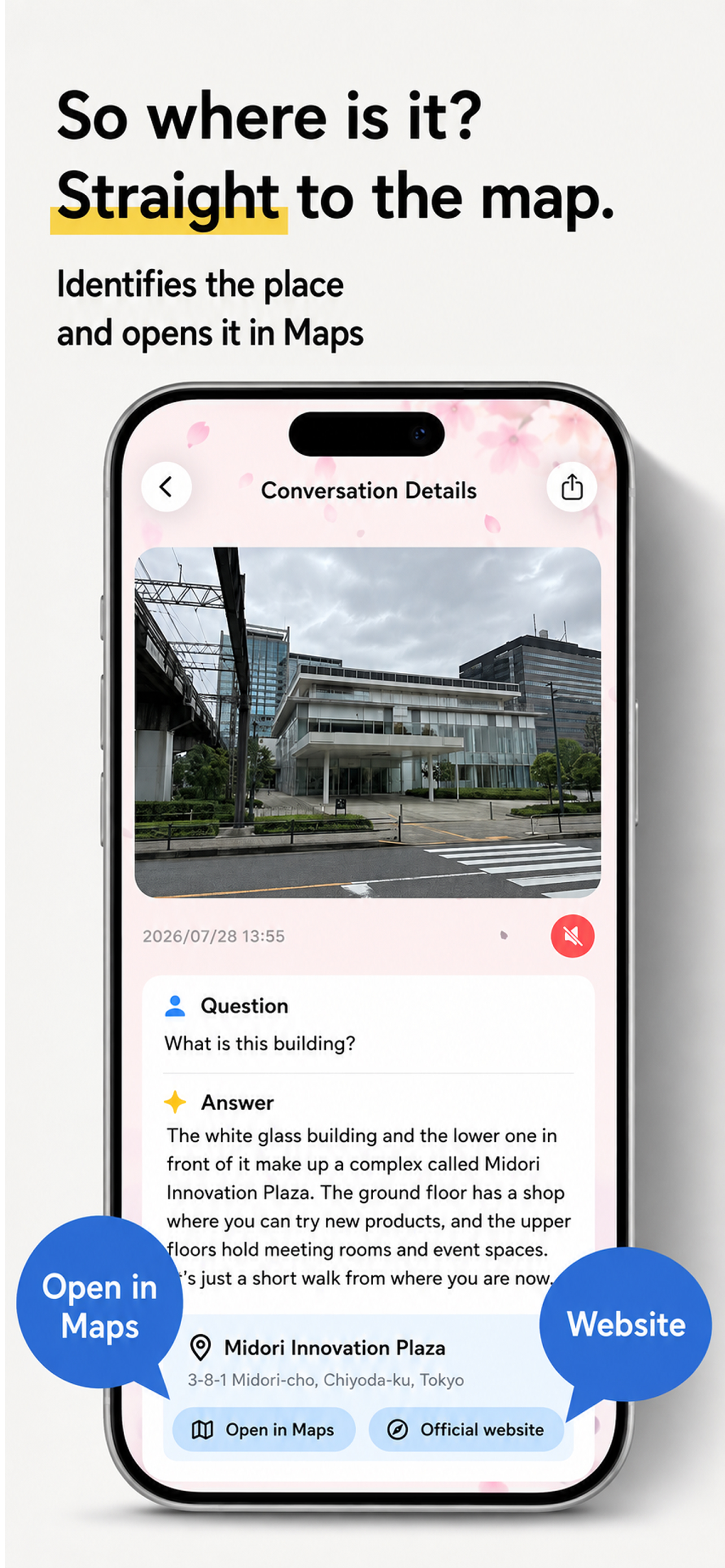
Ask "Where am I?" — it names the place and jumps straight to the map.
-
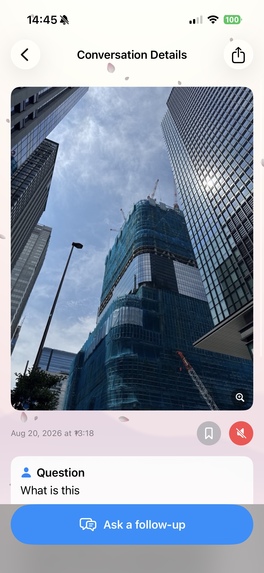
Raw app screenshot (1179×2556, no device frame)
-
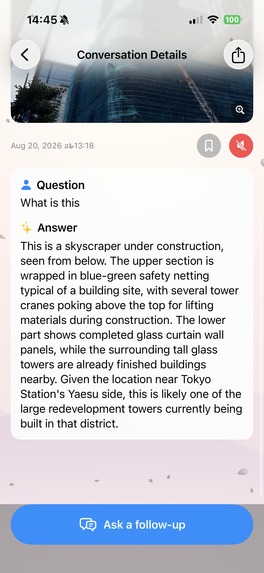
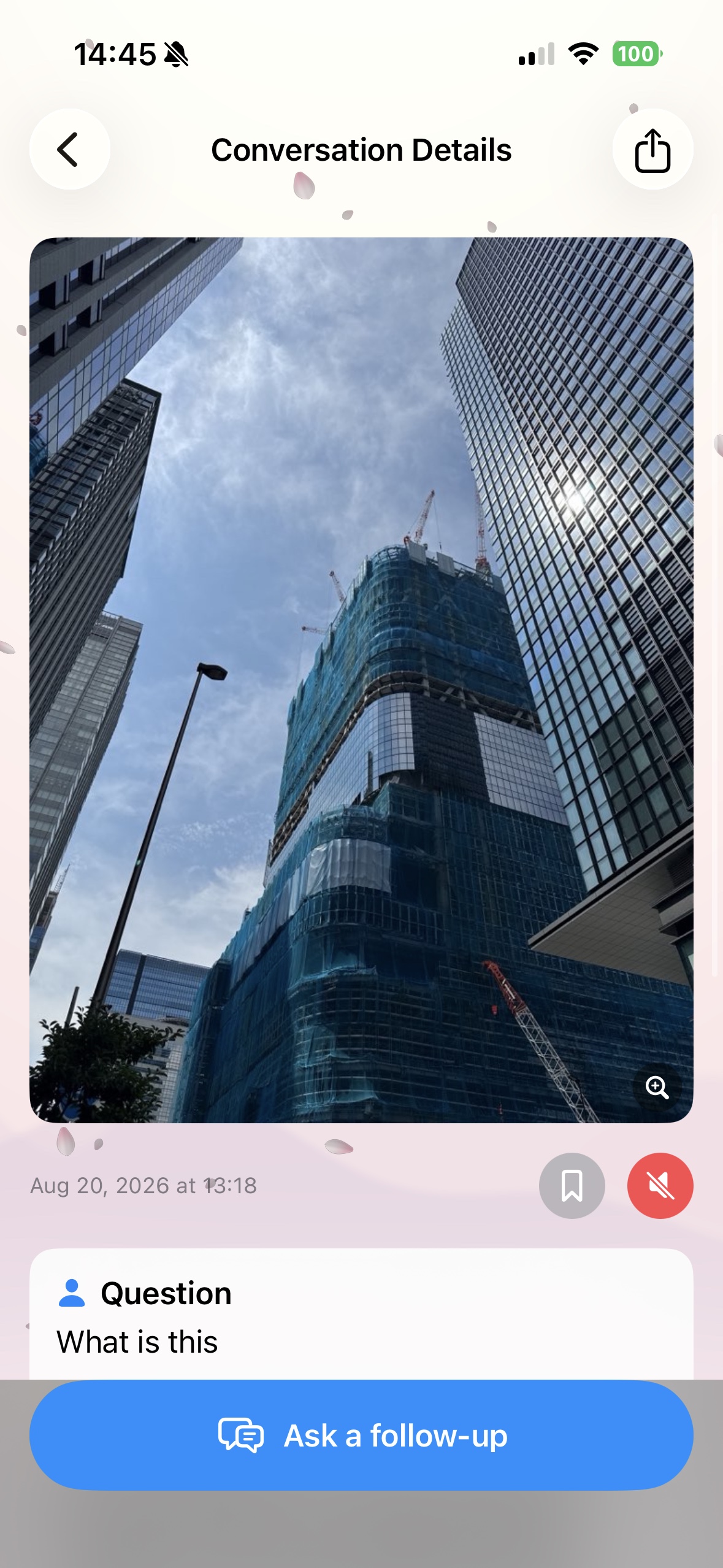
The answer reads the scene and its context — "likely one of the redevelopment towers near Tokyo Station's Yaesu side."
-

App icon (1024×1024)


Inspiration
There are things you wonder about but never look up — a flower on a walk, a statue in a park, a floor map at the mall. And there are moments when you literally can't look things up: your hands are full, you're walking, your kid is asking "What's that?" for the tenth time. I wanted an app where the camera is the question and your voice is the keyboard — and the answer comes back out loud, so reading is optional.
What it does
Curio Camera ("ものしりカメラ" in Japan): point, snap, ask out loud.
- Ask by voice or text about anything you photograph — AI answers in text and reads it aloud
- The answer can light up on the photo itself. Snap a floor map, ask "Where's the restroom?", and the exact spot glows
- Ask "Where am I?" and it combines your location with nearby place candidates, answering with the facility name and a map card
- Follow-up questions keep the context of the photo
- Works in 15 languages — ask in yours, it answers in yours
- Question history (last 100), with iCloud backup as a premium perk
How I built it
- SwiftUI, deliberately one screen, iOS/iPadOS 18–26, iPhone & iPad
- No API key ships in the app. All AI calls go through a Cloud Functions proxy (
askClaude) that streams Claude API responses over SSE. Firebase anonymous Auth + App Check verify every request, and rate limits / premium checks live server-side - RevenueCat powers the subscription — premium (unlimited questions, high-res vision, iCloud backup) is gated purely by the
premiumentitlement, never by a local flag - CloudKit backup with a merge-only restore that never overwrites local history, even if the cloud returns zero records
- Japanese TTS loves to misread kanji, so speech goes through a 2-layer fix: the model emits pronunciation hints that swap only the audio (the display keeps the kanji), plus a curated reading dictionary applied at the single speech exit point
Challenges
- One App Review rejection taught me two lessons. I was showing
error.localizedDescriptionraw on screen — now every error goes through a single user-facing presenter. And App Check takes different paths in Debug (debug token) vs Release (App Attest); all my device testing ran on Debug, so the missing App Attest registration only surfaced at review. Now every#if DEBUGbranch gets verified on both sides via TestFlight - A Release-only optimizer crash (
EarlyPerfInliner+ a genericUIHostingControllerheld by a Coordinator) blocked archiving while Debug built fine
What's next
A use case I didn't design for emerged from real post-launch feedback: parents out with kids. Floor maps, nursing rooms, endless "why?" questions — exactly the moments when you never have a free hand. I'm building toward that, and sharing the whole journey on X with #Shipaton #BuildInPublic.
Built With
- anthropic
- app-check
- avfoundation
- claude
- cloud-functions
- cloudkit
- firebase
- revenuecat
- swift
- swiftui
- typescript

Log in or sign up for Devpost to join the conversation.