-
-
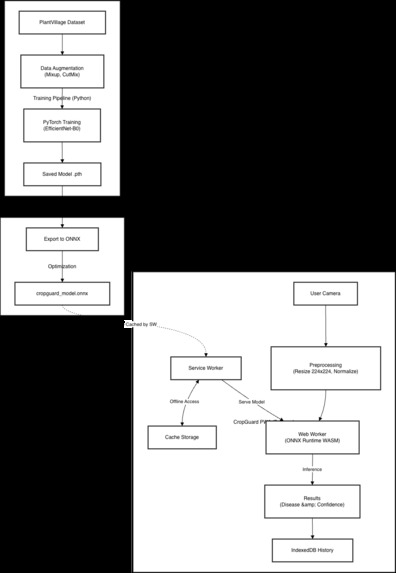
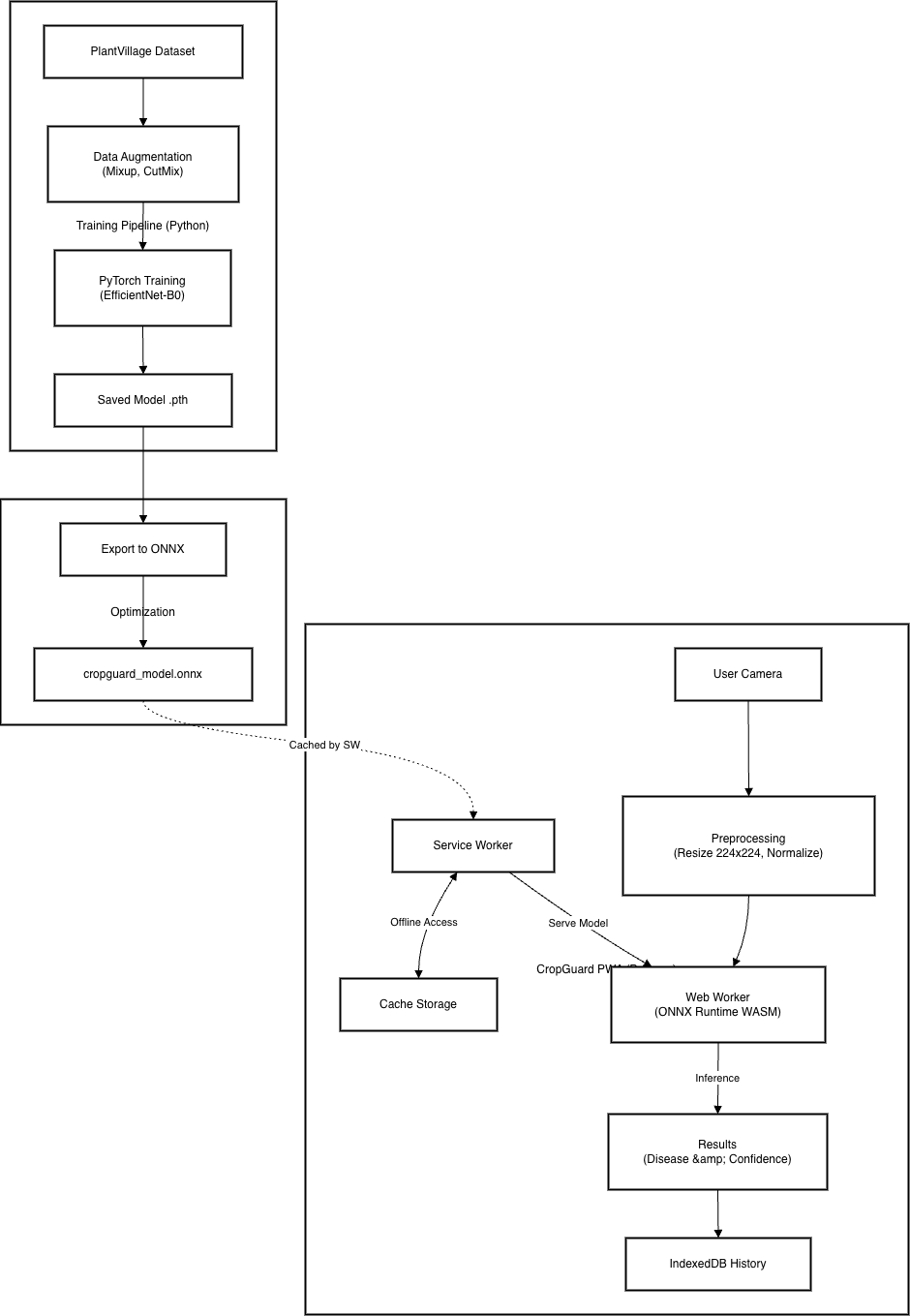
Architecture Diagram
-
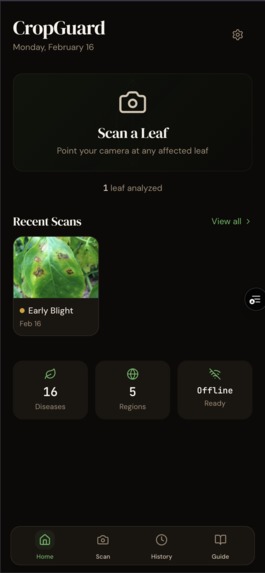
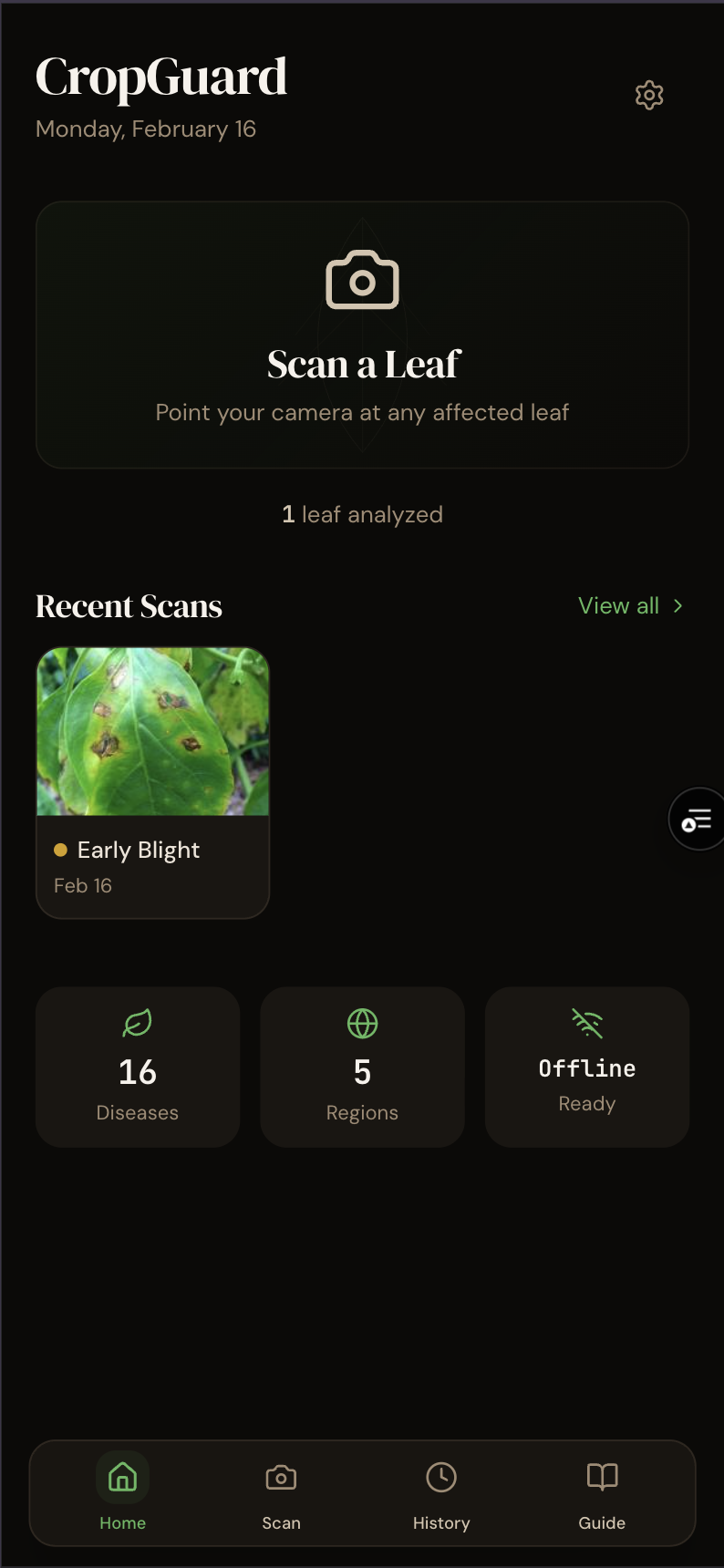
Home Screen
-
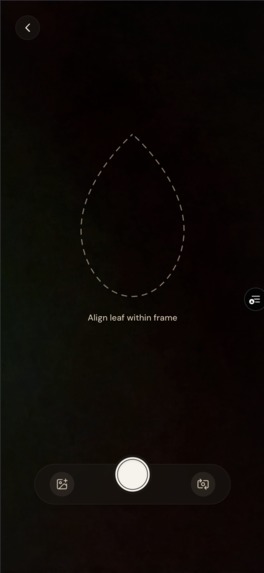
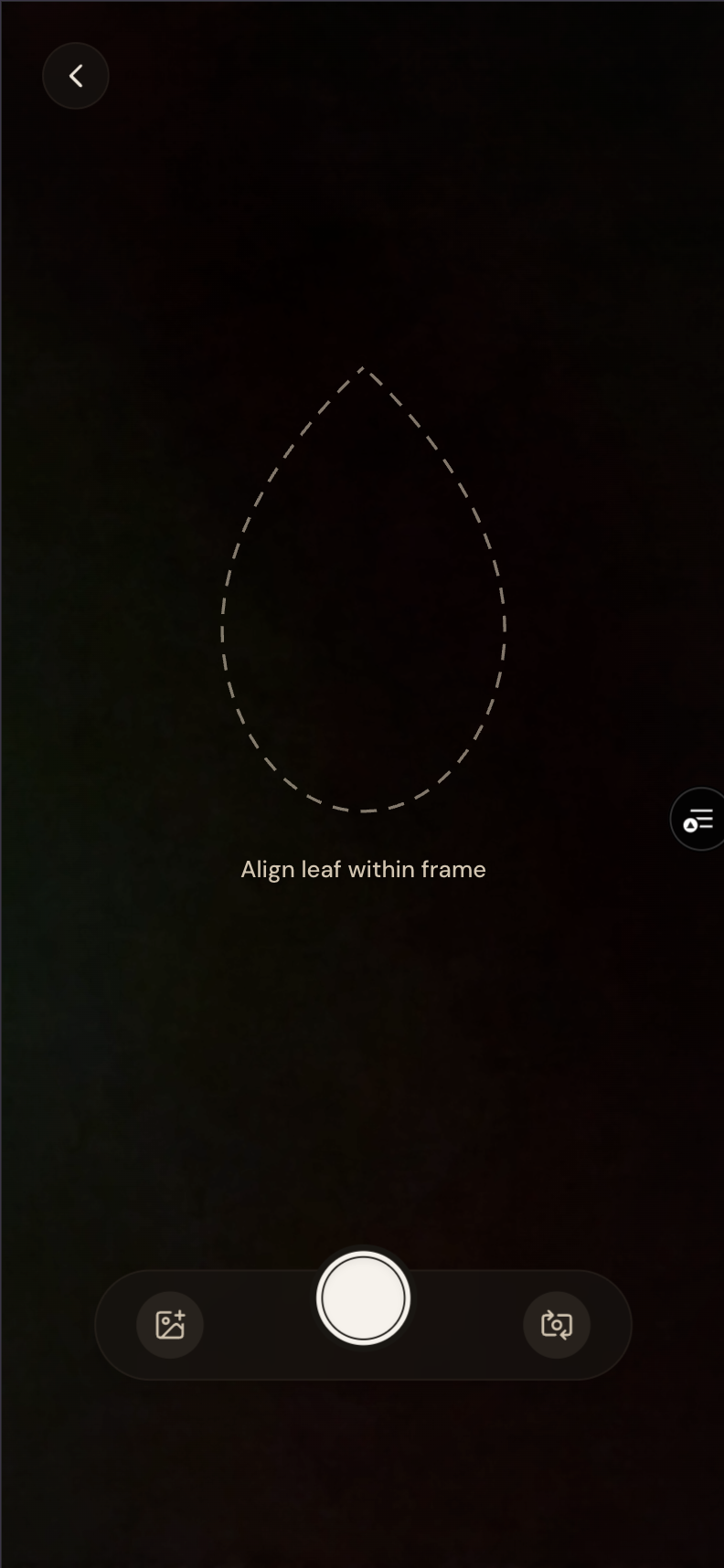
Camera Screen
-
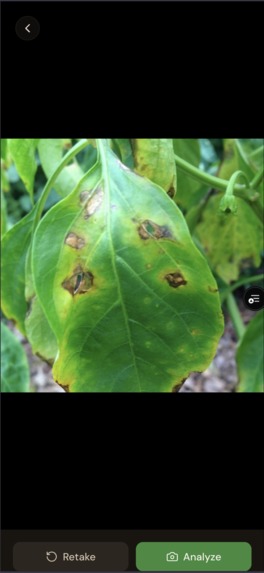
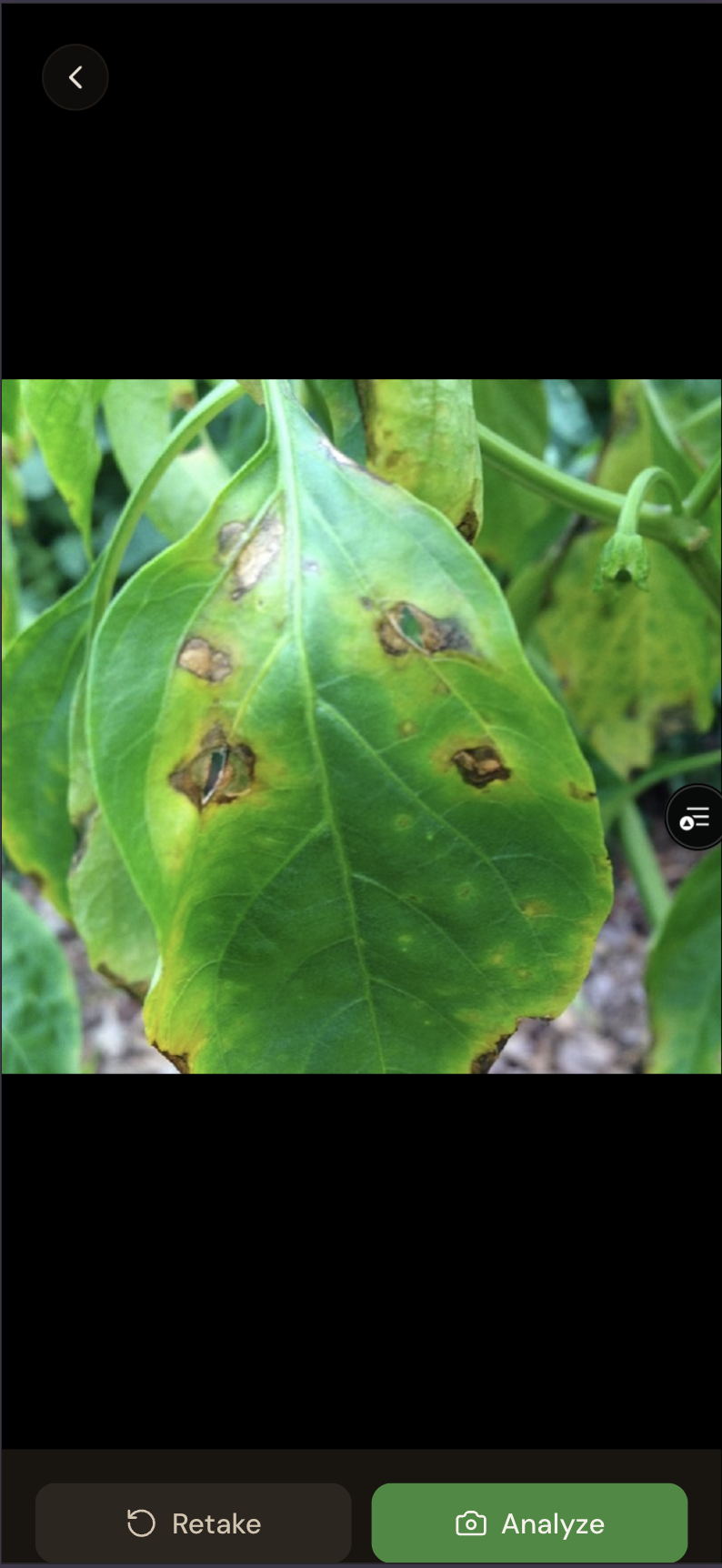
Image Preview
-
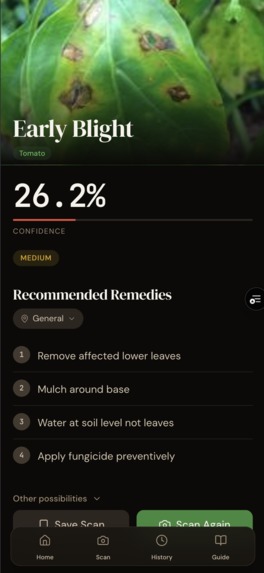
Results Screen
-
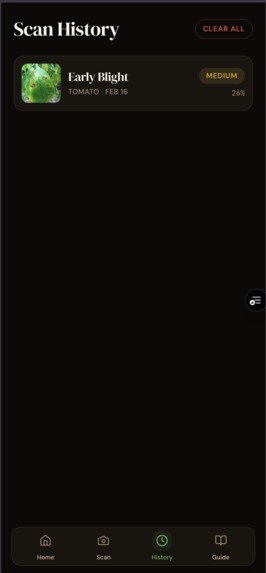
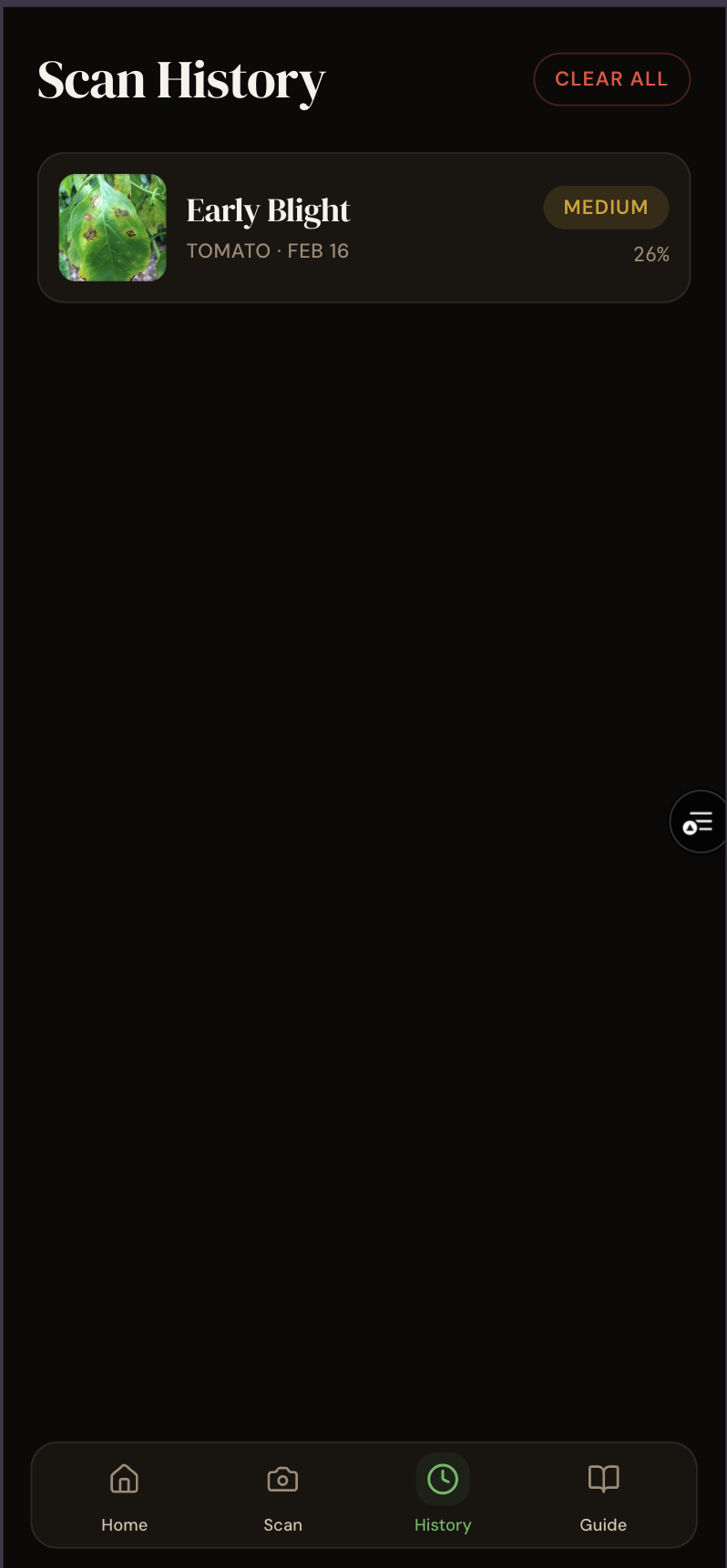
History Screen
-
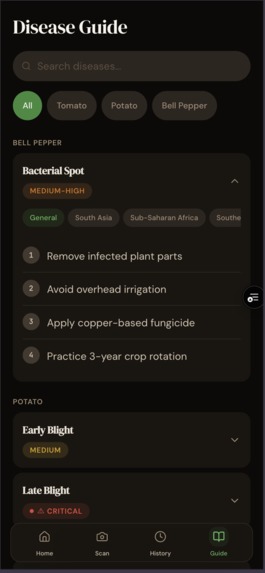
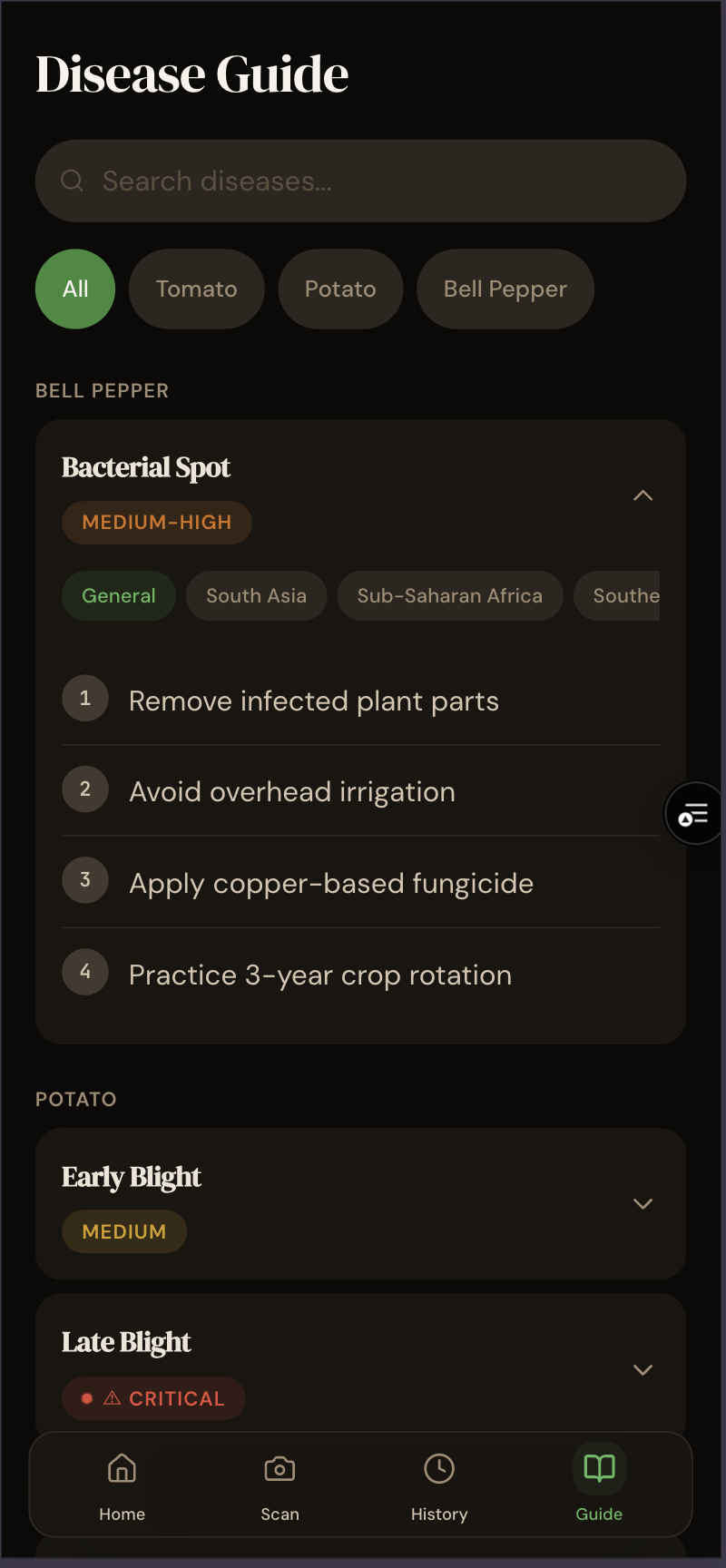
Recommendations Screen
-
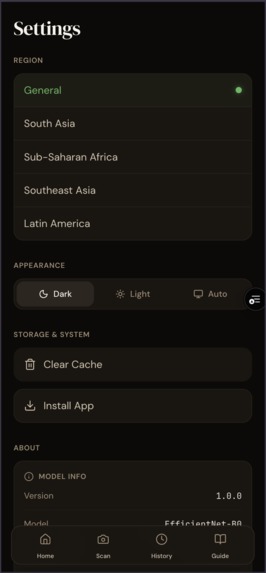
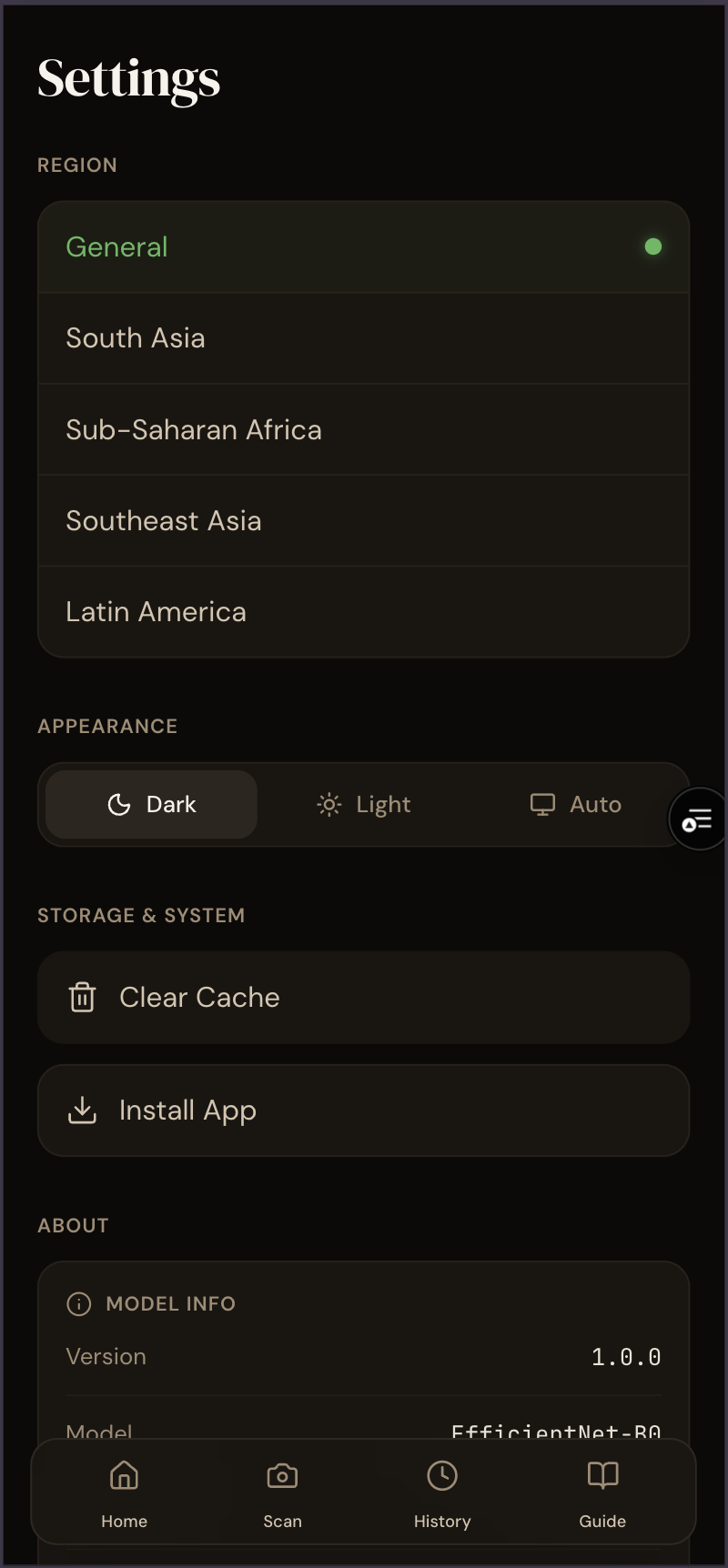
Settings
Inspiration
Agriculture is the backbone of the global economy, yet smallholder farmers lose up to 40% of their crops to preventable diseases and pests. In many developing regions, expert agronomists are scarce, and internet connectivity is unreliable or expensive. We asked ourselves: What if every farmer had an expert agronomist in their pocket, available 24/7, even in the middle of a remote field? This question drove us to build CropGuard AI—a tool designed not just for technology's sake, but for food security and farmer livelihood.
What it does
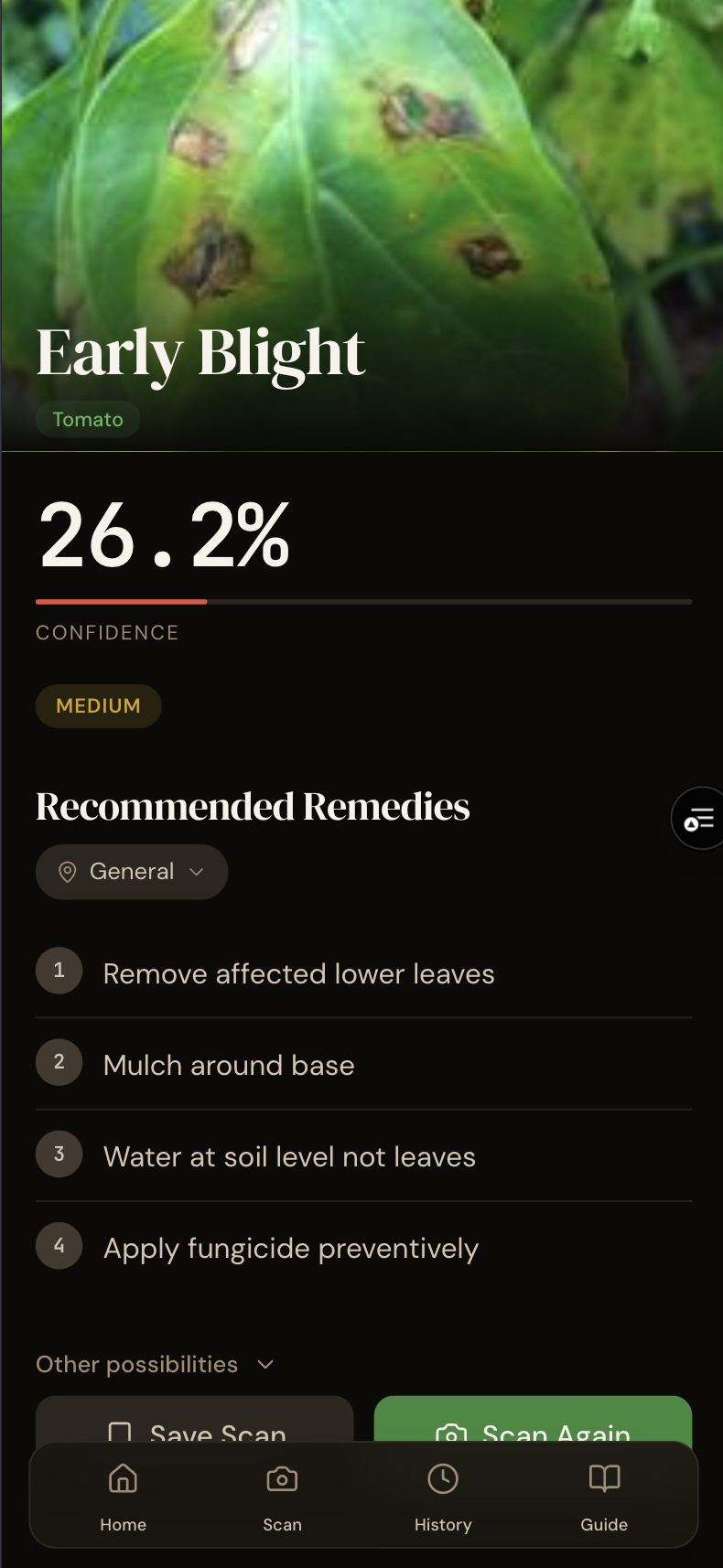
CropGuard AI is a Progressive Web App (PWA) that uses advanced computer vision to diagnose crop diseases.
- Instant Diagnosis: Farmers simply point their camera at a sick leaf.
- Offline Intelligence: The AI runs entirely on the device (client-side) using WebAssembly, meaning it works perfectly without an internet connection after the first load.
- Actionable Remedies: It doesn't just name the disease; it provides region-specific, organic remedy recommendations to help farmers save their harvest immediately.
How we built it
We built CropGuard with a "mobile-first, offline-first" philosophy:
- AI Training: We trained a custom EfficientNet-B0 model using PyTorch on the PlantVillage dataset. We used advanced augmentation (Mixup, CutMix) to ensure the model is robust against harsh sunlight and shadows typical of farm environments.
- Model Optimization: The model was exported to ONNX format and quantized to reduce size without sacrificing its 99% accuracy.
- Web Assembly (WASM): We used
onnxruntime-webto execute the model directly in the browser. This is the "magic" that allows high-performance AI without server latency or data costs. - PWA Framework: The app is built on Next.js 14, utilizing Service Workers to cache the model (~20MB) and app shell, ensuring it launches instantly even in airplane mode.
Challenges we ran into
- The "Browser Bottleneck": Running a complex neural network in a JavaScript environment is heavy. We faced significant lag initially. We solved this by offloading inference to WebAssembly (WASM) workers and optimizing the image preprocessing pipeline to match the training constraints exactly.
- Offline Reliability: Service Workers can be tricky. We had to implement a robust caching strategy that prioritizes the model file and critical assets so the app feels truly "native" and never fails when the network drops.
- Navigation Loops: We encountered tricky bugs where the PWA would reload unexpectedly on mobile swipe gestures. We fixed this by implementing strict overscroll behaviors and refining our routing logic.
Accomplishments that we're proud of
- 99.4% Accuracy: Our model rivals expert human agronomists in diagnostic precision.
- True Offline Capability: Seeing the "You are offline" banner while the AI still flawlessly identifies "Tomato Late Blight" was a massive win.
- Performance: Achieving <200ms inference time on standard smartphones makes the tool feel magical and responsive.
What we learned
- The power of Edge AI: We learned that modern browsers are incredibly capable platforms for machine learning. You don't always need a cloud GPU; sometimes the phone in your pocket is enough.
- User-Centric Design: Designing for farmers meant simplifying the UI relentlessly. Big buttons, high contrast, and zero jargon were essential.
What's next for CropGuard AI
- Voice Interface: Adding local-language voice support for farmers with lower literacy.
- Community Mapping: Allowing farmers to anonymously share disease outbreaks to create a real-time "heat map" of pests for local authorities.
- More Crops: expanding beyond peppers, potatoes, and tomatoes to include rice, wheat, and maize.
Built With
- indexeddb
- nextjs
- onnx
- pytorch
- tailwind
- typescript
- vercel

Log in or sign up for Devpost to join the conversation.