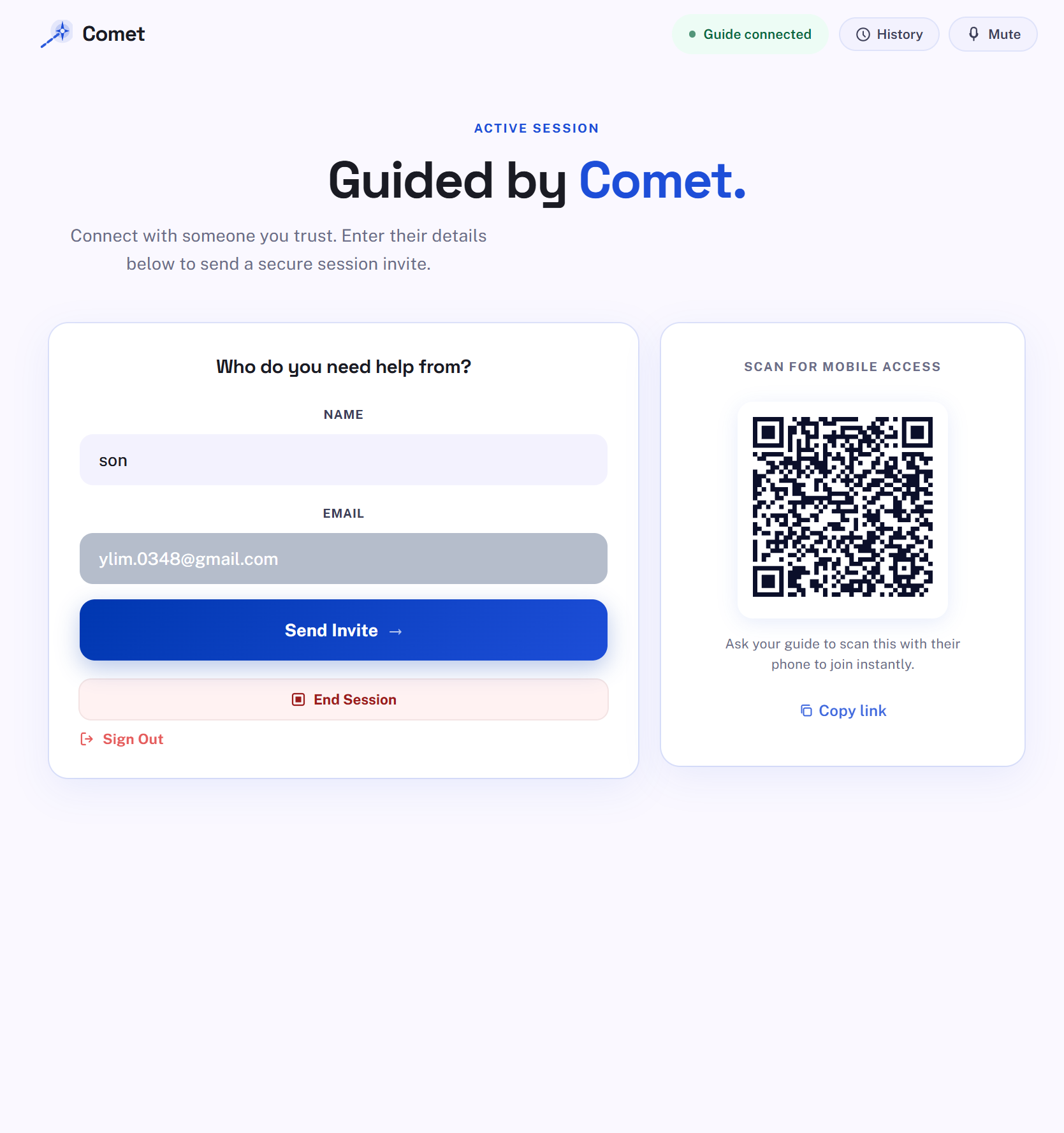
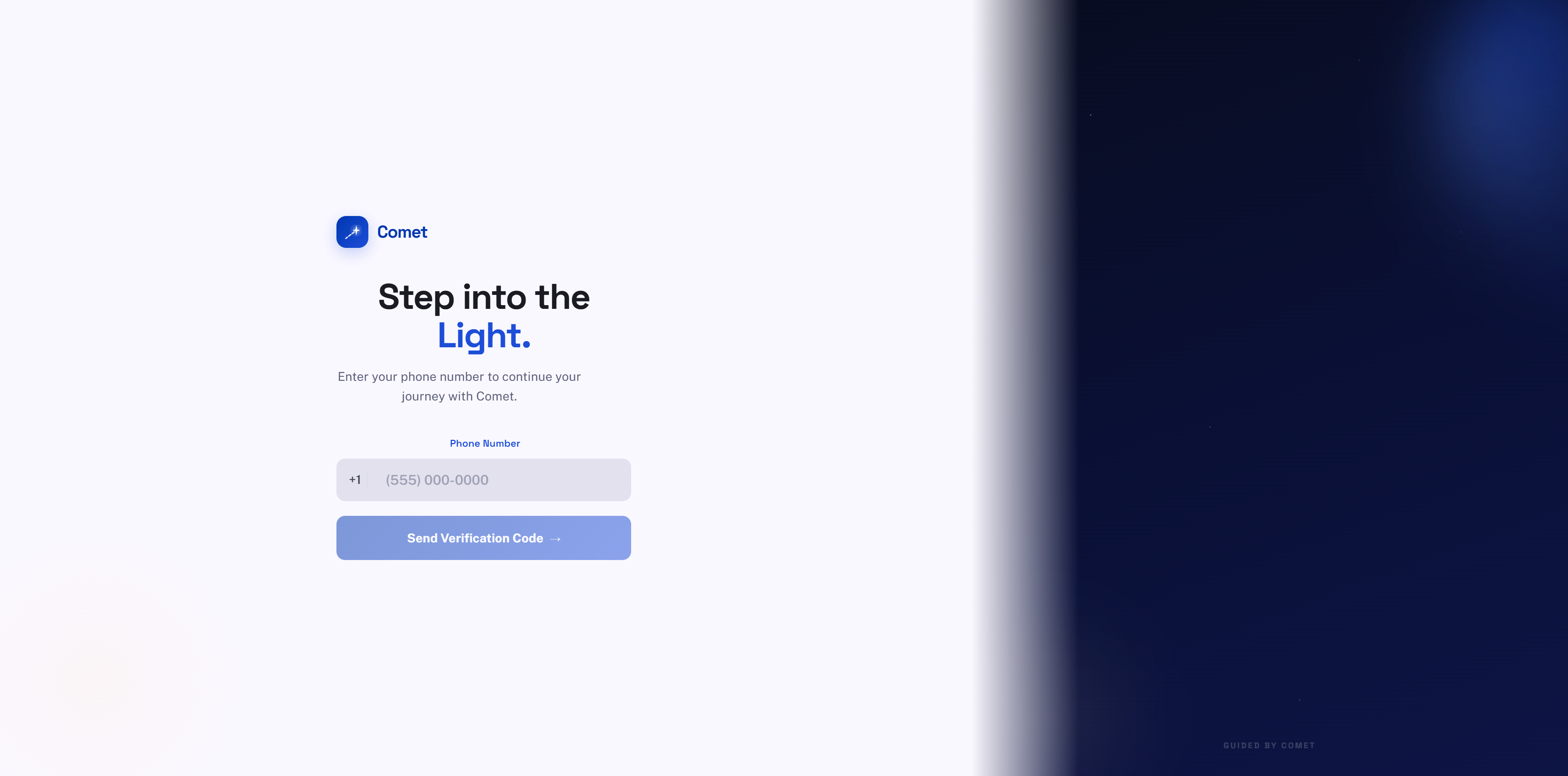
☄️ InspirationWe’ve all been there: a phone call from a grandparent who is frustrated because "the internet is broken." Today, the only solutions are either a stressful voice call where you're "flying blind" or remote-control software like TeamViewer. However, taking control of a senior's device is disempowering—it takes away their autonomy and teaches them nothing.Comet was inspired by the idea that tech support should be a shared experience, not an invasion. We wanted to build a tool that gives the Helper a voice and a pointer, but lets the Senior keep the steering wheel.🛠️ What it doesComet is a "dignity-first" support tool that allows helpers to guide seniors through digital tasks without taking over their devices.The Guiding Star: When a helper clicks on their screen, a pulsing blue marker appears on the senior's screen in real-time, showing them exactly where to look.Persistent Guidance: Through a custom Chrome Extension, the support doesn't end if the senior leaves the meeting tab. A draggable chat bubble and the "Guiding Star" persist across any website they visit.Invisible Onboarding: Seniors join via a single email link or phone number—no passwords to remember, no complex settings to tweak.🏗️ How we built itComet is a full-stack application built for performance and simplicity:Frontend: Built with React for a responsive, accessible interface.Backend: A high-speed FastAPI (Python) server handles the messaging bridge and logic.Real-Time Video: Daily.co was used to implement low-latency WebRTC screen sharing and voice.Identity & Auth: Firebase powers the Phone Authentication, allowing seniors to log in with just their phone number.Communication: Resend handles automated email invites to get seniors into sessions instantly.The Bridge: A Chrome Extension (Manifest V3) uses background scripts and storage listeners to synchronize the pointer and chat data across multiple browser tabs.🚧 Challenges we ran intoThe biggest technical hurdle was State Synchronization. Ensuring that a click on the Helper's video feed translated to the exact $x/y$ coordinates on the Senior's browser—regardless of their screen resolution or aspect ratio—required complex coordinate mapping math.Additionally, we faced a "Double Bubble" issue where the extension and the web app would both try to render the UI on the same page. We solved this by implementing a dynamic attribute-check system that detects if the Comet web app is active and silences the extension overlay accordingly.🏆 Accomplishments that we're proud ofSolo Execution: Building a full-stack app, a browser extension, and integrating three different third-party APIs (Daily, Firebase, Resend) as a solo developer within the hackathon timeframe.The "Invisible" UI: Creating an interface for seniors that requires zero learning curve. If they can see a pulsing light, they can be guided.The Extension Bridge: Successfully passing real-time coordinates from a WebRTC stream through a background service worker to an overlay on a different tab.🧠 What we learnedI learned that building for accessibility isn't just about font size—it's about agency. I dove deep into the Chrome Extension API and learned how to manage complex state between disparate parts of the browser. I also gained experience in "Inverted UI" design—designing a tool where the primary user (the Helper) has restricted power by design to empower the end-user.🚀 What's next for CometMobile Integration: Developing a mobile "Pocket Guide" using Android overlays and Safari Web Extensions to support seniors on their phones.AI-Assisted Guidance: Using on-device AI to automatically highlight common "confusion points" like hidden login buttons or deceptive ads.
Built With
- fastapi
- python
- react
- typescript

Log in or sign up for Devpost to join the conversation.