-
-
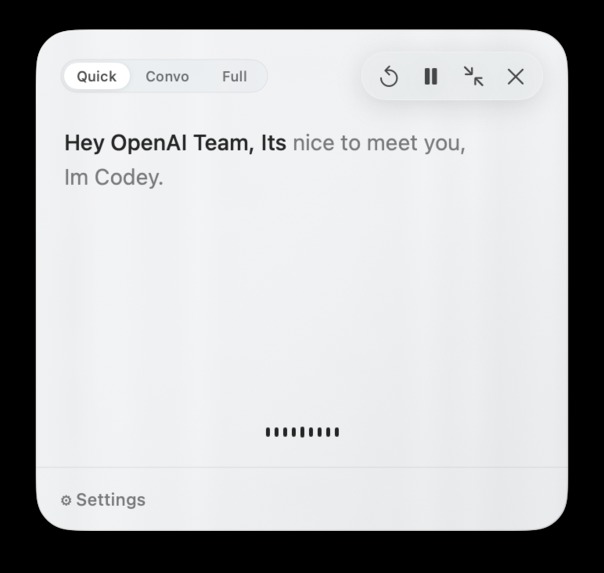
Codey In Action (expanded view)
-
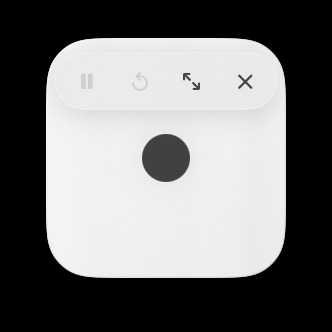
Codey (minimized- Hovered)
-

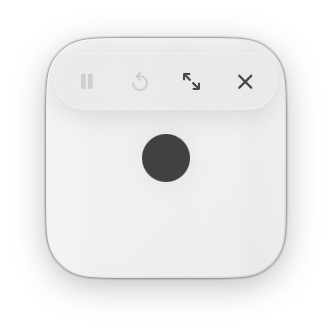
Codey (minized)
Inspiration
I am a pretty heavy user of Codex and coding agents. I dictate most of my prompts instead of typing, and that alone saves me a ton of time.
The problem is that it only solves half of the workflow. Once Codex finishes, I still have to stop what I am doing, return to the screen, and skim through the response to figure out what actually matters.
Sometimes I want every detail. Sometimes I just want the important parts. And sometimes, if I am being honest, I am simply too lazy to read the whole thing. Productive laziness is still productivity.
That is why I built Codey. It gives Codex a voice.
What it does
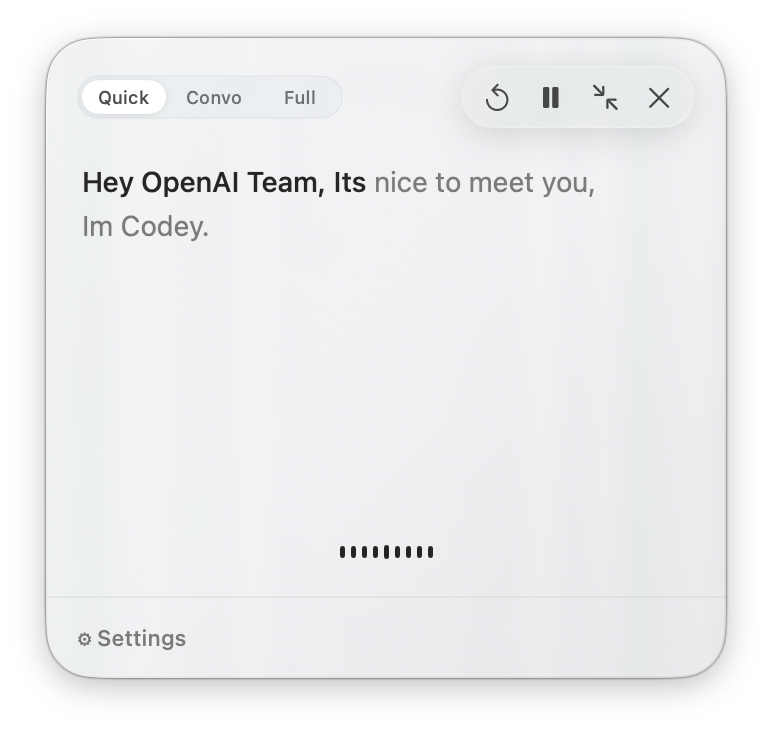
Codey is a native macOS companion that knows when a Codex task is finished and reads the result out loud.
There are three modes:
- Quick gives you the shortest useful takeaway.
- Convo explains the important points like a teammate catching you up.
- Full reads the complete response.
This means I can hear what Codex did while continuing to work, looking at another screen, or doing something completely different.
How we built it
I built Codey as a native macOS app using SwiftUI, AppKit, and AVFoundation.
Codey connects to Codex through a local completion hook, verifies that a real task has finished, and prepares the response based on the selected mode. GPT-5.6 Terra helps create the Quick and Convo readouts, while GPT-4o mini TTS turns the selected text into speech.
There is no Codey backend. Users connect their own OpenAI API key, and requests go directly from their Mac to OpenAI.
Codex was my implementation, testing, debugging, and review partner throughout the build. It helped me move much faster, but I made the final product, design, and behavior decisions.
Challenges we ran into
The hardest part was not getting a computer to speak. It was deciding what was actually worth saying.
Early versions sounded robotic, skipped important context, or ended in the middle of a thought. Convo mode especially needed to understand the structure of a response instead of randomly pulling lines from it.
I also had to fix audio startup latency, clipped sentences, and transcript highlighting that moved faster than the actual voice. Small issues like that made a huge difference once I started using Codey in real workflows.
Accomplishments that we're proud of
I turned a simple idea into a complete native macOS app during Build Week.
Codey now has three genuinely different readout modes, natural AI-generated speech, playback controls, synced transcript highlighting, secure local API key storage, a full onboarding flow, and no Codey-owned backend.
The final build passed 384 automated tests and was signed, notarized, and approved by Apple for normal macOS installation.
Most importantly, it is something I actually use.
What we learned
A good spoken handoff is not just a written summary read out loud. It needs to understand what happened, what matters, and what the user should know next.
I also learned that voice makes small UX problems impossible to ignore. Timing, wording, pacing, and even one awkward sentence can completely change how natural the product feels.
Codey started as a simple question: I talk to Codex, so why should Codex not talk back?
What's next for Codey
Next, I want to get Codey into the hands of more developers and see how they use Quick, Convo, and Full in real workflows.
From there, I want to keep reducing latency, make the spoken responses feel even more natural, and eventually explore support for more coding agents.
Built With
- appkit
- avfoundation
- codex
- gpt-4o-mini-tts
- gpt-5.6-sol
- gpt-5.6-terra
- macos
- openai-api
- swift
- swiftui
- xcode

Log in or sign up for Devpost to join the conversation.