-
-
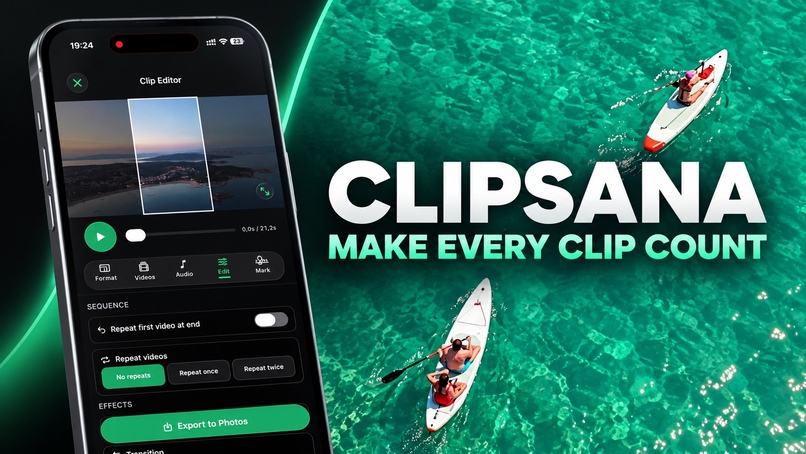
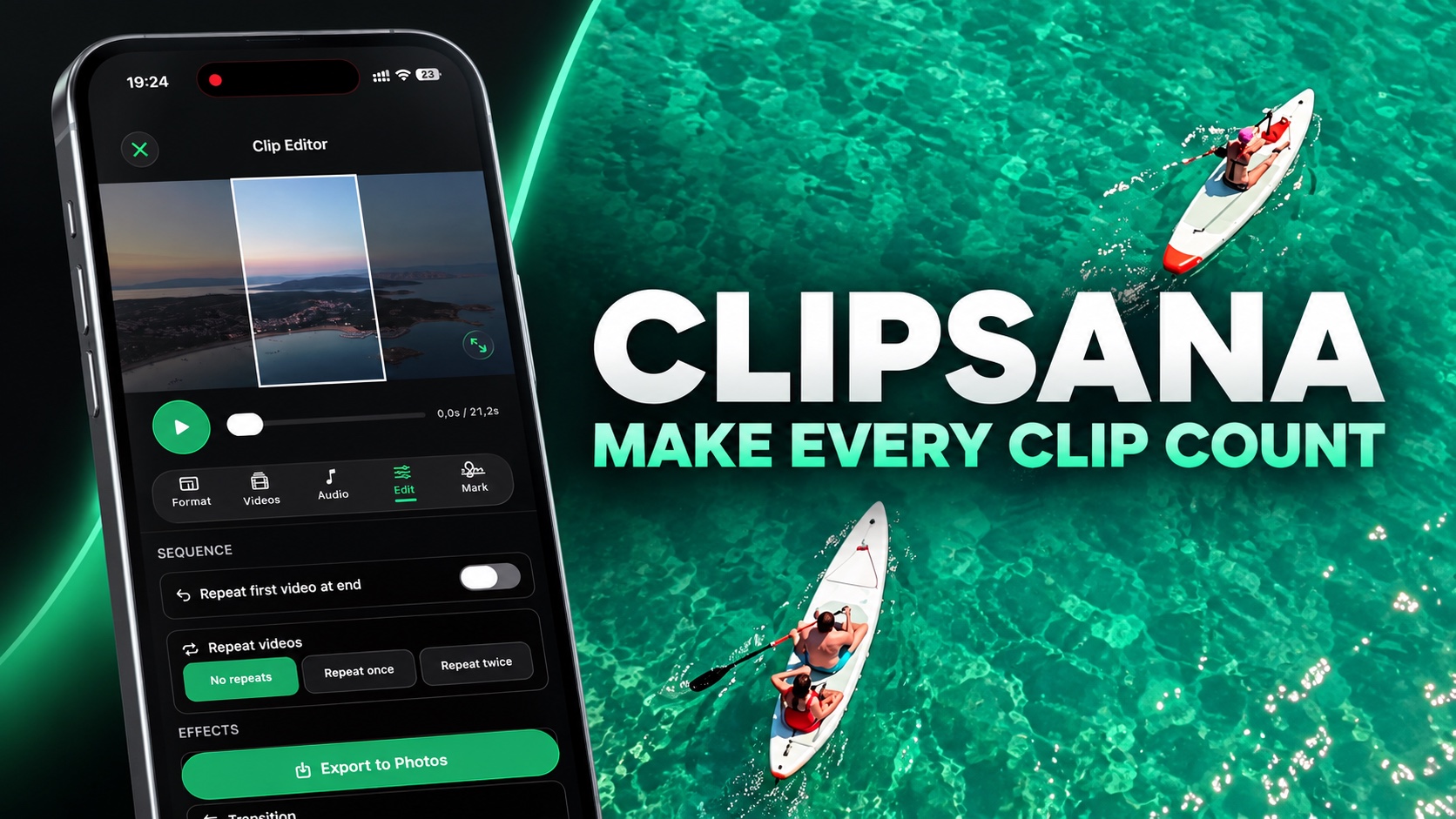
Clipsana - Make every clip count
-
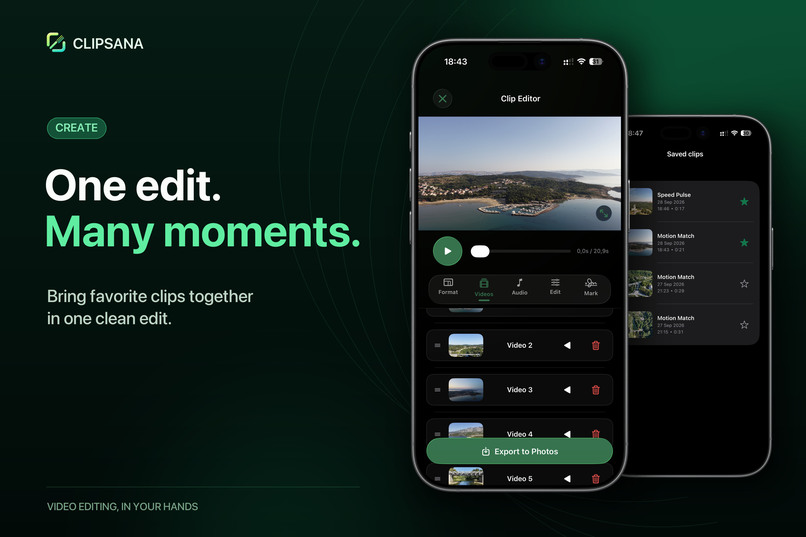
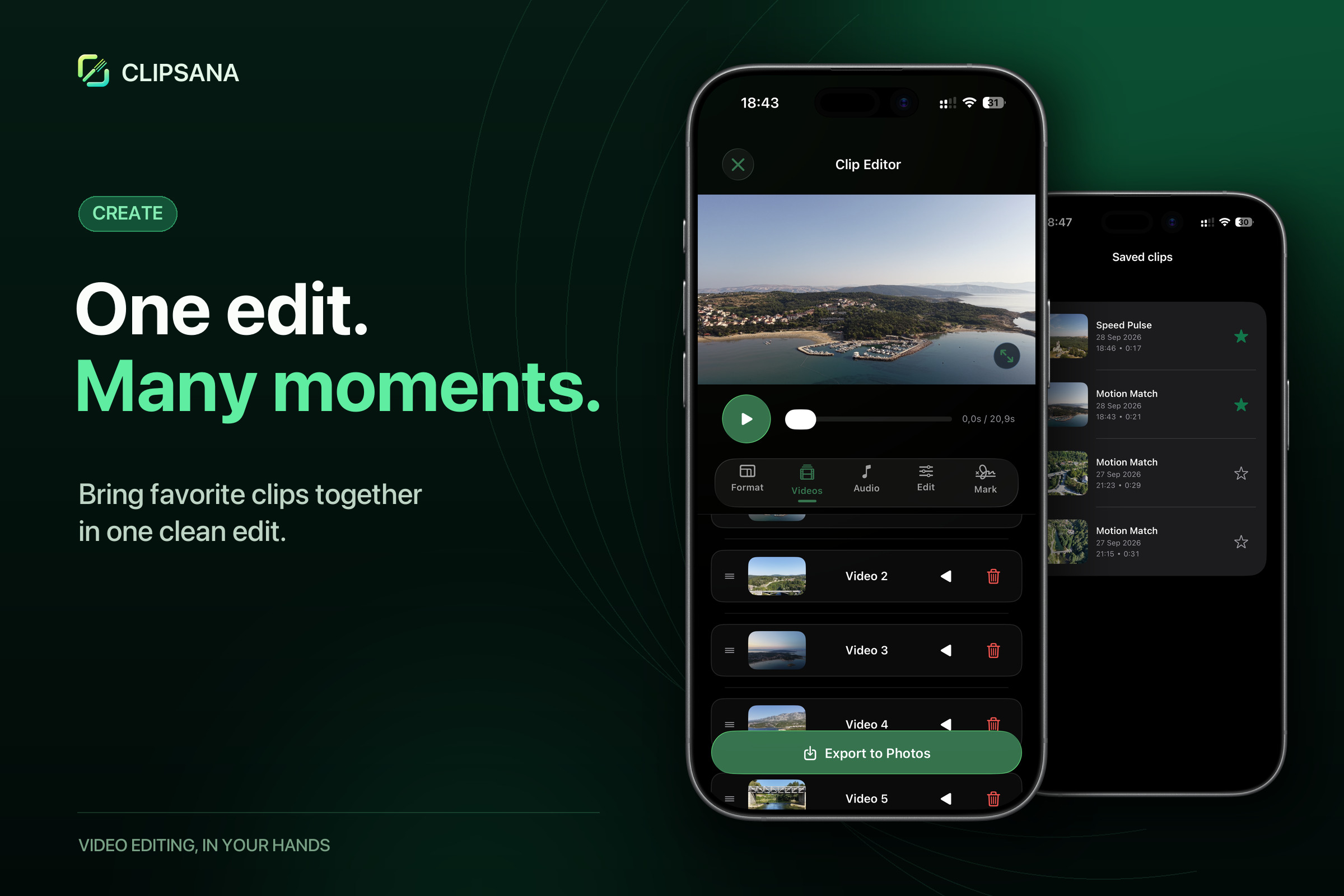
One edit. Many Moments.
-
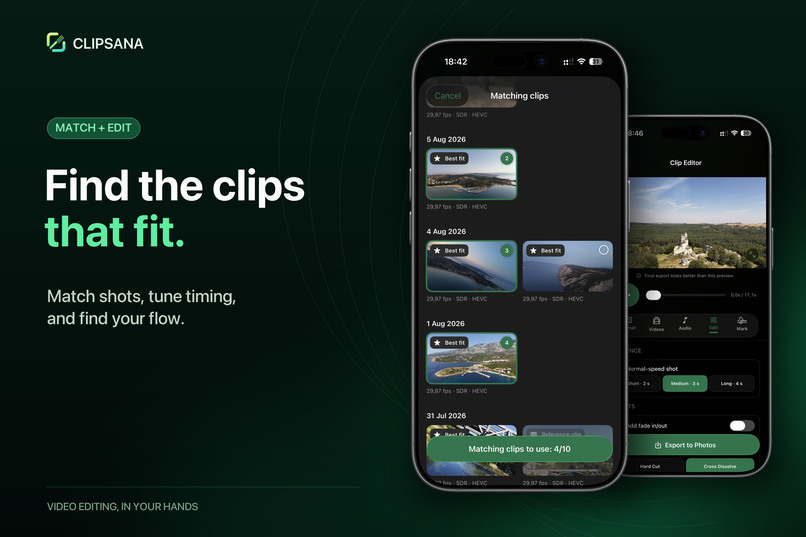
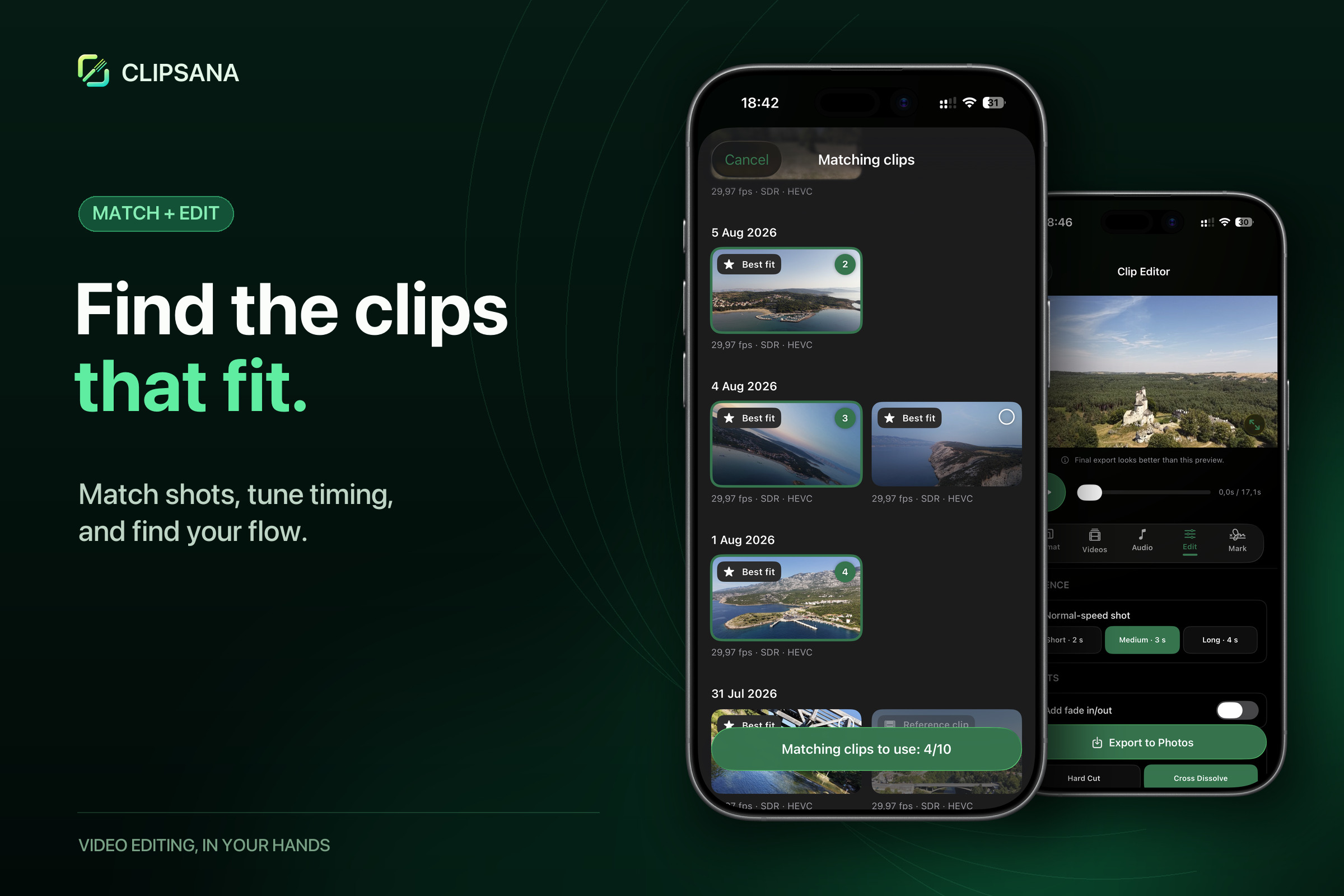
Find the clips that fit.
-
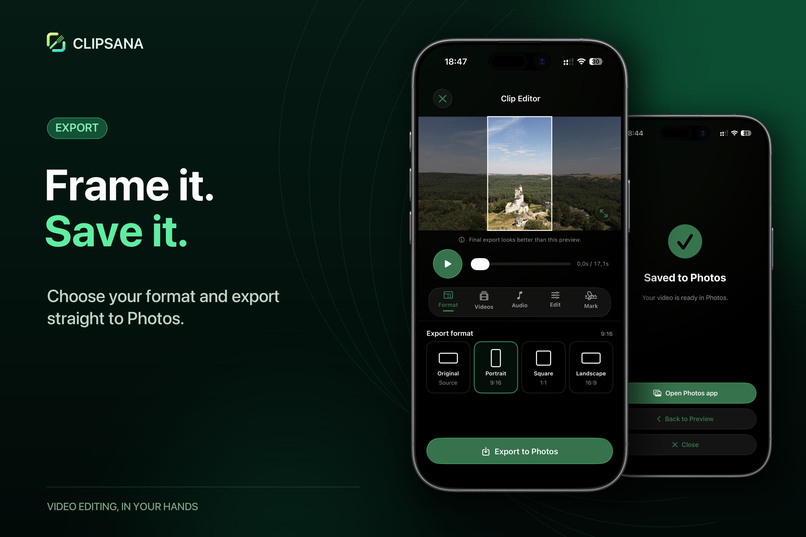
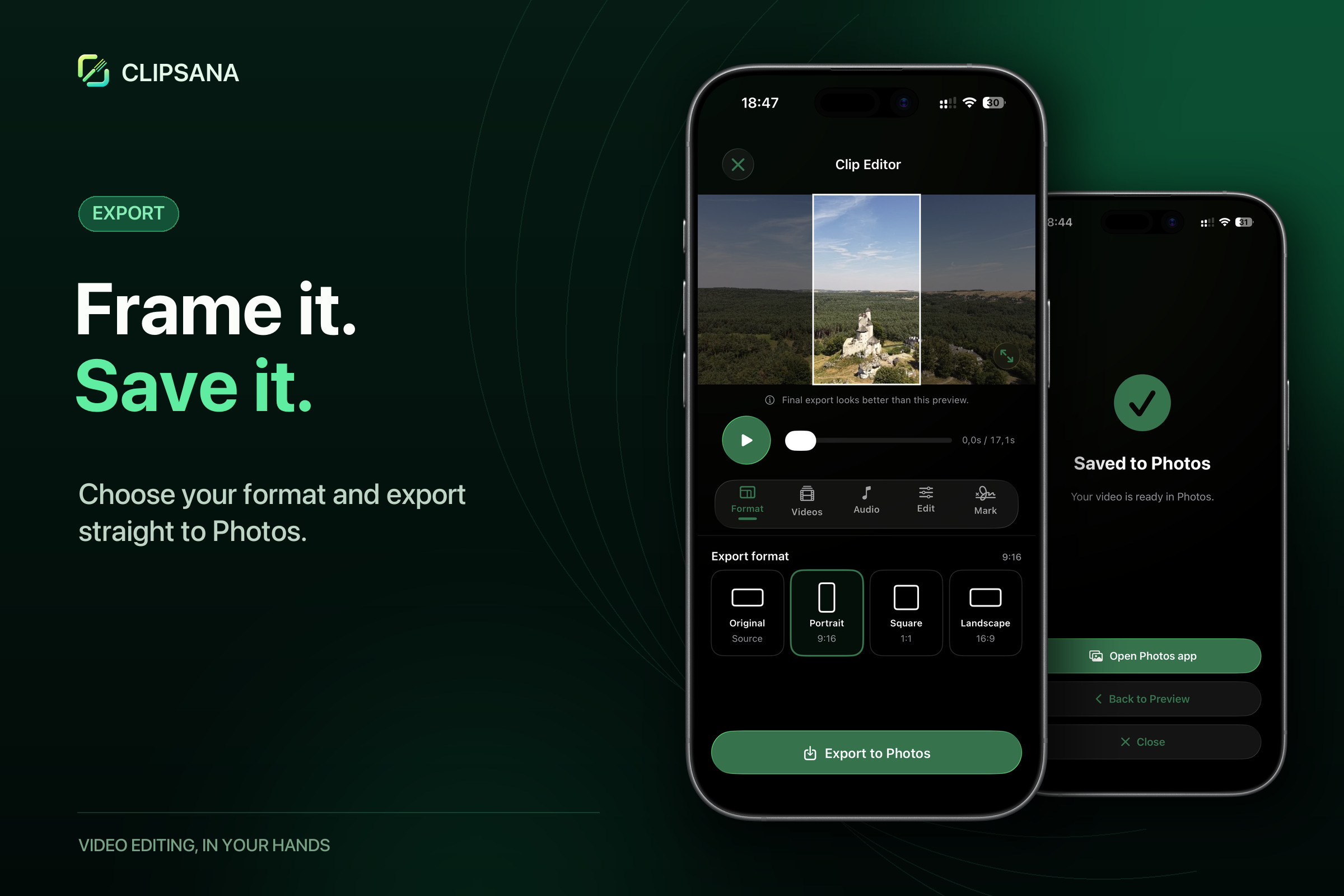
Frame it. Save it.
-

Application icon
-
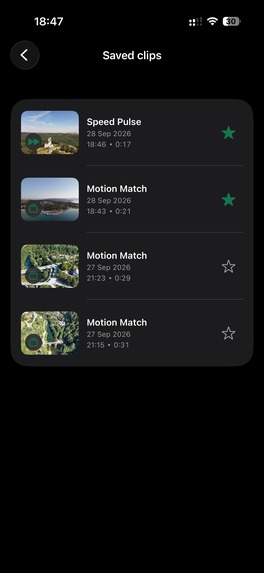
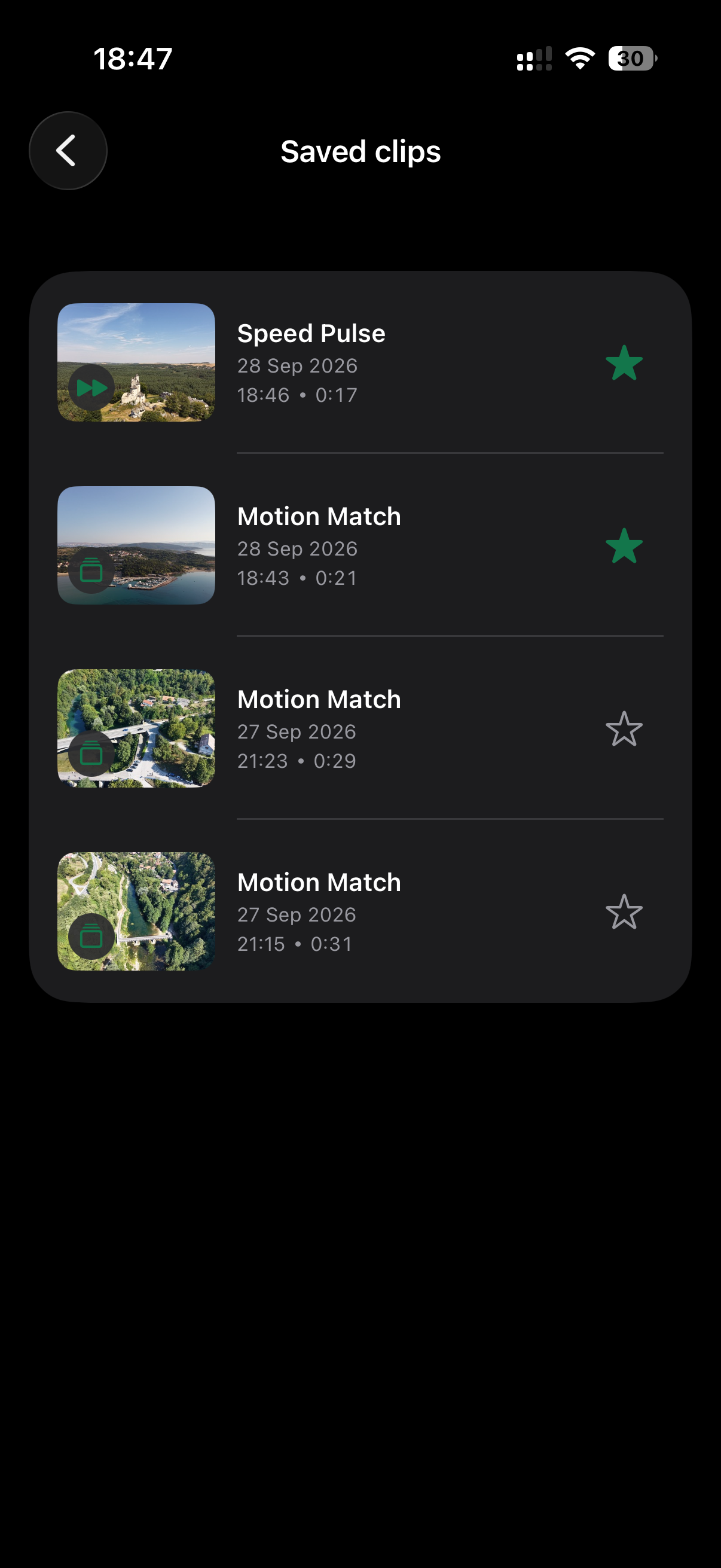
iPhone screenshot - list of clips
-
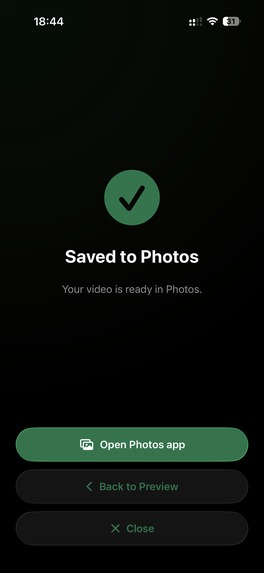
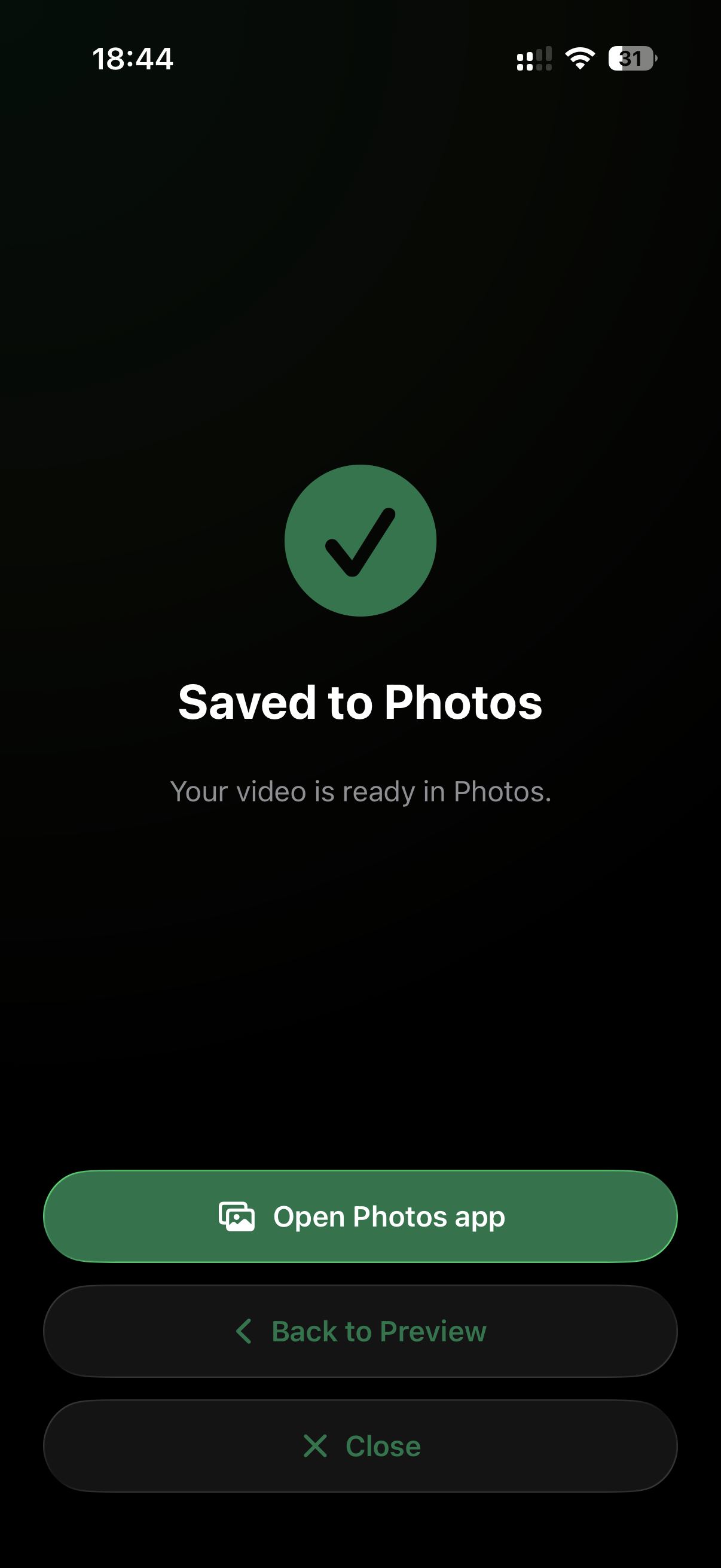
iPhone screenshot - final export
-
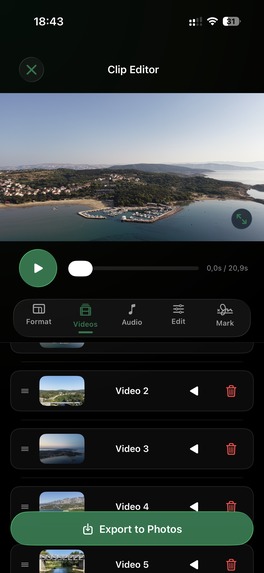
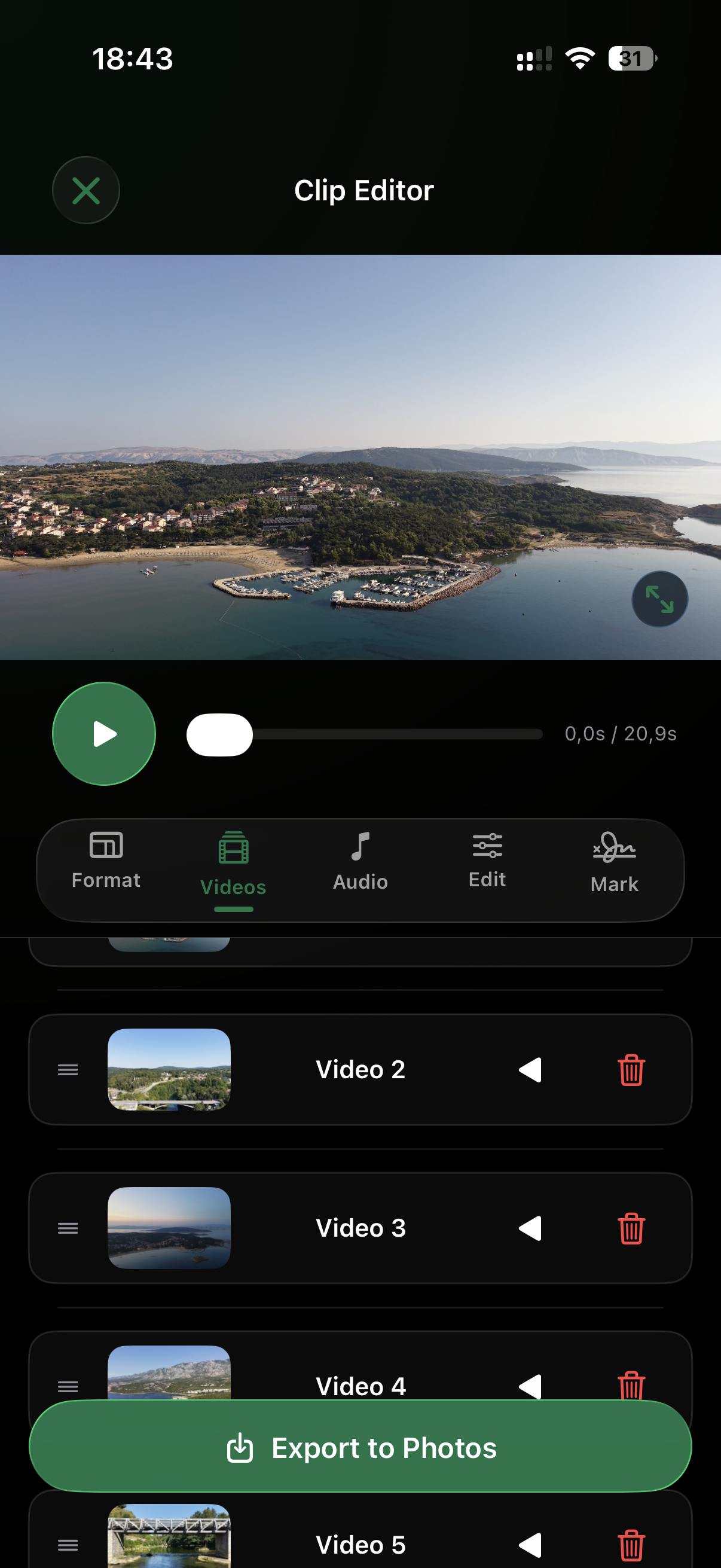
iPhone screenshot - clip editor with list of videos
-
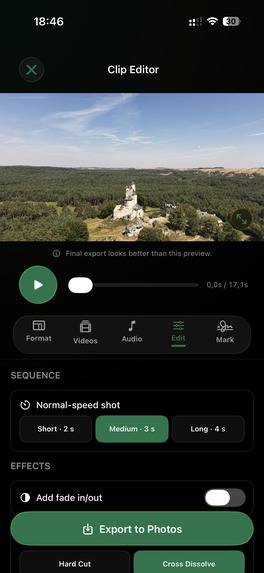
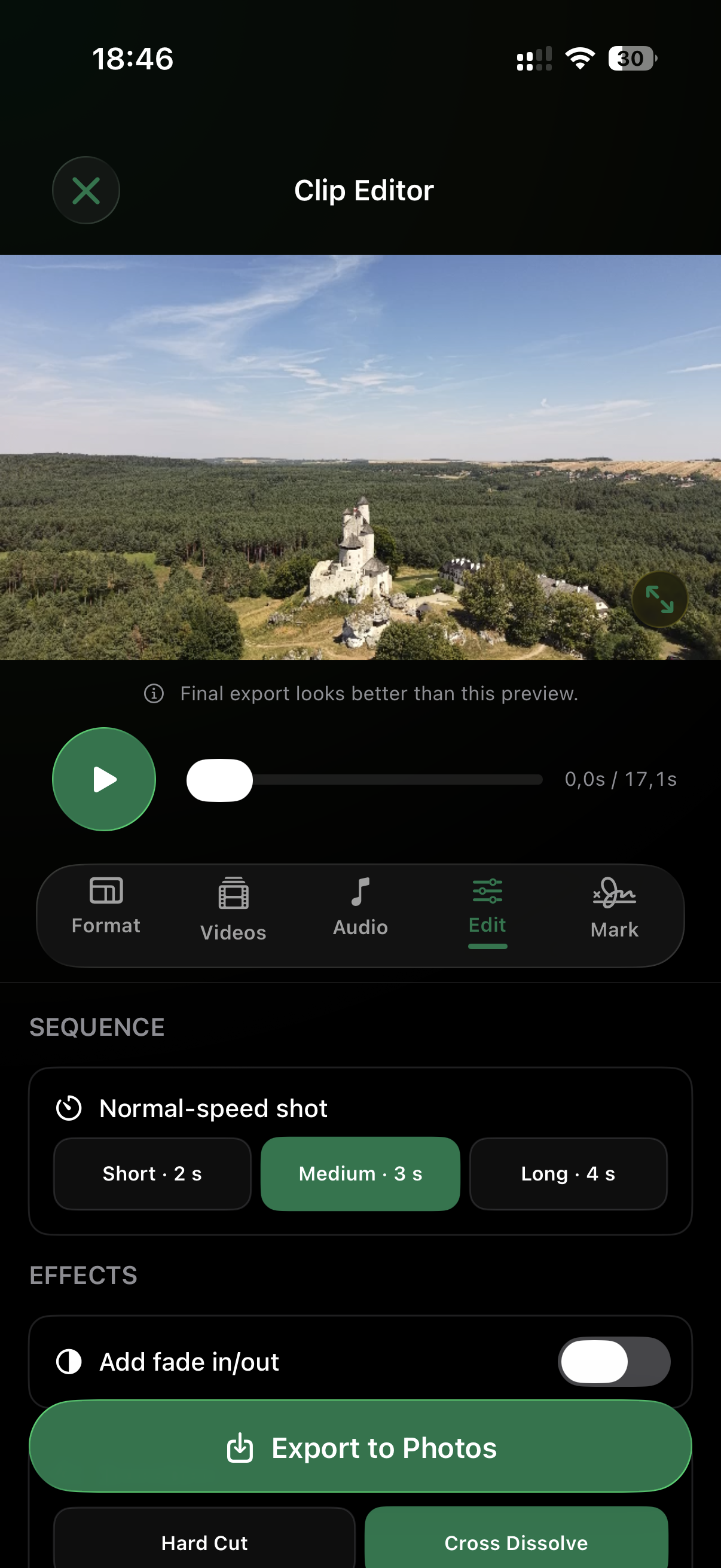
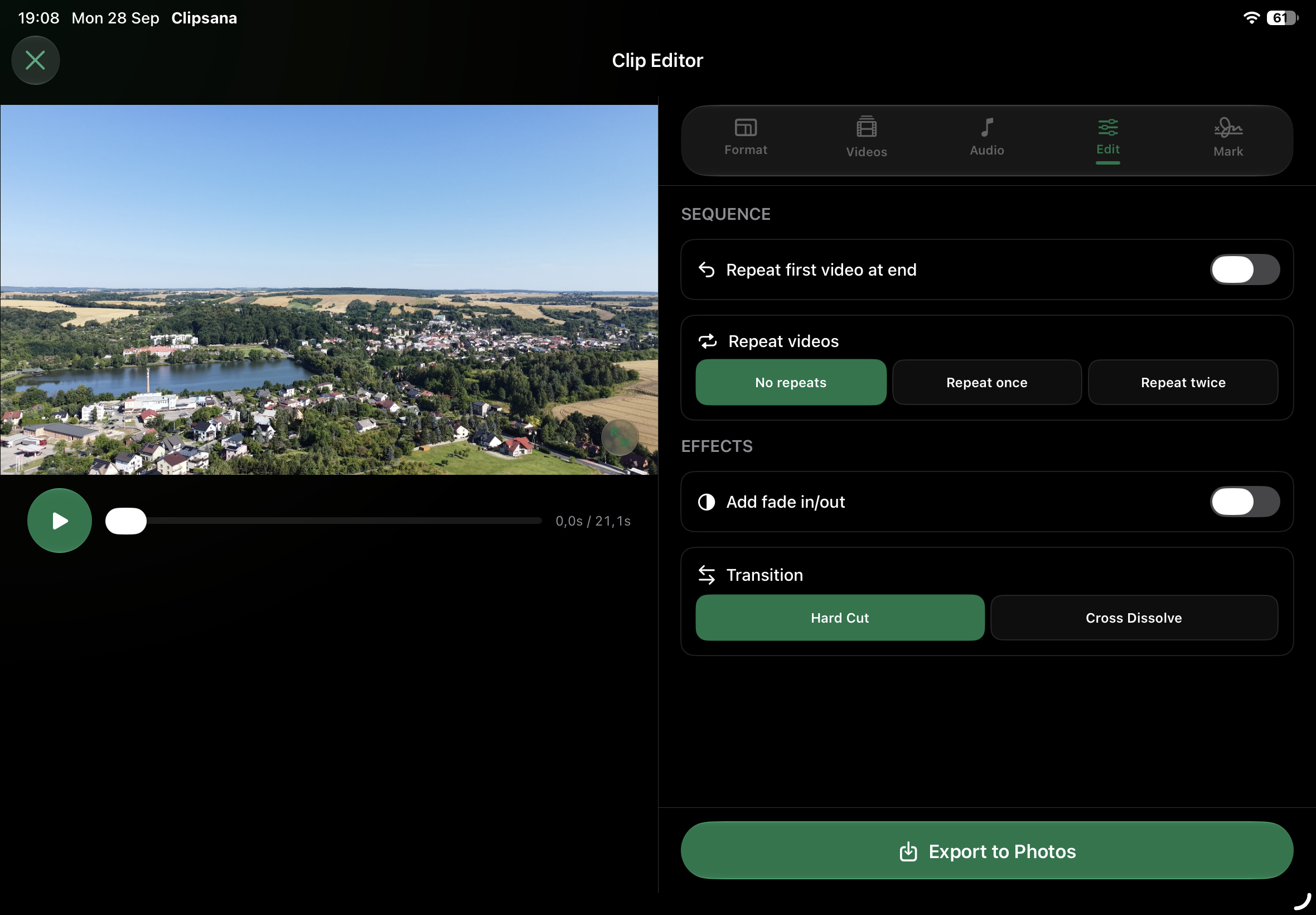
iPhone screenshot - clip editor with list of options
-
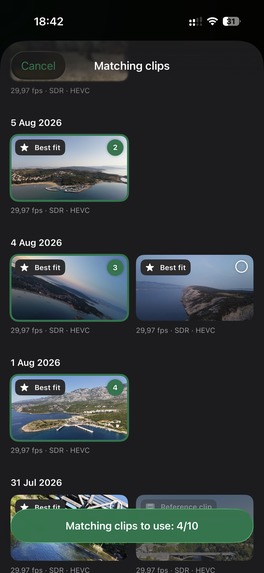
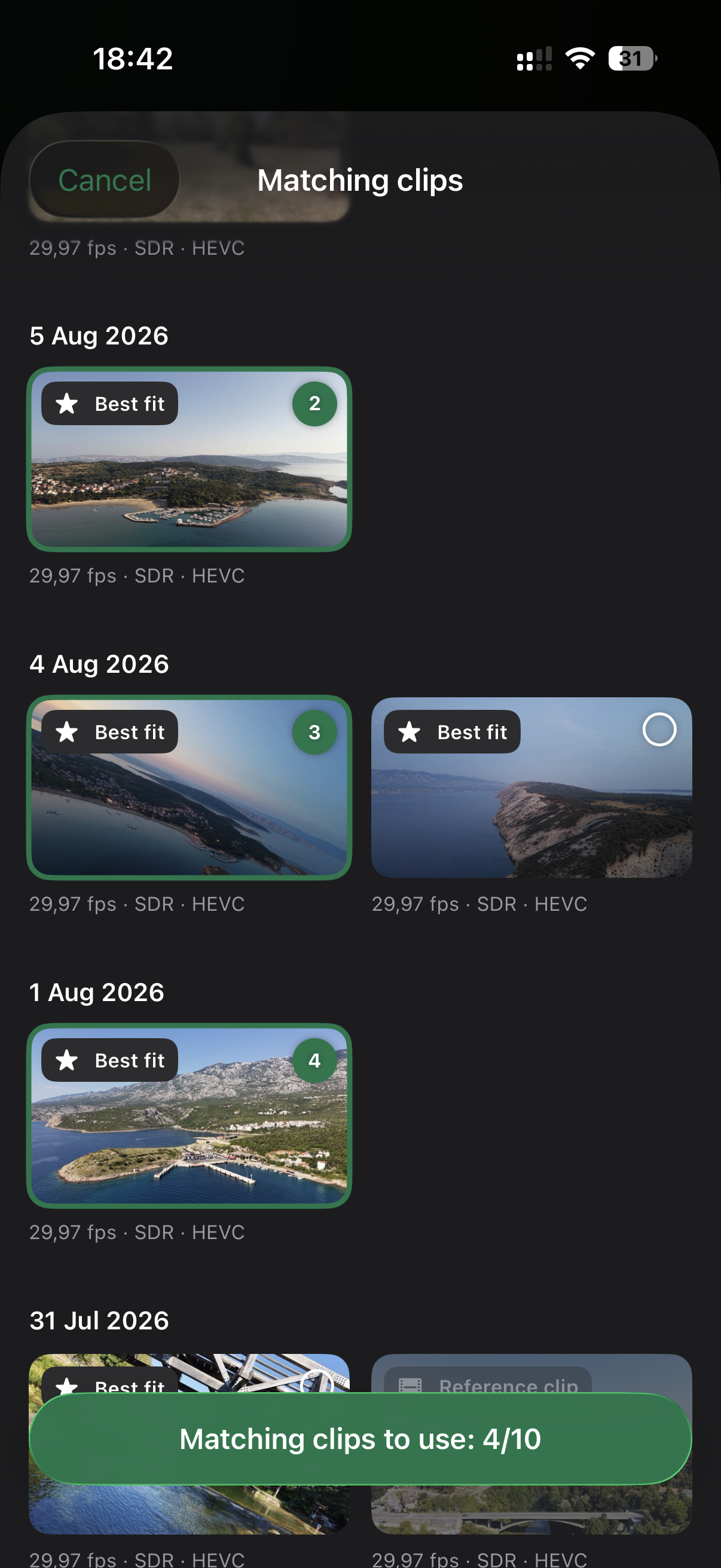
iPhone screenshot - "Magic Match" functionality
-
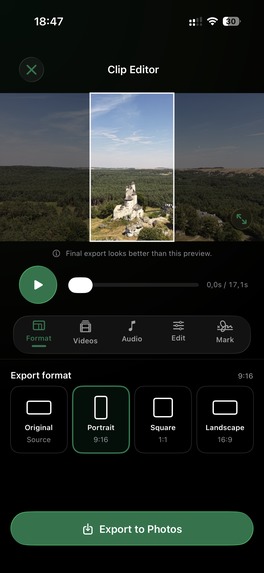
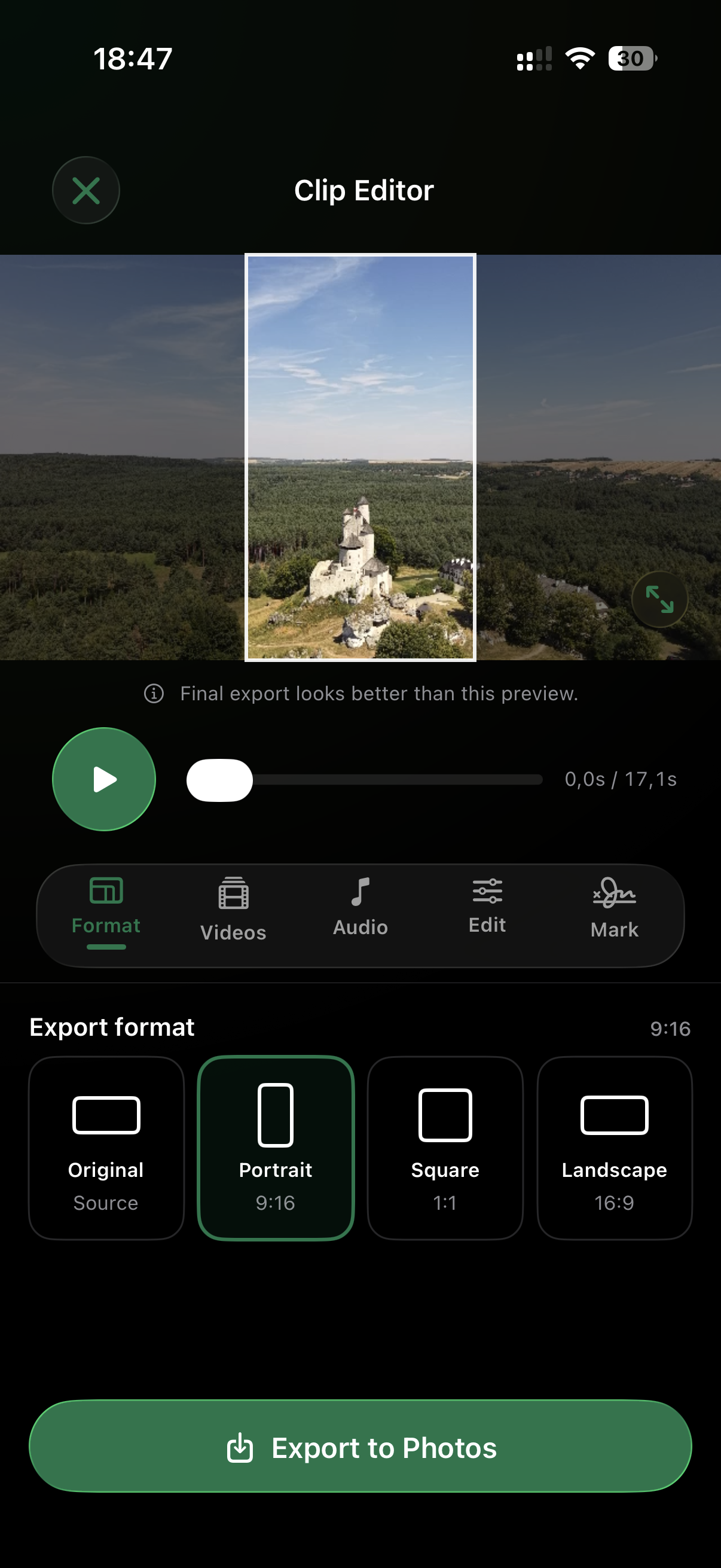
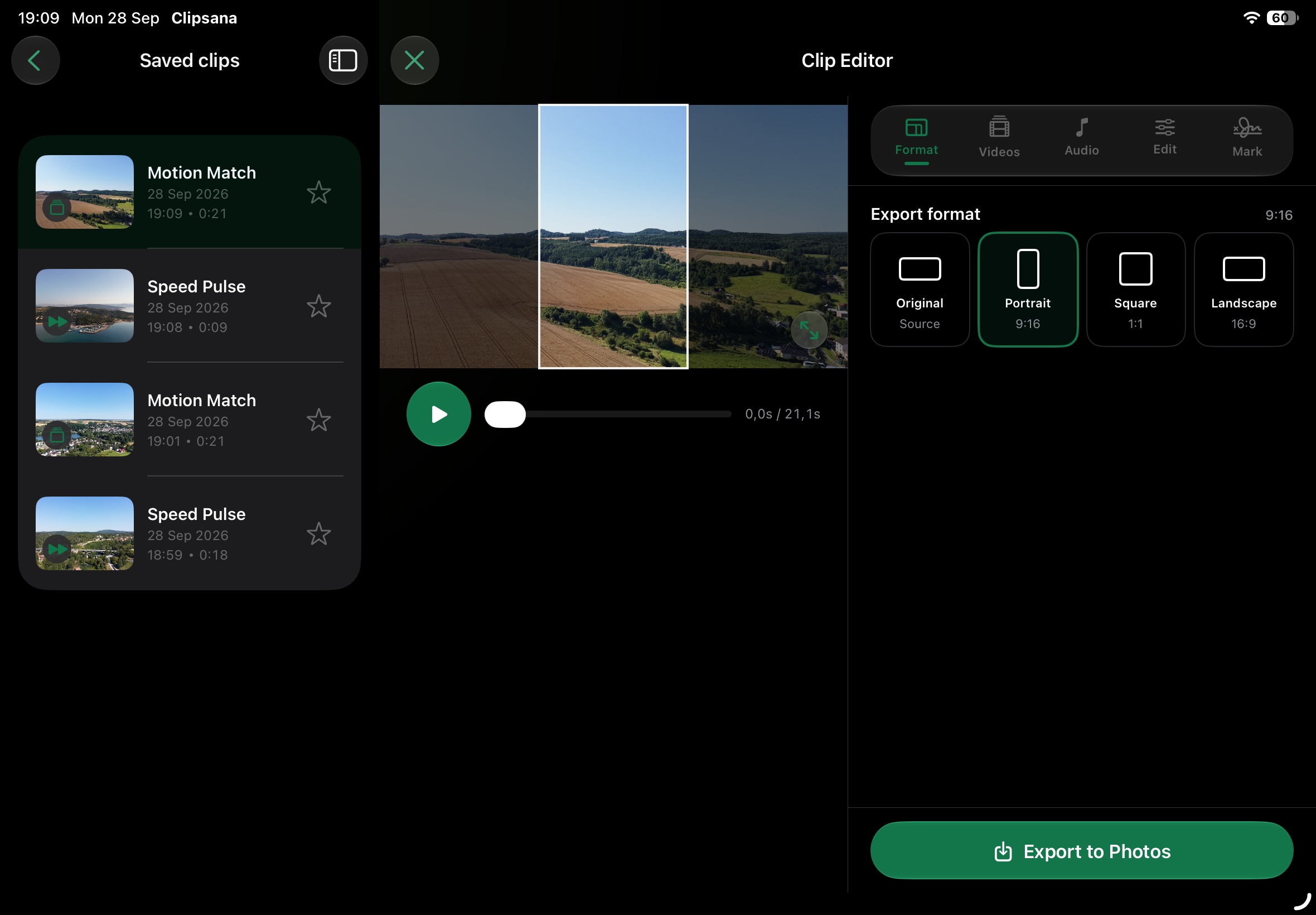
iPhone screenshot - clip editor with format selection
-
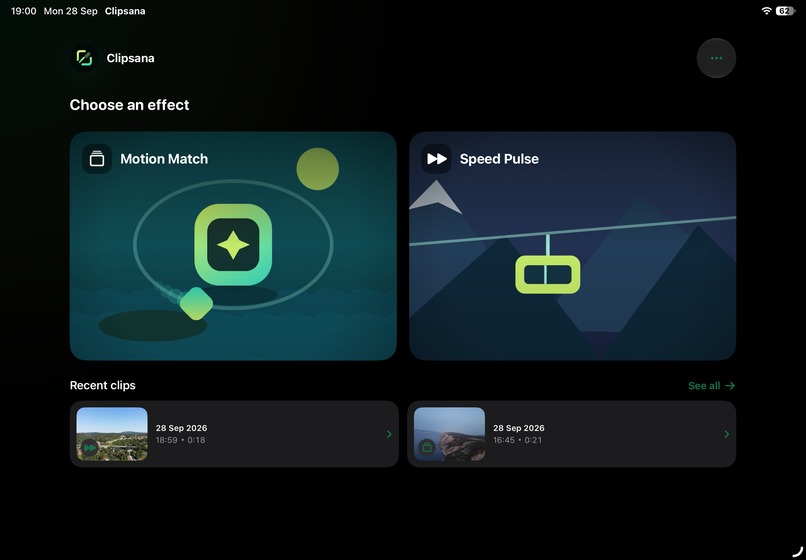
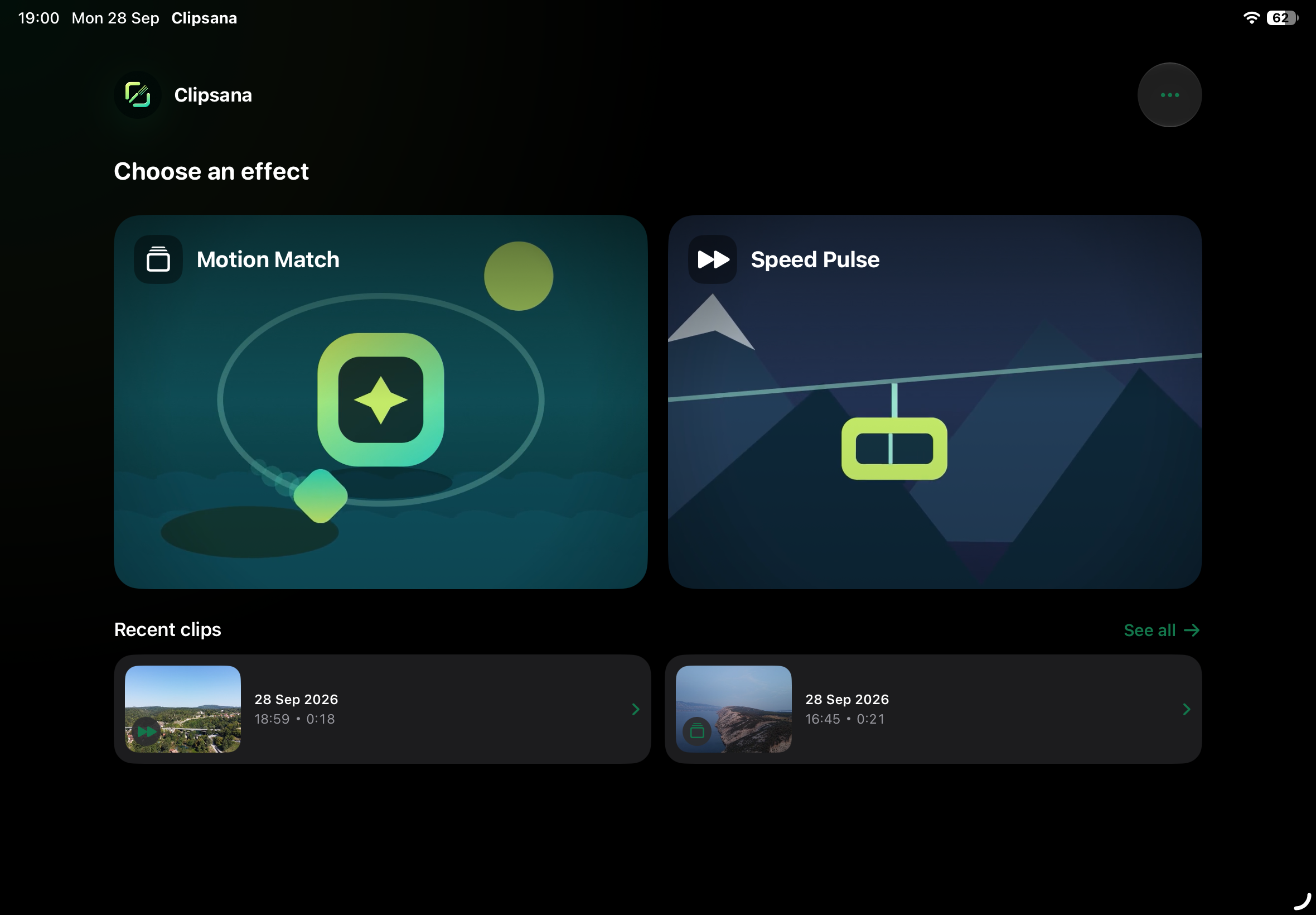
iPad screenshot - home
-
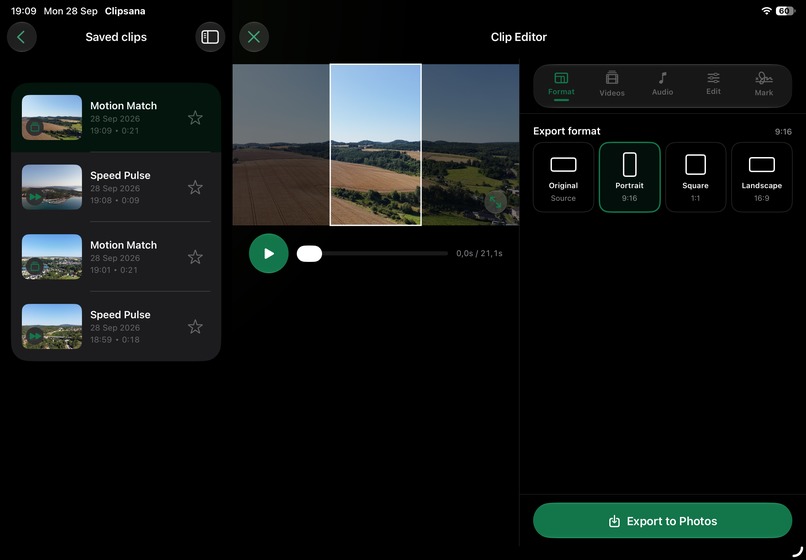
iPad screenshot - editor with list of saved clips
-
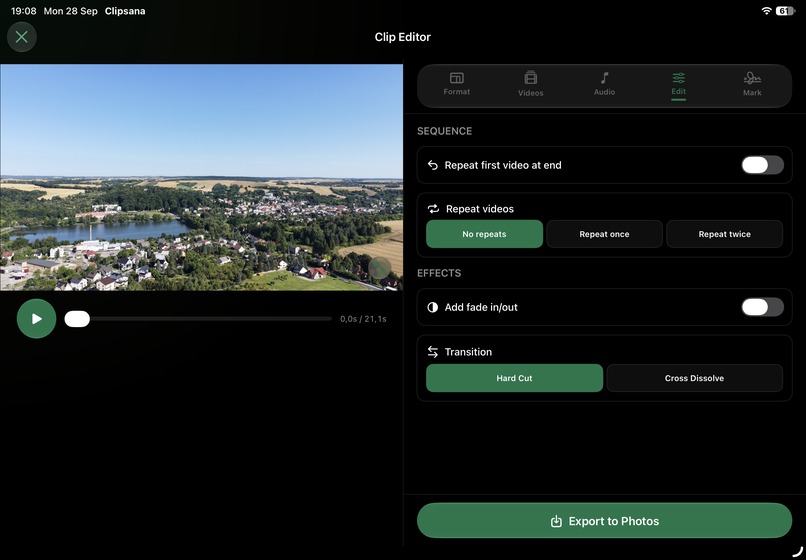
iPad screenshot - clip editor

Inspiration
My growing passion for flying drones sparked Clipsana. I enjoyed freestyle flying, but I also loved the cinematic shots built into my drone’s app. After a vacation, I wanted to combine those shots into short videos that would show family and friends the beauty of the places we had explored. I had specific, eye-catching effects in mind, but couldn’t find a simple way to create them without using a professional video editor. And with everyone’s attention spans getting shorter, a brief, striking montage felt like the best way to share those memories.
What it does
Clipsana makes it easy to turn several clips into one finished video. It began as a tool for drone footage and gradually became a simple editor for everyday videos too. You can choose an effect, arrange your clips, preview the edit, add music, and export the result.
How we built it
I built Clipsana as an iOS engineer with 17 years of experience. I used the latest OpenAI language models to help me move faster, while keeping the architecture, coding standards, and product decisions firmly in my hands.
Challenges we ran into
Smooth effect previews were one of the toughest challenges. Large video files can easily cause lag, so keeping editing responsive took careful optimization. I also built Smart Match and its Best fit filter to help people find clips with compatible video settings. Making that guidance useful without suggesting it understands the visual content of a shot was an important part of the work.
Accomplishments that we're proud of
I’m proud of how smoothly Motion Match previews play, with high visual quality and no noticeable lag. I’m equally proud of the editing experience: it feels approachable even when the work behind it is complex. Building this much functionality over the past few weeks, after hours and alongside my responsibilities as a father, means a lot to me.
What we learned
I learned that an intuitive editing experience comes from revisiting the UI and UX many times. I also gained a deeper understanding of video processing, the challenges of keeping editing smooth, and how to implement subscriptions. Along the way, I learned to work even more effectively with AI tools.
What's next for Clipsana
The foundation is in place, and I have plenty more to build: new effects, improvements to the existing ones, and a freestyle mode that gives users more creative control.
Built With
- avfoundation
- chatgpt
- core-graphics
- core-media
- firebase
- photosui
- revenuecat
- spm
- storekit
- swift
- swiftui
- tuist
- uikit
- xcode

Log in or sign up for Devpost to join the conversation.