-
-
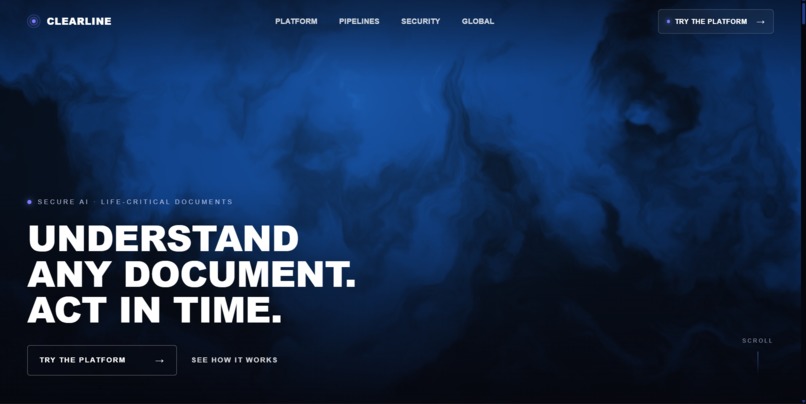
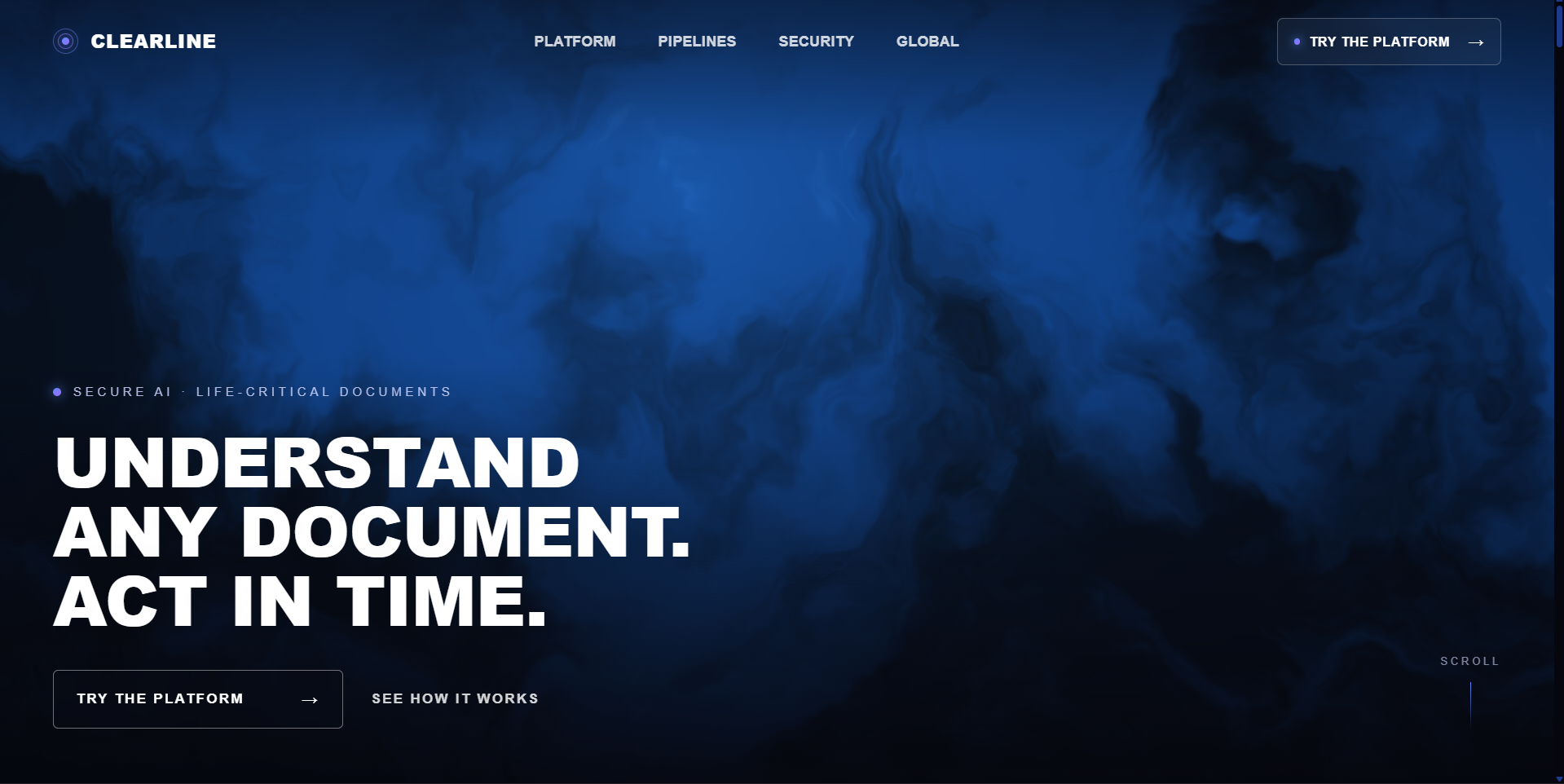
Main Landing Page
-
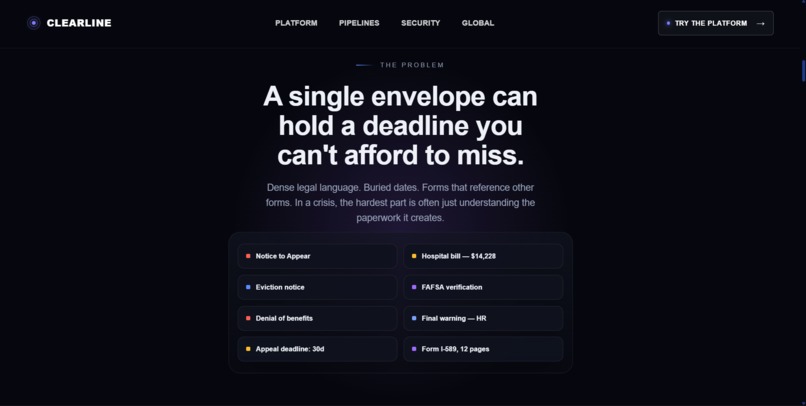
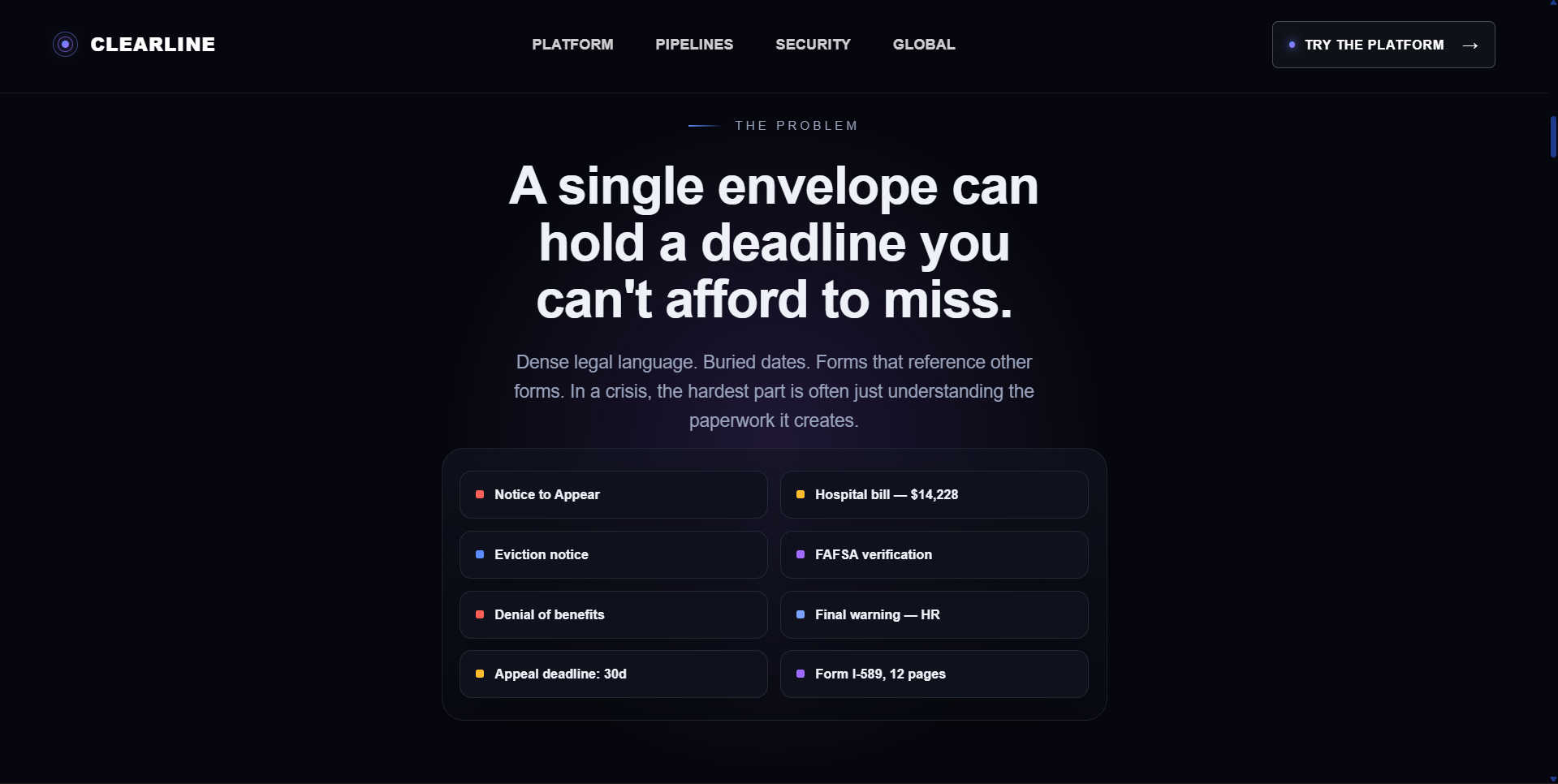
Problem
-
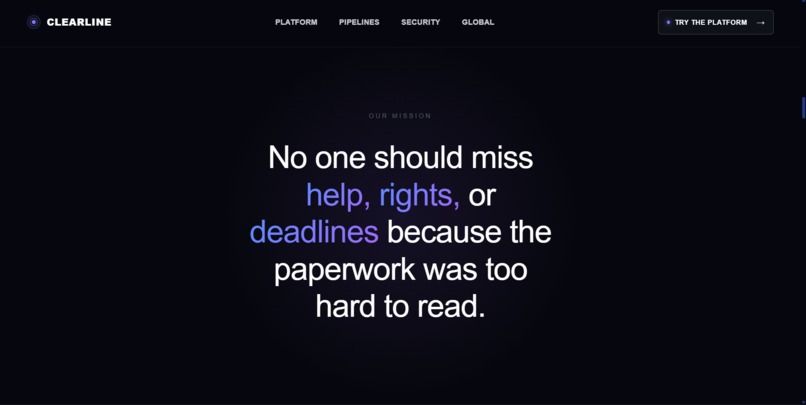
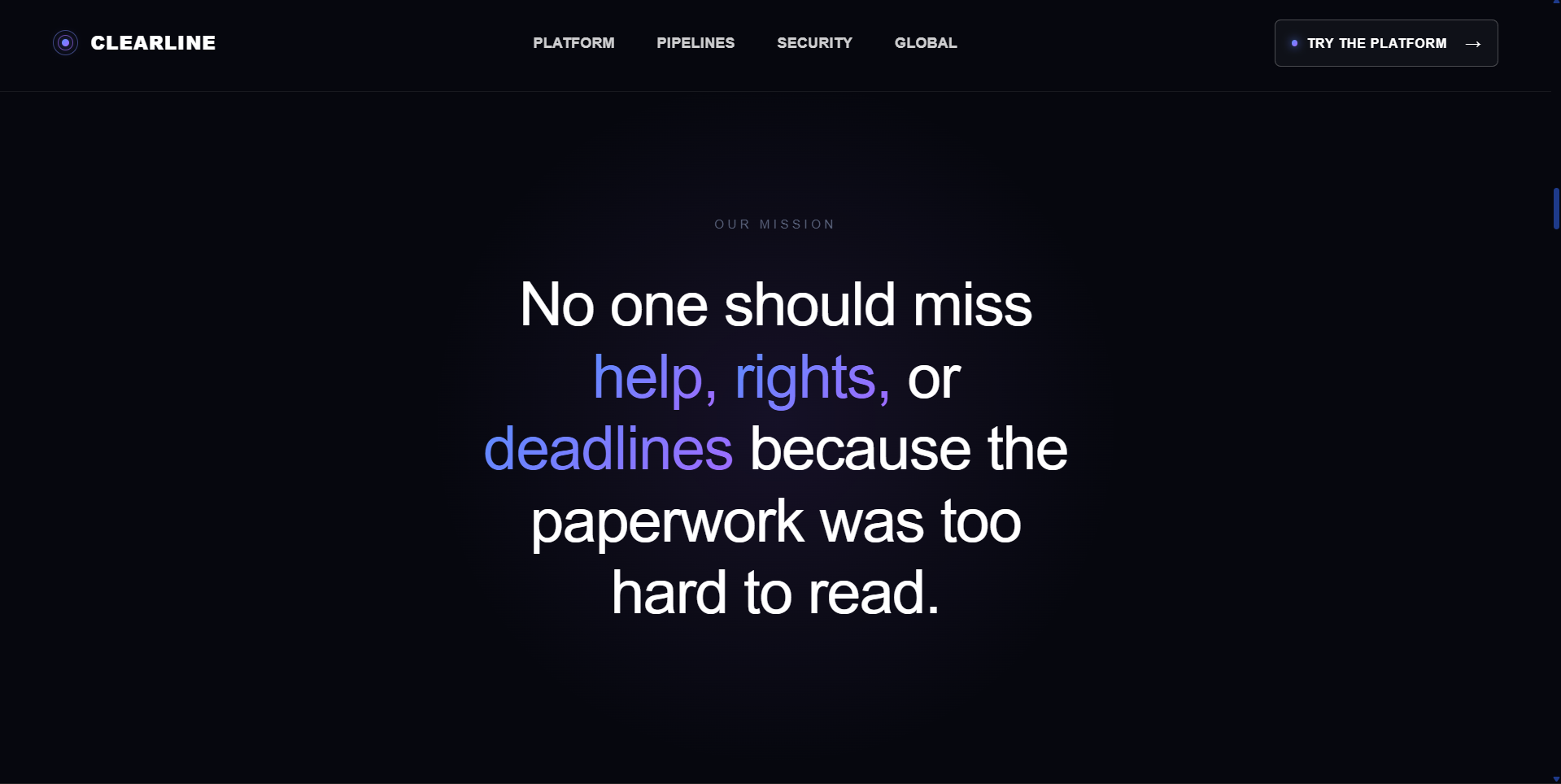
Our Mission
-
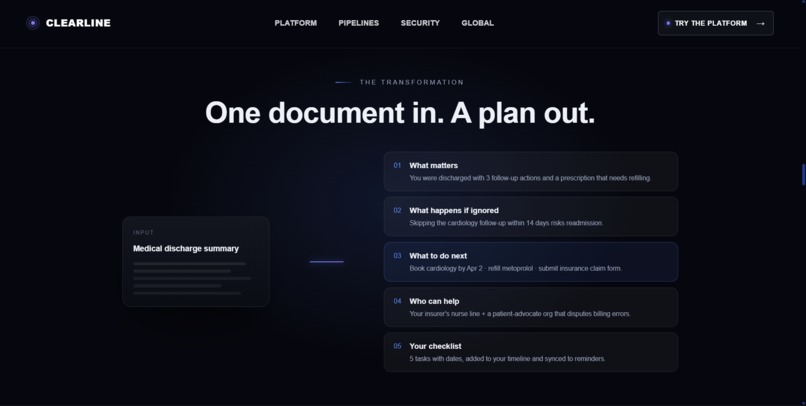
Solution
-
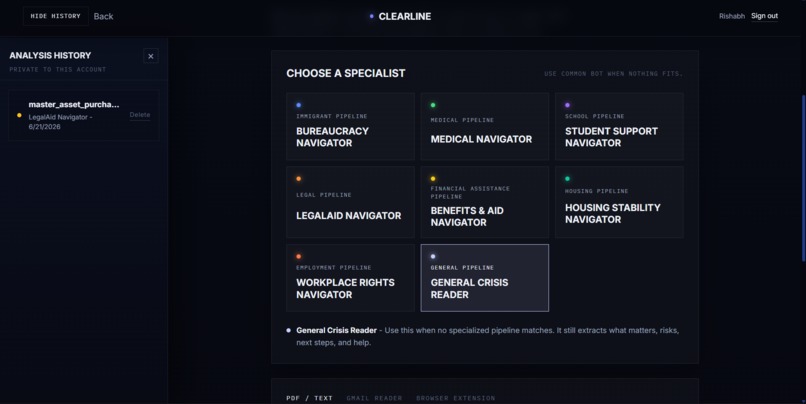
AI Pipelines/bots + Dashboard
-
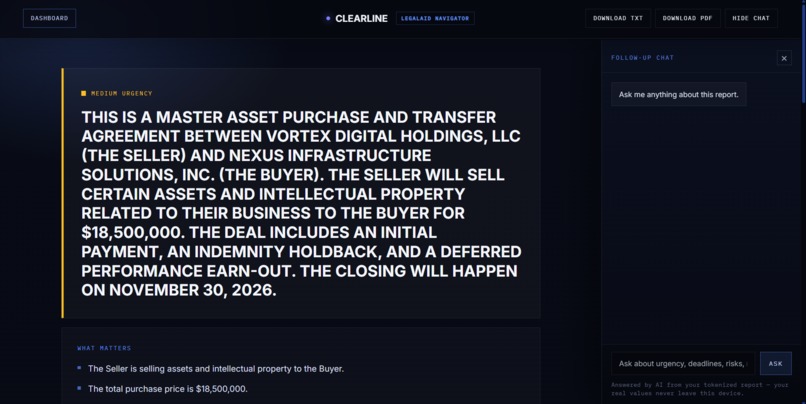
Full Report
-
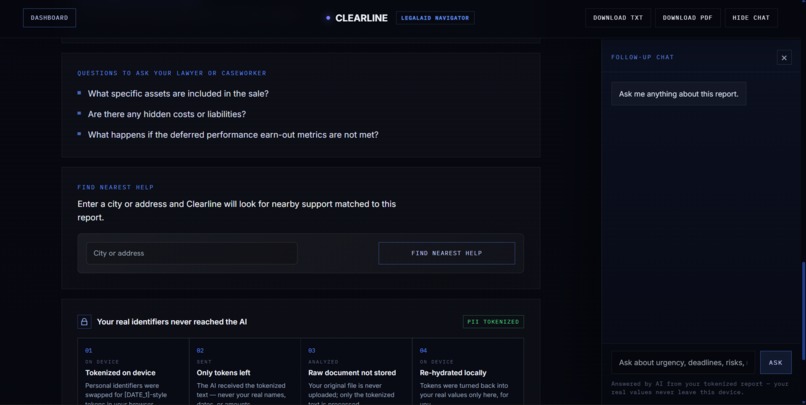
Find Nearest Help + Chatbot
-
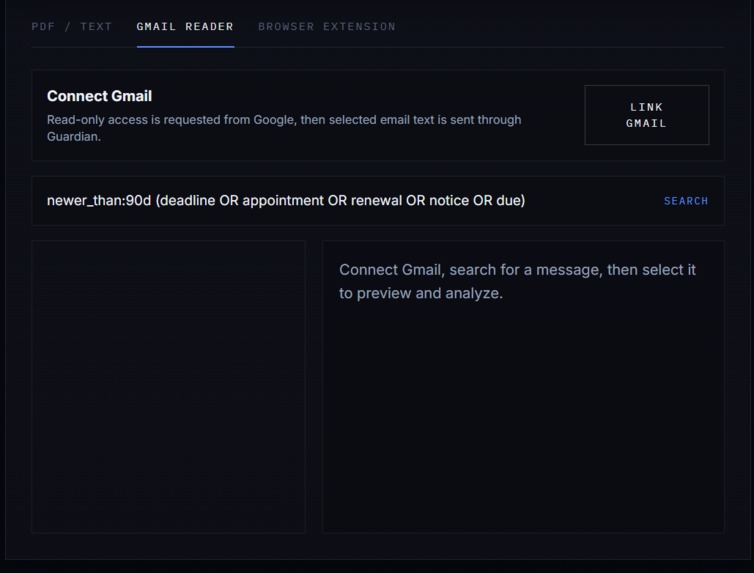
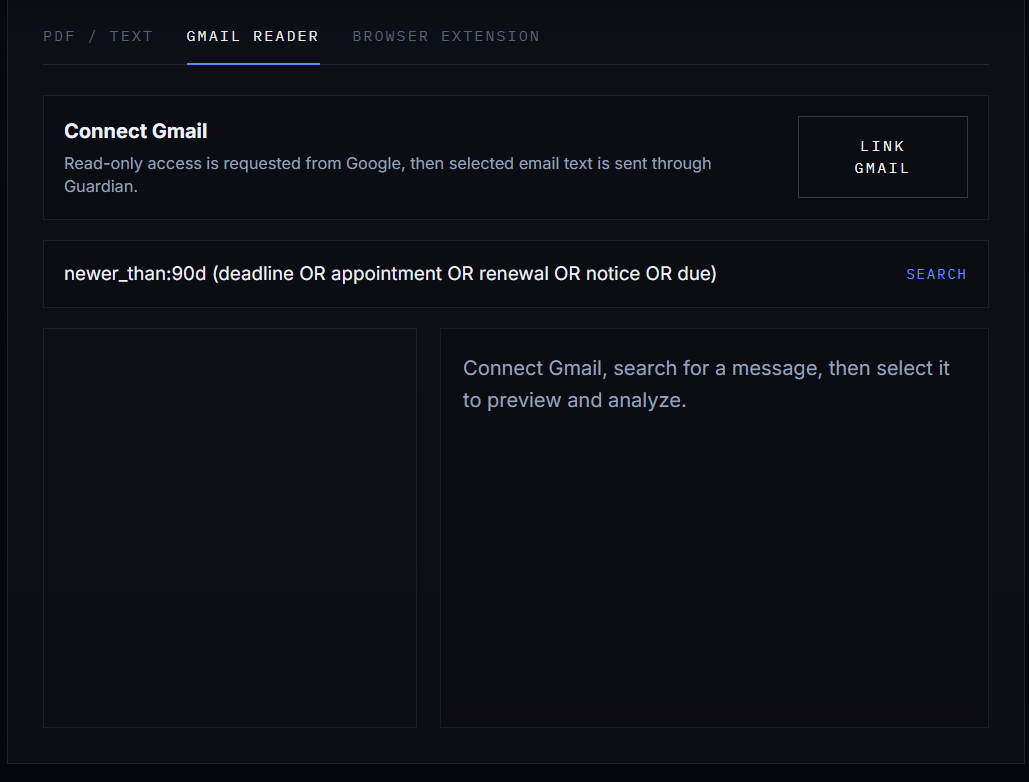
Gmail reading API
-
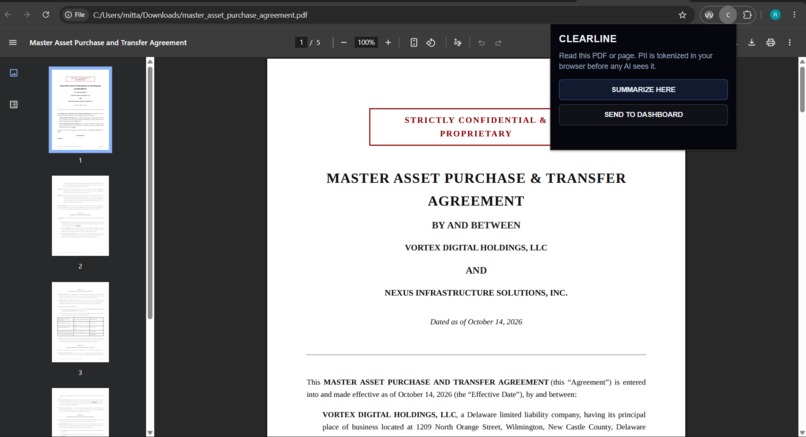
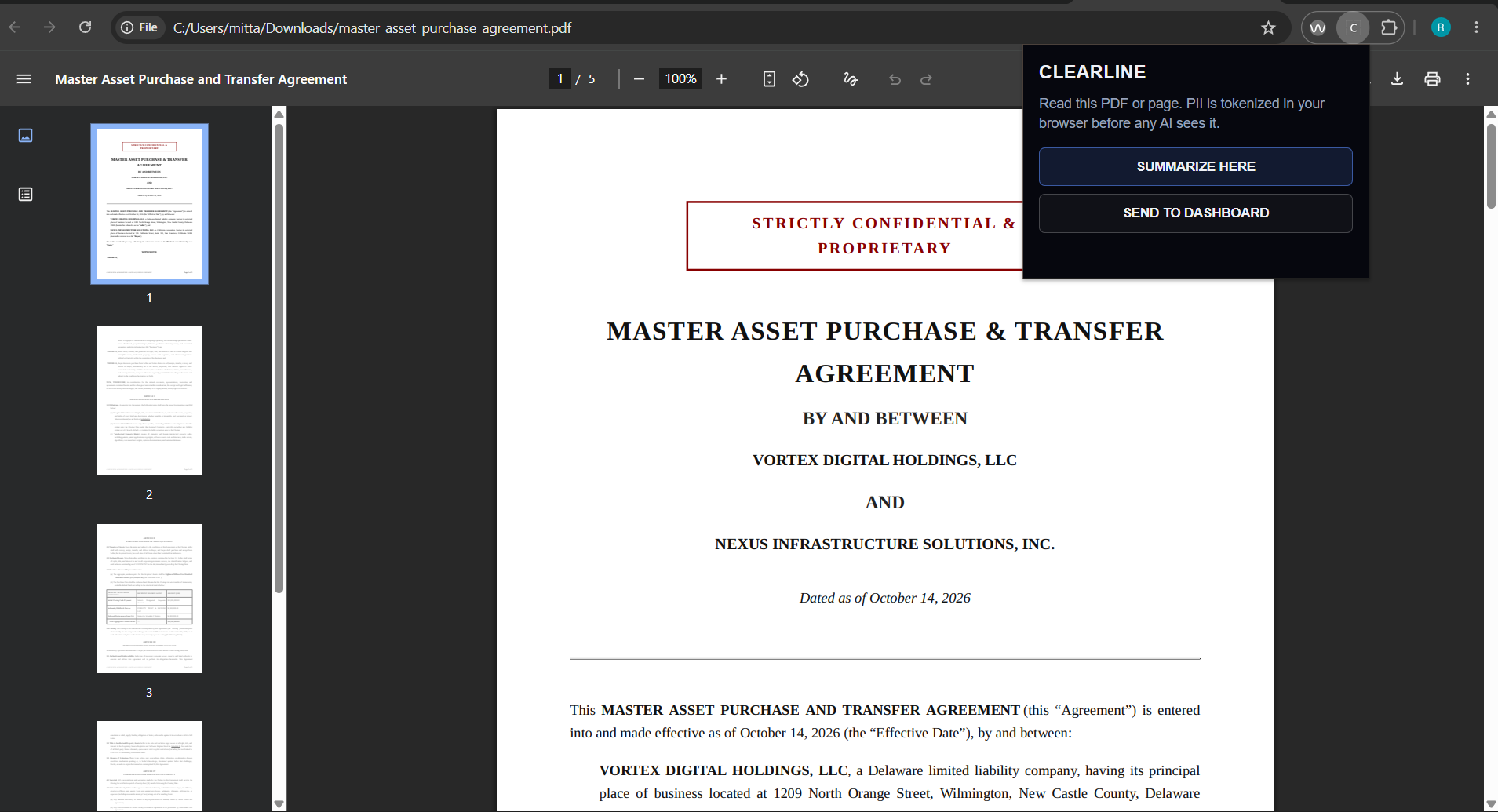
Google Extension
Clearline
Elevator Pitch
Clearline is a privacy-first, multi-agent document intelligence platform for people who cannot afford a lawyer, advocate, or specialist just to understand confusing paperwork. It helps users make sense of high-stakes documents like eviction notices, ICU discharge packets, immigration deadline letters, juvenile court contracts, IEP denial notices, benefits forms, and employment documents.
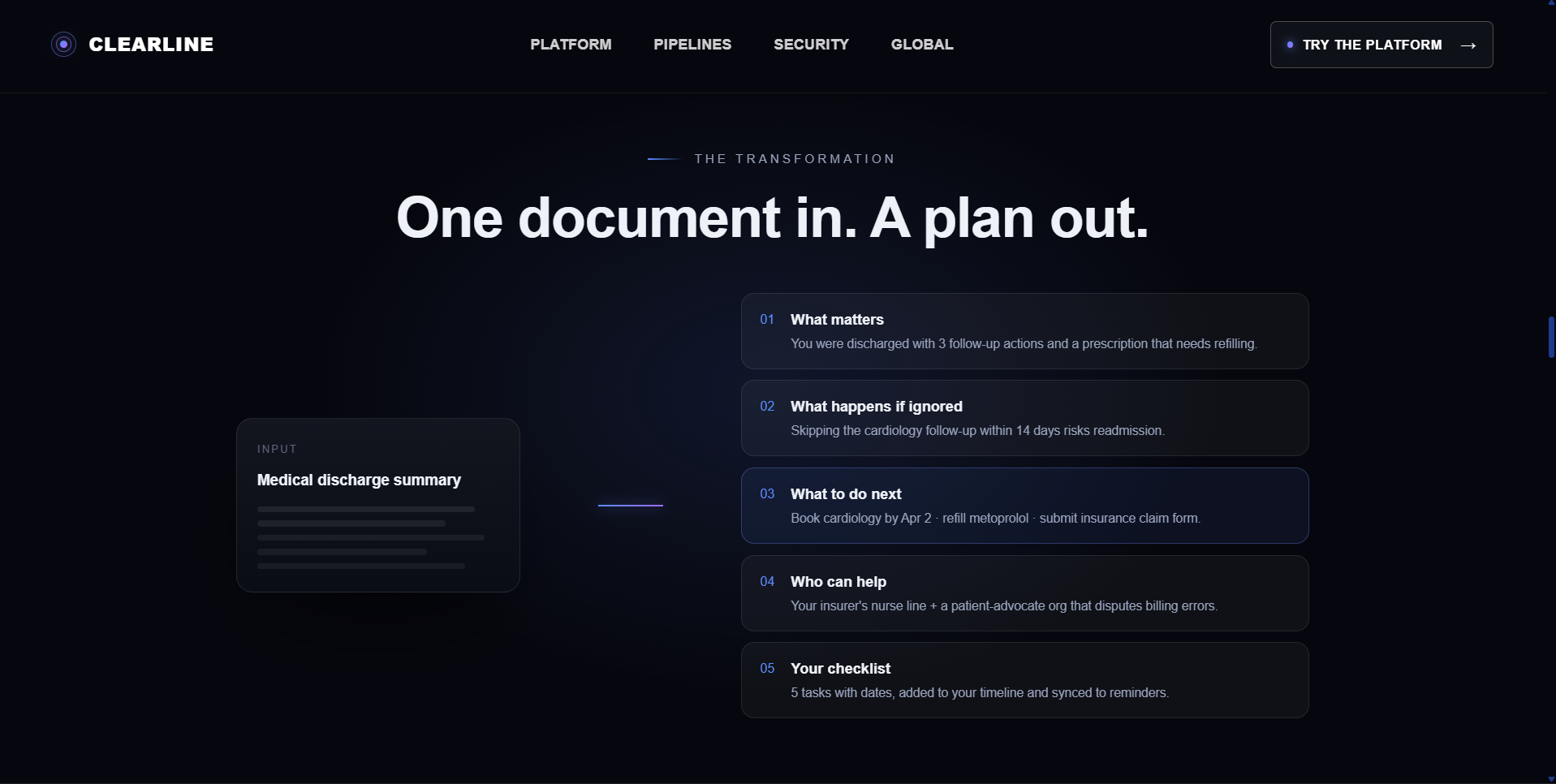
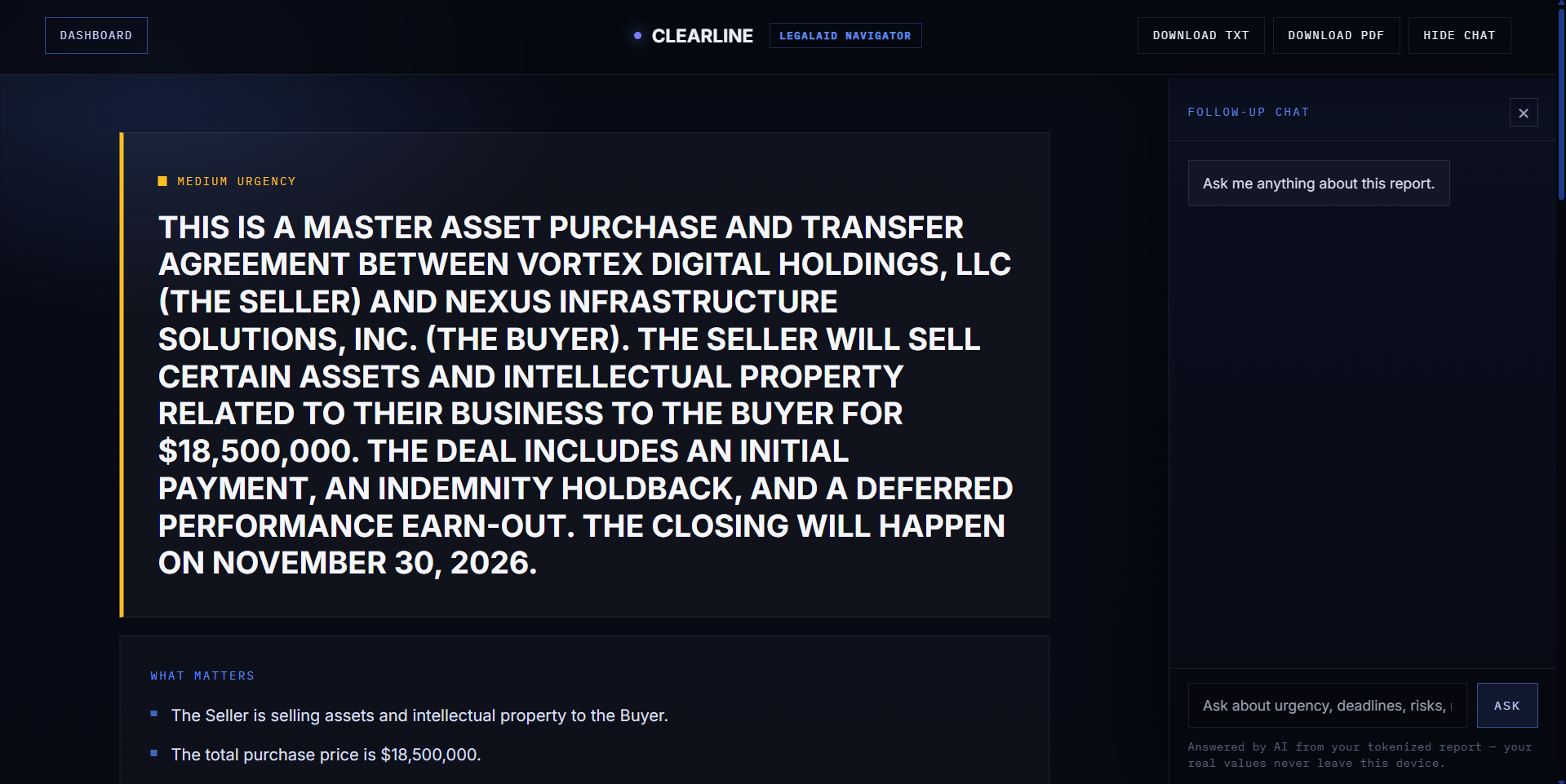
Clearline analyzes the document and turns it into an interactive Crisis Action Room with a plain-language explanation, an urgency-ranked checklist, deadline tracking, calendar support, and nearby resources matched to the user’s issue and location.
It is for people who needs clarity, such as new immigrants to different countries or employees who got their contract.
About the Project
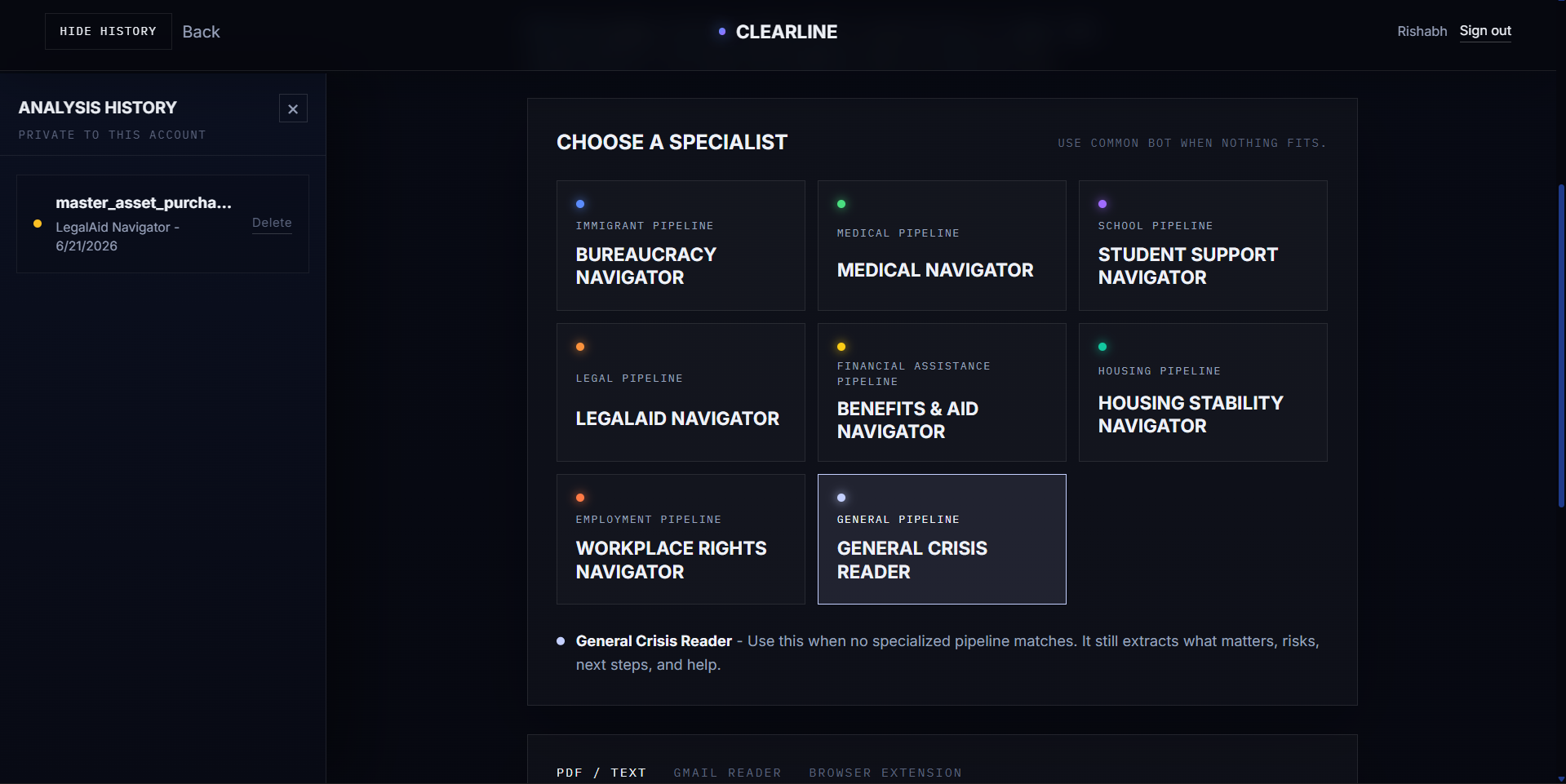
Clearline has specialized AI bots known as Pipelines for special documents such as school, legal, medical, etc. The job of the bot is to read and provide an analysis on what the document means, how it affects the user, and what the next steps to be taken are.
Clearline then produces a structured report showing:
- What matters
- What happens if ignored
- What to do next
- A checklist of actions
- Deadlines
- Google Calendar event support
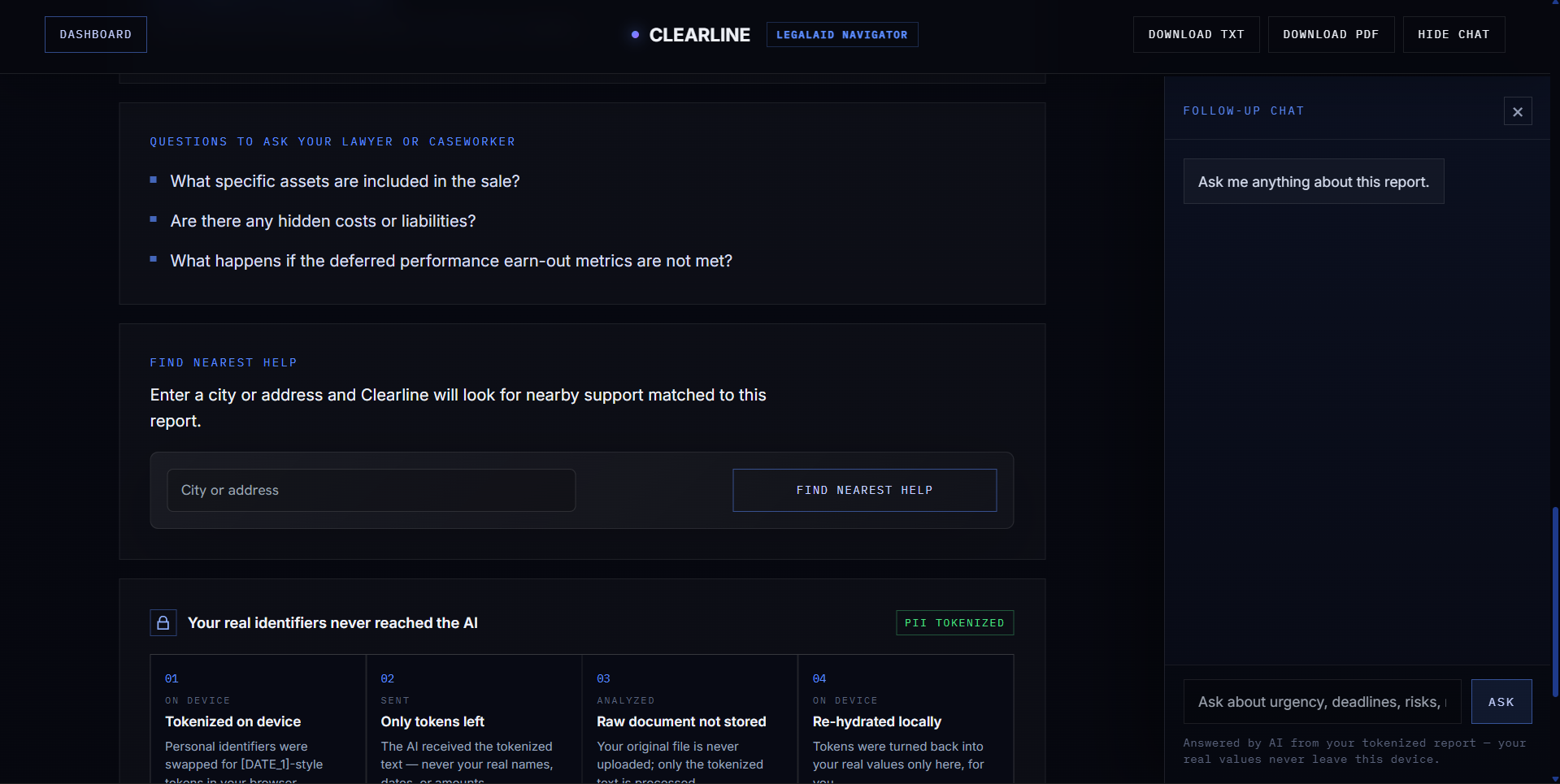
- Nearby help through a "Find Nearest Help" map
- A follow-up chat for questions about the report
It also includes a Gmail reader for crisis-related emails and a Chrome extension that can send PDF text from the browser into the app.
How We Built It
Frontend
Clearline is a React 18 + Vite single-page app styled with Tailwind CSS. The whole experience, upload, the Crisis Action Room, the deadline list, the follow-up chat, and the "Find Nearest Help" map, runs in the browser so the privacy boundary can live on the device.
Backend & AI (server-side only)
The model-provider key never touches the browser bundle. All AI calls go through a Supabase Edge Function (supabase/functions/analyze, Deno + TypeScript) that holds the API key in its server environment. The function:
- Classifies the document with a keyword scorer into one of seven pipelines (immigration, medical, legal, housing, financial aid, school, employment), or a legal fallback.
- Selects a tuned system prompt for that pipeline, each with its own urgency rubric, extraction priorities, and safety contract.
- Forwards the tokenized text to the model (an OpenAI-compatible chat-completions endpoint using
response_format: json_object, low temperature for stability). - Parses and normalizes the output to one canonical JSON schema, then enriches
who_can_helpwith curated resources picked by a rough jurisdiction guess. A localserver/dev.jsmirrors the Edge Function exactly so development and production behave identically. Dev.js was only used for development purposes.
Data & auth
Supabase Auth handles sign-in, Postgres with Row Level Security scopes every saved report to its owner, and Supabase Storage keeps uploads in private buckets.
Document ingestion
PDFs are parsed entirely in the browser with pdf.js (pdfjs-dist), reconstructing line layout from text item coordinates, so the file text is extracted and tokenized before anything is sent anywhere.
Surrounding features
- Find Nearest Help, a second Edge Function (
find-support) queries the Foursquare Places API (key held server-side) and the client plots results with Leaflet. - Google Calendar, deadlines become one-click calendar events.
- Gmail Reader, pulls crisis-related emails into the same pipeline.
- Chrome extension (Manifest V3), vendors the same Guardian tokenizer and sends already tokenized PDF/page text to a "summarize" mode of the analyze function, so even the extension never leaks raw PII.
Approach
We treated the privacy boundary as code, not a prompt, kept all prompts and the output schema in src/agents, and made the UI a pure renderer of one validated JSON shape, so adding the next pipeline is a matter of templating, not re-architecting.
AI Architecture Explanation
Clearline uses a multi-agent pipeline. Before any AI model sees the document, the Guardian Tokenizer runs in the browser and replaces sensitive personal information with placeholders like [PERSON_1], [DATE_1], or [AMOUNT_1].
After tokenization, the document goes through specialized crisis pipelines based on the type of document:
- Immigration
- Medical
- Legal
- Housing
- Financial Aid
- School and IEP
- Employment
- General Fallback
The AI extracts the key meaning, deadlines, risks, next steps, checklist items, and support resources. The result is returned as structured JSON, then the browser rehydrates the placeholders locally so the user sees their real information again without sending raw personal data to the AI provider.
Human-in-the-Loop Decision
As clearly mentioned on the website, Clearline is not designed to replace a lawyer, doctor, caseworker, or advocate, as an AI can never guarantee 100% accuracy. It is designed to help users understand what a document appears to say, what questions to ask, and what actions may be time-sensitive. It's meant for saving human time and money.
The human remains in control at every step:
- The user chooses which document to upload.
- The user sees the generated action plan before acting.
- The user can ask follow-up questions.
- The user can add deadlines to their calendar.
- The user decides whether to contact a professional or local support service.
Clearline also encourages users to verify deadlines, rights, medical instructions, and legal decisions with a qualified professional before taking major action.
Responsible AI Guardrail
Clearline’s main guardrail is privacy by design. Sensitive document text is tokenized in the browser before it is sent to the AI system. The raw document is not sent directly to the model.
Other guardrails include:
- The backend rejects obvious raw PII patterns.
- The AI is instructed to return structured outputs, not free-form guesses.
- Follow-up chat answers from the generated report instead of inventing new facts.
What We Learned
We learnt many new things during the development of this project. We learnt how to link APIs and interconnect them. We also learnt a new topic of Guardian Tokenizer, which converts sensitive data into placeholders.
The real challenge is turning stressful paperwork into something a person can act on immediately. It took us quite some time to come up with an idea and to turn that idea into something that can be used by every person. We also learned how to use Google Cloud Console.
Challenges We Ran Into
Making "privacy by design" real, not a slogan. It's easy to claim PII never reaches the model; it's hard to guarantee. We had to design the Guardian to run before any network call, keep the mapping table on-device, and add a server-side PII audit that rejects text still containing obvious raw identifiers; defense in depth in case the client ever fails.
Getting an LLM to return strict, schema-perfect JSON. Models love to add prose, markdown fences, or drop keys. We fought this on three fronts: a strict prompt contract,
json_objectresponse formatting at low temperature, and a normalization layer that repairs/coerces the output to the canonical schema so the UI can never crash on a malformed response.Keeping dev and prod in sync. The analyze logic lives in a Deno Edge Function and a Node dev server. Every prompt, the classifier, and the resource lists had to be mirrored across both, a constant "keep in sync" discipline we documented in the code itself.
Reading messy real-world PDFs. Crisis documents aren't clean. Reconstructing readable lines from pdf.js text fragments (by Y-coordinate) so the tokenizer and model see coherent text took real tuning.
Tokenization that's helpful but not destructive. Date regexes especially can collide (ISO vs. long-form vs. numeric), and over-tokenizing can erase meaning. We ordered patterns by specificity and made tokens deterministic so relationships survive redaction.
What's Next for Clearline
Next, we want to make Clearline more reliable, more local, and more accessible.
Future improvements include:
- Better support providing
- Better jurisdiction-specific resources
- Voice input and read-aloud support
- Professional review workflows
- To add feature: The user can record their voice and talk to the agent like a helper/lawyer in the form of a call.
Built With
- chrome-extension-manifest-v3
- featherless.ai
- foursquare-places-api
- google-calendar-api
- google-gmail-api
- javascript
- leaflet.js
- node.js
- openstreetmap
- pdf.js
- react
- supabase
- tailwind-css
- vercel
- vite


Log in or sign up for Devpost to join the conversation.