-
-
App Icon
-
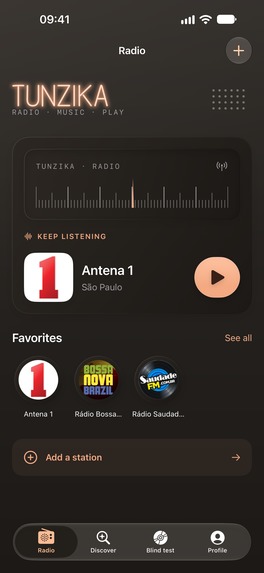
Home dark
-
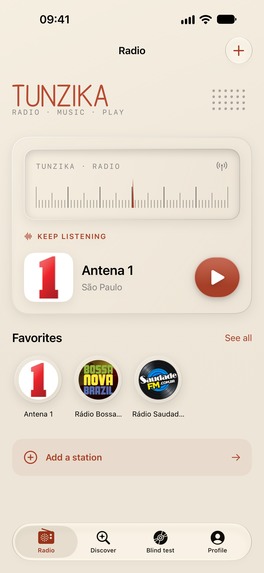
Home light
-
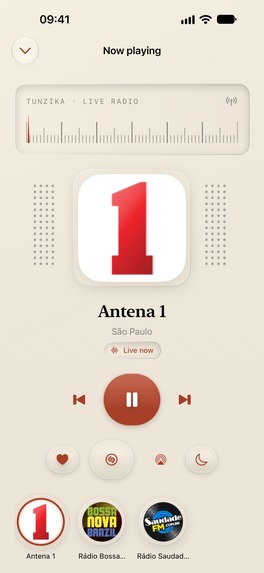
Now playing light
-
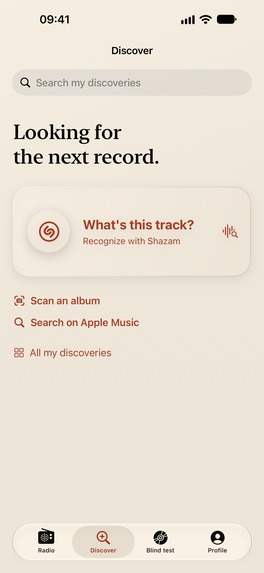
Shazam
-
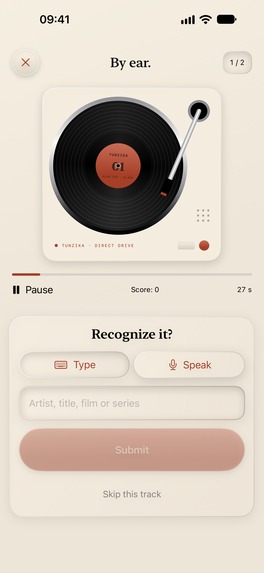
Blind test
-
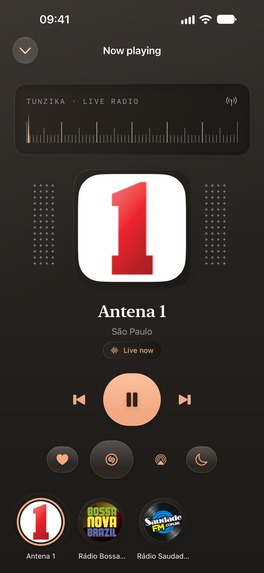
Now playing dark
-
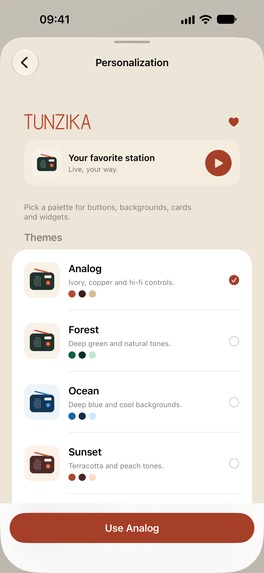
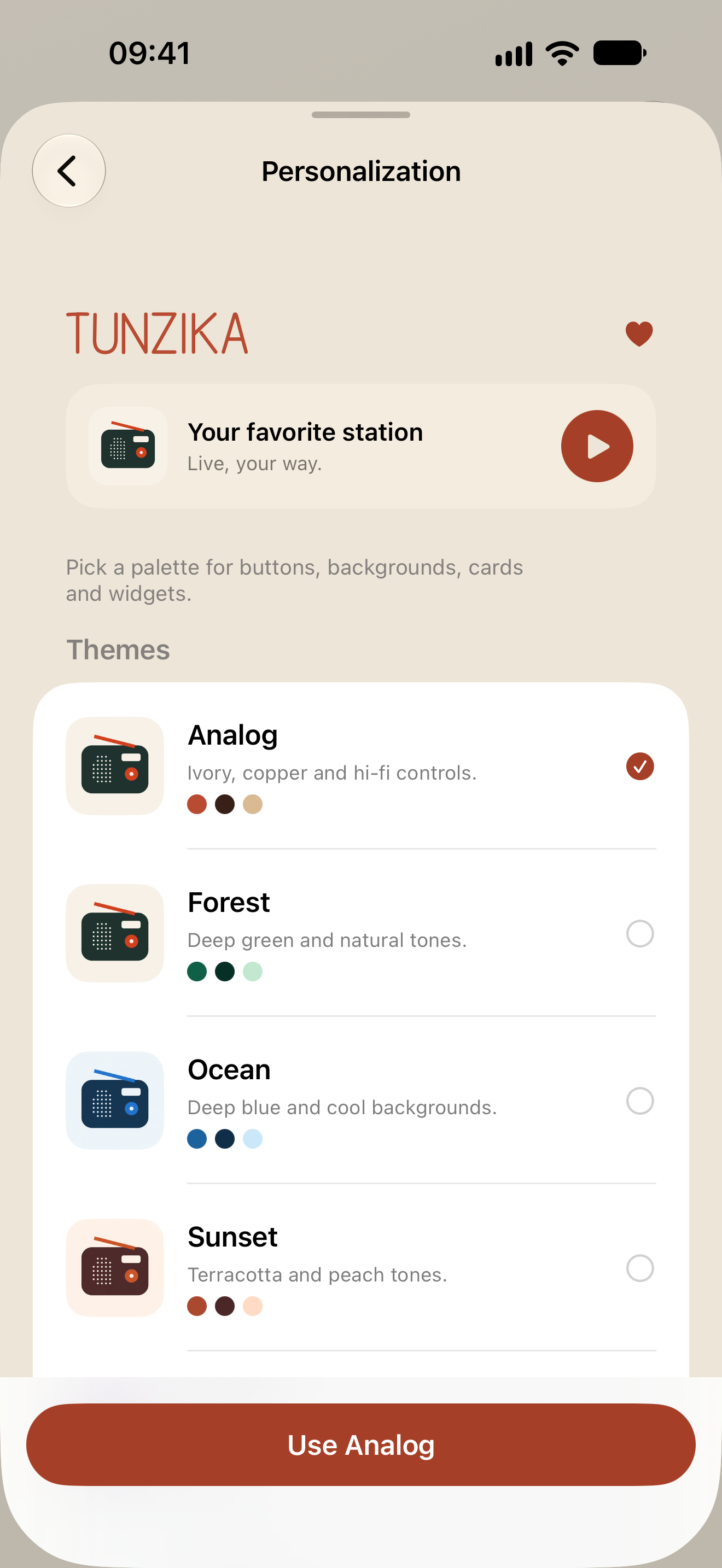
Theming
-
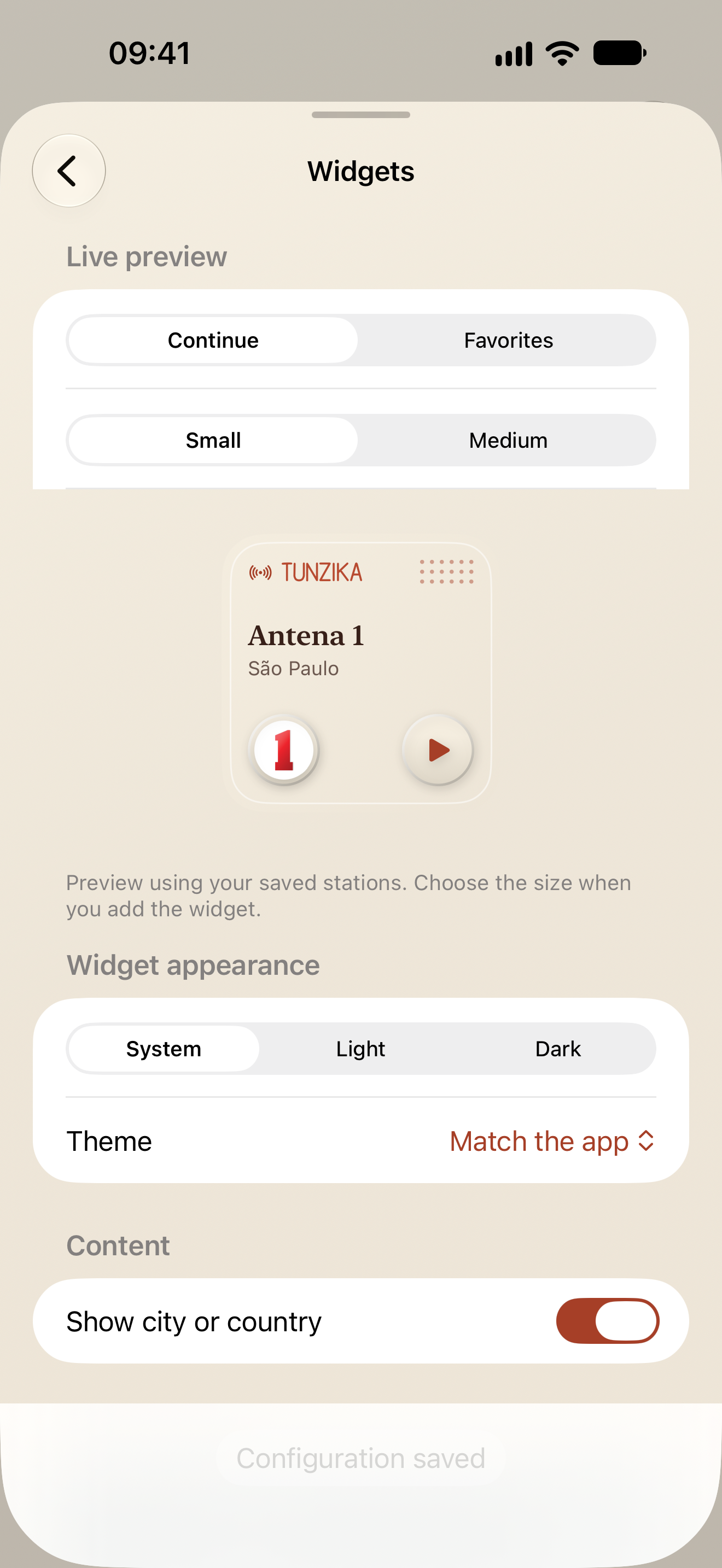
Widgets
Inspiration
I built Tunzika to create the radio app I actually wanted to use: beautiful, intuitive, and more than just a player. When a great song comes on, the experience shouldn’t end when the broadcast moves on. Tunzika connects listening, identifying, exploring, and playing with music in one place turning a passing discovery into something you can keep exploring.
What it does
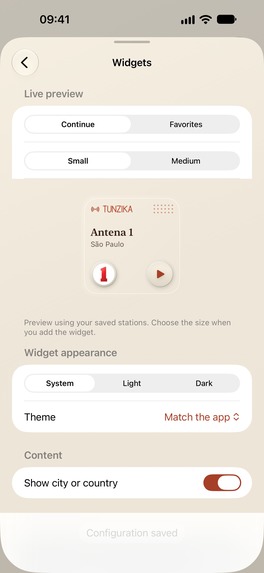
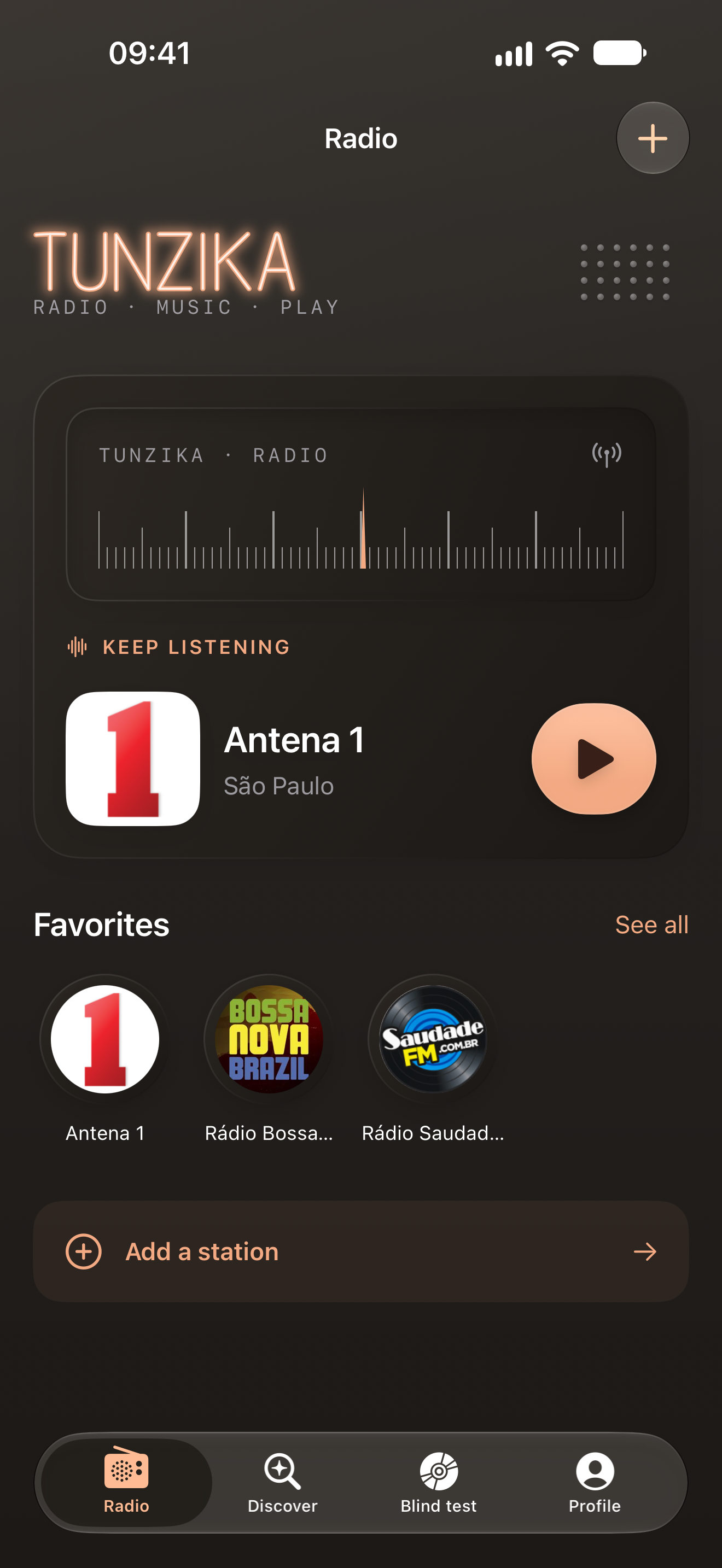
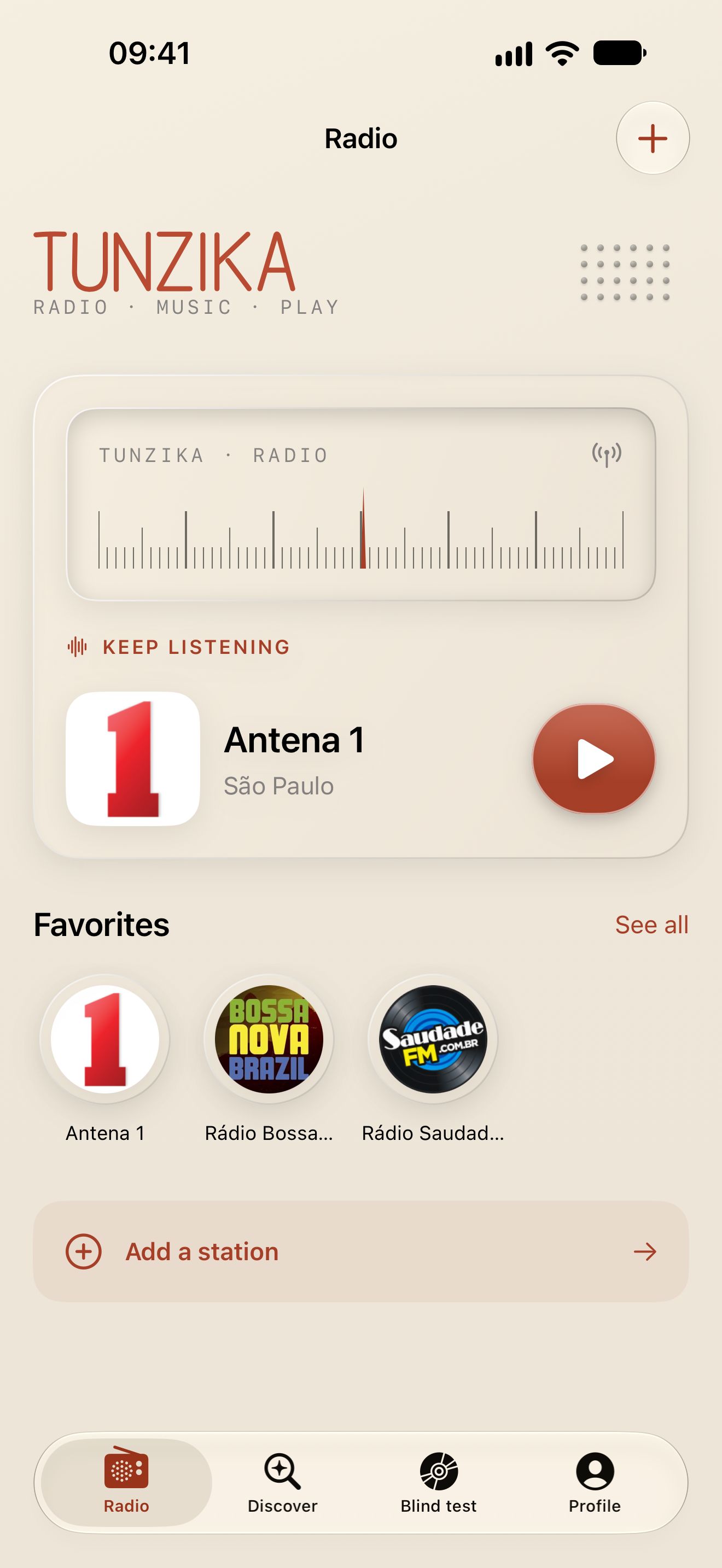
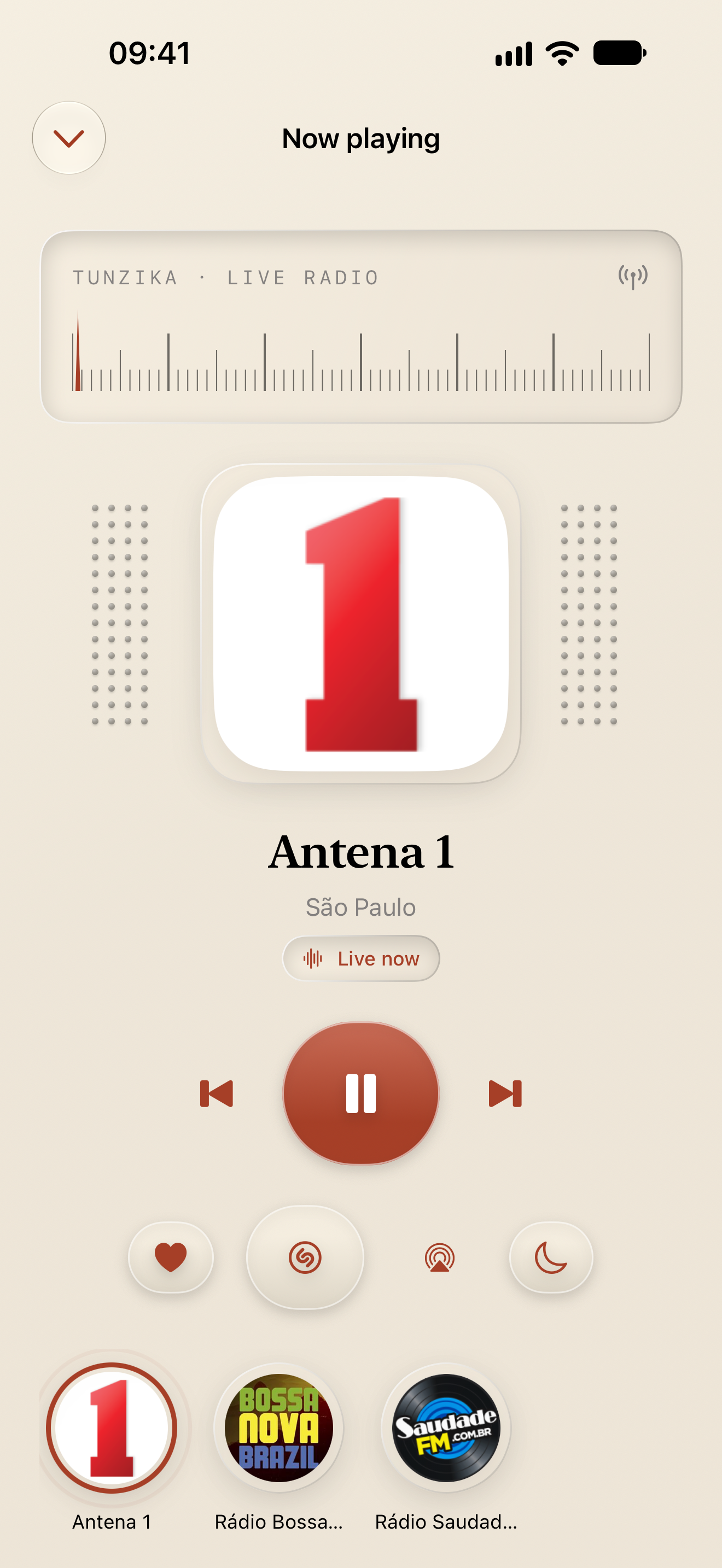
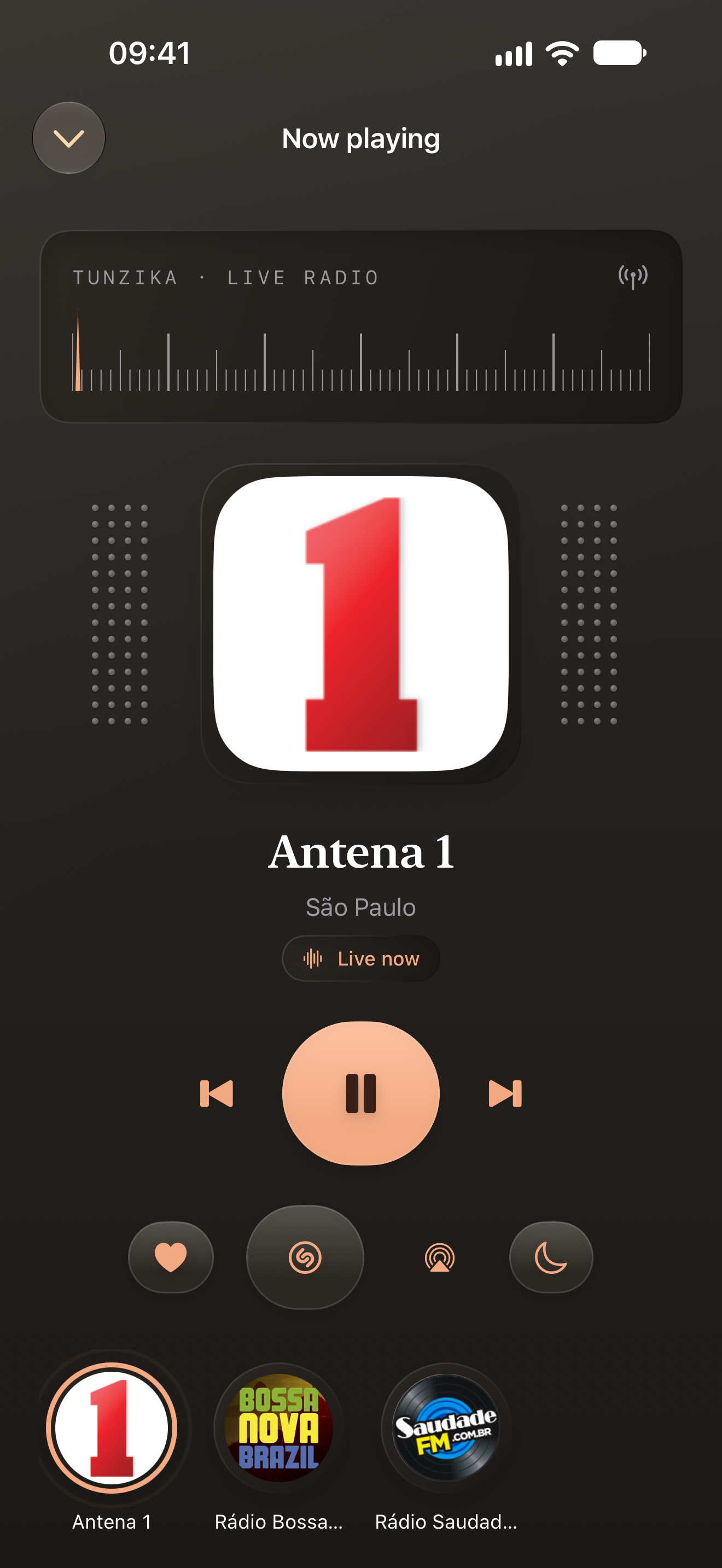
Tunzika is a native music app centered on live radio. On iPhone and iPad, listeners can browse stations by country, name, city, or genre; save favorites; revisit recent stations; use a sleep timer; and keep listening in the background. Widgets, Siri Shortcuts, CarPlay, and an independent Apple Watch app make it easy to return to a station.
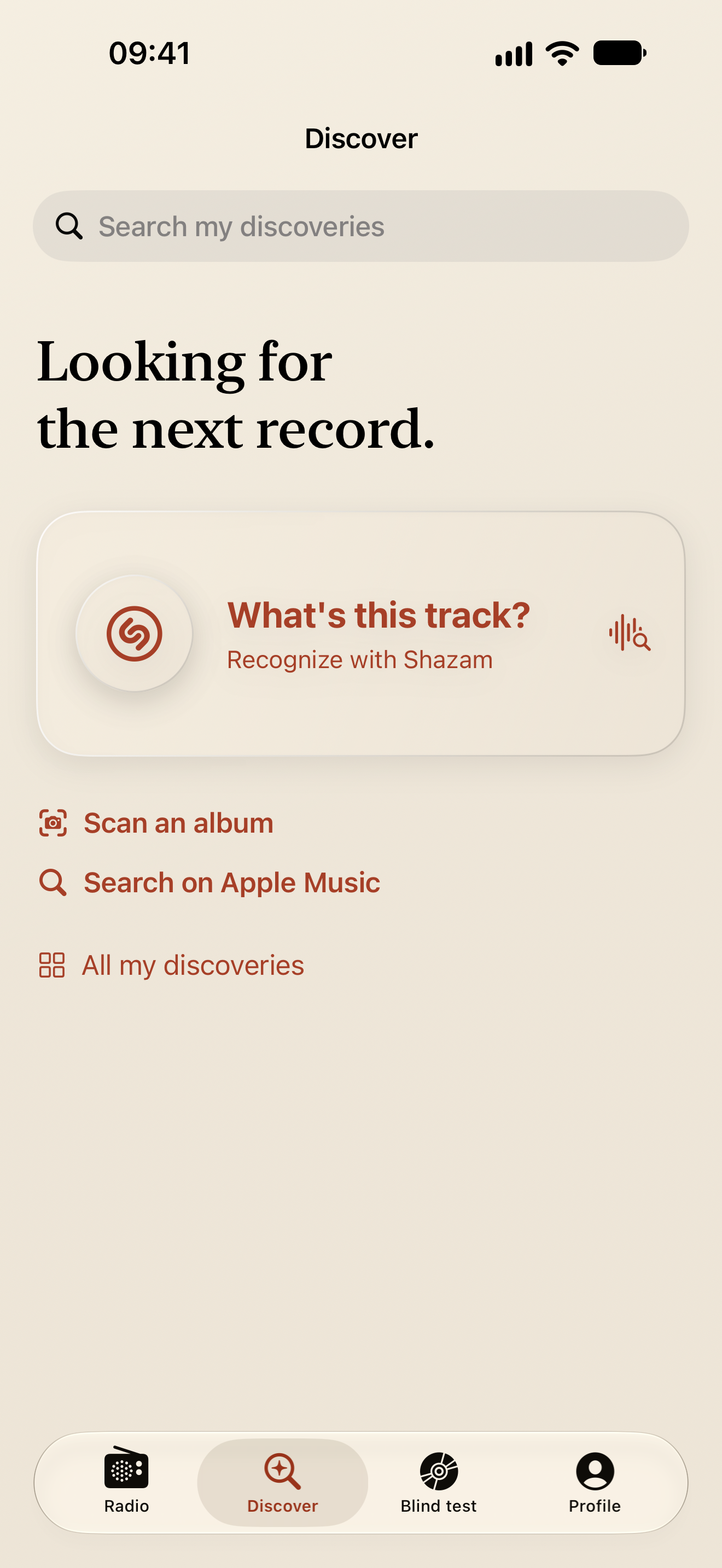
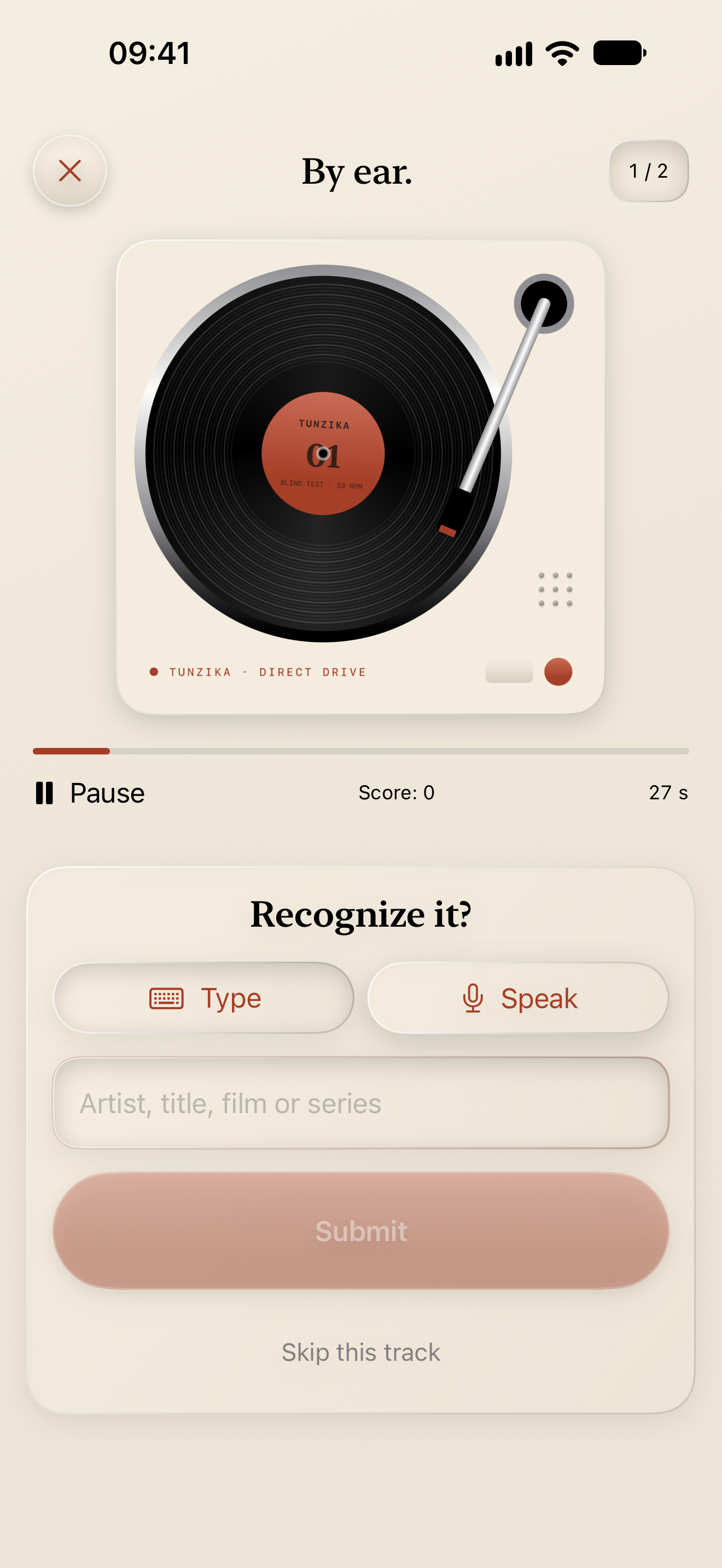
When a song catches your ear, Shazam recognition can identify it while the radio continues. You can scan a printed album cover with the camera, refine the search clues, and choose the matching Apple Music album. Apple Music search and a personal discovery history keep those finds close. The Blind Test turns a playlist into a listening game: guess the artist, song, film, or series from a short excerpt by typing or speaking.
Radio works without a Tunzika account. The free tier includes five favorite stations and three song recognitions or album scans. Tunzika Pro unlocks unlimited favorites and discoveries, country switching, and the full set of visual themes, icons, and station card styles. Apple Music playback and Blind Test require compatible Apple Music access.
How I built it
I built Tunzika with Swift and SwiftUI, keeping the experience native to Apple devices. AVPlayer handles live streams from the community Radio Browser directory. ShazamKit recognizes songs, Vision reads printed album text, and MusicKit powers catalog search, playback, and the playlist game. Favorites, listening history, and discoveries are stored locally.
RevenueCat manages the tunzika_pro entitlement. The app reads packages from the current offering, observes customer information for entitlement changes, supports purchases and restores, and presents a native paywall. The same App Store purchase can unlock Pro across supported Apple platforms.
Challenges
Live radio is less predictable than a local audio file: stations may change streams, omit artwork, or fail mid-playback. I had to make loading, retry, background controls, and cached directory data understandable and resilient.
Bringing radio and Apple Music into one app required clear transitions between two playback sources. I also wanted discovery to stay useful when recognition or catalog matching is uncertain, so album scanning lets listeners adjust the clues and select a result instead of pretending every match is exact.
Premium access needed to remain clear when purchases are restored or subscription status changes. I kept the free radio experience useful and used RevenueCat's entitlement state to apply the same Pro rules throughout the app.
What I learned
A music app can start with a simple act—turning on a station—then give people a path from a passing song to a lasting discovery. Building that path taught me to keep each step optional and to show uncertainty honestly when outside catalogs or streams cannot provide a perfect answer.
What's next
Tunzika launched on the App Store during Shipaton. Now it’s time to share it with the world. My focus is shifting from building the app to spreading the word, reaching more listeners, and learning from their feedback. I built the radio app I wanted to use. The next step is helping it find the people who have been looking for the same thing.
Built With
- app-intents
- avfoundation
- carplay
- ios
- ipados
- macos
- musickit
- revenuecat
- shazamkit
- swift
- swiftui
- vision
- watchos
- widgetkit

Log in or sign up for Devpost to join the conversation.