-
-
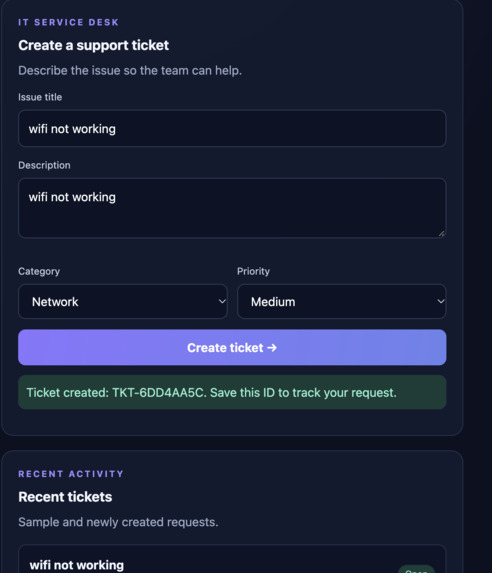
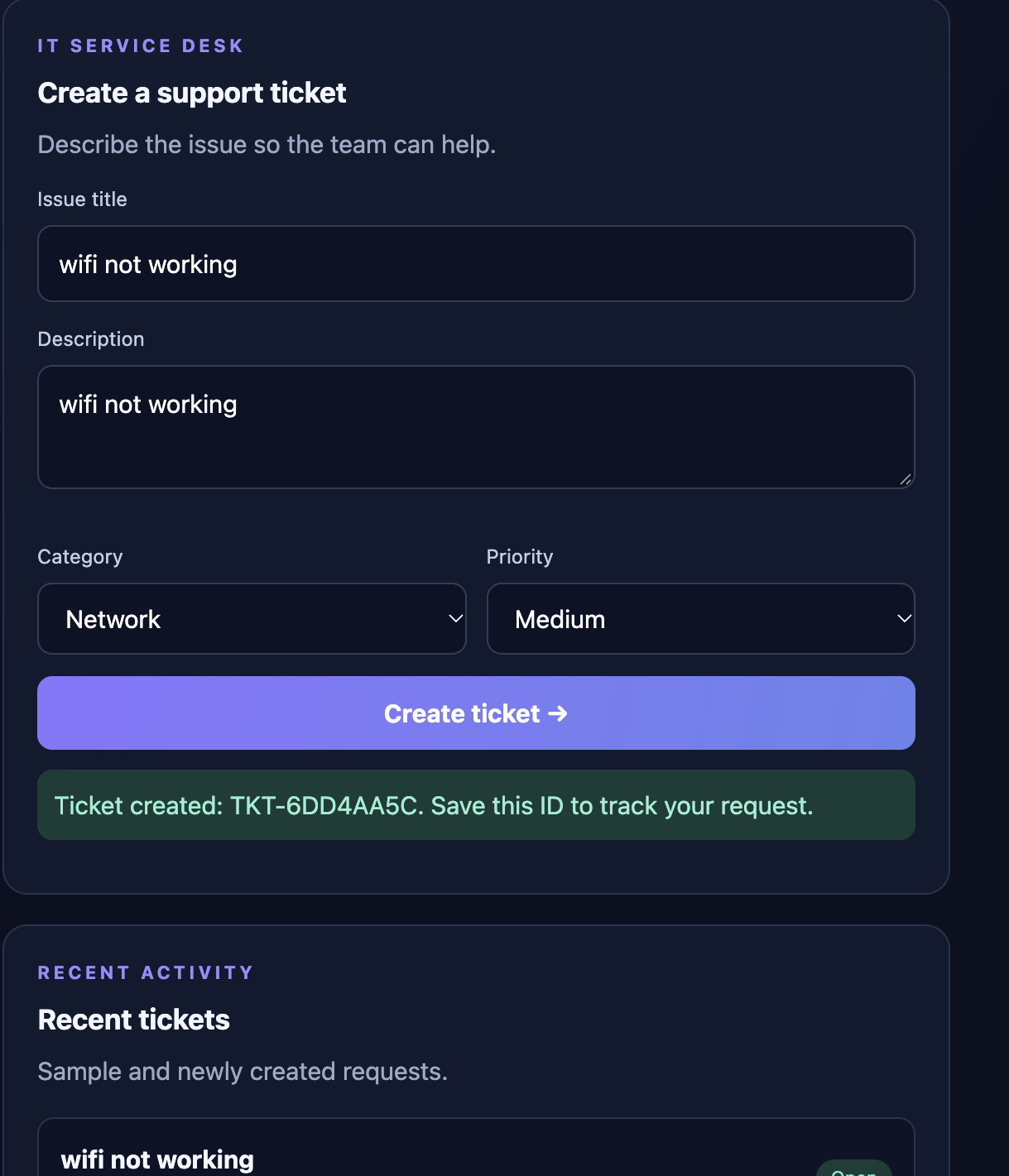
IT Support Ticket Creation — Submit a support request with a description, category, and priority, and receive a unique ticket ID.
-
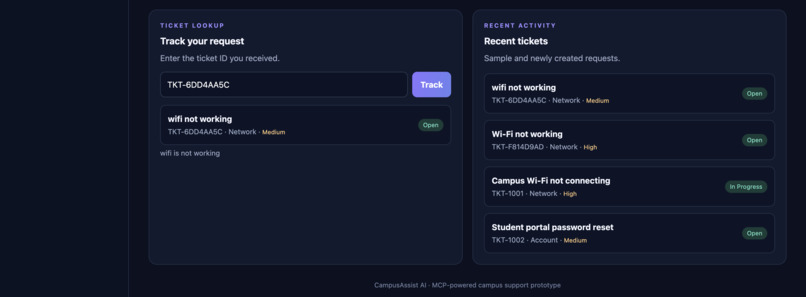
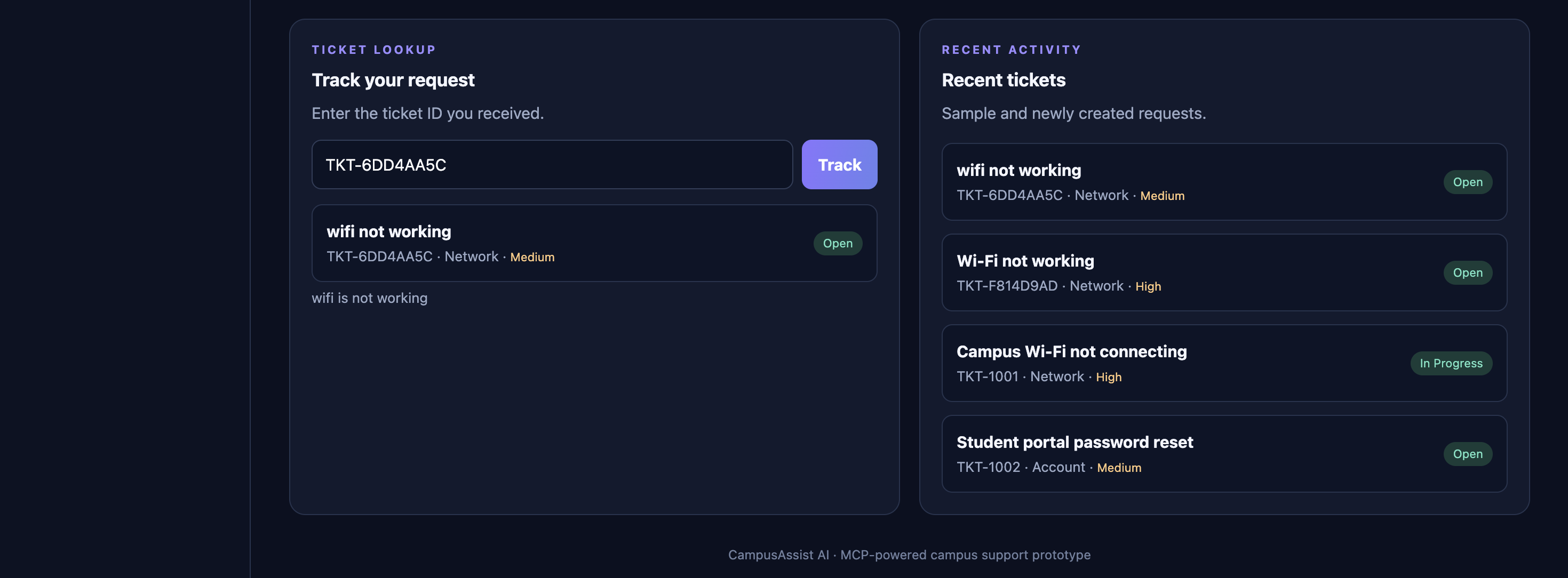
Ticket Tracking and Recent Activity — Check ticket status using its ID and view recent support requests.
-
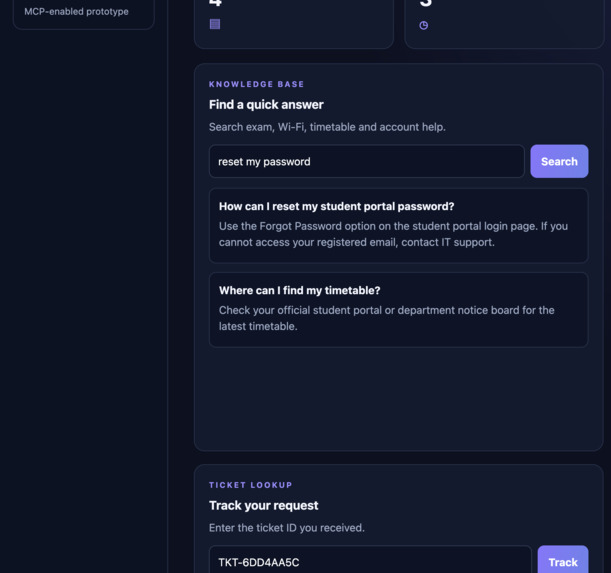
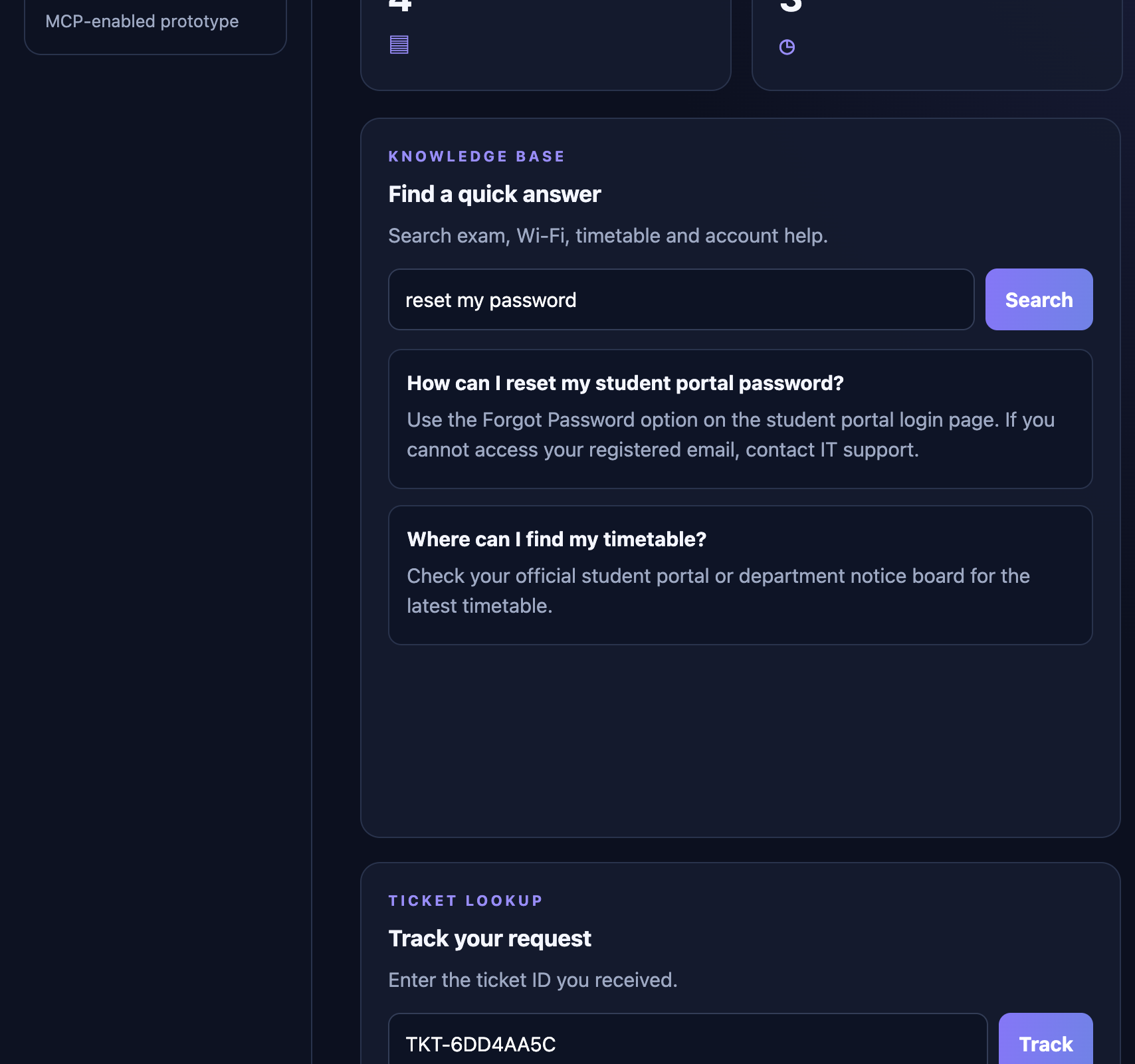
Smart Campus FAQ — Quickly find answers to common student queries using the sample campus knowledge base.
-
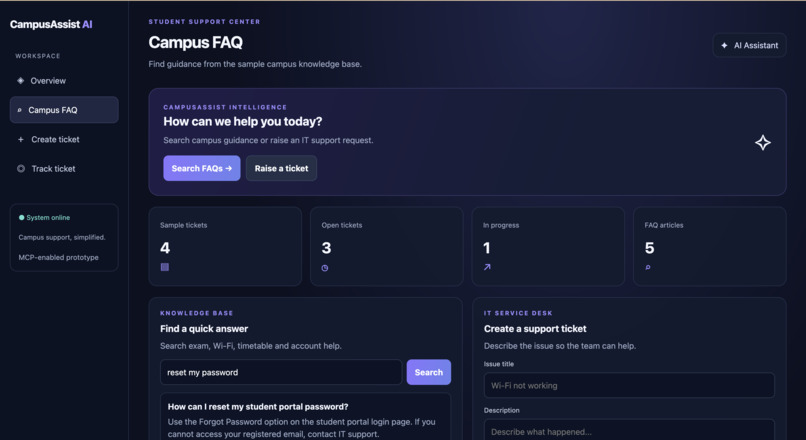
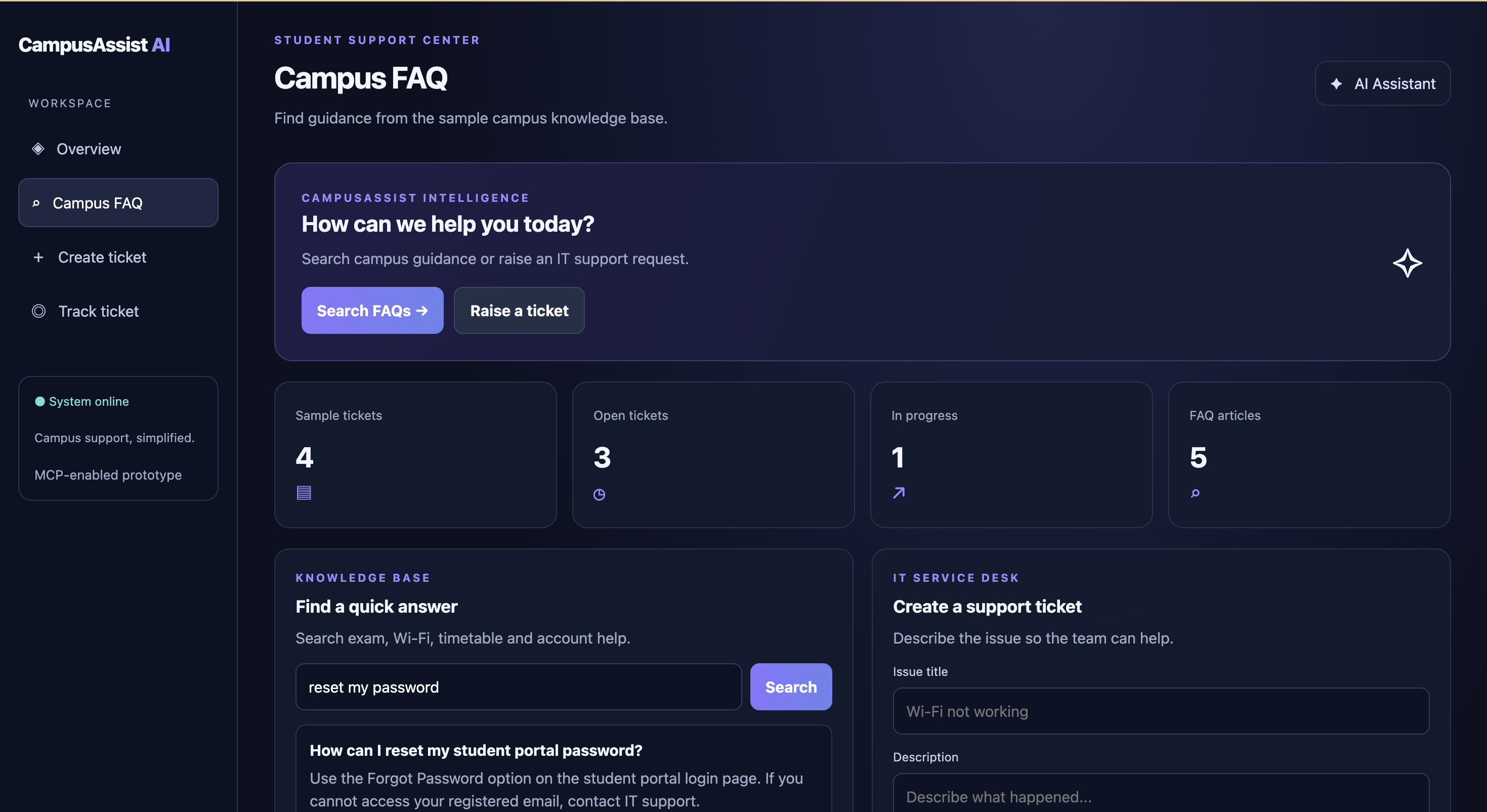
CampusAssist AI Dashboard — A unified interface for campus support, FAQ search, and IT ticket management.
Inspiration
Students often waste time searching for campus information and getting help with common IT issues. We wanted to create a simple, intelligent assistant that makes campus support faster and easier.
What it does
CampusAssist AI is an MCP-powered campus support assistant designed to help students:
- Find answers to common campus questions.
- Create IT support tickets.
- Check the status of existing tickets.
How we plan to build it
The MVP uses Node.js and the Model Context Protocol (MCP) to expose campus FAQ search, ticket creation, and ticket status tools. Sample campus information and ticket records will be used to demonstrate the workflow. An interactive interface or MCP Inspector can be used to test the tools.
Challenges
The main challenge is building a working prototype within a limited time while keeping the tools simple, reliable, and easy to demonstrate. We are focusing on three core functions before considering advanced AI features.
What we aim to learn
This project explores how MCP tools can connect an AI assistant to practical actions and structured data. Future improvements may include a live AI model, authentication, a database, and integration with a real campus support system.

Log in or sign up for Devpost to join the conversation.