-
-
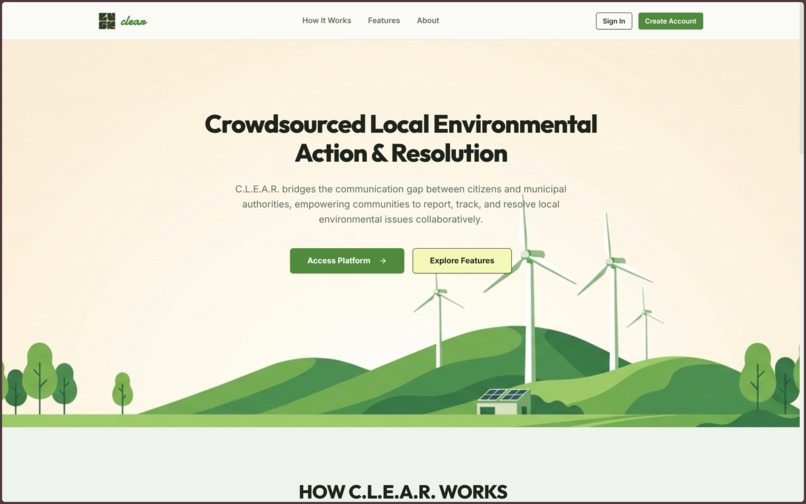
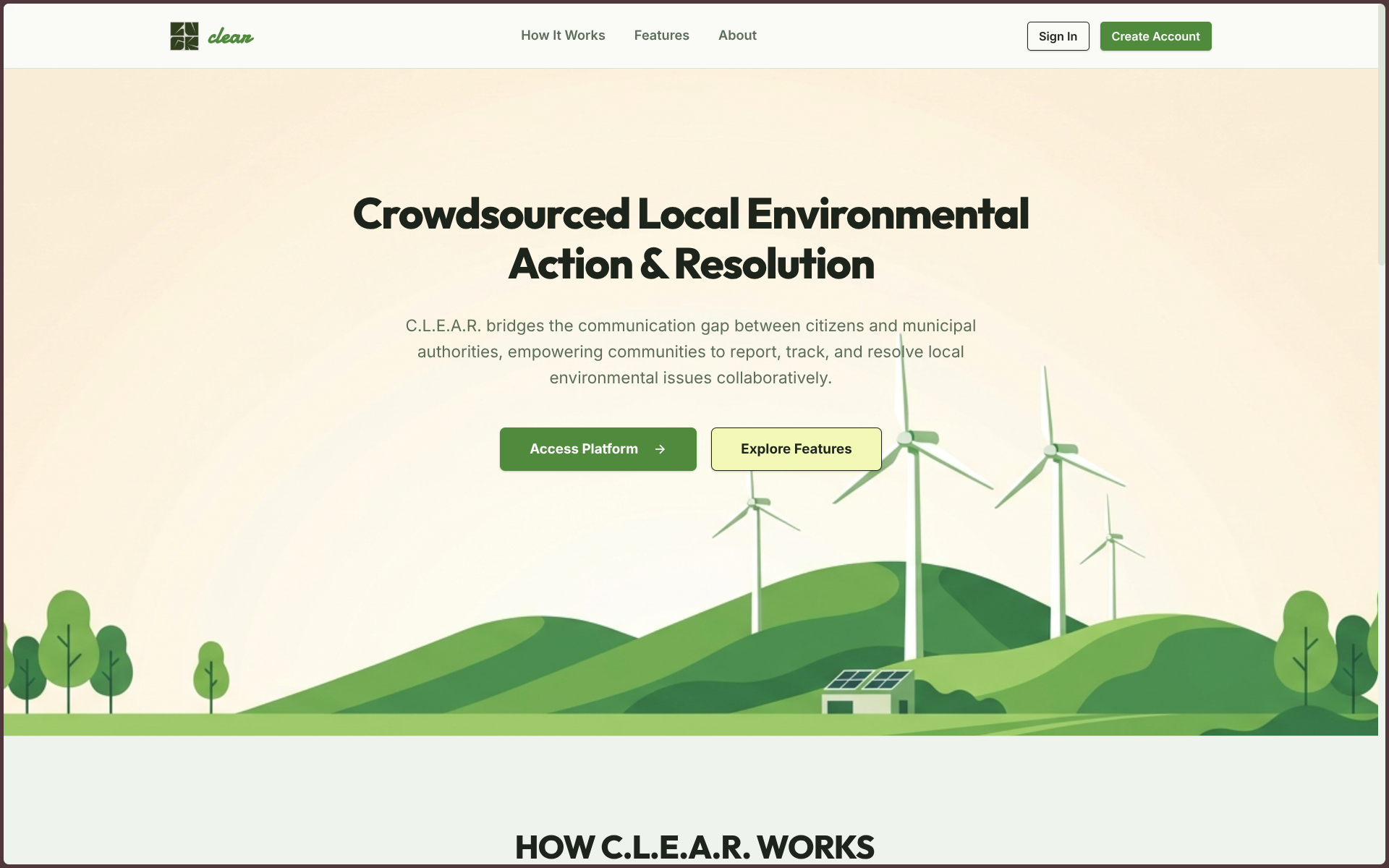
Landing
-
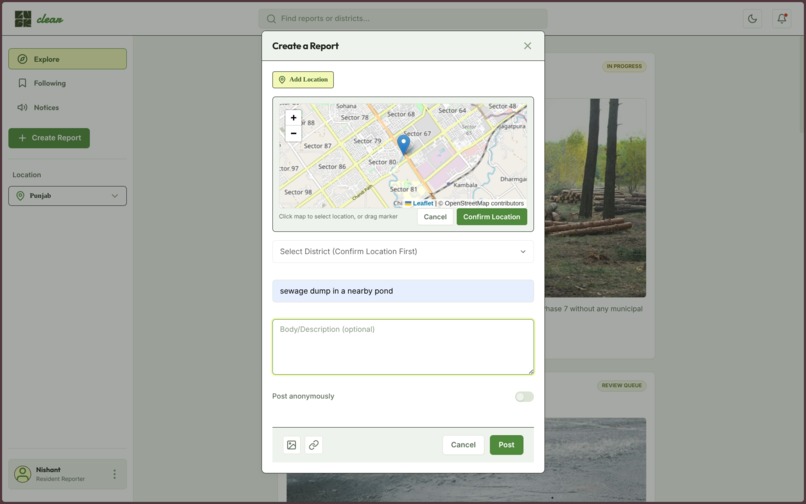
Create Post
-
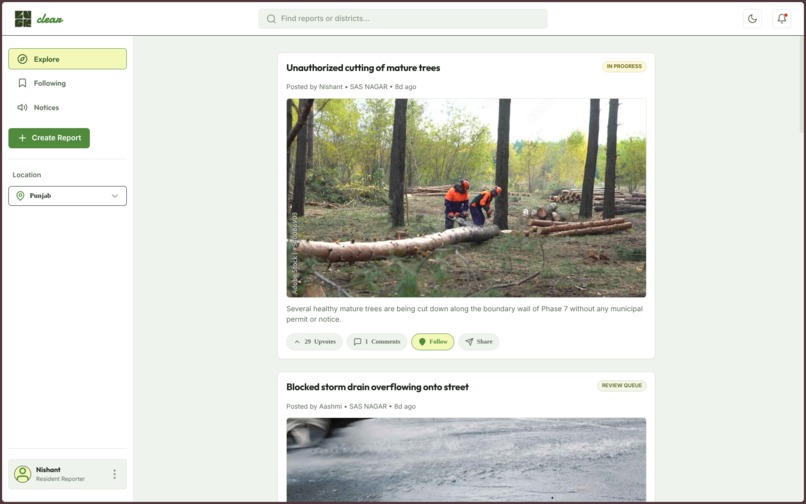
Public Dashboard
-
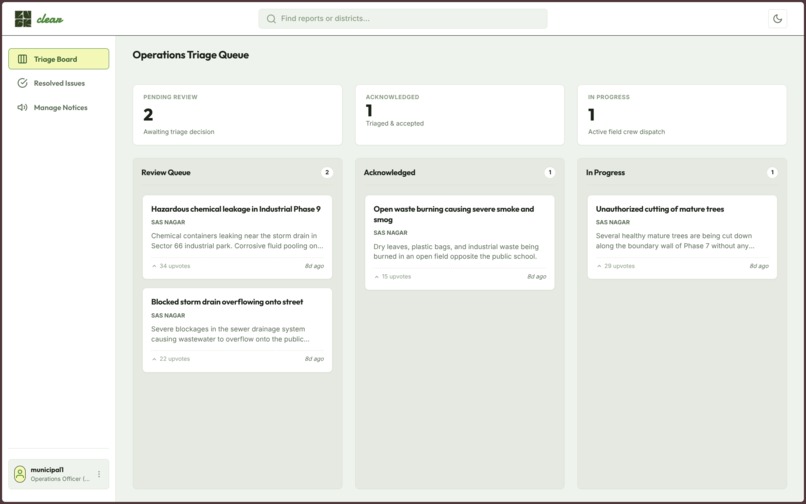
Municipal Dashboard
-
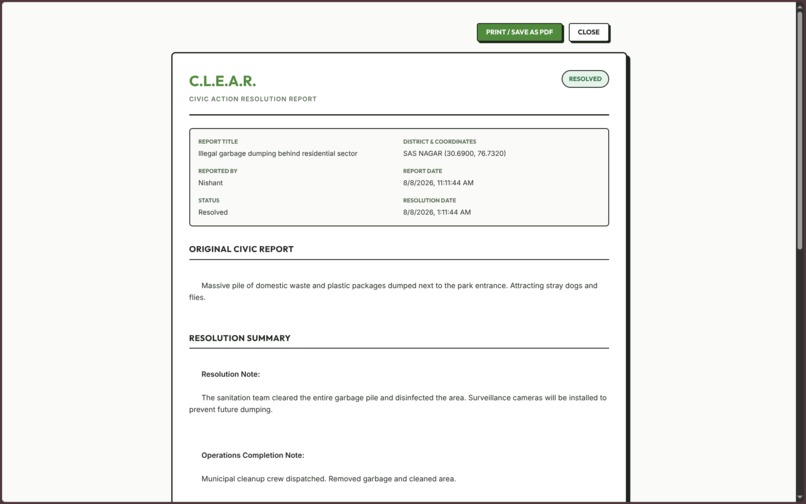
Export Reports
-
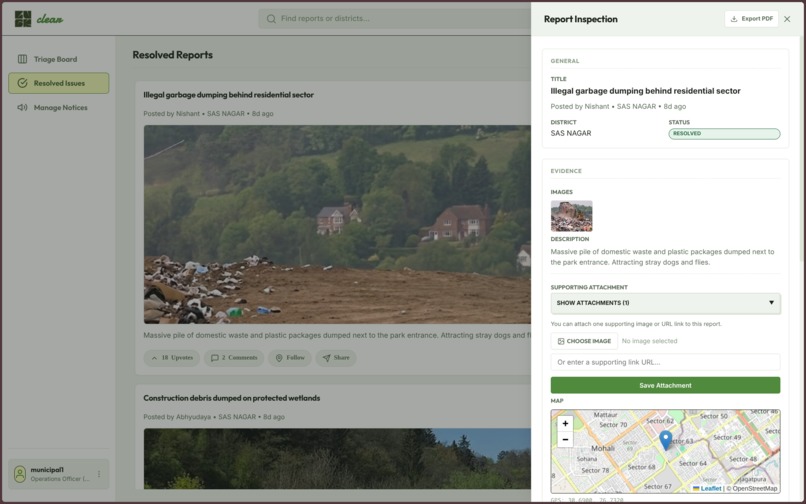
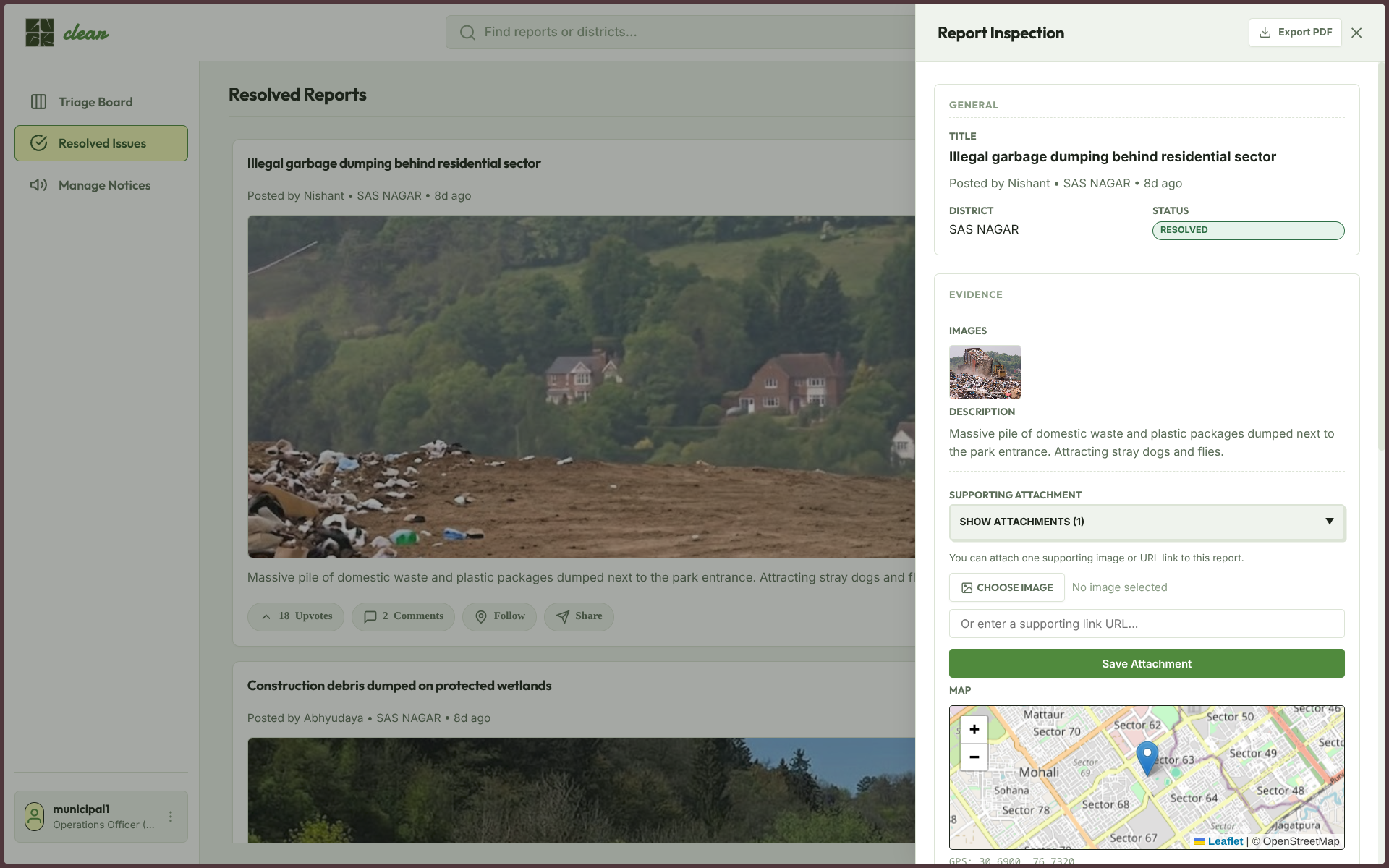
Resolved Issues
-
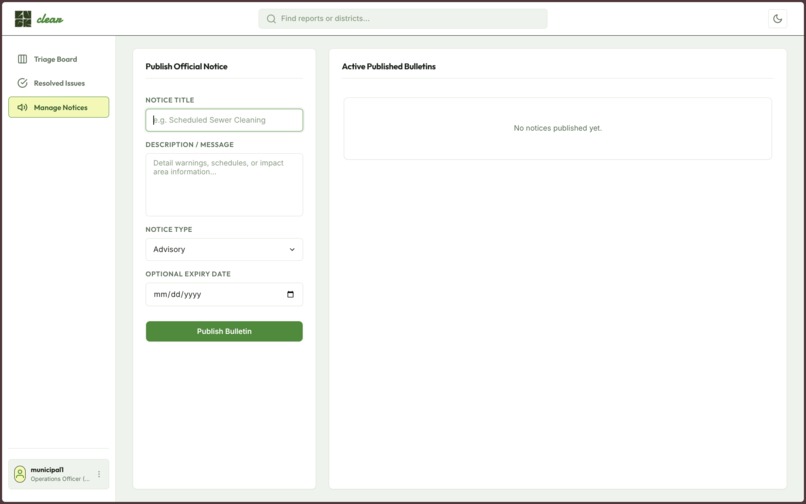
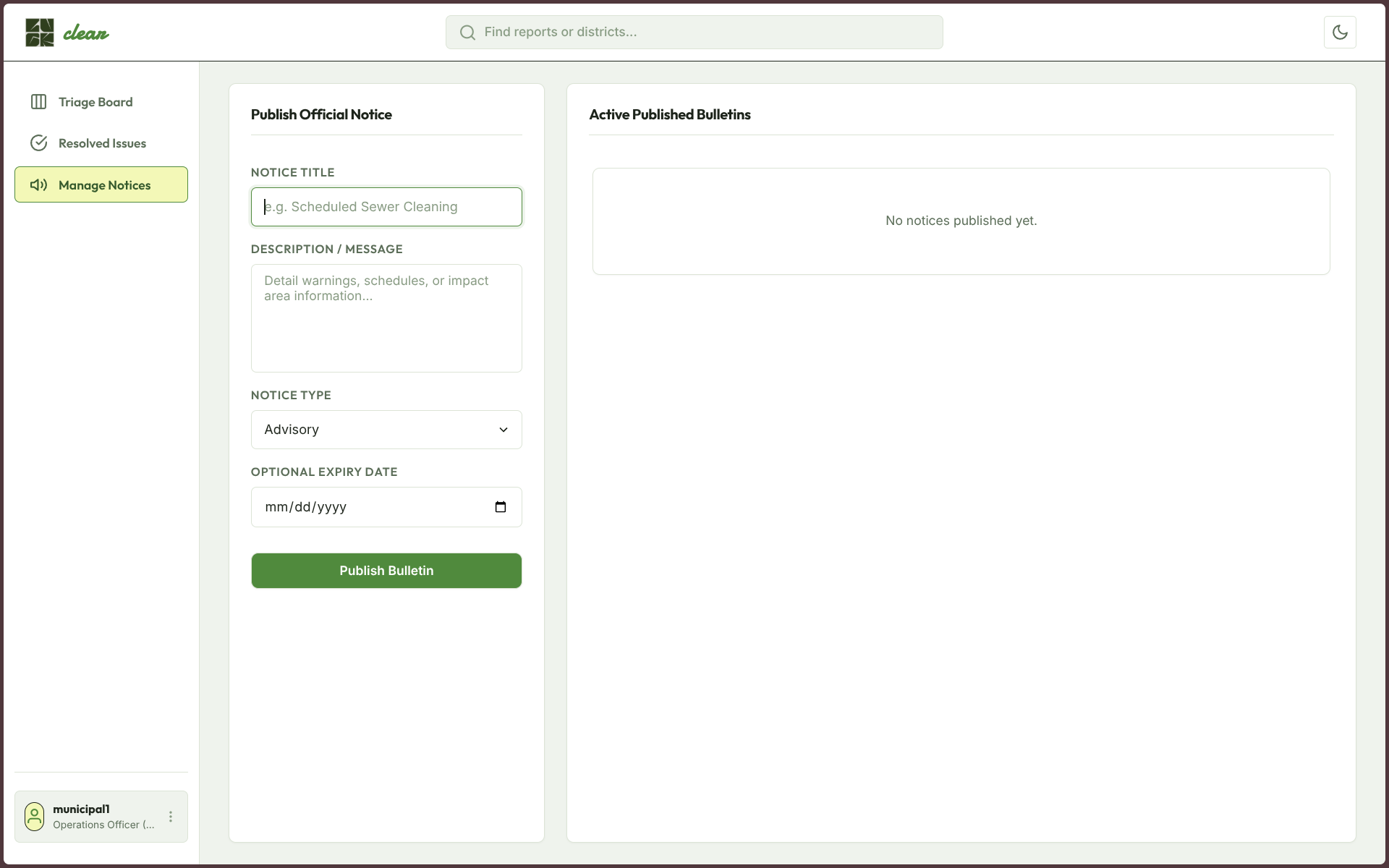
Notices & Advisories by Municipalities
1. The Idea: What inspired us to build it?
C.L.E.A.R. started with a simple question:
What happens after a citizen reports an environmental problem?
People can report garbage dumping, open waste burning, clogged drains, and pollution. But after submitting a complaint, they often cannot see who is handling it, what action was taken, or whether the problem was actually fixed.
This is still a real issue in Punjab. In January 2026, the Punjab Pollution Control Board imposed ₹1.54 crore in environmental compensation on the Ludhiana Municipal Corporation over unscientific waste dumping at 27 locations.
Mohali has faced similar problems. In August 2026, residents approached the National Green Tribunal over delays in making the proposed regional waste management facility operational.
These situations made us focus on one specific gap:
Reporting a problem is not the same as seeing it resolved.
C.L.E.A.R. is our attempt to close that gap.
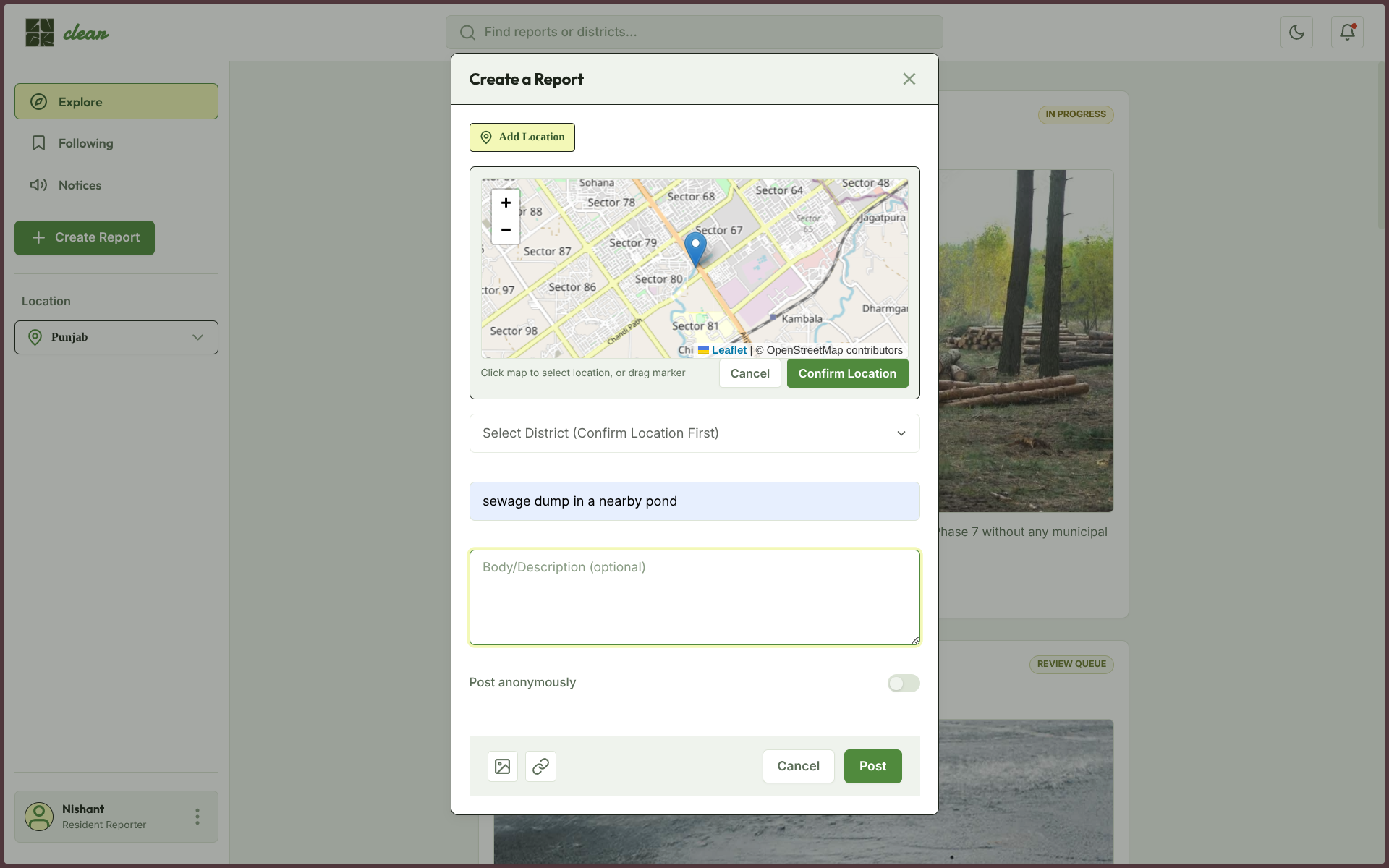
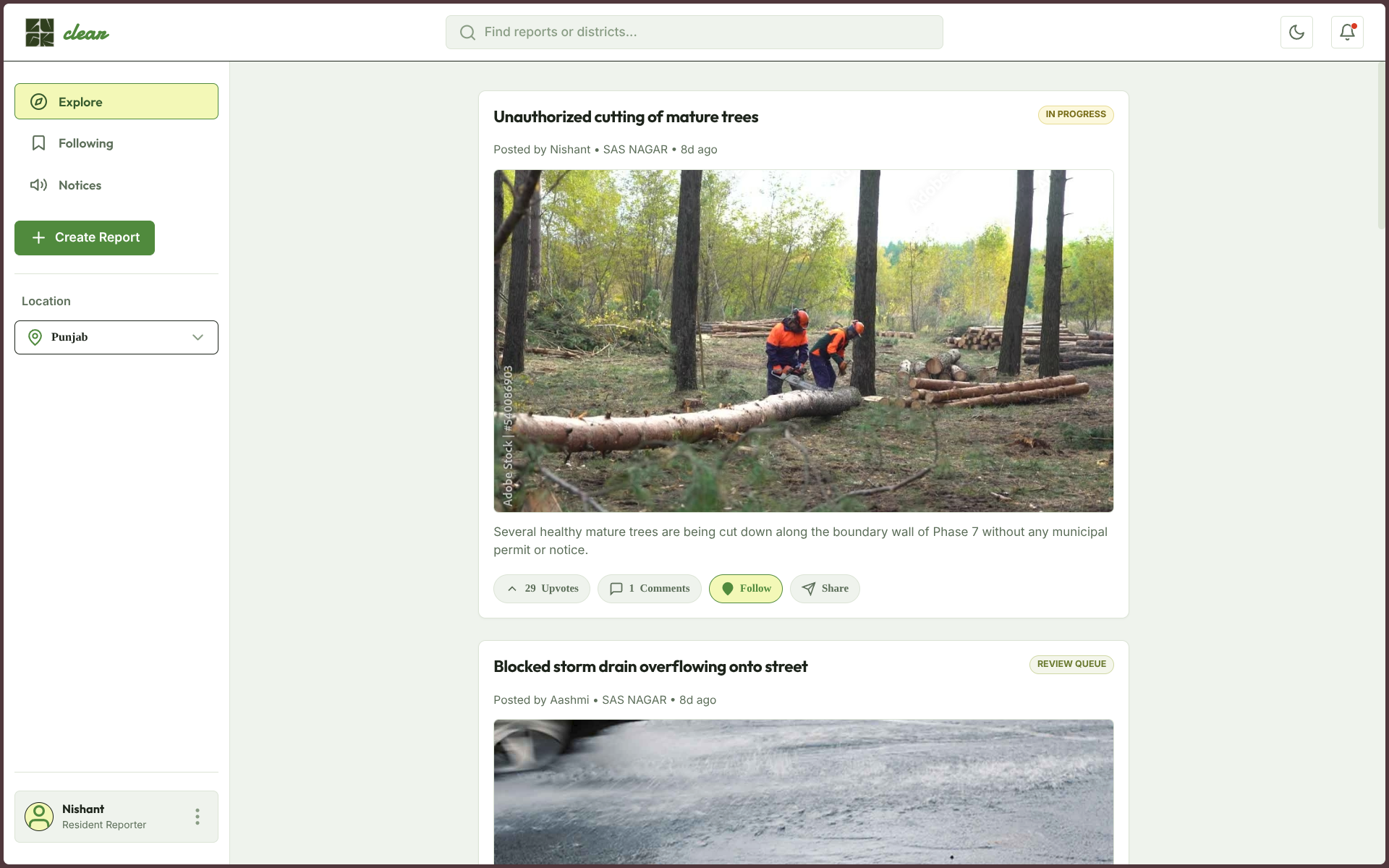
A citizen can report an environmental issue with its location, description, and photo evidence. Other residents can support the report, add evidence, and follow its progress. Municipal officers can review reports from their district and manage them through a clear workflow.
When an issue is resolved, the officer must provide an after photo and resolution note. This gives citizens actual evidence of what changed instead of simply showing that a complaint was closed.
The process is simple:
Report → Review → Action → Resolution
2. How It Works
C.L.E.A.R. connects citizens and municipal officers through one system.
For Citizens
A resident can select a location on the map, choose the type of environmental issue, describe the problem, and upload a photo.
After submitting a report, they can:
- Follow its progress
- Upvote important issues
- Comment on reports
- Add supporting evidence
- Appeal rejected reports with new evidence
This allows citizens to stay involved instead of losing visibility after submitting a complaint.
For Municipal Officers
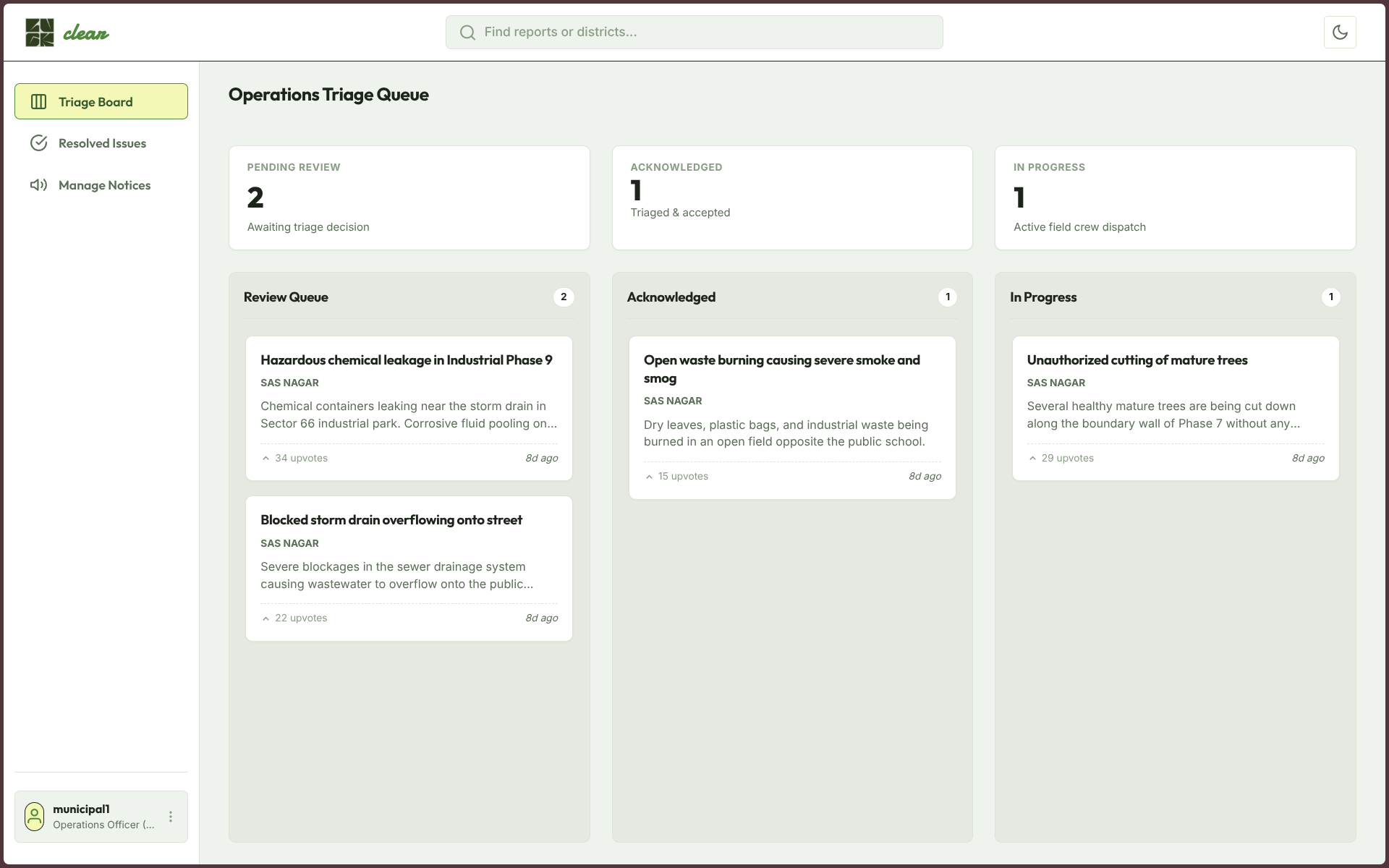
Officers see reports based on their assigned district.
They manage reports through three stages:
Review Queue → Acknowledged → In Progress
Officers can review evidence, add internal notes, and move reports through the workflow.
To mark an issue as resolved, they must provide an after photo and public resolution note.
Citizens can then see the updated status and the evidence of resolution.
3. Main Features
Community Priority Score
C.L.E.A.R. uses a simple scoring system to help identify issues that need more attention.
Priority Score = (Upvotes × 1.5) + (Hours Waiting × 0.15)
This means both community interest and waiting time contribute to an issue's priority.
Collaborative Evidence
Multiple citizens can contribute evidence to the same report.
This reduces duplicate reports and allows residents to build a stronger case together.
Report Timeline
Every major action is recorded in a timeline, including:
- Status changes
- Rejection reasons
- Citizen appeals
- Resolution activity
This gives the report a clear history from submission to completion.
Role Based Access
C.L.E.A.R. supports four user roles:
- Citizen: Report and interact with environmental issues
- Authority: Manage reports within an assigned district
- Investigator: Review active reports with restricted access
- Admin: Manage and oversee the complete system
Before and After Verification
A report cannot simply be marked as resolved.
The officer must provide an after photo and resolution note to document the result.
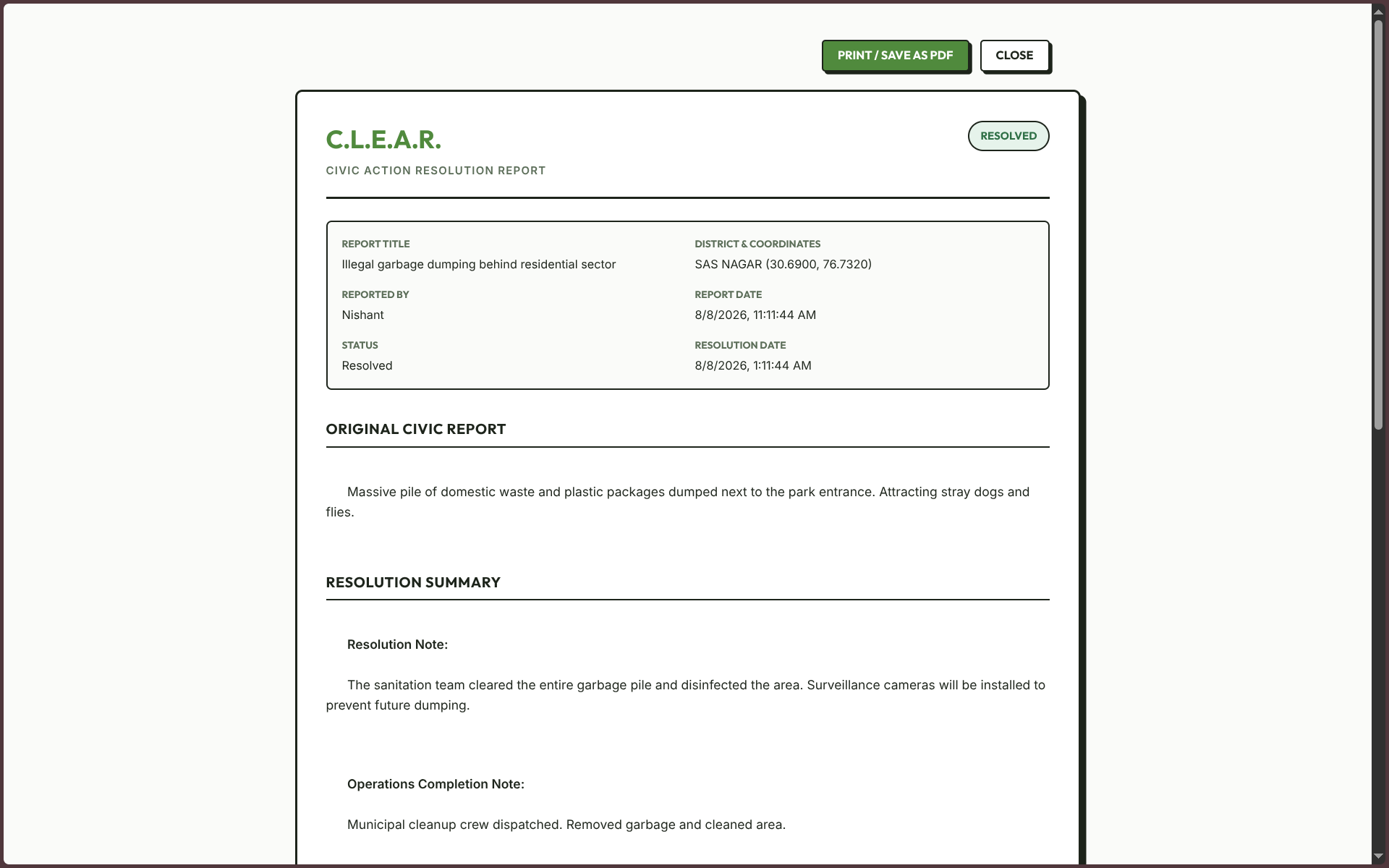
Civic Audit Reports
Resolved reports can be exported as PDF reports containing:
- Location and coordinates
- Issue description
- Comments
- Timeline history
- Before and after photographs
This provides a clear record of what was reported and what was done.
4. Technology Stack
Frontend: HTML5, Vanilla JavaScript, Vanilla CSS
Mapping: Leaflet.js and OpenStreetMap
Backend: Node.js and Express.js
Database: PostgreSQL with Prisma ORM
Authentication: JWT based sessions with HTTP only cookies and bcryptjs password hashing
File Storage: Local server storage under /media/uploads/
We kept the stack straightforward so the system remains easy to understand, maintain, and extend.
5. Pre Configured Testing Accounts
For quick testing and workflow verification, C.L.E.A.R. includes pre configured accounts for both sides of the platform.
Citizen Account
- Email:
[email protected] - Password:
password - User ID:
user1
This account can be used to create reports, follow issues, upvote, comment, add evidence, and test the citizen workflow.
Municipal Officer Account
- Email:
[email protected] - Password:
password - Auth Key:
HX291Z - District:
SAS NAGAR - User ID:
municipal1
This account can be used to access the municipal dashboard, review reports, test the district scoped workflow, update report statuses, and test the resolution process.
6. Intended Users
Citizens
People who want a simple way to report environmental problems and follow what happens after submitting a report.
Municipal Officers
Officers and field teams who need a central place to review reports, prioritize work, manage cases, and document resolutions.
7. What C.L.E.A.R. Is Trying to Solve
C.L.E.A.R. is not intended to replace existing municipal systems.
It focuses on one problem:
The lack of visibility between a citizen's complaint and its final resolution.
C.L.E.A.R. connects citizen reports, community evidence, municipal workflows, status tracking, and resolution proof in one system.
The goal is to make the process clear:
"There is a problem here." becomes "Here is what was done about it."


Log in or sign up for Devpost to join the conversation.