Inspiration
Booking study rooms at universities is notoriously inconvenient for many of us. Logging in to your university portal and clicking into each room to see when it is actually free is a mind-numbing task that feels like it could be much more streamlined. And on top of that, how often have you been studying with your friends in the library and wanted to book a room, only to discover that all the clearly empty rooms are fully booked out for the day? We wanted to build an app to reduce the hassle of booking rooms, and free up rooms when they're empty.
What it does
Our app is built for university institutions: to register, universities upload a master JSON file describing their study rooms and student list to the admin web dashboard. Once completed, download the zip file containing QR codes generated for every room. You should display these codes outside the rooms.
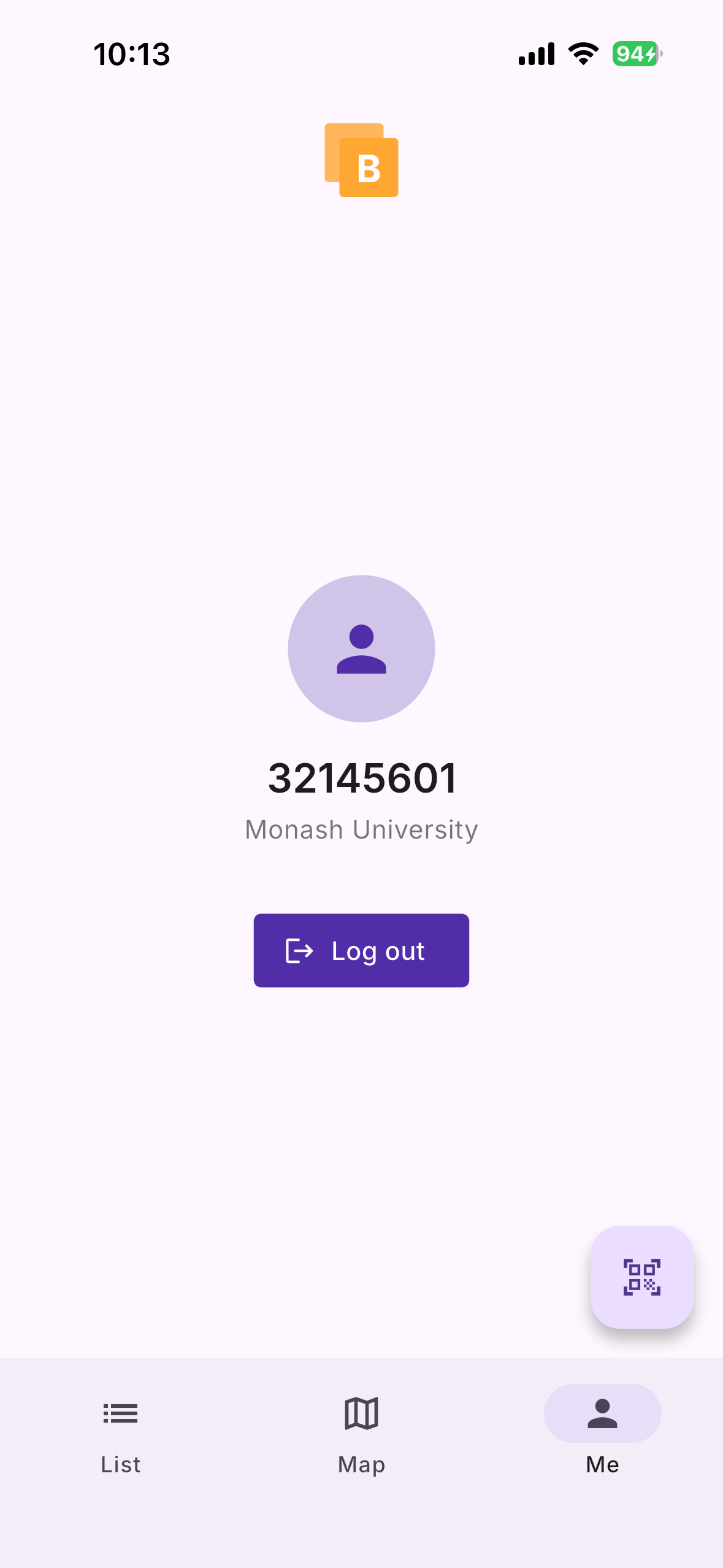
When you open the app, sign in by selecting your institution and entering your credentials.
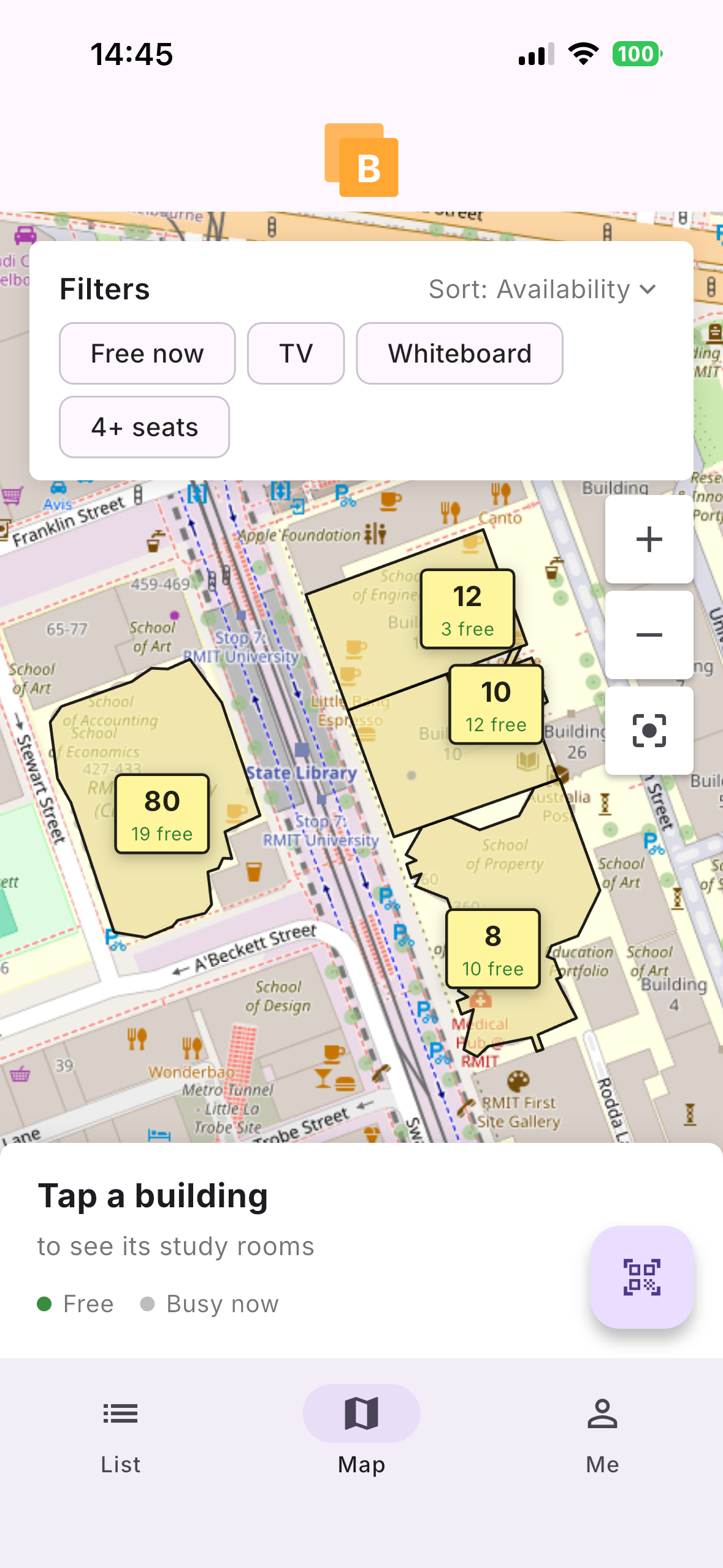
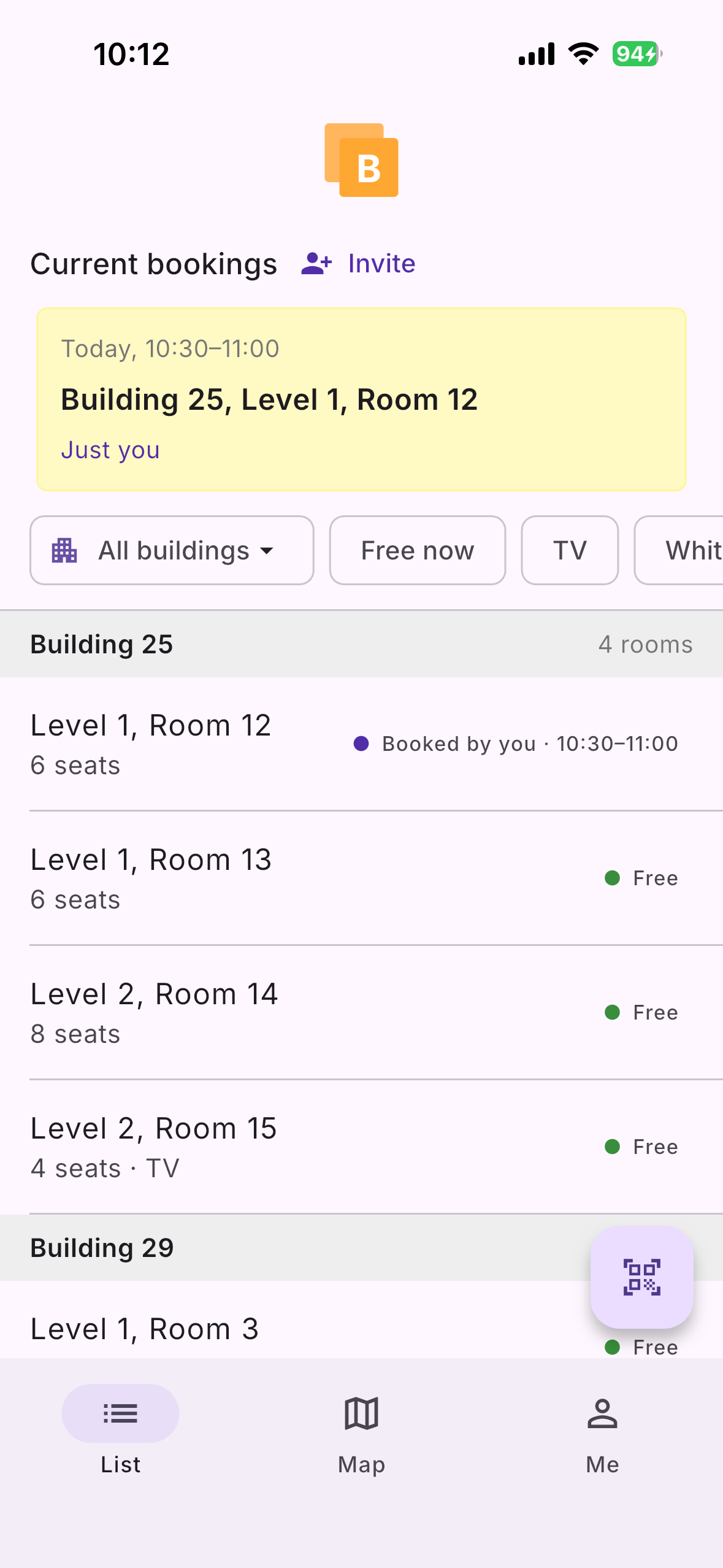
There are two main room listing screens: a list view and a map. The list view displays a list of study rooms organised into their buildings. It includes status (whether the room is free or busy) and a capacity indicator. The map view, however, can often be more convenient. Switch to this view and see a map of campus and the buildings where study rooms are located. If you want to see the rooms in a certain building, just tap on that building to expand.
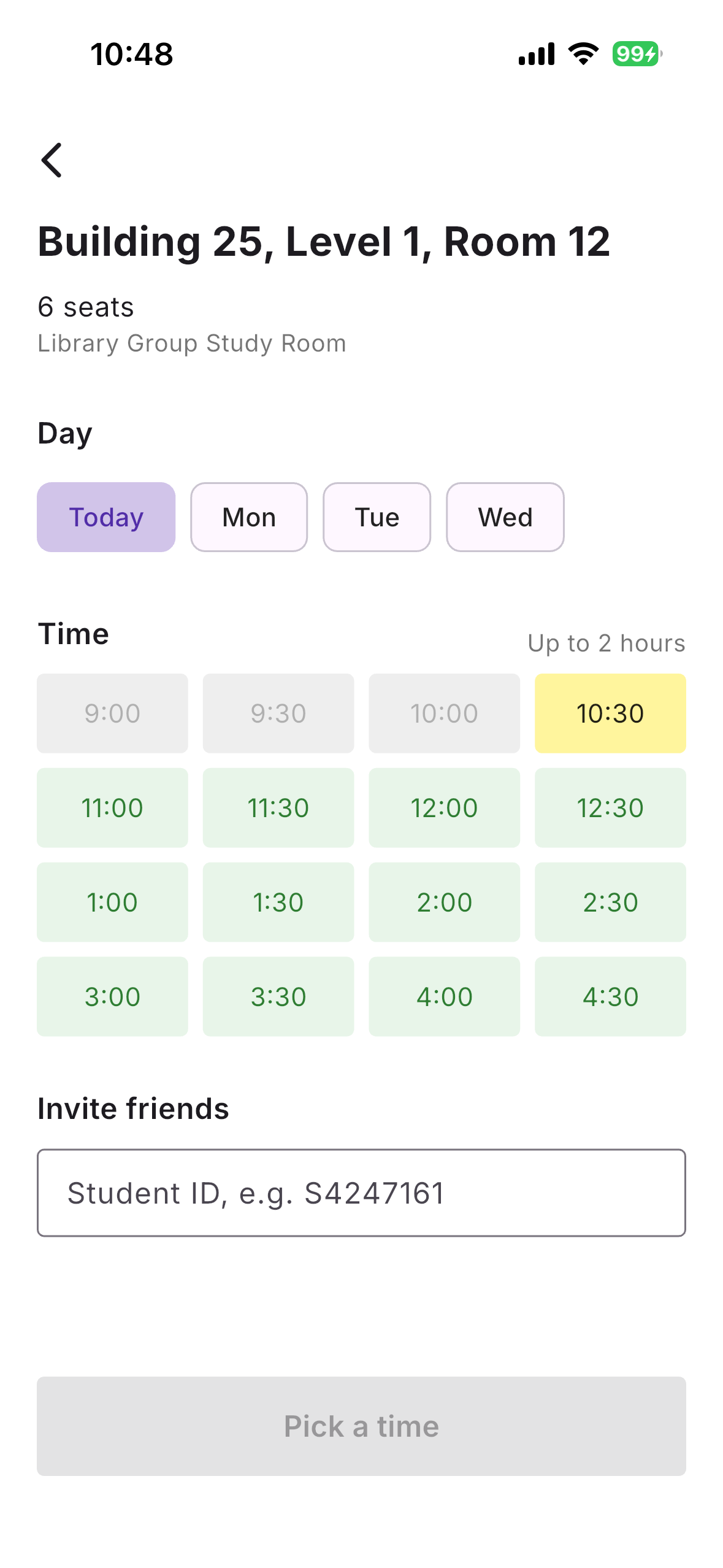
Tapping on a room item on either screen will show availability and provide you with the option to book an upcoming time slot. When you book, you have the opportunity to add a friend to the booking with their student ID. You can even see the student IDs of people occupying bookings if the room isn't available.
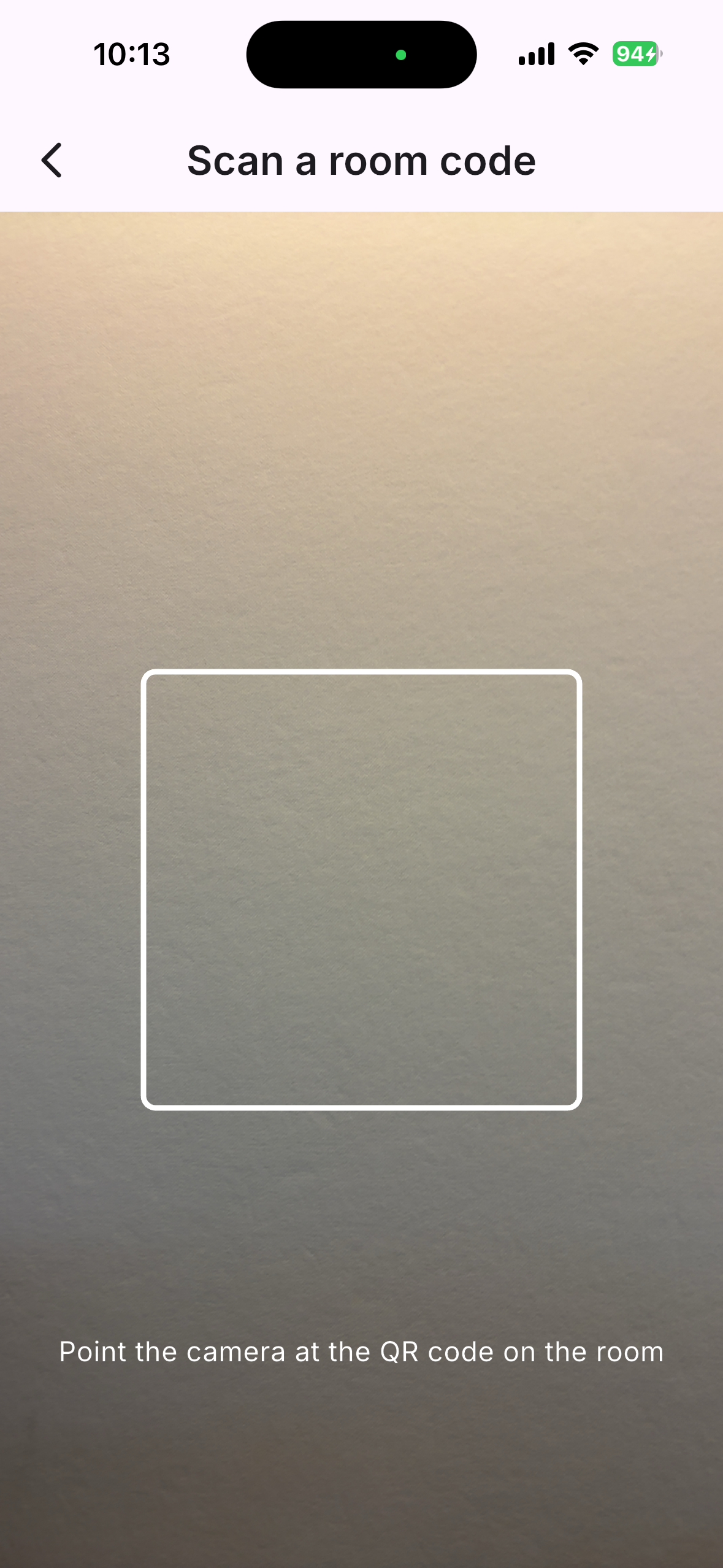
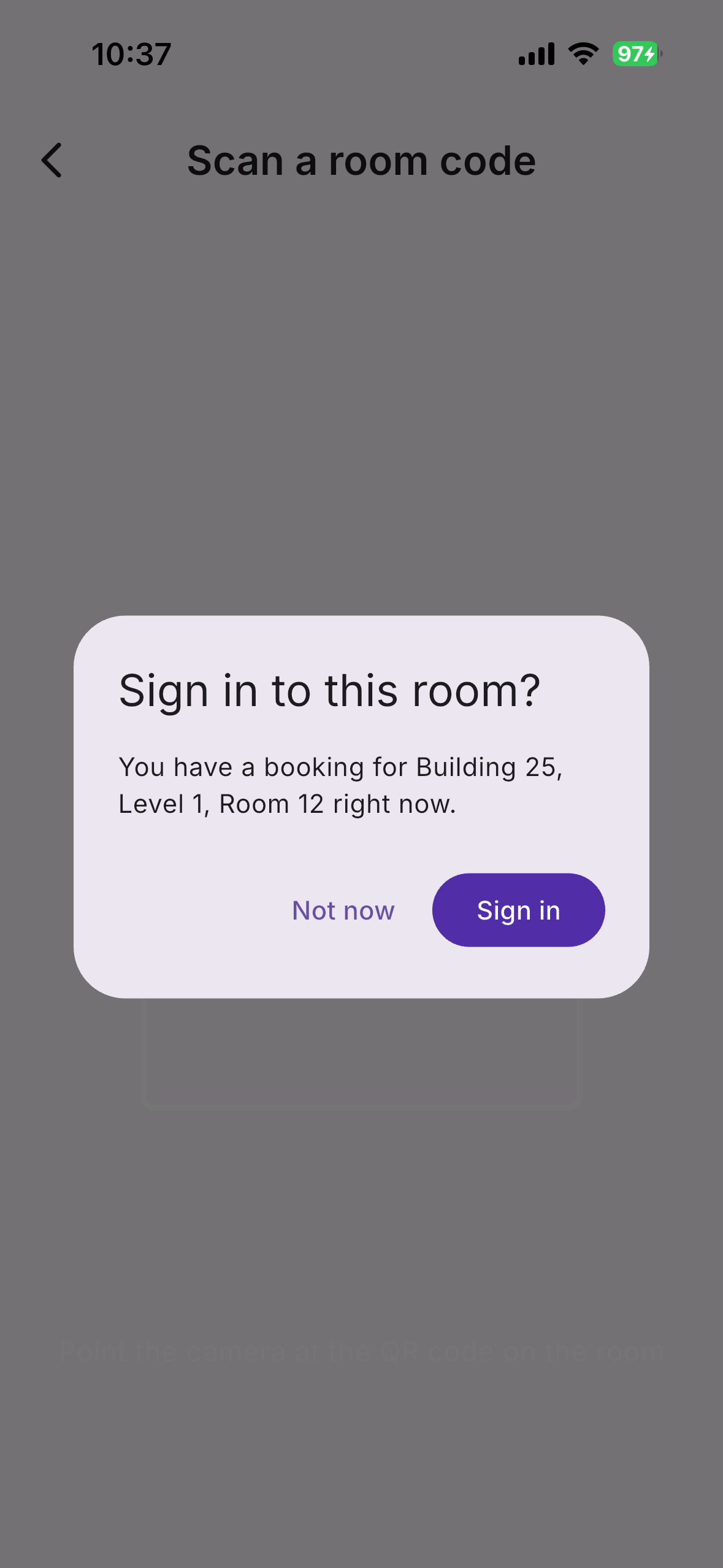
Once you have booked a room, there's an important final step to confirm your booking. When you show up at the room, make sure to open the in-app QR code scanner and scan the code outside the room. You will be prompted to sign in to the room. Doing this within the first 15 minutes of your booking starting is vital. If you don't sign in, your booking is discarded and the room becomes available. The huge upside of this is that it frees up booked rooms that otherwise sit unoccupied for other students to use. If you scan a room code but don't currently have a booking, you will be taken to the information screen for that room, where you can book for upcoming available slots.
How we built it
The client-side of our app is built with Flutter to target iOS, but can be built for Android with a bit more setup. We didn't use any state-management approaches beyond the built-in support due to the setup overhead and one of our team members' inexperience.
The server is a straightforward REST API built with Flask and interfaces with a Postgres database. We also have a background task scheduler that uses APScheduler to update room statuses.
Skeletal components of the frontend were first prototyped by hand, and the minimum API functionality was implemented by hand. Claude Code was used largely to iterate on the existing frontend skeletons and integrate with the API, which sped up the prototyping process.
Challenges we ran into
We occasionally had a mismatch between the data models used by the client and what was actually provided by the API. For example, the way that the room bookings table is managed by the server did not take into account the possibility that a room may be unavailable, but presently unoccupied (during the first 15 minutes of a booking), whereas our UI considered this. We had to make some architectural changes as a result.
Much of our data handling during early prototyping was centred around RMIT study room mock data, but we failed to consider how this data could be vary in format from institution from institution. This led to some additional parsing overhead, particularly in our utilities for uploading institution data and generating data models from that data.
Accomplishments that we're proud of
We are particularly happy with the map room navigation. This is a hugely convenient feature for students like us, because sifting through one huge master list of rooms without the context of relative location is a horribly burdensome task.
Both from a technical side and from a design perspective, the concept of QR codes to sign in to rooms is something that really excites us and something that we are stoked to have working as well as it does. It's a cool implementation, and it could definitely reduce congestion on campus.
What we learned
This being our first hackathon, we quickly realised how much you need to "play the game" to stay competitive and ambitious given the time constraints. I (William) actually love writing code and figuring out super elegant implementations, so I was initially very hesitant to lean heavily on AI to be our hands for writing code, but I accepted that it's a necessity to stay competitive. We are not equally experienced team members, so learning to communicate and explain architectural design choices was huge for us.
Being less technically experienced, Jaskaran found this prototyping process to be a huge learning experience for understanding how and API can bridge the gap between a data store and a frontend client.
What's next for Buzzbook
Given more time, we would be keen to explore some functionality that exploits push notifications:
- Users could "subscribe" to a room or to rooms nearby to receive alerts when rooms become free
- When an active booking ends, the users receive notifications prompting them to vacate the space. This would remove the awkwardness of kicking a stranger out of a room when your booking starts.


Log in or sign up for Devpost to join the conversation.