-
-
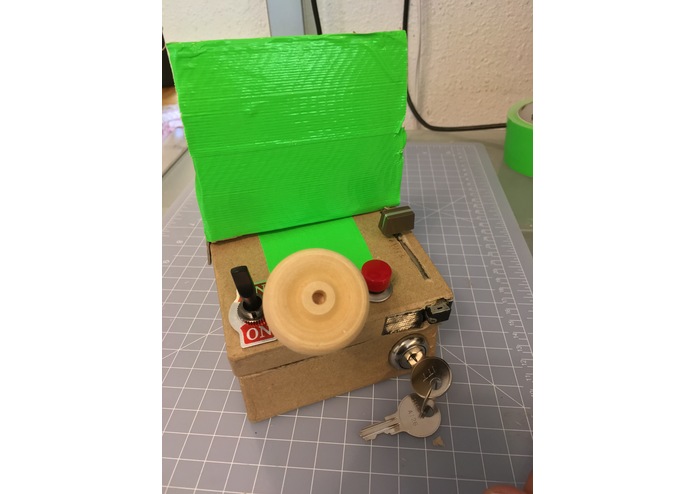
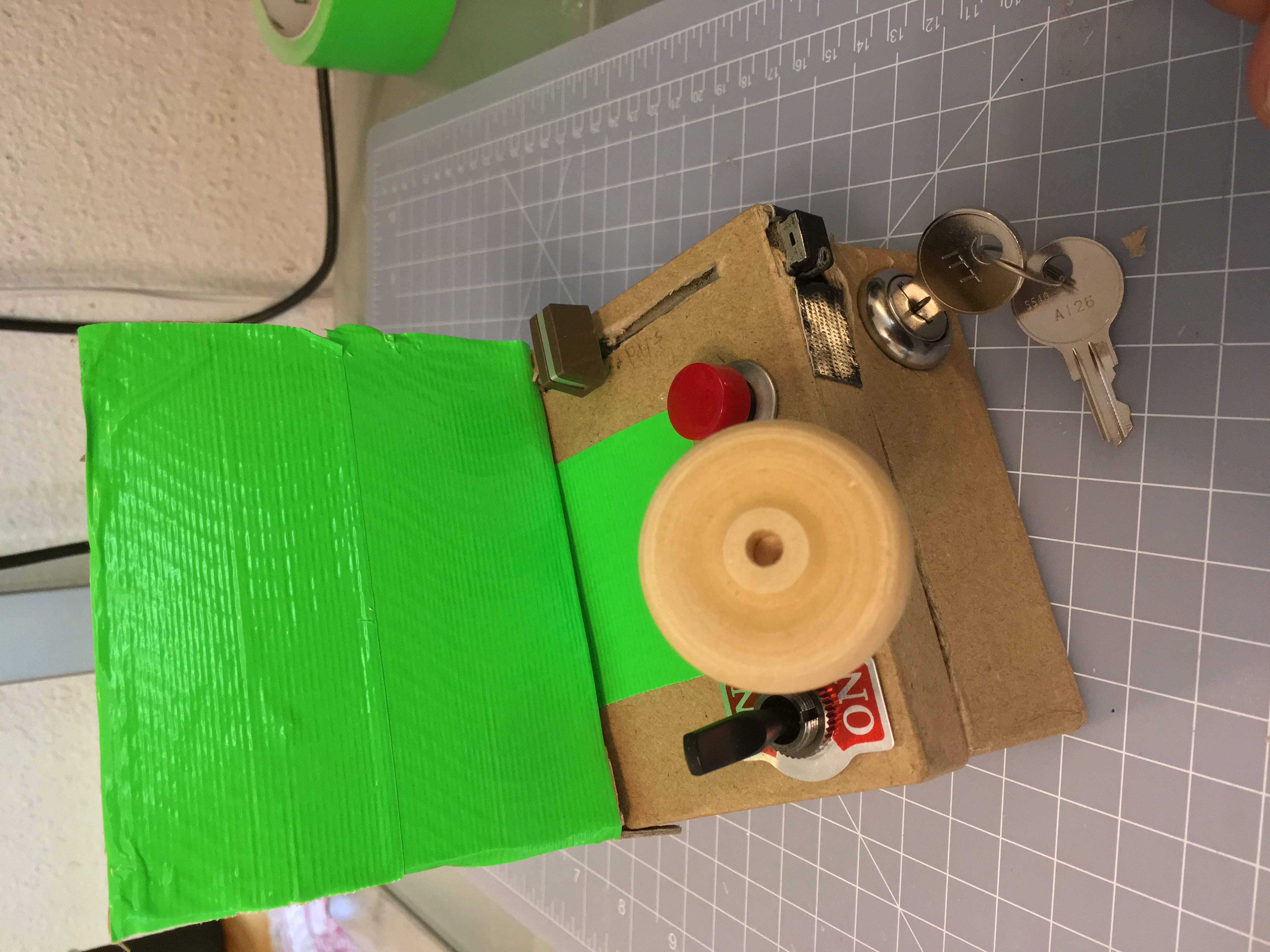
Initial Panel ... the Conversation Starter
-
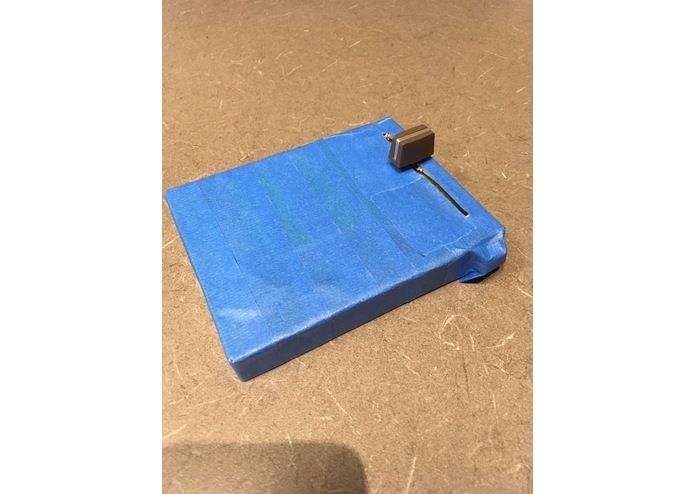
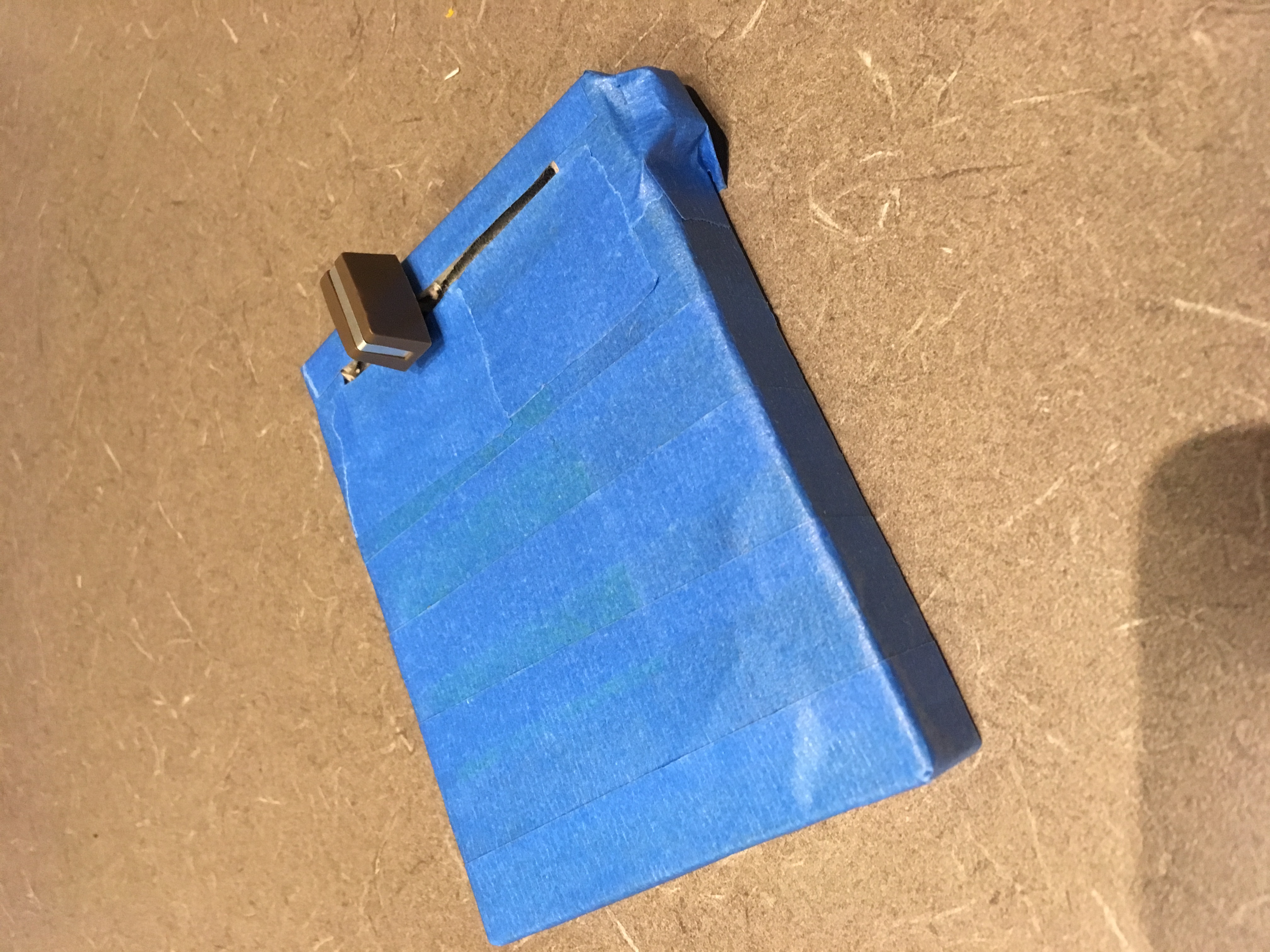
The stripped-down version, for actual development
-
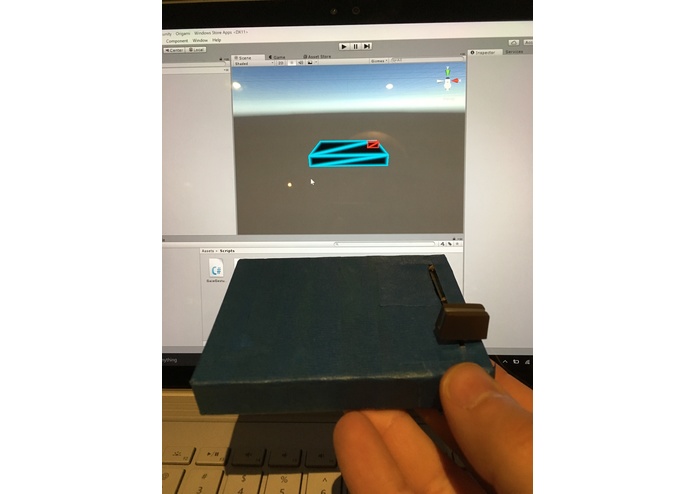
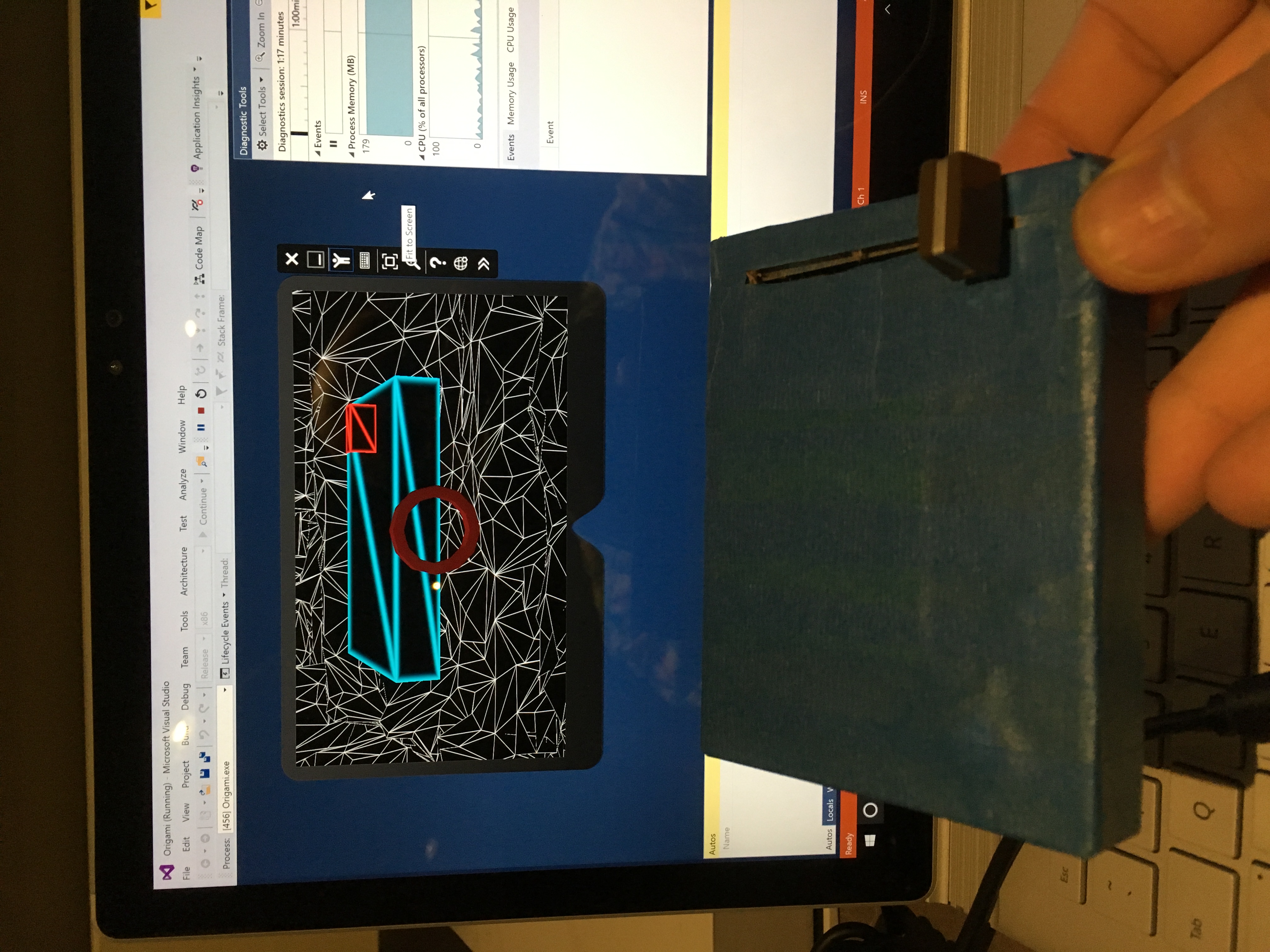
The Holographic Twin in Unity ...
-
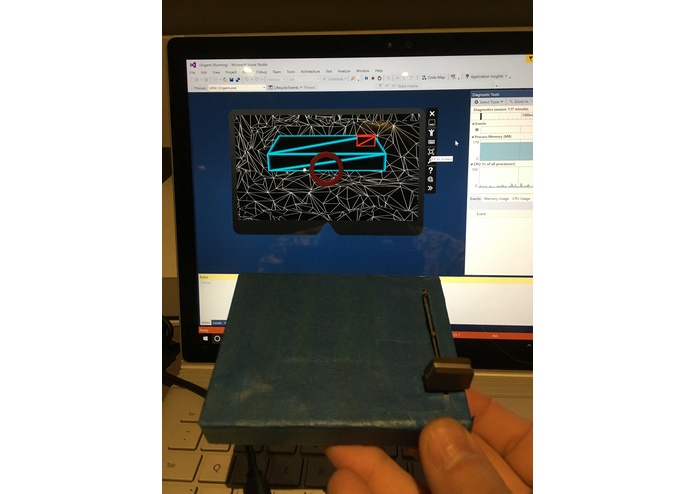
... and in the HoloLense Emulator
-
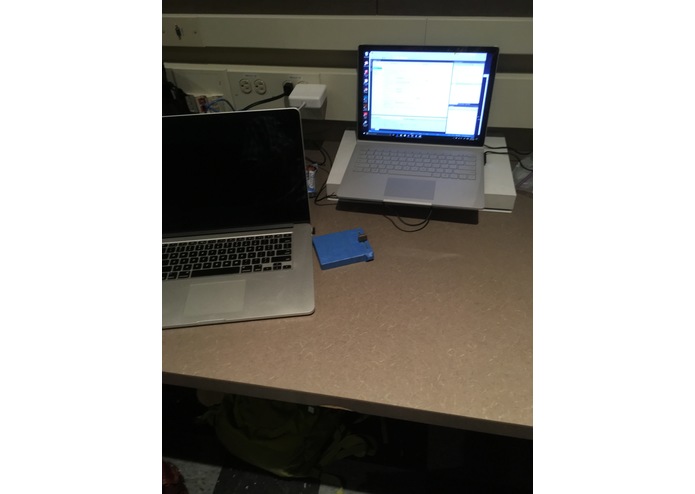
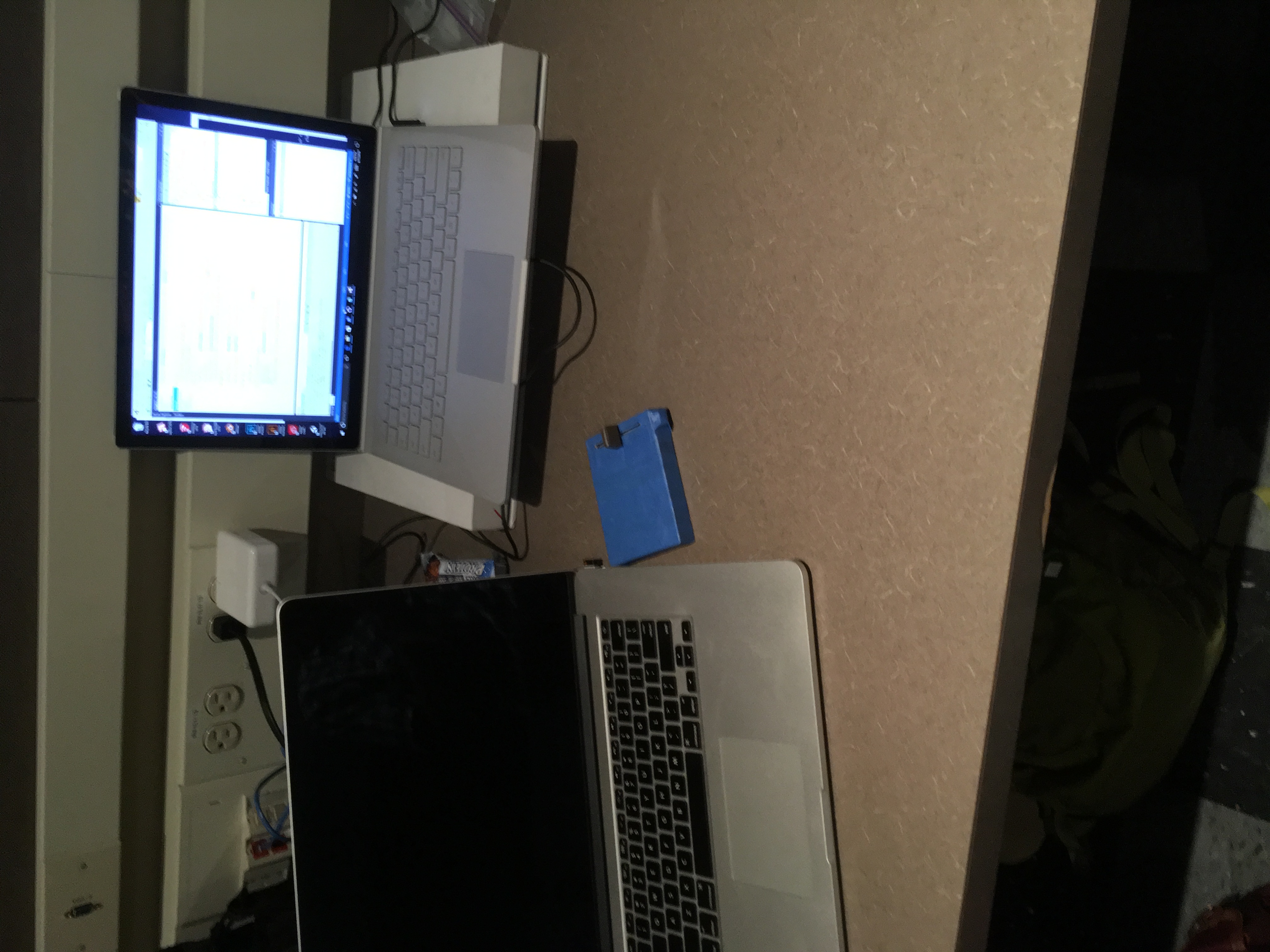
The physical slider panel in place ...
-
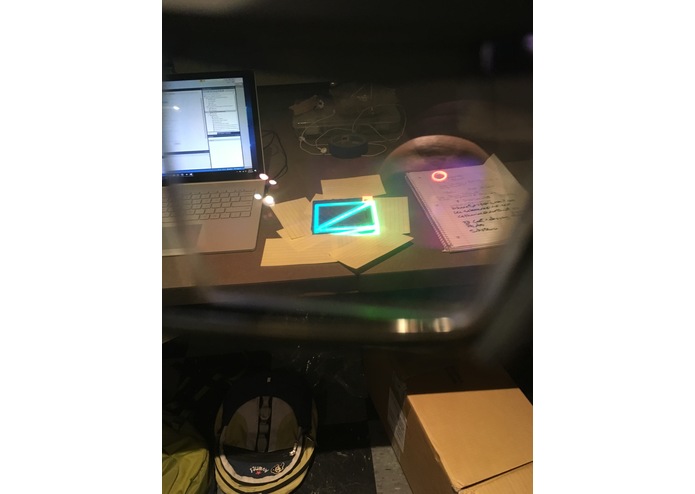
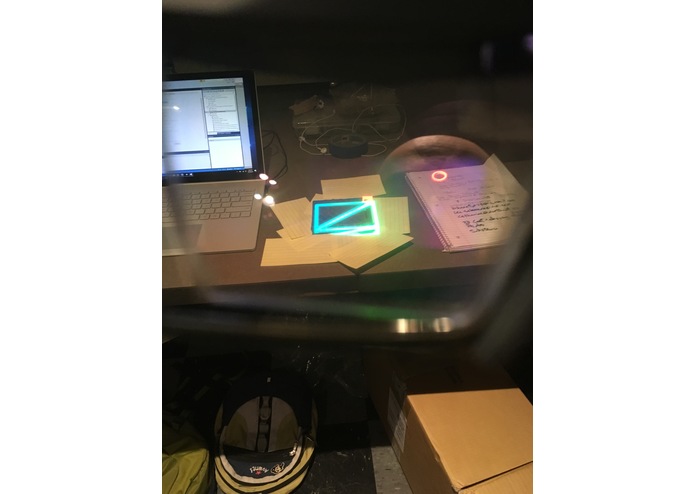
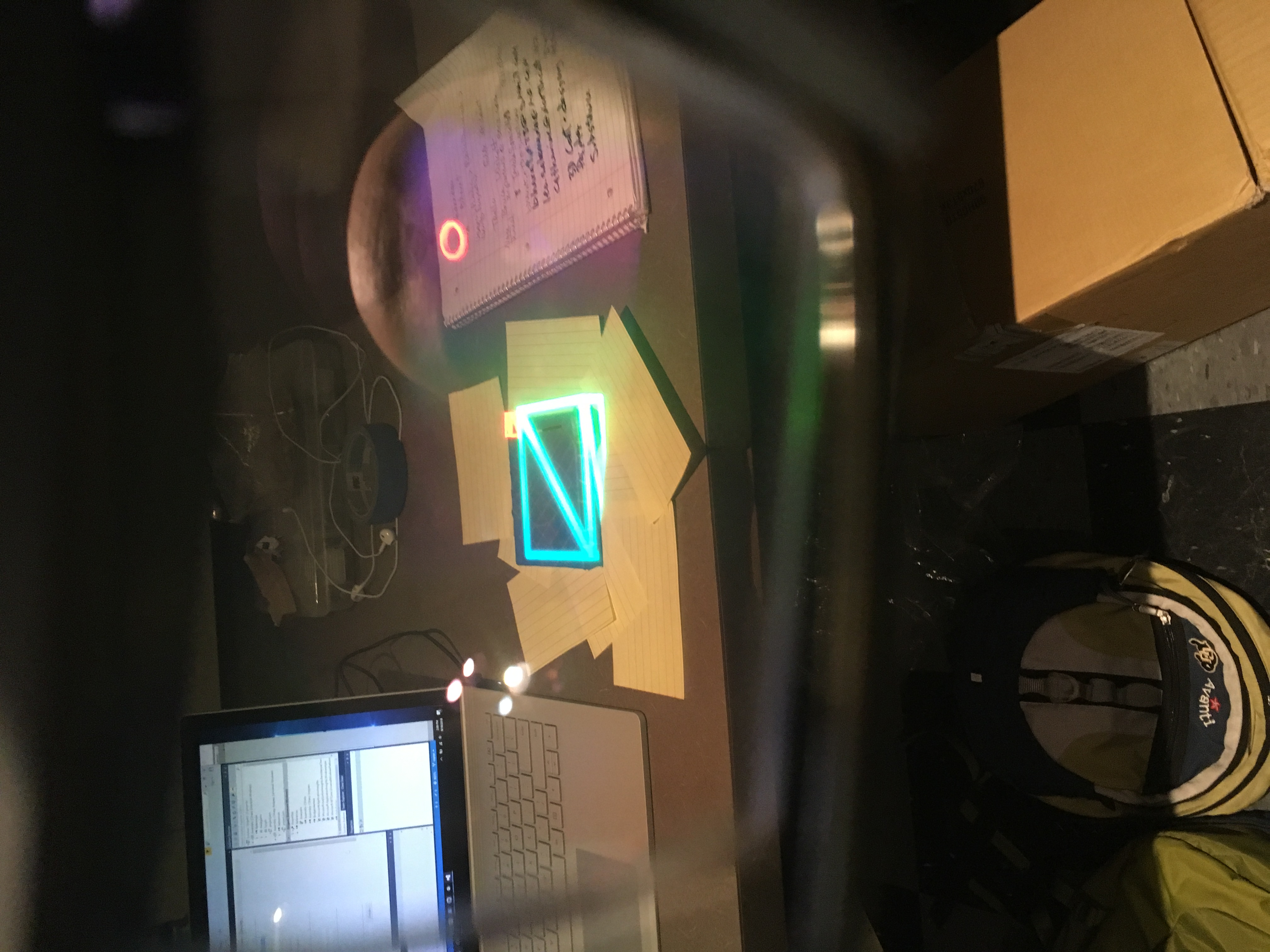
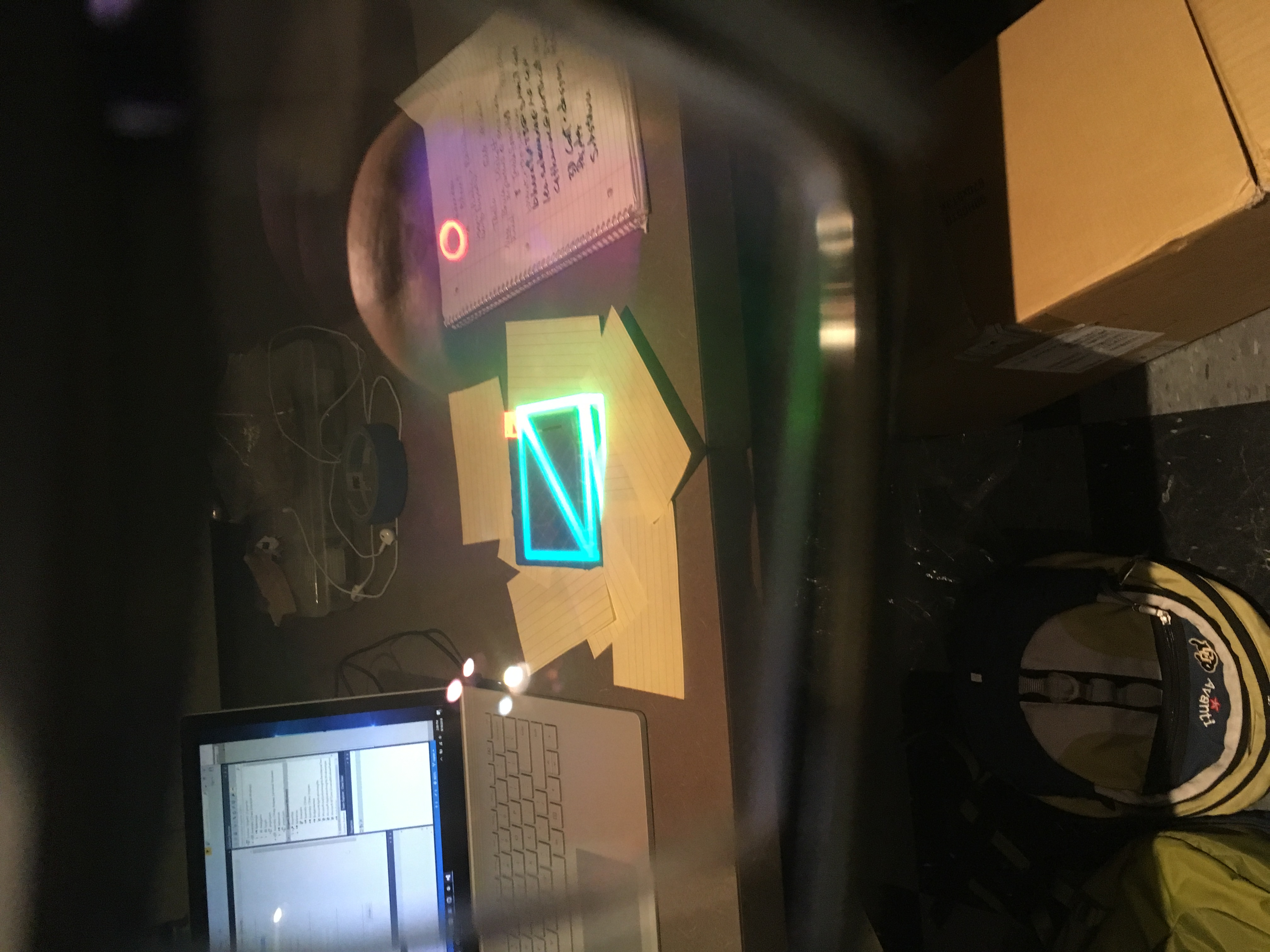
Deployed to HoloLense HW. The Holographic Twin spatially-correlated to it.
-
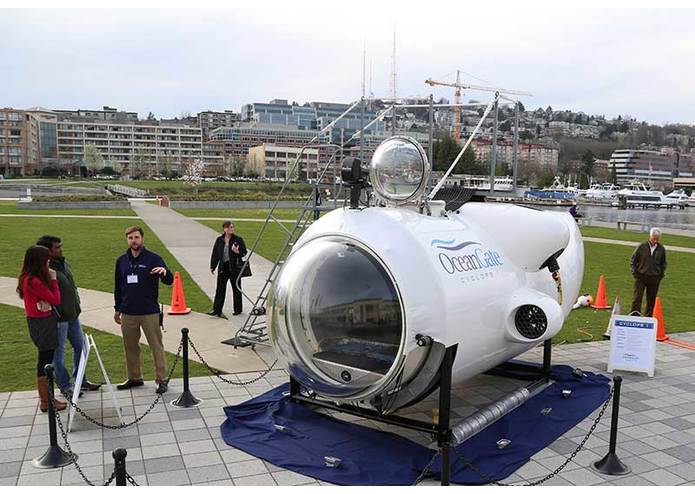
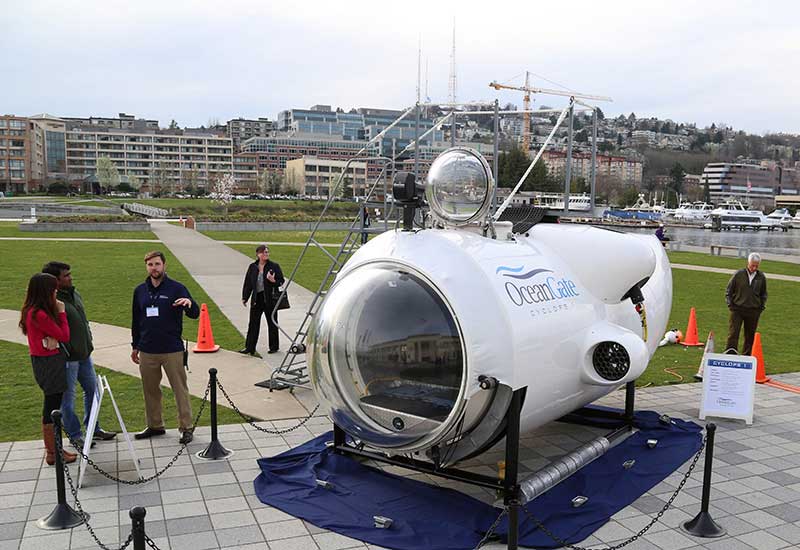
The Current Stakeholder would like an AR experience for this ...
-
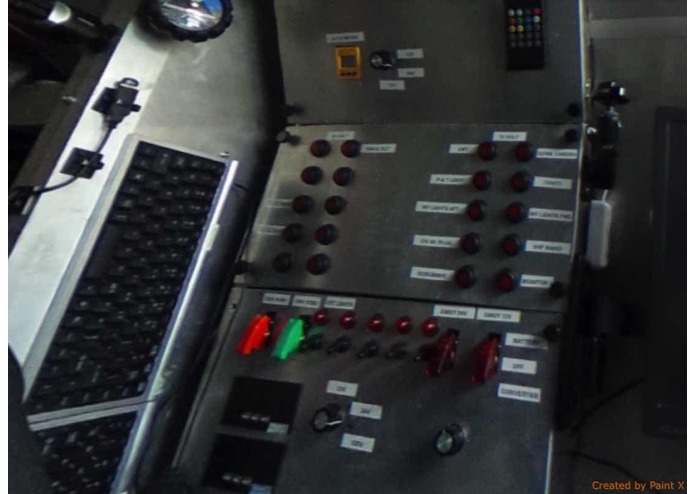
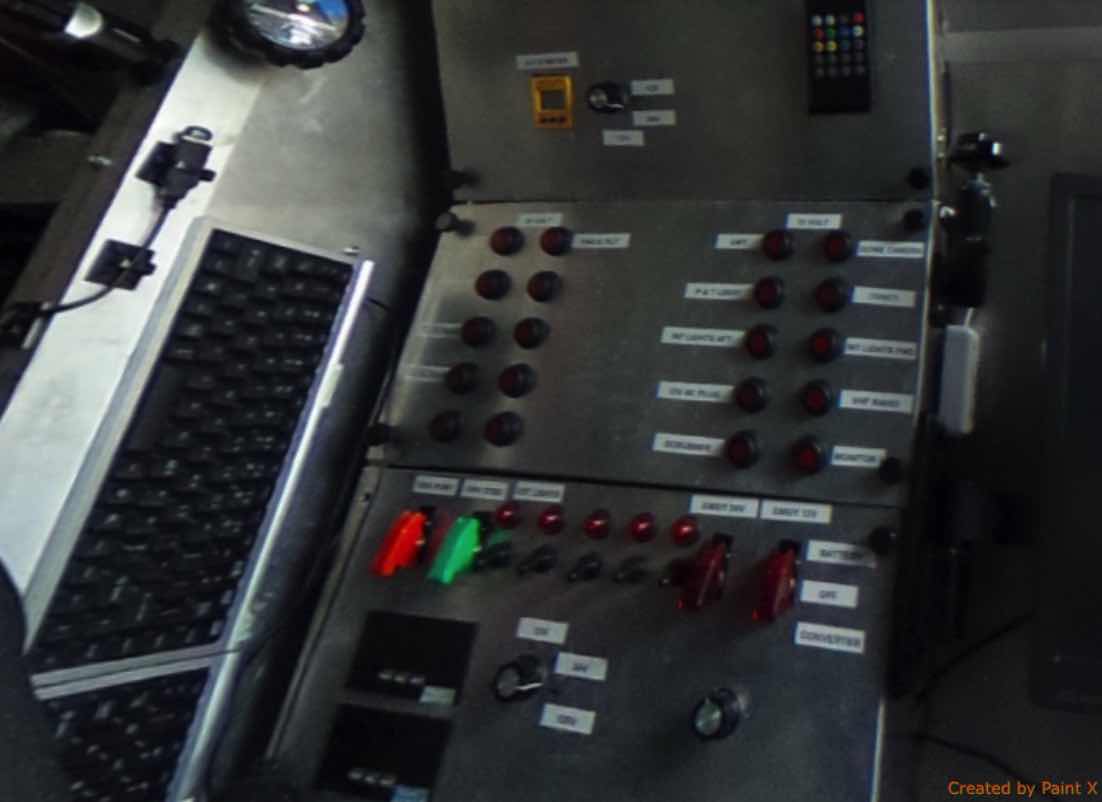
.... you can climb inside. The interior has panels like these.
-
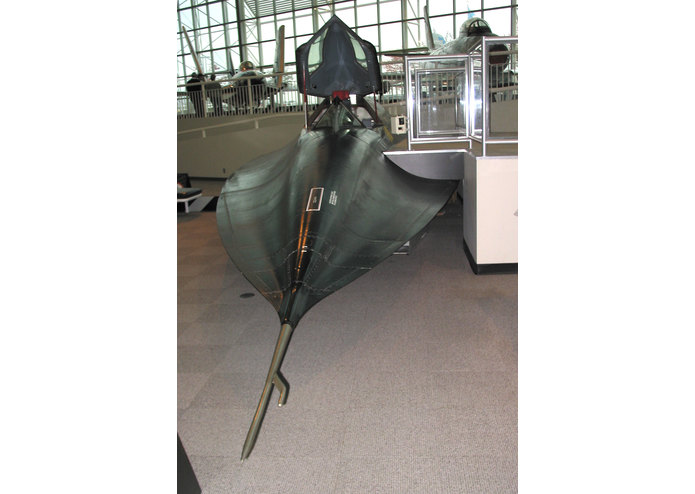
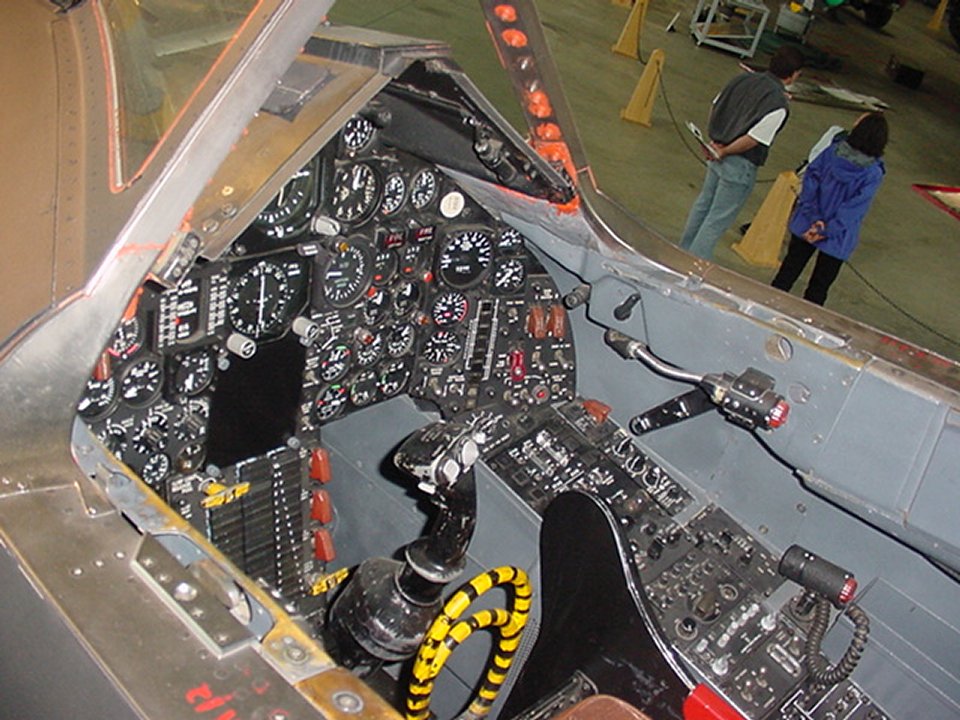
The End Game ... make an experience for this ...
-
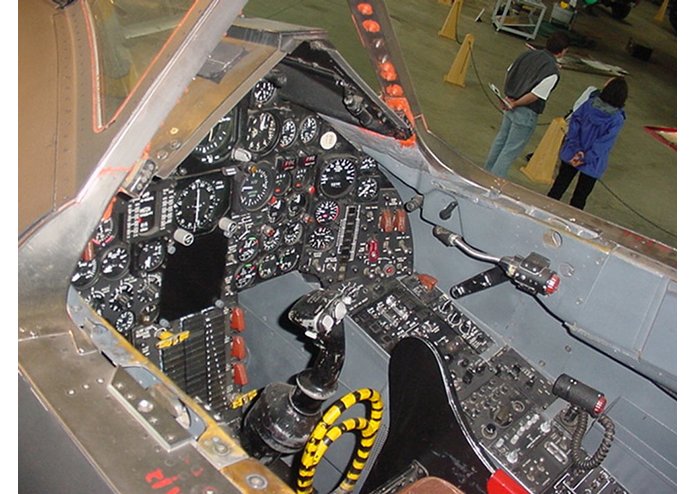
Capture all these, for all museum exhibits.


Inspiration
The Museum of Flight in Seattle has a few "sit in cockpit" exhibits. You can climb into an actual jet cockpit, settle into the seat, grab the stick, turn some knobs ..... and nothing happens. What if you wore an AR headset that could "paint over" the gauges and make them come to life? What i you could paint over the windshield to render the simulator world running past you, pitching and rolling as yank and bank on the stick? What if this could be done without making any physical changes to the exhibit?
And what if this technology where available to every exhibitor for every museum and trade show?
Operating Concept
An AR System would track hand/finger position, and render graphics to gauges, windshields, portholes, etc; to show how the (simulated) vehicle reacts to the switches and wheel. Sounds would include engine noise, wind/water/ground effects, etc.
Perhaps an AI/Machine Learning system could watch your hands and be ‘trained’ on how to react to manipulations of the physical switches. Imagine climbing into a real airplane, grabbing the stick and moving it forward and back. At the same time, someone is operating a USB joystick in unison with your motions. The AI/Machine Learning System watches (with a couple strategically placed webcams) and learns that “This Motion” means “That USB axis” Simlar with switches. “This physical switch” means “that keyboard press” Hit the switch and keyboard in unison until the AI gets it. With an AI like that, BDSTL could be "trained" to work with any exhibit, control panel, or vehicle anywhere.
What Has Been Built So Far
The first iteration consists of a Microsoft HoloLens App, a physical slider switch, and "holographic twin" of the slider switch, rendered in glowing wireframe. The user begins by placing the physical slider switch on a work surface such as a desk. The next step is to launch the HoloLens App, which will render the holographic twin floating in the air, about a meter away from the user. The user grabs the slider with the standard HoloLens "pinch" gesture, then places it over its physical twin so that they correlate. See photos above. The slider button is a separate object, which must also be placed to correlate with its physical twin. I was hoping the button could be configured to follow the users hand/fingers rather than gaze. In practice, this doesn't work very well, as the user needs to stare at the slide button while moving it. I have an idea of how to make it work better, though. Keep reading ...
How I built it
The geometry was built in Unity; the scripting done in C#. The Unity content was exported to Visual Studio to run on the HoloLens emulator. A special version of unity had to be installed, referenced at the Windows Dev Center for HoloLens. All of this ran on a Surface Pro which the Seattle VR Hackathon generously loaned out. Two iterations of the project were successfully deployed to an actual HoloLens. The code & content is based on the Holograms 101e tutorial materials at Windows Dev Center . That's why the project is called Origami and lives under a folder called HolographicAcademy-Holograms-101. The original Origami geometry is still there, just disabled. A few scripts were changed, a couple added. The development branch was tagged for (almost) each step of the tutorial as well as the demo releases, so you can diff some versions against each other to see what I changed.
Challenges I ran into
When all was said and done, the main challenge was reconciling HoloLens gaze tracking vs. hand tracking. By default, HoloLens uses gaze (face position) to move objects around, while your hand gesture is basically a mouse-click. So the first iteration of this project requires you to stare at the slider button as you move it - very unnatural. A better approach would be to use a speech cue like "slider to 0.5" to move the holographic slider along its track. Might make for a good training system, such as a cockpit procedure trainer, as it requires the user to verbalize all the actions they take, like talking through a checklist.
Other challenges I ran into along the way are listed below:
- The HoloLens emulator can't pull in imagery of the real world. Was hoping to be able to do that through a webcam. It's understandable, as the HoloLens needs multiple cameras of multiple types (I believe) to map the physical world.
- Ran into a Visual Studio Build error, "Unable to find Assembly-CSharp.dll." Happened after moving my Unity project from one folder to another. Tried googling around and trying a few things (see my trello log) to no avail. Bharat suggested that I Delete and rebuild my App folder and that made all the difference ... it worked!
Accomplishments that I'm proud of
- Went from zero HoloLens development experience to a workable prototype. Thank you Seattle VR Hackathon for putting on a Unity workshop beforehand, and loaning out a Surface Pro!
- I was quite pleased with the level of physical/holographic spatial correlation that I could achieve. Sticking with simple shapes that were easy to measure helped a lot. The glowing wireframe material made it easy to see the physical object and its holographic twin at the same time. In unity, I left the size of my objects at 1,1,1 (one meter cube) and used the Scale attribute to set actual size.
- Grateful to Seattle VR, Slack, and Devpost for providing such a cool venue for my idea!
What I learned
- Choose your HoloLens Tutorials carefully. The best one I found so far is Holograms 101e. Includes some sample Unity Projects which are well-configured for HoloLens use.
- A USB-enabled game pad was very helpful when running the emulator. Navigation is much easier, as is object manipulation.
Useful Links
What's next for Bringing Dead Switches To Live (BDSTL)
Use Voice Commands Instead of Hand Gestures.
Staring at the holographic slider button while you move the physical one is not a good user experience. It would probably be better to use a speech command to "tell" HoloLens what you're doing to the physical switch, so it can update the holographic twin.
Integrate Additional HW to Enable Hand/Finger Tracking.
Leap motion would be a candidate. Kind of torn between this and the simplicity of a single device, and seeing just how far I can push HoloLens by itself.
Also ..
See my backlog list on my Trello.


Log in or sign up for Devpost to join the conversation.