Inspiration
Finding out about free food after it’s gone is annoying. Finding out your usual route is blocked by construction when you’re already late to class is worse.
Both come down to the same problem: you don’t know what’s happening on campus until you’re standing in front of it.
Campus calendars cover scheduled events, but so much of student life happens outside a calendar. A blocked walkway, a crowded building, a concerning situation, or something fun happening between classes might only show up in a group chat you’re not in.
We wanted students to have a place to share those updates and help each other get around. That became Breadcrumb.
What it does
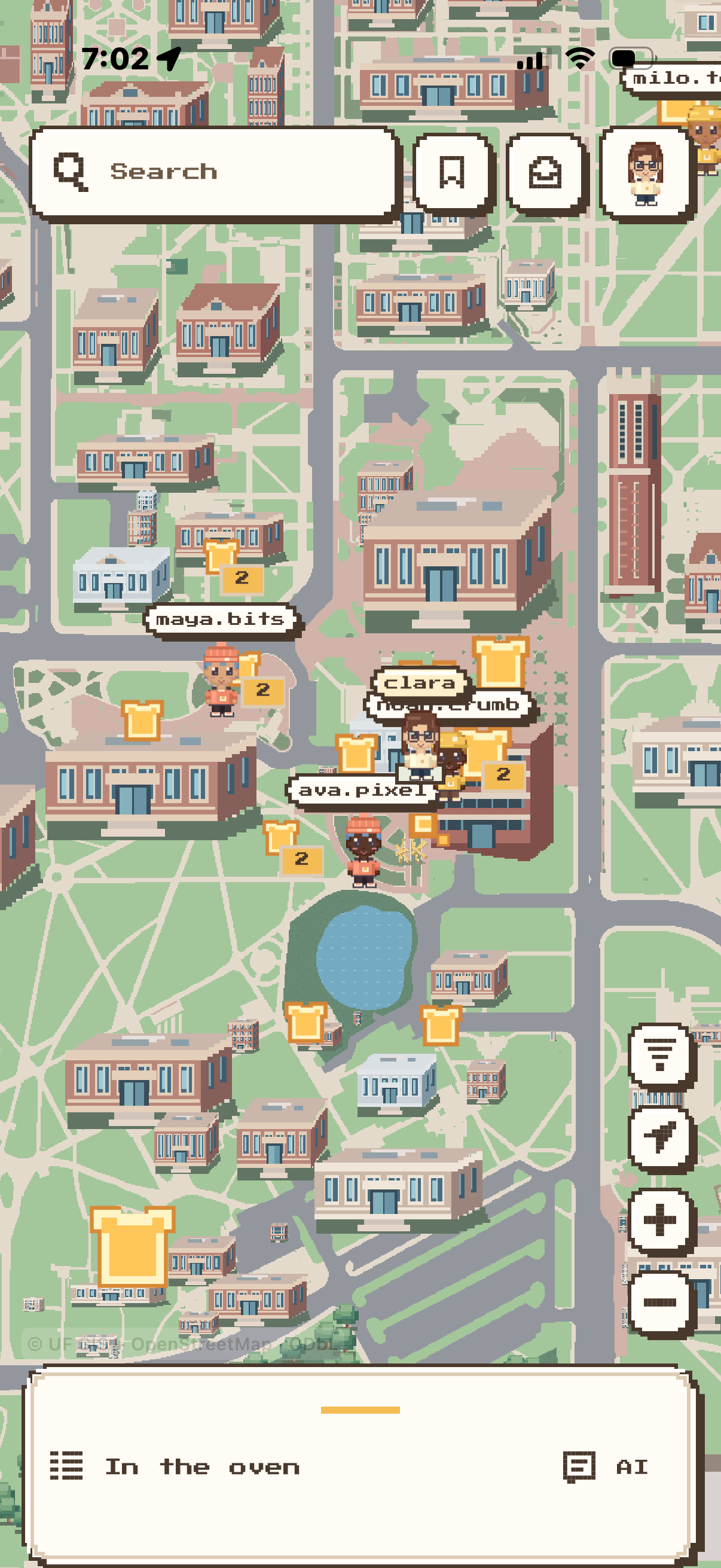
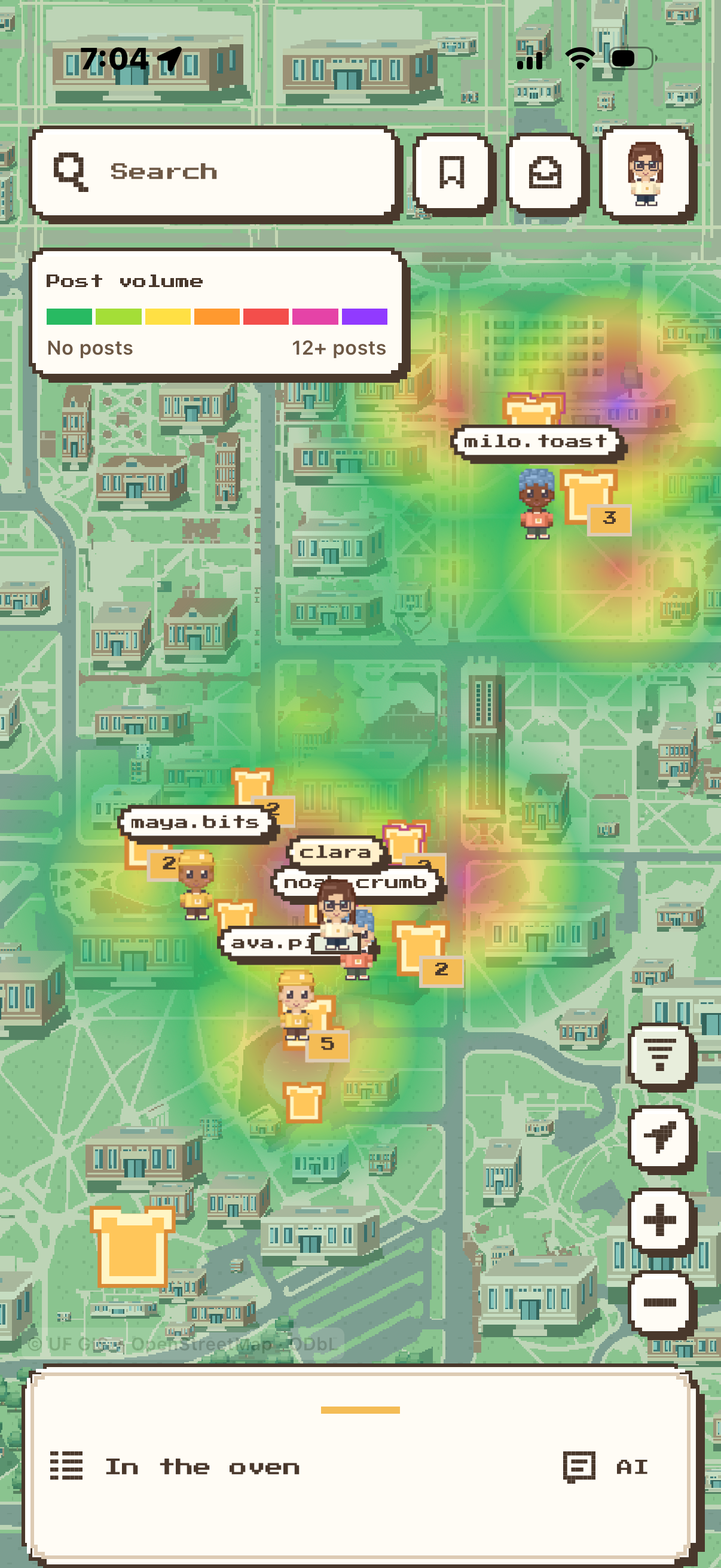
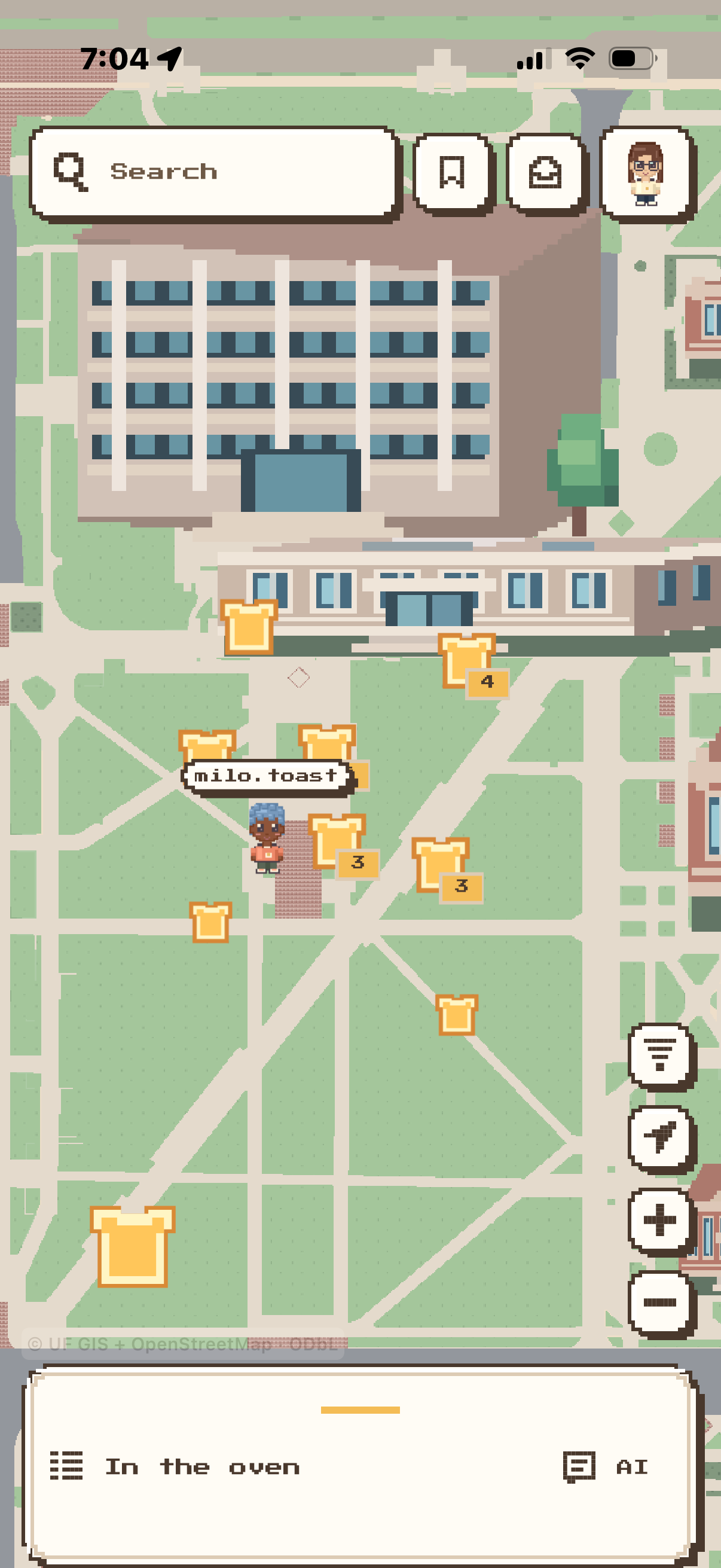
Breadcrumb is an interactive pixel-art map of UF where students can see what’s happening around them and contribute what they’re seeing.
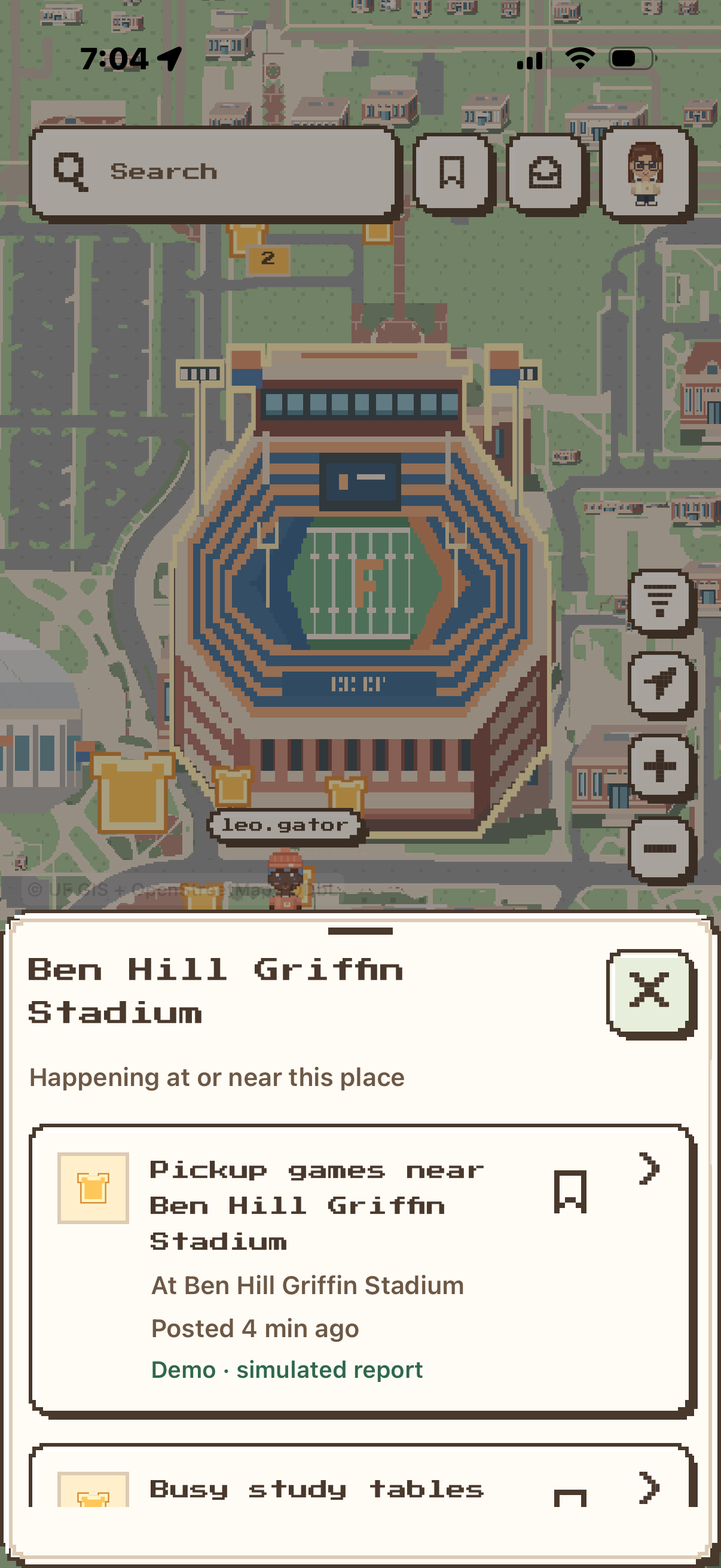
Students drop “Crumbs” on the map to report things like construction, hazards, crowds, events, and free food. You can check what’s along your route, find something worth stopping for, or decide to walk a different way.
Other students can confirm or dispute reports. Three independent confirmations turn a Crumb into a “Full Loaf,” showing that multiple people have backed it up. Reports also expire, so a temporary situation doesn’t stay on the map forever.
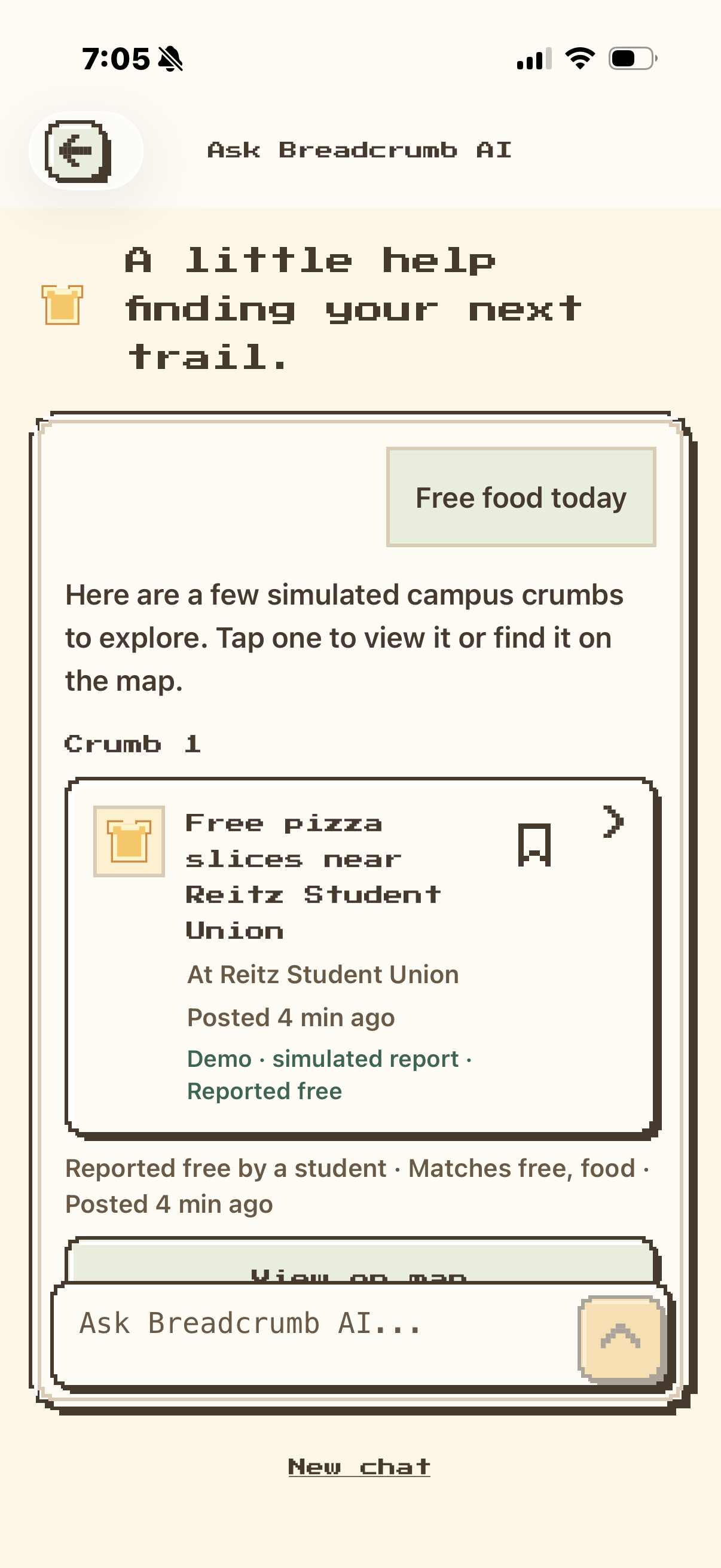
Breadcrumb includes published campus events and an AI search feature called Ask Breadcrumb. You can ask questions like “Anything happening near Reitz tonight?” and get results with source links and map locations when available.
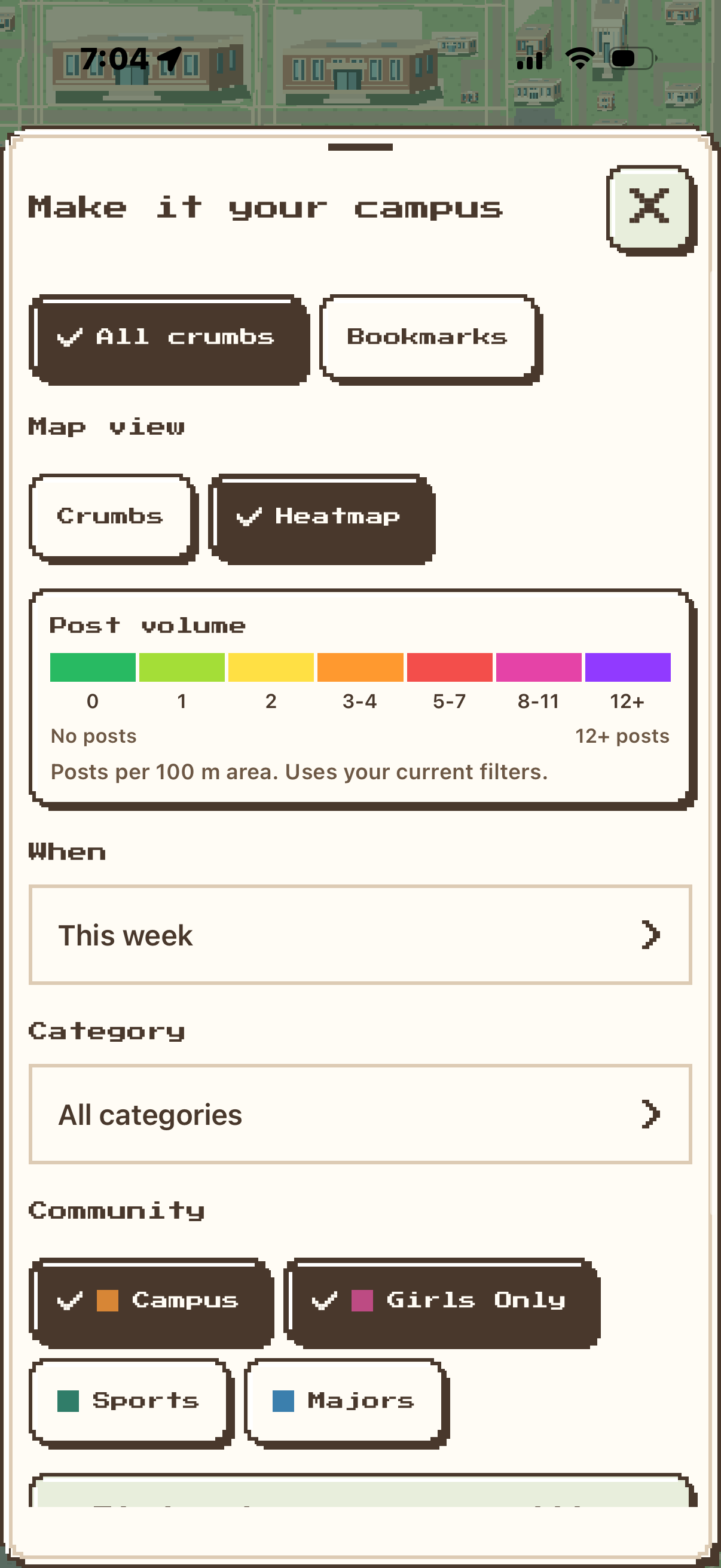
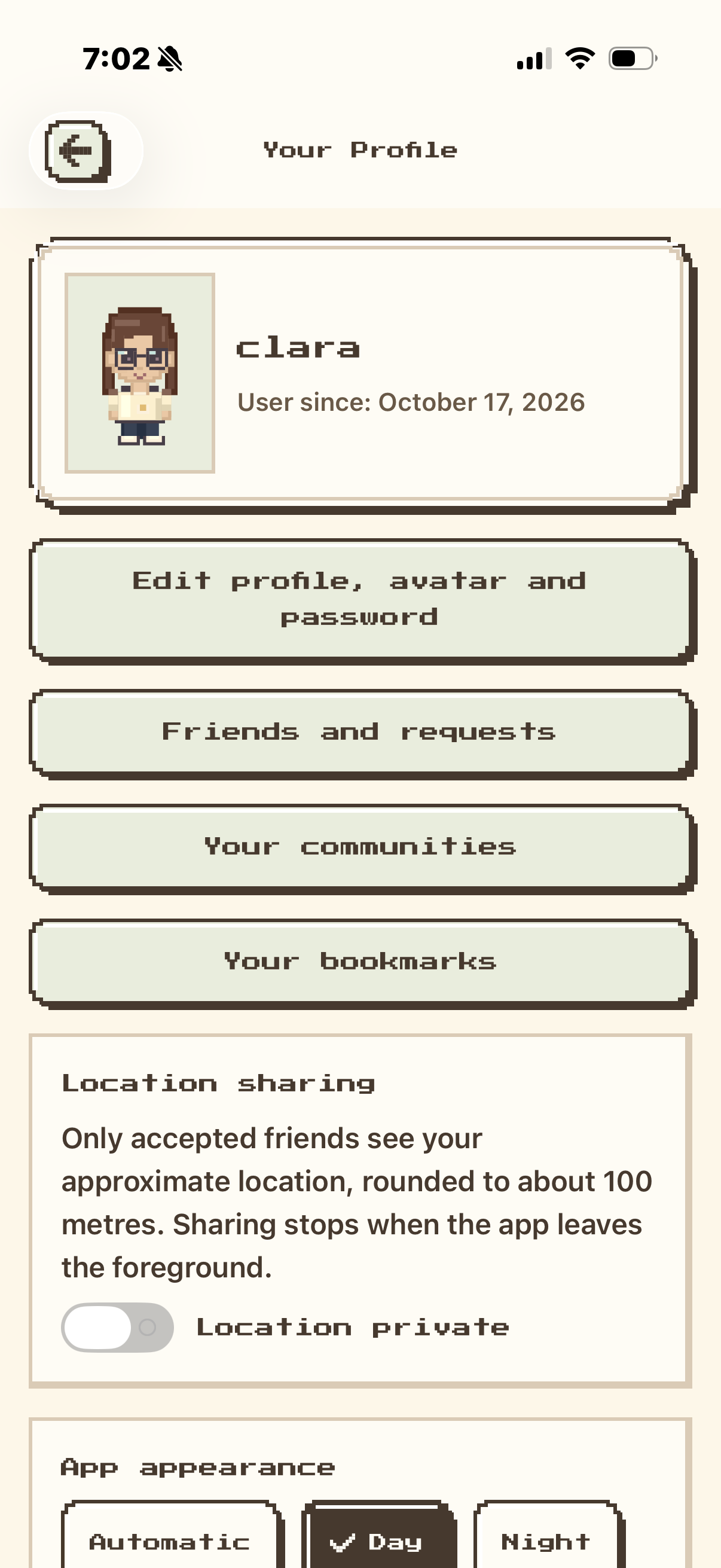
Customizable avatars, communities, and optional location sharing with accepted friends make the map feel more like your campus.
How we built it
We built the web app with Next.js and TypeScript, and the mobile app with React Native and Expo. Both connect to the same Supabase backend and share code for campus coordinates, avatars, report categories, and confirmation rules. We also integrated Auth0 for account passwords.
The map combines real geography from OpenStreetMap and UF mapping data with pixel artwork. We wanted recognizable buildings and useful paths, with a style that makes people want to explore.
We built an event ingestion pipeline for campus calendars, plus a review process for information extracted from Instagram posts and flyers. Ask Breadcrumb uses Groq to interpret questions and explain retrieved results, while Gemini supports event and flyer extraction.
Challenges we ran into
One of the biggest challenges was deciding how reports should earn trust. When someone posts a hazard or safety concern, other students need enough information to make a decision. We built confirmations, disputes, reporting tools, and expiration rules to give those updates more context.
Location accuracy mattered, too. A report is much less useful if it appears beside the wrong building. Turning real campus geography into a readable pixel map took work, especially while keeping navigation smooth on a phone.
Event information had its own complications. Sources use different building names, date formats, and descriptions. “Free cookies” doesn’t necessarily mean free admission. We had to preserve those distinctions instead of filling in missing information.
For Ask Breadcrumb, we also worked on follow-up questions, source checks, and rechecking records so removed or expired information doesn’t keep appearing in answers.
Accomplishments that we're proud of
We’re proud that Breadcrumb brings practical campus information into something that’s fun to use. You can check for a construction report on your route and discover an event nearby in the same map.
Seeing familiar UF landmarks become part of the pixel world was especially exciting. It makes the project feel connected to the place we’re building it for.
We’re also proud of the Crumb-to-Full-Loaf system. It gives students a simple way to contribute and help each other judge a report.
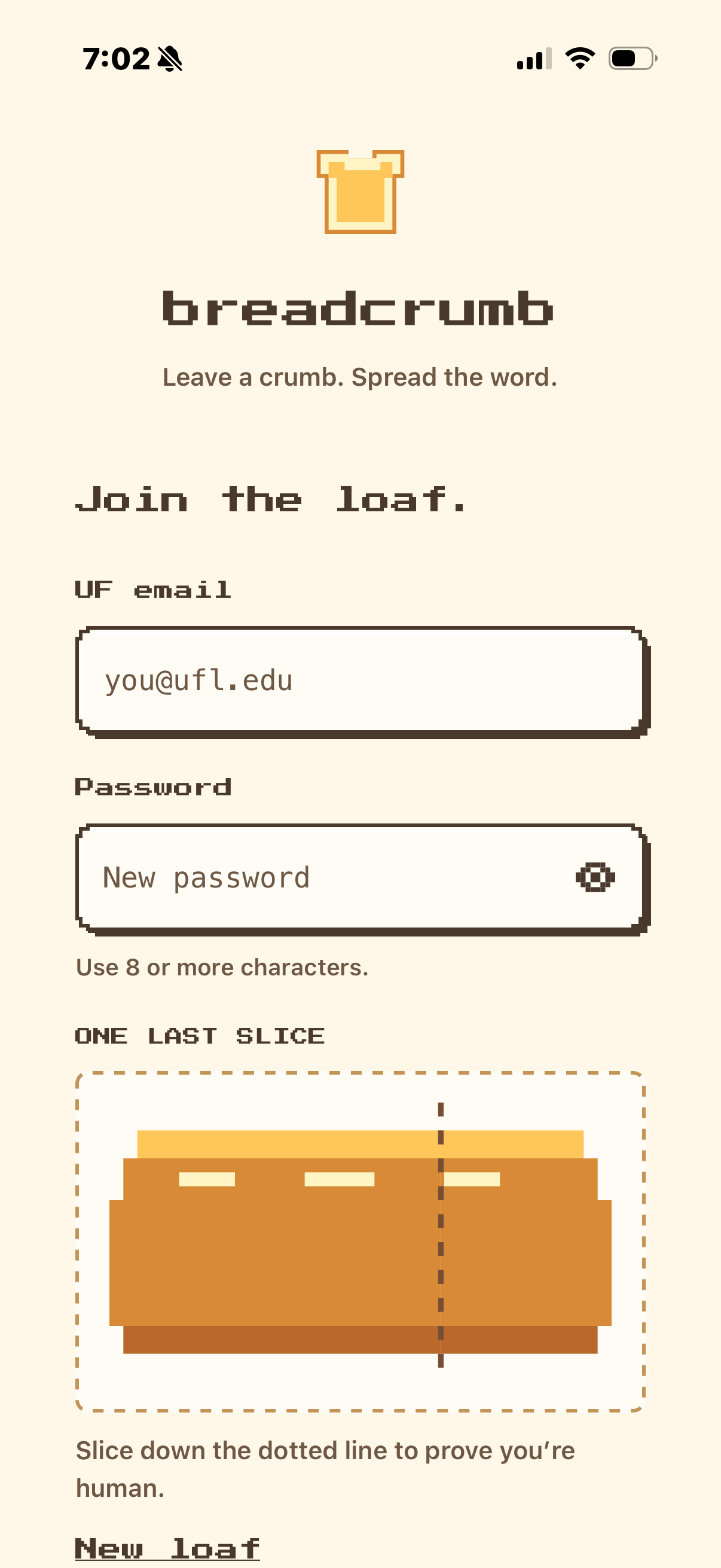
And yes, we made a bread-slicing signup interaction. We had to commit to the theme.
What we learned
We learned that useful campus information needs more than a description. Where is it? How recent is it? Has anyone else seen it? Is it still relevant?
That shaped a lot of our decisions, especially around safety reports, expiration, and showing sources.
We also learned how differently the same map behaves on a laptop and a phone. Sharing code helped, but touch gestures, rendering performance, and small-screen layouts needed their own attention.
What's next for Breadcrumb
We want to test Breadcrumb with more UF students, especially during normal campus routines: walking to class, finding somewhere to study, and figuring out what to do with an hour between lectures.
Our next priorities are clearer reporting flows, more testing on real phones, broader event coverage, and reliable data refreshes. We also want to build out Radar so students can choose which nearby updates they want notifications about.
Eventually, we’d love to bring Breadcrumb to other campuses. First, we want to make it useful enough that checking it before heading out becomes a habit at UF.
Built With
- apify
- auth0
- expo.io
- gemini
- groq
- next.js
- node.js
- openstreetmap
- postgresql
- react
- react-native
- supabase
- tailwindcss
- typescript

Log in or sign up for Devpost to join the conversation.