-
-

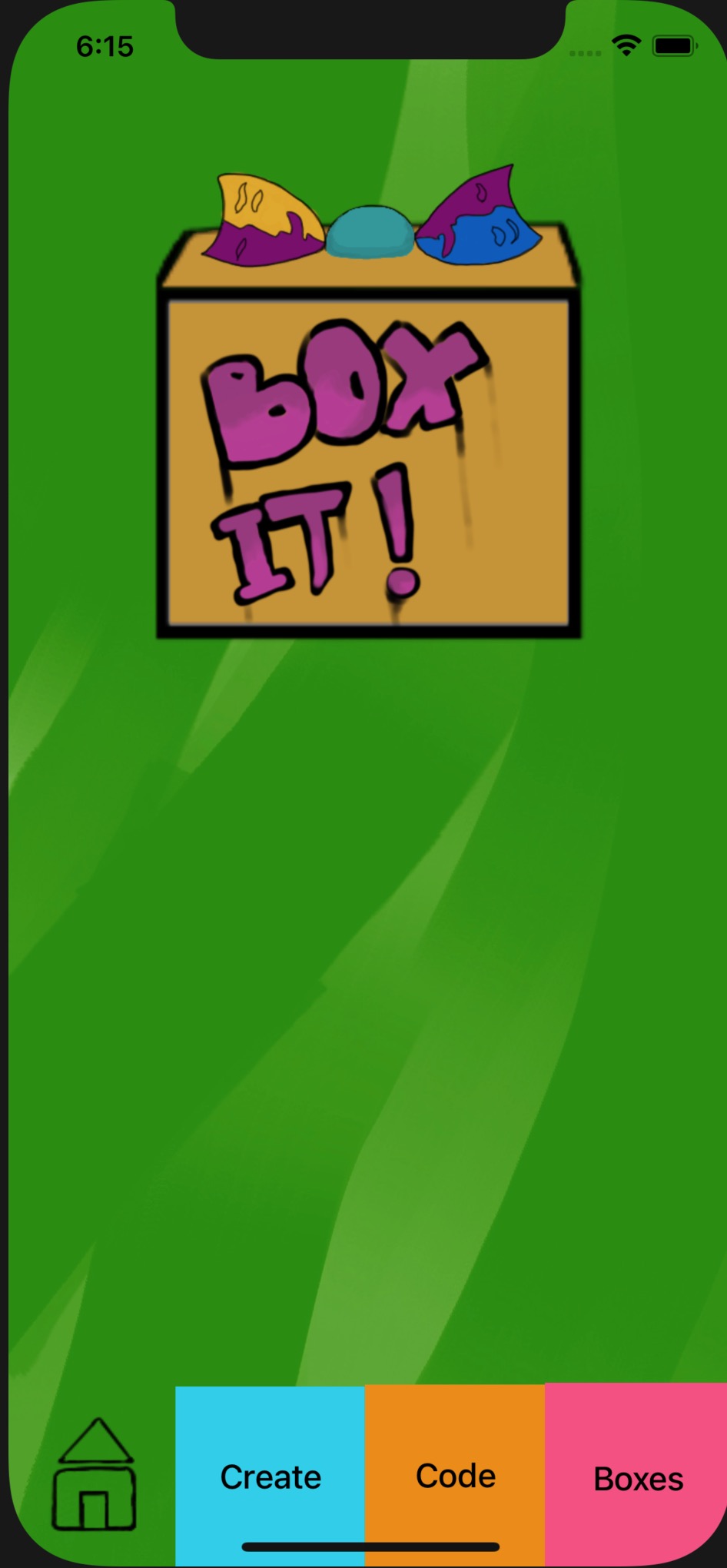
Box it! logo
-
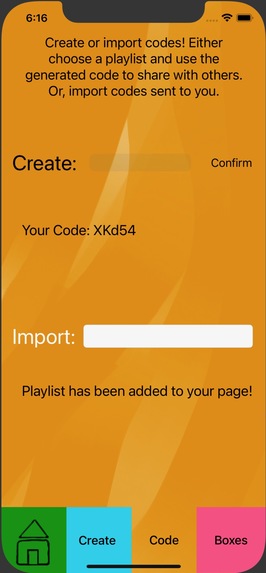
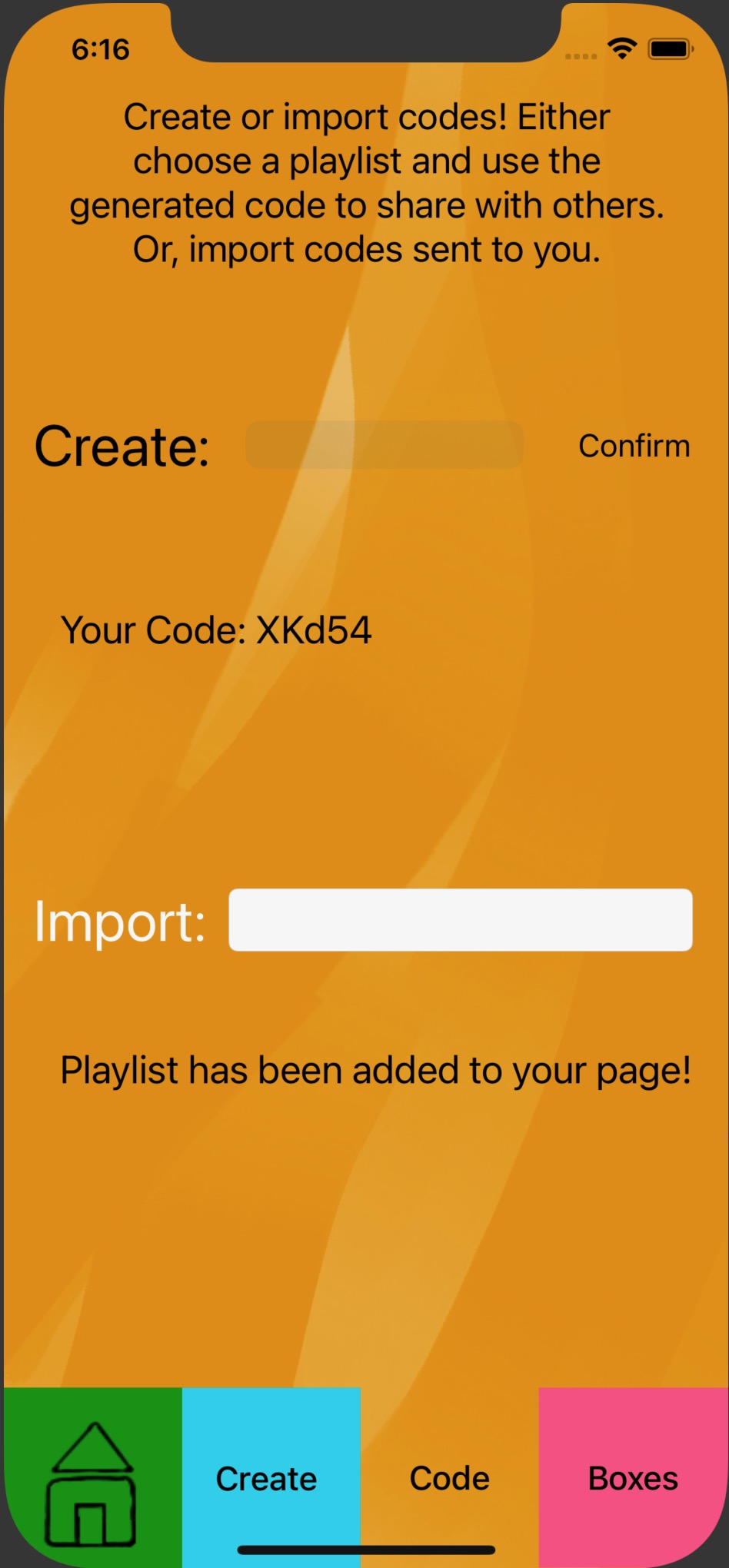
Code screen to create a code to share with friends
-
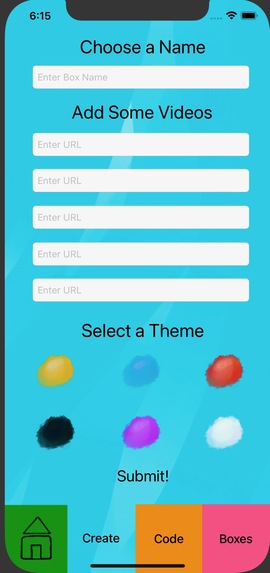
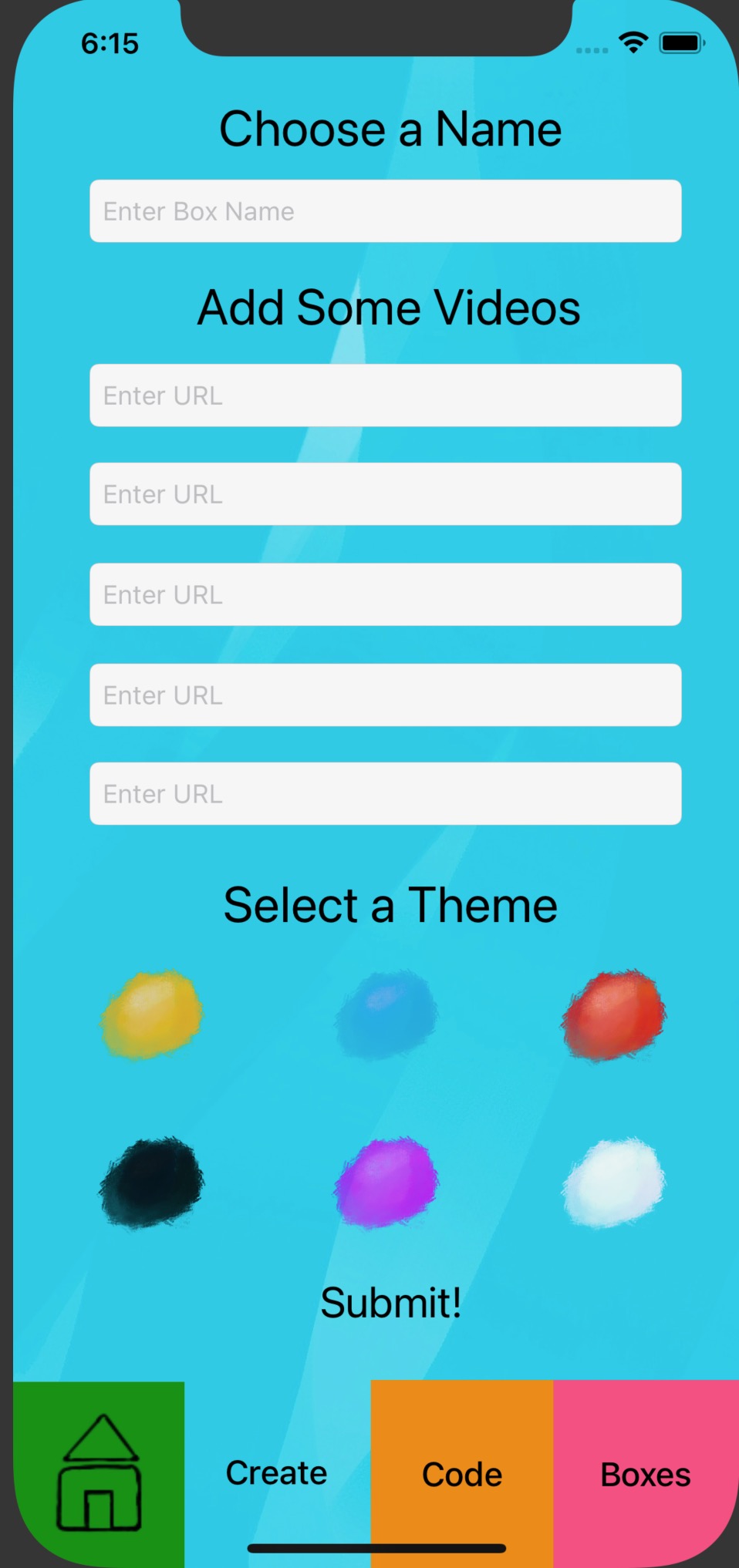
Create screen to create box
-
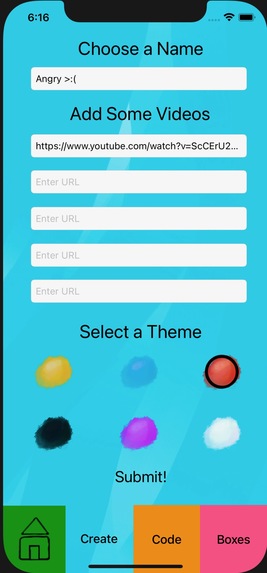
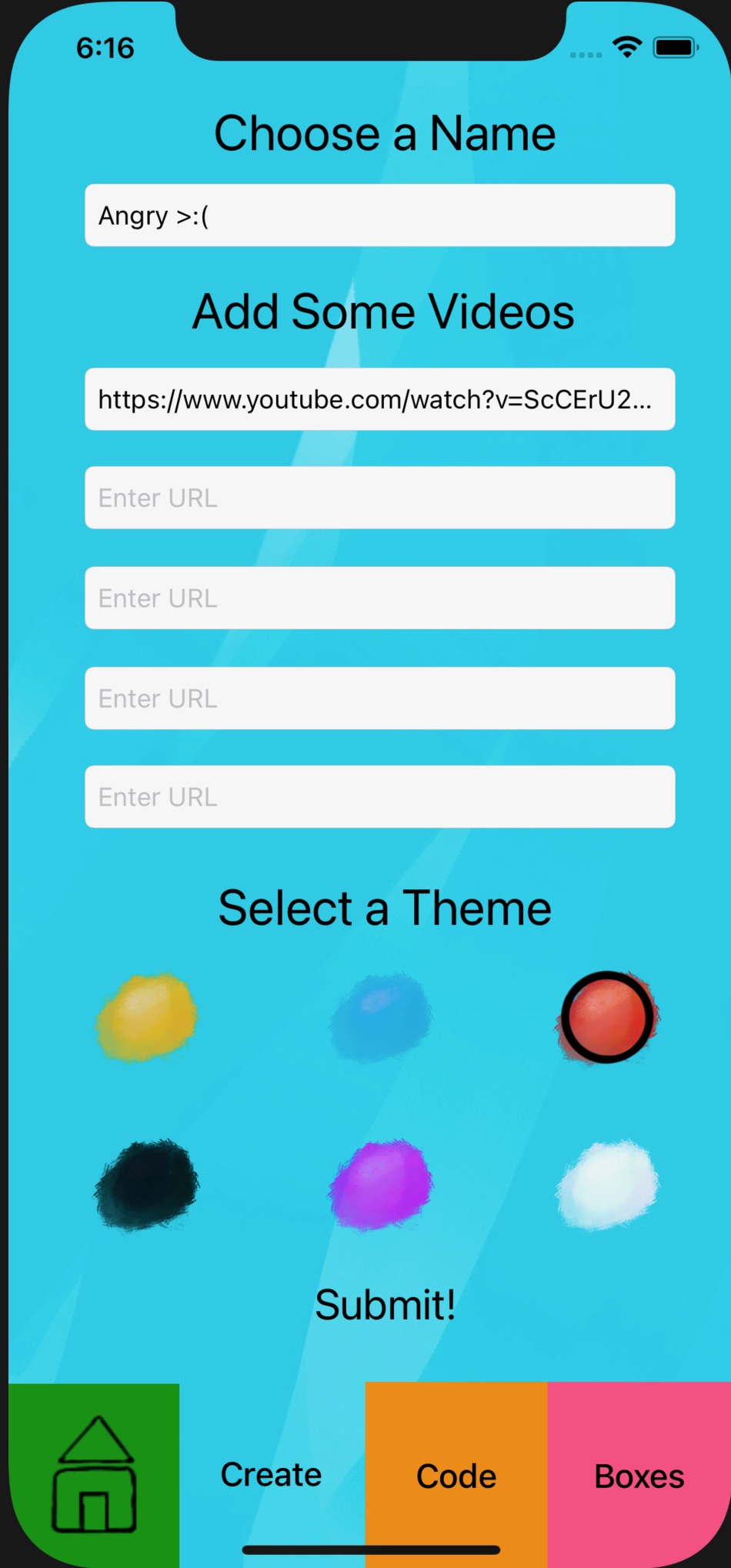
Create screen that shows what selecting a theme looks like
-
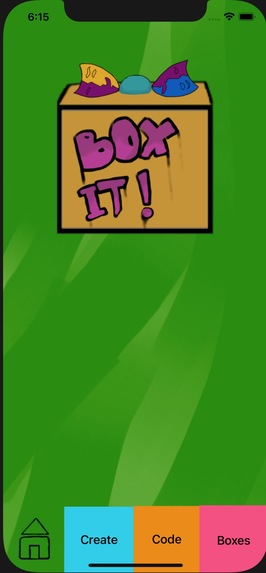
Box it! home page
-
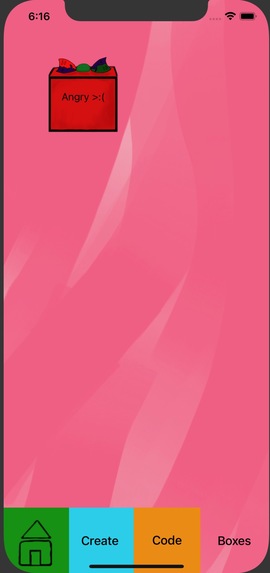
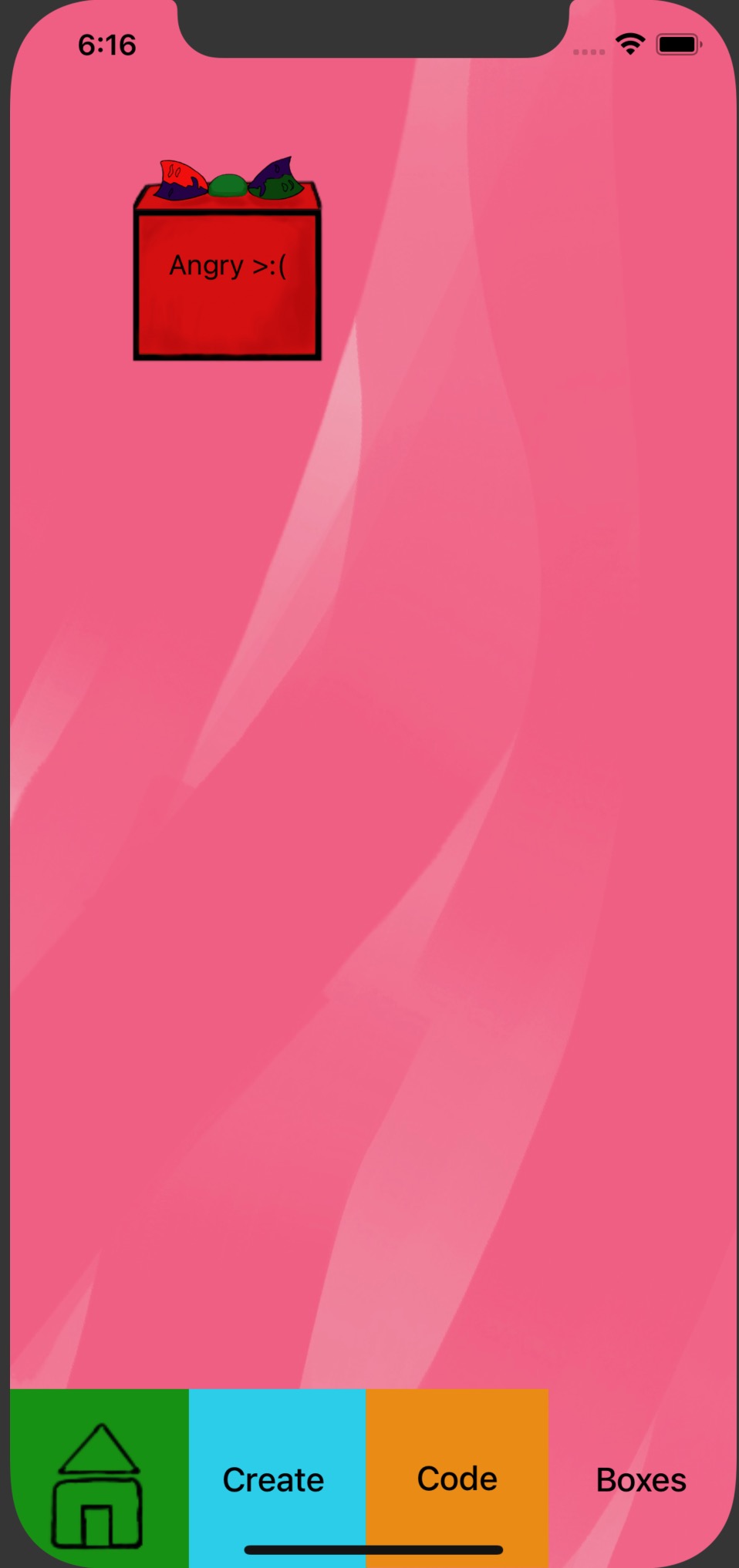
Boxes screen that shows all the user's created boxes

Inspiration
Living in the current day where most of the world is in some type of isolation, we look towards the digital world to relate to each other. While having the opportunity to be connected is great, it leads to endless scrolling to find the 'right' content to relate to. The purpose of Box it! is to allow a person to instantly view content that connects their emotions to the digital world.
What it does
Box it! is an iPhone app that allows the user to create 'boxes' that hold pieces of media that the user can look at when they have a sudden need to feel happy, sad, angry, etc. The user names the box, enters in five URLs of the content they want to view in the future, and they select the theme to best reflect the emotion of this specific box. After creating the box, the user can add any amount of URLs. Also, they can shuffle the content to be a surprise or be a certain order they know they'll love. This box saves and can be viewed for later enjoyment. For example, let's say I made a happy box two months ago. Today I had a terrible day and need to go on my phone to feel better. Instead of scrolling for hours, I can just go to my happy box and watch a video that makes me happy.
How we built it
We used Xcode to build the storyboard and write the code, which was written in Swift. We created a logo and made designs for the app icons, backgrounds, and buttons using Photoshop, Procreate, and Adobe Illustrator.
Challenges we ran into
Throughout BoilerMake our main challenges centered on Swift. We had trouble passing data between two view controllers and this took a few hours to figure out. We learned that we could use defaults to save specific variables that would allow the data to be saved. Another issue was playing a video in our app. We were able to have a YouTube video play but it was not embedded in the app and rather played the video in a quicktime player screen.
Accomplishments that we're proud of
In the last half of BoilerMake our team really improved our Swift skills and understanding our way around Xcode. We are proud that we figured out how to pass data between different screens because it was a significant challenge for our project. Also, in the end we were able to save data which was a large challenge that was impacting further improvement on the application. We are proud we did not give up and learned lots of new things!
What we learned
We learned a significant amount of Swift and improved our understanding of Xcode. We also tried to have our user experience look cleaner and more consistent than our beginning ideas for the layout of the app.
What's next for Box it!
Box it! version 2 will have a lot of new and exciting features!
- users will have the option to add more urls in the 'box' screen
- users will be able to add local videos and audio files
- users will be able to choose an order they want to view the videos
- users will have more themes to choose from
- users will be able to import and export their boxes
Built With
- adobe-illustrator
- photoshop
- procreate
- swift
- xcode

Log in or sign up for Devpost to join the conversation.