-
-
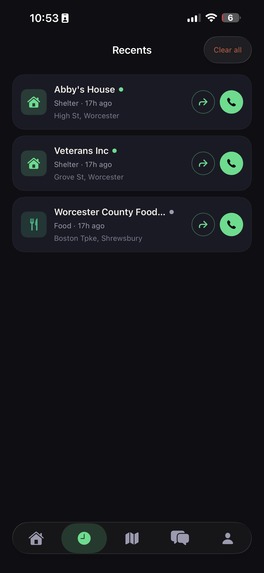
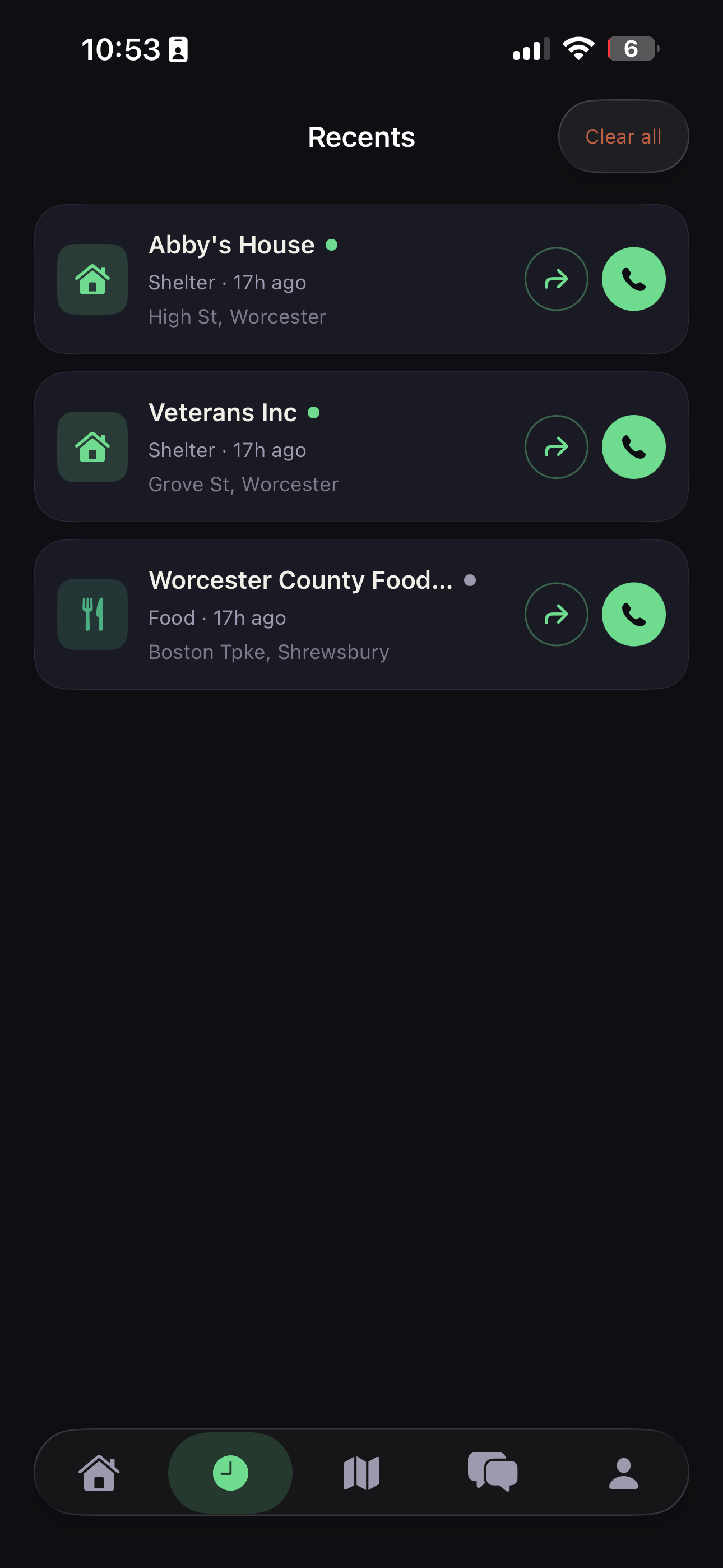
Recents View
-
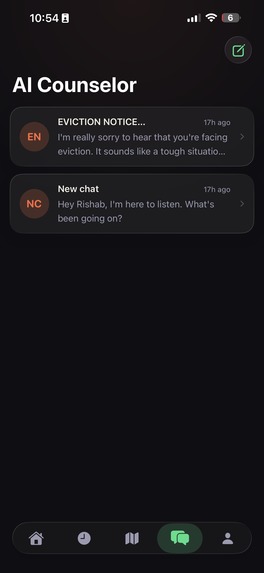
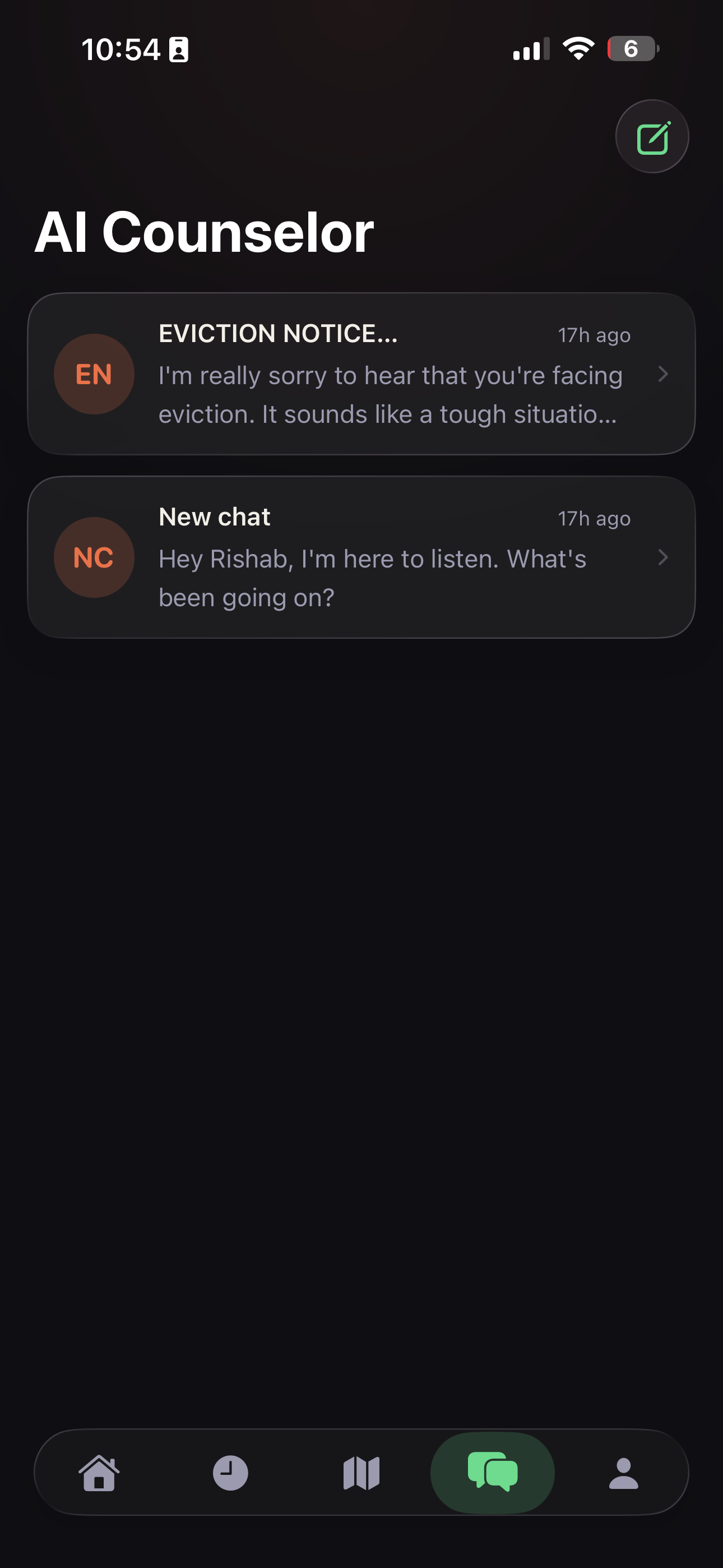
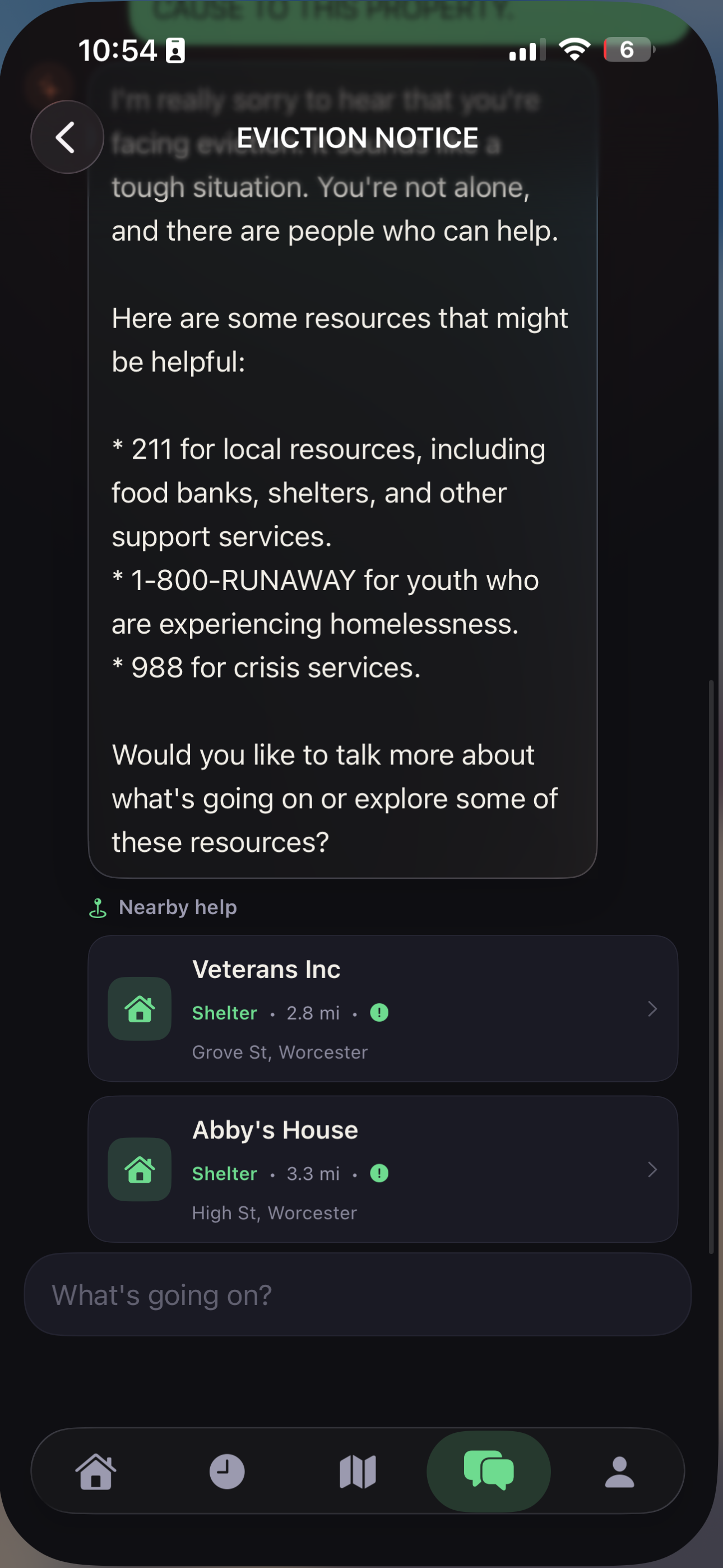
AI couselor view
-
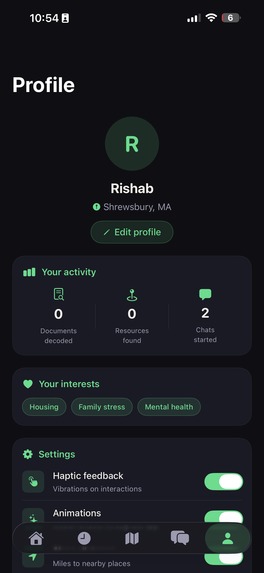
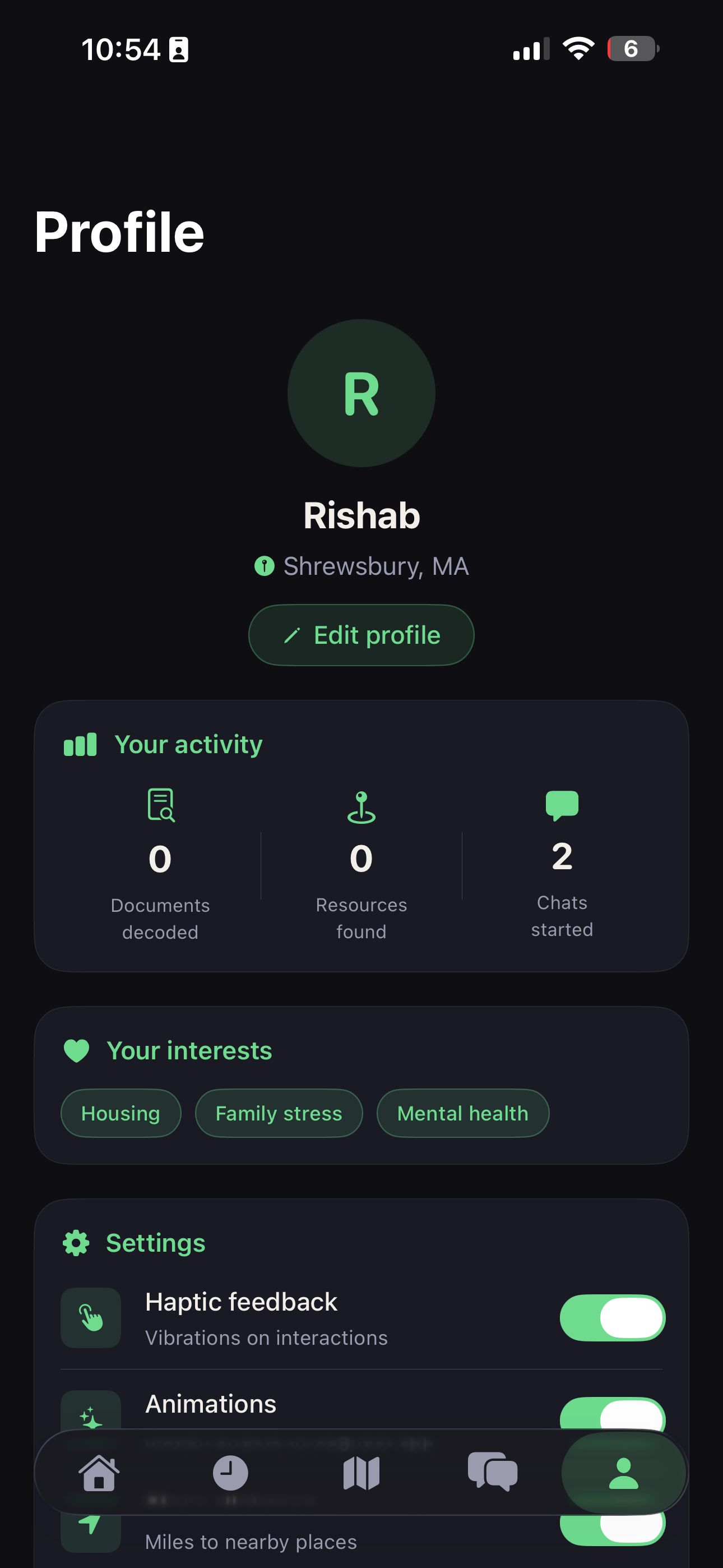
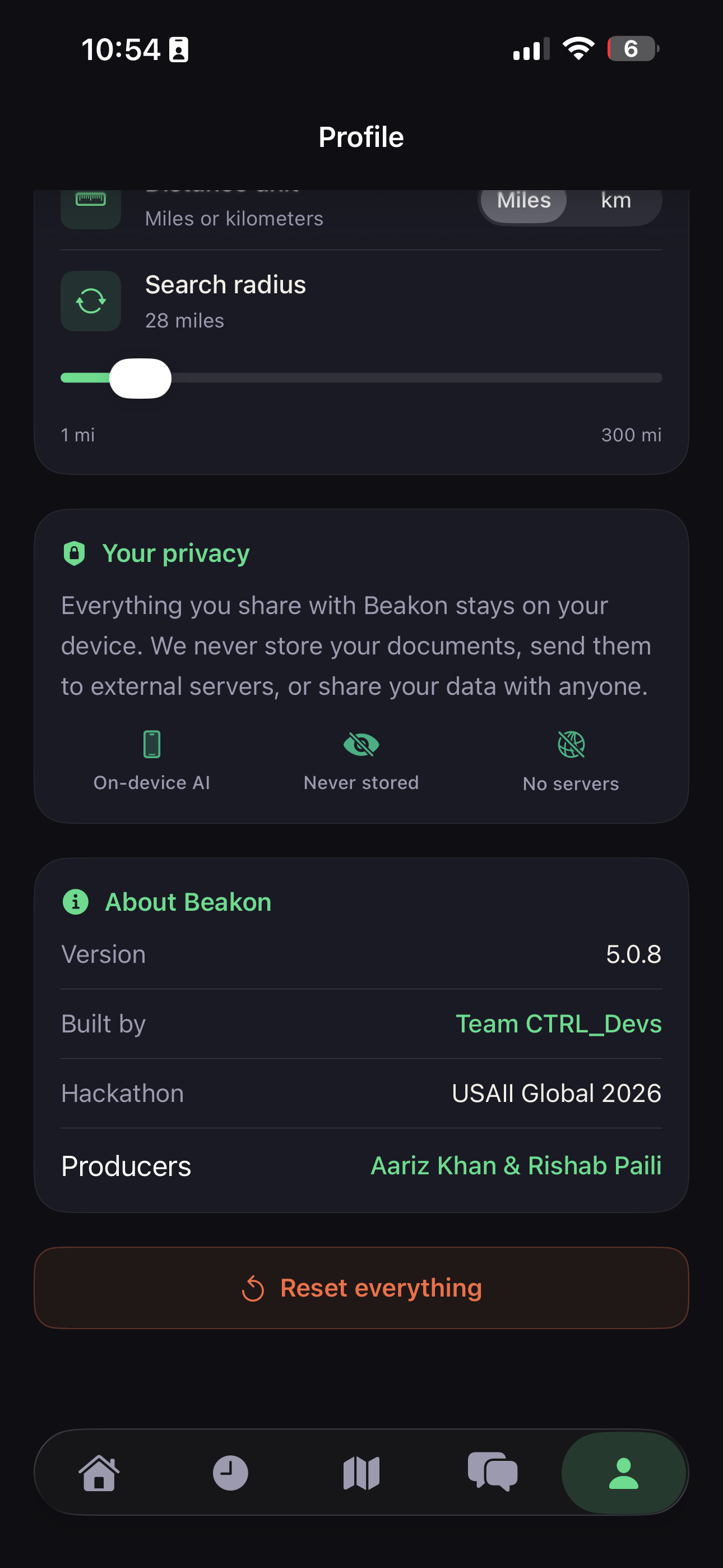
Profile View
-
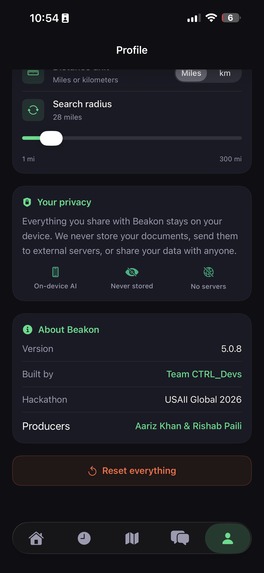
More settings in Profile View
-
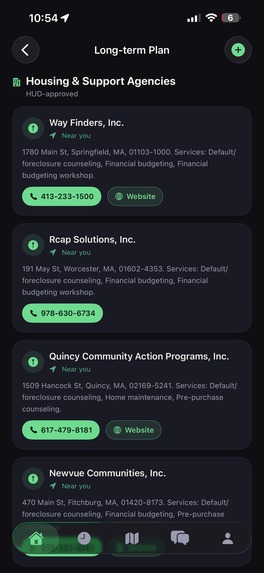
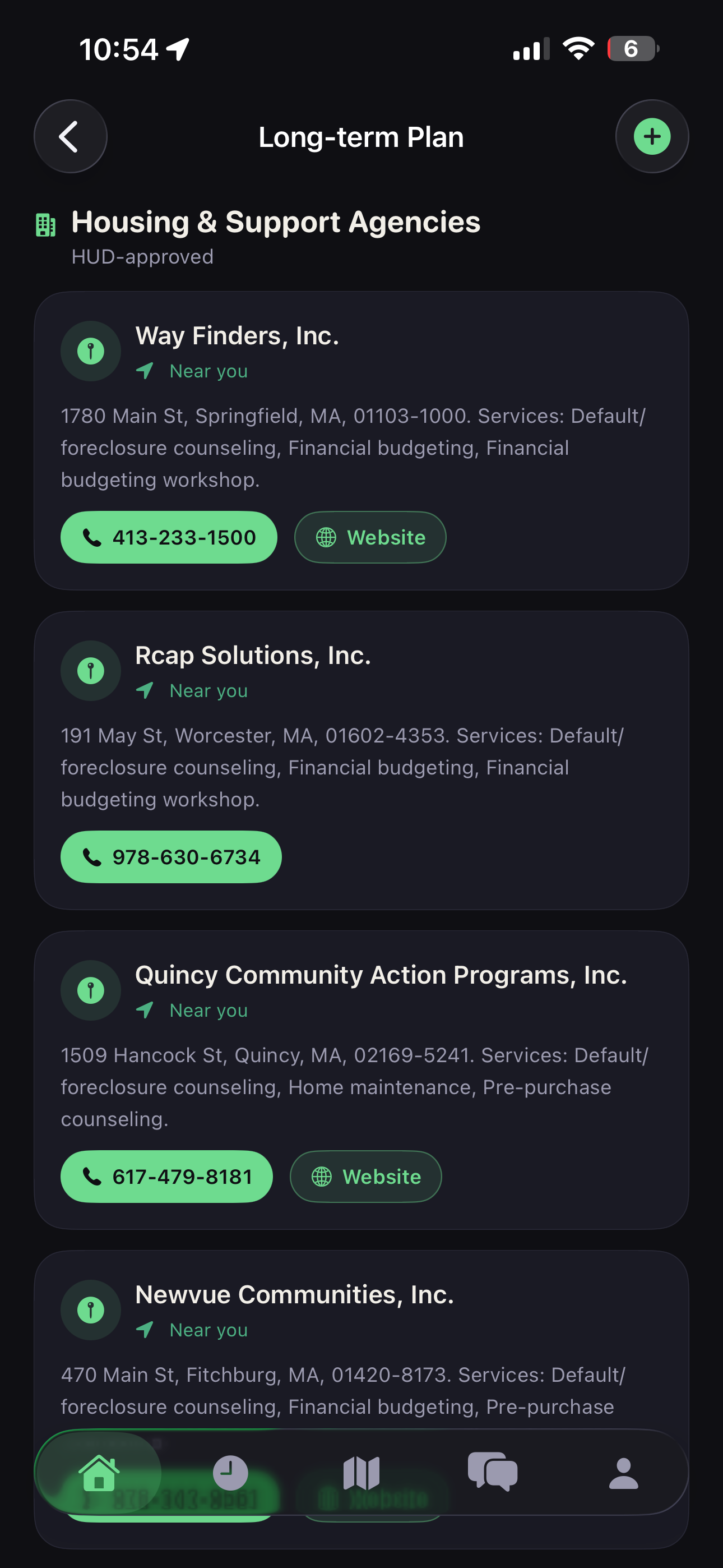
HUD resources near users location
-
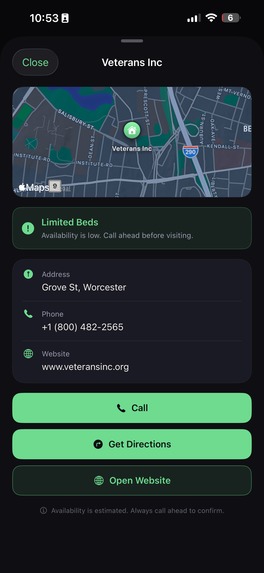
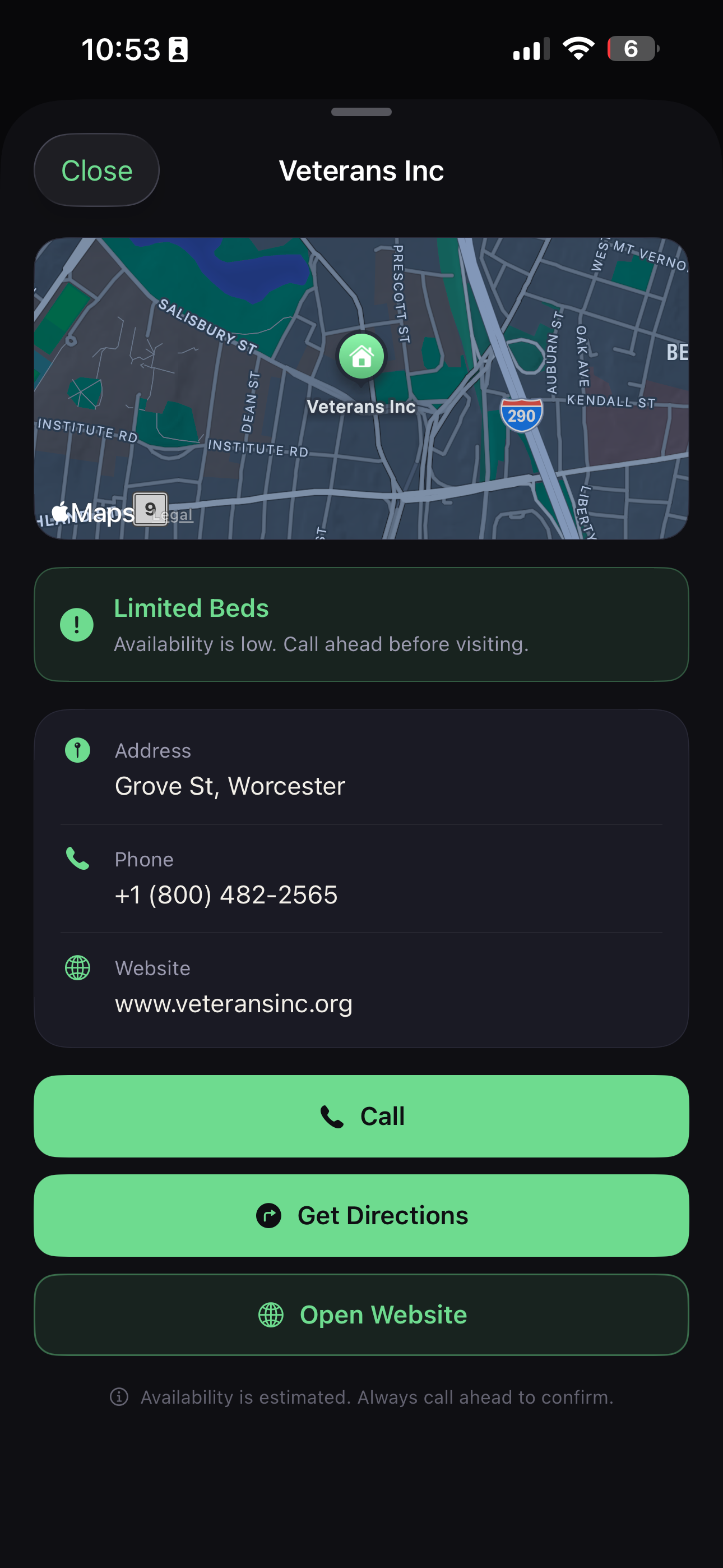
Resource cards, for each location
-
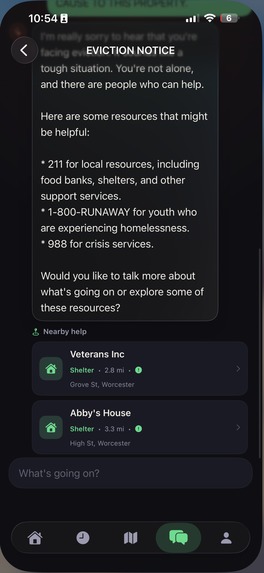
New Chat View
-
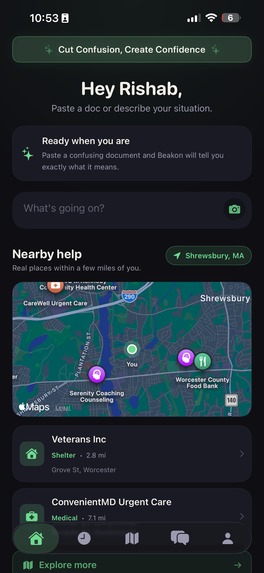
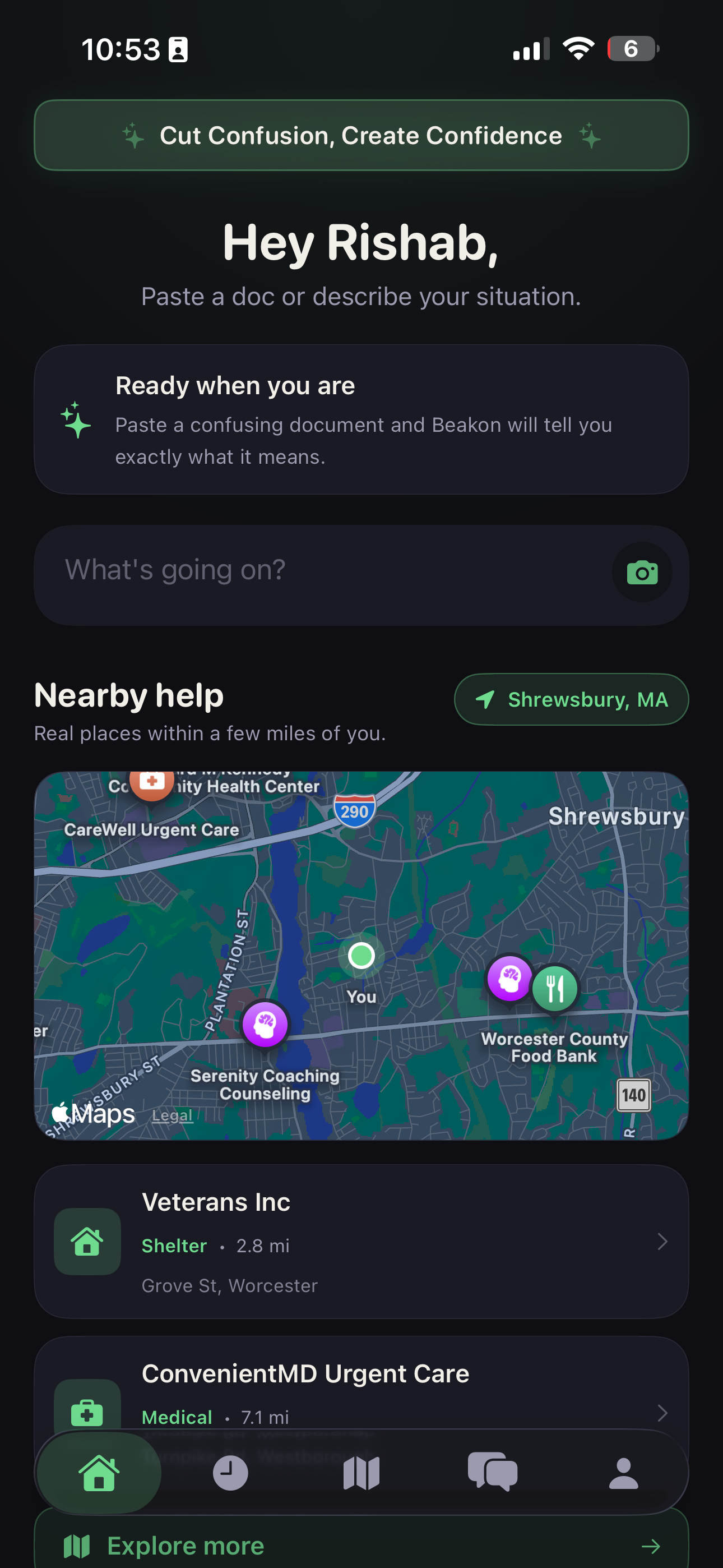
Home View
-
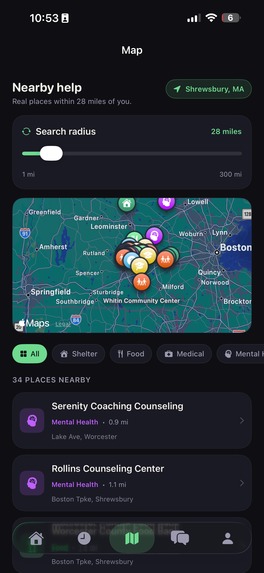
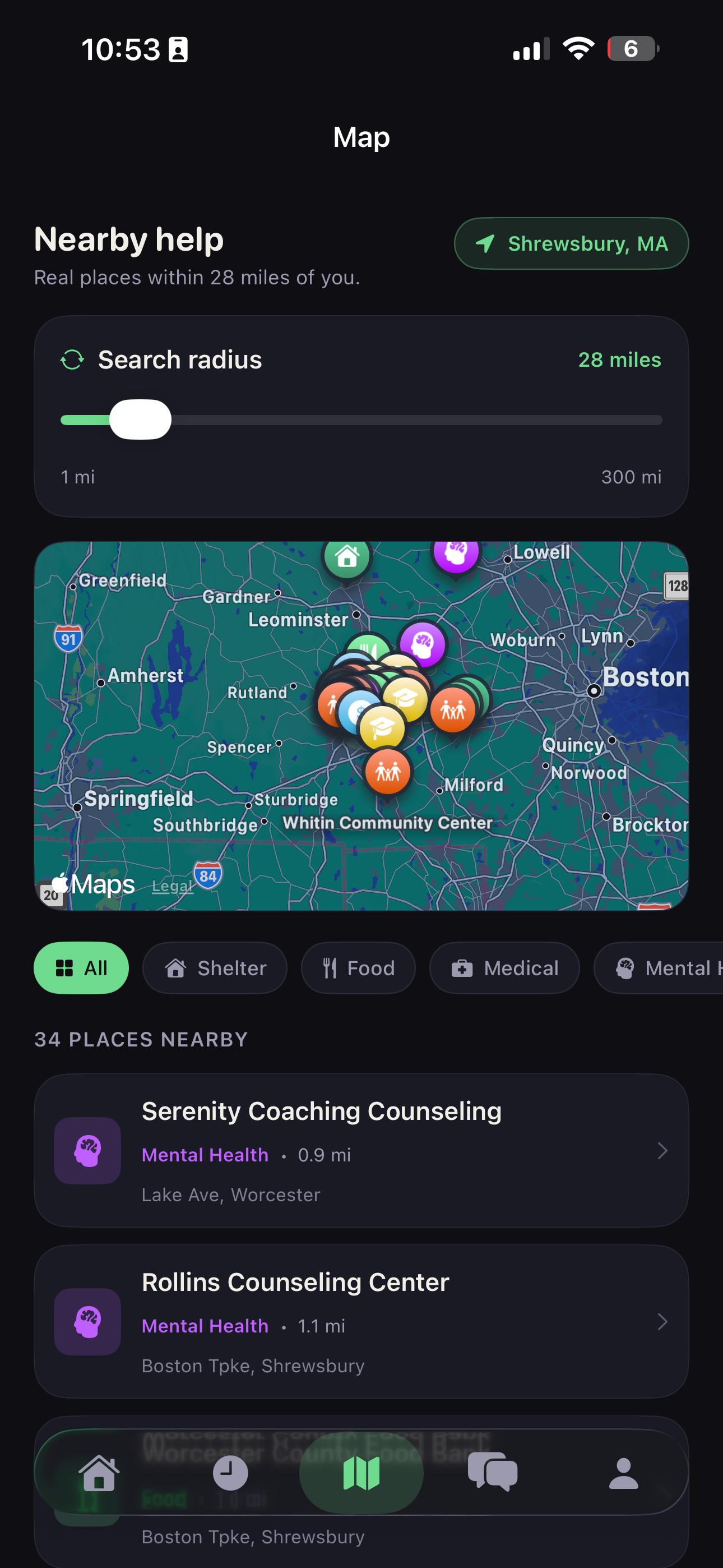
Map view
-
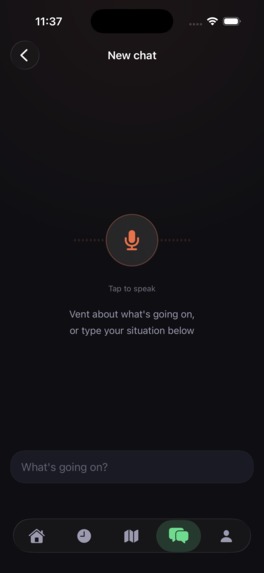
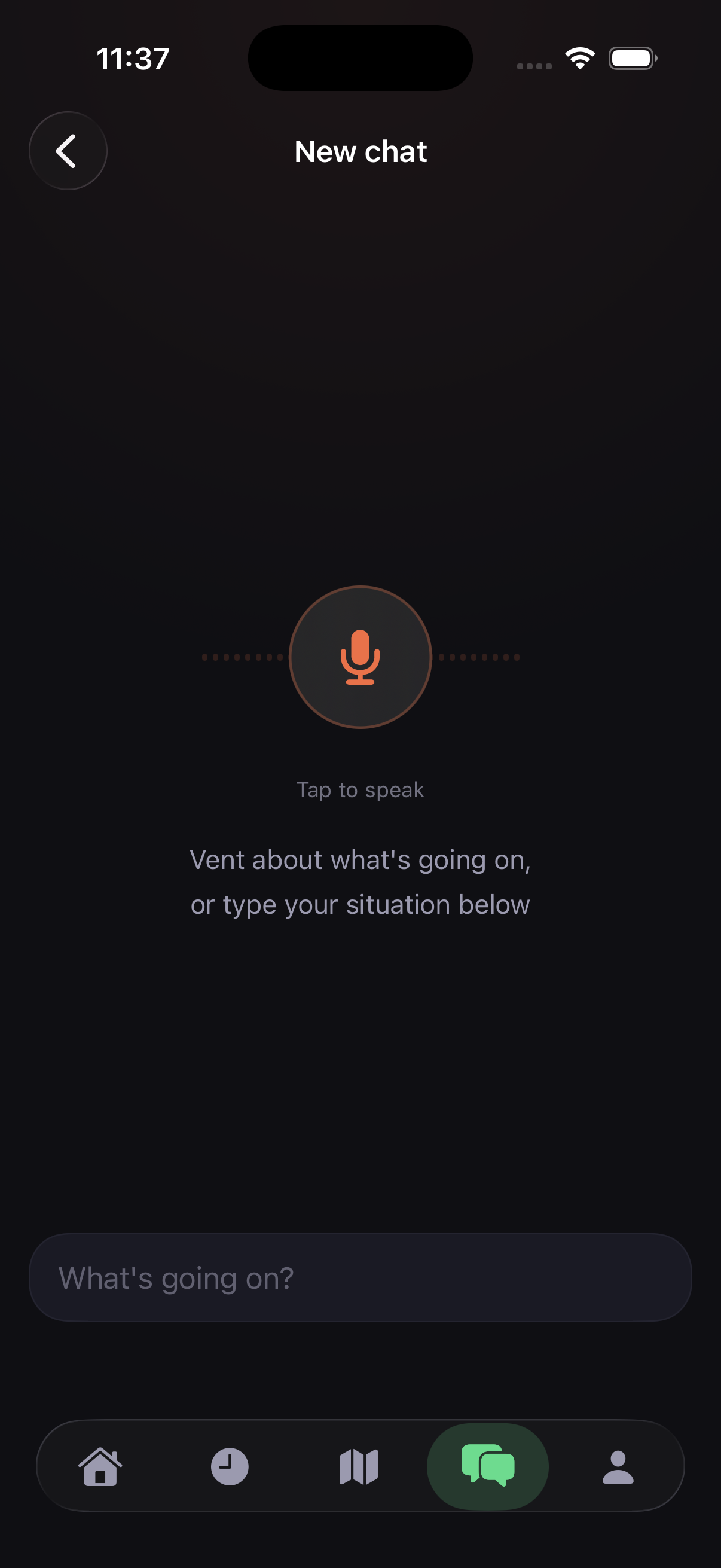
New Chat first view
Inspiration
A friend of ours went through a stretch where things at home got really hard, not enough food some weeks, bills piling up, parents stressed and stretched thin. There was help available, there always is, but nobody in the house knew where to start. They didn't know what they qualified for, what forms to fill out, who to call, or even what half the letters from the school and the county meant. So they just didn't ask. Not because they didn't need it, but because asking felt like its own full-time job, and they were already exhausted.
I remember my friend telling me, almost embarrassed, "I don't even know what I'm supposed to be looking for." That sentence stuck with me. The problem was never that help didn't exist. It was that the system assumes you already know how to navigate it, and when you're hungry, scared, or overwhelmed, that assumption breaks completely.
That's what we built Beakon for. Not for someone with the time and headspace to research programs and read fine print, but for someone in the middle of it, holding a confusing letter or just trying to figure out where the nearest food bank is tonight. Something that meets you exactly where you are and says: here's what this means, here's what to do, here's where to go. You're never alone in the dark.
What it does
Decodes documents instantly. upload any letter or notice from camera role, and Beakon's on-device AI explains it in plain English with key deadlines and facts, gives steps, and gives resources and places to go.
Generates a personalized action checklist. Get 4–6 specific steps to take right now, tailored to your exact situation.
Finds real help near you. Uses MapKit and your location to show nearby shelters, food banks, clinics, and counseling centers on a live map.
Flags urgency automatically. Every situation is classified as Urgent, Moderate, or Informational so you know how fast you need to act.
Supports voice and document scanning. Speak your situation or scan a physical document.
Covers eight categories of need. Housing, food, school, financial, family, mental health, medical, and general.
Fully on-device. AI runs locally via Apple Intelligence, Framework models... no account, no data sent to cloud servers; works offline, in poor-connection regions.
How we built it
We built Beakon natively in Swift using Xcode, with SwiftUI handling the entire UI layer. For the AI core, we used Apple's new FoundationModels framework (Apple Intelligence) to run an on-device language model that analyzes documents and generates situation-specific checklists. Location and mapping are powered by CoreLocation and MapKit, using MKLocalSearch to pull real nearby resources. Voice input uses the Speech framework, and document scanning uses VisionKit.
Challenges we ran into
- On-device AI output was unpredictable.
- MapKit search quality varied by location.
- The radius setting sometimes didn't work and showed locations from the other side of the globe.
- Location permission flow was tricky
- Building for iOS 26 with brand new APIs, and trying to keep it compatible with older phones.
Accomplishments that we're proud of
We are proud that Beakon isn't just a chatbot wrapper; it's a fully functioning iOS app with five different tabs and a beautiful UI. We got Apple's FoundationModels framework working end-to-end for real document analysis entirely on the device, no API key, no server, and no cost, with no data leaving the user's device. This was a deliberate, hard choice over using an easier cloud api key or using Ollama models, just for the hackathon demo, because privacy matters more to us than convenience. We were able to integrate real, live data instead of faking it. Beakon pulls actual nearby shelters, food banks, and counseling centers from Apple MapKit, and real HUD-certified housing counselors from a public US government API, based on the user's location, rather than showing a hardcoded list.
What we learned
We learned Apple's FoundationModels framework firsthand, how to constrain a language model with a system prompt strict enough to enforce safety rules, like always routing self-harm mentions to a crisis line first, while still leaving room for natural, warm responses. We also learned its limits, it only runs on iPhone 15 Pro or newer with iOS 18.1 or newer. We also learned that the hardest part of building for someone in crisis isn't technology, it's the writing. Getting a checklist item to sound calm instead of clinical, or even making sure a disclaimer didn't feel cold or dismissive, took far more iteration than any of our actual code. We learned MapKit, Vision, and SFSpeechRecognizer, and SFSpeechRecognizer, well enough to combine all three into one, alongside the help of Claude code. And we also learned a lot about working under pressure, as a two-person team, dividing the frontend and backend, UI work and AI work, debugging git issues, integrating each other's code daily, and learning to cut features, so the ones that matter most could be finished well and take the spotlight.
What's next for Beakon
Long-term program tracking - Right now Beakon helps in the moment, but a lot of help, housing waitlists, recurring food assistance, school programs, etc., take weeks or months to come through. We want to let users track what they're waiting on and what they've applied for.
Multi-Language Support - Confusing paperwork is even harder to navigate if English isn't your first language, and that's exactly the population most likely to fall through the cracks. We want Beakon to read and write in the user's native language, not just to translate the interface.
Verified, Living Resource Data - Long-term, we want to partner directly with organizations like 211, Crisis Text Line, and local school districts so the resources we show are continuously verified and never outdated, because a wrong phone number or a shelter that's actually closed can cost someone real time in a real crisis.
Built With
- apple
- apple-framework-models
- avfoundation
- combine
- core-location
- github
- hud
- mapkit
- observation
- photosui
- speech
- swift
- swiftui
- uniformtypeidentifiers
- vision
- visionkit
- webkit
- xcode


Log in or sign up for Devpost to join the conversation.