-
-
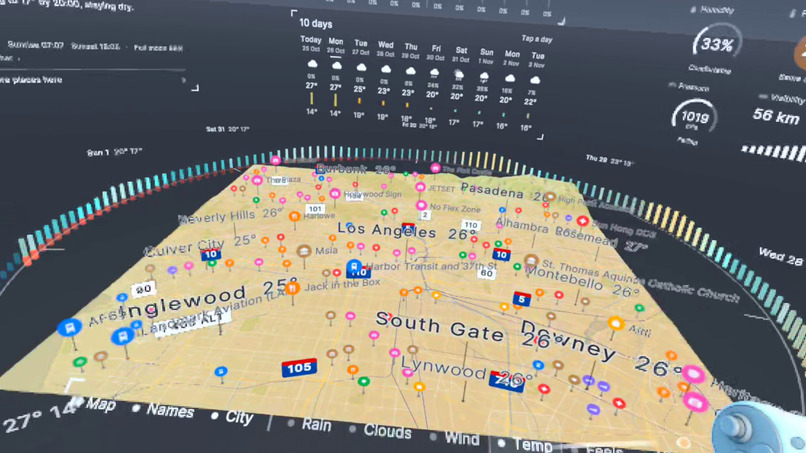
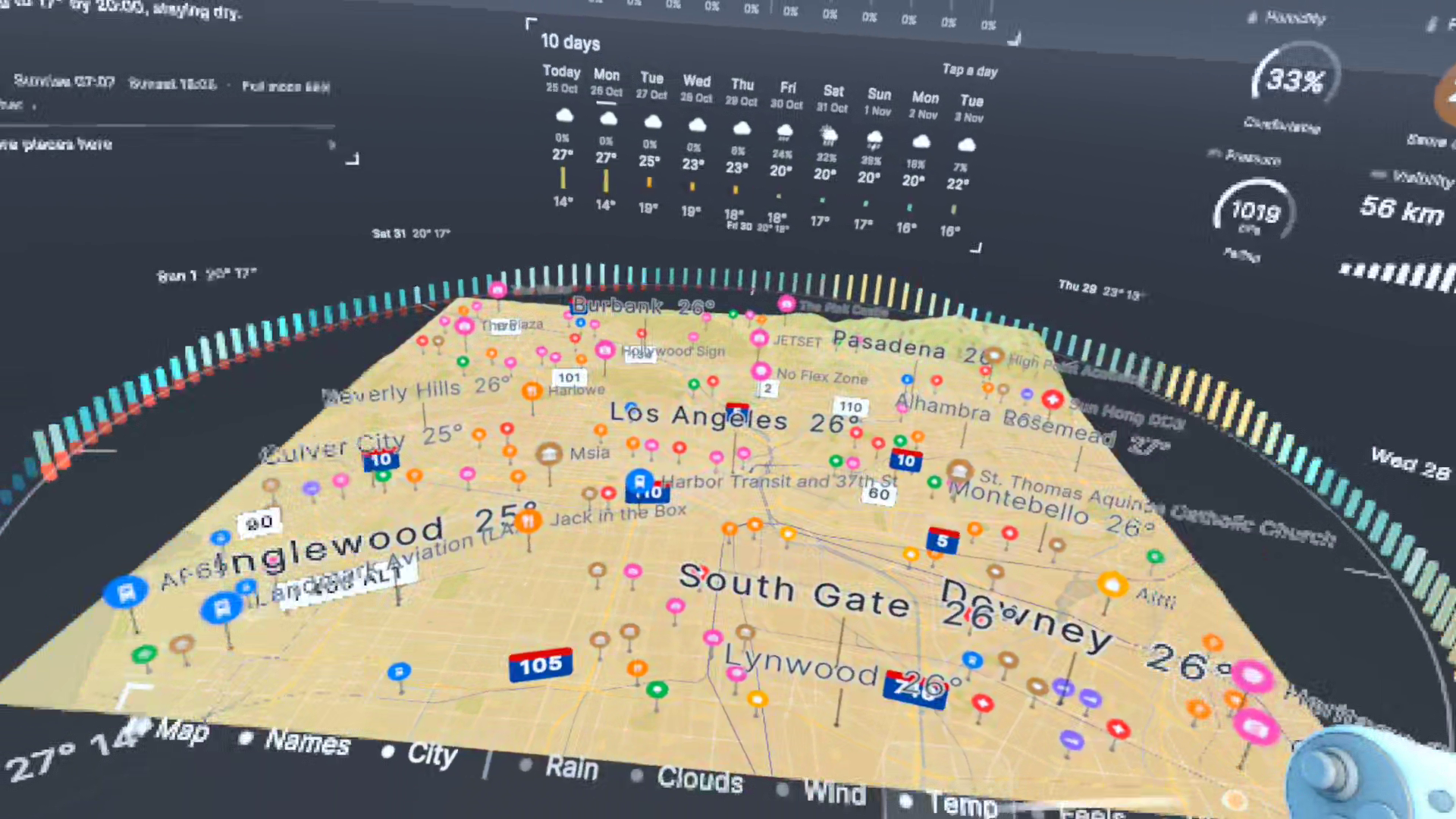
LA Temperature Layer
-
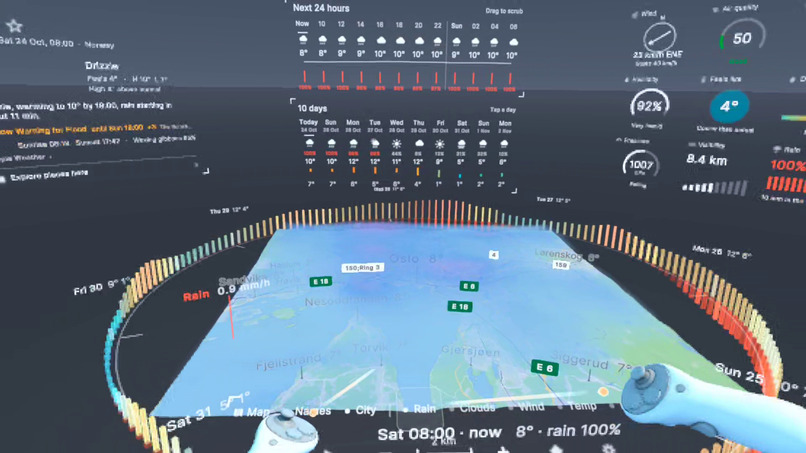
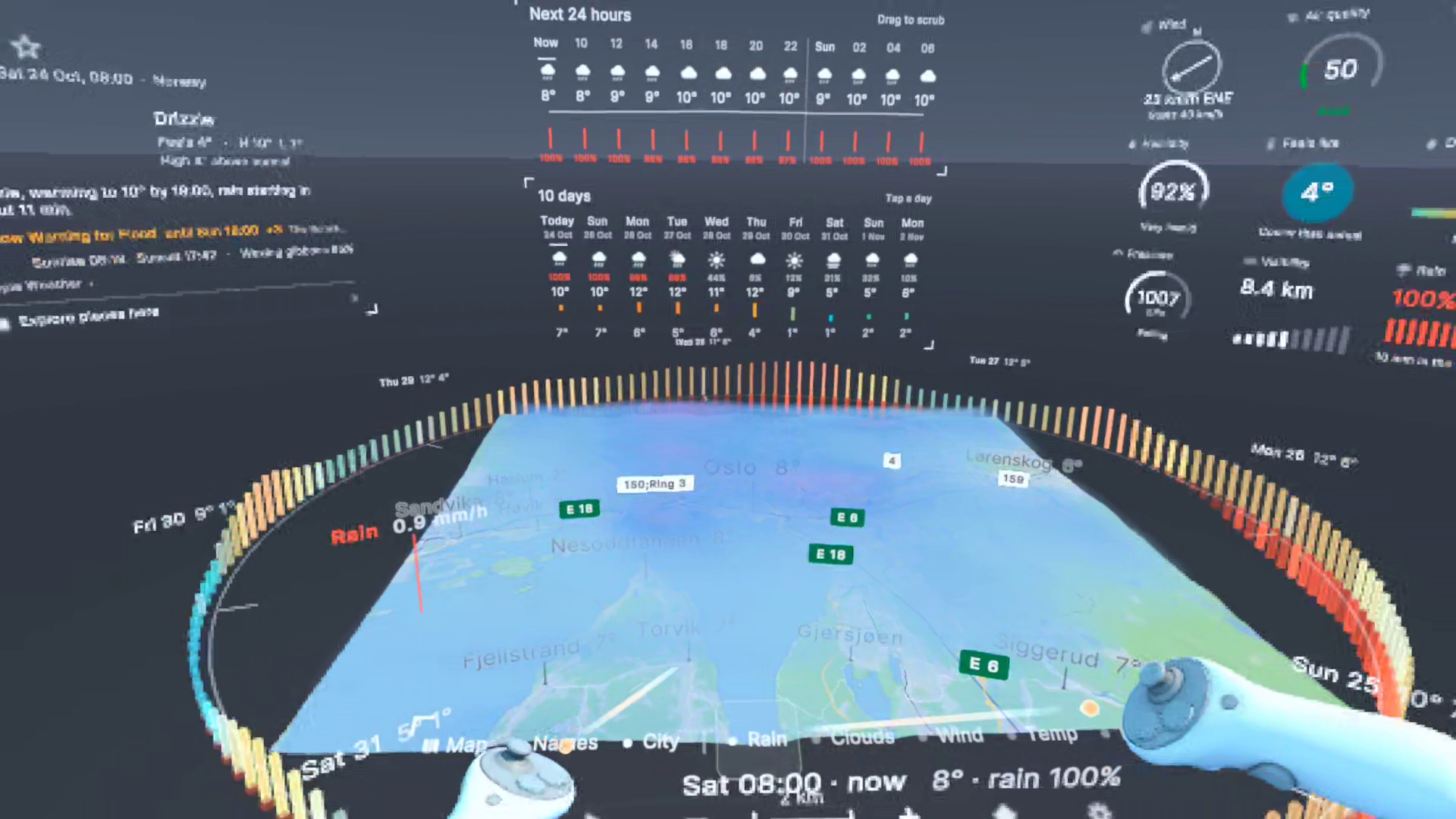
Oslo Rain
-
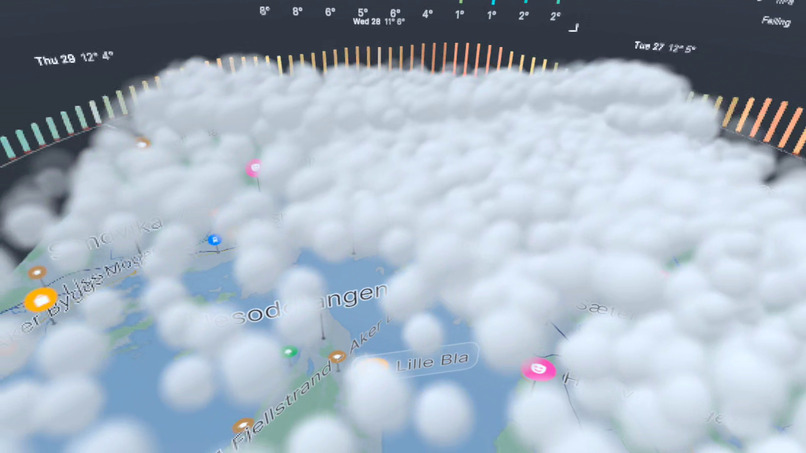
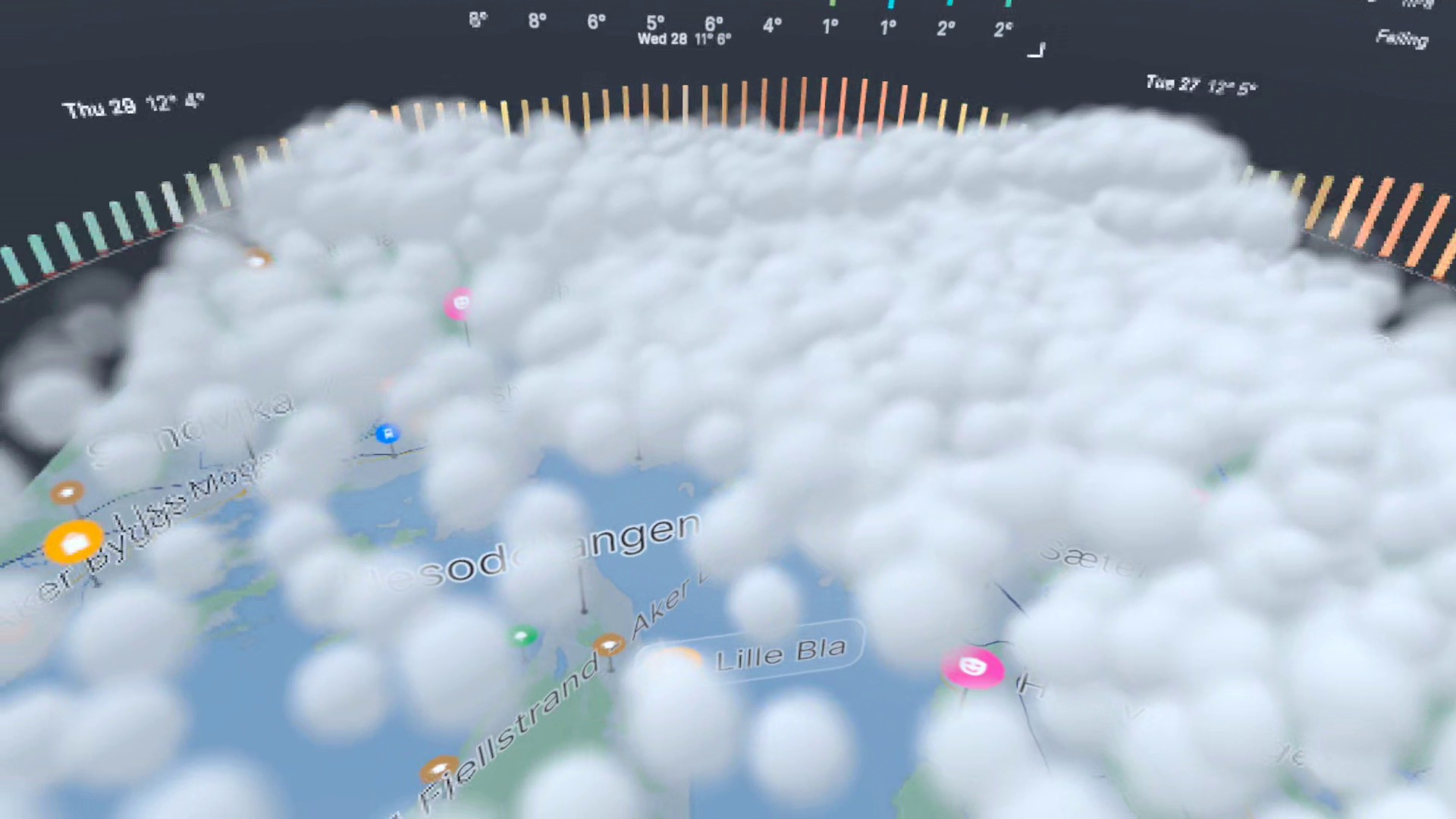
Oslo Clouds
-
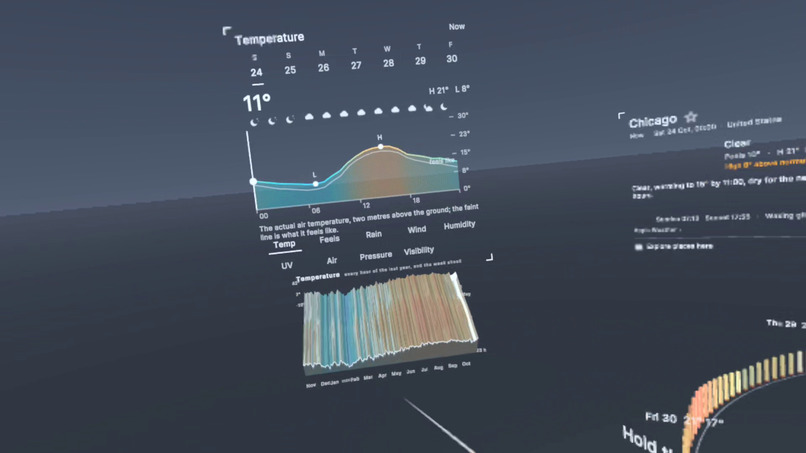
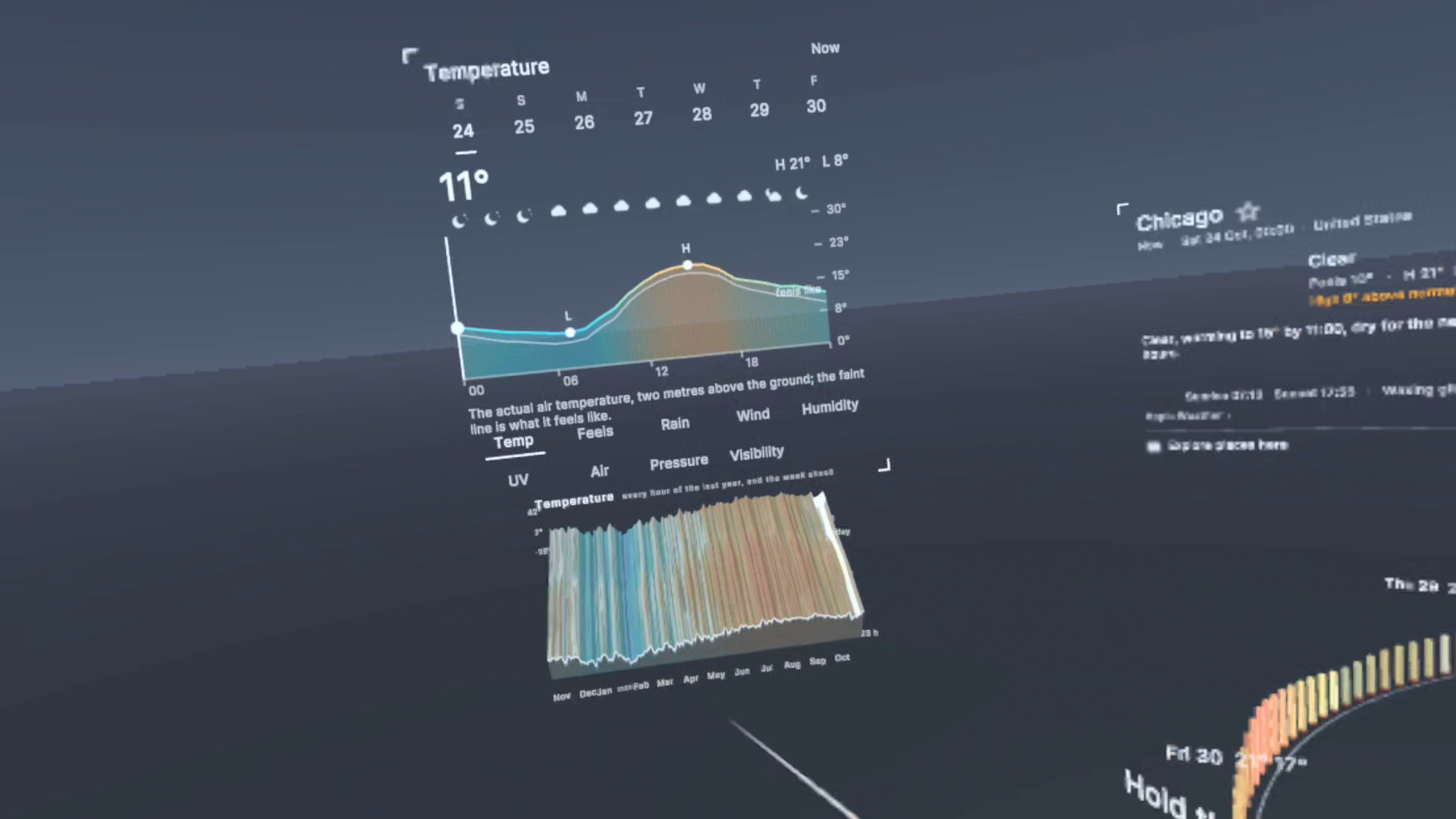
Temperature Chart
-
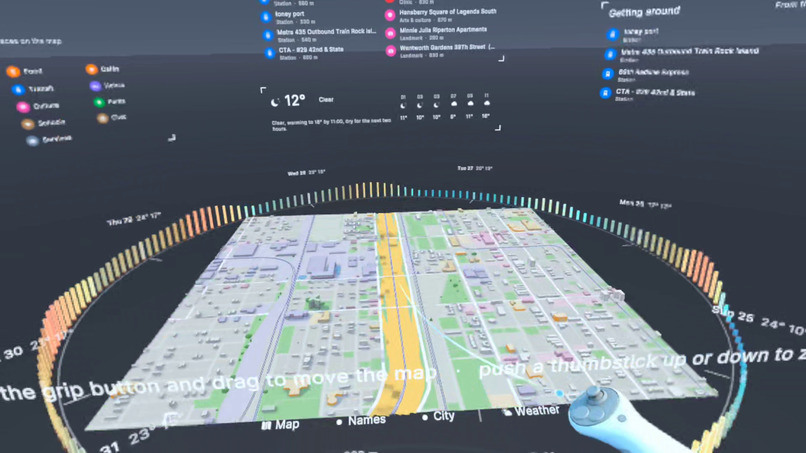
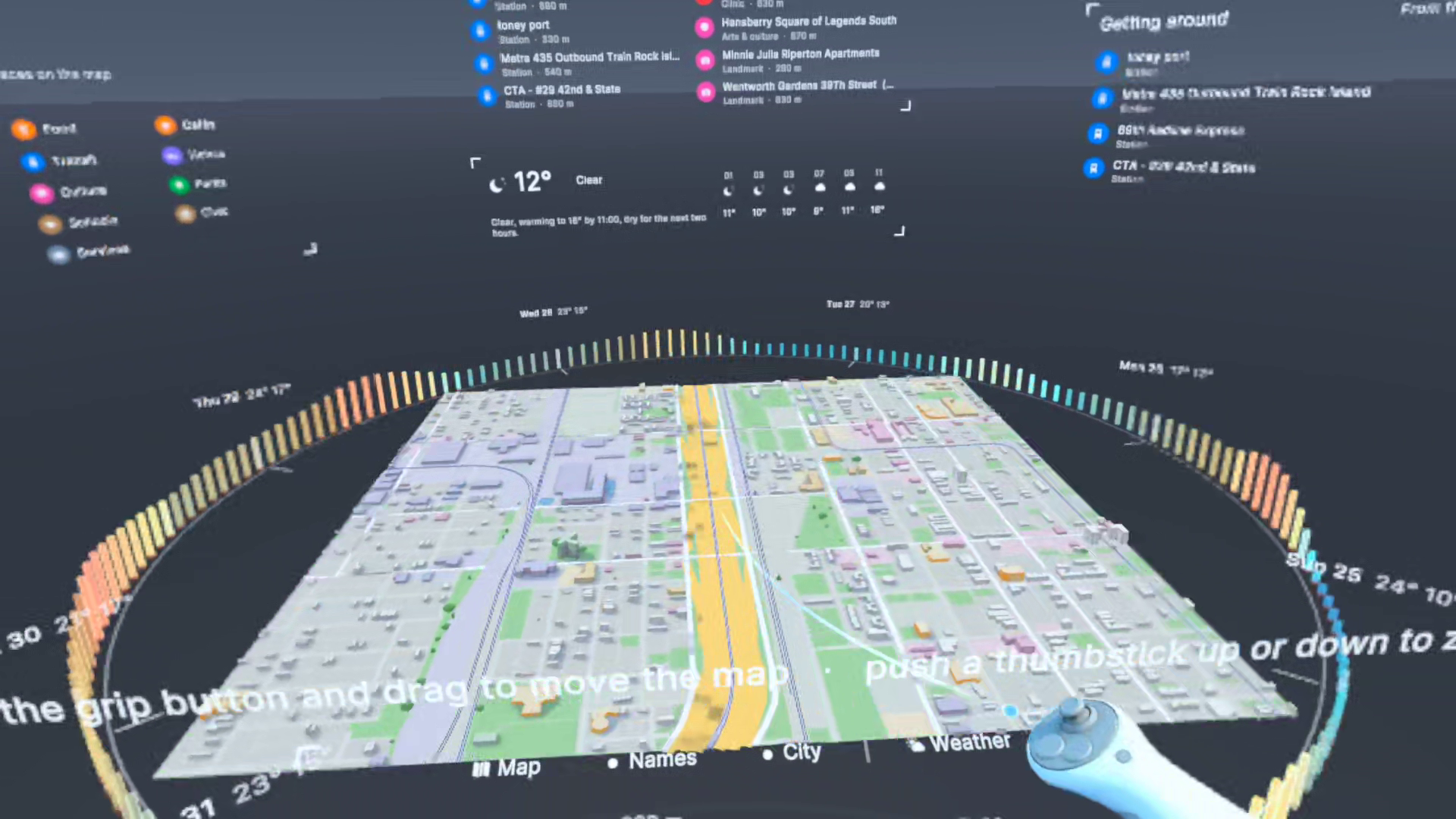
Chicago Streets
-
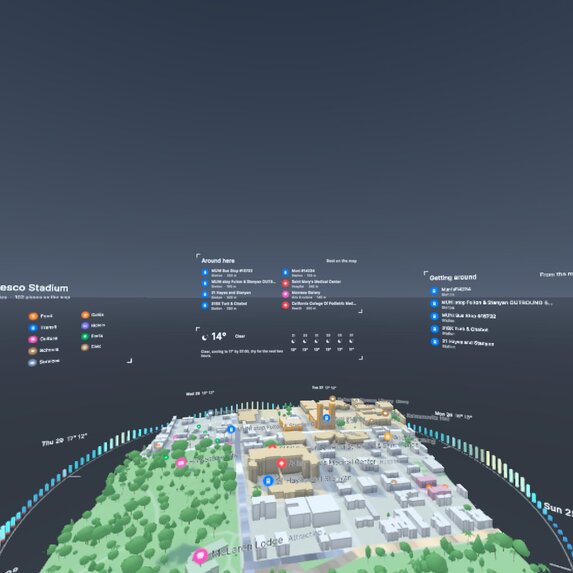
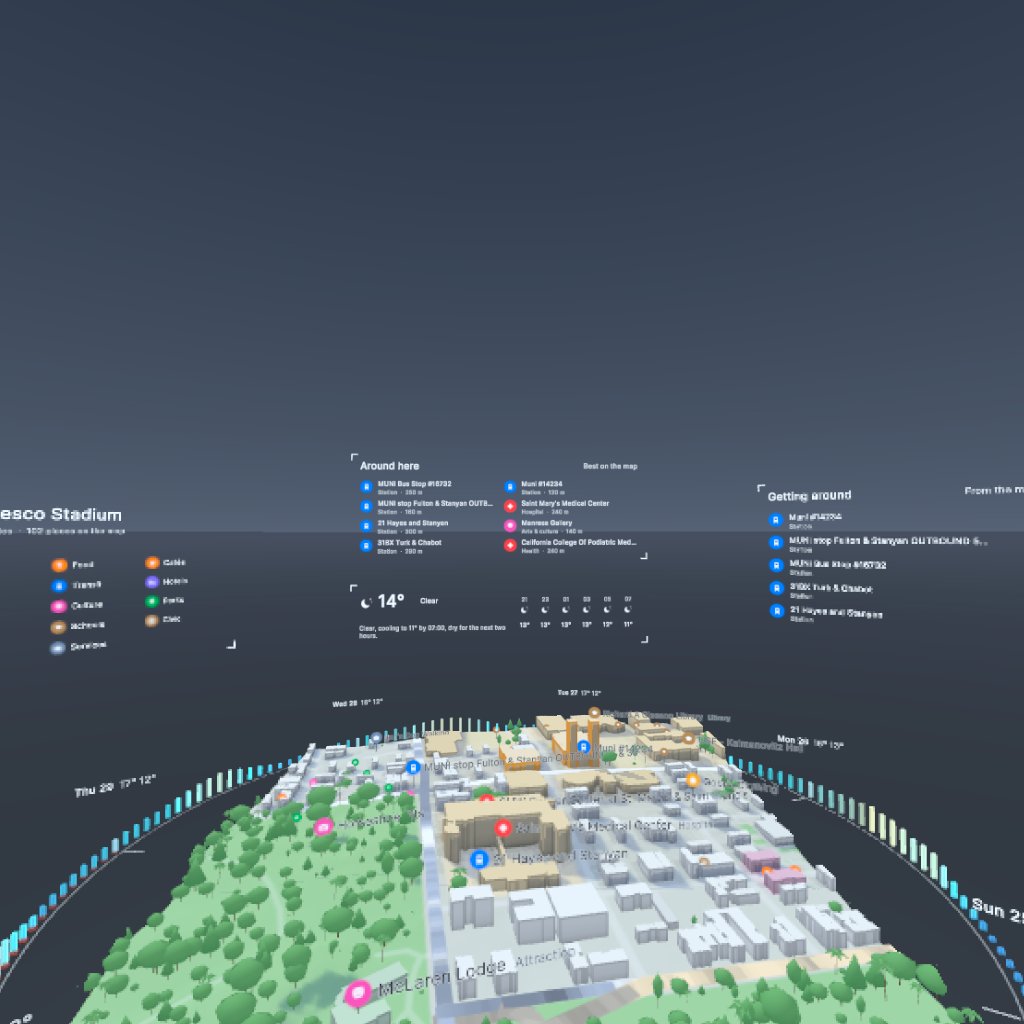
USF and Golden Gate Park
-
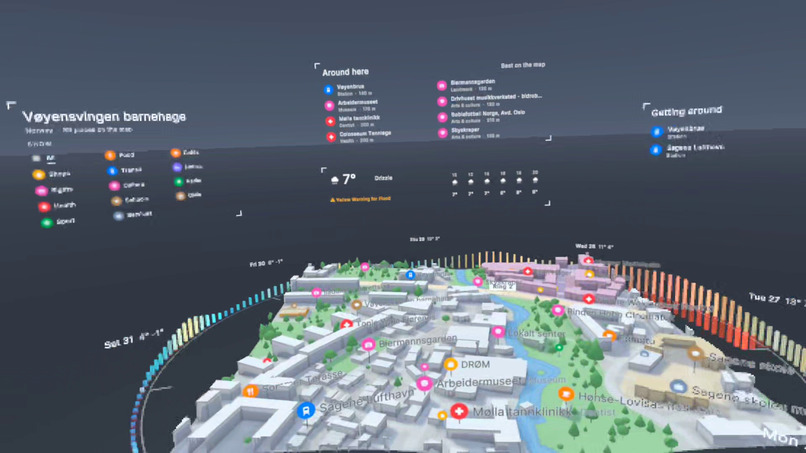
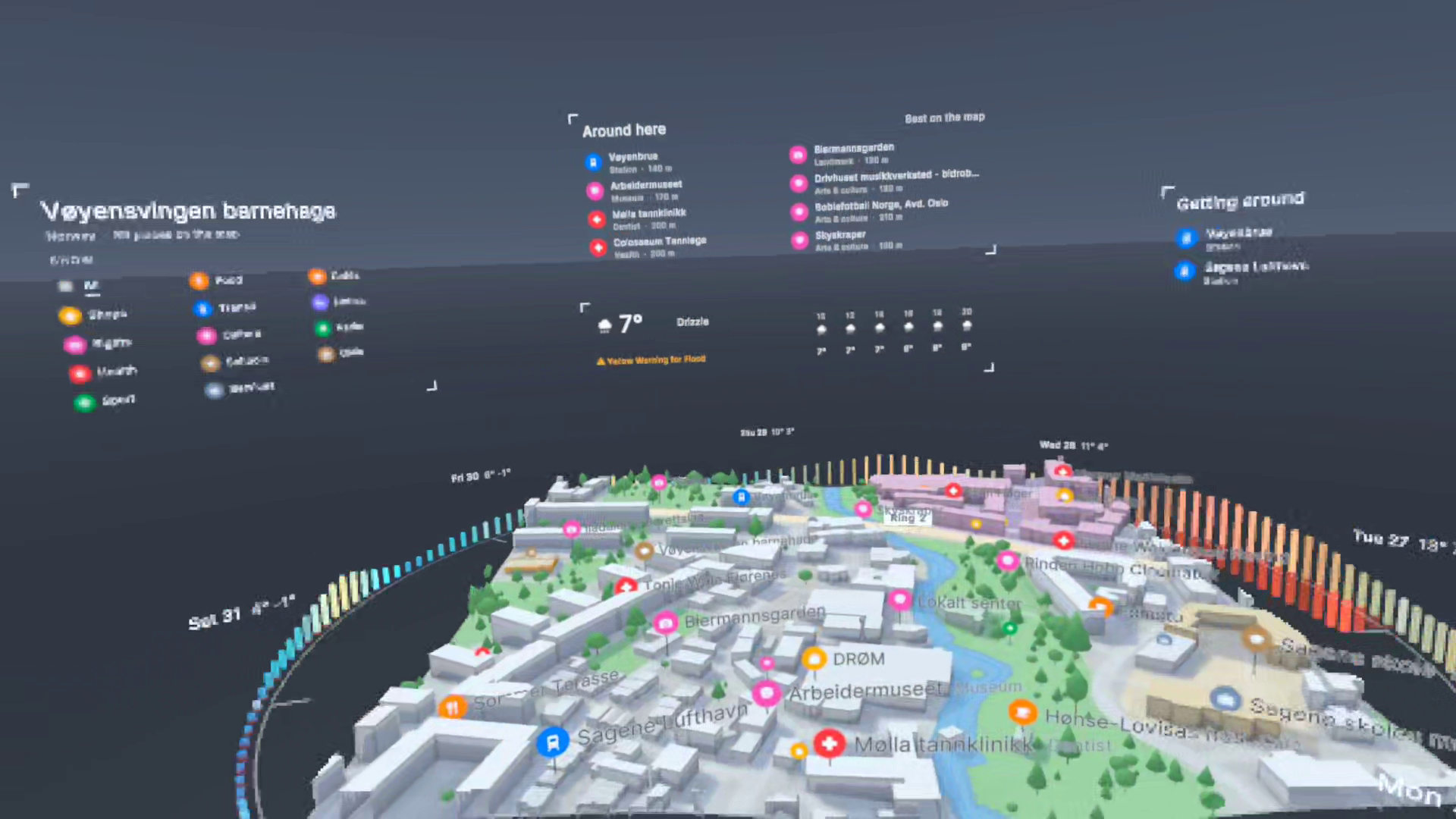
Oslo Streets and Trees
-
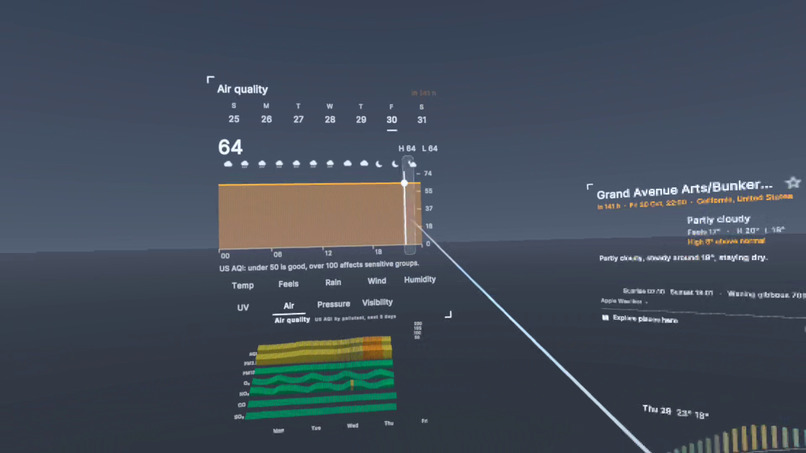
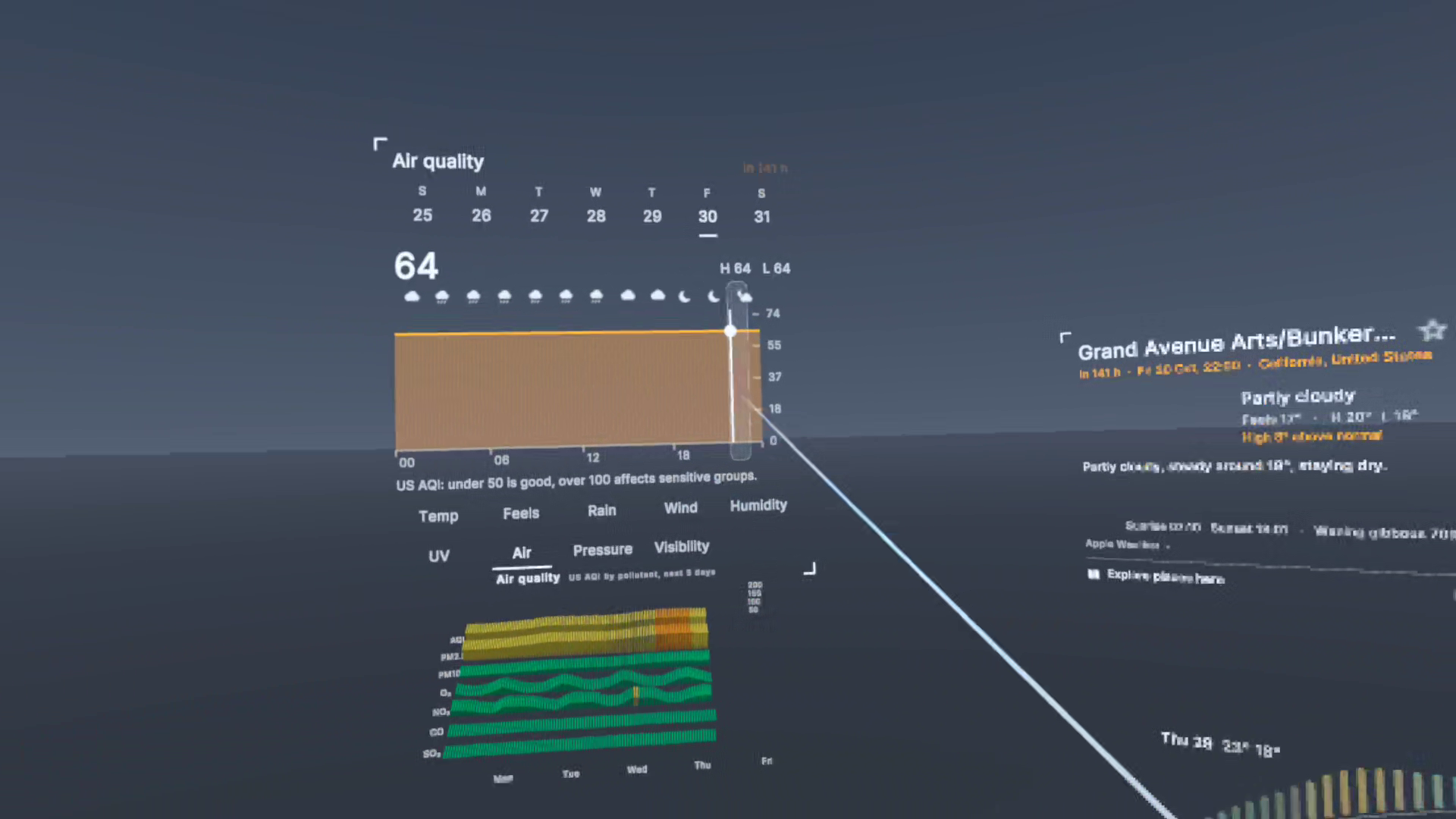
Air Quality Chart
-
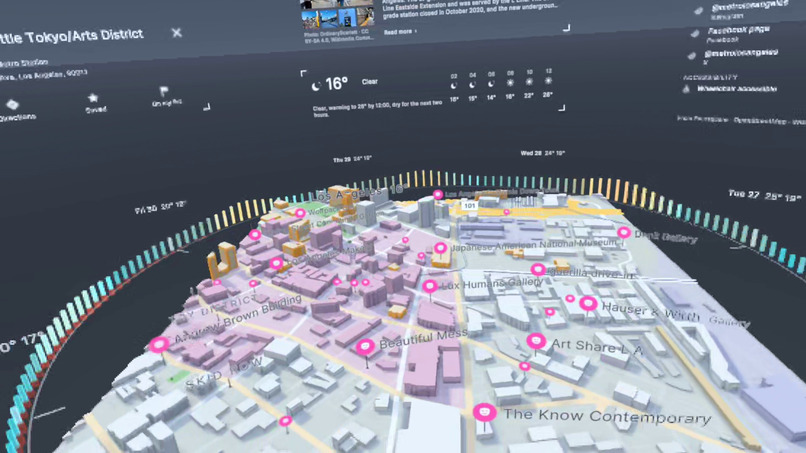
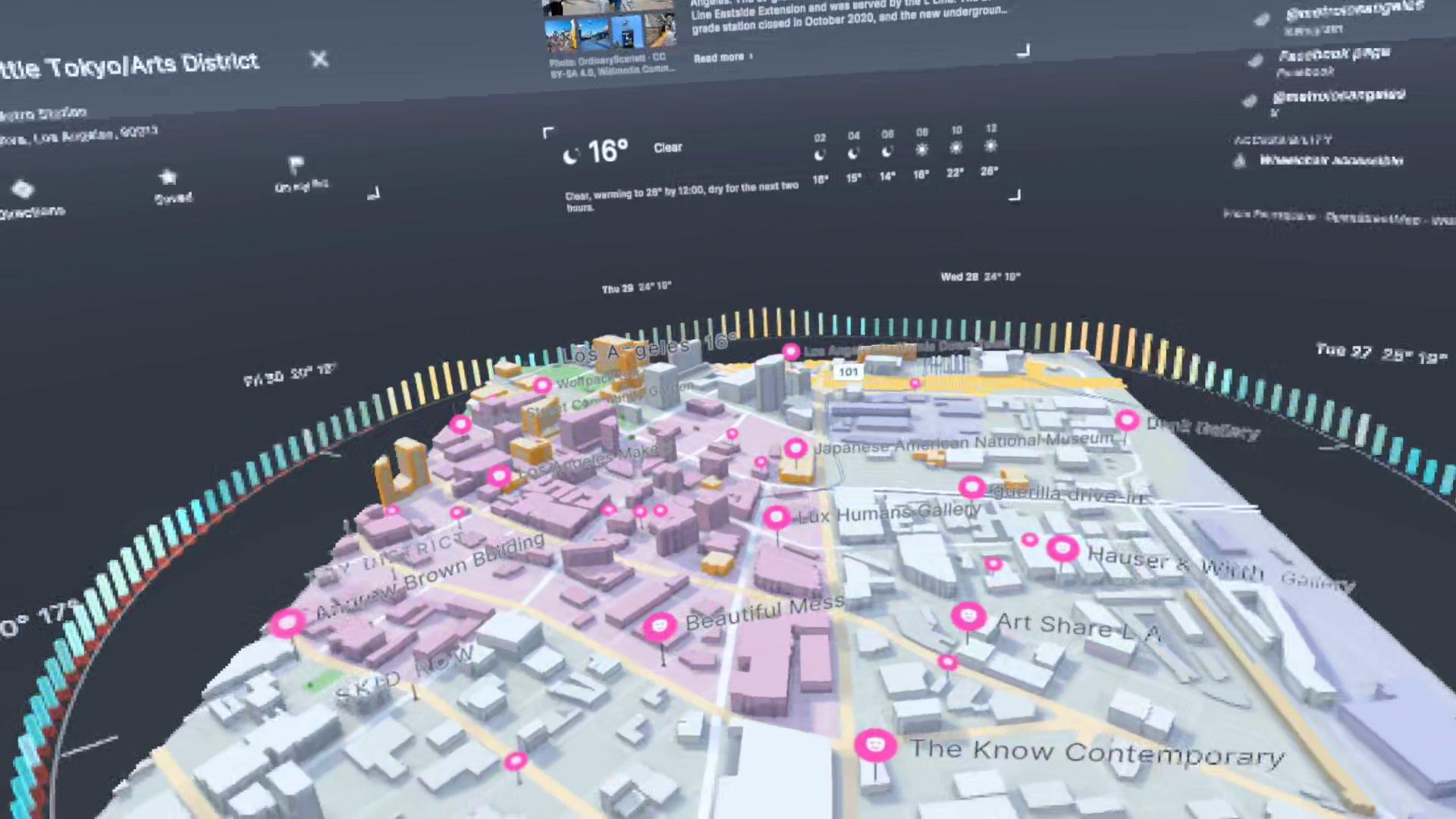
LA Little Tokyo
-
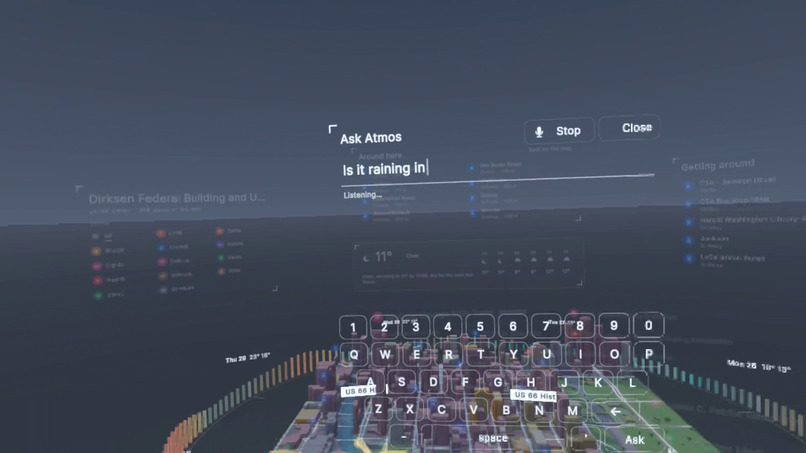
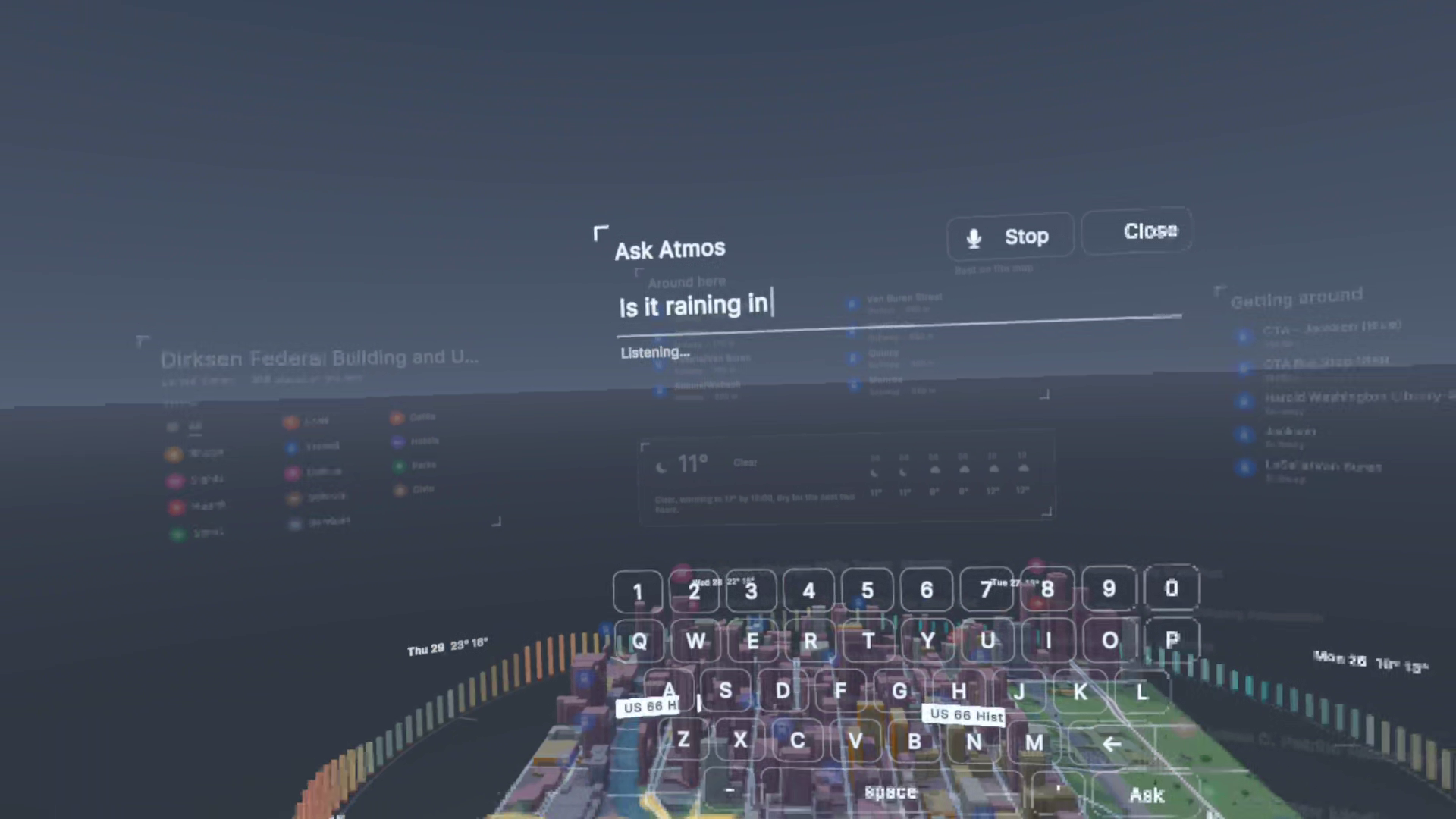
Ask Atmos
-
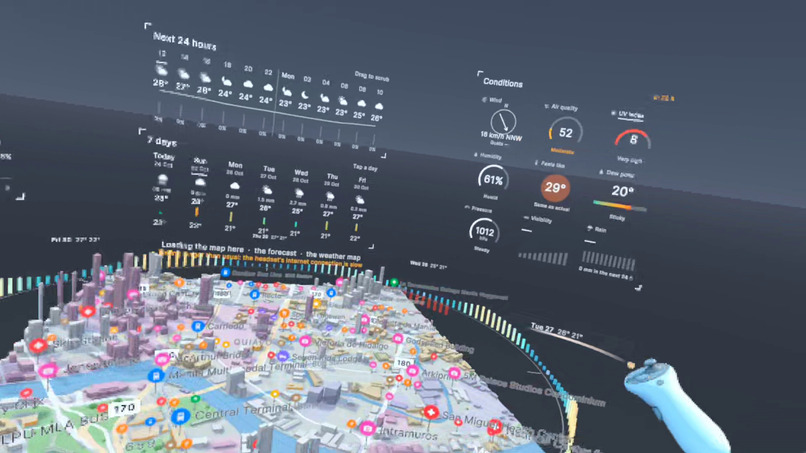
Manila
-
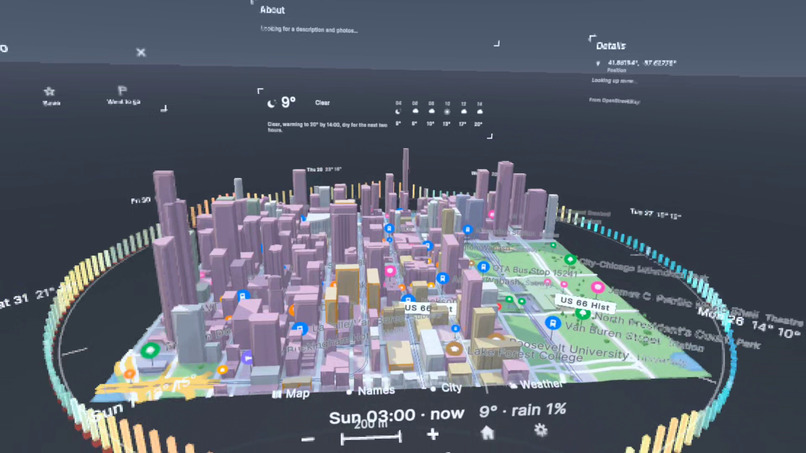
Chicago Downtown
-
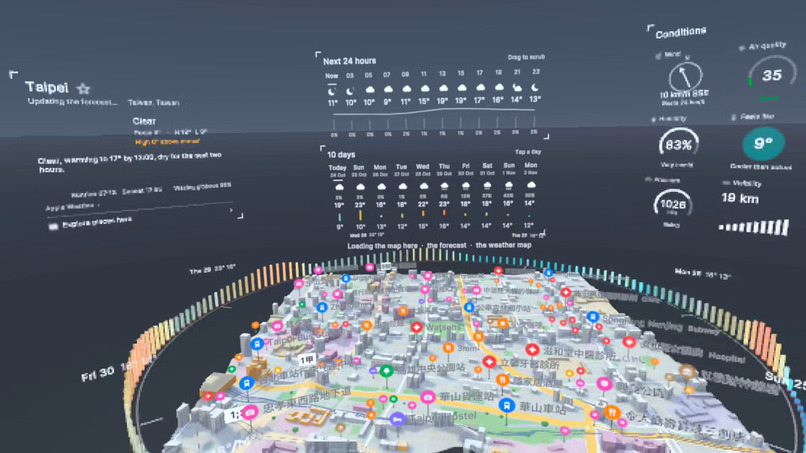
Taipei Forecast
-
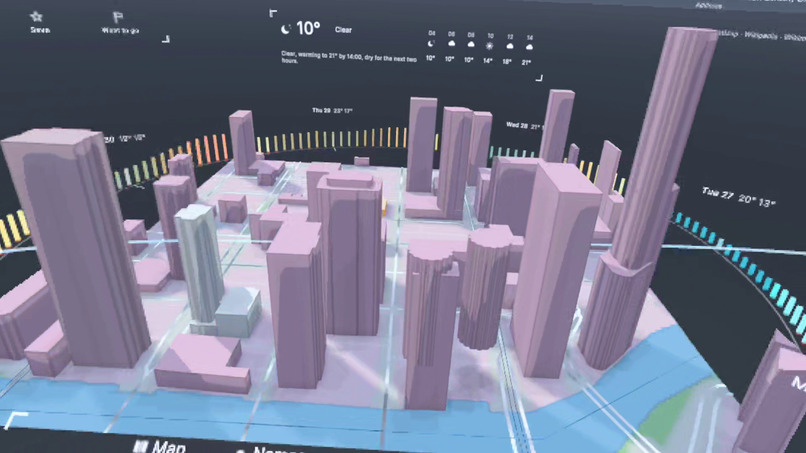
Chicago Towers
Inspiration
I've been interested in VR/AR since college, and I believe in the future of this technology. I'm always exploring ways it can be useful and add value to people's lives. I wanted to create an AR/VR experience that is truly built from the ground up for this medium.
What it does
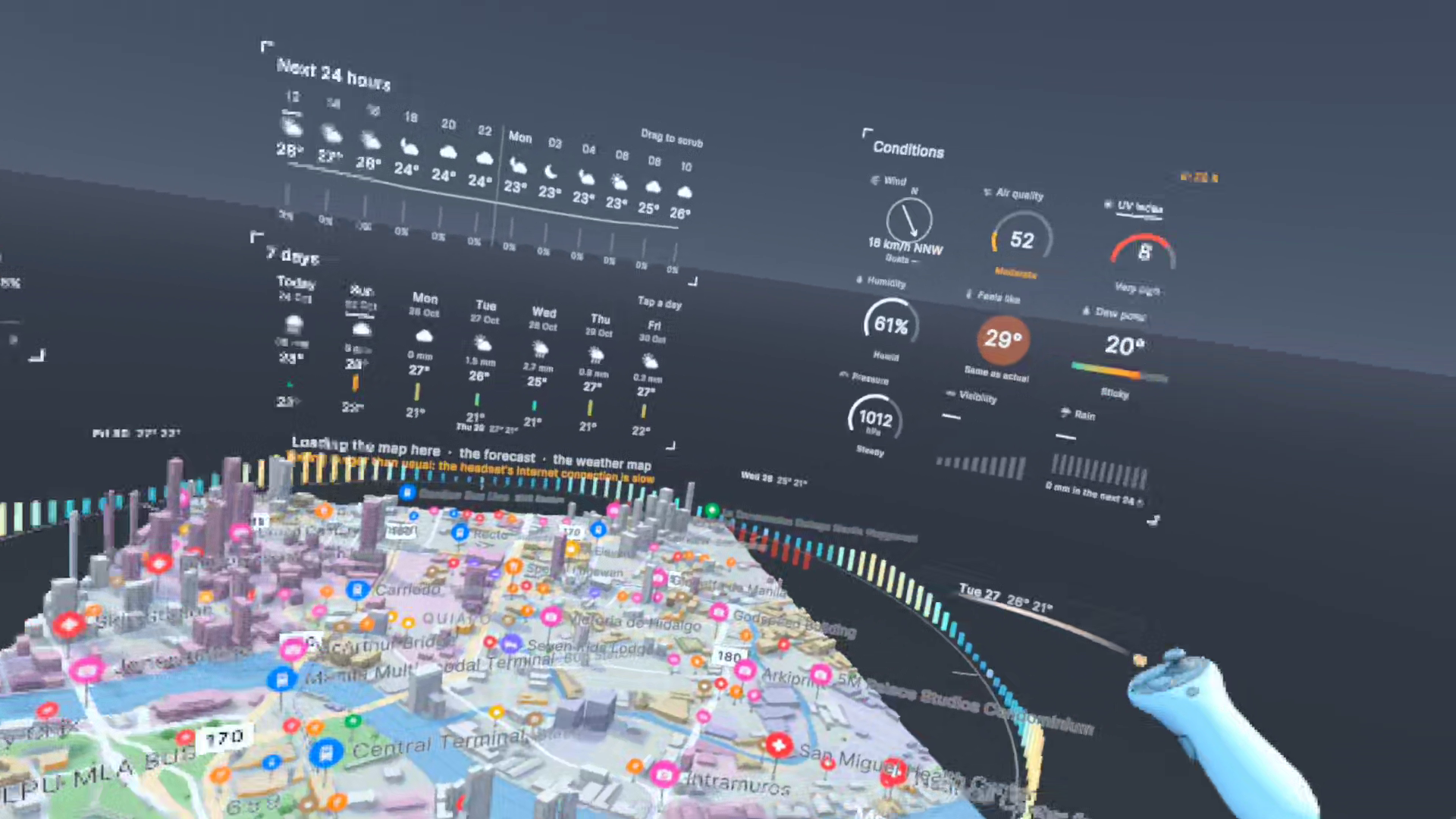
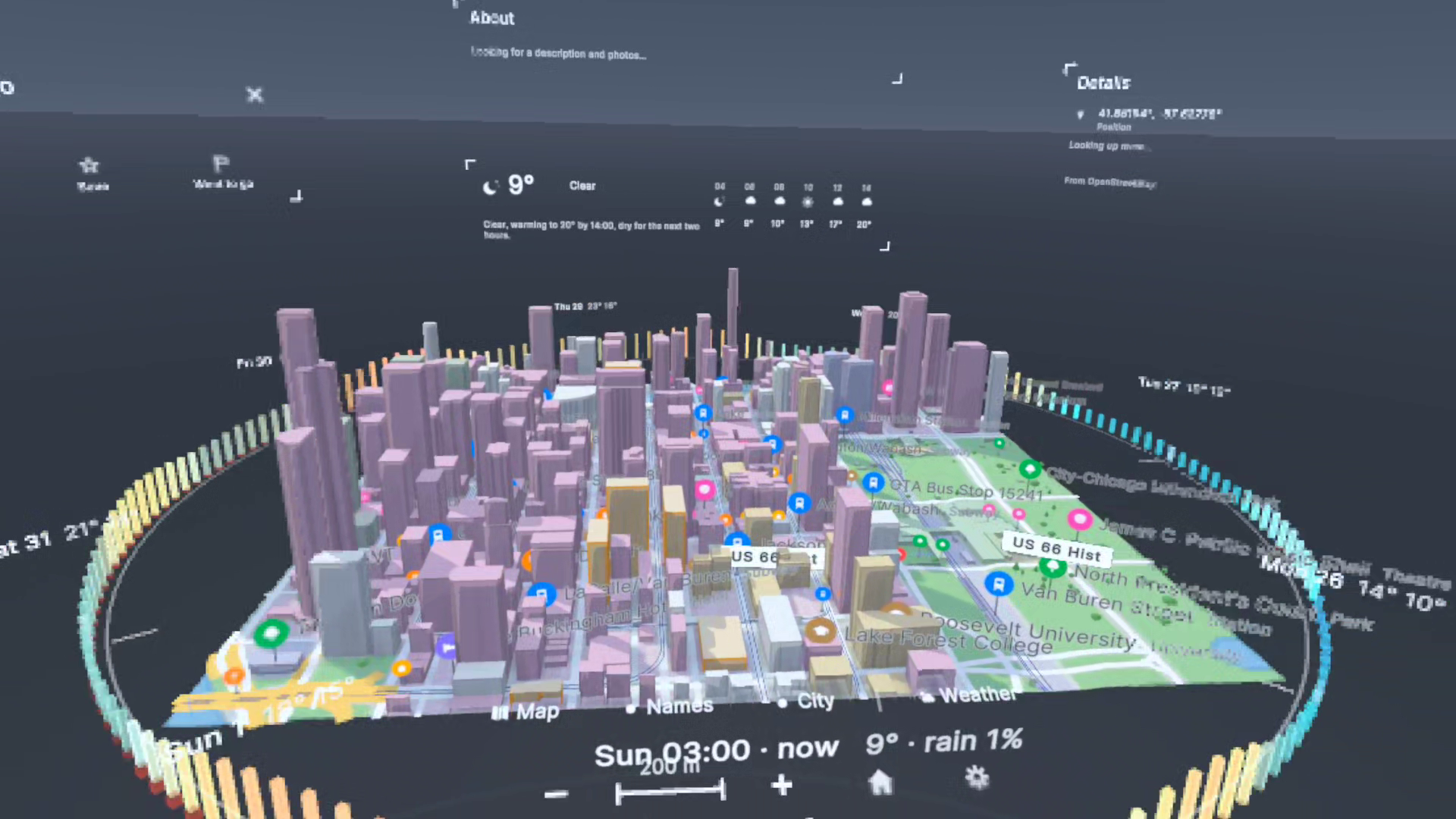
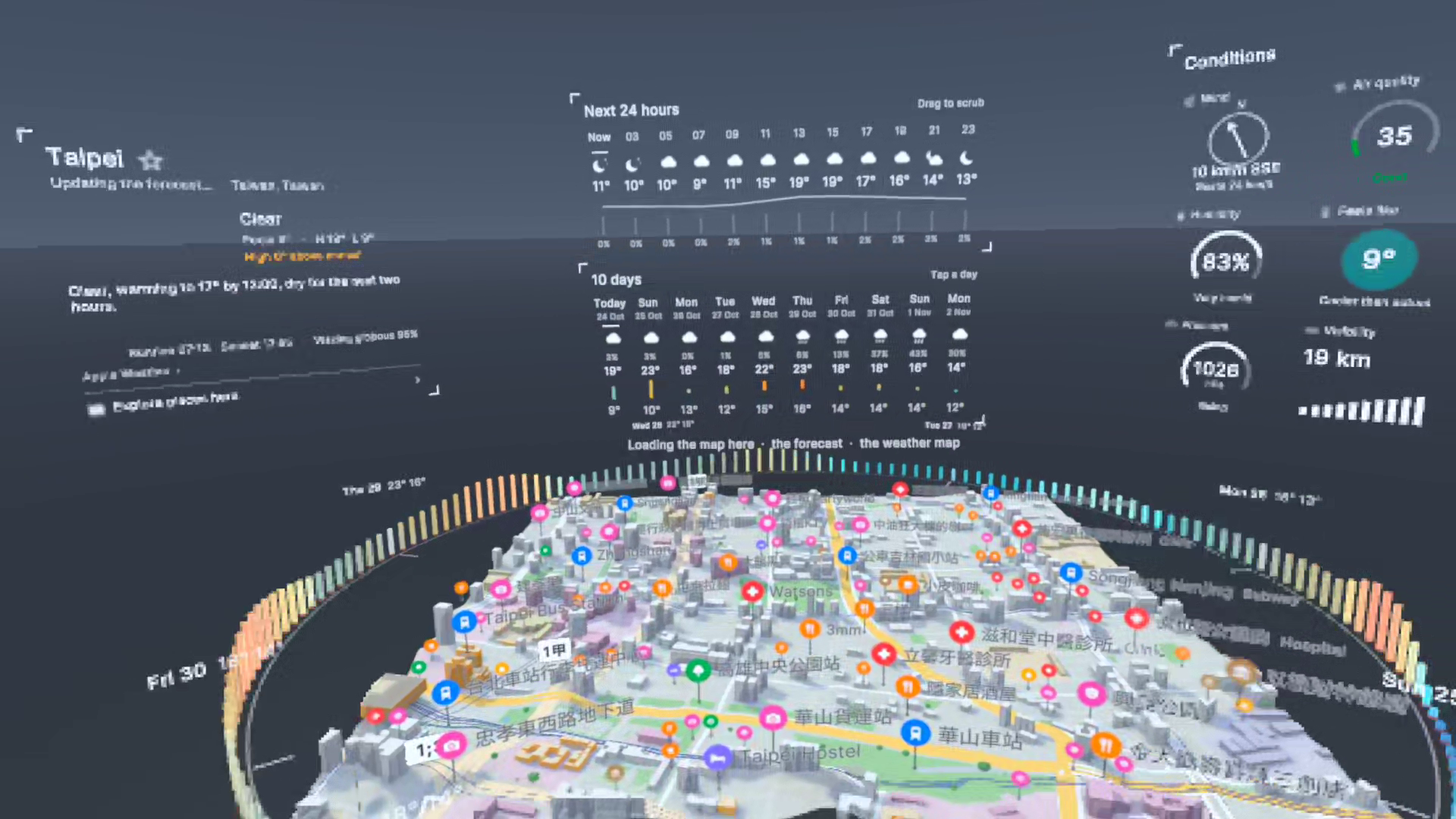
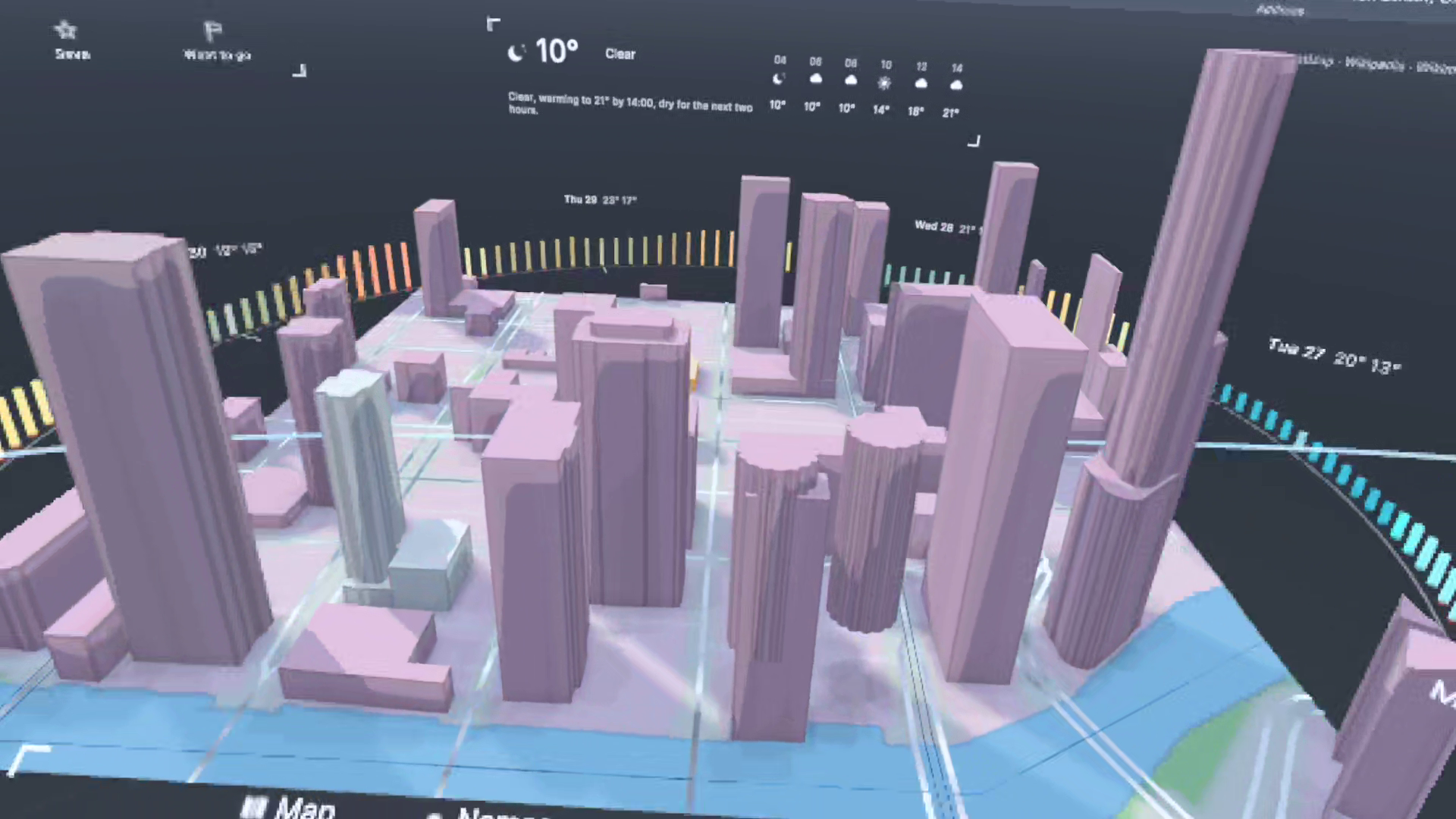
Atmos is a weather and maps app. The holotable is a table-sized 3D map in front of you, with buttons tilted towards you. It starts out as a 3D weather map that can display clouds, rain, wind, feels-like temperature and UV maps in animated 3D. But when you zoom in, it automatically opens into a city map with up to 1,500 places of interest and real 3D models of architectural buildings.
The surrounding panels automatically switch between the modes. The weather panels show: now, the next 24 hours, 10 days, weather conditions, a 3D chart of the past year's weather, a region map, and your saved and recent locations. The map panels show photos, opening hours, Wikipedia, accessibility information and nearby places of interest.
How we built it
Design
I wanted to take advantage of the larger screen real estate and have all the displays in front of you, not buried deep within menus. Looking at the different panels only requires you to turn your head, instead of opening menus with a button, which is more difficult in VR. Users would not have features hidden from them, and they'd know exactly what the app offers. Many features in apps get built but never get used, simply because users don't know they exist.
The 'Clear' UI is built for low overhead and transparency. Unless you're using the VR headset in direct sunlight or against a completely white background, I think it is quite legible, and it does not block you from seeing obstacles in the real world.
Tech
The app itself runs on Unity with the Meta XR SDK, but the core data layer is written in C#, independent of Unity. The map has over 89 million places, combining different open-source and official map data. I indexed and host my own version of the world using PMTiles, with data from multiple sources such as Overture and Foursquare. The panels display information about each place using data from Wikipedia and OpenStreetMap. The world gets re-indexed automatically whenever the source data gets updated, so that it remains accurate and live.
The voice search uses Meta's Voice SDK and wit.ai to understand users' requests, so they can ask for things like "coffee shops nearby" in addition to looking up cities and places.
Challenges we ran into
Rendering at a reasonable FPS has always been a challenge when building for VR, due to the limited graphics budget compared to phones or PCs. I had to limit the amount of detail in the maps for the Quest 2 by using only one layer of clouds and half the rain or wind particles. Aliasing is another problem in VR. I made sure to use thicker lines and larger text, and that I wasn't rendering too many things at once. The Clear UI also helps reduce draw calls, improve FPS, and free up room for the 3D map details and weather particles. Networking was also difficult because I'm loading a lot of data from many different sources, so I had to do several optimizations, like loading things partially as the data comes in and caching on closer servers. I also run tests independent of the app to make sure it doesn't drop frames throughout a playthrough.
The biggest challenge I had wasn't actually building the app. It was the countless ideas, prototypes and UIs I had to go through to figure out what worked and what didn't. Prior to this, I explored many different technologies and software optimizations relating to AR/VR: composite layers, photogrammetry, 3D modeling in Blender, and game engines/IDEs (Unity, Unreal Engine, Apple RealityKit, ARKit and Xcode, Godot). I also explored different app designs, like the current Clear UI, 3D tiles, more game-like RPG first-person interfaces and 360-degree backgrounds, as well as messing around with different animations and button sounds.
Accomplishments and Learnings
My proudest achievement isn't the product itself but all the learning I went through to get here. I mean, I really taught myself all these technologies just by reading and making lots of prototypes. There's no job in the world that could've taught me more than simply following my curiosity. There were many painful moments throughout my journey learning and building VR apps. Each time I had to scrap a prototype or idea that I'd worked on painfully for weeks or months at a time, I felt like a failure. But looking back, all those steps were necessary for me to learn some fundamentals, whether something technical or more general, like where to focus my time, and not wasting time perfecting an incomplete idea but testing ideas out first. Every time my ideas failed, I managed to pick myself back up, dust myself off and start again like a beginner. That's something I feel is more important than learning any one technology or tool, because those change very quickly.
What's next for Atmos
I'd like to release it for the Apple Vision Pro soon. Looking to the future, I'd like to work on more challenging projects and core issues with XR to help grow this platform. I still have many ideas I'd like to try out.
Built With
- 3d-bag
- android-xr
- appleweatherkit
- c#
- cloudflare
- foursquare
- meta-voice-sdk
- metaquest2
- openstreetmap
- overture
- plateau
- pmtiles
- unity
- wit.ai

Log in or sign up for Devpost to join the conversation.