Inspiration
Most people who say "I can't play an instrument" mean one thing: they are afraid of the wrong note. I wanted an instrument where the wrong note does not exist, so that the first touch is already music.
Ariata started as a series of experiments on a real iPhone: a theremin, an erhu, a bowed erhu, a shamisen. The shamisen unexpectedly beat all of them, and working out why became the design of Ariata: a touch is a trigger, not a control loop; head motion is too slow for notes, so it only shapes the sound; and everything is quantized.
What it does
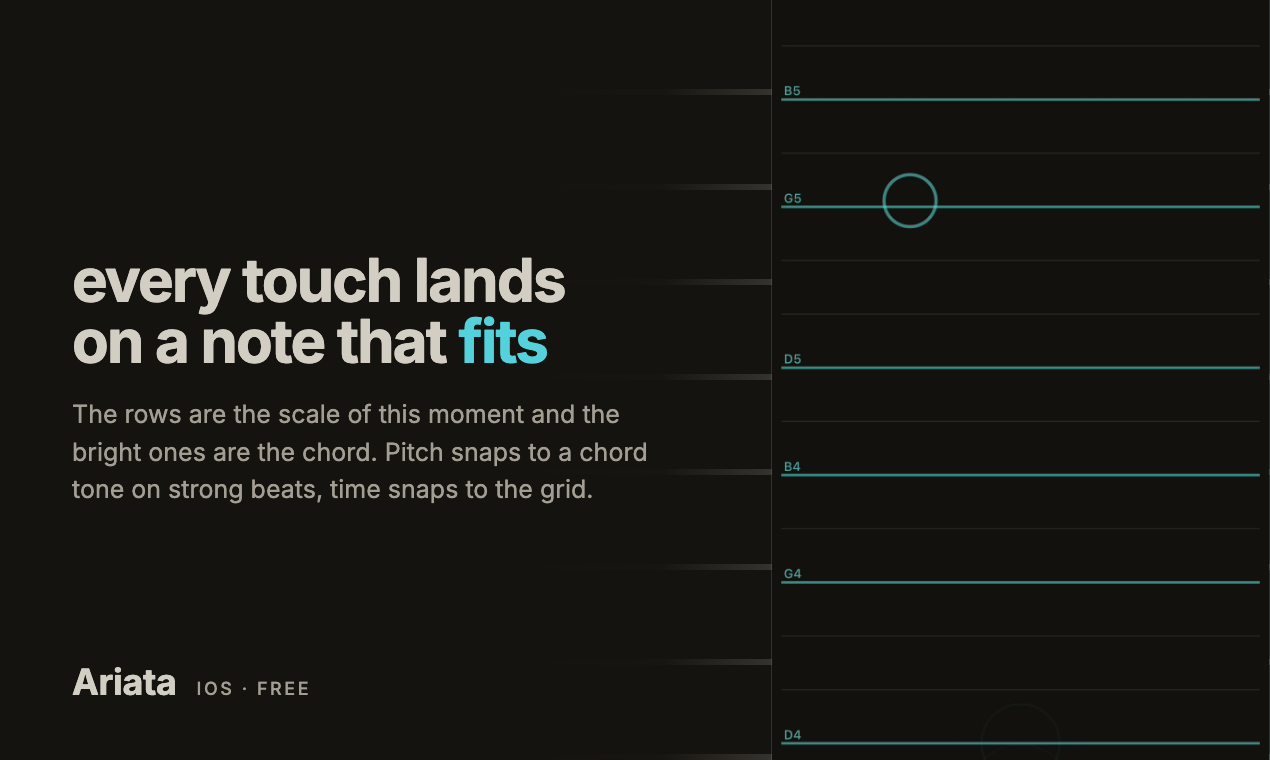
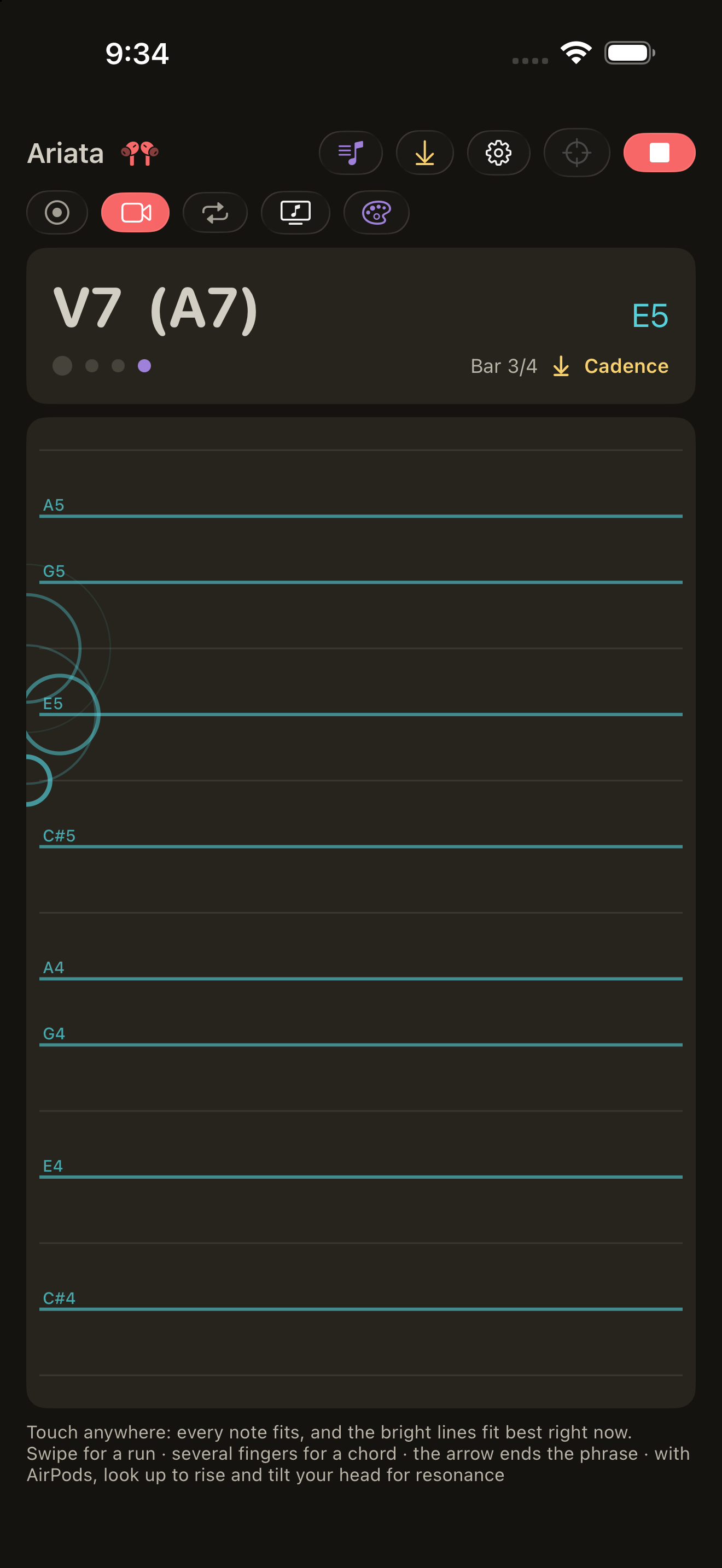
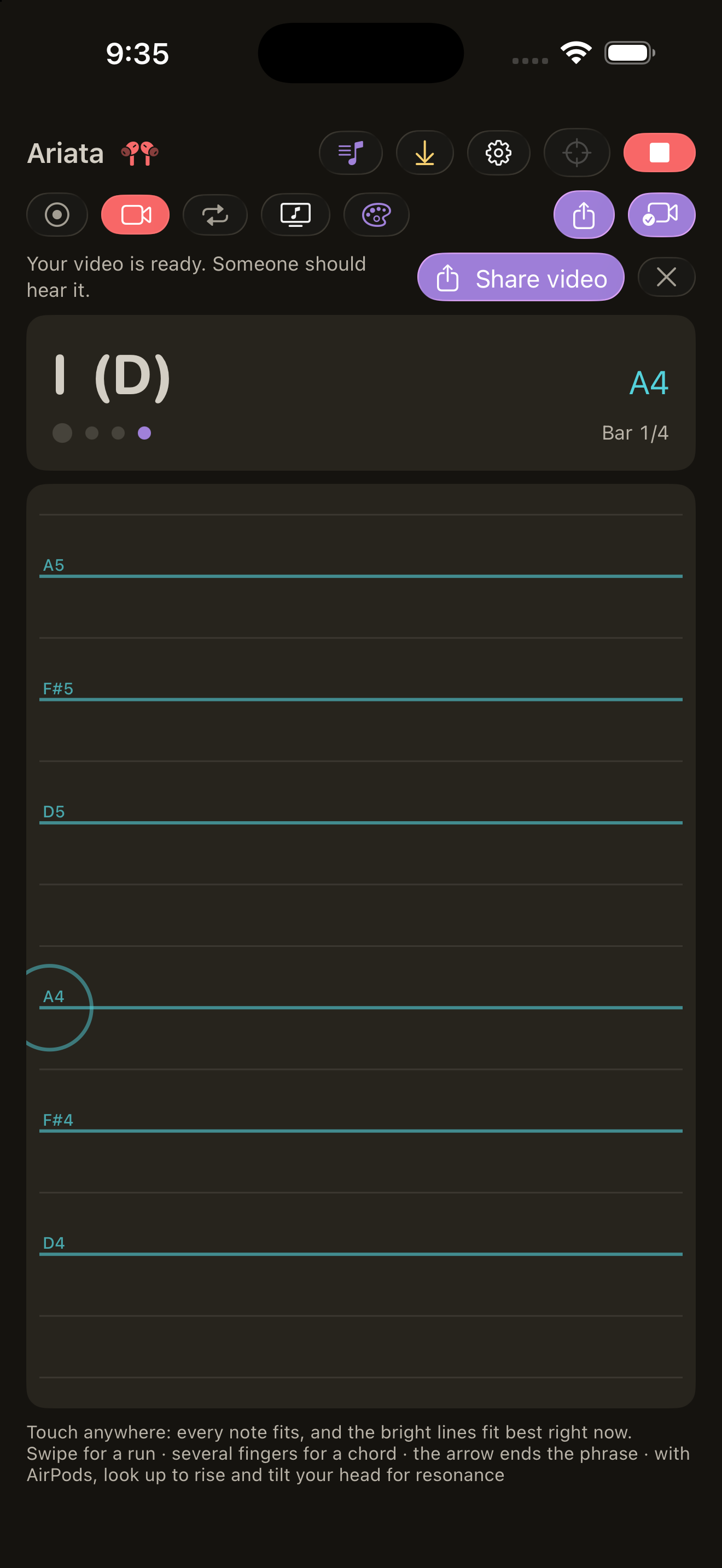
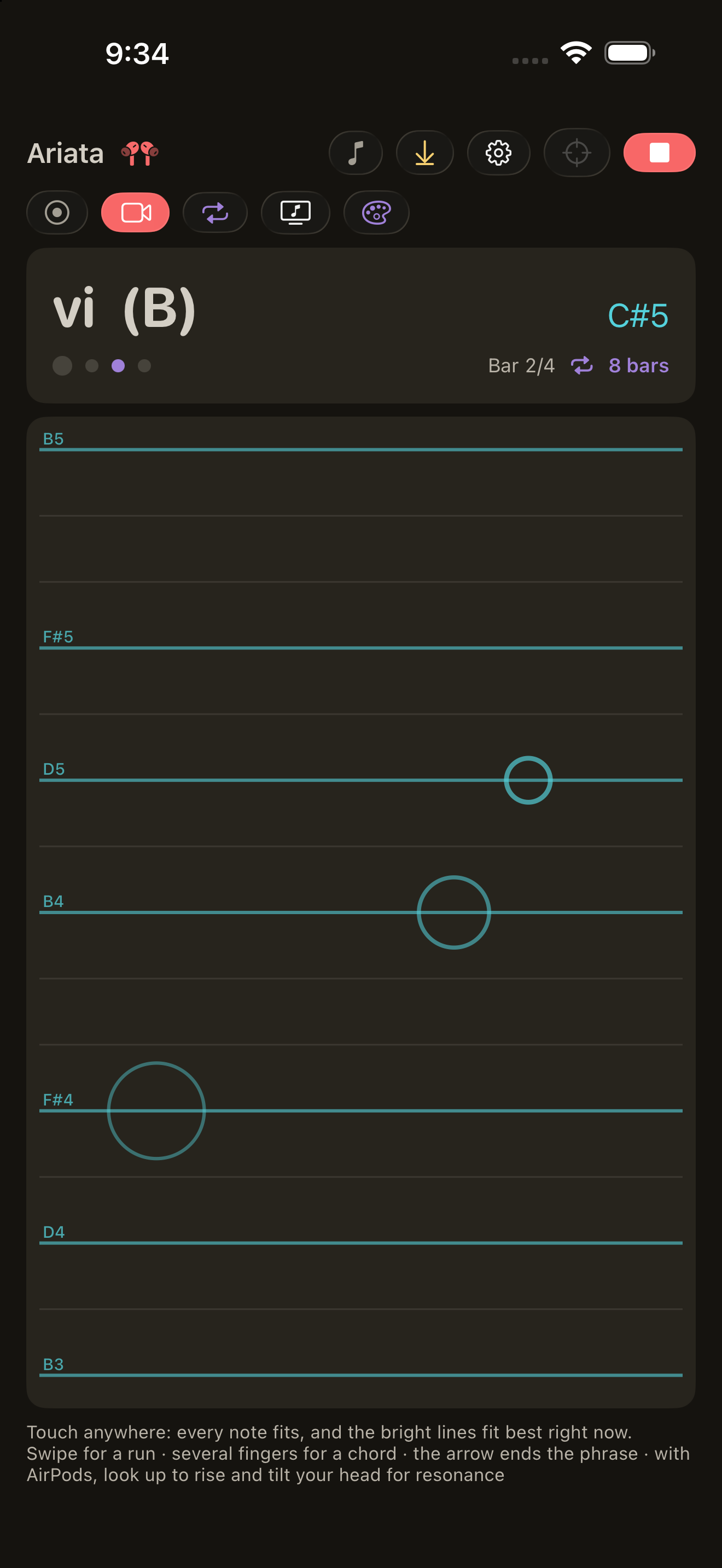
- The screen is a lattice of rows. Each row is a note of the current moment; the bright rows are the notes of the current chord. Tap for a note, swipe for a run, use several fingers for a chord.
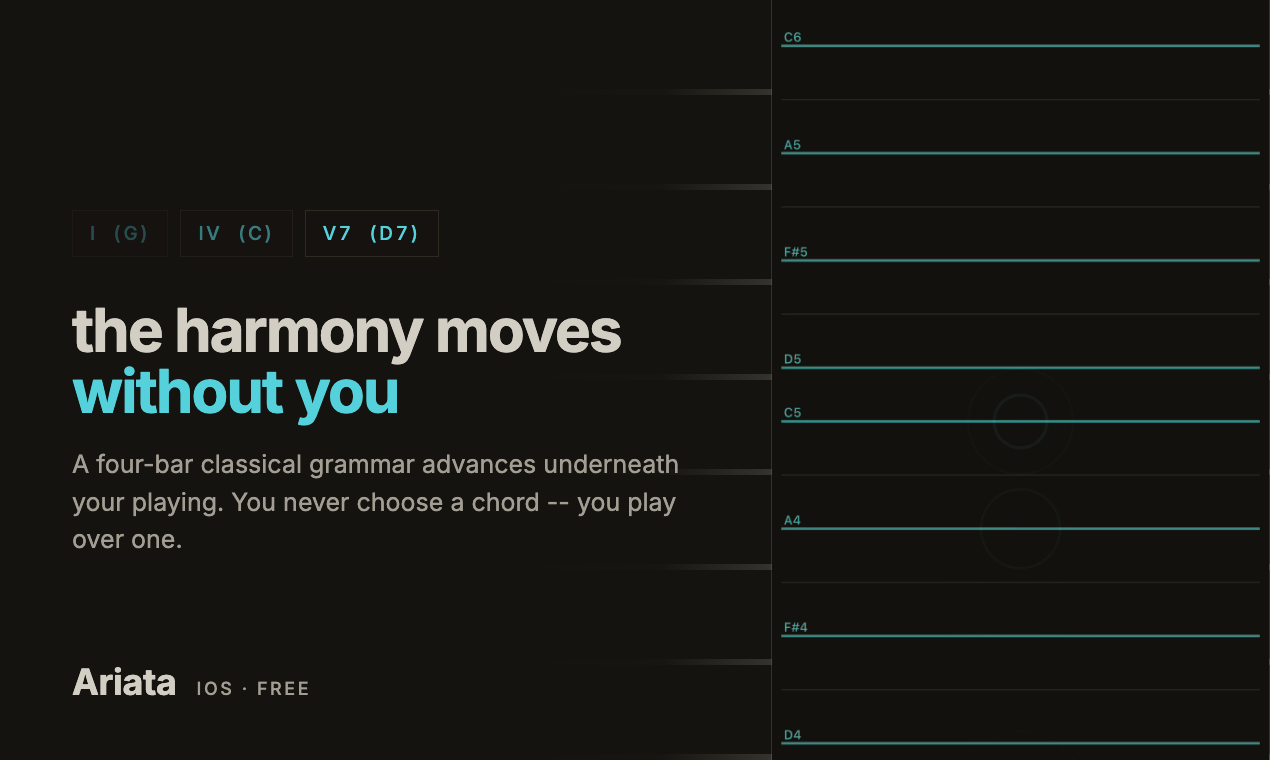
- Harmony runs itself. A classical four-bar grammar (I-IV-V7-I, the cadential 6-4, harmonic minor with its raised leading tone) moves on its own. The one harmonic decision the player makes is the cadence button, and it lands on the next bar line.
- Auto plays a melody itself: a motif, an answer, a variation, a cadential trill. Play over it or just listen.
- Phrase loop. Tap Loop and what you just played (4, 8 or 16 bars, chosen from what you played) keeps looping, re-fitted to the harmony as it changes.
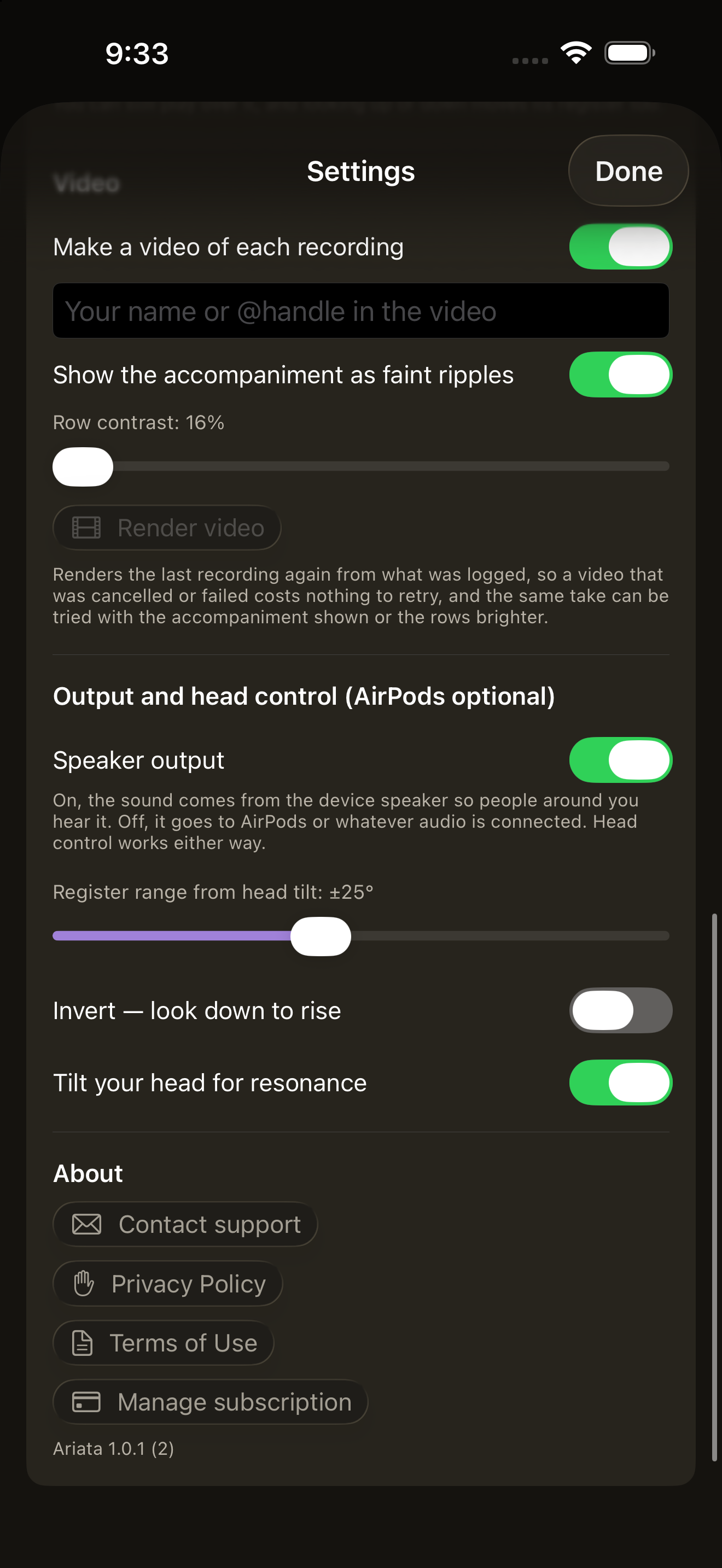
- Record a video of the lattice lighting up under your fingers, or export background music that ends properly: a ritardando, a diminuendo and a resolved tonic, never a cut mid-phrase.
- AirPods (optional): look up and down to move the register, tilt your head to open the resonance. The beat reaches you through haptics, never an audible click.
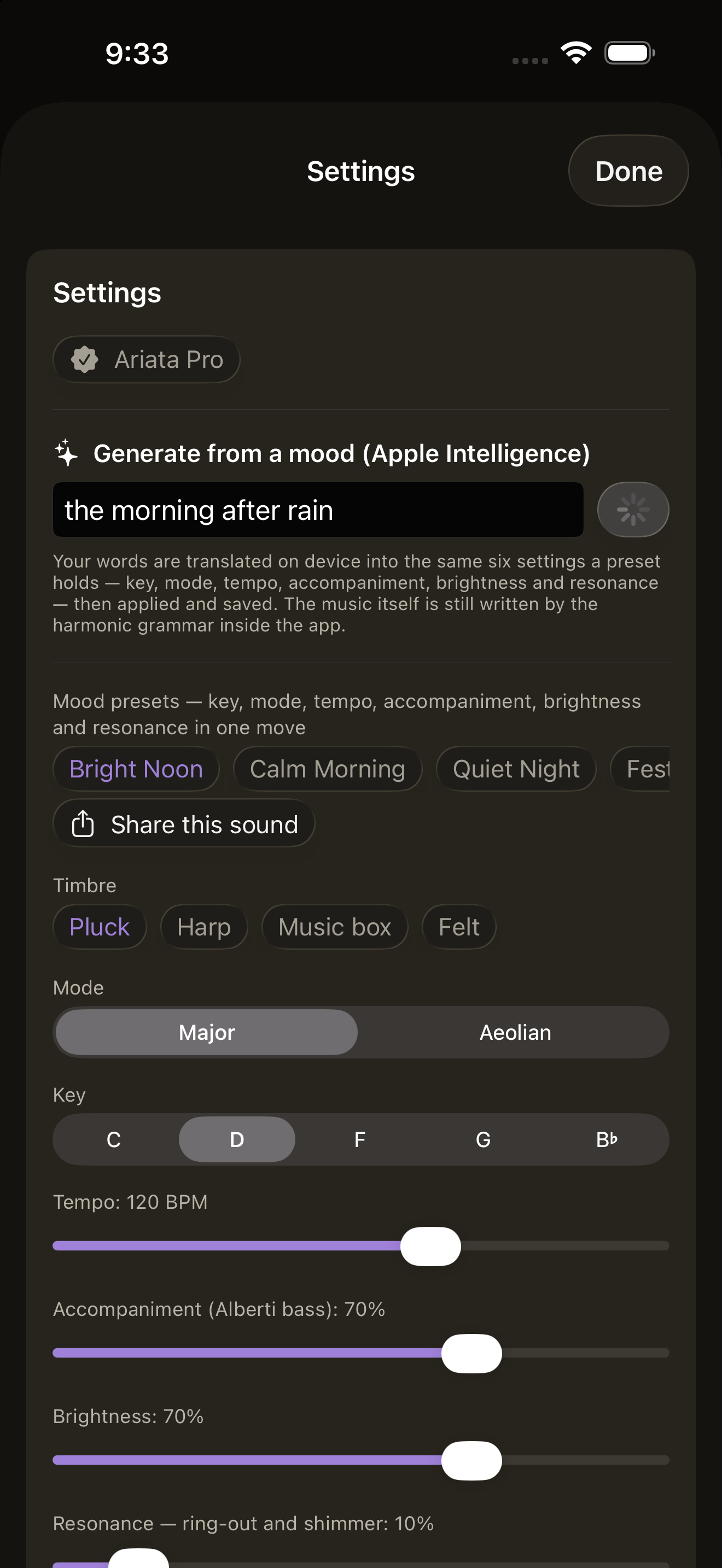
- Moods with Apple Intelligence: type "the morning after rain" and the on-device Foundation Model turns it into a preset. The model only sets six knobs (key, mode, tempo, accompaniment, brightness, resonance) through guided generation; it never touches notes.
- Share a sound as a link. A Universal Link carries the preset, and even a looped phrase, and opens the same instrument on a friend's phone over their own harmony.
- Eight languages, no account, no ads, recordings stay on the phone.
How we built it
Native Swift 6 (strict concurrency), SwiftUI, AVAudioEngine, CoreMotion and FoundationModels, iOS 26 with Liquid Glass chrome. The only third-party dependency is RevenueCat.
- Sound: Karplus-Strong plucked-string synthesis, 12 voices, written in an
AVAudioSourceNoderender callback that never allocates or blocks. Parameters cross into the audio thread through a lock taken withwithLockIfAvailable, so a busy lock drops an update instead of blocking audio. - Timing: the sequencer lives inside the render callback and counts samples. It is the master clock; the UI only polls it. Every touch is placed on a 16th-note grid by that sample counter.
- Video: a recording leaves a sample-stamped log, and the MP4 is rendered offline from it after Stop, so frame 0 of the video is sample 0 of the audio. Sync was measured within one frame, with no drift.
- Monetization: RevenueCat behind one protocol, with every Pro gate in the view model rather than the views, so the whole app can be tested without the SDK.
Challenges
- Wrong notes had to be unrepresentable, not discouraged. Pitch snaps to a chord tone on strong beats and a scale tone on weak ones. Property tests check every row of every chord in all twelve keys.
- The ending of background music. A fixed eight-second ending cut off mid-phrase at slow tempos. I found it by decoding real exports and reading RMS envelopes and FFTs, then derived the lead time from the tempo and made the ending follow musical position, not the wall clock.
- Lost notes when tapping fast. The accompaniment alone needs about 11.7 of 12 voices, so it was stealing the player's notes. The voice-stealing order now always gives up accompaniment first.
- A 16 ms hole in a recording turned out to be three missed audio deadlines while encoding; the IO buffer went from 5 ms to 10 ms, which costs nothing audible because every note is placed on the grid anyway.
- A nod used to trigger the cadence. People nod in time with music without meaning to, so the head now only controls continuous, harmless things, and the cadence is a button.
What we learned
Test on the device, and measure with your ears and with analysis. The simulator could not show any of the bugs that mattered: audio timing, voice stealing, head tracking, or haptics.
What's next
Tuning the melody grammar by ear, more timbres, and sharing full performances.
Built With
- apple-intelligence
- avassetwriter
- avaudioengine
- avfoundation
- core-graphics
- coremotion
- foundation-models
- ios
- liquid-glass
- next.js
- revenuecat
- storekit
- swift
- swiftui
- vercel


Log in or sign up for Devpost to join the conversation.