-
-
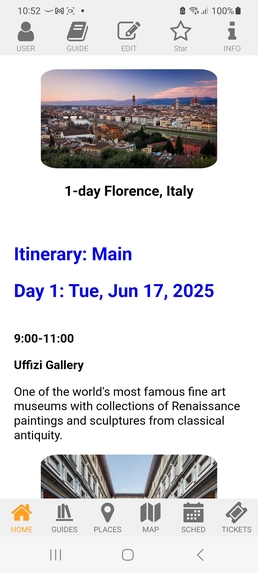
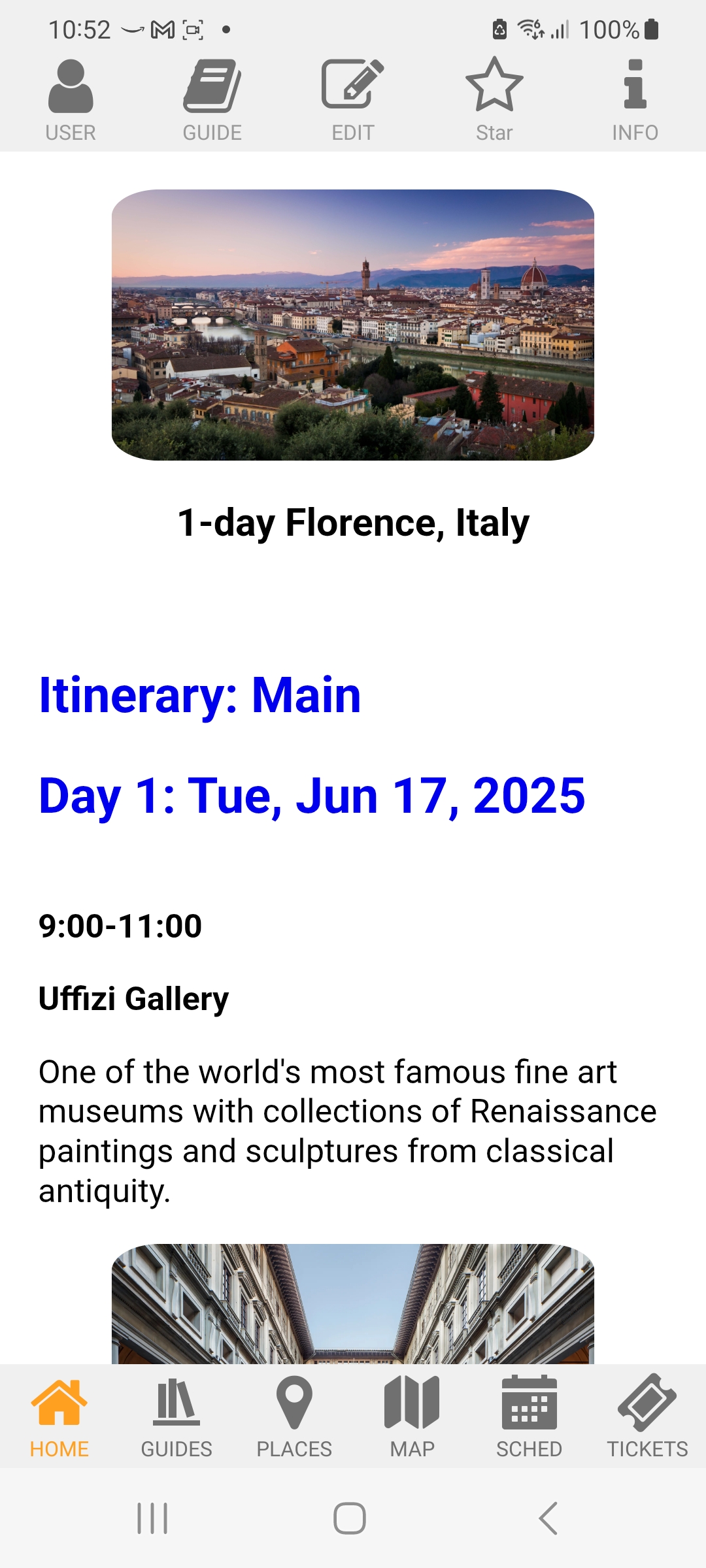
Home Page
-
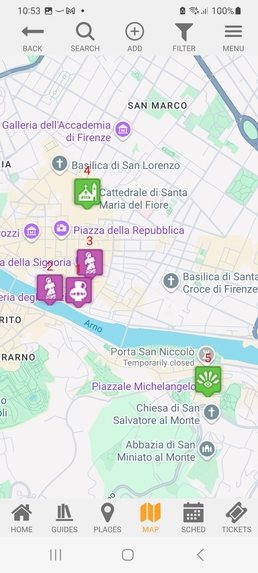
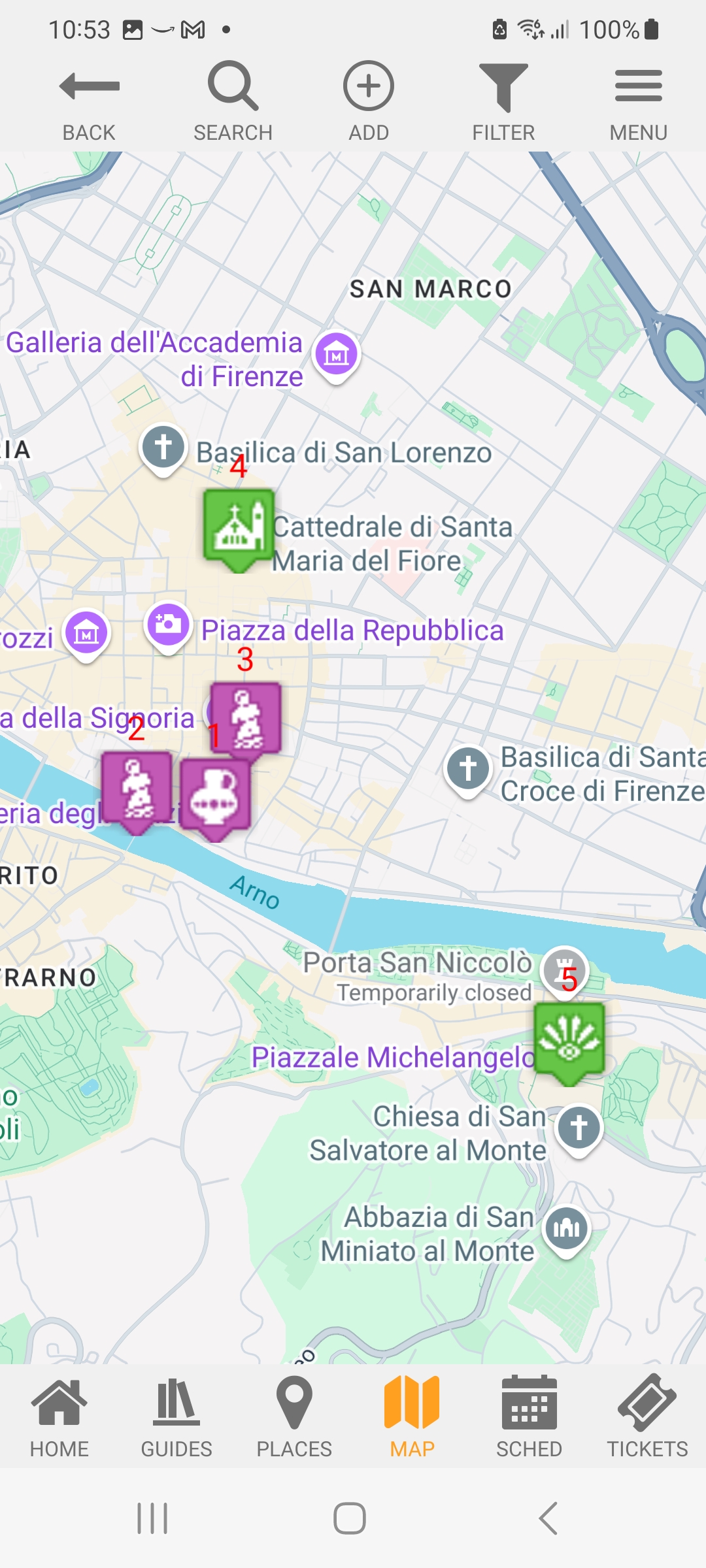
Map
-
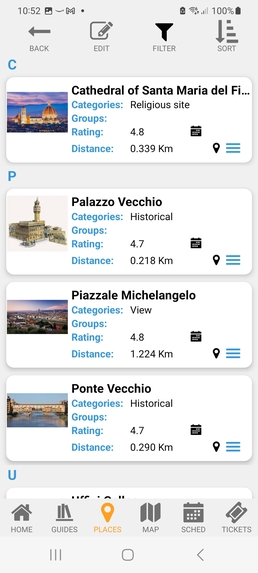
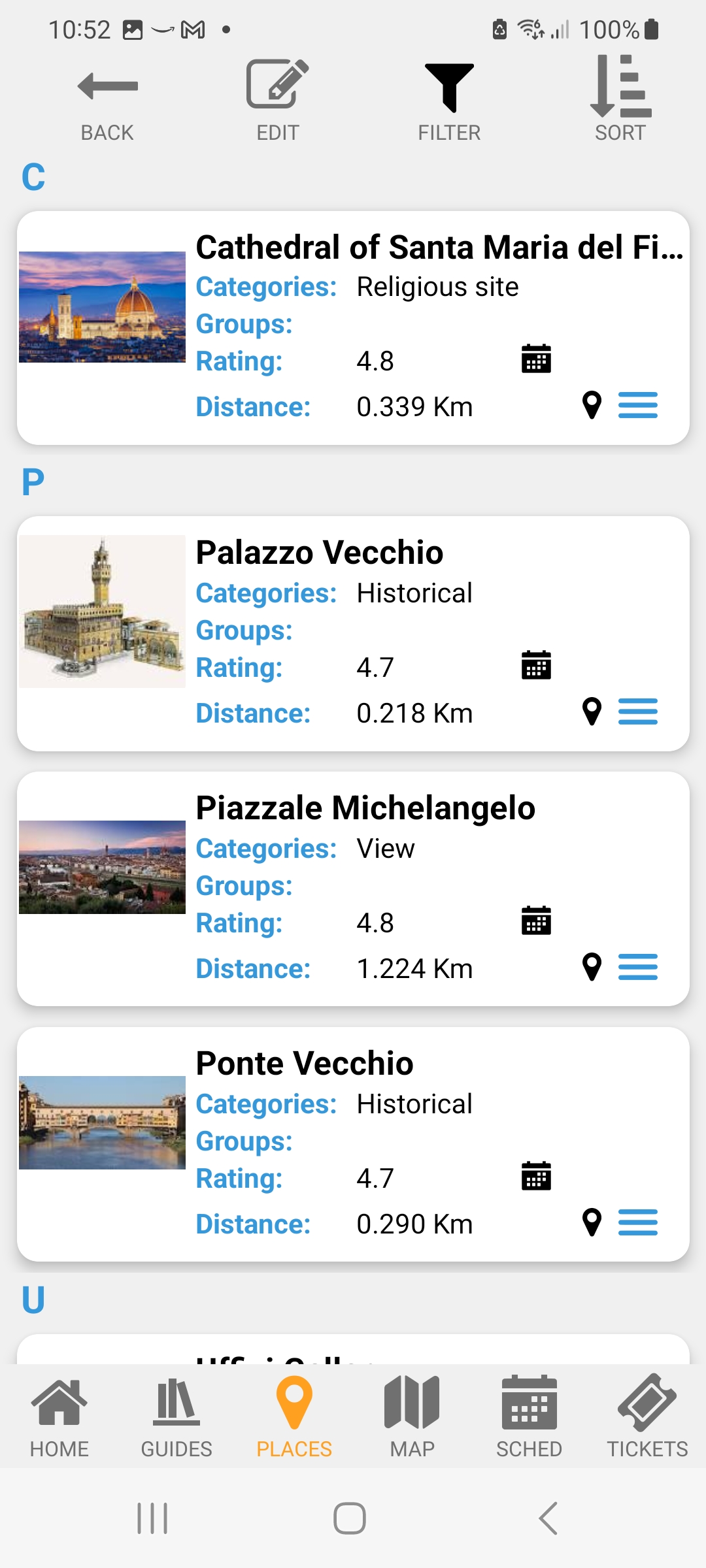
Places
-
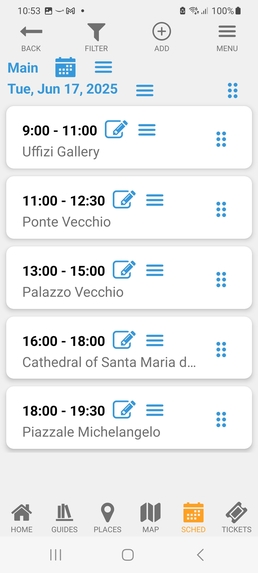
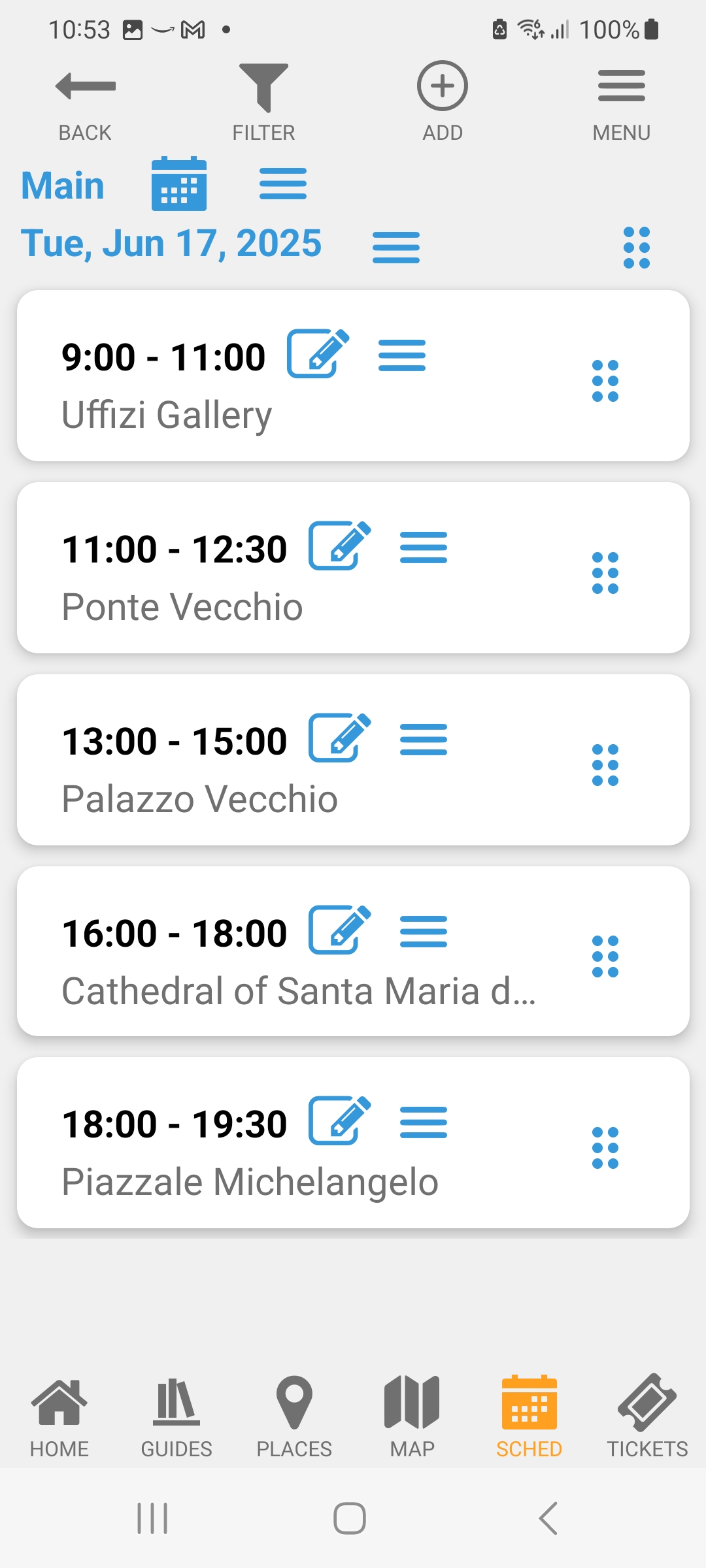
Schedule
-
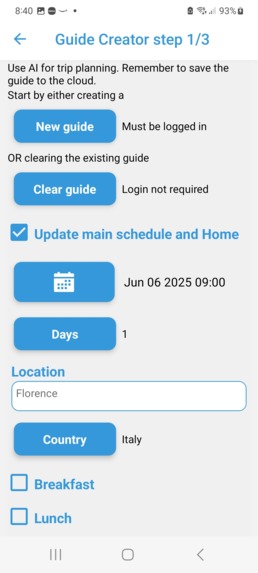
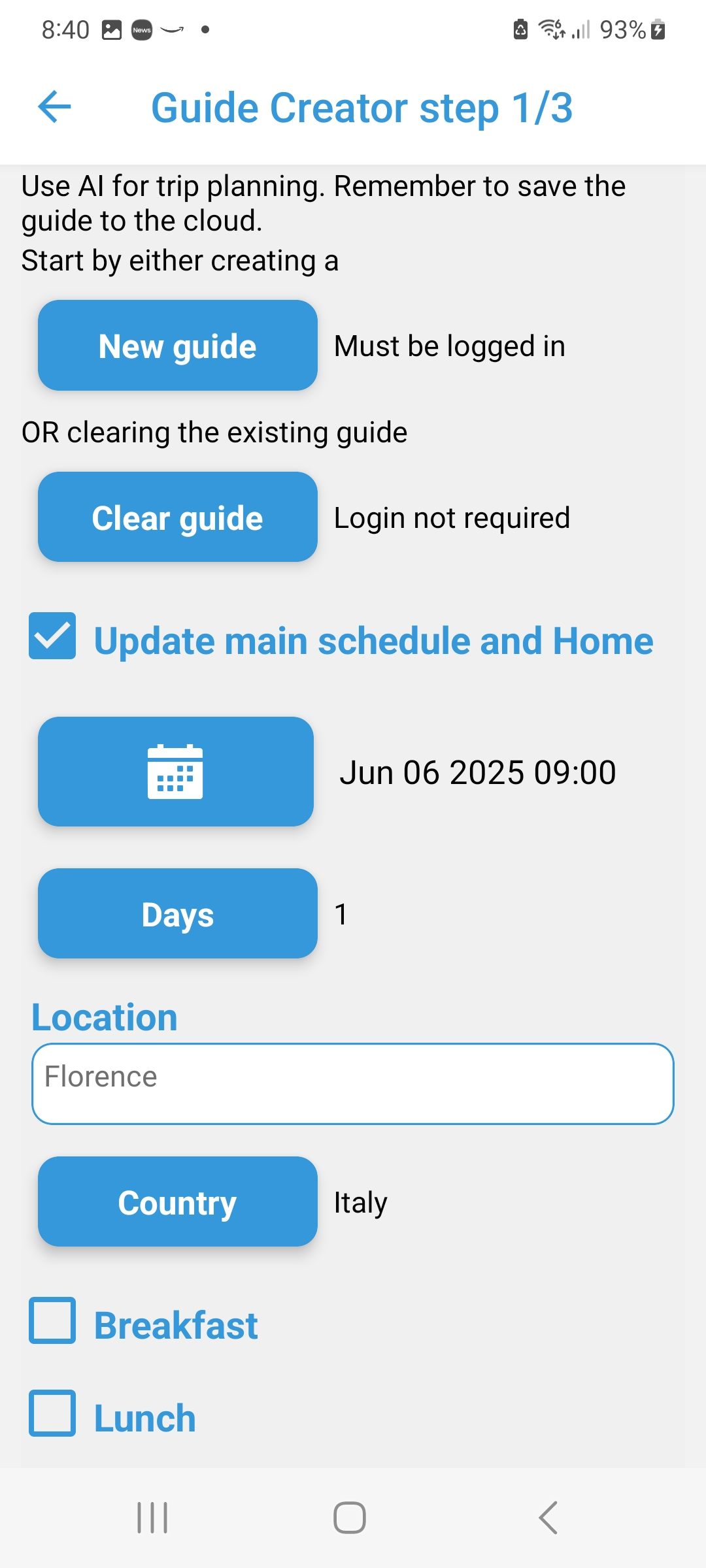
Trip Planning with AI
-
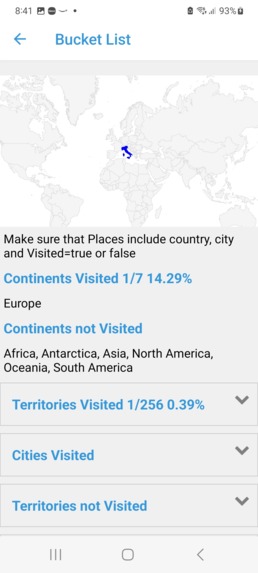
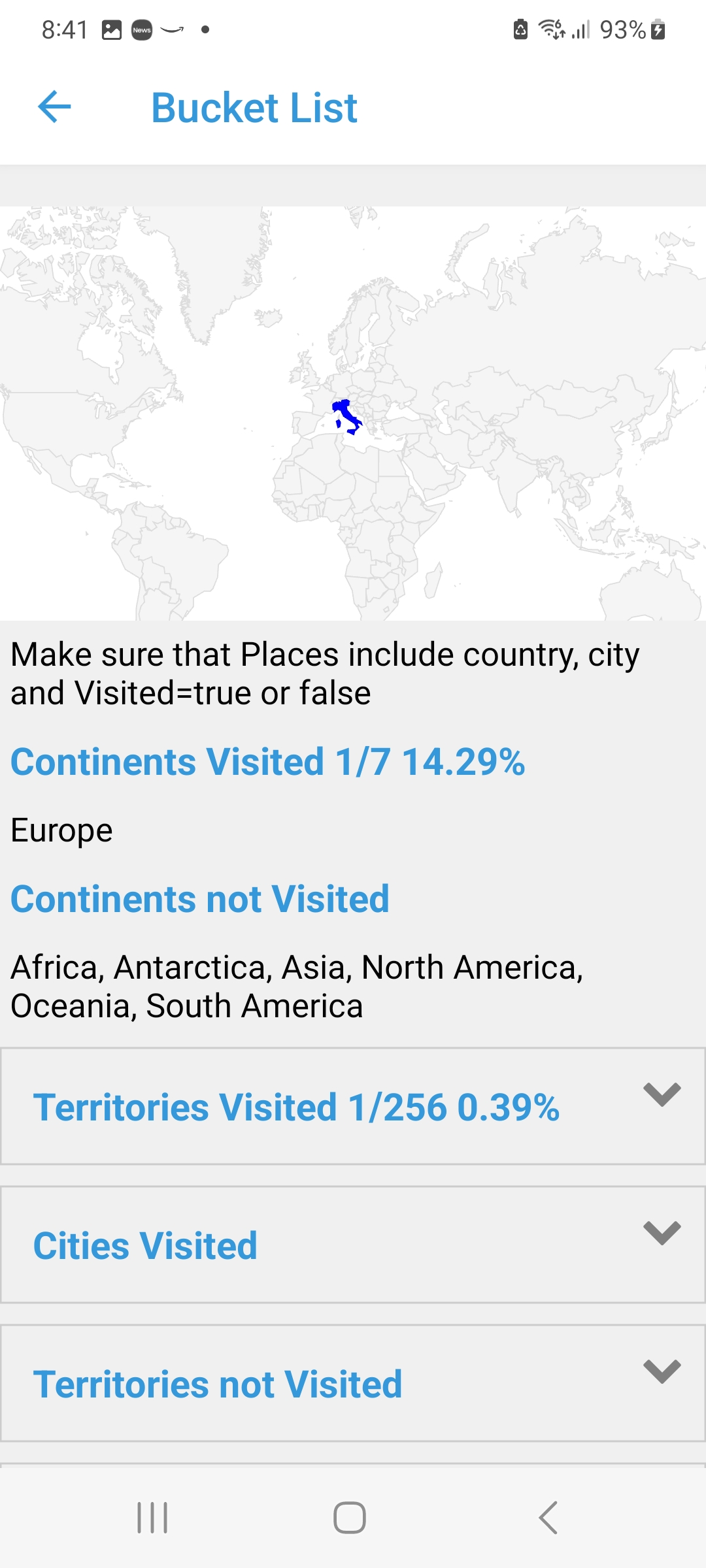
Stats and Bucket List
-
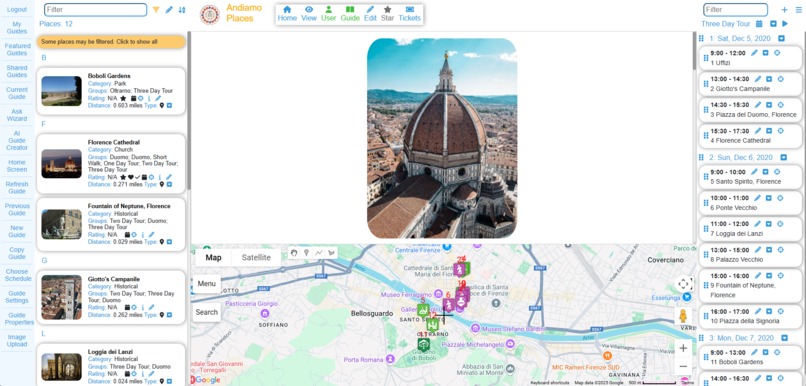
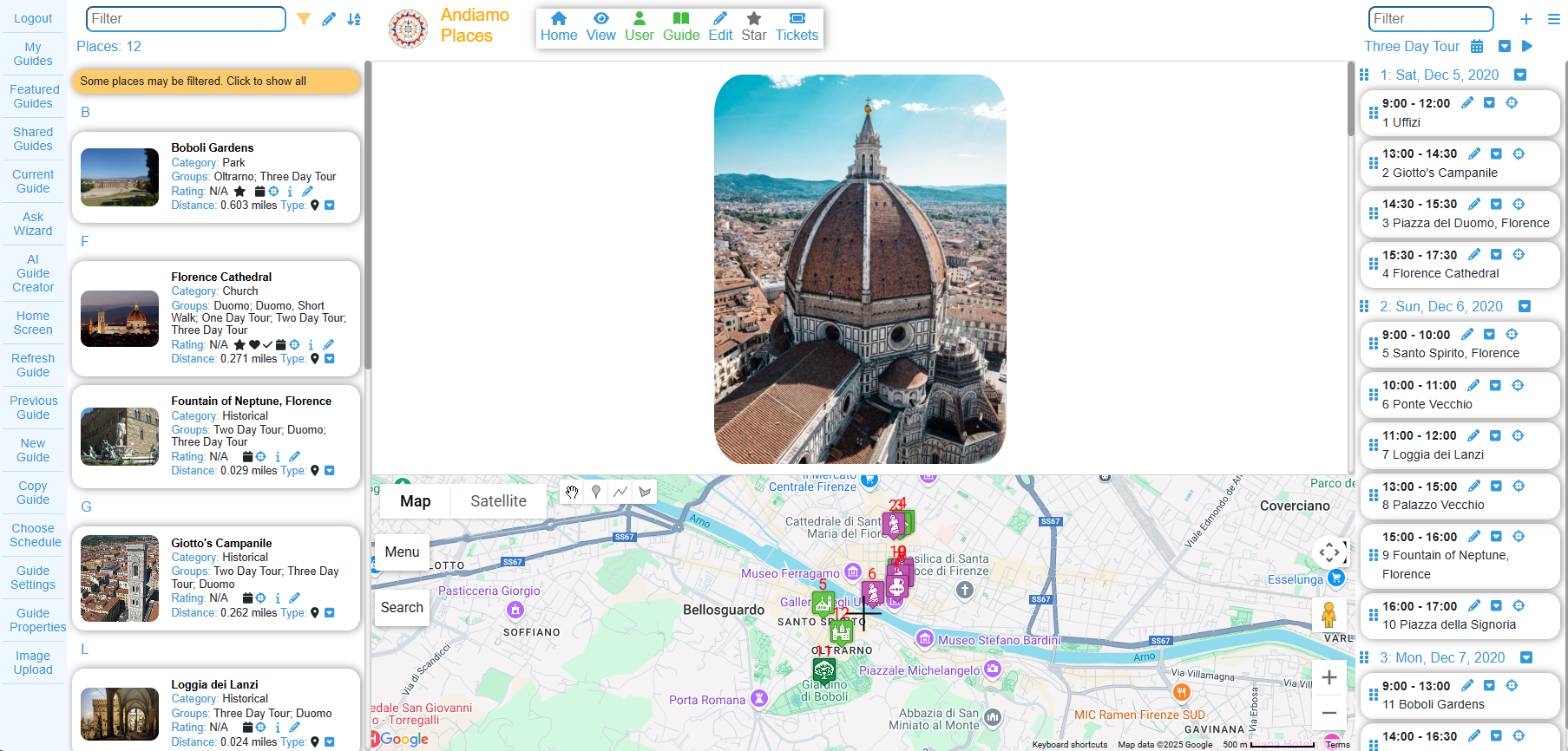
Web Version on Large Screen
Inspiration
I created the app to help me plan and organize our family trips.
What it does
- Creates a customized guide for your trip using AI and Google APIs.
- Gives answers to common travel related questions using Artificial Intelligence
- Auto-creates a travel journal with photos you took on your trip.
- Link a video to a path and some photos to start playing the video from any point on the path or from where any photo was taken.
- Allows users to create and share travel guides, travel journals, travel diaries and photo journals.
- Imports KML, KMZ, GPX or TCX files from location tracking apps or Google Maps and display the places or path you traveled on the map.
- Imports Google Maps List or google My Maps.
- Imports Google Maps Timeline.
- Provides statistics on how many continents, regions and cities you have visited.
- Keeps a bucket list of places to visit.
- Create interactive content (text, images, video, audio, maps and links) using HTML.
- Displays content in: Map, Places, Schedules and HTML.
- Add locations (markers), paths (lines) and areas (polygons) on map.
- Organize Places by: Categories, Groups, Favorites, Visited, Must-see, and Rating
- Filter guide content by: Places, Groups, Categories, Schedule, Days, Favorites, Visited, Must See, Distance etc.
- Sort places by: Name, Category, Group, Rating, Distance and Date
- Track your location, get directions (walking, driving and cycling) from Google maps, and get weather info
- Click to launch Google Maps for directions
- Add places found from Google or Wikipedia search
- Link to Foursquare, Yelp and Happy Cow apps based on the location in the app.
- Choose from the hundreds of existing guides provided by Andiamo Places and the community e.g., Rome, Paris, etc.
How I built it
The initial version was written in Silverlight/C# (for web) around 2011. This was followed by the android version in Java, the iOS version in Objective-C and the Windows Phone version in C#. The current versions use React for the web and react-native for iOS and android in order to maximize code sharing. I wrote all of the code, but relied on third party components, I got some help on the UI and on the framework for the React version because I was busy with the mobile versions and I didn't yet know React.
Challenges I ran into
Supporting all 3 versions took too much time for me as a solo developer, so when Silverlight was being discontinued I switched to React for the web version and then react-native for the mobile versions to share code. I tried to keep the functionality between web and mobile versions the same, but that is not always possible. Some functionality is better on the web version because of a larger ecosystem (also because of more space when displayed on a larger screen). Some functionality is better on the mobile devices, for example reading Exif data from images is not allowed on the web version running on a mobile device.
Accomplishments that I'm proud of
I'm especially proud of the following features: 1. Using AI and google APIs for the auto-creation of a guide. 2. Automatically creating a photo journal from photos taken on a trip. 3. Importing KML, KMZ, GPX, TCX files. 4. Importing Google timeline. 5. Importing Google Maps List. 6. Linking a video with a path and some photos so that clicking anywhere on the path or on any photos will start the video from that position based on the time.
What I learned
React-native does minimize the amount of code to write across the 3 platforms, but there are always challenges to overcome when new versions create incompatibles with third party components.
What's next for Andiamo Places
Looking at speech coupled with AI as input/output. Looking at integrating more Google APIs where appropriate. On the lookout for better AI tools or improvements in the existing tools.

Log in or sign up for Devpost to join the conversation.