-
-
-
-
-
Plan
-
Explore
-
Live Map
Inspiration
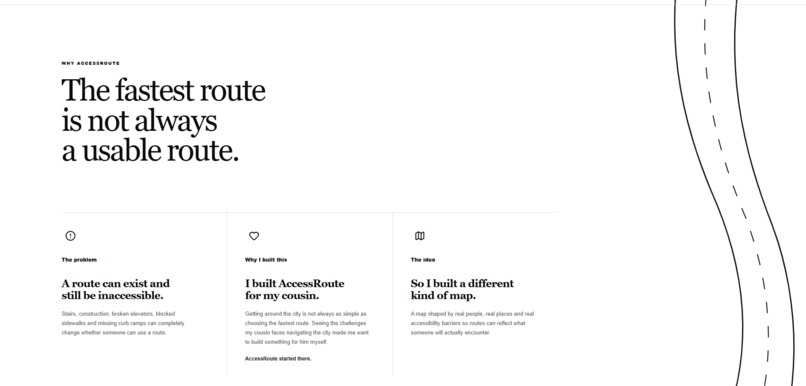
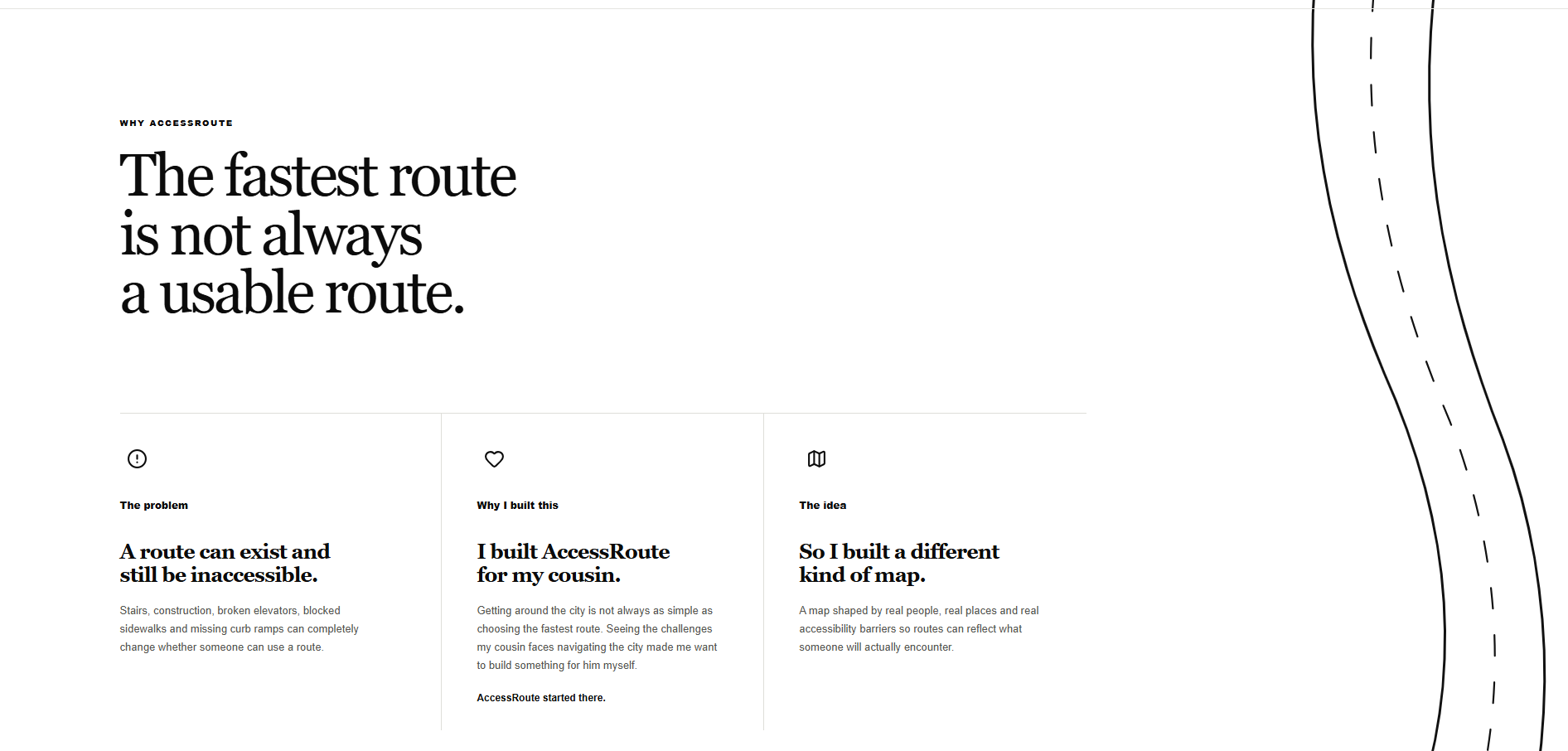
AccessRoute started with my cousin.
Getting around the city can seem simple when most routes work for you, but for someone with limited mobility, the fastest route is not always an accessible route. Stairs, construction, blocked sidewalks, missing curb ramps, and other obstacles can turn a route that looks perfectly valid on a map into one that cannot actually be used.
Seeing the challenges my cousin faces navigating the city made me want to build something for him myself. I wanted to create a tool that considers the barriers people encounter in the real world, not just the streets that exist on a map.
That idea became AccessRoute.
What it does
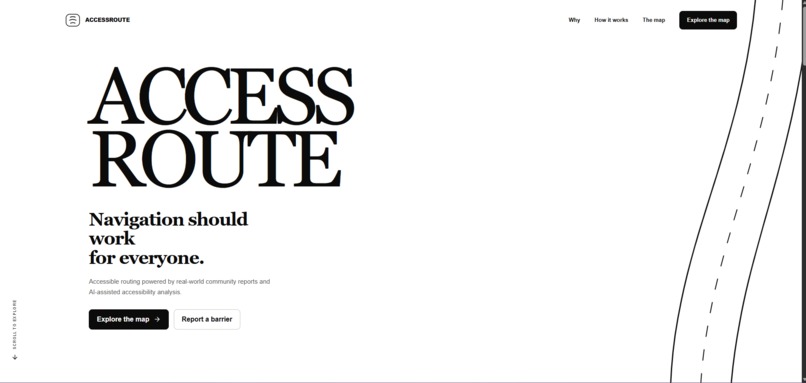
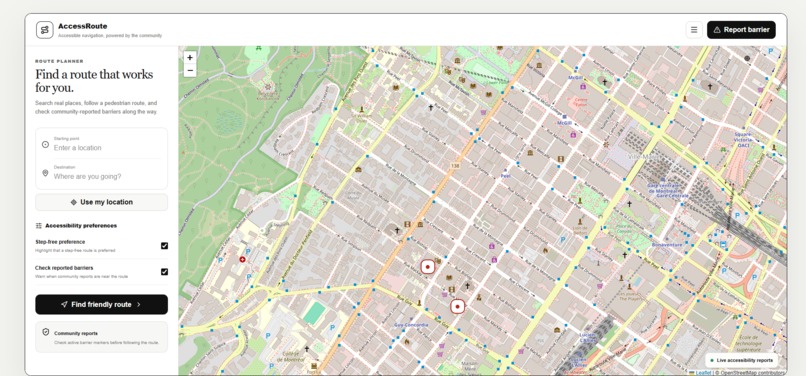
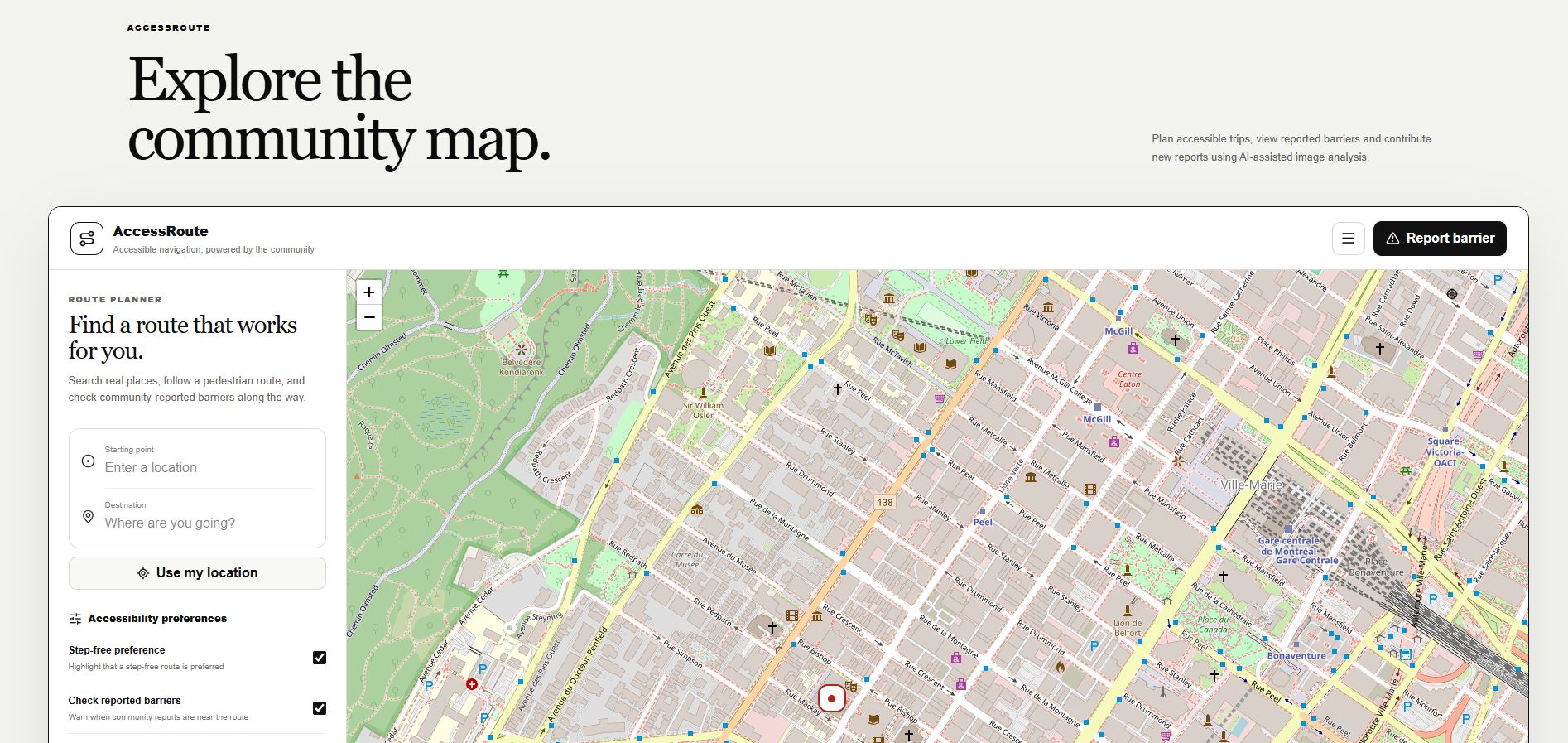
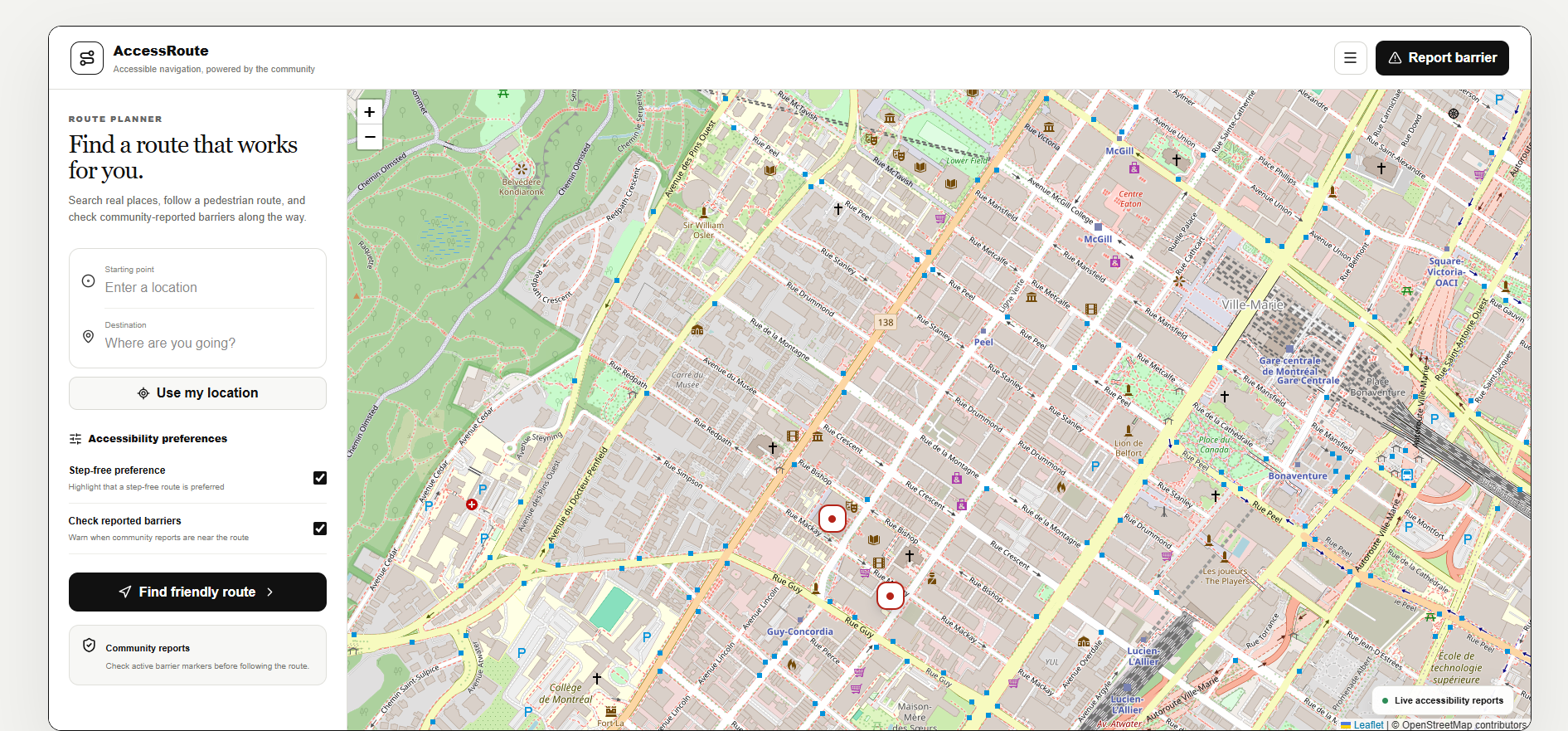
AccessRoute is a community-powered accessible navigation platform that helps users discover and report real-world accessibility barriers.
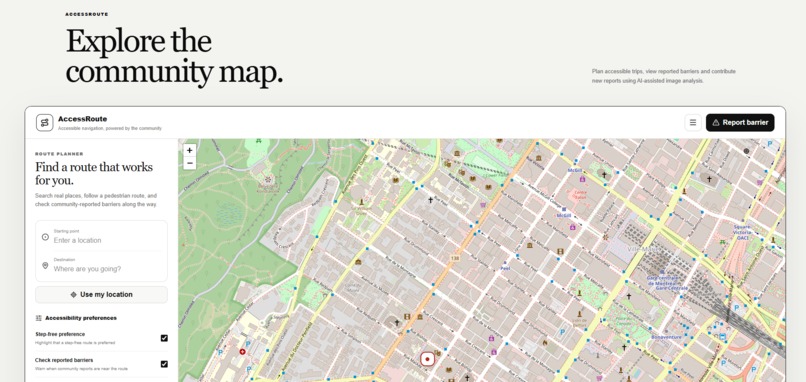
Users can explore an interactive map, view reported barriers, and contribute new reports.
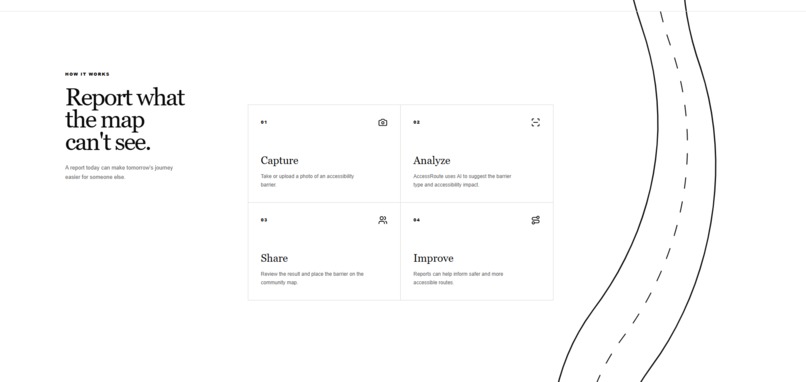
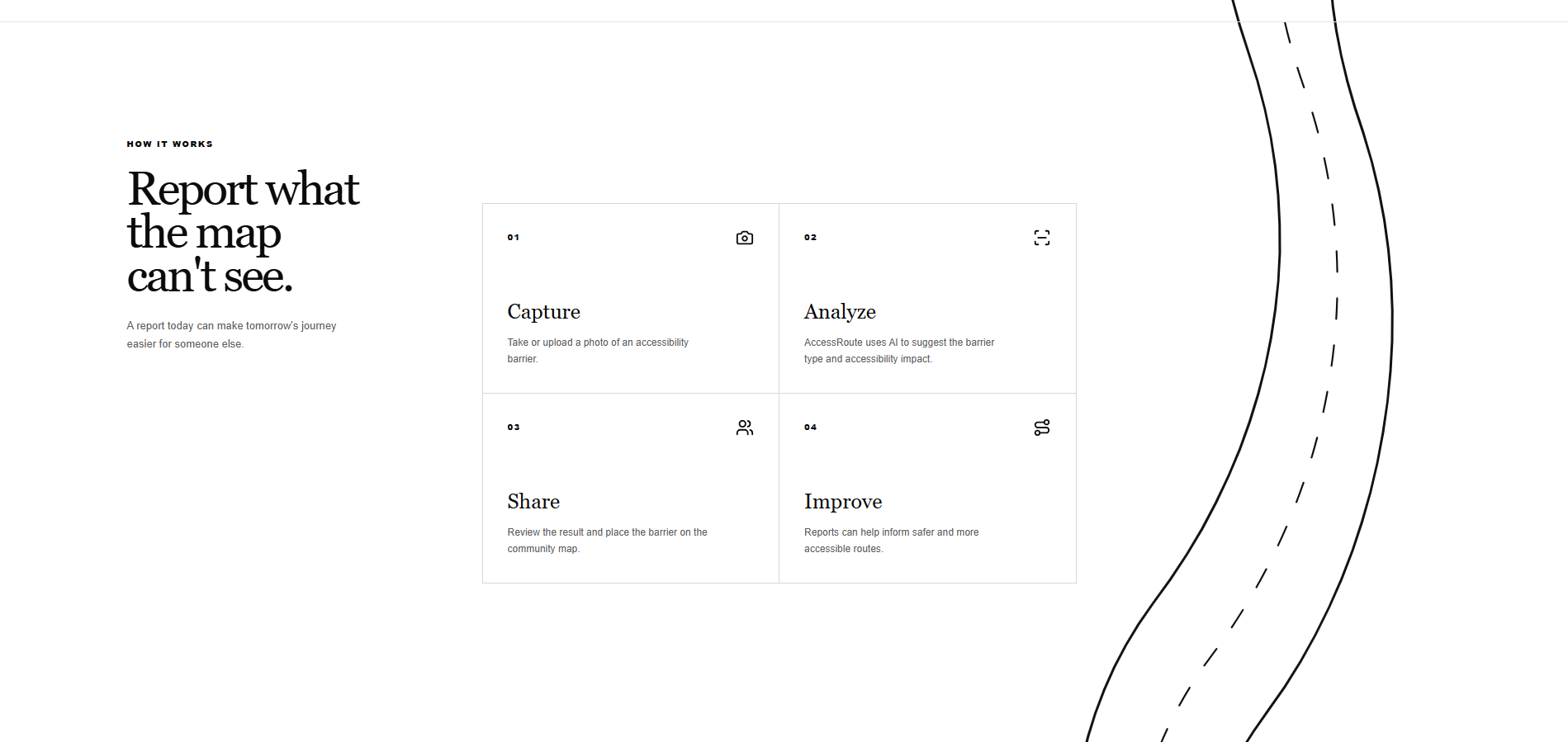
To make reporting easier, AccessRoute uses AI-assisted image analysis. A user can upload a photo of a barrier, and the system analyzes the image to suggest the barrier type, severity, and description.
The user can then review or correct the AI's suggestion, select the barrier's location, and submit the report to the community map.
The goal is simple: help people understand whether a route is actually accessible before they encounter a barrier themselves.
How we built it
AccessRoute combines a modern web application with a separate AI-powered backend.
The frontend was built using Next.js, React, and TypeScript, with an interactive map interface for exploring and reporting accessibility barriers.
The backend was built with Python and FastAPI, which handles requests from the frontend and processes uploaded images.
For the AI component, we integrated a computer vision model using PyTorch and Hugging Face Transformers. The model compares uploaded images against accessibility-specific descriptions to determine which type of barrier is most likely present.
The result is converted into structured information that AccessRoute can use, including:
- Barrier type
- Severity
- Description
- AI confidence
We connected these components into a complete reporting workflow:
Upload → Analyze → Review → Locate → Submit → Share
The AI is intentionally assistive rather than authoritative. Users remain in control and can review or change the generated information before submitting a report.
Challenges we ran into
One of our biggest challenges was getting several very different technologies to work together reliably.
The Next.js frontend, FastAPI backend, image upload system, computer vision model, and interactive map all needed to communicate correctly.
During development, we ran into challenges involving Python virtual environments, dependencies, model downloads, CORS, API requests, local server processes, and connecting the frontend to the AI backend.
Another challenge was designing the AI classification itself. A general-purpose vision model does not automatically understand what makes something an accessibility barrier. We had to frame the possible classifications around accessibility-specific situations and translate the model's predictions into information that would actually be useful to someone reporting a barrier.
These challenges helped turn AccessRoute from an idea into a working end-to-end application.
Accomplishments that we're proud of
We're especially proud that AccessRoute is more than a static concept or UI prototype.
We built an end-to-end system where a user can upload a real image, send it to a Python AI backend, receive an accessibility-focused analysis, review the generated information, and use it as part of a community barrier report.
We're also proud of keeping people involved in the AI workflow. Instead of automatically trusting a prediction, AccessRoute allows the user to verify and correct the result.
Most importantly, we're proud that the project began with a real person and a real problem. What started as something I wanted to build for my cousin became an idea that could potentially help many other people facing similar accessibility challenges.
What we learned
Building AccessRoute taught us that creating an AI application involves much more than running a model.
We learned how to connect computer vision, FastAPI, REST APIs, React, TypeScript, and interactive mapping into a single product.
We also learned how important product design is when working with AI. A technically impressive model is not useful if the experience around it is confusing or unreliable.
AccessRoute taught us to think of AI as a tool inside a larger human-centered system rather than as the product itself.
What's next for AccessRoute
There is much more we want to build.
Future versions of AccessRoute could include more sophisticated accessible route generation, temporary barrier expiration for things like construction, community verification and voting, personalized mobility preferences, improved computer vision models, and larger accessibility datasets.
We would also like reports to become more dynamic so that temporary obstacles can appear and disappear as conditions around the city change.
Ultimately, we want AccessRoute to answer a different question from traditional navigation systems.
Instead of only asking:
"What is the fastest way to get there?"
AccessRoute asks:
"Can you actually get there?"
Built With
- ai
- api
- computer
- face
- fastapi
- hugging
- leaflet.js
- lucide
- next.js
- openstreetmap
- python
- pytorch
- react
- rest
- transformers
- typescript
- vercel
- vision

Log in or sign up for Devpost to join the conversation.