Inspiration
Our team lives in Japan, where disaster drills and emergency alerts have been part of our lives since childhood. Some of us were very young during the 2011 Tohoku earthquake and tsunami, and we grew up hearing our parents, who first arrived in Japan without familiarity with local disaster procedures, describe how confusing those systems initially felt.
Over the years, we have also seen tourists react very differently to the same alerts. For visitors with limited Japanese, the sound itself is unfamiliar, announcements and signs may be difficult to understand, and they may not know whether to shelter, evacuate, or ask for help.
We initially saw this as a language barrier or translation problem; however, as we further considered the experience, we realized the deeper problem was turning fragmented information into the correct action under stress. A translation may explain what a sign says, but not what it means for this person, in this location, at this moment. Many residents learn these actions repeatedly through school, workplace, and community drills, while a new visitor may still struggle to choose the correct response even after receiving a literal translation.
That led us to create Japan Safety Companion: a calm, context-aware companion for foreign visitors with limited Japanese and little familiarity with Japan’s emergency procedures.
What it does
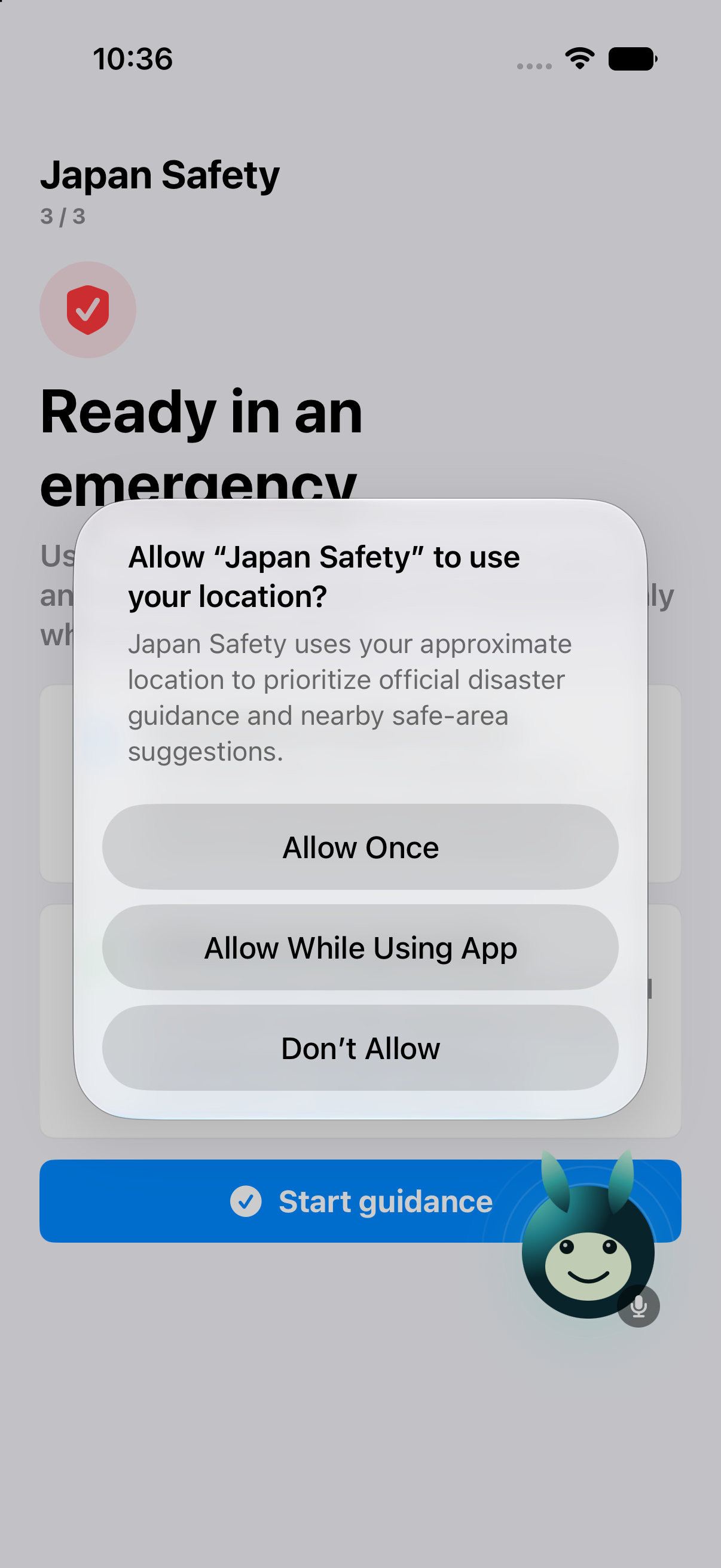
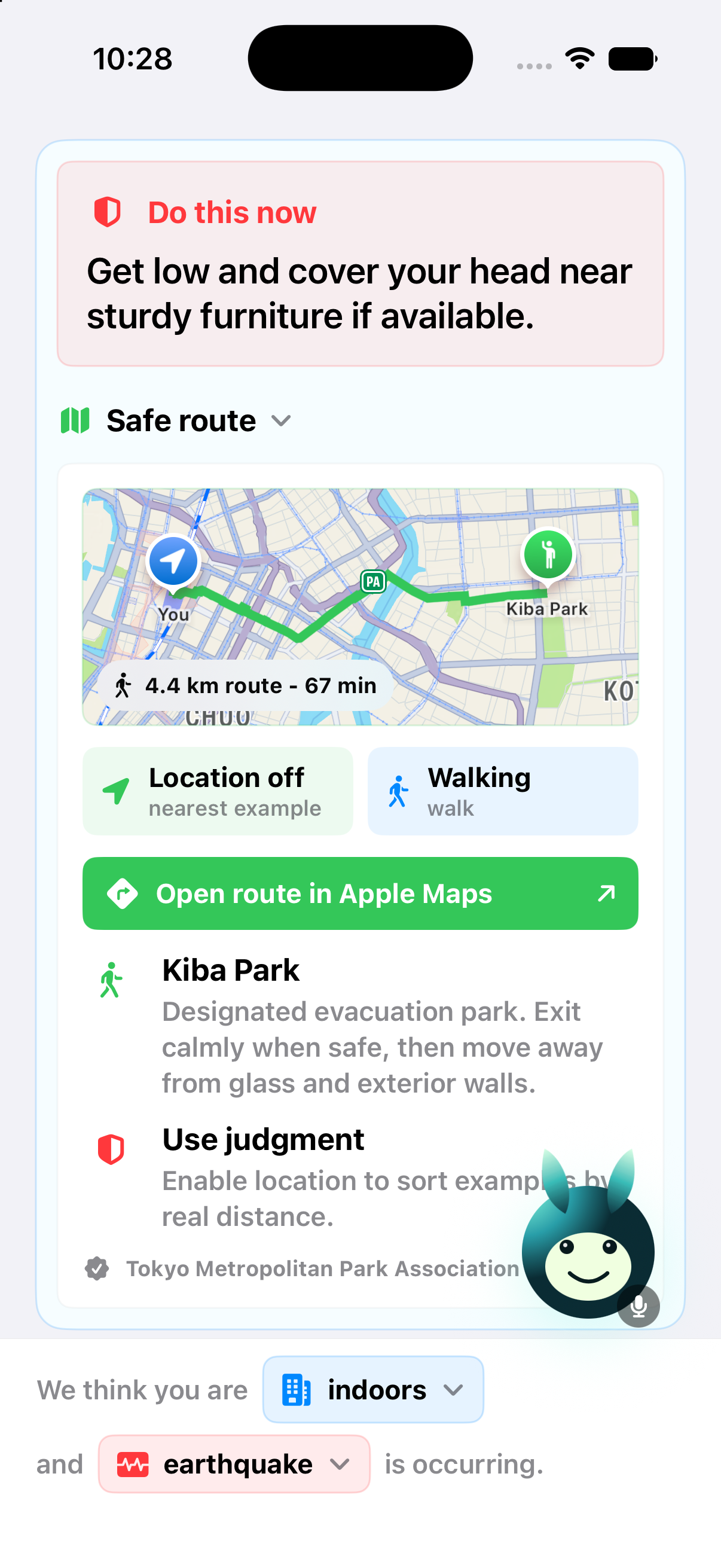
Japan Safety Companion converts emergency alerts, location context, Japanese announcements, signs, and official guidance into one clear next step.
For our demo, we follow Alex, an English-speaking tourist alone in a Tokyo hotel during an earthquake. The assistant:
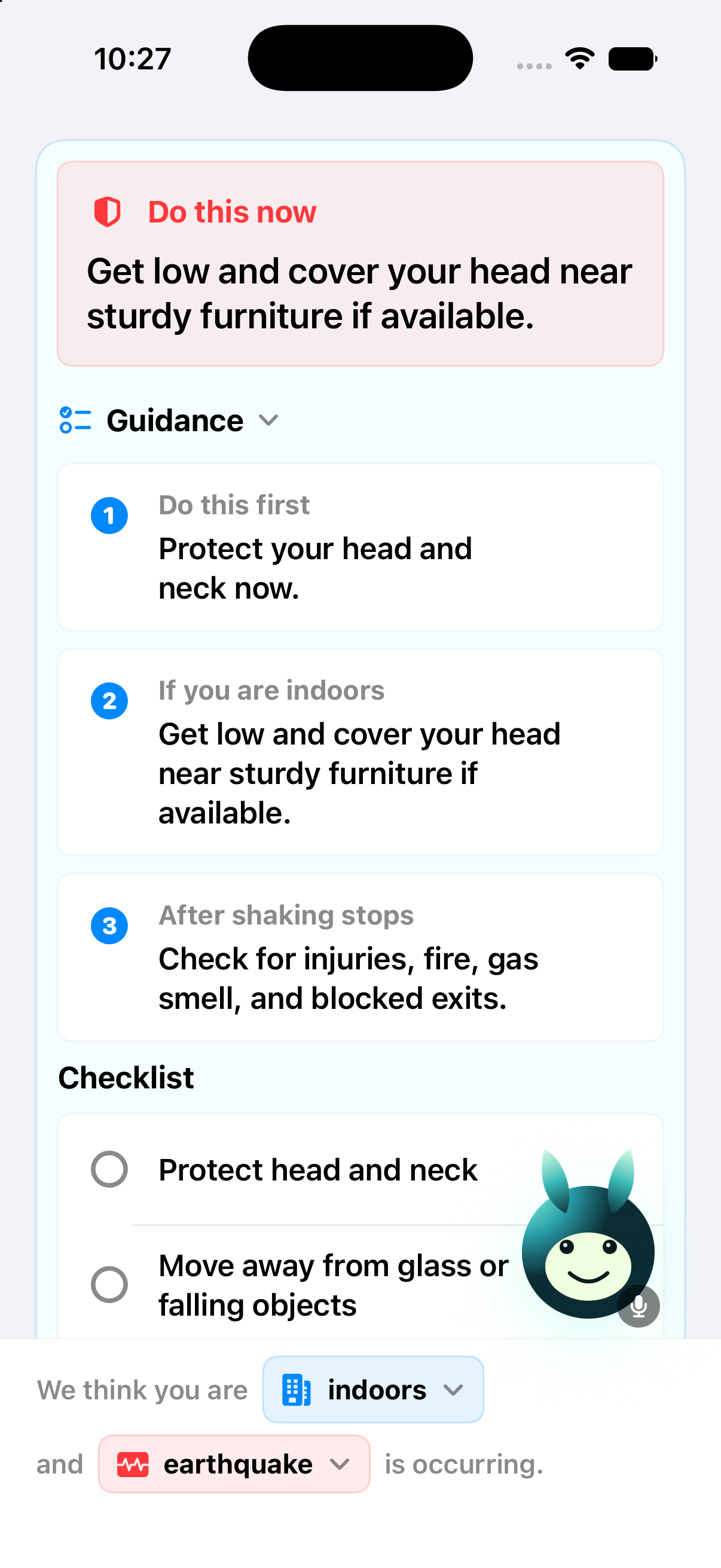
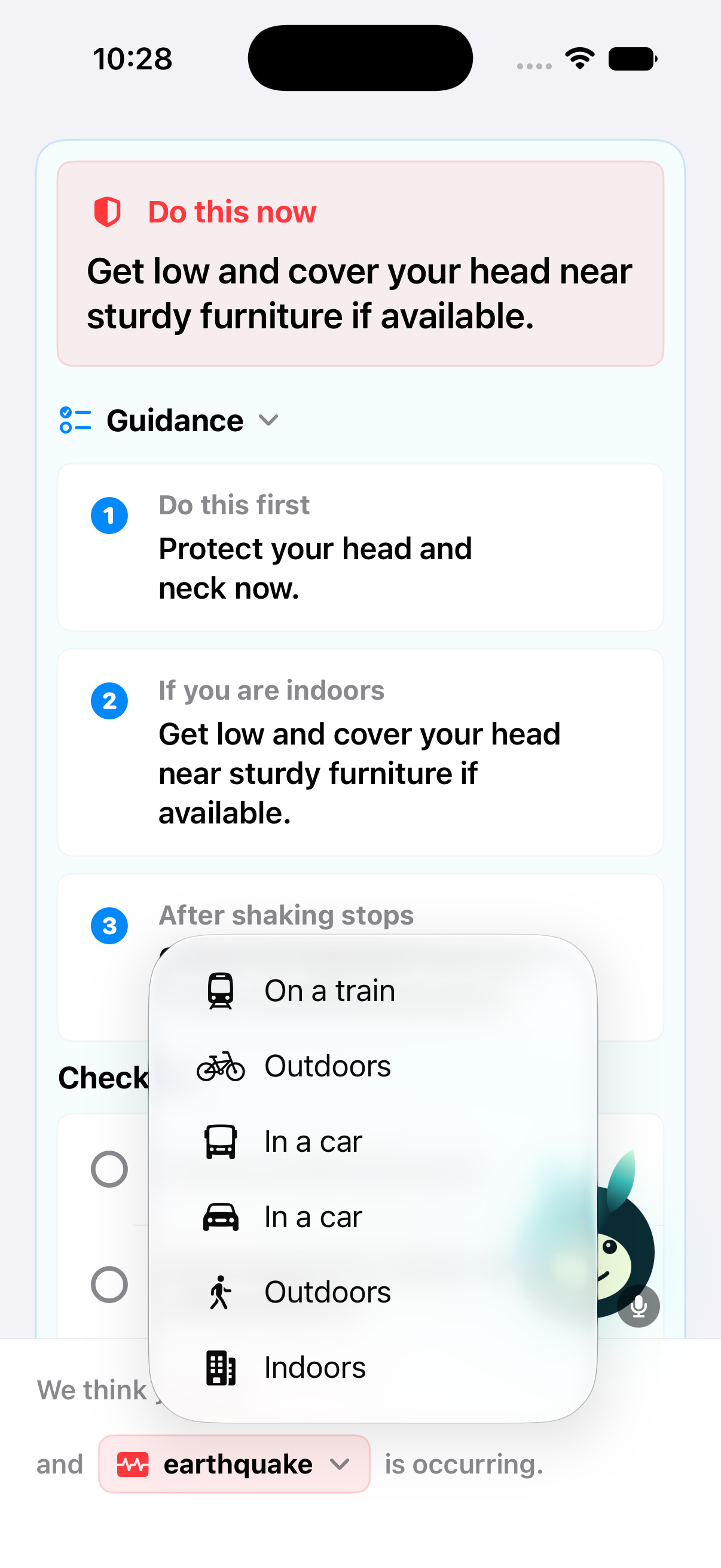
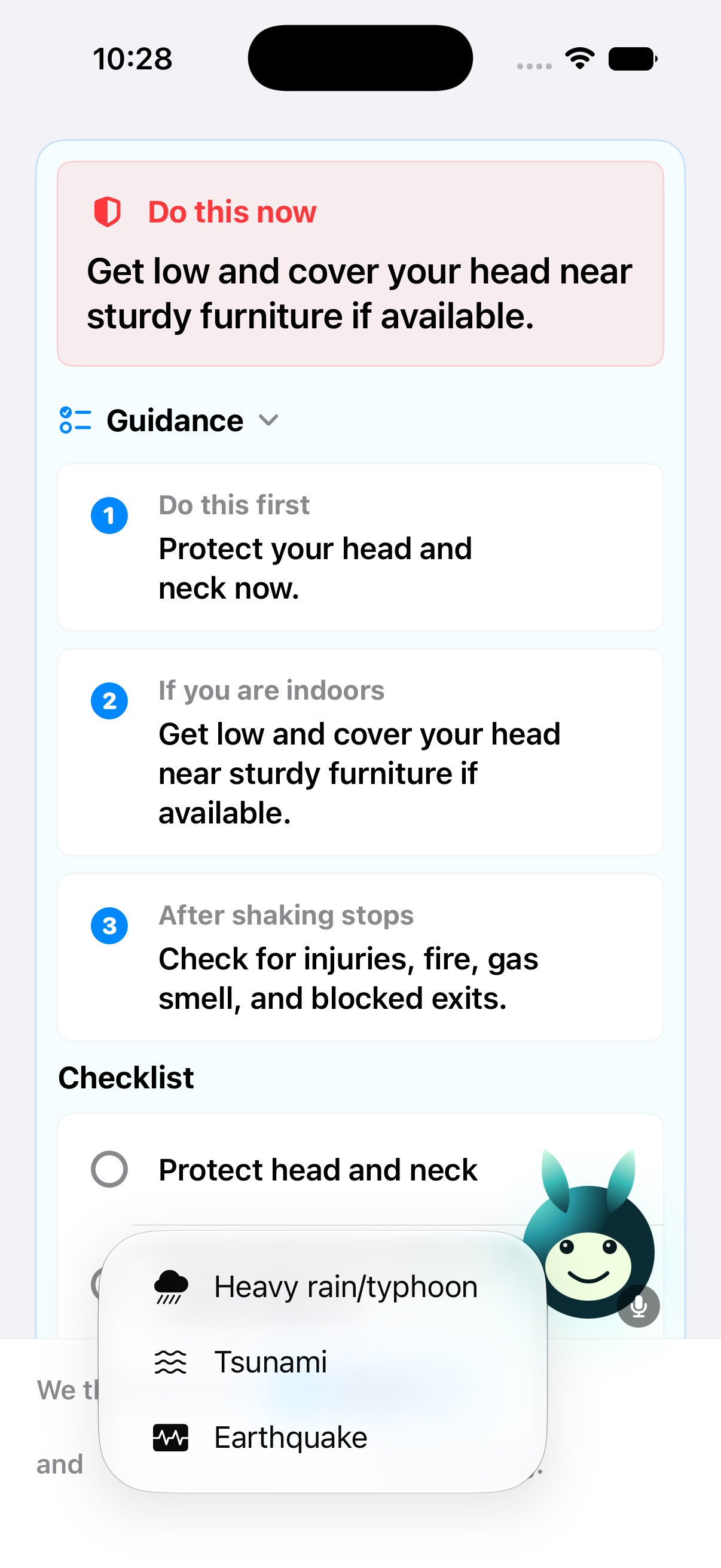
- Identifies the likely situation and asks Alex to confirm it.
- Retrieves relevant, human-reviewed earthquake guidance.
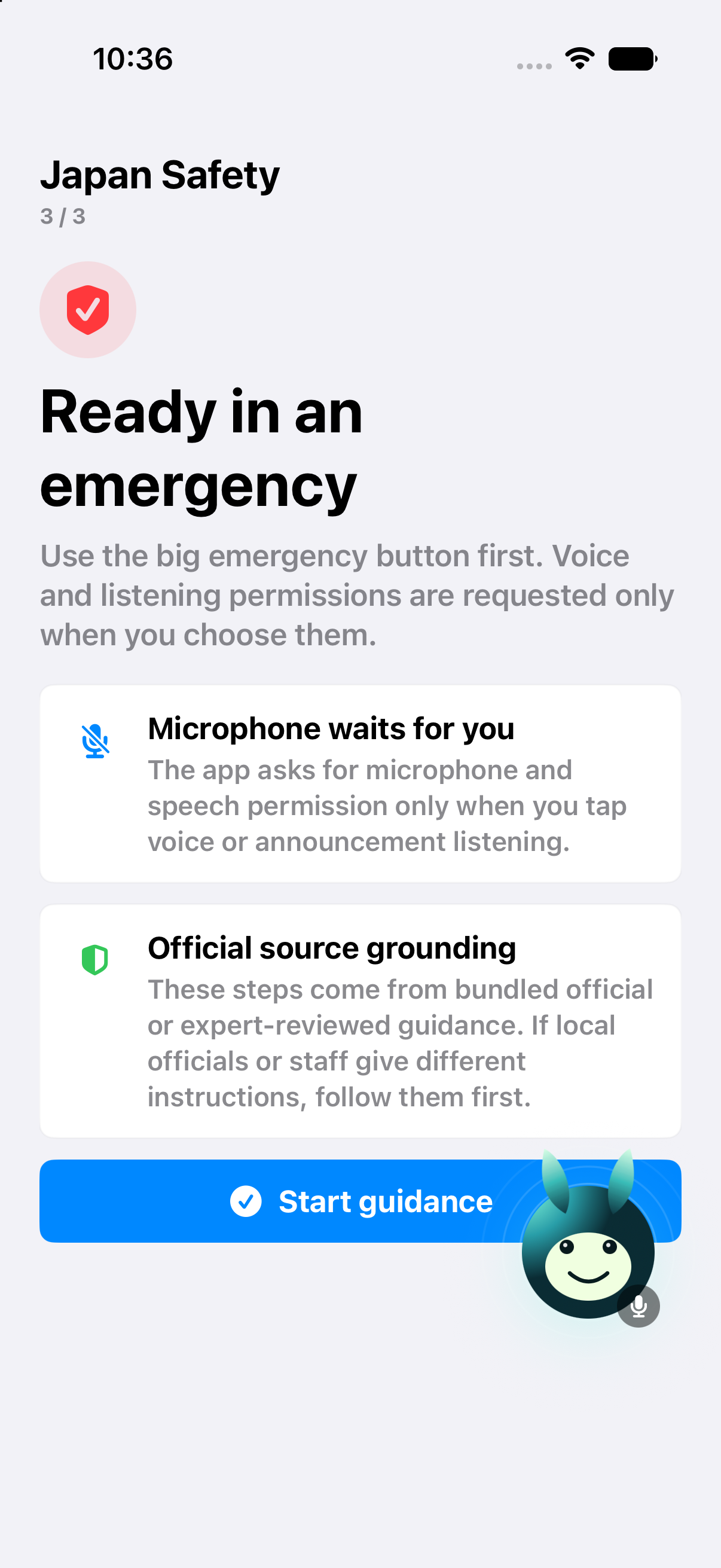
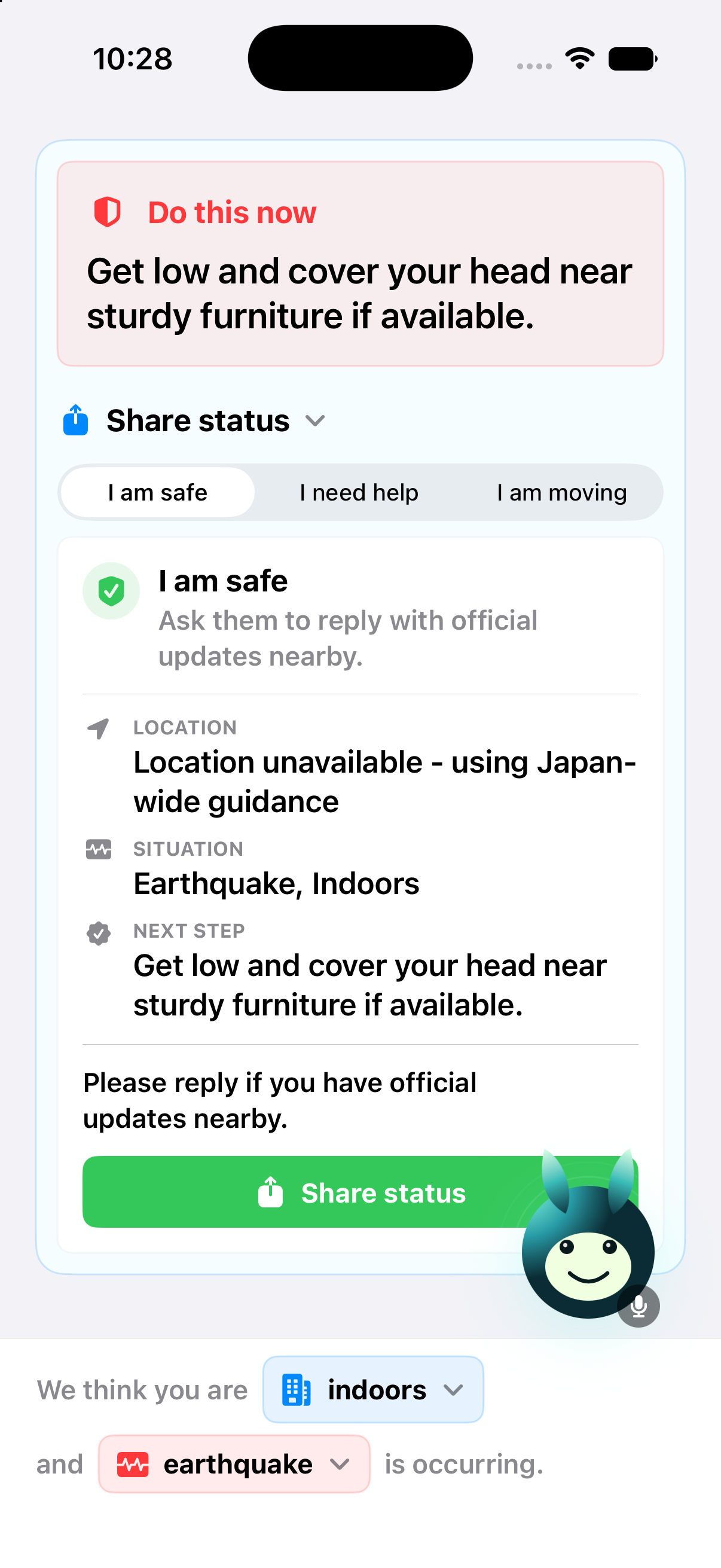
- Gives short voice instructions and an interactive checklist.
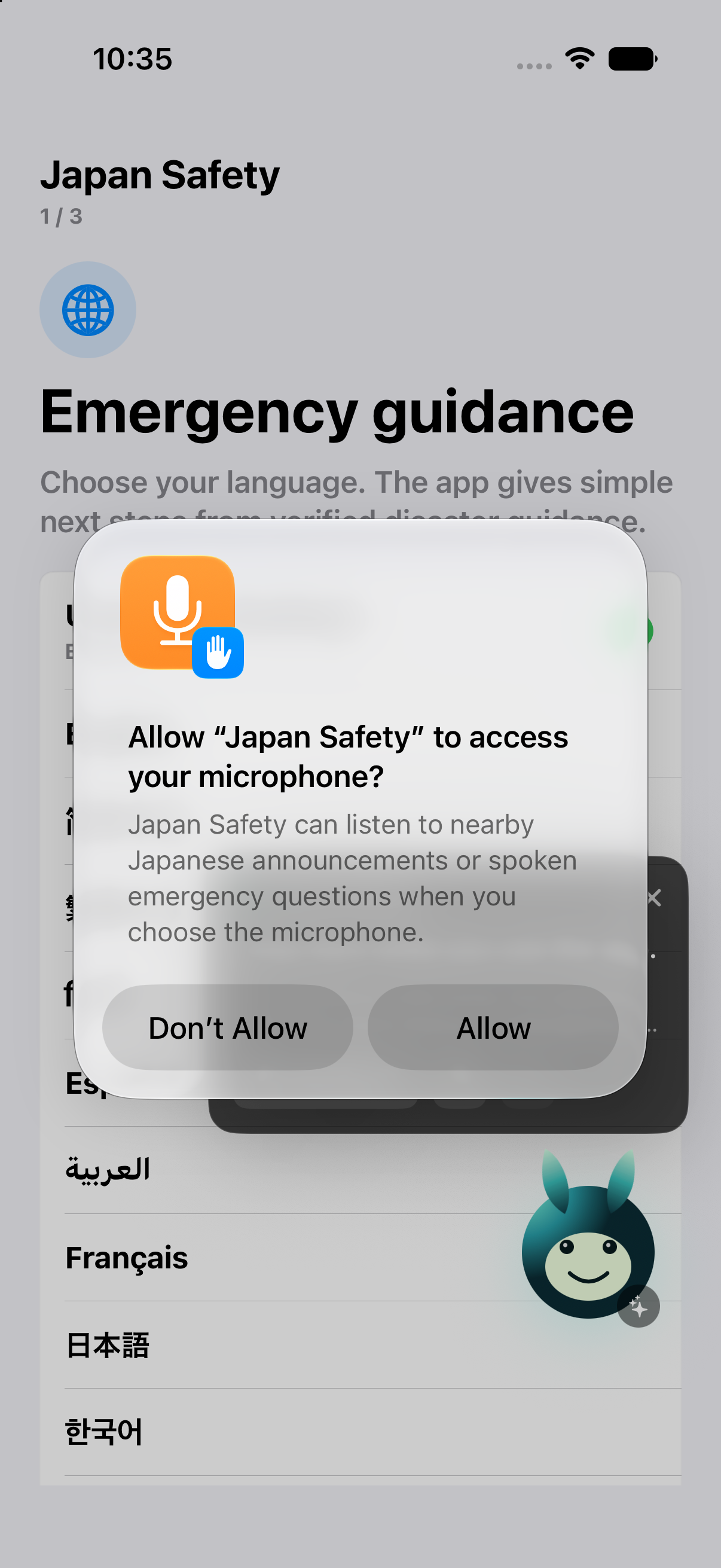
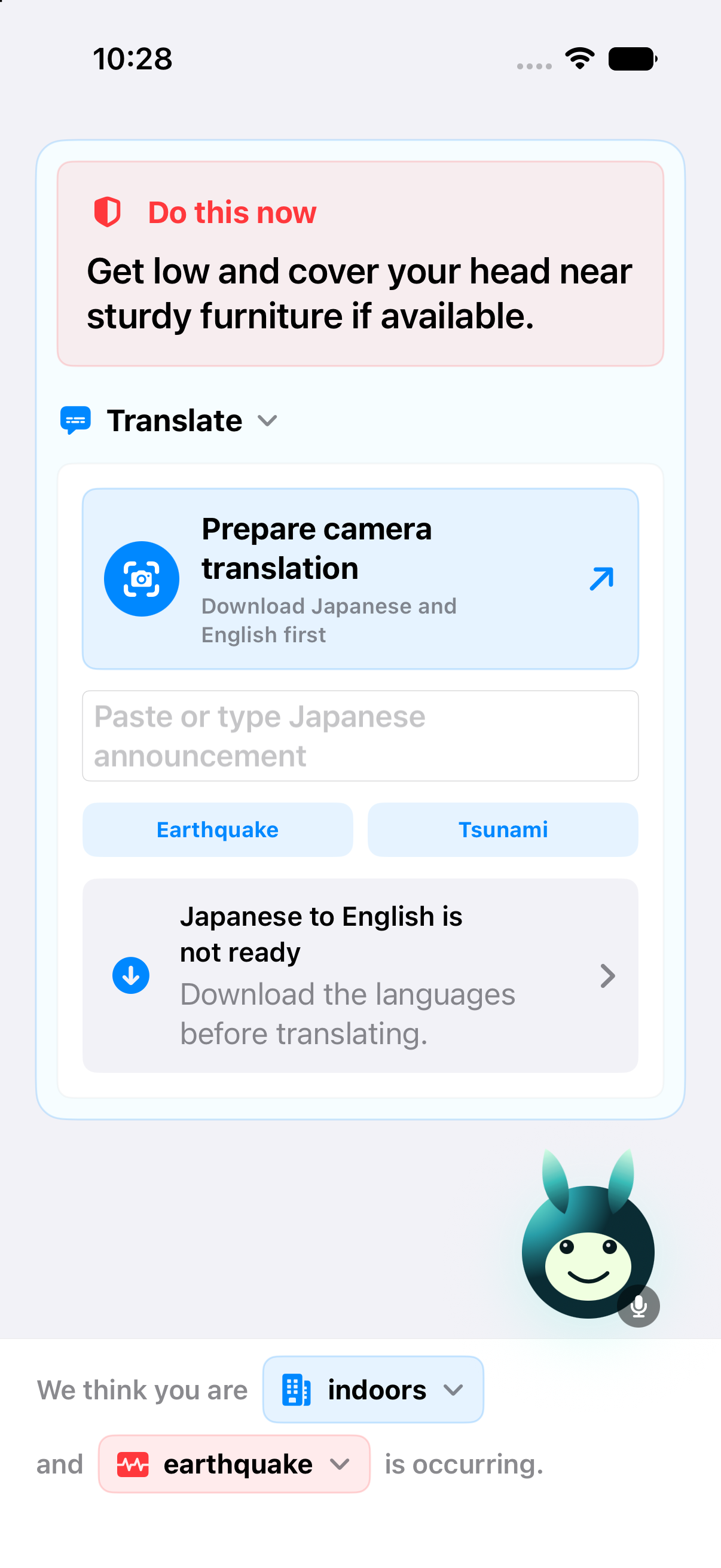
- Translates a hotel announcement and explains its meaning in context.
- Provides recommended evacuation guidance while prioritizing hotel staff and local instructions.
- Reads Japanese evacuation signs.
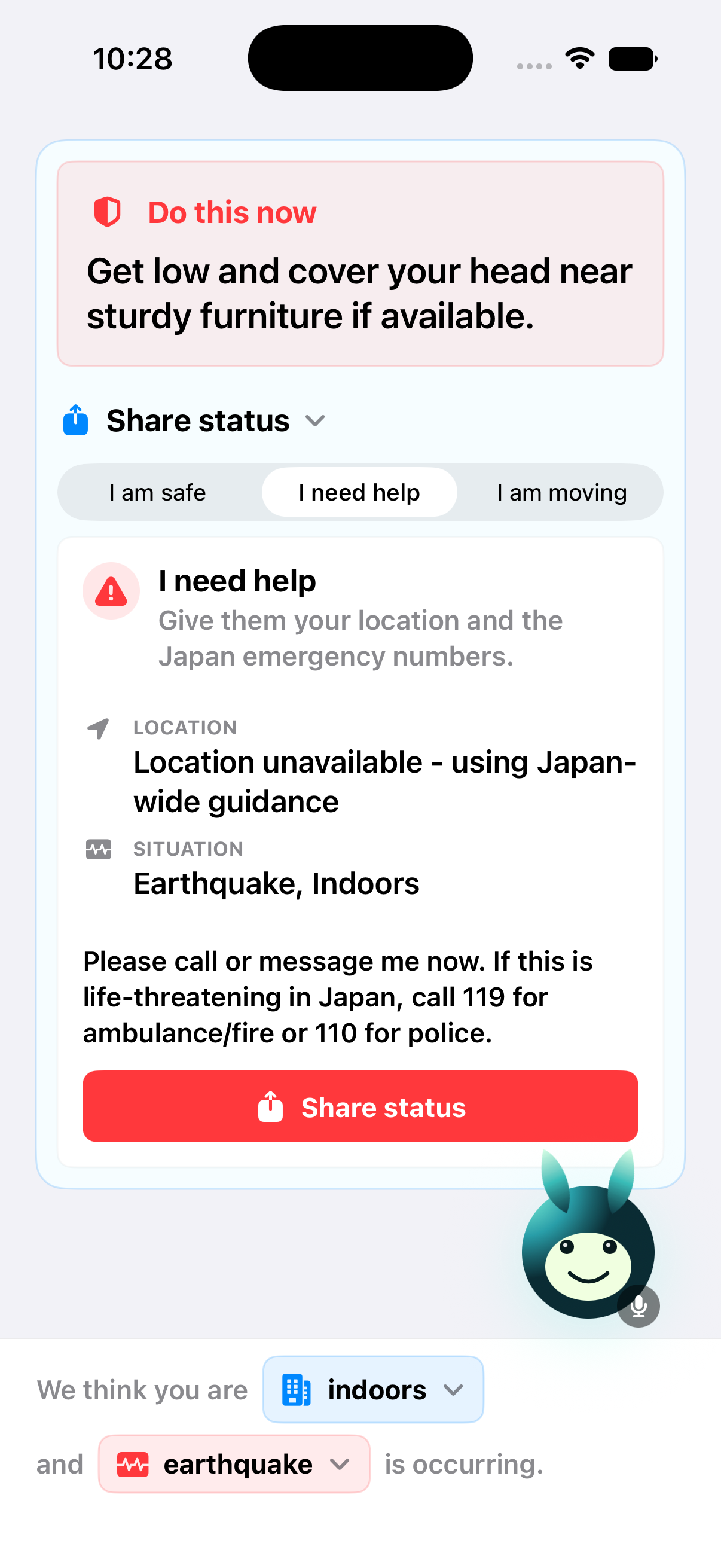
- Prepares a message for Alex’s family.
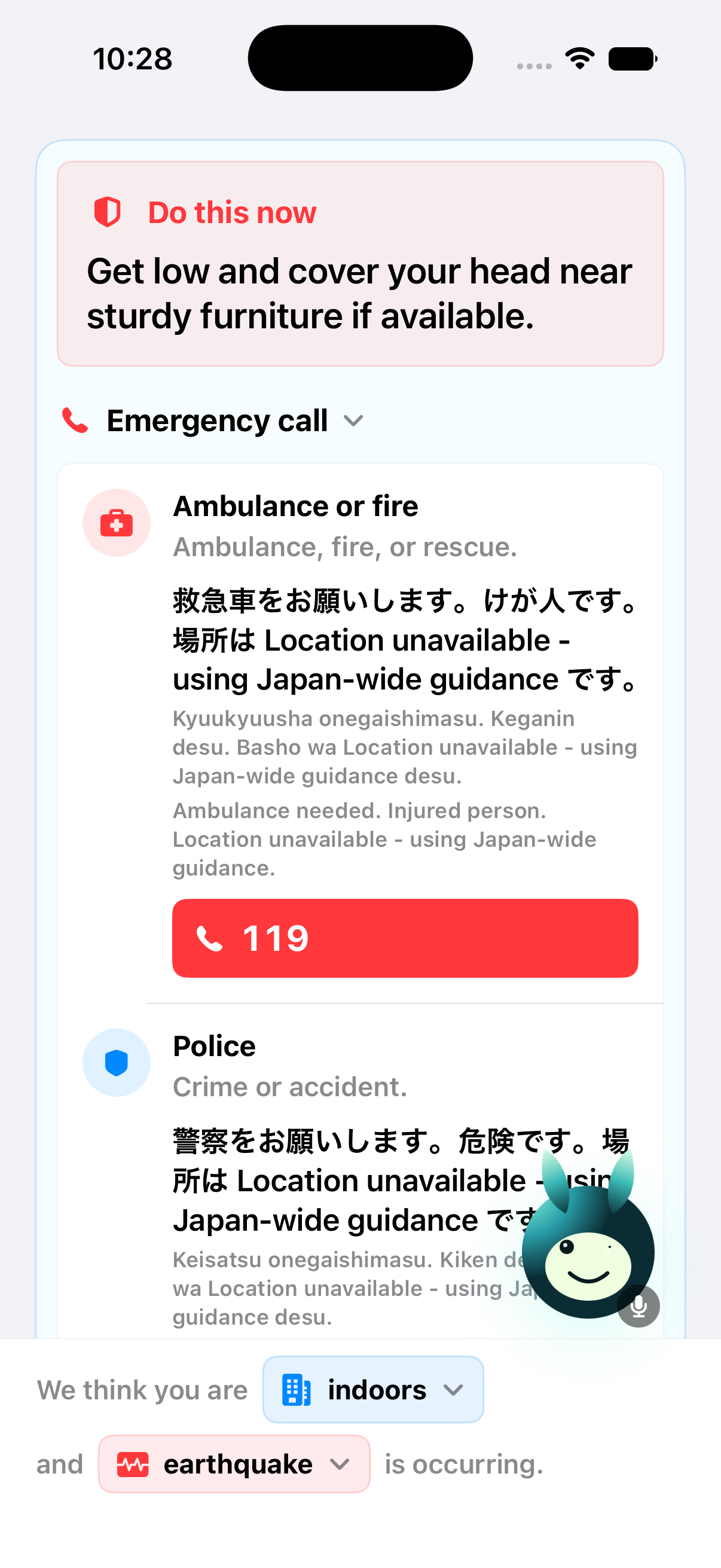
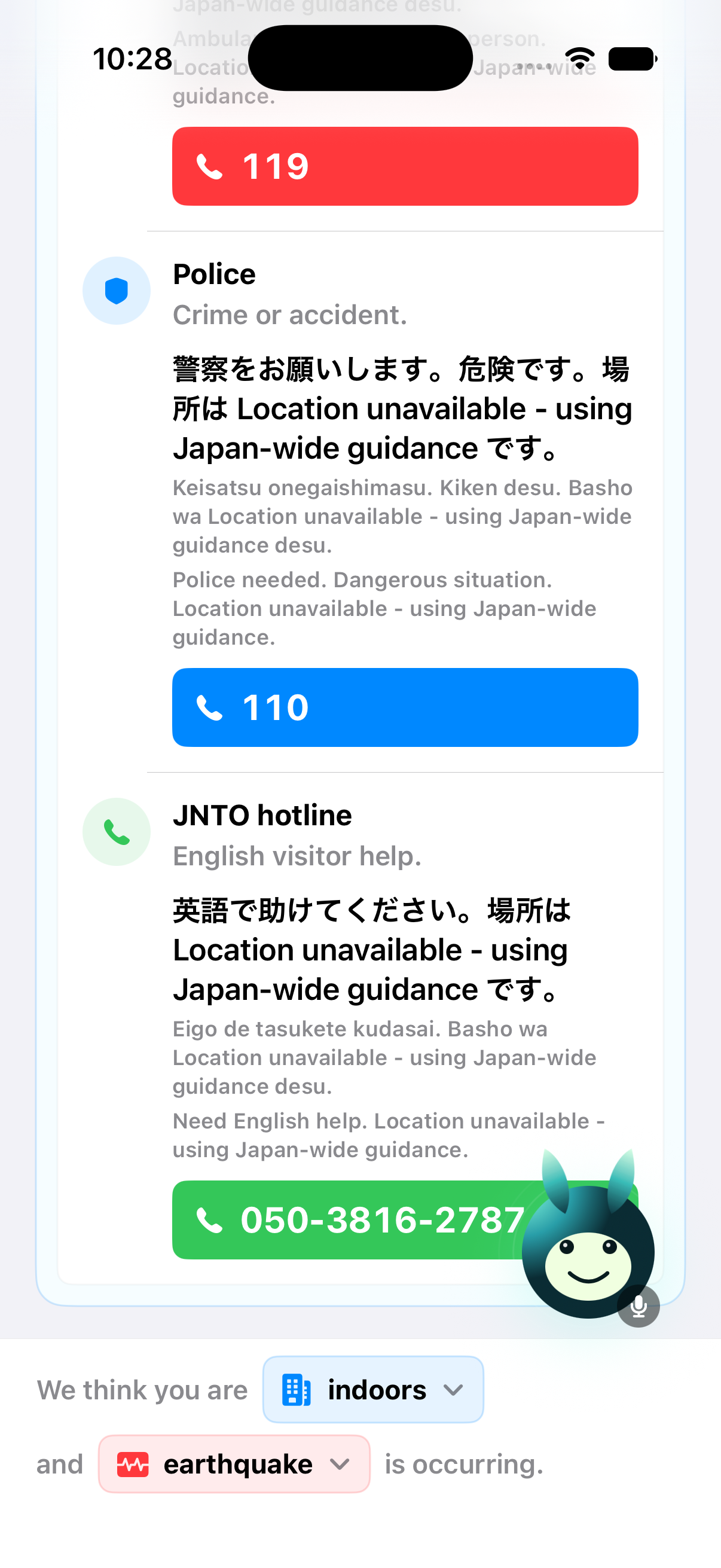
- When Alex reports an injury, creates an emergency summary and asks for consent before beginning the 119 (911 equivalent) ambulance call flow.
Without Japan Safety Companion: Alex must interpret an alert, announcements, signs, maps, and emergency contacts across separate tools while panicked.
With Japan Safety Companion: Alex receives one prioritized action, contextual translation, and a prepared handoff to human help.
How we built the AI behind it
The prototype uses two connected AI systems (note that these are currently demo only, these models are not ready for production).
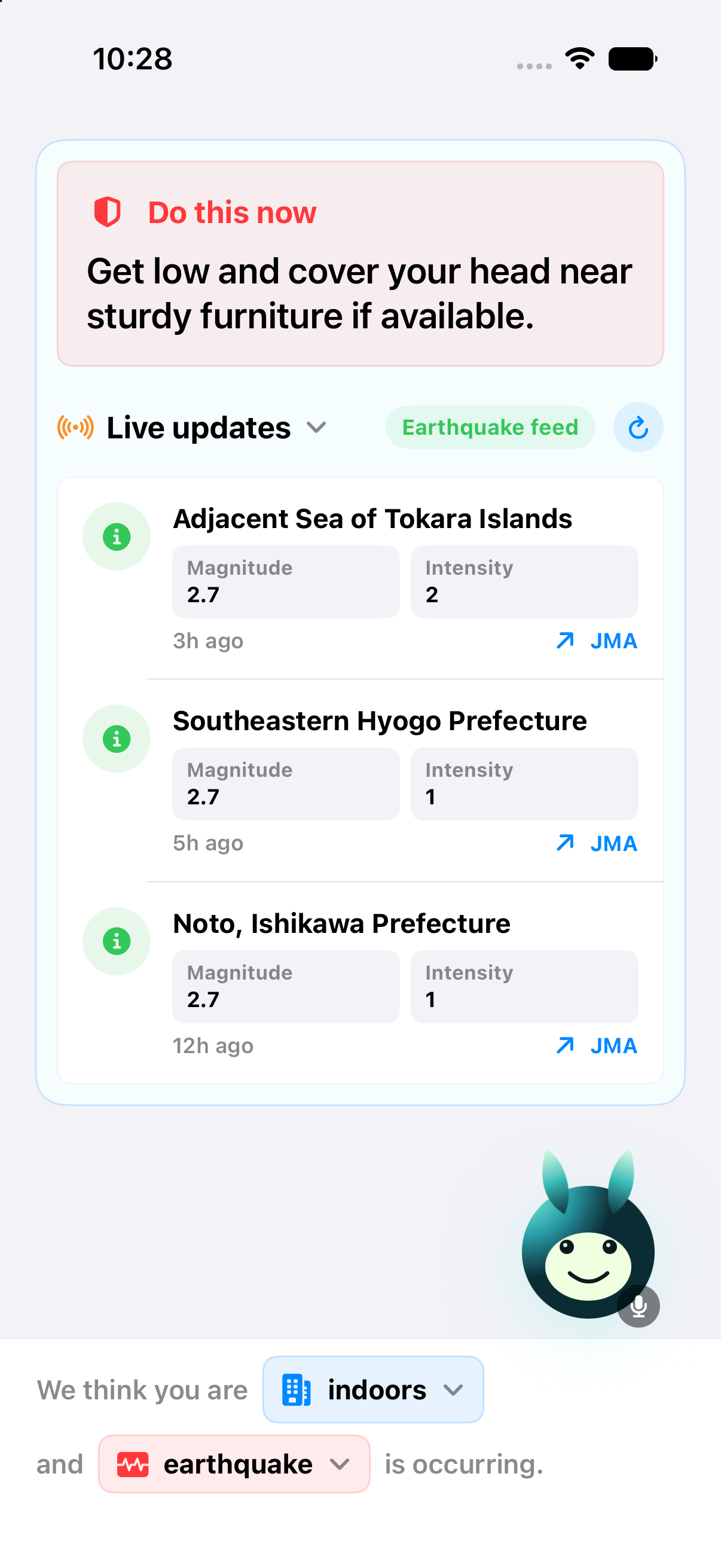
System 1 is a multimodal context classifier and scenario router. Its inputs include emergency-alert metadata, GPS/location data, coastal proximity, and device accelerometer/gyroscope data. The model then outputs a structured state by inferring details from the data such as:
Earthquake · Indoors · Hotel · Inland
The user can inspect and correct this state before relying on the guidance. A scenario router then connects the confirmed context to the appropriate emergency playbook.
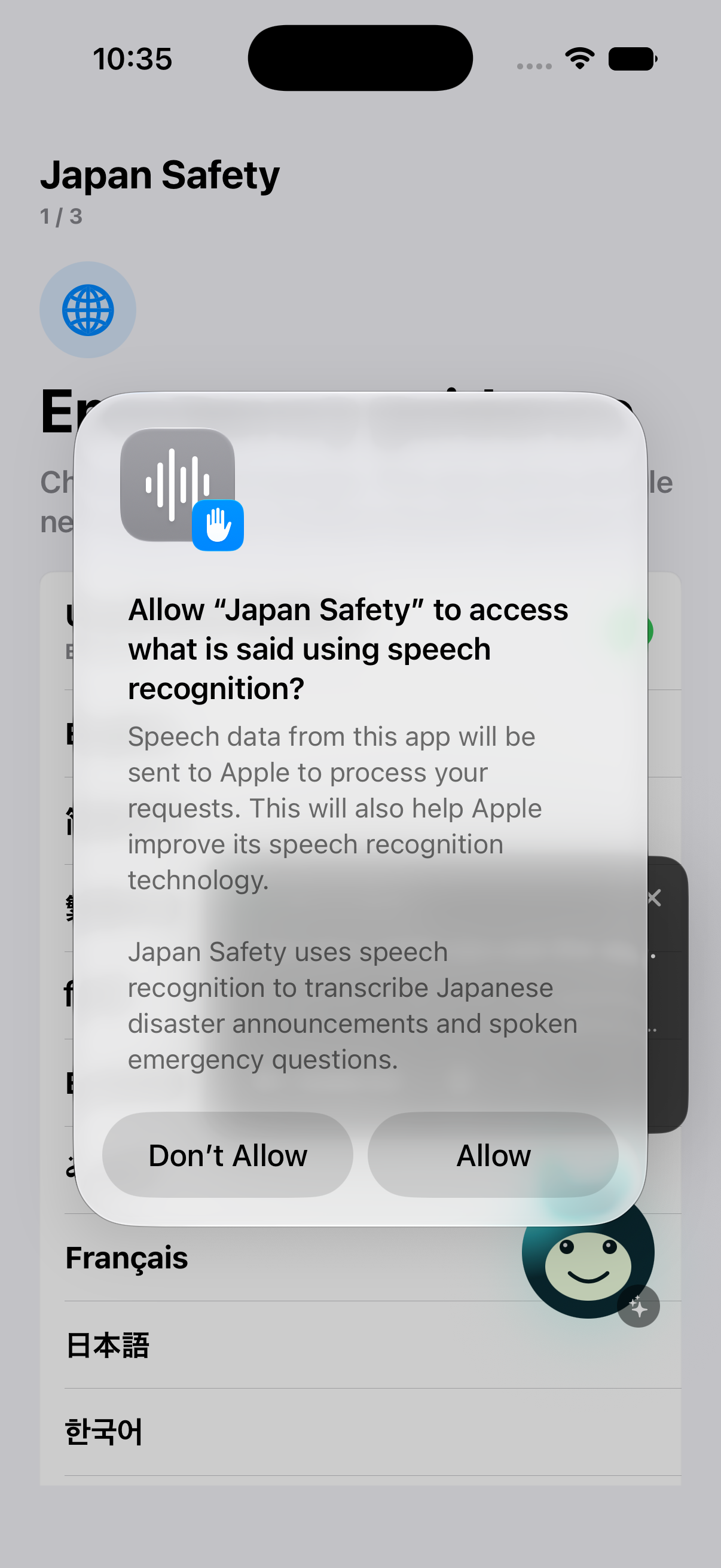
System 2 is a metadata-filtered Retrieval-Augmented Generation pipeline with a response orchestrator. It retrieves matching guidance from a human-reviewed library based on official emergency sources. Speech-to-text supports emergency announcements, while OCR supports Japanese signs.
Humans define the critical actions and their priority. The language model translates, simplifies, and contextualizes those actions rather than inventing new safety procedures.
Depending on the situation, the orchestrator outputs a voice instruction, checklist, translation, route cue, status message, or emergency summary.
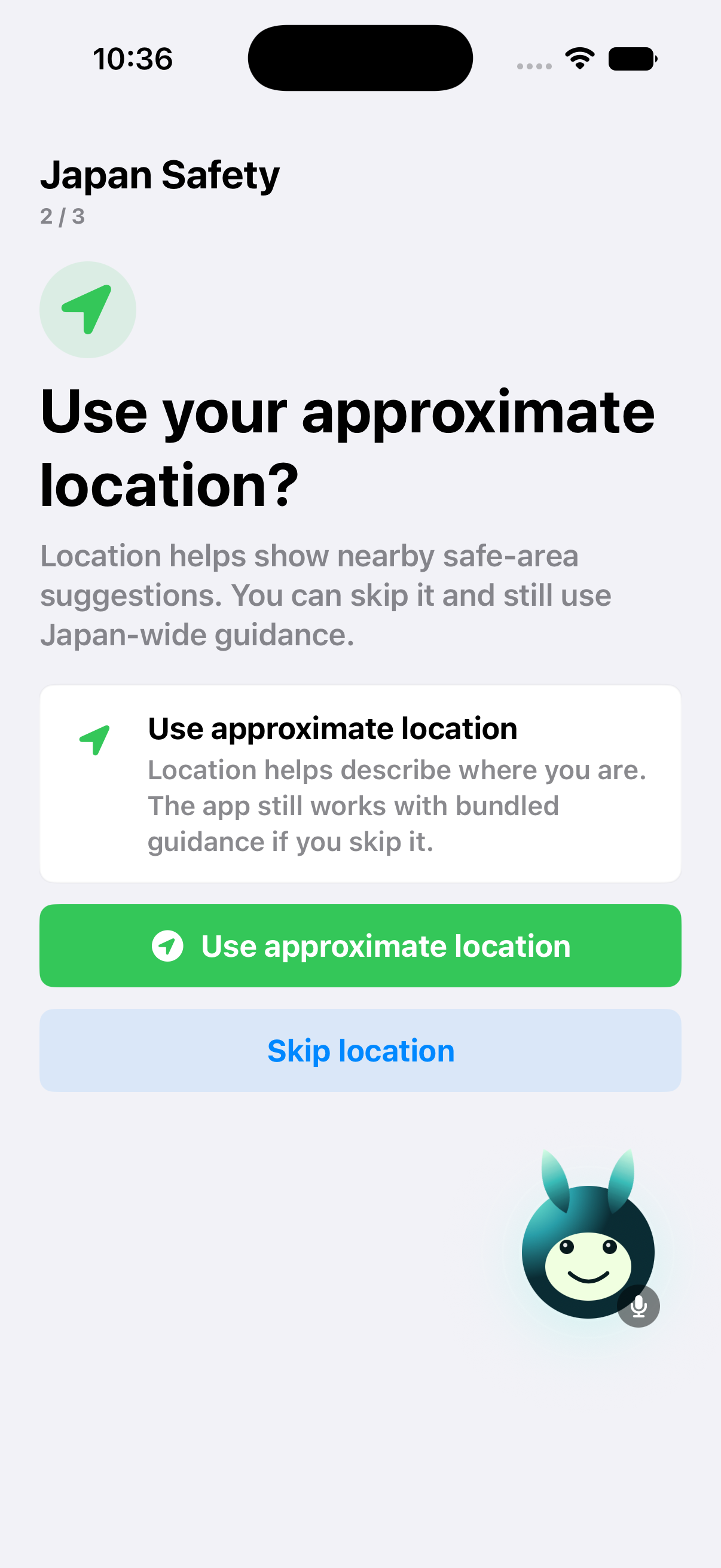
The submitted prototype uses simulated alerts, locations, announcements, contacts, and emergency-call behavior.
Challenges we ran into
The biggest challenge was turning a broad idea, helping foreign visitors understand and deal with emergencies, into a system that could adapt across different disasters, locations, and environments without overwhelming the user. This was particularly significant as when we analyzed the government’s current apps to assist with this scenario, a lot often have negative reviews due to usability issues despite the immense information offered.
We addressed this by designing our product to possess the same broad knowledge base while only surfacing contextually relevant information to the user.
We also had to balance speed with accuracy. Emergency guidance must be immediate, but incorrect context can make otherwise valid advice unsafe. Our solution was to provide the first protective action quickly while keeping the system’s assumptions visible and editable.
Finally, we had to make the assistant calming without making it overconfident. We designed short, voice-first guidance, clear uncertainty labels, and defined points where authority transfers to staff, local officials, or emergency responders.
Accomplishments that we're proud of
We’re proud that in a space where the norm seems to be to provide all available information to the user and let them figure it out — we’ve managed to instead create a clear crisis-to-action system. We believe that we’ve truly identified a gap in the current system where AI is essential. This is as the product must combine changing context, retrieve the matching guidance, interpret live language inputs, respond to natural questions, and adapt its output without forcing a panicked user to navigate several separate tools.
Our key accomplishment is implementing this end-to-end flow: Classify the situation → confirm context → retrieve grounded guidance → translate and prioritize actions → escalate to human help when needed
We also built responsible AI directly into the product: users can correct assumptions, safety procedures are human-reviewed, the AI does not diagnose injuries, local instructions take priority, and consequential actions such as emergency calls require explicit consent.
What we learned
We learned that the deeper issue is context and comfort: users need to understand not only what an alert or announcement says, but what it means for them in their current location and situation. Furthermore, while locals may feel calm, visitors are often set into panic necessitating an active guide they can follow to feel less nervous.
We also learned that AI is most valuable here when it reduces cognitive load. Its role is not to invent emergency advice, but to retrieve trusted information, identify what matters now, and communicate it one step at a time.
Most importantly, responsible AI cannot be added as a disclaimer. It must shape the data, architecture, interface, uncertainty handling, consent flow, and human handoff from the beginning. One wrong step in our guidance can lead to physical harm, and thus we have designed our product with this actively in mind rather than a passive afterthought.
What's next for Japan Safety Companion
Next, we would validate the system with disaster-preparedness experts, hotels, tourism organizations, and foreign visitors. We would expand the reviewed playbook library across earthquakes, tsunamis, typhoons, coastal areas, transportation, indoor settings, and outdoor environments, improving our knowledge base.
To keep the service accessible to travelers while covering real-time data, AI, infrastructure, and ongoing human-review costs, we would pursue partnerships with hotels, tourism organizations, transportation providers, municipalities, and disaster-preparedness groups.
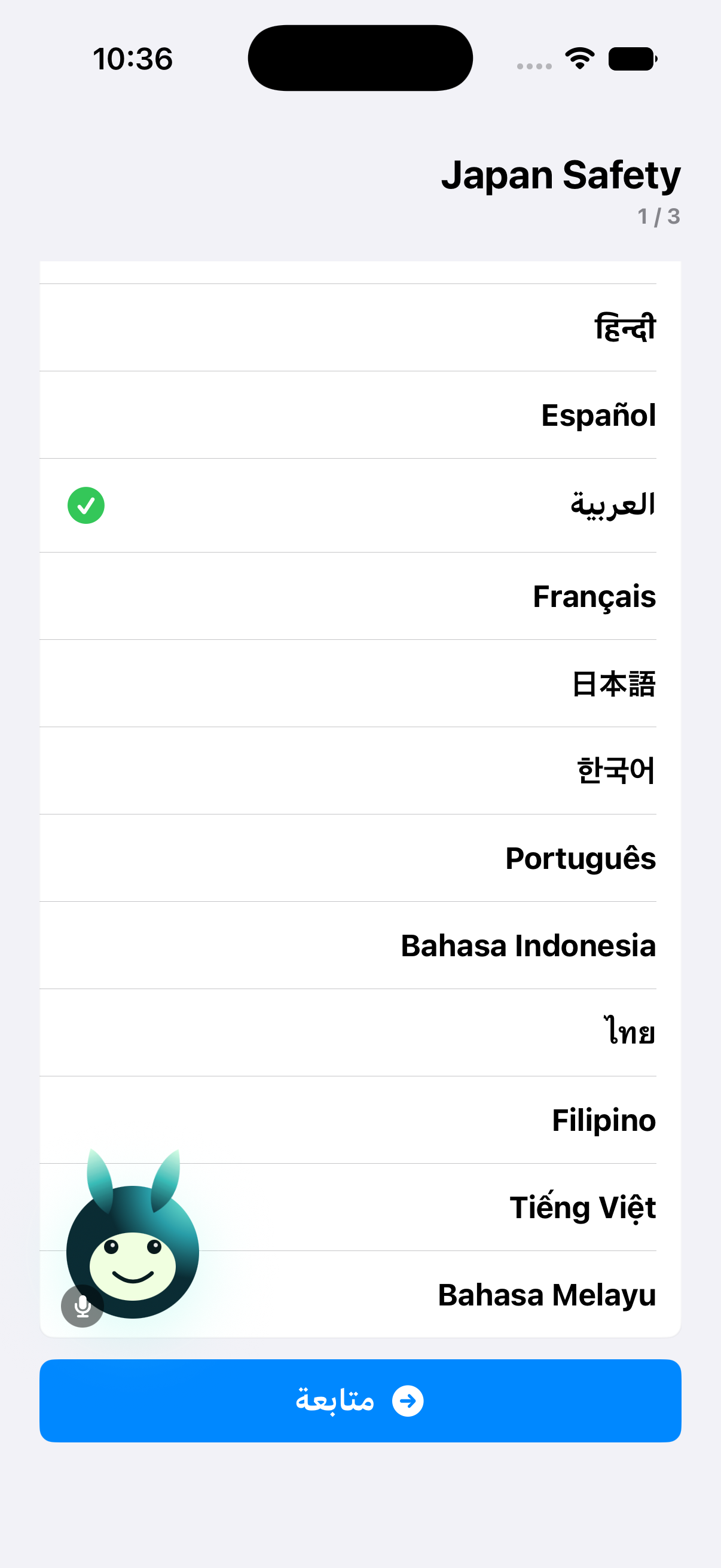
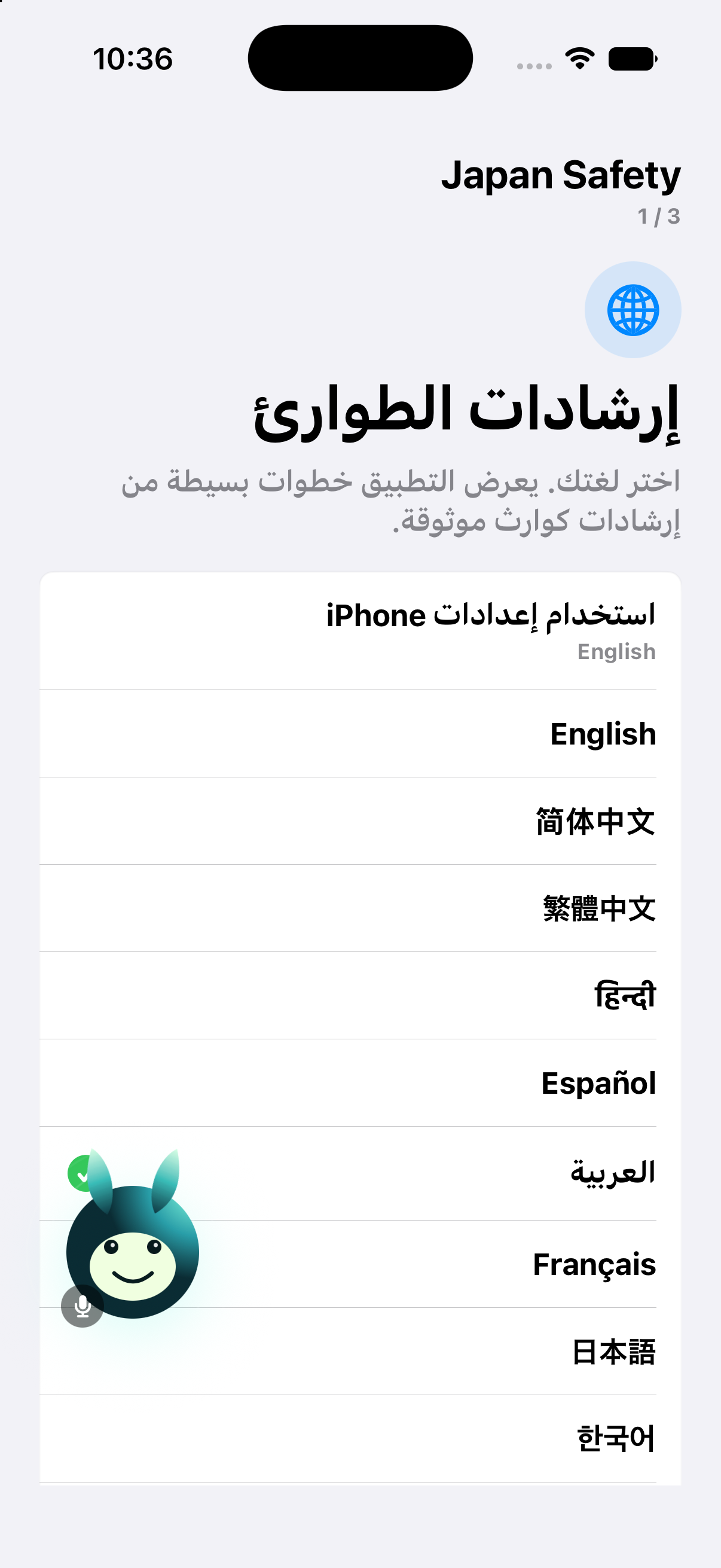
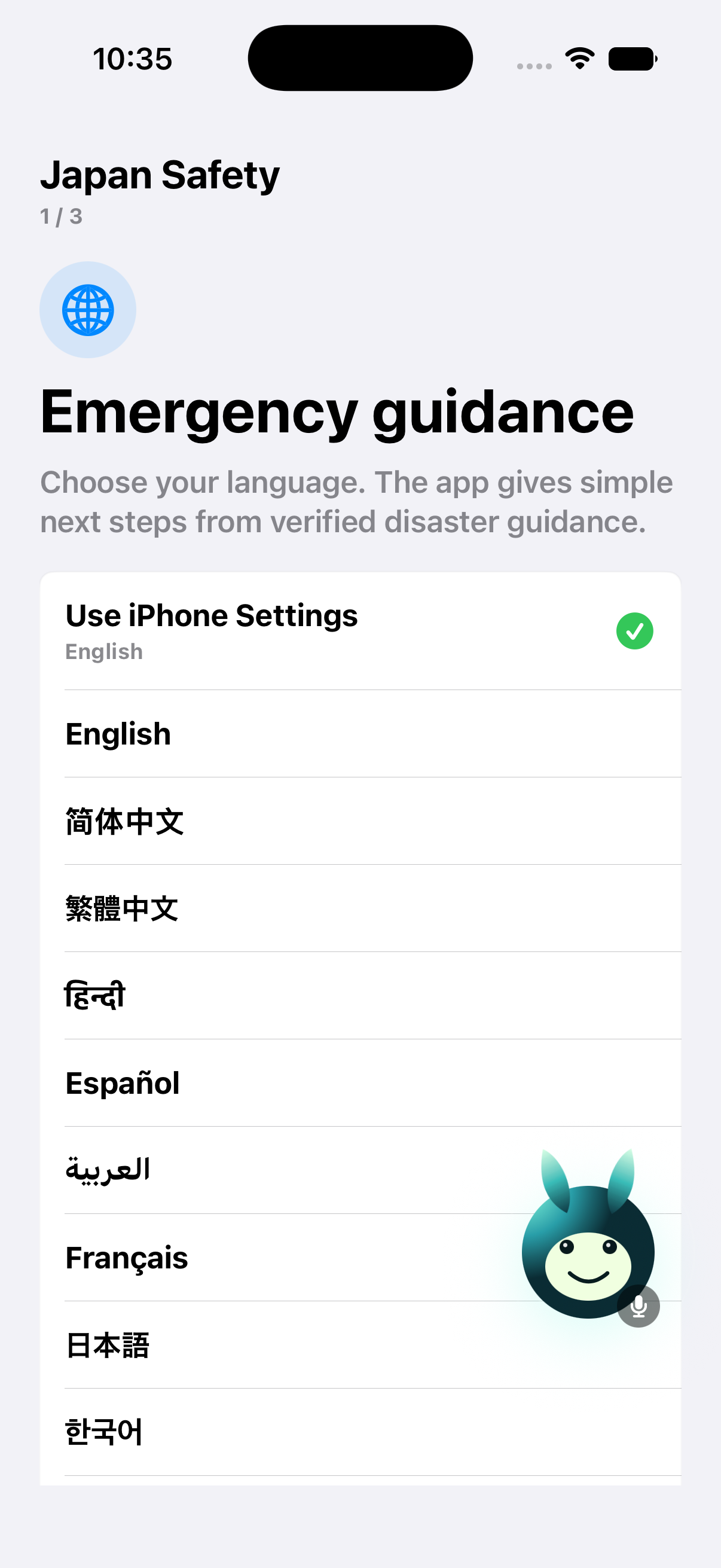
We also plan to add more languages, cached offline guidance, accessibility options, and live integrations with official alerts, municipal evacuation data, and verified maps.
To measure real-world value, we would test time to the first correct action, comprehension of emergency information, context-classification accuracy, checklist completion, and time required to reach human help.
Built With
- activitykit
- apple-translation-framework
- avfoundation
- core-location
- elevenlabs
- ios
- jma-public-feeds
- json
- mapkit
- openai-realtime-api
- python
- speech-framework
- swift
- swiftui
- usernotifications
- visionkit
- widgetkit
- xcode
- xctest

Log in or sign up for Devpost to join the conversation.