-
-
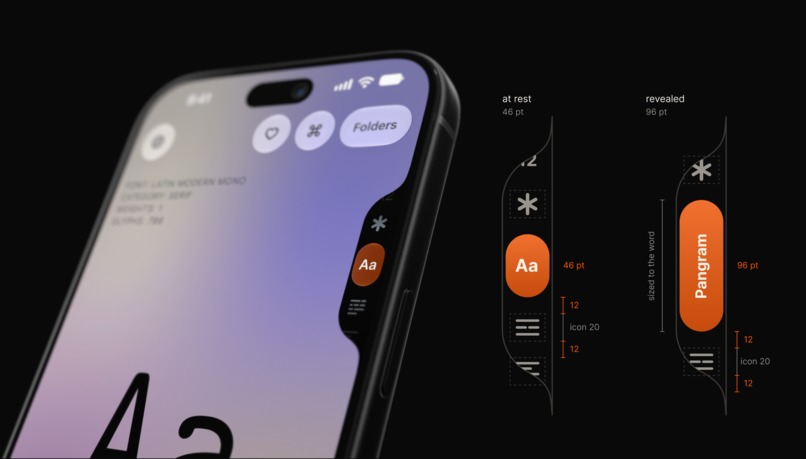
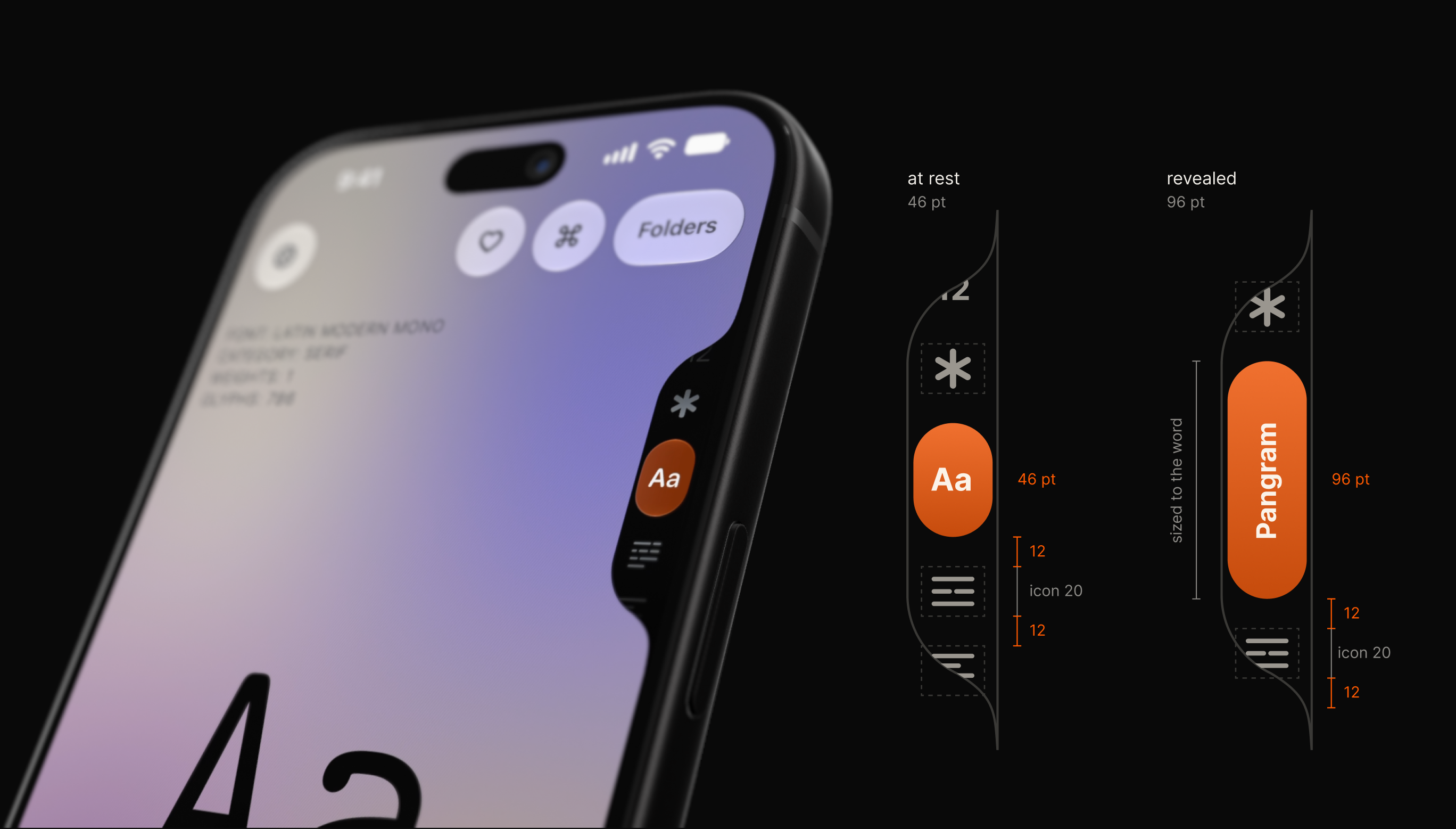
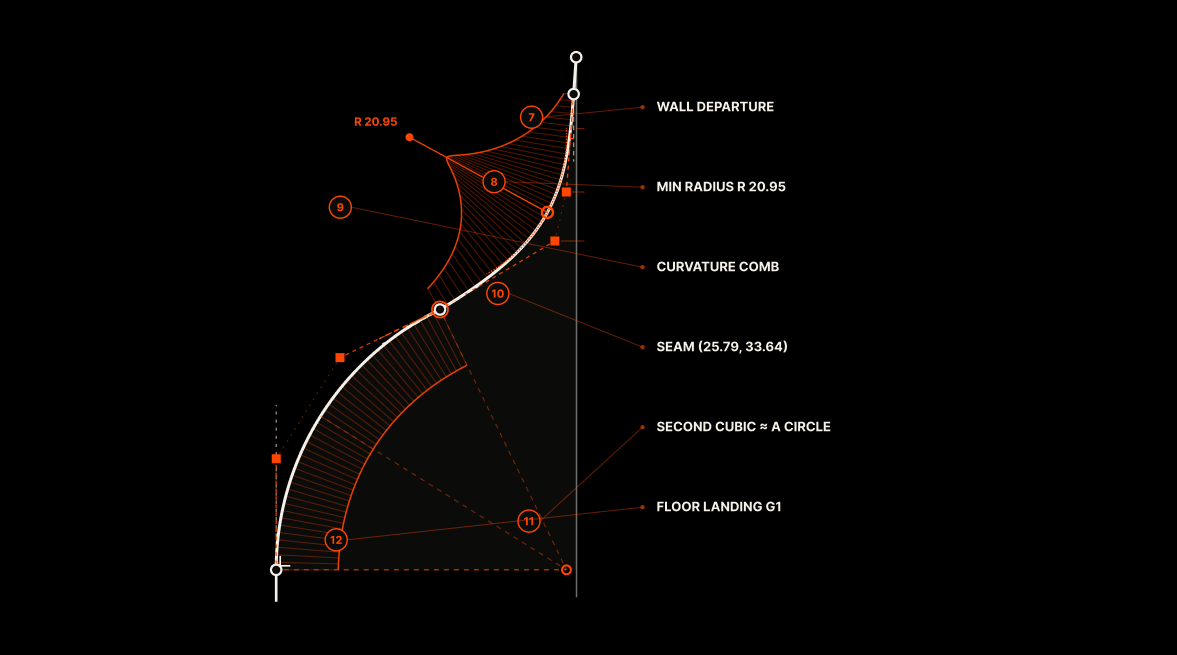
The edge picker.
-
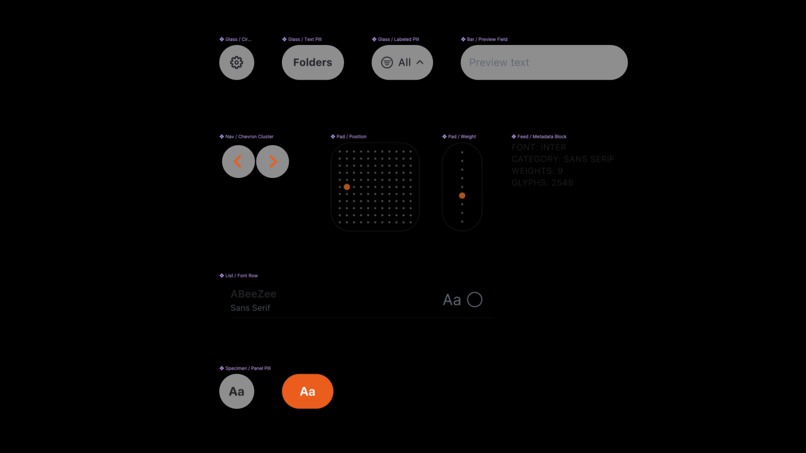
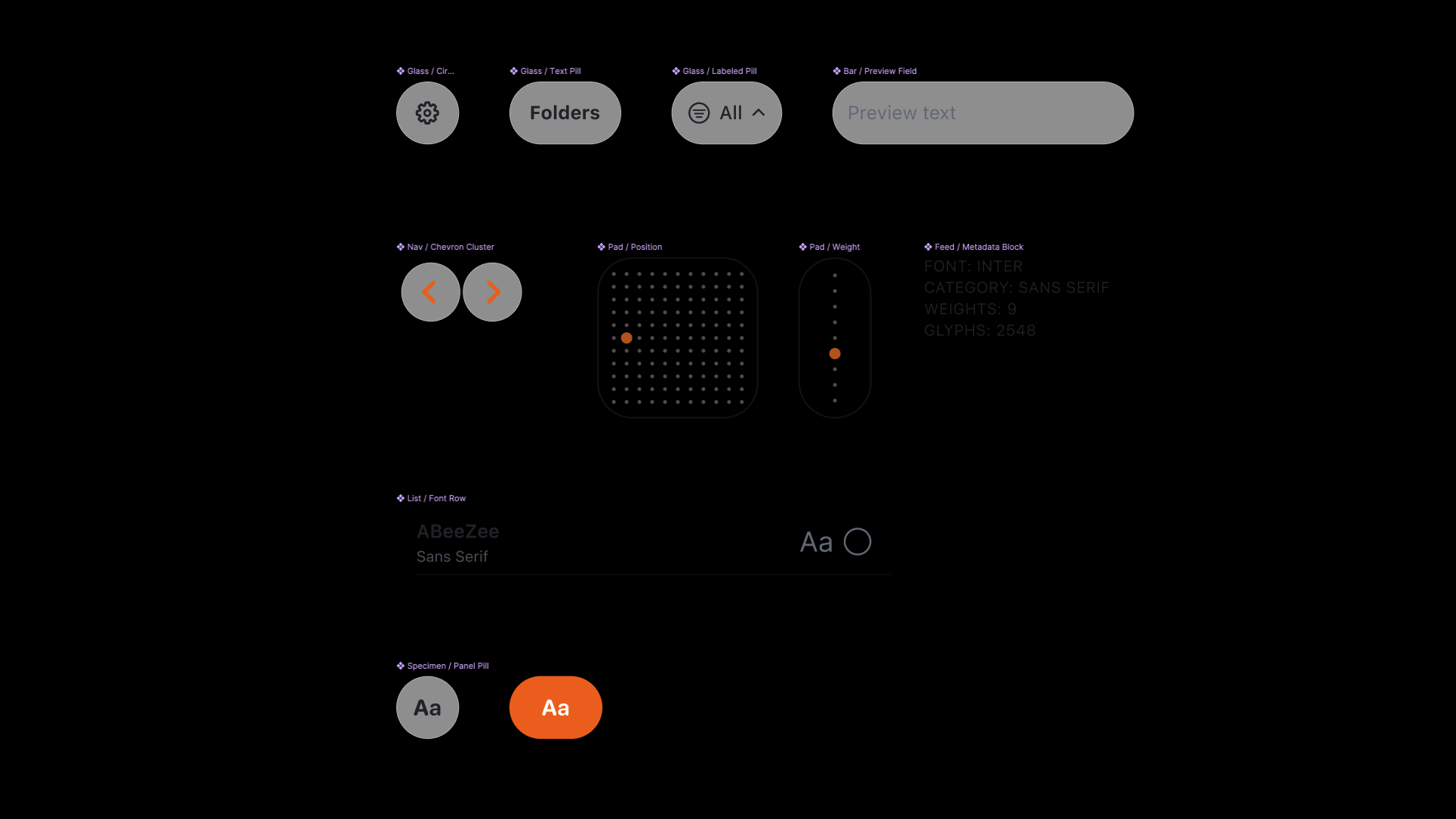
Design system - components.
-
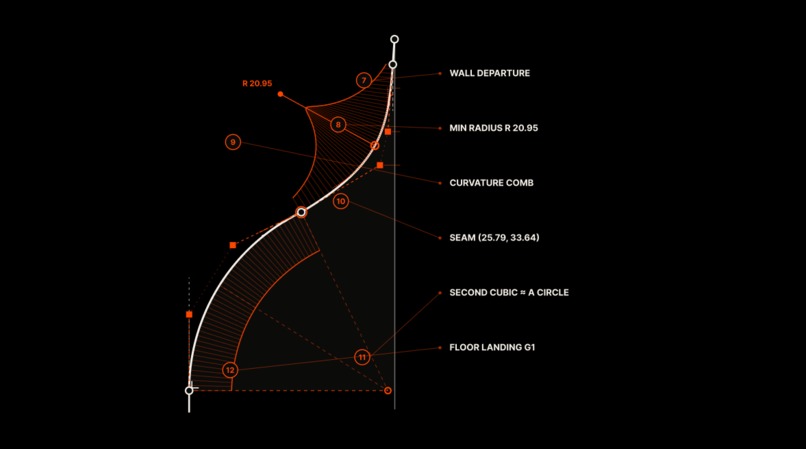
Edge picker notch radius design detail.
-
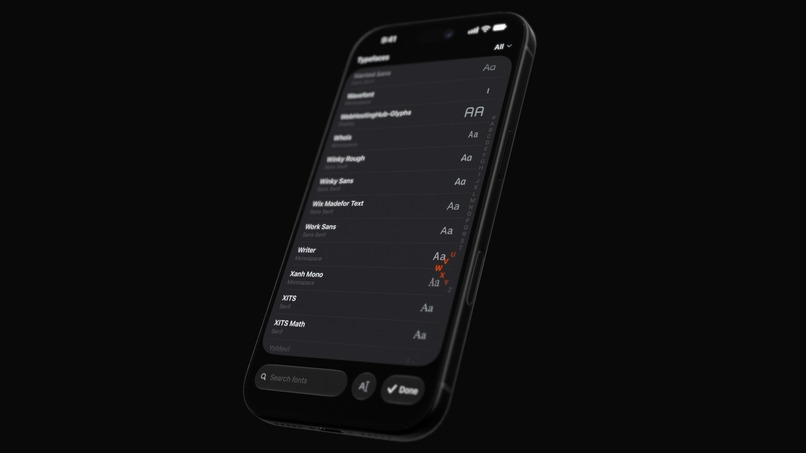
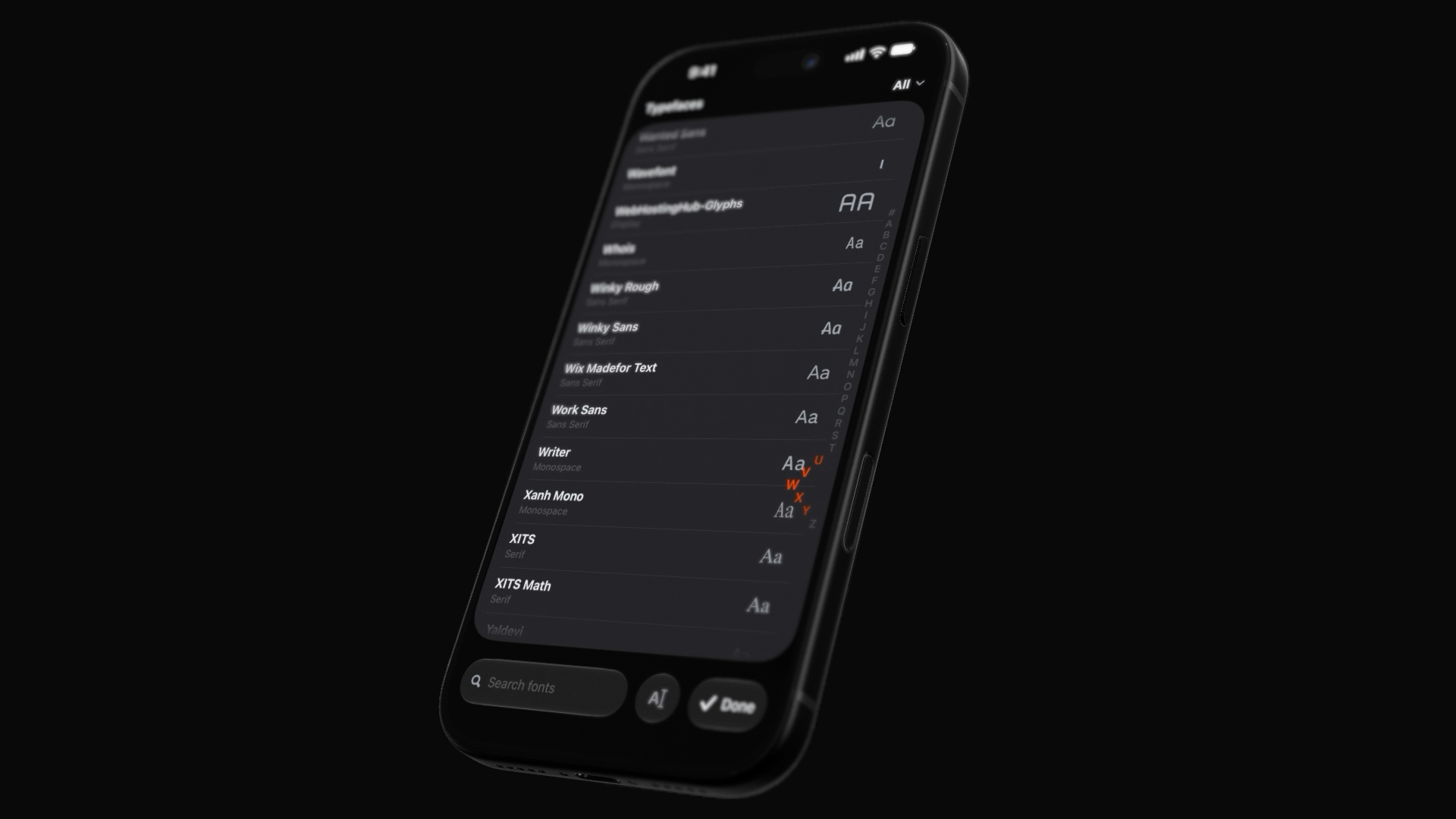
All fonts overlay scroll design.
-
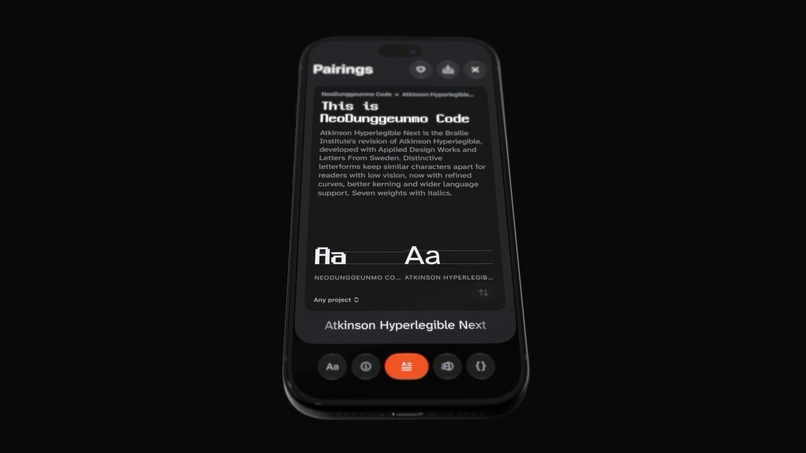
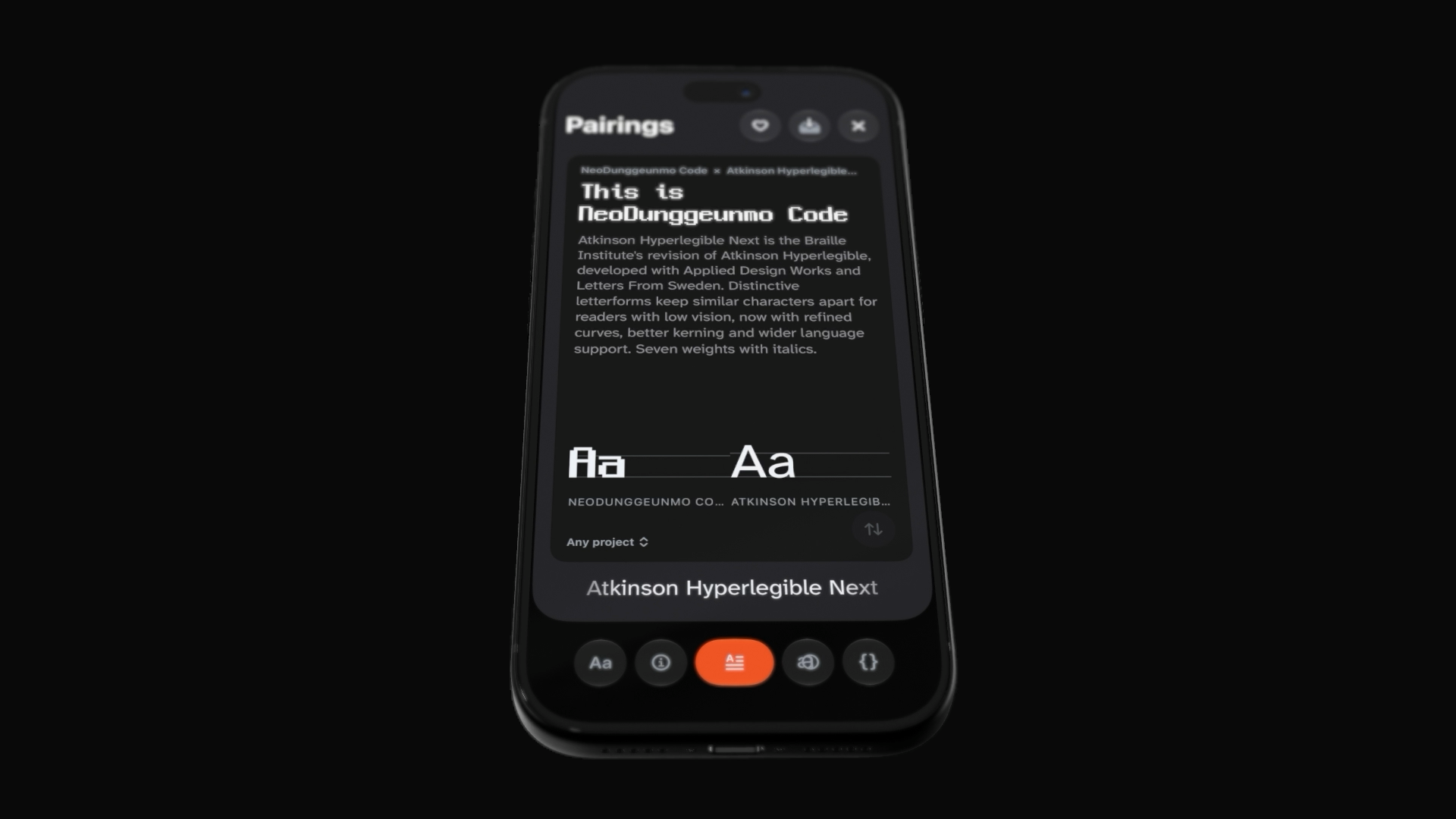
Font pairing panel design.
-
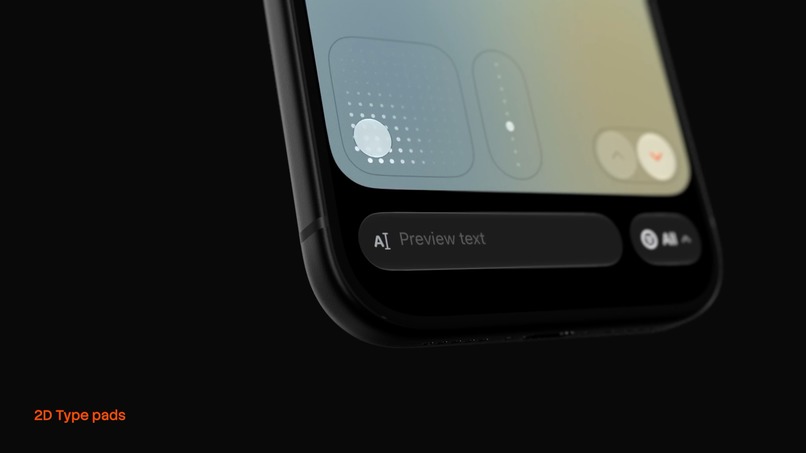
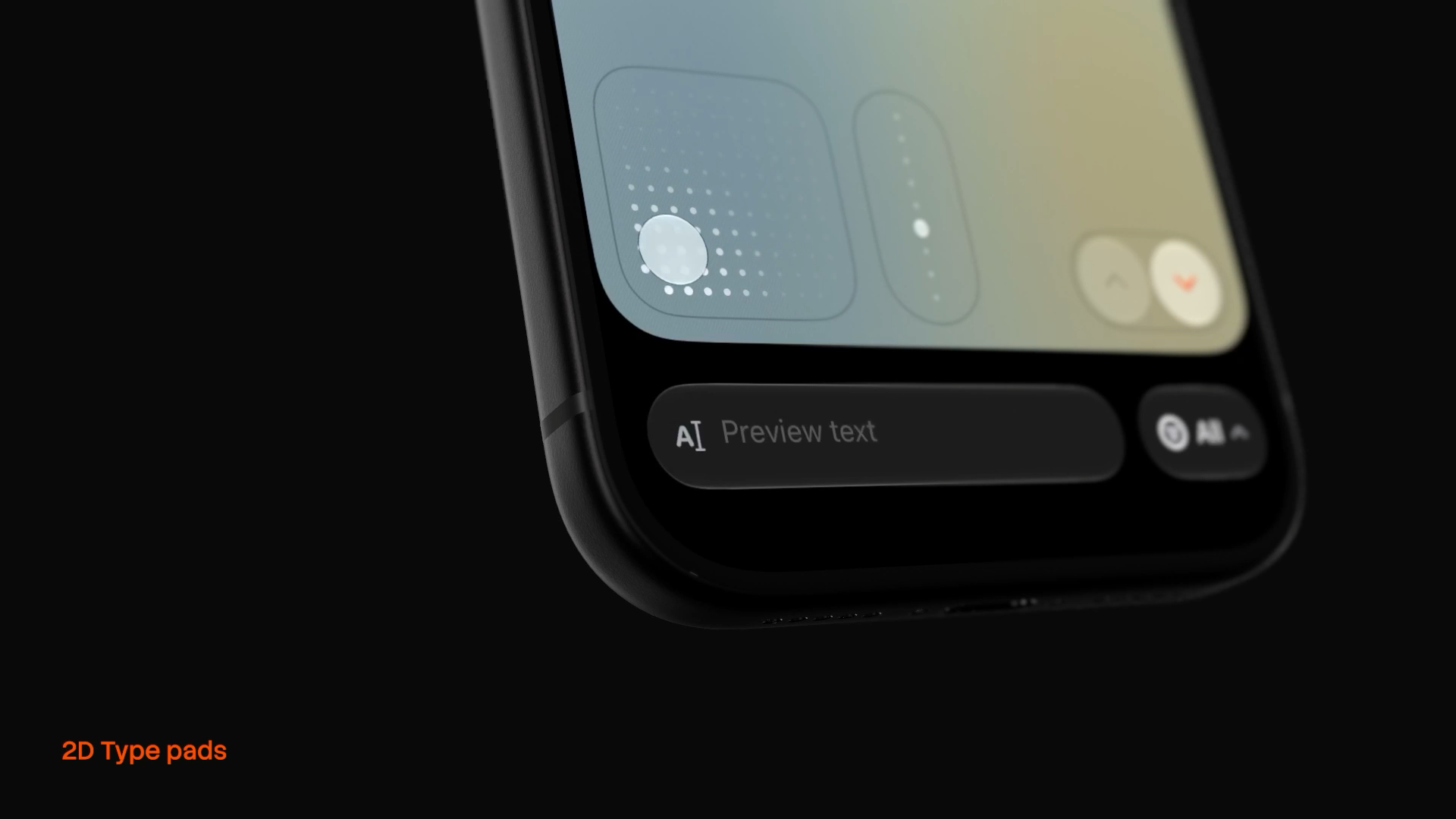
2D type pads design.
-
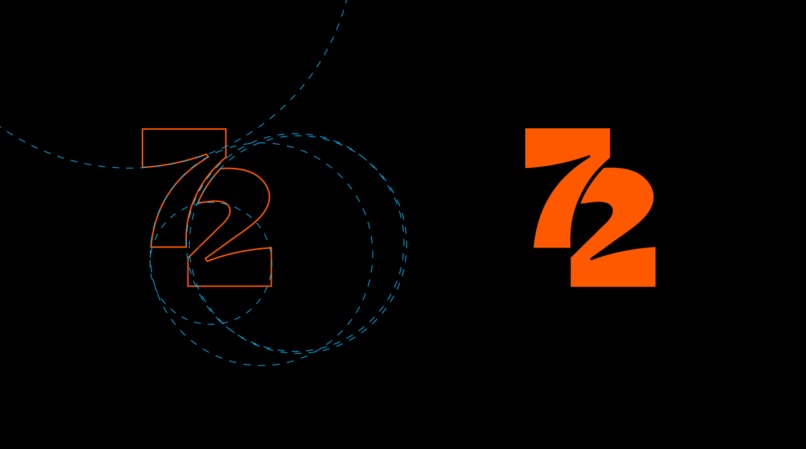
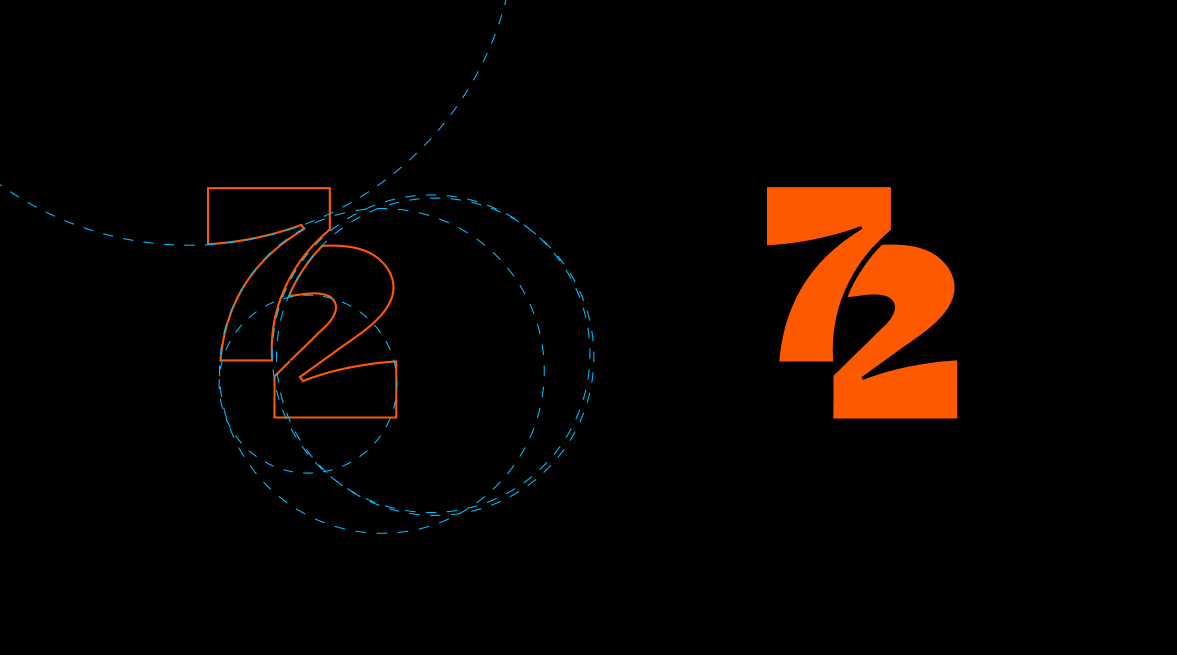
Logo design details.
-
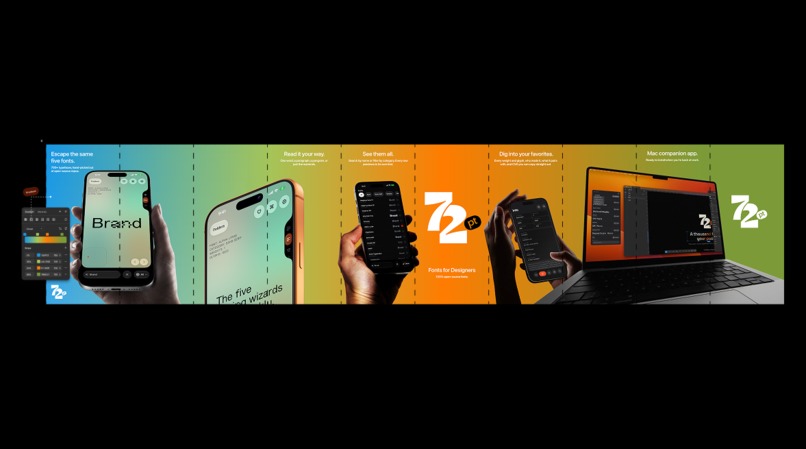
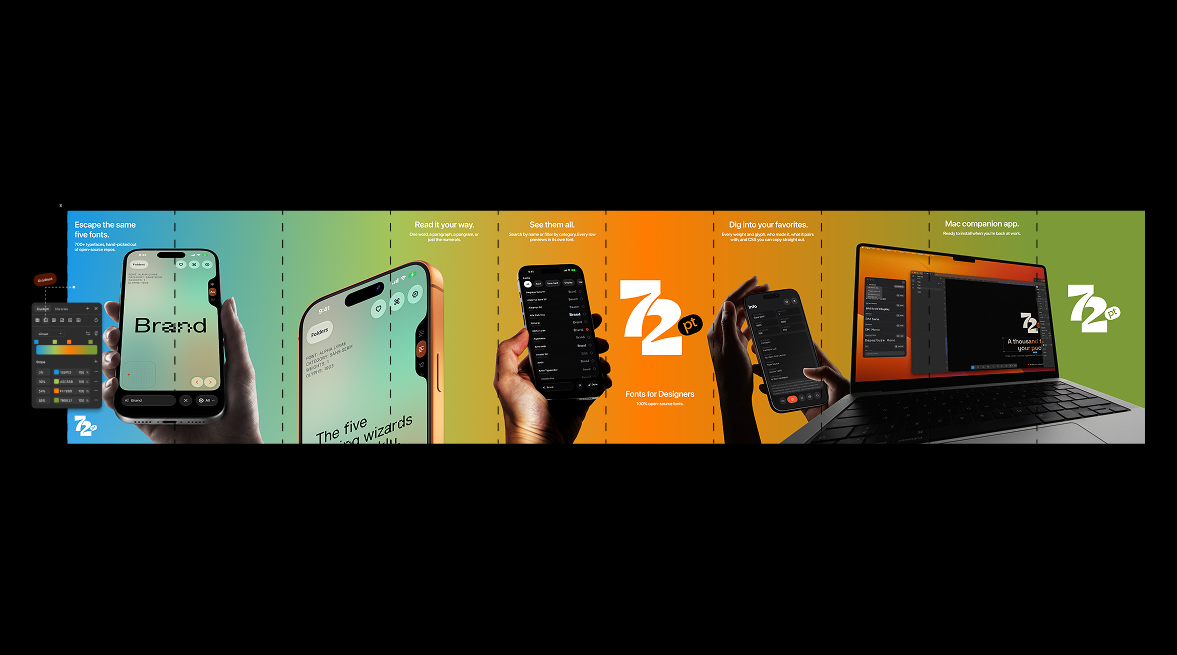
App store seamless screen design.
-
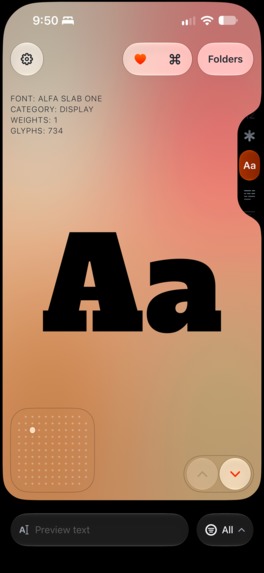
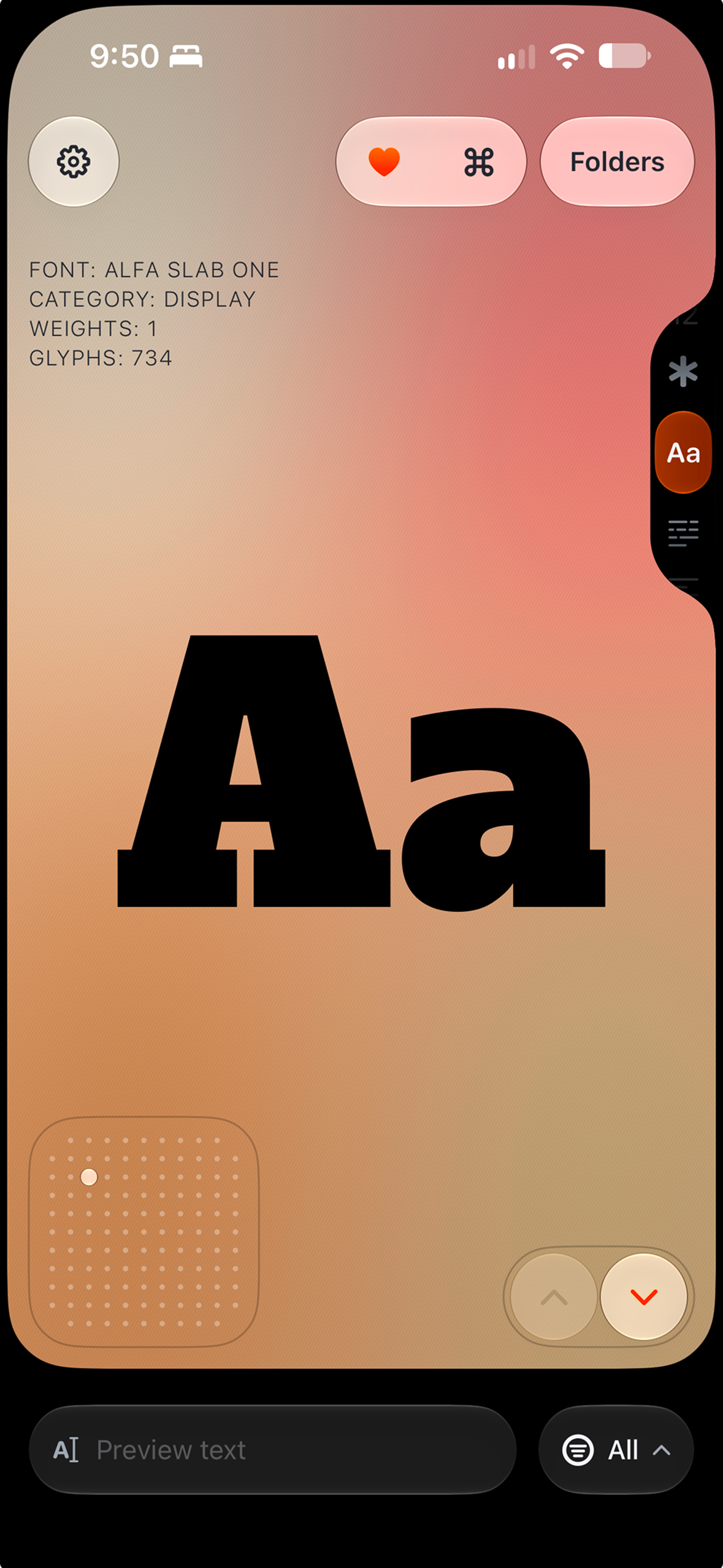
App screenshot - 1179 x 2556 px
-
App icon - 1024 x 1024
Inspiration
Most designs end up in the same five fonts, because finding anything better is a chore. The good free typefaces are buried in open-source repos, and font websites are long flat lists. I wanted something handy that lets people choose a font on the go, shows type big, and feels as good to use as the fonts look.
What it does
72pt is a hand-picked library of 900+ free typefaces, all cleared for commercial use. On iPhone you browse one font at a time at poster size, type your own words into it, and save the keepers into project folders. On Mac, a slim palette beside Figma or any design tool installs them in one click. iCloud keeps both in sync. 72pt Pro is a one-time purchase powered by RevenueCat, unlocked on iPhone and Mac.
The Design
I spent most of my time on a few custom pieces:
- 3D onboarding. A real 3D iPhone, showing a live render of the app, swings through the tour, then dives into its own screen and becomes the feed. A shorter version of the dive plays every time the app launches.
- Type pads. Grids of dots instead of sliders. Drag the 2D pad for size and tracking, and the 1D pad for weight. Every stop has a detent you can feel and hear.
- The edge picker. A reel notched into the screen edge for switching preview styles, scrubbed with your thumb. It moves to the other side for left-handed people. My Instagram post breaking down how I designed it reached 251k views, the most of anything I shared about the app.
- The heart-pop. Double-tap to save. The heart, a custom two-beat haptic and a double-pop sound land as one moment.
- Sound and haptics, designed together. 25 custom sounds, most paired with a matching haptic.
- One Liquid Glass bar. Every page sits on a single Liquid Glass bar, so when you switch pages the glass buttons and pills morph into the next ones. I spent a lot of time optimizing it so the app stays buttery smooth.
How I built it
100% SwiftUI, Swift 6.3 with strict concurrency, RealityKit for the 3D phone, a Metal shader for the feed background, SwiftData with CloudKit, and Apple's on-device Foundation Models. RevenueCat handles the purchase, the entitlement and the iOS paywall.
I'm a designer, so I learned Swift for this app. I worked through Paul Hudson's Pro Swift and Pro SwiftUI books, took Sean Allen's portfolio app course, and did a lot of trial and error. By the time I started using Claude Code, I knew how the app should be built, which made it much easier to optimize and refine. That's a big part of why it took nine months.
Challenges I ran into
Launch week, half the fonts wouldn't load. A rate limit on my font server assumed no phone would ever make 30 requests a second, but the app warms 900+ previews on first launch. By day four it was blocking 47% of all requests. In Spain it was worse: under a court order, ISPs block shared Cloudflare IPs during LaLiga football matches, and my font server was on the list. I turned off the rate limit, moved to a different IP pool, and made the app retry automatically when the connection comes back. A user from Spain helped me test the fix on TestFlight and confirm it worked.
845 MB of fonts, 250 MB of room. The full catalog is far too big to keep on a phone, so scrolling kept deleting fonts and downloading them again. My font server now builds a tiny Latin-only preview of every family, about 34 KB each. Lists use the previews, and the full font loads only when you open, save or install it.
Fonts that got cut off. Some display fonts draw outside their own box, and Abril Fatface's "j" lost its ball terminal to a hard vertical cut. Every sample now renders through a custom text renderer that shows the full letter.
Accomplishments that I'm proud of
- Went from designer to shipping developer: I learned Swift for this app and shipped it on iPhone and Mac during Shipaton (1.0 went live August 31).
- 4,540 downloads and 60 Pro purchases in the first four weeks, from people in 119 countries, with no paid ads.
- Four releases in four weeks, ending with 2.0 in six languages, tested and checked by my own followers. The catalog grew from 770+ to 900+ typefaces in the same time.
- The 3D iPhone onboarding, which shows the real app instead of a mockup.
What I learned
- I can build and ship an app. Nine months ago I was a designer who didn't know Swift.
- RevenueCat made payments the easy part. It was super easy to set up, and a no-brainer.
- Real users find the problems you can't. A football league blocking my font server in Spain was not on my bingo card.
- Showing the process sells the product. My post on how I designed the edge picker brought more people to the App Store than my launch post did.
What's next for 72pt: Fonts for Designers
- Variable fonts. 206 of the fonts in 72pt are variable, but the app only shows their fixed weights. I want to let you slide through every axis a font has, like weight and width, live.
- Side-by-side compare. Pick two to four fonts from a folder and see them in the same words, at the same size, together.
- Specimen sheets for clients. Export a folder as a clean PDF with your text, the font names, and their sources and licenses.
- Folder widget. Your saved fonts on the Home Screen, not just a random daily pick.
- Fonts from a photo. Snap a poster or sign and get free fonts in a similar style, set in the words from the photo. And I'll keep posting how each part gets designed, because that's what brought people here.
Built With
- app-intents
- avfoundation
- claude-code
- cloudflare-r2
- cloudflare-workers
- cloudkit
- core-haptics
- foundation-models
- ios
- kickstart
- macos
- metal
- realitykit
- revenuecat
- rocketsim
- storekit
- swift
- swiftdata
- swiftui
- widgetkit
- xcode-cloud
- xcodegen

Log in or sign up for Devpost to join the conversation.