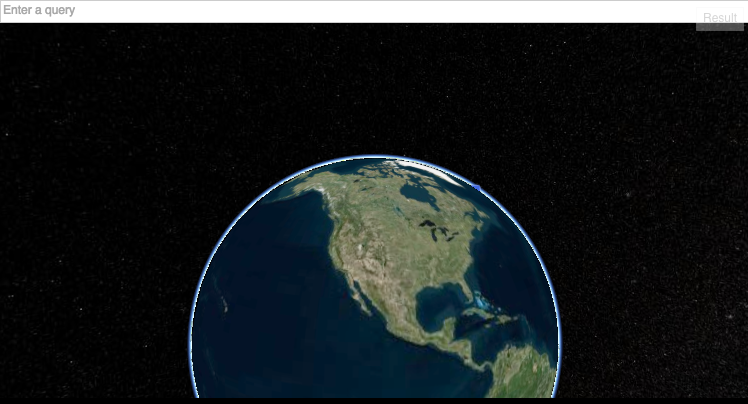
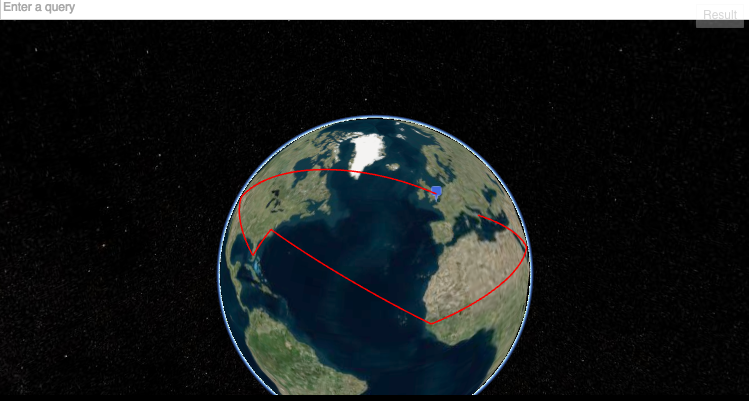
I've always wanted to build a holiday travel plan with a 3d map, but to be honest handle 3D stuff in a browser is everything but simple.
This hack is possible thanks to several libraries out there, especially cesiumJS that handle all the 3D stuff with WebGL without much hassle.
In this implementation the use cesium has been a challenge: each method has incredible long names, just the creation configuration takes 3 lines, and manually minifying them to match the 20 lines has been tricky.
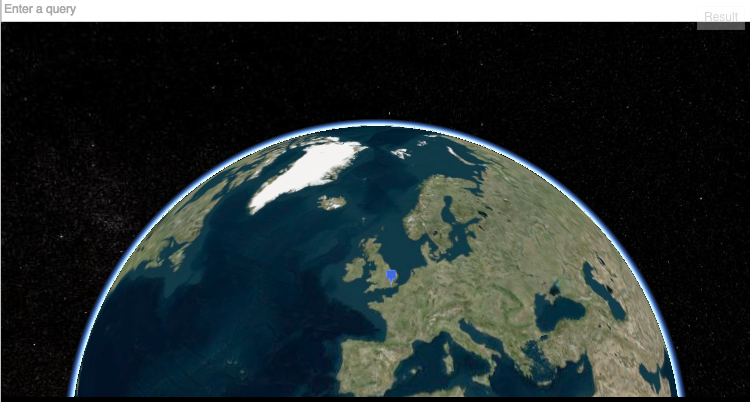
The app will geolocate the position (the user has to allow it once loaded the jsFiddle) using the native HTML5 API and the camera will fly to that place.
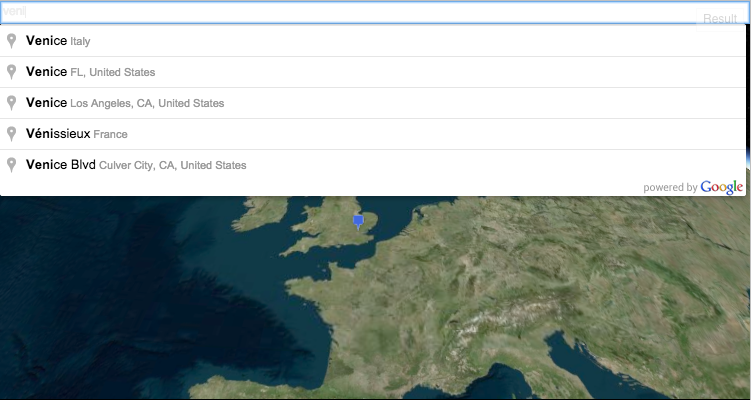
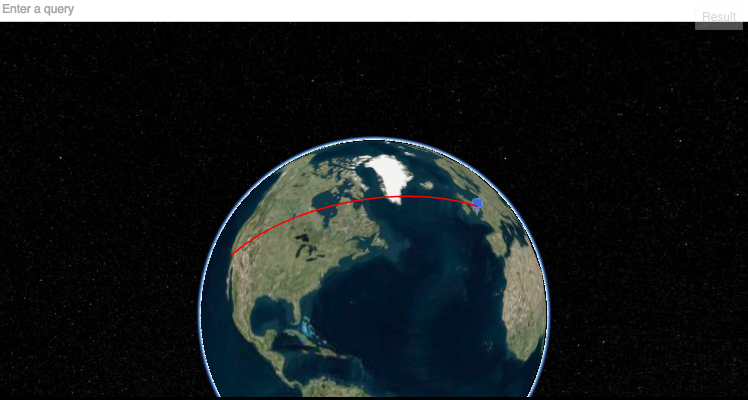
Once gelocated the user can either search in the Search box - that is using under the hood the Google Places API - or simply double click on a spot: the camera will attempt to fit the points in the view.

New locations can be added just doing a new search (or with a double click again). No room for distances or prices this time, I need at least 40 lines for that. :-)
The demo above is using some HTML and CSS that I've removed now for a more JS-only demo. The demo shown above can be reached on this link: http://jsfiddle.net/5mkuypod/6/ Functionality are still the same in this bare bone version, only a very basic CSS is now injected through JS for a decent look.
Note: when using the search box just click on the element found, do not hit Enter: the code to stop the page change didn't fit in the 20 lines.

Log in or sign up for Devpost to join the conversation.