-
-
-
-
-
-
-
-
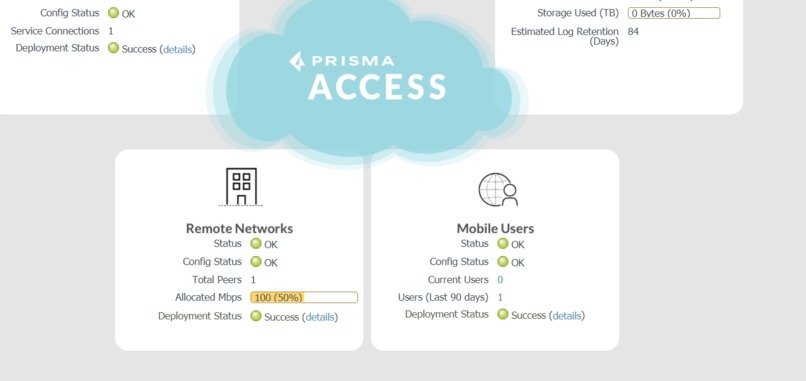
after commit


Inspiration
My first Inspiration was after we lost a deal to ZScaler. One of the main concerns the customer had was that Zscaler had a one-button deployment tool/integration to fully deploy ZIA (ZSCaler Internet Access).
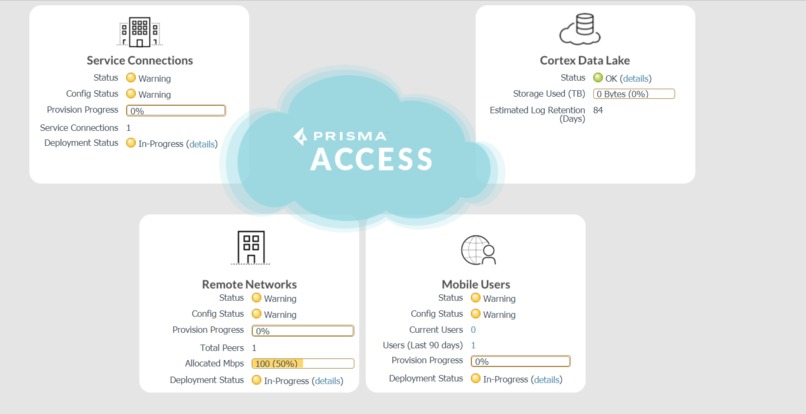
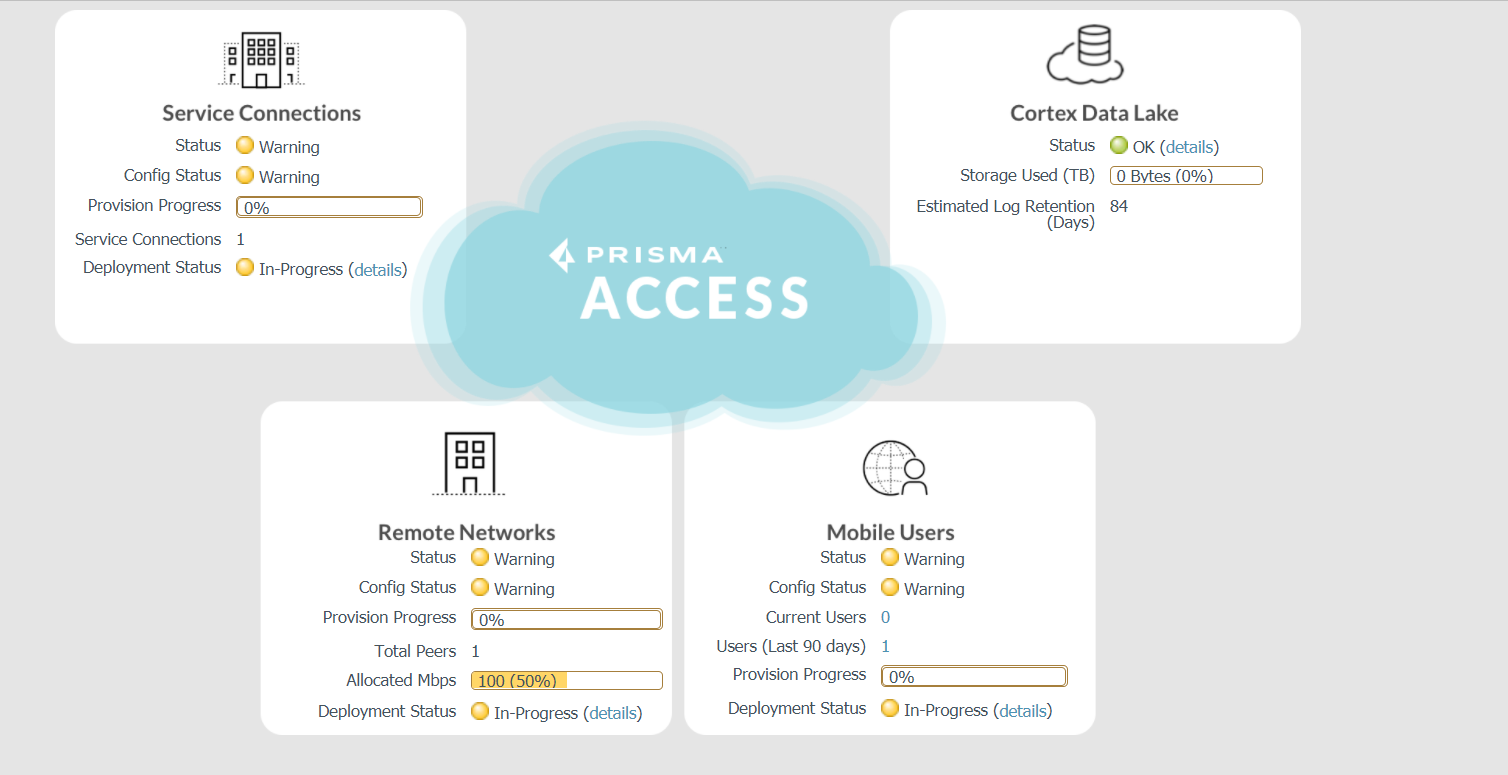
My Second inspiration was the fact that SEs need to manually configure Prisma Access for each POC manually. Not all SEs have access to a Prisma access tenant to test and validate their deployment and leveraging Cortex XSOAR we are able to fully automate the deployment of : Service Setup Remote Network Service Connection Mobile Users
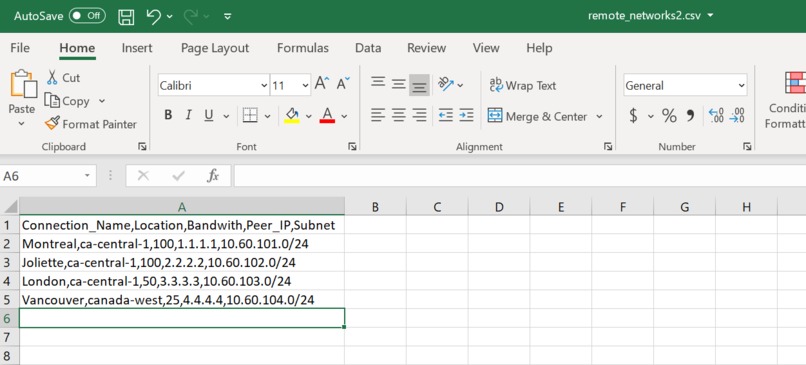
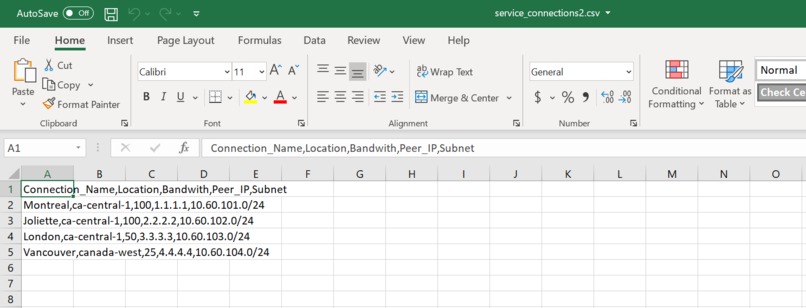
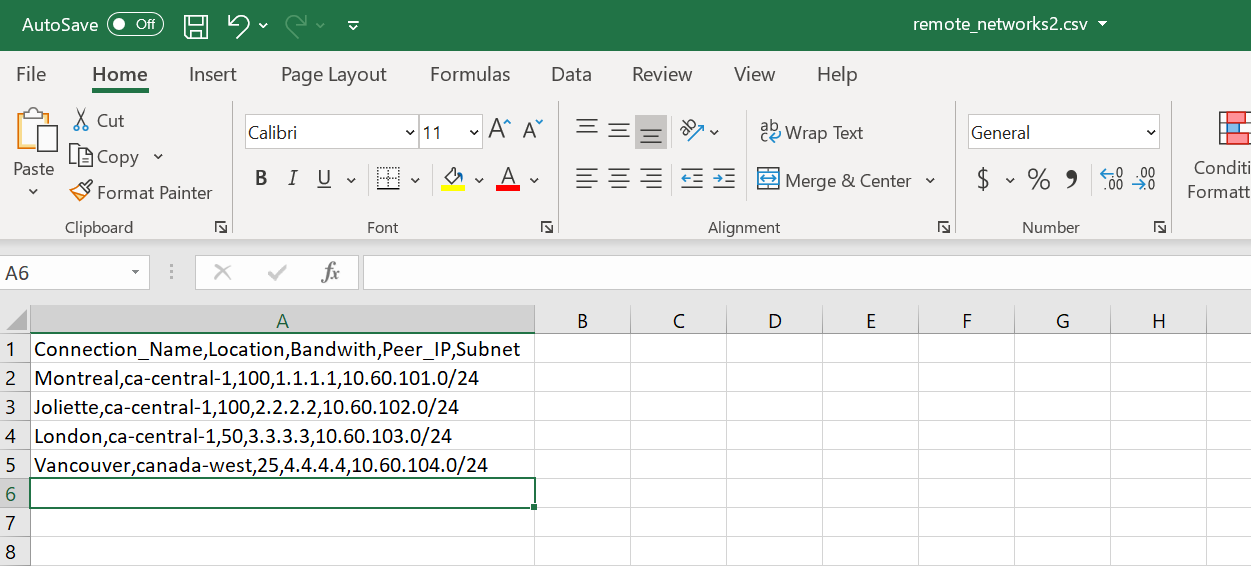
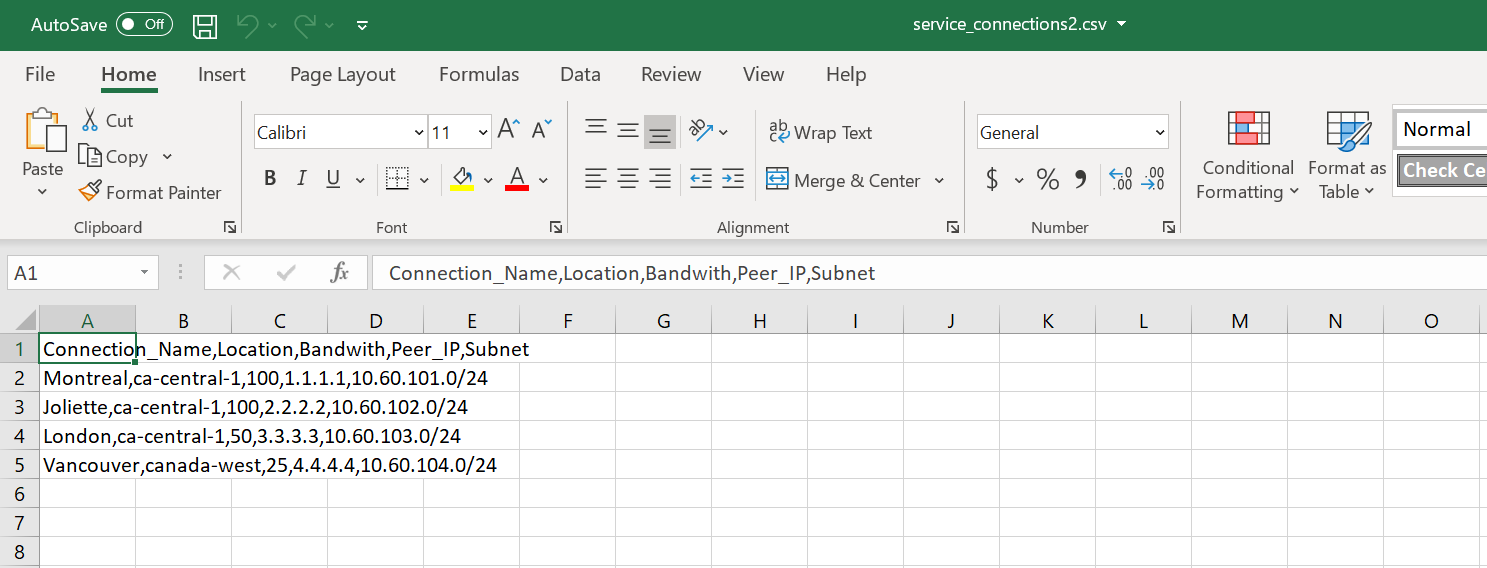
Our 3rd inspiration was to be able to speed up the process for production deployment. This playbook is able to deploy Prisma Access automatically from the ground up. We can leverage this playbook for PS engagement, POC, Customer deployment. During PS or Production deployment, we usually need to configure a lot of Remote Networks or Service Connection. This playbook can bulk import all the configurations for all your RN or SC IPsec tunnel with the right bandwidth, IPsec configuration, and onboard the configuration in the plugin.
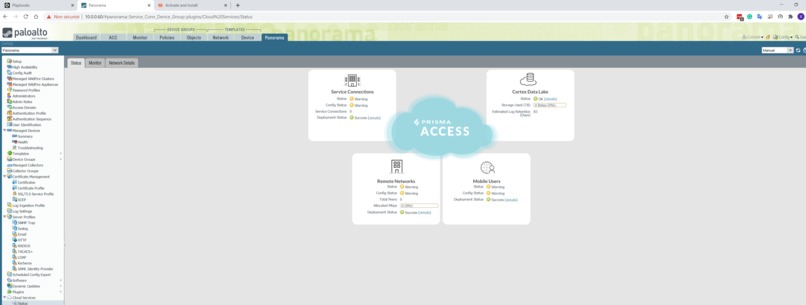
When this playbook ends, you commit the configuration and you are able to use Prisma Access right away.
What it does
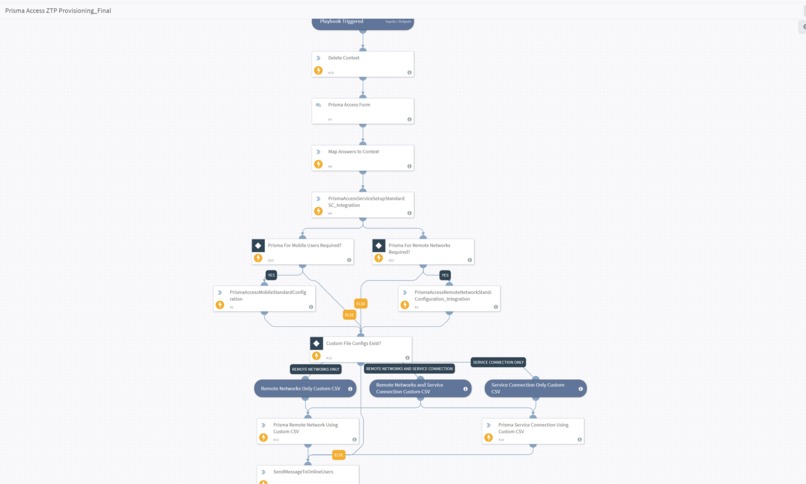
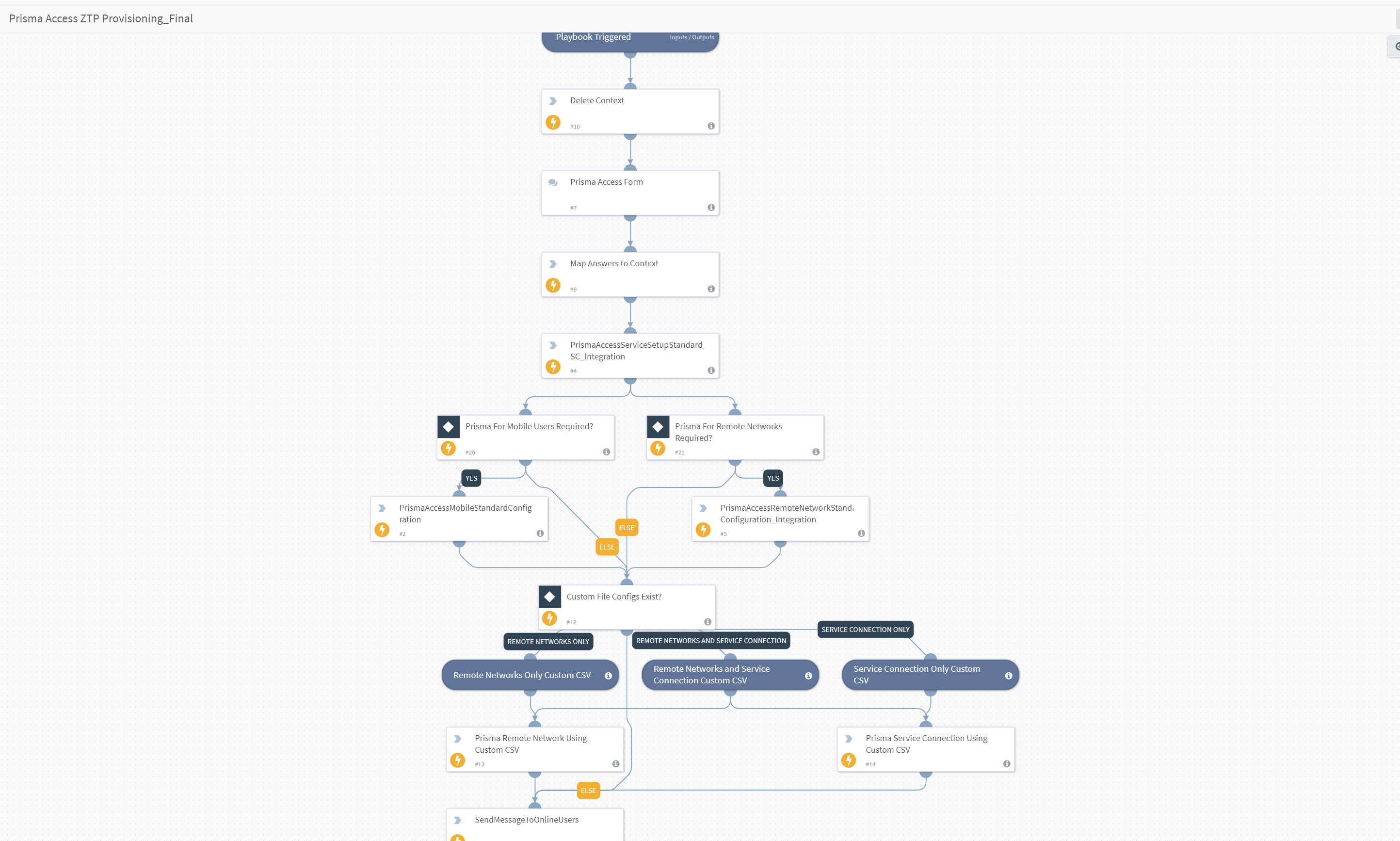
This playbook automates the entire process of deploying and configuring Prisma Access. This playbook is configuring the following. Service Infrastructure options (Subnet, Template and Template Stack) Mobile Users Onboarding (Global Protect and Gateway Configuration) Mobile Users IP Pool Mobile User DNS configuration Authentication Profile Mobile User IP Pool Zone Creation for Mobile Users (Mobile-Trust , Mobile-Untrust) Zone Creation for Remote Networks (RN-Trust , RN-Untrust) Creation of the Device Group for all Prisma Access Devices(SC,RN,Mobile Users) Assigning the right zone to the right option in the Prisma Access Plugin (Trust zone to Trusted Zone and Untrust zone to Untrusted Zone) Pre-Rule for Mobile Users Pre-Rule for Remote Networks Log Forwarding Profile for Remote Networks Log Forwarding Profile for Mobile Users Creation of All Standard IPSEC, IKE, Crypto , IKE Gateway Template for Service Connections Creation of All Standard IPSEC, IKE , Crypto, IKE Gateway Template for Remote Networks Creation of All Standard configuration and Template for Service Connections Creation of All Standard configuration and Template for Remote Networks Bulk Import of Tunnel for Remote Networks leveraging CSV Bulk Import of Tunnel for Service Connection leveraging CSV Onboarding of Bulk Import of Tunnel for Service Connection Onboarding of Bulk Import of Tunnel for Remote Networks
How I built it
We have decided to build this playbook leveraging PowerShell and new custom integration from panorama. We did analyze the panhandler skillet to make sure we are covering everything and that we are able to do it at scale and for everything at the same time.
We required advanced API commands to be run that were not handled via the existing Panorama Integration so we modified it and added an advanced command that was able to take in XPath and Element variables so essentially we would be able to utilize any command from the API.
The PowerShell scripts passed in all the required commands and variables and also handled the ingestion of CSV files along with loops to bulk execute commands. Utilizing the new Integration command we ensured that the API key remained safe within the integration setup.
Challenges I ran into
We had to analyze how XSOAR works with PowerShell and we had to integrate the new integration in XSOAR to leverage the integration instead of arguments
Accomplishments that I'm proud of
Being able to have a fully automated Prisma Access Deployment in PowerShell with bulk import was key
What I learned
I did learn a lot about how our API and PansOS is built and how it's working. Begin able to configure something manually and see the API/Language call in the debug console to be able to automate it in PowerShell was nice.
What's next for ZTP of Prisma Access
Have this playbook available for everyone and that PS , CS , SEs and customers use this playbook to speedup the onboarding and speedup our market share.
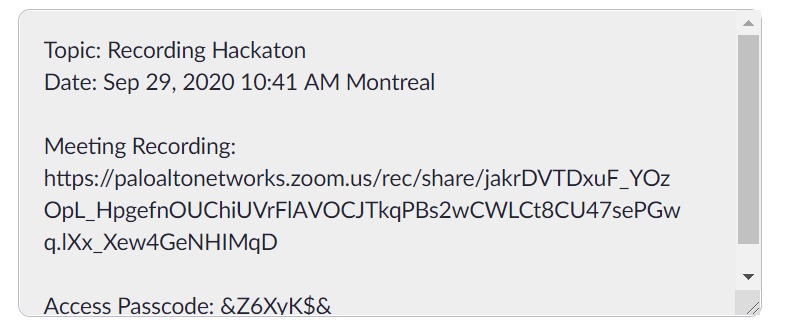
The password for the Video is : &Z6XyK$&
Built With
- access
- api
- csv
- custom
- integration
- panorama
- powershell
- prisma


Log in or sign up for Devpost to join the conversation.