-
-
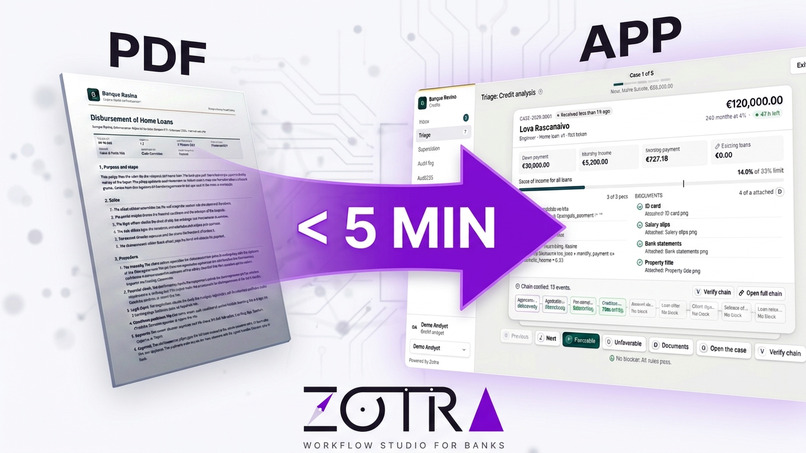
PDF policy to Bank validation workflow
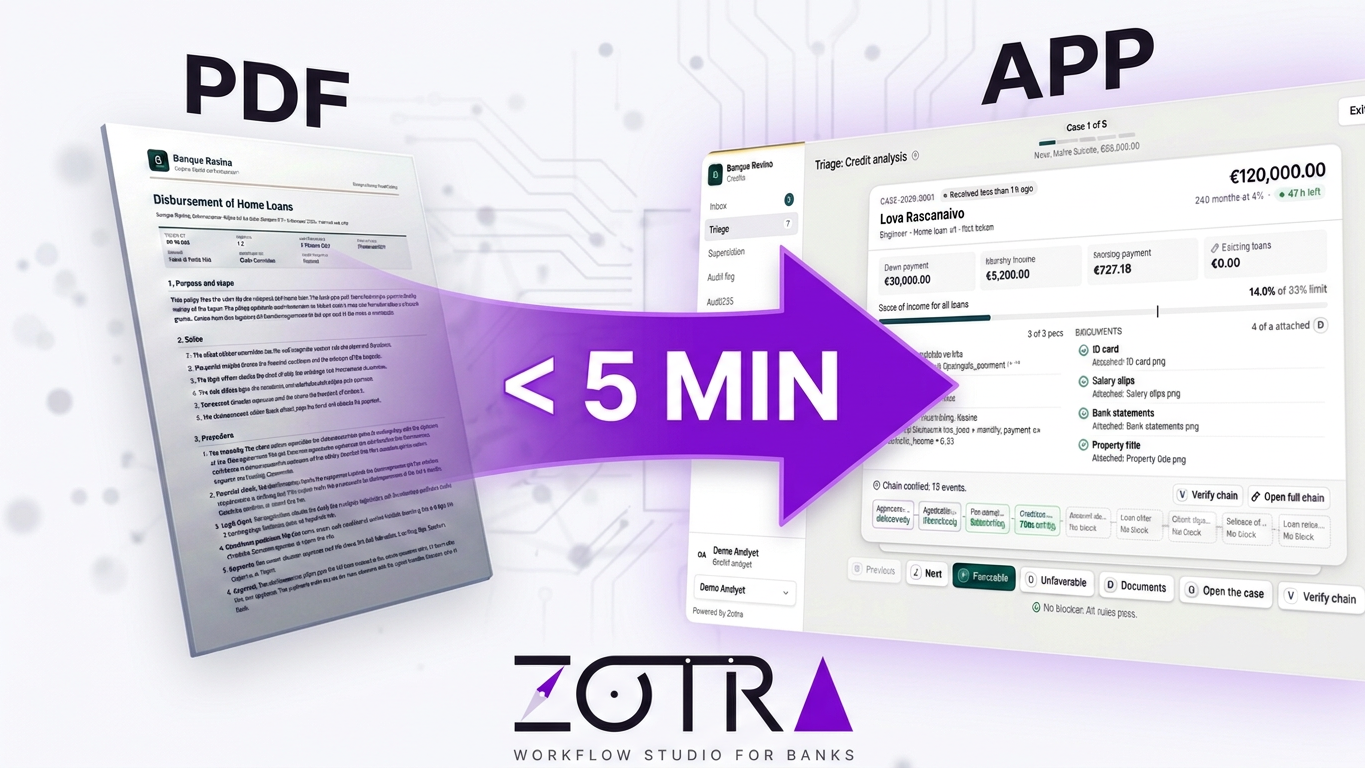

From a credit policy PDF to a tested approval app.
The AI drafts and tests. Humans decide.




See it
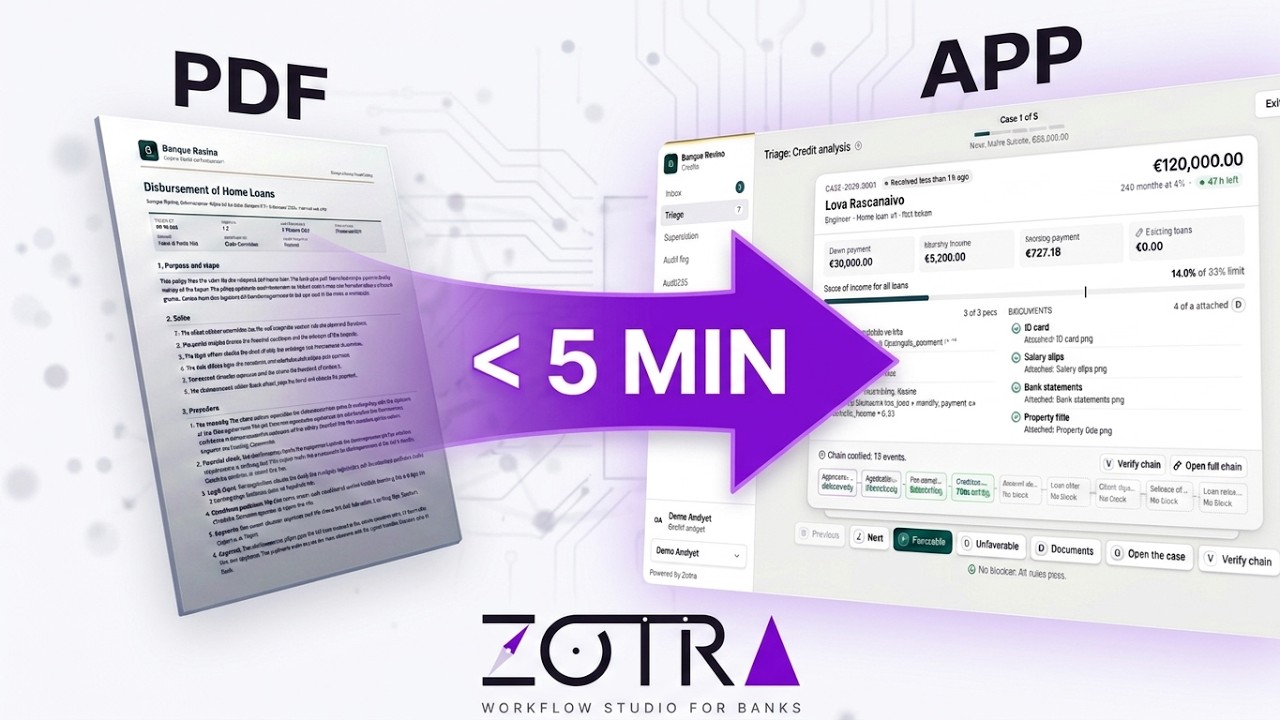
- Video: watch the demo on YouTube.
- Live demo: zotra-demo.donovan-ratefison.mg. No install and no account. The data is sample data and resets every hour. The AI replays recorded answers: follow the steps in examples/ai-replay.
Try it in 2 minutes
You need Docker with Compose v2.
git clone https://github.com/donovan-ratefison/Zotra.git && cd Zotra
docker compose up -d
Open http://127.0.0.1:8080. At the first start, Zotra adds 60 sample cases over 30 days, so the inbox, the triage and the supervision have data. No AI key is needed for the demo: the app replays recorded AI answers for the sample policies. A thin line at the top of the studio says so.
Tour in 5 minutes
These steps work with no AI key.
- Import a policy. On the library page, under Start here, click Import a sample policy. Click Home loan (EN), then Analyze policy. Each step of the draft cites its paragraph. Click Accept.
- Change the process with the AI. Open the library again and open
Home loan. Click New draft, give a label, then Create draft. Send
these two messages, in this order. For each one, click Yes, make
the change, then Accept:
Give the step Loan offer a deadline of 12 h.Add a step Property valuation before Credit analysis, done by a new role Property expert, with a deadline of 72 h and the required document Valuation report.
Then open the Documentation menu and click Update the policy.
- Test it. Click Test, then Create a test case. Fill the client fields, then click Create and start. Click Take the step a few times. Click an earlier event in the timeline: the diagram shows the case at that event.
- Work the cases. Open the bank app (
/app). In Demo profile, pick Demo Analyst, then click Triage. Press D to see the documents, Escape to close them, V to verify the hash chain of the case, and F to give a favorable decision. - Supervise and audit. Pick Demo Director. Click Supervision to see where cases wait and why. Click Audit log, then Verify chain.
The other features (other PDFs, other messages, scans read by SAM, generated test cases) need a key. See examples/ai-replay.
To call the live Meta models with your own key, see Use the live AI with your own Meta key.
The problem
A bank writes its credit procedures in PDF policies. To turn one policy into a workflow, business and IT teams meet for weeks. After that, nobody can easily say which step comes from which rule of the text.
How it works
1. Read the policy
Drop a PDF. The AI drafts the steps, roles, deadlines, documents and rules. A scanned PDF has no text layer: Muse Spark reads its page images first. Each step cites its paragraph. The draft stays in dashed violet until you accept it. You can also start from scratch and draw the process by hand.

2. Shape the process
Add, link and delete steps on the diagram, or ask the AI assistant in plain words. When a request is not clear, the assistant asks you to pick from the roles and documents of the process. You see each change before it is saved.

3. Test it
Play a case as any role. The diagram shows the path, and the timeline replays it from any step. When a check fails, ask the AI why. It can also write the test cases that cover the paths you missed.

4. Ship it
Freeze and publish. Each role gets an app in the bank colors. The triage deck shows the most urgent case first, with its figures, rules, documents and the hash chain of its events.

The supervision shows where cases wait, which ones are late, and who decided what today.

5. Keep the policy up to date
The documentation of each version is written as a policy, in the logo and colors of the bank. After a change, the AI rewrites the policy paragraphs that the change touches, for the bank to review.
Built for review, not blind trust
- Every AI answer passes the JSON Schema, the CEL type check and the citation check before you see it.
- A click on a citation opens its paragraph in the PDF.
- Nothing from the AI is saved until a person accepts it.
The AI never decides
On a live case, only CEL rules and people decide. The AI helps to design and to test the process. Without an AI key, you can still design the process by hand.
Meta models
| Model | Used for |
|---|---|
| Muse Spark 1.3 | Policy to process, scanned policies, process changes, rules, test cases, explanations, policy update |
| SAM 3.1 | Signature, stamp and ID areas on scanned documents |
Zotra calls both models through the Meta Model API (https://api.meta.ai/v1):
Muse Spark on /chat/completions, SAM 3.1 on /responses.
Install
Docker (recommended)
See Try it in 2 minutes. To use another port:
ZOTRA_PORT=9090 docker compose up -d.
Release binary
- Download the archive for your system from the releases page and extract it.
- Start PostgreSQL 16.
- Set
ZOTRA_DATABASE_URL, for examplepostgres://zotra:[email protected]:5432/zotra?sslmode=disable. - Run
./zotra, then open http://127.0.0.1:8080.
From the sources
You need Go, Node 22, pnpm 10 and Docker.
make setup   # dependencies and .env
make db      # PostgreSQL in Docker
make run     # build and start
Run make to see all the targets. make demo fills the database with a demo
history. To use the live AI, set ZOTRA_AI_API_KEY in .env.
Use the live AI with your own Meta key
The demo replays recorded AI answers. A new request, for example another PDF or a scan, needs the live AI and a Meta API key.
With Docker
- In the folder of the repository, create the file
.envwith these two lines:
   ZOTRA_AI_API_KEY=<your Meta API key>
   ZOTRA_AI_MODE=live
- Run
docker compose up -d. If the app runs already, rundocker compose downfirst. Your data stays.
From the sources
- Run
make setup. It creates.envfrom.env.example. - In
.env, setZOTRA_AI_API_KEY. The modecacheof.env.examplecalls the live AI and keeps each answer. - Run
make run.
AI modes
ZOTRA_AI_MODE sets the mode.
| Mode | Behavior |
|---|---|
live |
Each request calls the Meta API. A key is necessary. Use this mode with Docker. |
cache |
A stored answer is used when it exists. Else the app calls the Meta API and stores the answer in ZOTRA_AI_CACHE_DIR. A key and a writable cache folder are necessary. Default from the sources. |
replay |
Only the recorded answers are used. The app never calls the API. A new request gives the message "This request is not in the recorded demo answers." Default with Docker. |
off |
No AI call. Each AI action gives the message "The AI layer is off." |
The app stops the AI calls for the day when their cost reaches
ZOTRA_AI_BUDGET_USD (default 2 USD). It keeps the daily cost in
ZOTRA_AI_STATE_DIR (default: the cache folder; with Docker: a volume).
Stack
One Go binary: net/http, cel-go and PostgreSQL. The web app uses React,
Vite, React Flow, Tailwind CSS and shadcn/ui.
License
Apache License 2.0. See LICENSE.
Built With
- css
- dockerfile
- go
- html
- javascript
- makefile
- plpgsql
- shell
- typescript