-
-
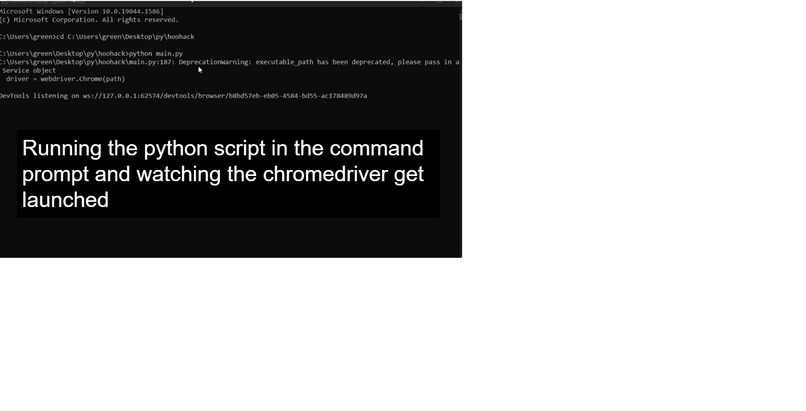
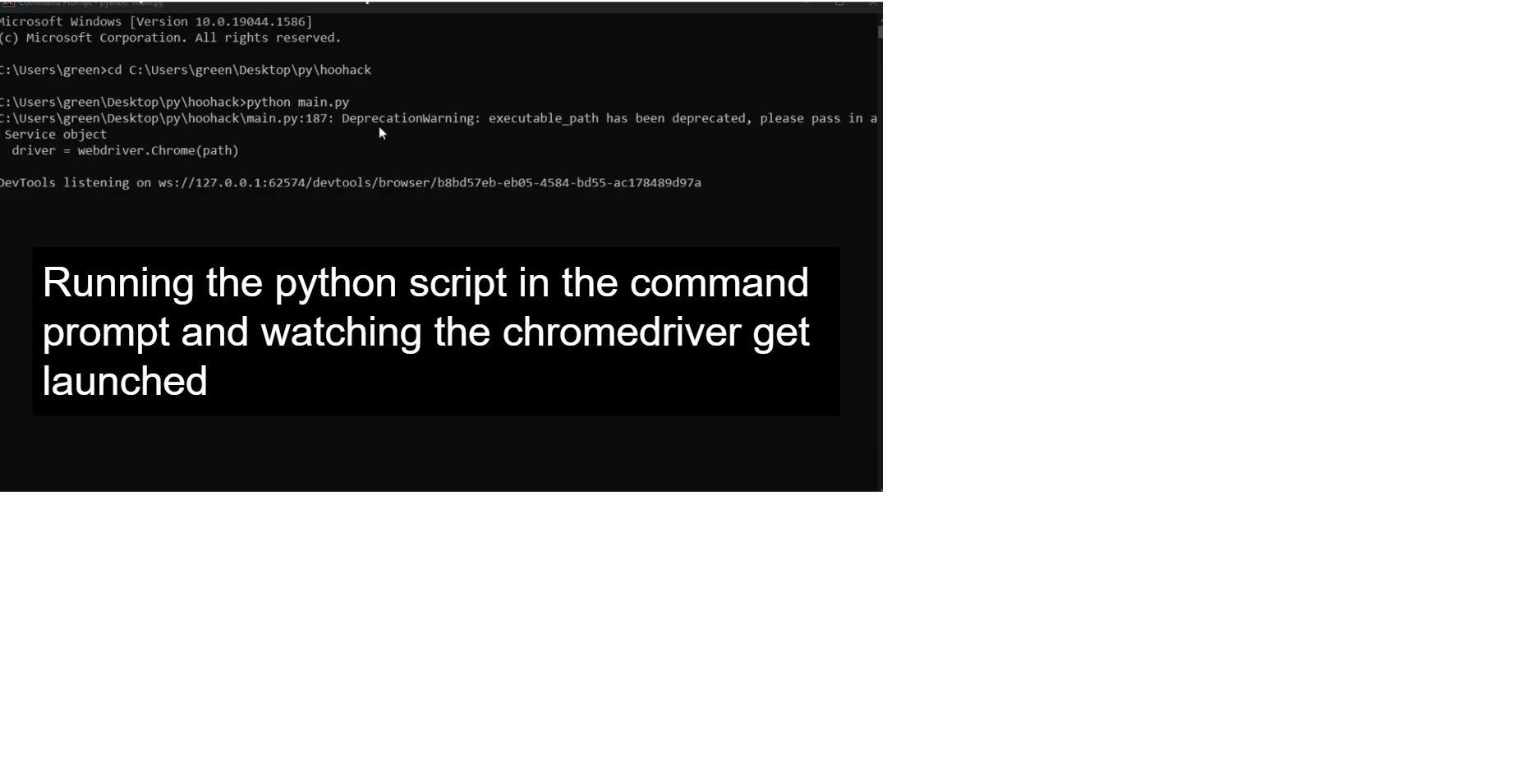
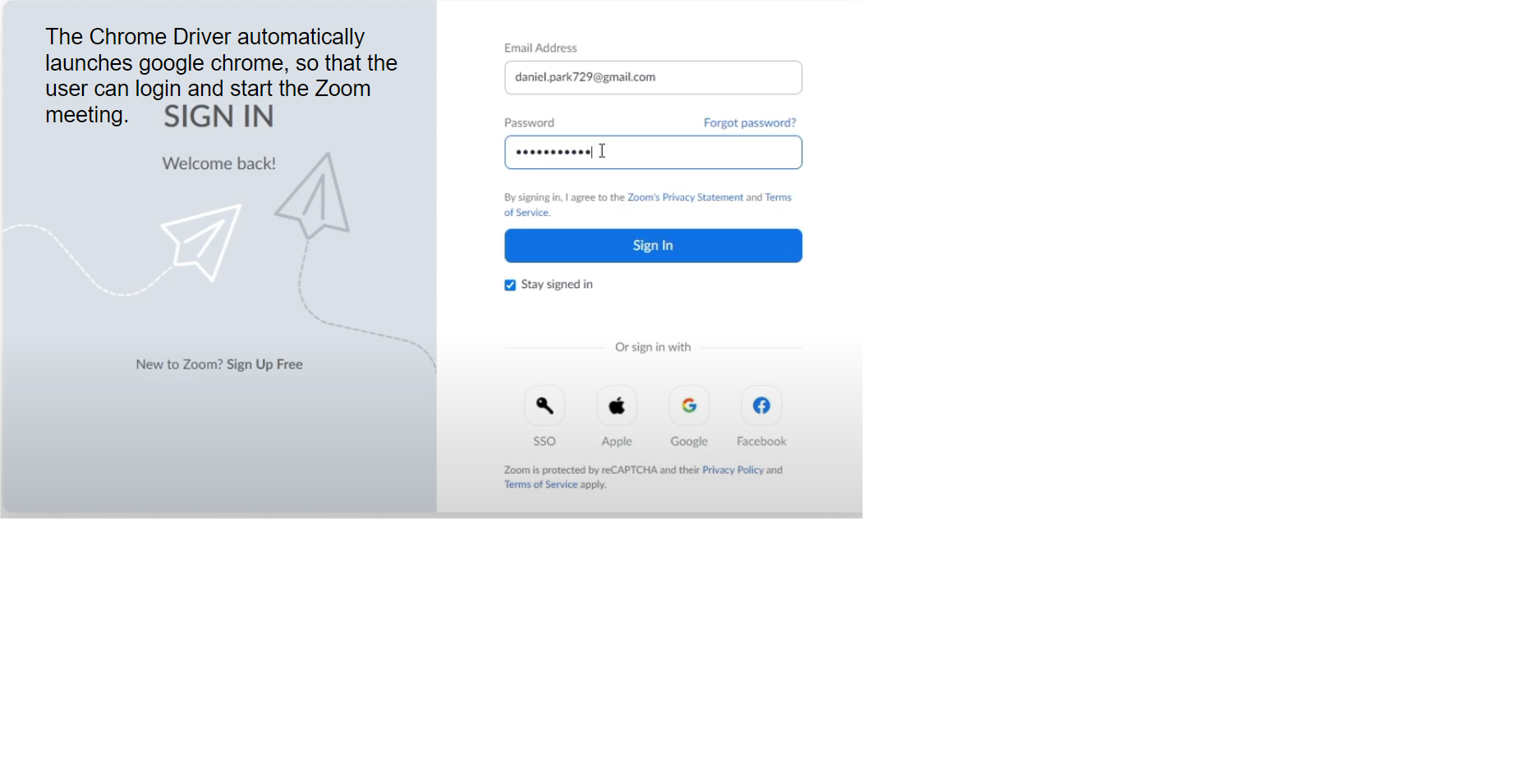
Step 1 : Launching the Script
-
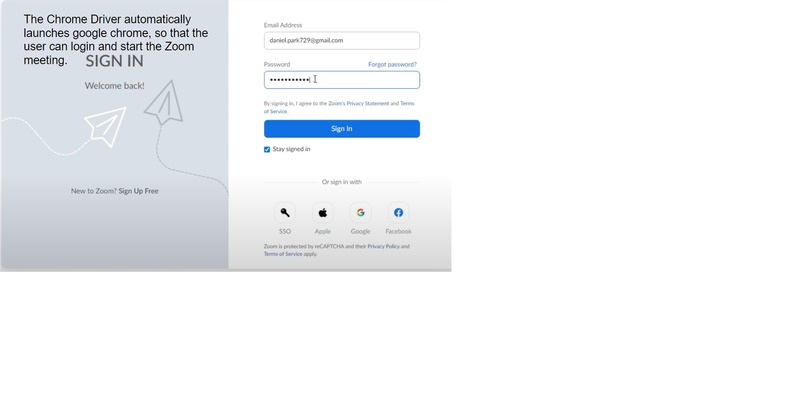
Step 2: Launching the Zoom Meeting when prompted
-
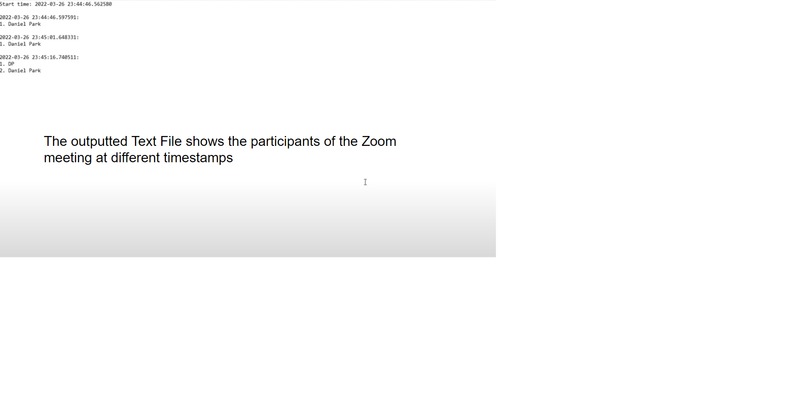
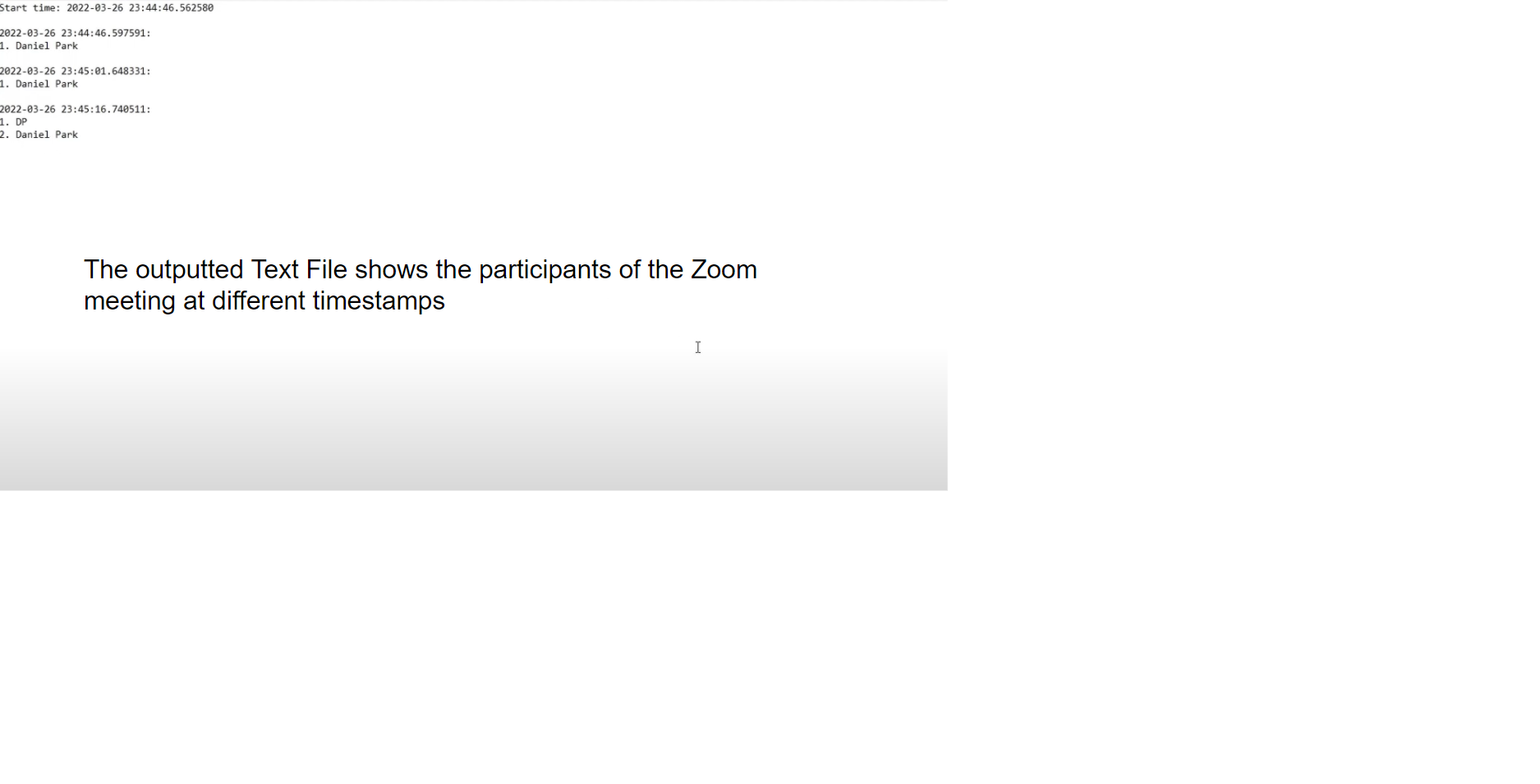
Step 3: Viewing the text file the program creates
Inspiration
During recent years, teachers have had a fairly difficult time with the transition of education to a strictly online environment. When using software such as Zoom to meet virtually, it can be difficult to motivate students and to keep track of their attendance in online classes. To further exhaust the issue, Zoom restricts features such as checking past meeting attendance to premium or business accounts, effectively adding a paywall to access this information. Thus, we created ZoomScrape to aid teachers in keeping track of their students attendance, so that they can more closely monitor how their students are performing in a virtual learning environment
What it does
This project creates a workaround for this scenario, using web crawlers to track participants during a Zoom meeting. While the project relies on the Zoom meeting to be joined through a chrome browser instead of the desktop client, this enables the use of web crawlers to actively check the presence of participants on the webpage, recording the timestamps at which they are present in a set number of intervals. The program will then incrementally update this information to a text file for the user to view afterwards. This allows the user to determine when a participant was present in the meeting and the time of their disconnect, within the error of a few seconds.
How we built it
This project was created primarily in visual studio code, using Python and Selenium through a chromedriver to access the Zoom webpage. Although we initially attempted to focus on the Zoom API for the project to retrieve meeting participant reports, the requirement of a business/premium account inspired the alternative use of Selenium to accomplish the task.
Challenges we ran into
One of the main difficulties in the project was getting around the HTTP authentication error 401, where the Zoom login page prevented Selenium from automatically inputting a given username/password and redirecting to start the Zoom meeting. Instead of figuring out how to correctly send an authentication key, we decided to instead leave the login and meeting start as a manual task for the user, allowing the user to activate the script once the meeting had already started. Another recurring issue was the parsing of information from the element XPATH on the webpage, as at times the elements would not be visible on the page (dropdown bar, separate menu, etc). This problem was solved by adding explicit waits for element detection, as well as backup XPATHs pointing to the same information (participant count) at a different location if the element still could not be found. Adding print messages to help visualize the execution of the program in the console was incredibly helpful in the debugging process. Exception handling was additionally time consuming.
Accomplishments that we're proud of
We are quite satisfied with the current functionality of the program, as it reliably outputs the participant name/count to the text file. We are proud of the fact that we were able to retrieve the attendance data without upgrading a Zoom account, so that teachers and their educational institutions would not have to pay extra for this specific feature.
What we learned
We learned how to use implicit/explicit waits in Selenium to selectively scrape data from the target elements on the webpage, as well as figuring out how to get relevant data from Zoom's API with our API key/secret key.
What's next for ZoomScrape
In the future, we plan to implement event listeners to track changes in the participant list in almost realtime instead of inefficiently looping over a certain time interval. The data sent to the text file could also be processed into graphs for a simpler, visual interpretation of attendance data, as it currently is difficult to digest the sheer number of timestamps/names in the file.

Log in or sign up for Devpost to join the conversation.